


Employee Leave Tracker for Excel | Vacation & Absence Planner with Dashboard, Up to 20 Employees
12 views in the last 24 hours
Price:$7.70
You can only make an offer when buying a single item
Highlights
EMPLOYEE LEAVE TRACKER FOR EXCEL
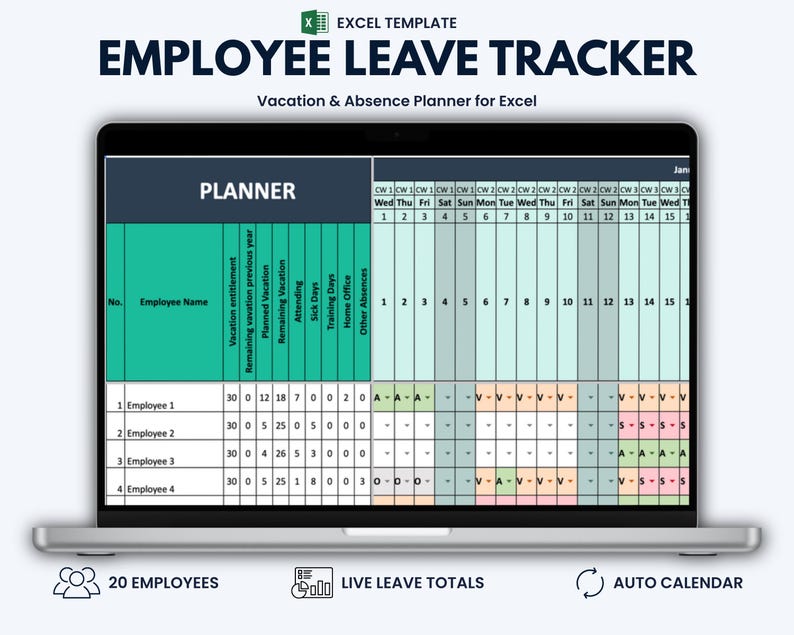
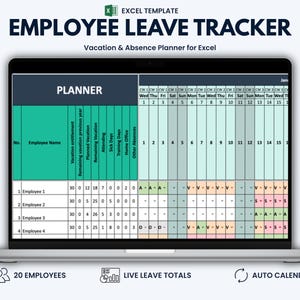
Manage employee vacation, sick leave, home office days and other absences in one structured Excel workbook with dedicated yearly planners for 2026–2031. This employee leave and vacation tracker calculates planned vacation, remaining leave and absence totals for up to 20 employees.
Ideal for small businesses, team leaders, office managers and HR administrators who need a practical overview of employee leave and team availability without complex HR software.
WHAT THIS TEMPLATE HELPS YOU DO
• View employee availability across the full year
• Track vacation, sick leave, training, home office and other absences
• Monitor planned and remaining vacation days
• Keep employee leave information in one structured workbook
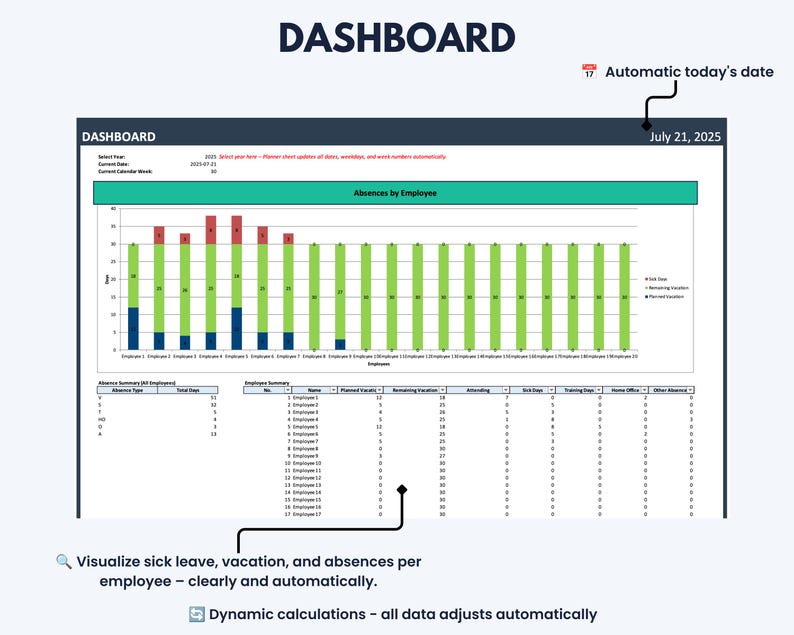
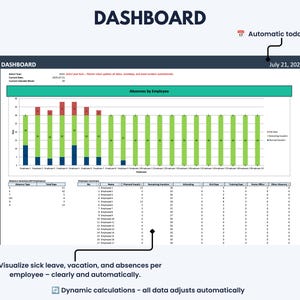
• Review employee absence totals in a clear dashboard
• Reduce manual calculations and scattered leave records
WHAT’S INCLUDED
• 1 Microsoft Excel workbook in .xlsx format
• Full-year employee vacation and absence planners for 2026–2031
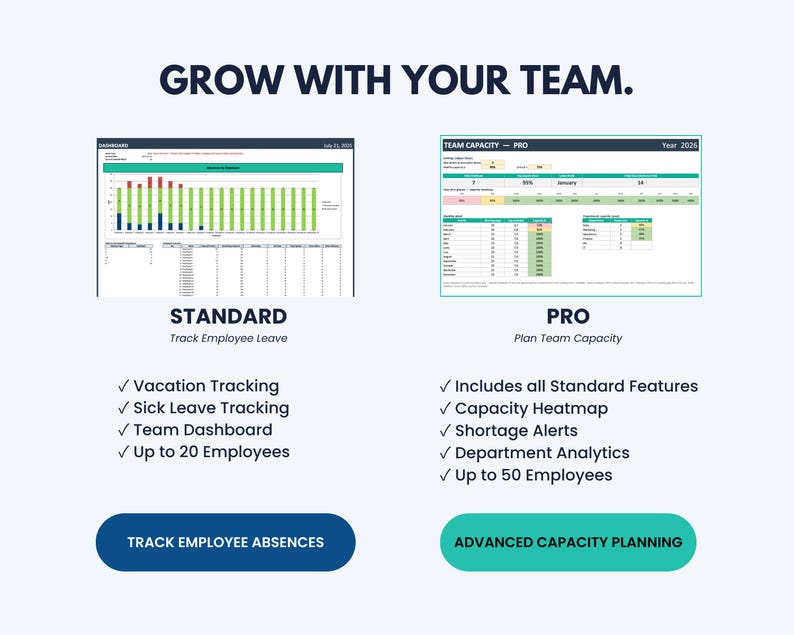
• Employee leave dashboard
• Settings sheet for absence codes and labels
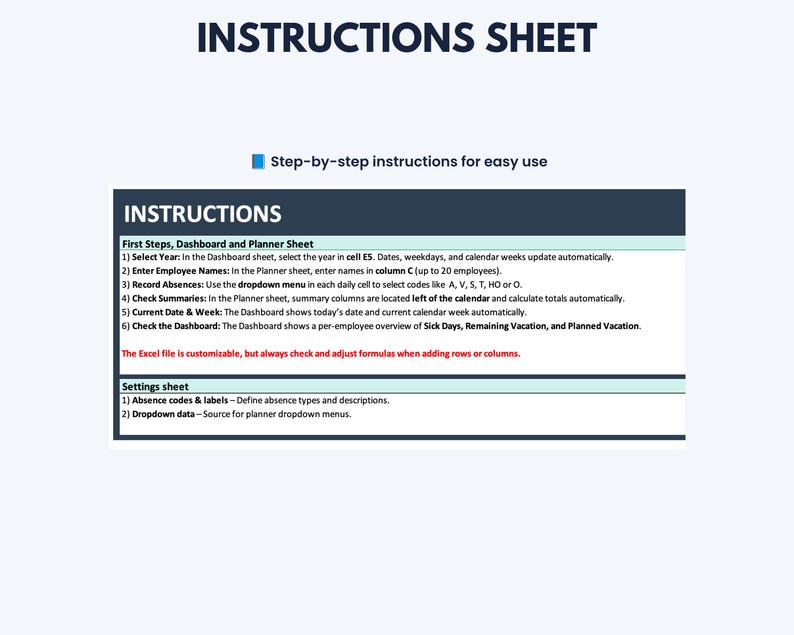
• Integrated step-by-step instructions
• Protected formulas and key worksheet areas to help prevent accidental changes
KEY FEATURES
• Designed for up to 20 employees
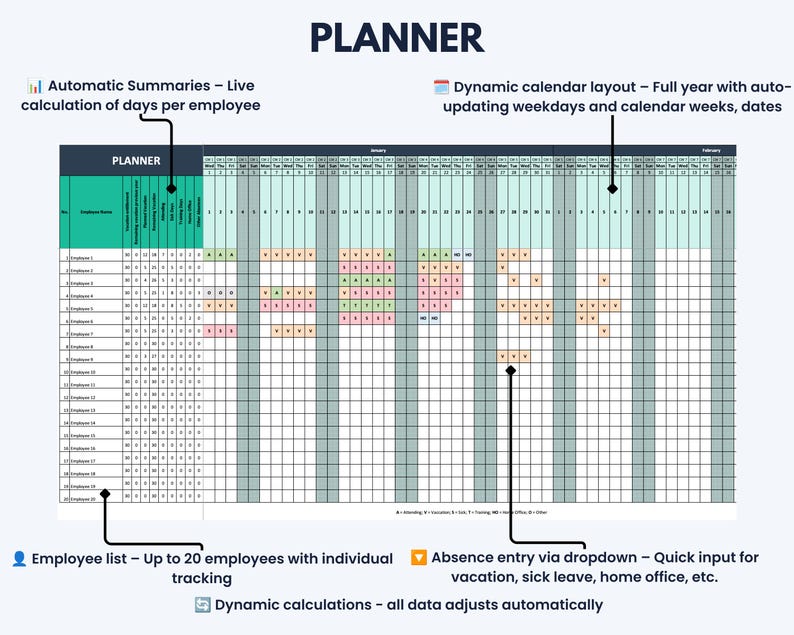
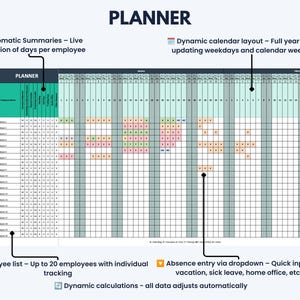
• Full-year calendar in one overview
• Dashboard year selection for 2026–2031
• Automatic dates, weekdays and calendar weeks
• Daily absence entry through dropdown menus
• Automatic color-coded entries
• Individual employee vacation and absence totals
• Planned and remaining vacation calculations
• Dashboard showing planned vacation, remaining vacation and sick days
• Automatic display of the current date and calendar week
• No macros required
INCLUDED STATUS TYPES
• Attending
• Vacation
• Sick Leave
• Training
• Home Office
• Other
HOW IT WORKS
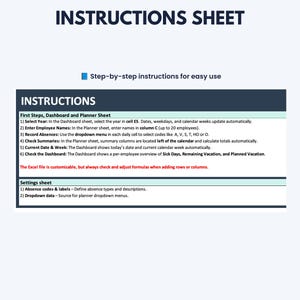
1. Open the relevant yearly Planner tab.
2. Enter your employee names and vacation allowances.
3. Select the relevant status from the dropdown menu for each day.
4. Select the required year in the Dashboard to review the corresponding employee totals and results.
WHO THIS TEMPLATE IS FOR
• Small business owners
• Team leaders and managers
• Office managers
• HR and administrative staff
• Agencies and service businesses
• Small teams managing employee leave internally
COMPATIBILITY
• This listing includes the Microsoft Excel version only.
• Designed for desktop versions of Microsoft Excel on Windows and Mac.
• A current version of Microsoft Excel is recommended.
• No macros need to be enabled.
• Mobile and browser-based editing may be limited due to the size and functionality of the annual planner.
GOOGLE SHEETS
Google Sheets is not included in this listing.
The Excel workbook may be imported into Google Sheets, but formatting, formulas, dropdown menus and protected areas are not guaranteed to work correctly.
A dedicated Google Sheets version and an Excel + Google Sheets bundle are available separately in the Optimizoo shop.
CUSTOMIZATION AND WORKSHEET PROTECTION
Employee names, vacation allowances and basic settings can be edited.
Important worksheets and formulas are protected by default to help prevent accidental changes. The worksheet protection can be removed.
Please note that structural changes—such as adding more employees, inserting rows or changing absence categories—may require adjustments to formulas, dropdown menus and data validation. Basic Excel knowledge is recommended for advanced modifications.
IMPORTANT INFORMATION
• This is a digital download. No physical product will be shipped.
• The purchase includes one Excel workbook with integrated instructions.
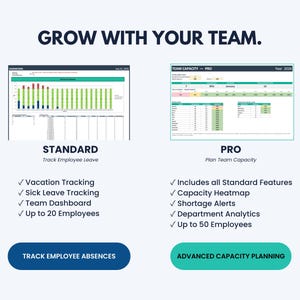
• The Standard version is designed for up to 20 employees.
• This template is intended for internal planning and organization.
• It is not a cloud-based HR system.
• It does not include leave-request or approval workflows.
• It does not include an automatic public-holiday database.
• Please review the compatibility information before purchasing.
• If you experience a technical issue with the file, please contact us through Etsy Messages.
📄 COPYRIGHT & CONDITION OF USE
By purchasing this template, you are granted a personal, business, and educational use license (non-exclusive, non-transferable).
✅ You may use this file for personal use, for your own business purposes (e.g. internal organization, planning, risk assessment), and for educational purposes (e.g. teaching, studying).
❌ You may not resell, share, copy, redistribute, upload, sublicense, or reproduce this template in whole or in part.
❌ You may not use this template to create products or services for clients/customers, nor to redistribute it in any form (modified or unmodified).
The license is granted for an unlimited time period and applies only to the permitted uses described above. The restrictions (resale, sharing, redistribution, etc.) apply permanently.
Create a clearer overview of employee leave, absences and team availability with one structured Excel planner.
Instant Download
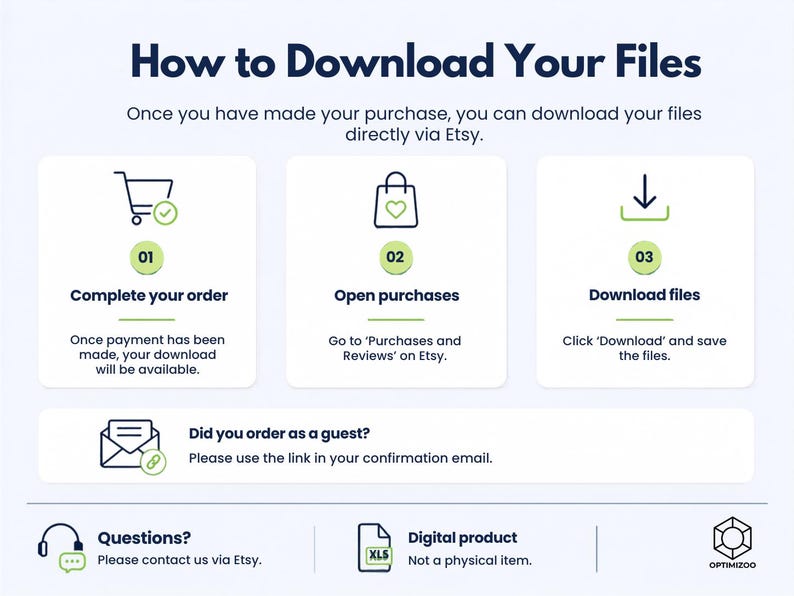
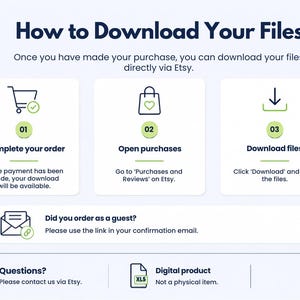
Your files will be available to download once payment is confirmed. Here's how.
Instant download items don’t accept returns, exchanges or cancellations. Please contact the seller about any problems with your order.
Etsy Purchase Protection
Shop confidently on Etsy knowing if something goes wrong with an order, we've got your back for all eligible purchases —
see program terms

Reviews for this item

Great organiser

Response from Optimizoo
Thank you very much!
Great product very easy to use!
Response from Optimizoo
Thank you very much!
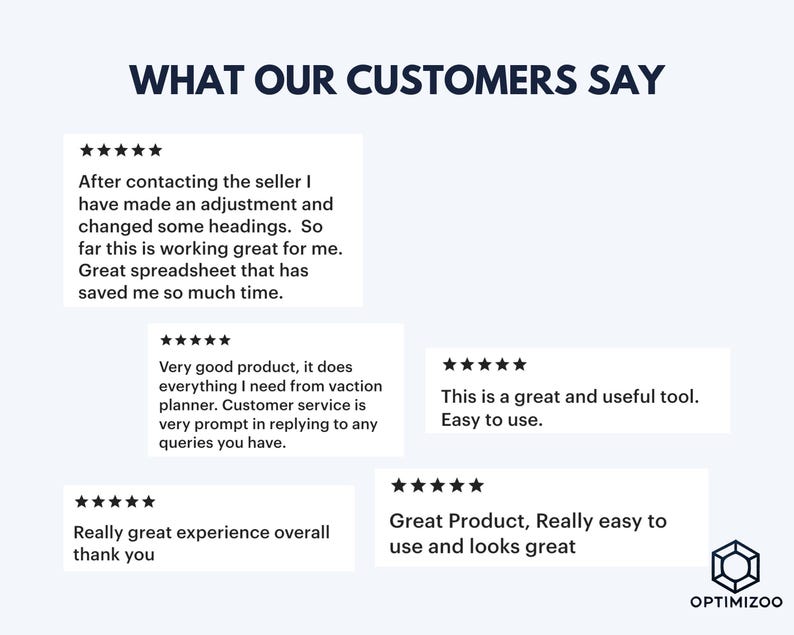
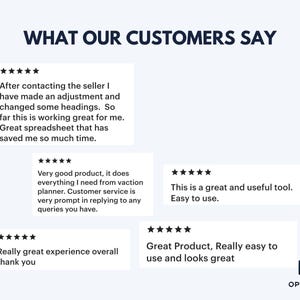
After contacting the seller I have made an adjustment and changed some headings. So far this is working great for me. Great spreadsheet that has saved me so much time.
Response from Optimizoo
Thank you very much!

This is a great and useful tool. Easy to use.
Response from Optimizoo
Thank you very much!
More from this shop
Visit shop-
Digital download
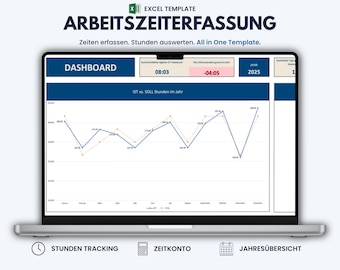
Excel Timesheet Template – Work Hours & Overtime Tracker with Year Overview | German Version
$14.45
-
Digital download
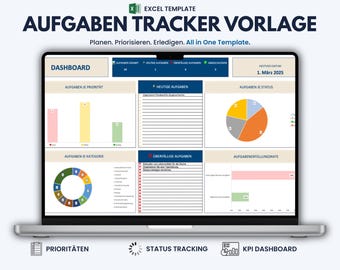
Excel Task Tracker Template, Automated To Do List & Task Management Dashboard | German Version
$3.85
-
Digital download
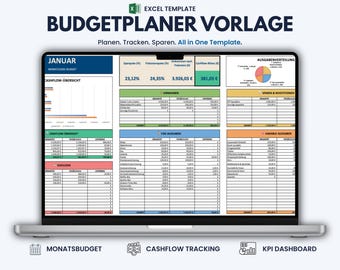
Excel Budget Planner Template – Monthly Budget Spreadsheet & Expense Tracker | German Version
$4.81
-
Digital download
Excel Task Tracker Template, Automated To Do List & Task Management Dashboard | English Version
$3.85
-
Digital download
Employee Vacation Planner Template Excel & Google Sheets | HR Leave Tracker and Staff Scheduler
Sale Price $5.60
Original Price $11.20
-
Digital download
Employees Vacation Planner - Employee Vacation Tracker - Vacation Calendar - Annual Leave Tracker - Staff Vacation Planner - Human Resources
Sale Price $3.24
Original Price $6.49
-
Digital download
Employee Leave Tracker Excel Dashboard (Digital Download)
Sale Price $11.24
Original Price $14.99
-

Digital download
PTO Tracker | Employee Leave Tracker | Excel Template | Leave Management Excel | Time Off Tracking | Vacation Planner | Leave Calendar
$9.50
-
Digital download
Excel Employee Leave Tracker Template – Customizable HR & Vacation Planner with Dynamic Calendar
Sale Price $10.03
Original Price $16.73
-

Digital download
Google Sheets and Excel Employee Time Off Tracker | Vacation Tracker | Time Off Log Spreadsheet | Annual Leave Planner | Holiday PTO Tracker
$8.02
-

Digital download
Employee Leave Tracker Template | Excel Spreadsheet & Google Sheets | Monthly Tracking and Dashboard Overview
$16.45
-

Digital download
Employee Vacation/Leave Tracker (US) 2026 - Excel file instant digital download
$8.22
-
Digital download
Employee Vacation/Leave Tracker (UK) 2026 - Excel file instant digital download
$8.22
-
Digital download
Employee Vacation Excel Template - Part-time Employees
$9.00
-

Digital download
Employee Vacation Tracker: Excel Leave & Holiday Spreadsheet
$5.48
-

Digital download
Employee Management Pack: Excel & Google Sheets Templates (Digital Download)
$6.99
Shoppers with similar taste loved these
-

Digital download
All About Me Editable Google Sheets, Get To Know Me For Work, Team Building Get To Know Me Questionnaire Printable, Team Building Survey
$3.24
-
Digital download
HR Spreadsheets, Employee Training, New Hire Onboarding Checklist, Employee Development Plan, Employee Performance Evaluation, HR Templates
Sale Price $10.00
Original Price $18.18
-
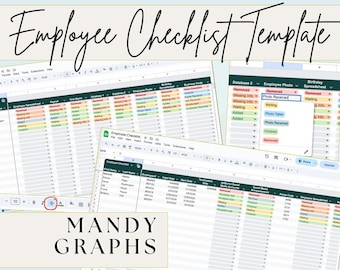
Digital download
Employee Checklist Template - Google Sheets Employee Onboarding Tracker - New Hire Task List Spreadsheet
$8.00
-
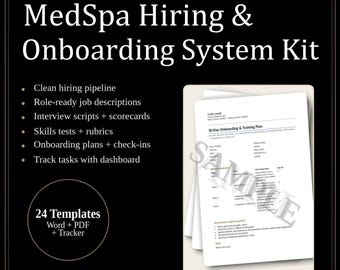
Digital download
MedSpa Hiring & Onboarding System | Clinic Staff Training (Digital Download)
$22.99
-

Digital download
Employee Database Manager Excel Google Sheets Employee Data Tracker HR Dashboard Workforce Analytics Template for HR Data Management
Sale Price $14.97
Original Price $29.95
-

Digital download
New Hire Onboarding Checklist: HR Spreadsheet Template (Excel & Google Sheets)
$6.85
-

Digital download
Corrective Action Plan: Project Management Excel Template
Sale Price $7.50
Original Price $12.50
-
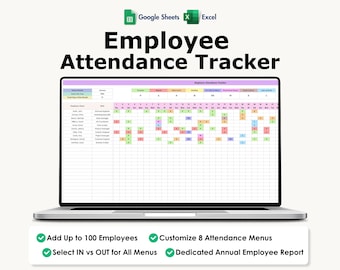
Digital download
Employee Attendance Tracker, Excel, Google Sheets, Absence, Sick Leave, Early Out, Late In,
Sale Price $4.82
Original Price $13.77
-

Digital download
Employee Project Task Planner for Google Sheets (Digital Download)
$8.24
-

Digital download
Notion ADHD Planner Template, Full Focus Digital Dashboard (Digital Download)
$4.56
-
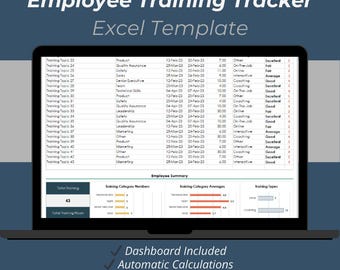
Digital download
Employee Training Tracker Excel Template – Staff Development Spreadsheet (50 Employees)
Sale Price $8.39
Original Price $12.90
-
Digital download
Business Improvement Matrix | Business Process Improvement | Performance Improvement Plan | Business Plan Template | Business Process
$9.99

