





20+ views in the last 24 hours
NowPrice:$8.15
Original Price: $13.58
40% off
Sale ends in 1 day
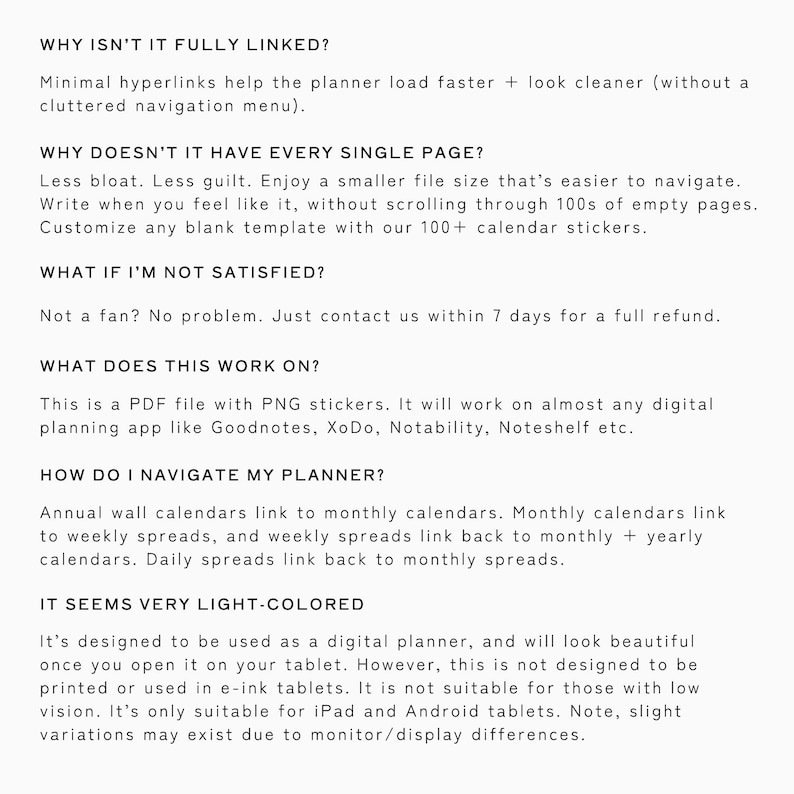
2026 Hobonichi Style Digital Planner + Undated Version | Monday & Sunday Start | 157 Stickers + 27 Inserts
You can only make an offer when buying a single item
CapyKit recommends this bundle
 This listing
2026 Hobonichi Style Digital Planner + Undated Version | Monday & Sunday Start | 157 Stickers + 27 Inserts
Sale Price $8.15
Original Price $13.58 (40% off)
Digital Download
Bundle price: $17.65
Highlights
(⚠️ For iPad & Android Tablets Only. Not Suitable for E-Ink Tablets or Printing. Please note, the lines/font are VERY light gray, *exactly* like the original Hobonichi planners. This product is not suitable if you have low vision or need a planner with higher visual contrast. Thank you for understanding!
----------Bestselling Planner on Etsy! ------------
I finally made the planner I wish I had 3 years ago (and it doesn’t cost $1500 😭)
Listen, I’m a hardcore Hobonichi fan. Like... scary-level fan. I’ve spent over $1500 (yes, seriously) on Hobonichi setups over the years — the Hon, the Cousin, the Weeks, the covers, the cute stickers, the washi tape, the custom tabs, the Japanese pens, the page flags. I even paid the ridiculous international shipping fees.
And honestly? It was magical... until it wasn’t.
✨ Every year, I’d start strong — handwriting tiny plans, laying stickers down just so… but then life would hit. I’d miss a few days, maybe a week. Suddenly all those blank pages started judging me. The guilt would creep in. The perfectionism. The "if I can't do this every day, I'm failing" spiral.
My fried ADHD brain was tired of chasing the aesthetic when I just wanted clarity.
That’s why I created this digital version — not to replace Hobonichi, but to evolve it into something more flexible, more empowering, and honestly... way more cost-effective.
Here’s what I changed — and why it matters:
🗓️ First, I included EVERYTHING.
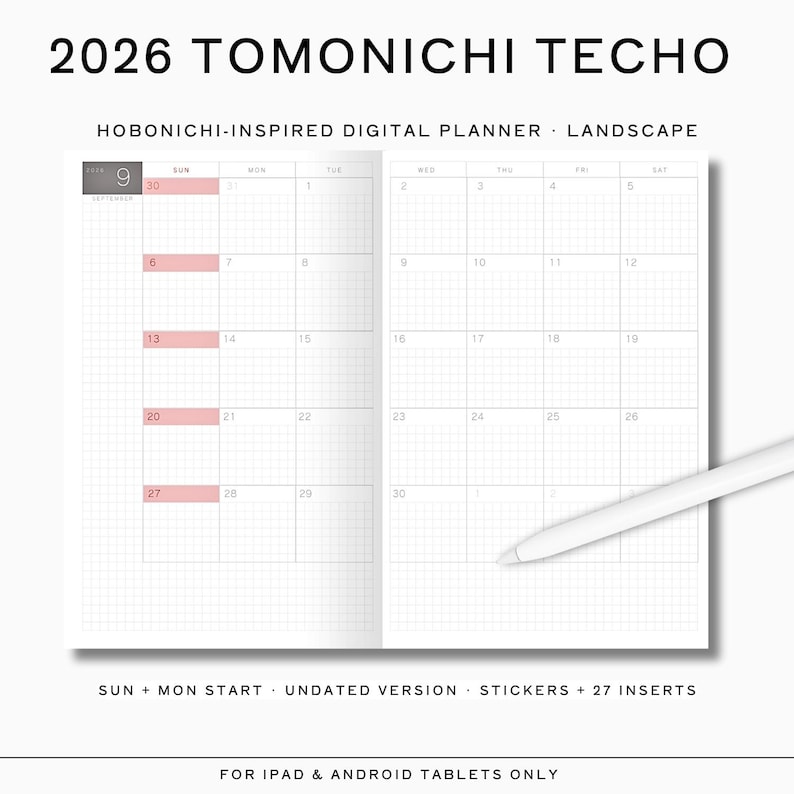
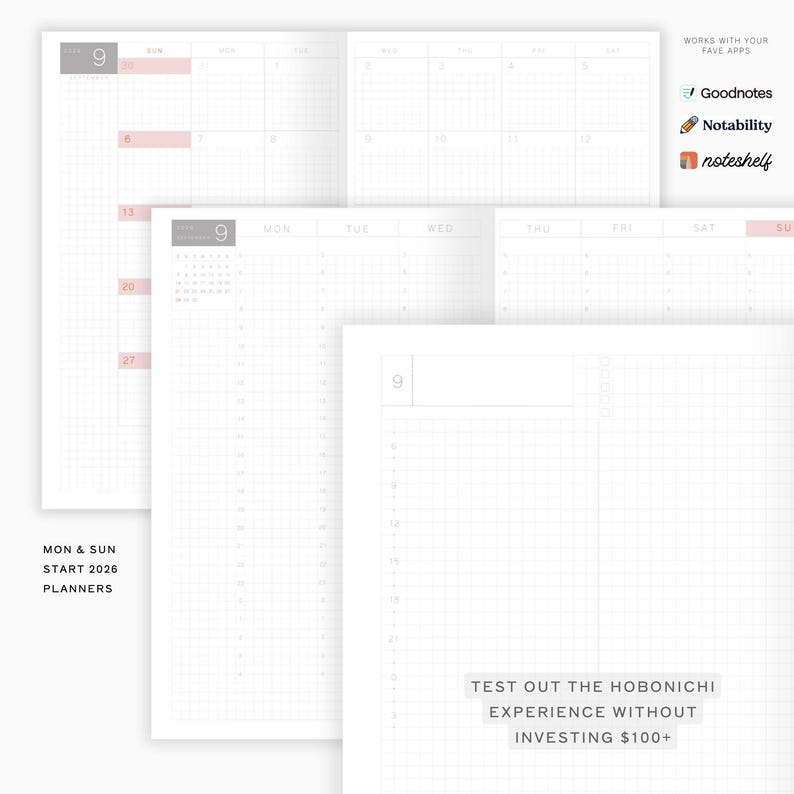
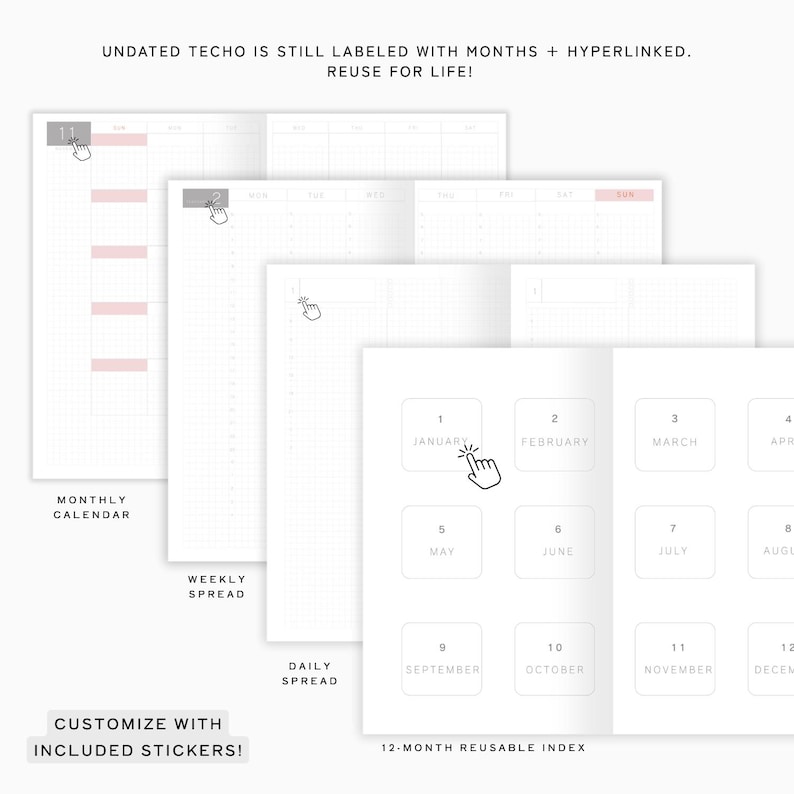
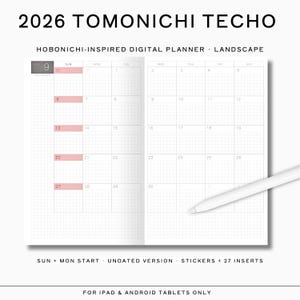
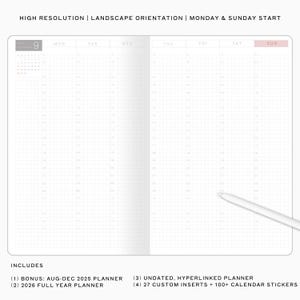
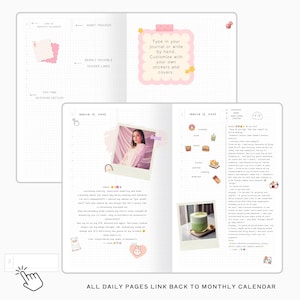
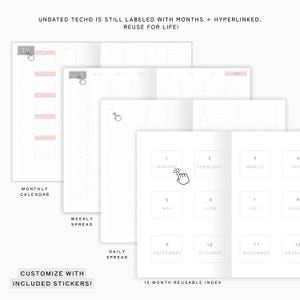
You get Aug–Dec 2025 (dated), ALL of 2026 (also dated), plus a fully undated, hyperlinked, reusable planner you can use literally forever (customizable with included stickers). Whether you want structure or total freedom, it’s all here.
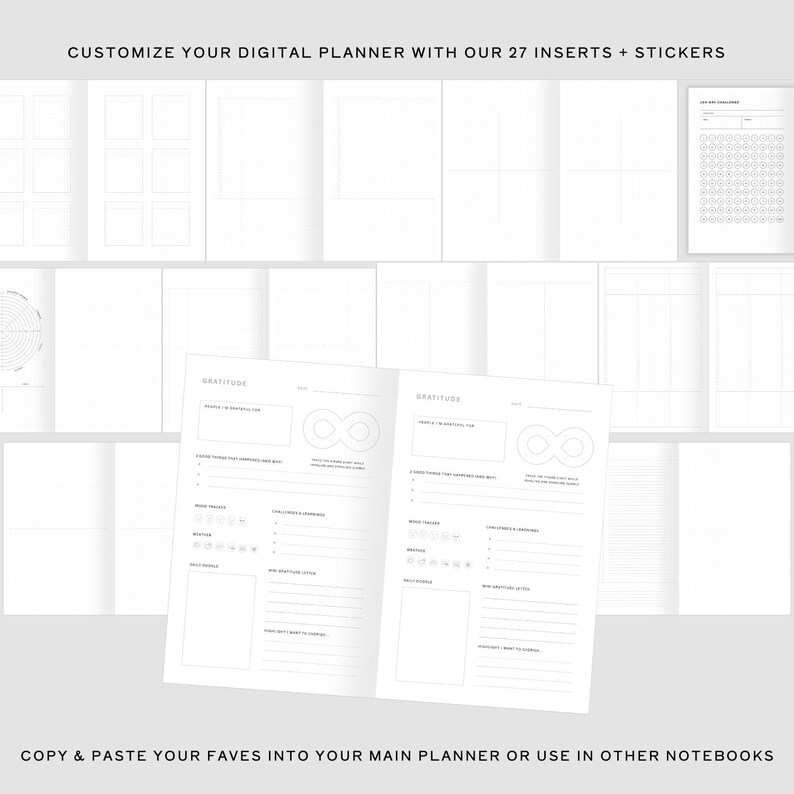
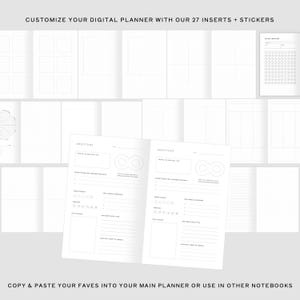
🧩 Then I added 27 planner insert templates.
Want a gratitude log? Done.
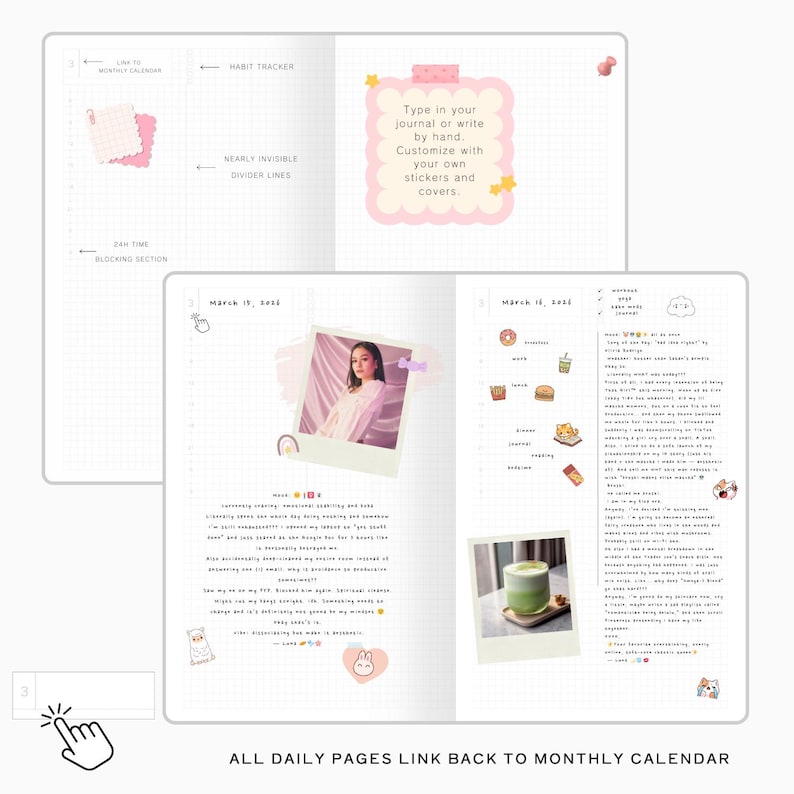
Need a daily page with space to breathe? It’s in there.
Trackers? Weekly layouts? Hobonichi Weeks-style spreads? All included.
You can customize it your way without feeling like you're stuck inside someone else's system.
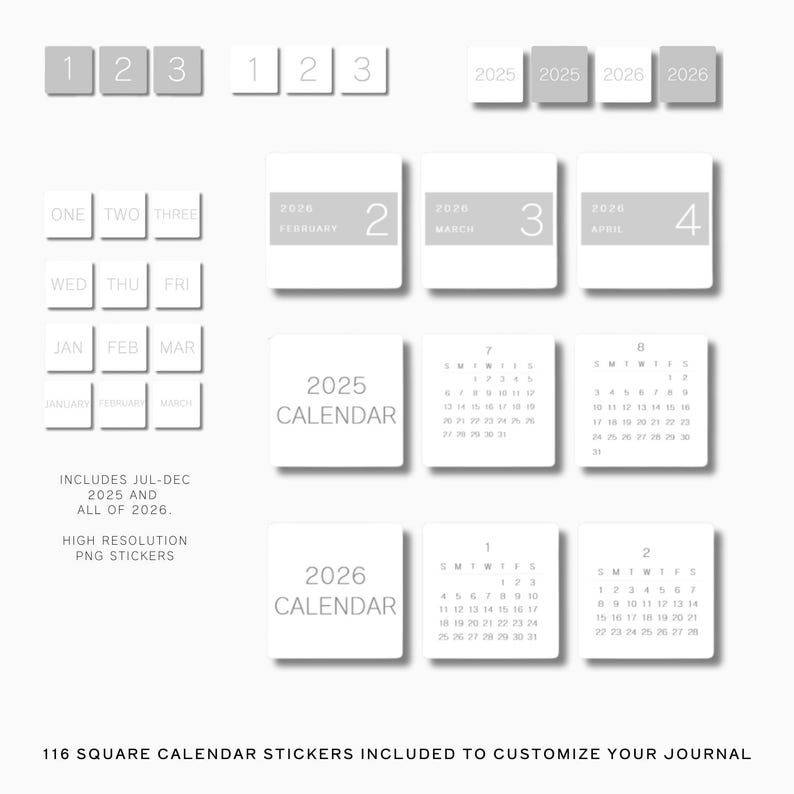
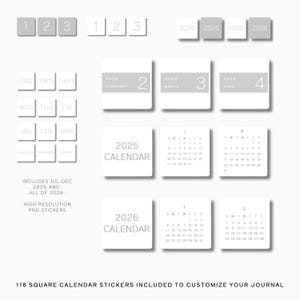
Over 100 calendar stickers — reusable, resizable, and they never run out or peel off funny. You can use them as many times as you want without hoarding your “special” ones. No guilt, just joy.
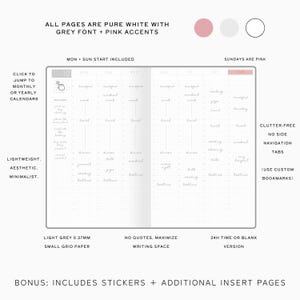
🧠 It’s SUPER minimalist. On purpose.
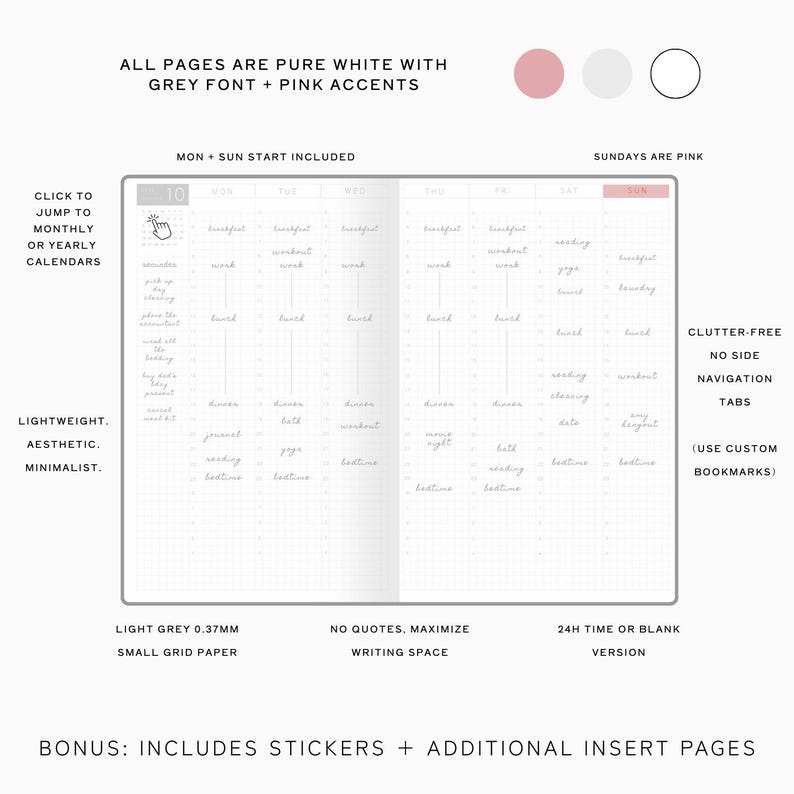
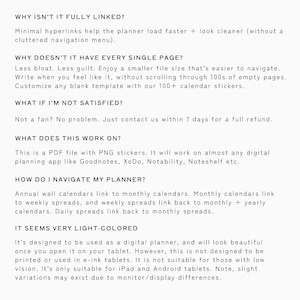
No colored navigation menus. No 500-page bloated behemoths. No lag.
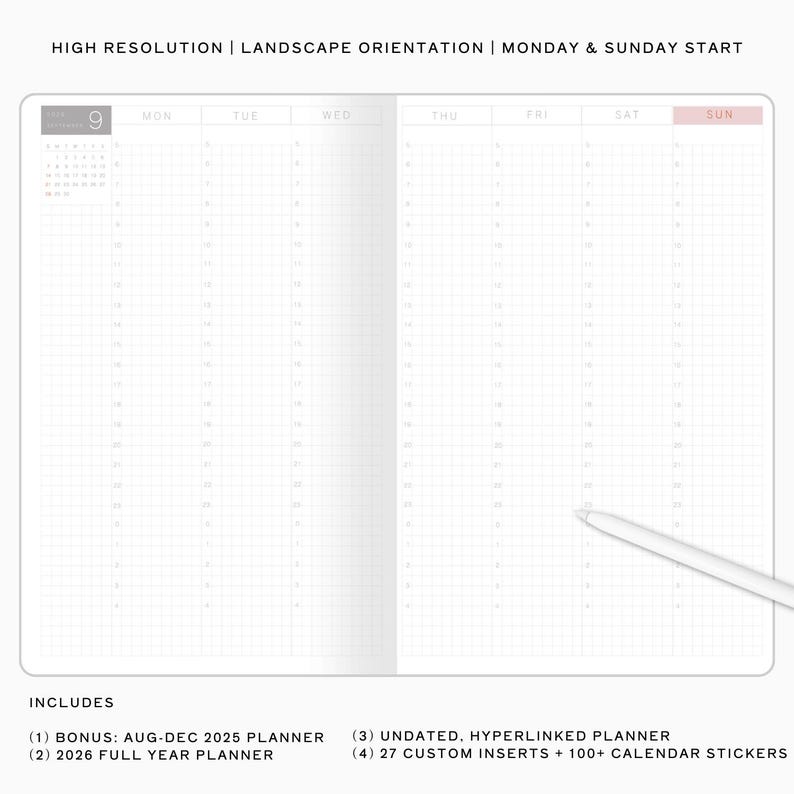
Each file is just under 2.3MB, which means insanely fast loading, smooth navigation, and no crashing your app mid-thought. I optimized every page to look beautiful but stay lightweight. It’s the most efficient system I’ve ever used.
🧘♀️ It won’t judge you.
Unlike my old planner stack that made me feel like an absolute failure if I missed a few days or weeks (yikes), this one flexes with your life. Want to plan all 12 months in advance? Go for it. Want to use the undated version and just show up when you’re inspired? Even better. There’s no guilt built in. Just space. Duplicate what you need, when you need it.
What’s included (aka the mega pack I wish I had years ago):
✅ Aug–Dec 2025 planner (Sunday Start)
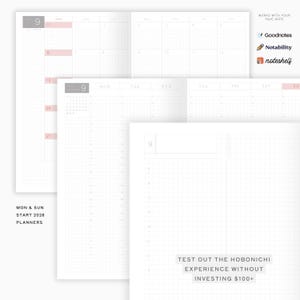
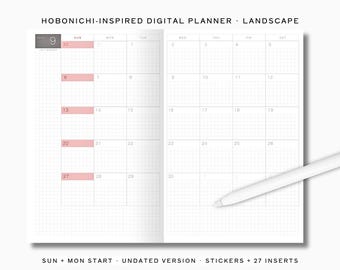
✅ Full 2026 dated planner (Monday and Sunday Start)
✅ Undated Tomonichi planner (linked and everything), but without dates, so you can reuse forever.
✅ 27 elegant, minimalist inserts to add into your planner when inspiration strikes
✅ 100+ beautiful calendar + icon stickers
✅ Designed for GoodNotes, Notability, ZoomNotes - any notetaking app that allows PDF uploads.
💬 Real talk: I made this because I was done with the guilt, the overwhelm, the perfectionism — and I still wanted the joy of planning.
I didn’t want to spend $200 again this year just to feel behind by April.
I didn’t want another 500-page digital planner that crashes Goodnotes.
I didn’t want another year of sticker FOMO and washi regret.
So instead, I built a system that’s:
✨ Beautiful but lightweight
✨ Flexible but structured
✨ Minimal but powerful
✨ And... just $29 USD
Yup. Less than what I used to spend on just the PLASTIC COVER for my Hon. 😭
🧡 So if you’re a Hobonichi fan like me, but crave more calm and control — this is your moment.
It’s not about doing everything perfectly.
It’s about finding a system that meets you where you are.
This planner is that system.
Let it grow with you — in 2026 and every year after.
Try it for 7 days. If you don't absolutely love it, give me a shout and I'll make it right (with light customizations) or give you a full refund. :)
xoxo,
Jackie @ Capykit
P.S. I answer every message personally — if you have questions or want help picking the right setup, just send me a DM. I'm always down to planner-nerd out with you 💌
----------------MY DESIGN STORY--------------------
As someone who spent $1000+ on Japanese and Korean stationery last year, I'm somewhat obsessive when it comes to my notebooks. While I loved my Hobonichi Hon and wrote it in almost every single day, there were a few issues that quietly bothered me until I decided to take matters into my own hands and create a digital version that didn't have those flaws. This was how my "Tomonichi Techo" was born.
Tomo = "friend". Nichi = "day". Techo = "Planner". Basically a Japanese-style planner that's your new BFF.
Why did I make this Tomonichi Techo? Because sadly, buying the physical Hobonichi planners every year had its drawbacks...
Problem #1: Price point.
Delivered to Canada, the Hobonichi Hon was over $120. That's not including the $800+ I then spent on custom tiny planner stickers, washi tape, fineliners etc. I knew this wasn't a sustainable habit and I couldn't afford to do this year after year.
Problem #2: Guilt.
Because I spent so much money, I felt guilty when I was too tired to write in it. But if a week or two passed, I'd look at all the blank daily pages I missed out on and feel like I had "wasted my money". My ADHD brain spiraled thinking about this, and I alternated between perfectionism and "blank page syndrome" because I didn't want to make any mistakes or have "ugly pages."
Problem #3: Quotes.
I got a Japanese version by accident once and HATED the quotes at the bottom of the pages, the extra Japanese pages and the characters. I didn't have time to cover them all up, so I learned to deal with it. But that is one thing I knew I had to get rid of for this digital version. I maximized writing space and created blank spots so you could add your own stickers (or handwriting!) instead.
Problem #4: Navigation
I felt a bit "boxed in" when it came to navigating the journal. I wished there was some way I could organize the pages in the order I preferred. Enter the digital version - rearrange pages however you like! Personally in my digital planner, I like to organize it with monthly - weekly - daily (repeated every month), and all the trackers at the very end of the planner. I also added custom pages to my planner whenever I felt I needed a different template/layout. Now that's flexibility!!
Problem #5: Stickers
Stickers are really really expensive. And sometimes I like to save the special ones. But what if you could reuse the same ones over and over? Enter digital stickers! Resize them. Reuse them. They never lose their stickiness, and they're really affordable! Problem solved. The selection is FAR greater than physical stickers and they are easy to use on digital planners. Just split your screen and drag the stickers directly onto the page, resize and voila!
-----100% HAPPINESS GUARANTEE ----
If you try this out and don't love it, I'll give you a full refund within 7 days. Check out my store for other digital planners and productivity journals! I will also be creating some printables/ printable stickers/ digital stickers/ digital planner covers over the next few months so follow to stay updated!
Any questions? Message me on Etsy! I always try to respond within 24 hours. Happy to help you pick the best planner for your needs.
📥 Instant Download. Zero Waste. Infinite Calm.
Whether you’re tracking habits, journaling dreams, or organizing your chaos—this planner is your quiet companion in a noisy world.
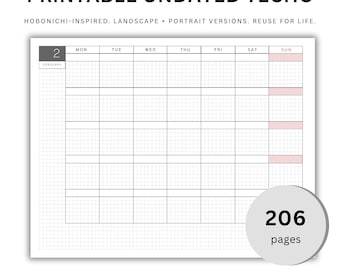
📝 Note: The colorful irasutoya stickers seen in the listing images are not included. This is designed to be a digital planner for use on iPad and Android tablets, and won't look ideal printed out due to the grayscale minimalist design. This will NOT work on e-ink devices.
----------------------
Copyright 2025/2026 CapyKit. All rights reserved. For personal use only. Not for commercial resale, bundling, or distribution.
Instant Download
Your files will be available to download once payment is confirmed. Here's how.
Instant download items don’t accept returns, exchanges or cancellations. Please contact the seller about any problems with your order.
Etsy Purchase Protection
Shop confidently on Etsy knowing if something goes wrong with an order, we've got your back for all eligible purchases —
see program terms

Reviews for this item
What buyers say, summarized by AI: Love it Helpful seller Easy to edit

I like how the file is small, and I can ultimately arrange weeks and dailys in the order that works for me! A little bit of work needed on my part to copy dailies and add my own dates, but a smart way to create this file for customers!
This is awesome, thank you so much for making it!

Cute and easy to customize! Loveeee the digital dupe
I thought that since this was specified as an iPad only digital calendar, the pages and dates would be linked like the majority of other digital calendars. If they are, I have yet to figure out how to use with an application like good notes. I am open to that this is a user error, but I have been able to get other digital calendars to work in the past without the same kinds of headaches. **update** The targets for the links are in fact there, but they are fairly small. Also the calendar also requires the user to copy and past the daily calendar pages from the template provided, if you wish to have them linked. The seller is very responsive, and explained some of the differences between this planner and others.

More from this shop
Visit shop-
Digital download
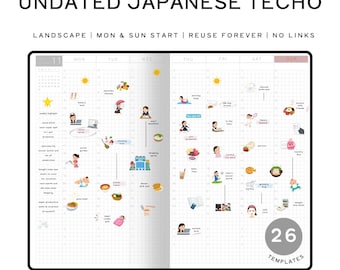
Undated Hobonichi Inspired Digital Planner 26 Templates| Landscape Minimalist Japanese Techo | Aesthetic Reuse for Life | 110+ Stickers
Sale Price $9.50
Original Price $15.84
-
Digital download
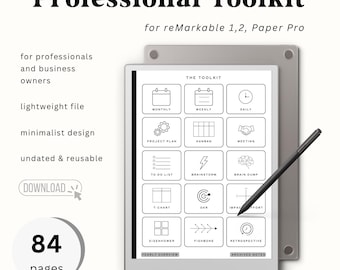
2026 Professional Toolkit for reMarkable 1,2, and Paper Pro | 84 Pages | Essential reMarkable Templates for Work |
Sale Price $9.05
Original Price $15.09
-
Digital download
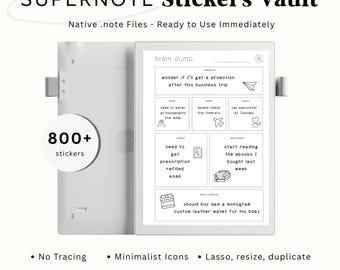
No Trace 800+ Supernote Stickers Vault | Minimalist Digital Icons for Bullet Journal, Planners, Brainstorming, Studying, Business
Sale Price $9.05
Original Price $15.09
-
Digital download
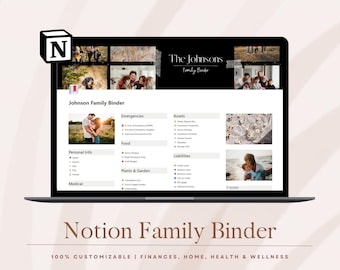
Household Family Binder | Home Management & Emergency Planner | Digital Home Organizer | Notion Templates
Sale Price $5.88
Original Price $9.81
-
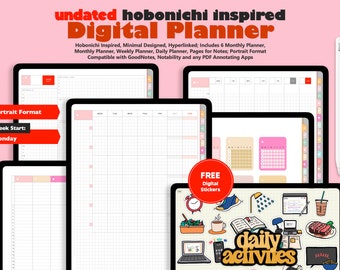
Digital download
Minimal Undated Digital Planner – Hobonichi Style, Portrait (GoodNotes, Notability)
Sale Price $6.25
Original Price $12.50
-
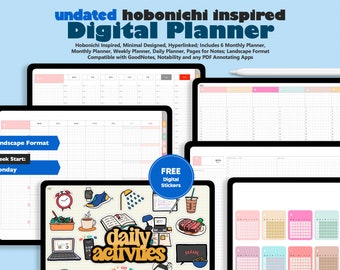
Digital download
Undated Digital Planner - Digital Hobonichi, GoodNotes Planner, Notability Planner, Minimal Planner (Landscape)
Sale Price $6.25
Original Price $12.50
-
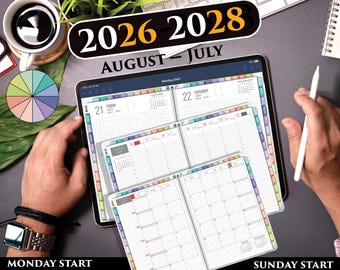
Digital download
Hobonachi Style Digital Planner PDF – Minimal Grid Planner for Daily Planning & Journaling | 2026 2027
$29.95
-
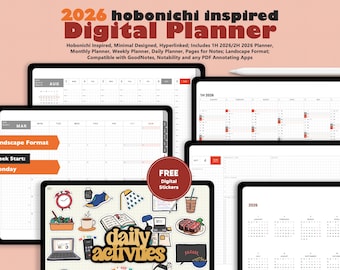
Digital download
2026 Hobonichi Inspired Digital Planner (Landscape) – Minimalist GoodNotes, Notability App Compatible
Sale Price $6.25
Original Price $12.50
-
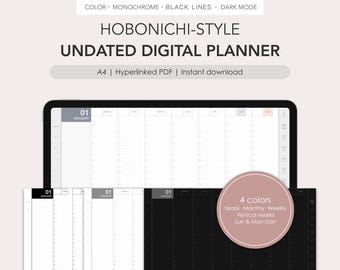
Digital download
Hobonichi-style undated digital planner | Monthly, Weekly (vertical) | Hyperlinked PDF
$12.00
-
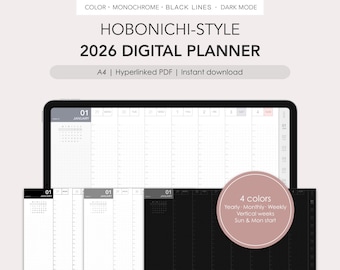
Digital download
Hobonichi-style 2026 digital planner | Monthly, Weekly (vertical) | Hyperlinked PDF
$12.00
-
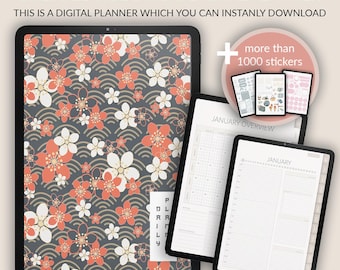
Digital download
Undated Hobonichi Digital Planner: Daily, Weekly, Monthly (PDF)
Sale Price $13.57
Original Price $19.40
-
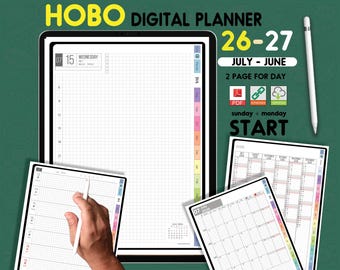
Digital download
Digital Hobonachi Planner 2026–2027 for iPad | Vertical Grid Daily Weekly | GoodNotes, Notability
$9.95
-
Digital download
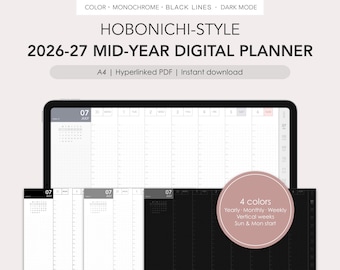
Hobonichi-style 2026-2027 mid-year digital planner | Monthly, Weekly (vertical) | Hyperlinked PDF
$12.00
-
Digital download
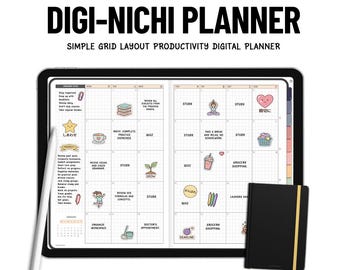
Digi Nichi Japanese Digital Planner, iPad planner, Android Tablet, Samsung Notes planner, 2026 2027 Digital Planner Goodnotes Hobonichi
Sale Price $9.95
Original Price $19.90
-

Digital download
Undated Linked Yearly Digital Planner (Vertical): Inspired by Hobonichi Techo Original for iPad with Daily Spreads and Habit Trackers
$6.99
-
Digital download
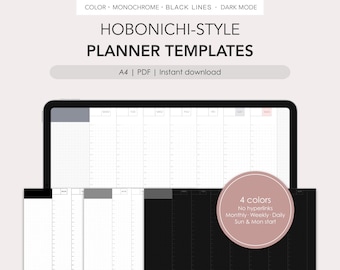
Hobonichi-style individual planner templates | Monthly, Weekly, Daily | PDF
$5.50
Shoppers with similar taste loved these
-
Digital download
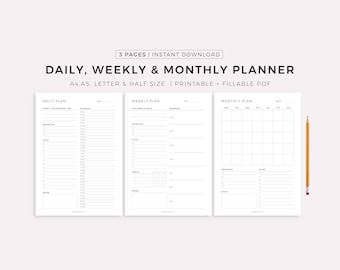
Daily Planner, Weekly Planner, Monthly Planner, Printable planner, Planner set, Planner Inserts, Instant Download, A4/A5/Letter/Half Size
Sale Price $2.55
Original Price $3.64
-
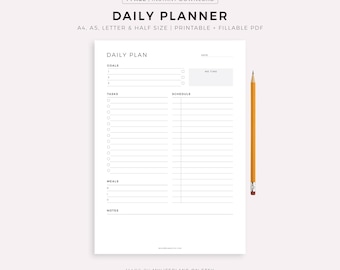
Digital download
Daily Planner Printable, Daily To Do List, Daily Schedule, Instant Download, A5/A4/Letter/Half Letter
Sale Price $1.70
Original Price $2.43
-

Digital download
Weekly Planner Printable 4 in 1 | Printable Weekly Task List PDF, A5, Half Size, Letter, A4 | Digital Download, Minimalistt Design Templates
Sale Price $2.28
Original Price $3.80
-
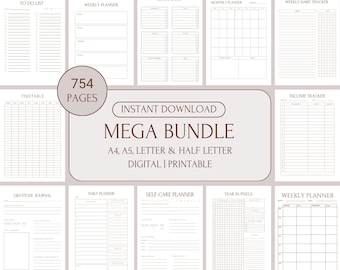
Digital download
Digital Mega Planner ADHD Set for Adults,Printable Undated Planner Bundle, Best Digital Planner Sheets PDF, A4, A5, Letter & Half Letter
Sale Price $6.49
Original Price $12.98
-
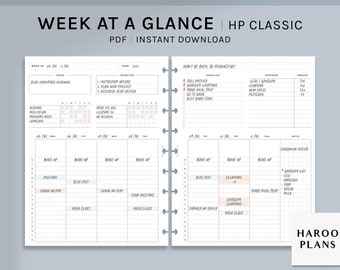
Digital download
Week at a Glance | HP Classic Printable Happy Planner Inserts | Weekly Overview Organizer | WO2P Habit Chores Tracker PDF | Digital Download
$2.60
-
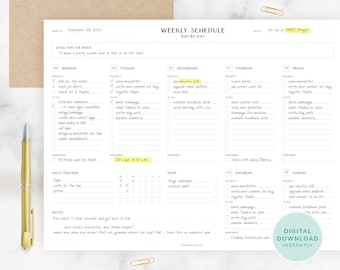
Digital download
Weekly Planner Digital Download - Daily To Do List, Weekly Planner Printable, Undated Daily Planner, Minimalist To Do List, Desk Planner
$4.00
-
Digital download
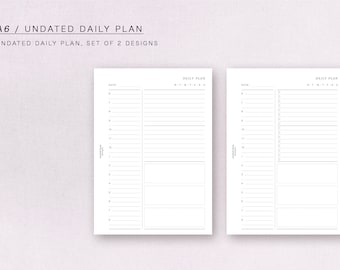
A6 - UNDATED DAILY Plan - printable inserts
$3.52
-
Digital download
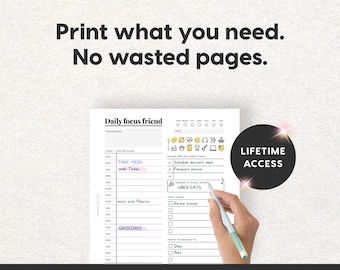
2026 ADHD Printable Planner (Monochrome) Black and White, Adult ADHD Journal (PDF)
$17.25
-
Digital download
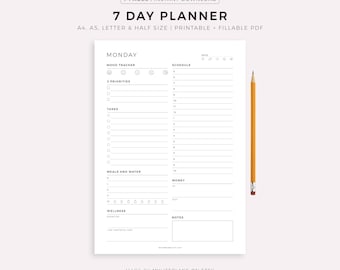
7 Day Planner Printable, Daily Planner, Weekly Planner, Daily To Do List for Work / Personal Life, Instant Download, A4/A5/Letter/HalfLetter
Sale Price $1.70
Original Price $2.43
-
Digital download
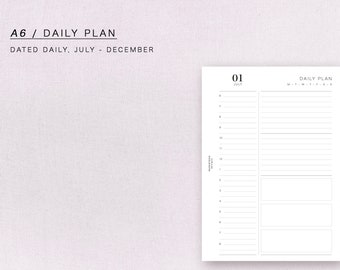
A6 - dated daily plan, JULY - DECEMBER, minimal but functional, printable inserts
$8.73
-
Digital download
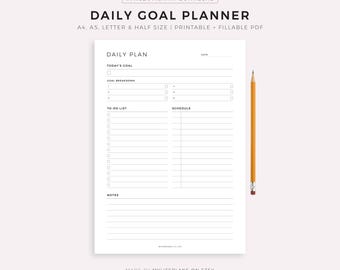
Daily Goal Planner, Daily To Do List Printable, Daily Planner Inserts, Daily Schedule, A5/A4/Letter/Half Size
Sale Price $1.70
Original Price $2.43
-
Digital download
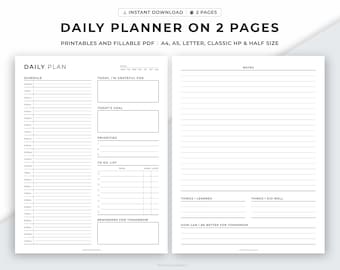
Daily Planner Printable, 24 Hour Planner, Daily Goal Planner, 30 Minute Schedule, Time Blocking PDF, Day Schedule Template, Daily Overview.
$1.39


