


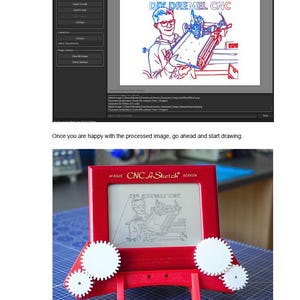
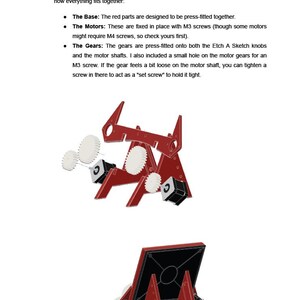
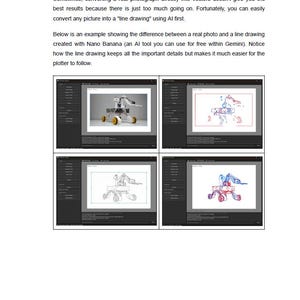
Etch A Sketch CNC Conversion DIY Plotter - Build Instructions
Item highlights
Seller's description
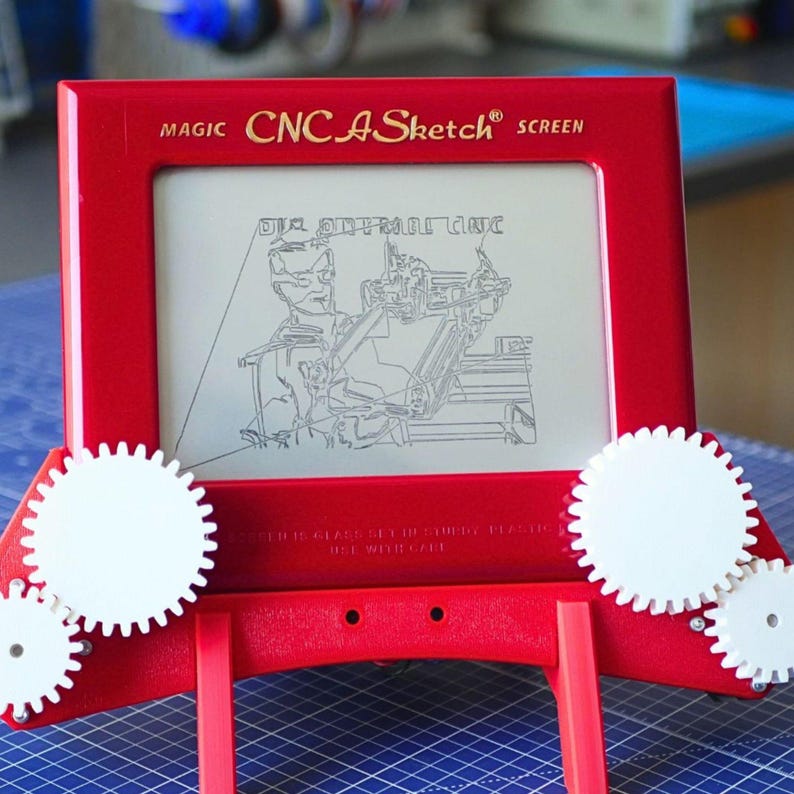
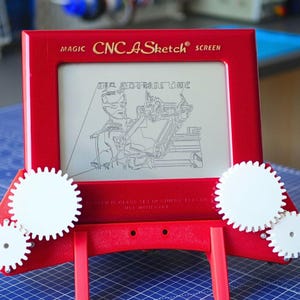
Turn your classic Etch A Sketch into an automated CNC drawing machine!
Have you ever tried to draw something complex on an Etch A Sketch, only to end up with a mess of jagged lines? This project, CNC A Sketch, uses modern technology to automate those iconic white knobs, allowing you to "print" intricate vector art and photos directly onto the screen. You can also see more details in my YouTube video: https://www.youtube.com/watch?v=s8SagELiqrM
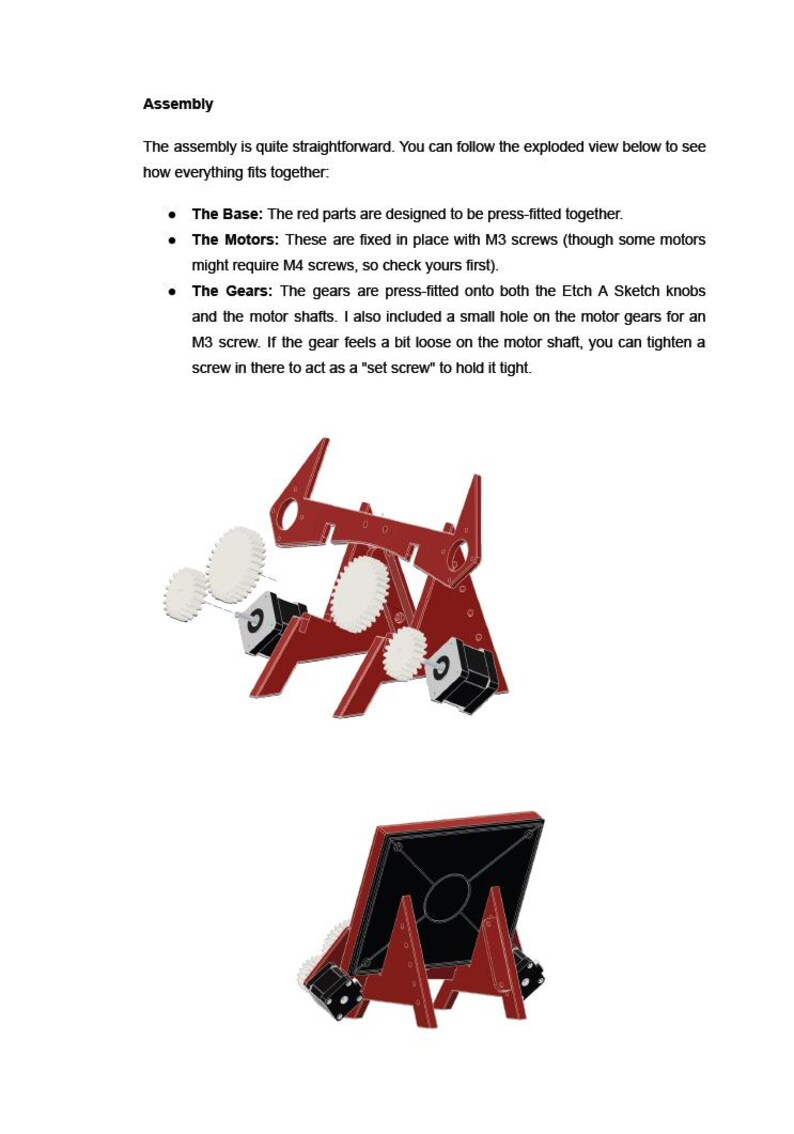
This is a complete digital bundle that includes every file you need to build the docking station. It is a non-permanent modification - the motor assembly simply presses onto the toy, so you can return to manual play whenever you like.
📂 WHAT IS IN THE BOX (Digital ZIP Archive):
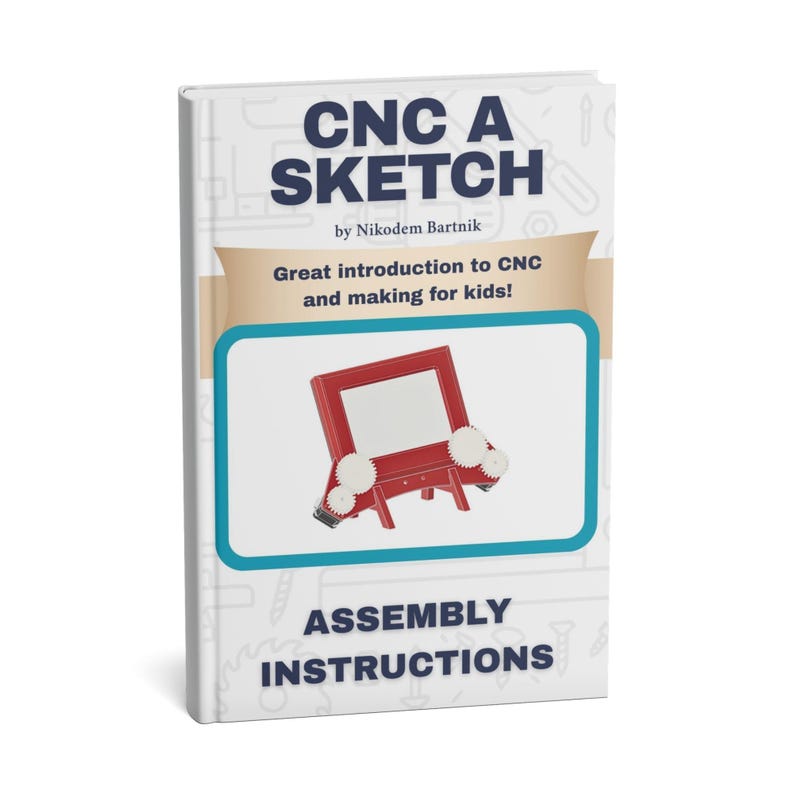
Step-by-Step PDF Guide: An 18-page manual covering assembly, electronics, and software setup.
Mechanics Folder: All STL files for 3D printing and a .3MF file for Bambu Lab users.
Firmware Folder: Plug-and-play code for both Raspberry Pi Pico (MicroPython) and Arduino Uno.
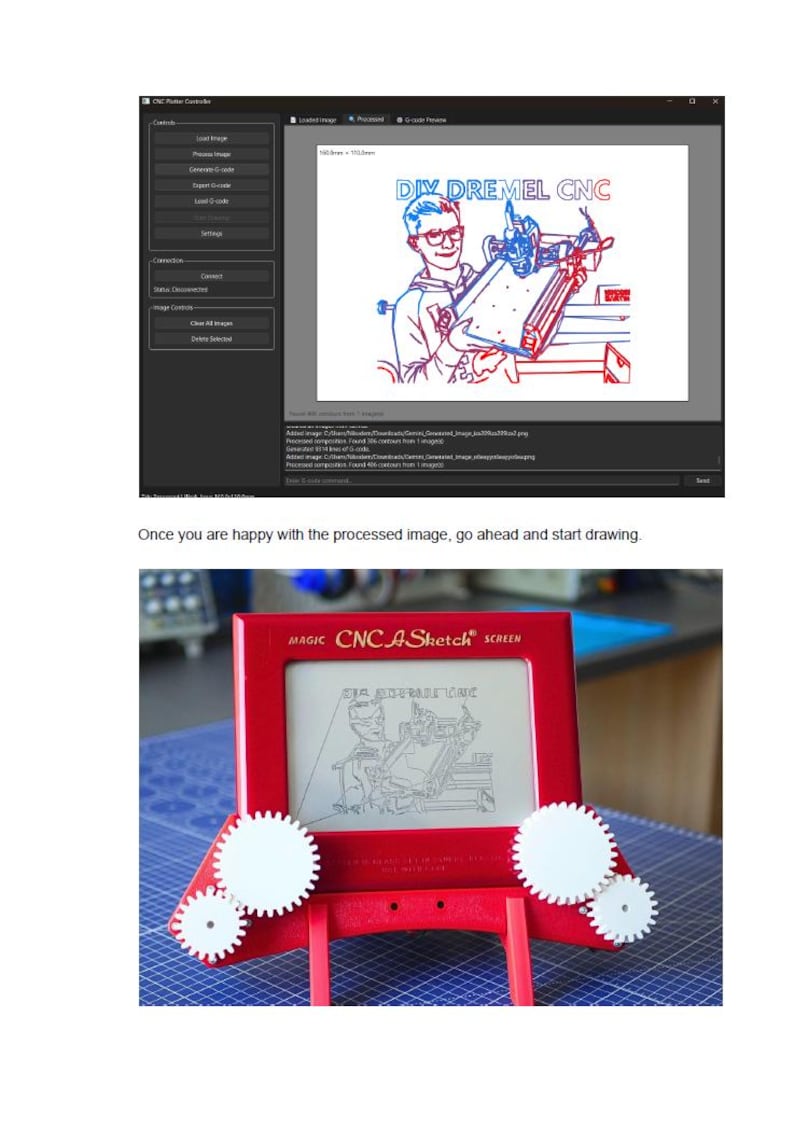
Desktop App: A powerful Python-based application to convert images to vectors, generate G-code, and control the machine.
Docs Folder: High-quality wiring diagrams and additional project info.
⚙️ HOW IT WORKS:
Print the Parts: Use the provided STL files to print the frame and gears.
Assemble: Fit the motors and gears onto your Etch A Sketch (no screws into the toy!).
Wire it Up: Follow the clear diagrams to connect your Arduino or Pico to the stepper drivers.
Upload & Draw: Use the custom desktop app to turn your favorite photos into G-code and watch the machine draw them!
🛠️ HARDWARE NEEDED:
Etch A Sketch (Classic size).
3D Printer (PLA or PETG filament).
Microcontroller: Raspberry Pi Pico OR Arduino Uno.
2x NEMA 17 Stepper Motors & Drivers (A4988).
12V Power Supply.
⚠️ PLEASE NOTE: This is a DIGITAL PRODUCT only. No physical parts, electronics, or the Etch A Sketch toy are included in this purchase. You will receive a download link for the ZIP archive immediately after payment.
Price:$22.14
You can only make an offer when buying a single item
Delivery
Instant download
Your files will be available to download once payment is confirmed. Here's how.
Instant download items don't accept returns, exchanges or cancellations. Please contact the seller about any problems with your order.
Seller's description
Specifications
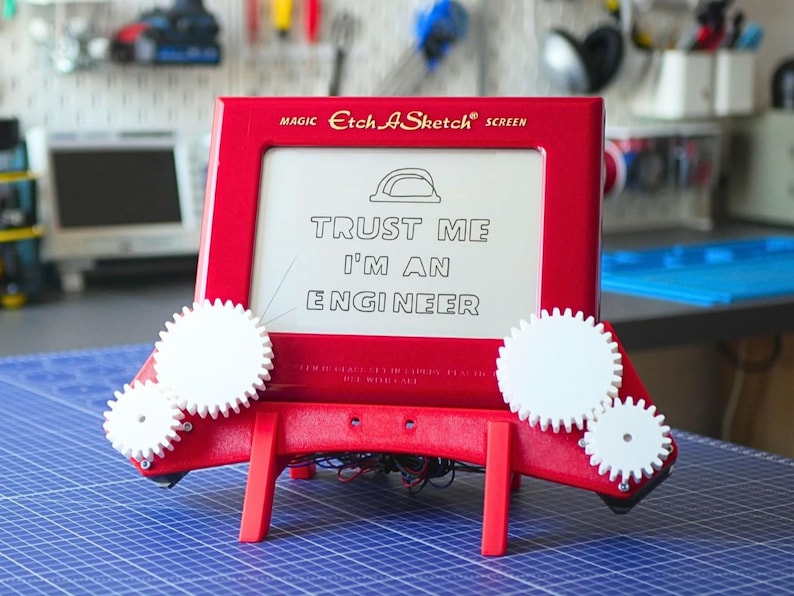
Turn your classic Etch A Sketch into an automated CNC drawing machine!
Have you ever tried to draw something complex on an Etch A Sketch, only to end up with a mess of jagged lines? This project, CNC A Sketch, uses modern technology to automate those iconic white knobs, allowing you to "print" intricate vector art and photos directly onto the screen. You can also see more details in my YouTube video: https://www.youtube.com/watch?v=s8SagELiqrM
This is a complete digital bundle that includes every file you need to build the docking station. It is a non-permanent modification - the motor assembly simply presses onto the toy, so you can return to manual play whenever you like.
📂 WHAT IS IN THE BOX (Digital ZIP Archive):
Step-by-Step PDF Guide: An 18-page manual covering assembly, electronics, and software setup.
Mechanics Folder: All STL files for 3D printing and a .3MF file for Bambu Lab users.
Firmware Folder: Plug-and-play code for both Raspberry Pi Pico (MicroPython) and Arduino Uno.
Desktop App: A powerful Python-based application to convert images to vectors, generate G-code, and control the machine.
Docs Folder: High-quality wiring diagrams and additional project info.
⚙️ HOW IT WORKS:
Print the Parts: Use the provided STL files to print the frame and gears.
Assemble: Fit the motors and gears onto your Etch A Sketch (no screws into the toy!).
Wire it Up: Follow the clear diagrams to connect your Arduino or Pico to the stepper drivers.
Upload & Draw: Use the custom desktop app to turn your favorite photos into G-code and watch the machine draw them!
🛠️ HARDWARE NEEDED:
Etch A Sketch (Classic size).
3D Printer (PLA or PETG filament).
Microcontroller: Raspberry Pi Pico OR Arduino Uno.
2x NEMA 17 Stepper Motors & Drivers (A4988).
12V Power Supply.
⚠️ PLEASE NOTE: This is a DIGITAL PRODUCT only. No physical parts, electronics, or the Etch A Sketch toy are included in this purchase. You will receive a download link for the ZIP archive immediately after payment.
-
UseSupplies for making crafts
-
Item typeDigital download
-
Digital file type(s)2 PNG, 1 PDF, 1 ZIP, 1 other file
If something goes wrong with an order, we've got your back on all eligible purchases. View program terms
Meet your seller

Usually responds in a few hours
More from this shop
-

Digital download
3D Printable Robot Gripper with DS3225 Servo - Modular Adjustable Design
$17.48
-

Digital download
Big 3D Printable Robot Chassis on Tracks
$23.31
-

Digital download
DIY Modular Filament Storage System - 3D Printed
$6.99
-

Digital download
IndyMill Build Instruction DIY CNC Machine
$11.65
-

Digital download
3D-Printable 4-Legged Spider Robot | SpdrBot Digital Download | Build Your Own Walking Robot
$29.13
-
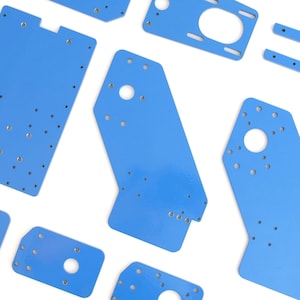
DIY CNC Machine - IndyMill Steel Plates Kit
$266.87
-

The Enigma Machine soldering kit
$44.69
-

Voxmachina TOM YUM Voltage Controlled Oscillator PCB Kit
$34.98
-
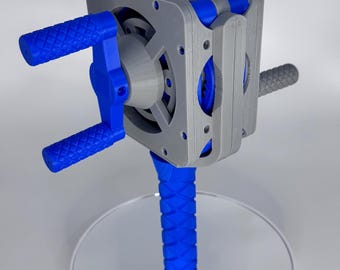
Gearfinity Crank Module - 3D Printed Mechanical Engineering Kit | STEM Education | DIY Gear System
$30.00
-

Digital download
Raspberry Pi Touch Screen Case with physical inputs
$20.95
-
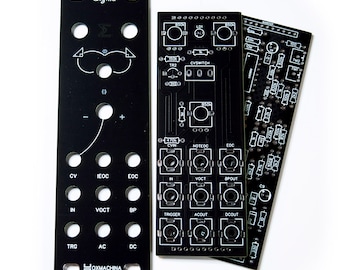
Voxmachina SIGMA Function / Ramp Generator PCB Kit
$30.79
-
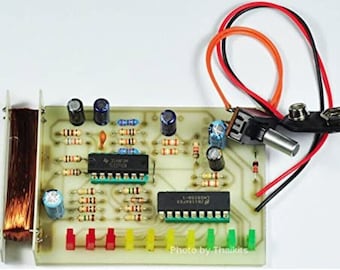
Magnetic Fields Basic Detector Assembled Electronic Student Project
$33.00
-
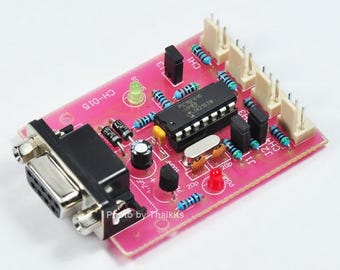
CH-015 Temperature Data Logger to PC 4 Channel Com via RS-232[ 1 Free sensor ]
$30.00
-
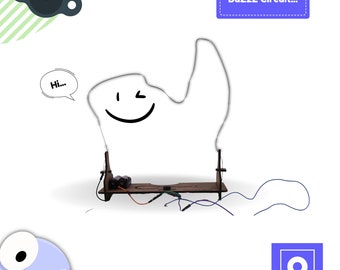
Educational DIY STEAM Toys | Buzzer Alarm Game | Science Project | Complete the Parkour Without Touching the Wire| Maker Project for Kids
$43.00
-
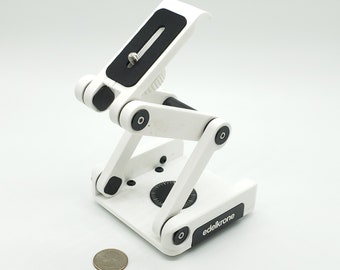
DIY Edelkrone Flextilt Head Camera Kit | Gift for Aspiring Engineers, Photographers, and NERDS!
$39.95
-

Digital download
Automatic robot garage (Arduino, Linear actuator, 3D Print files, Code ++)
$25.00
-
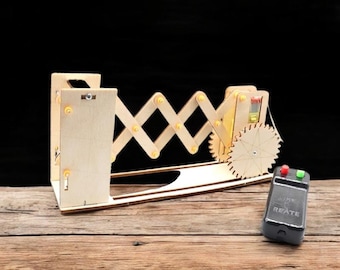
DIY Electric Gateway Door Model: STEM Physics Project Kit
$31.41
-

Digital download
3D MODELING and PCB DESIGN
$35.92
Disclaimer: Etsy assumes no responsibility for the accuracy, labeling, or content of sellers' listings and products. Electrical or electronic products may pose a risk of fire or electrocution. Vintage, handmade, refurbished, or modified electrical or electronic products may not meet current safety standards and may not be in safe working order. Inspect carefully before use and message the seller if you have concerns relating to the product. Do not use a vintage electrical or electronic item if its safety cannot be verified. To reduce the risk of fire, never leave vintage electrical or electronic products plugged in unattended. See Etsy's Terms of Use for more information.
Shoppers with similar taste loved these
-

B-Bot Action Figure
$65.00
-
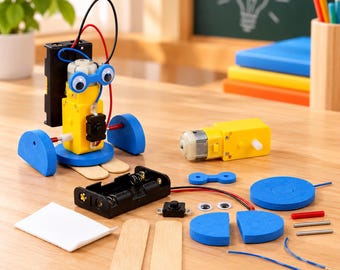
Big Foot Robot DIY Kit, Educational STEM Toy for Kids
$12.99
-

Robot ornament, Table lamp emitting light from its eyes, Personalized gift, unique & Functional Desk Lamp
$84.00
-

Handmade Fancy Stainless Steel Sophisticated Robot with Shovel Model With Movable Arms and Legs Home Decorations Gift Idea 10*7*8 inch
$56.99
-
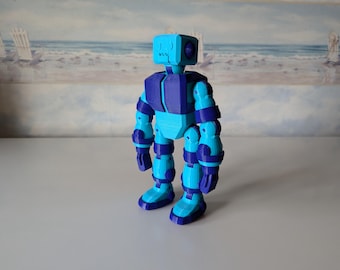
Standard Bot: 3D Printed Articulated Tiny Bot
$15.00
-
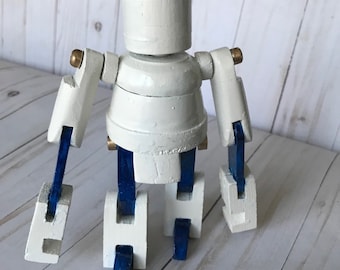
Desktop ROBOT, robo mechanical man, conversation piece, office decor, made in the USA
$39.00
-

Digital download
Fluttering Heart Automaton SVG DXF PDF laser cutter files
$8.62
-

Digital download
Bird 3D Zoetrope laser cutter plans - SVG DXF
$8.62
-
Digital download
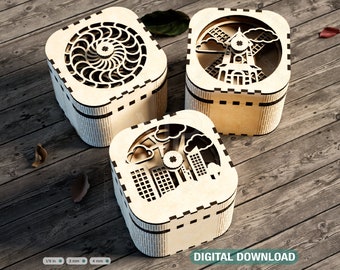
Laser Cut Keepsake Box with Rotating Feature - Laser Cut Spinner Gift Box - Elegant Jeweler Opener Case SVG Digital Download |#393|
Sale Price $3.70
Original Price $7.40
-

Digital download
Laser Cut Stress Toy Keychain File: SVG DXF DWG (Instant Download)
$3.00
-
Digital download
Gorilla Pulley Pet Automata Plans SVG DXF-Laser cut mechanical toy
$7.18
-

Digital download
Cam Box laser cutter plans svg dxf
$8.62


