


Price:$6.89
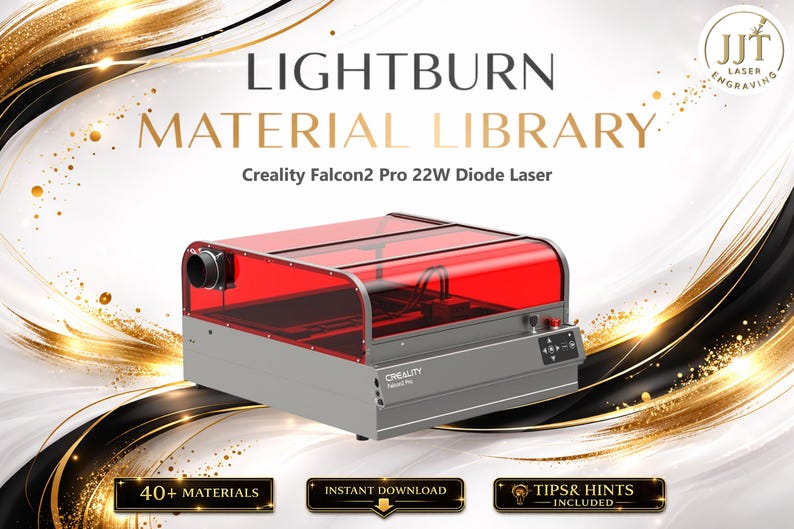
Lightburn Material Library for Creality Falcon2 Pro 22W (Including 1.6W) Diode Laser | Multilingual Settings Bundle (Digital Download)
You can only make an offer when buying a single item
- Instant Download
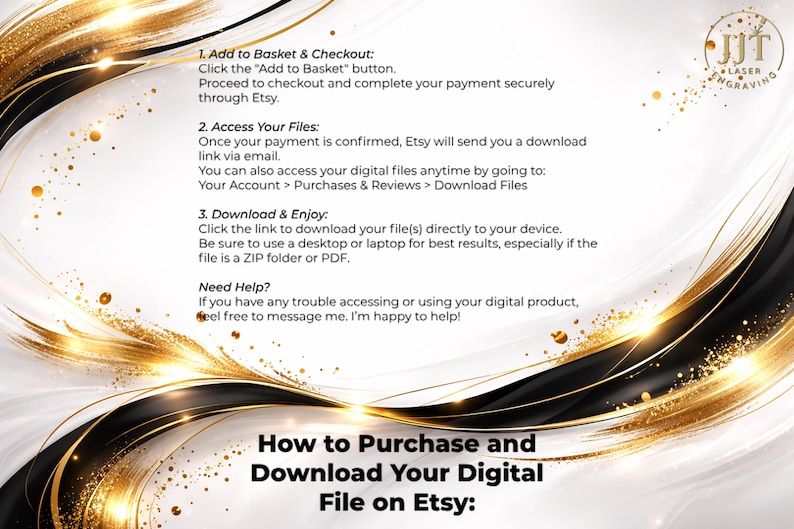
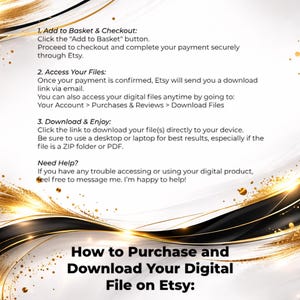
- Your files will be available to download once payment is confirmed. Here's how.
- Instant download items don’t accept returns, exchanges or cancellations. Please contact the seller about any problems with your order.
What to know
About this item
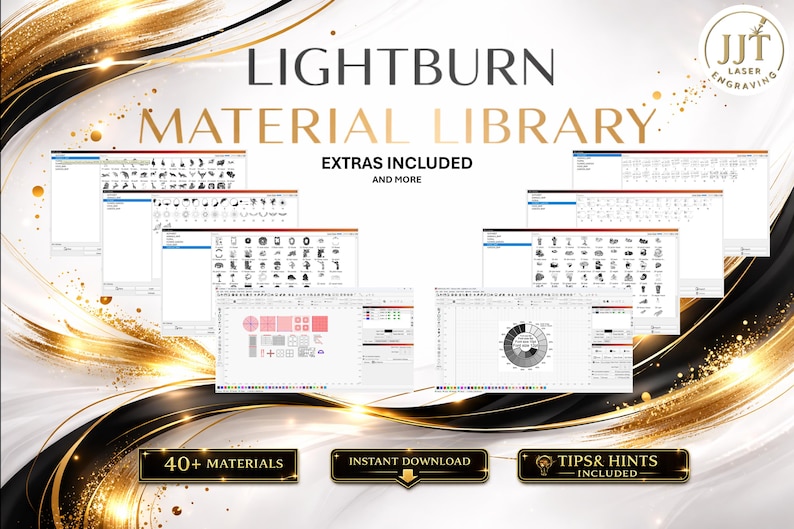
🔥 Get Perfect Laser Engravings Every Time with Our LightBurn Material Library! 🔥
Tired of trial and error when dialing in your laser settings? This pre-tested LightBurn Material Settings File will save you time, materials, and frustration! Perfect for hobbyists, crafters, and small business owners using UV laser engravers.
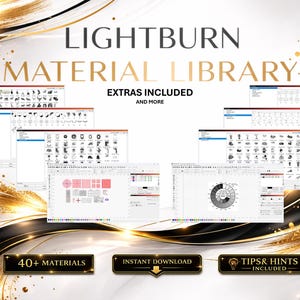
Includes Tips & Hints for materials, Safety Information, and Extras (Jigs, Tools, Designs)
Available in English, German, French, Spanish, Italian, Dutch, Polish, Portuguese, Swedish, Danish, Finnish, Czech, Hungarian, Turkish, Greek, Romanian, Japanese, Chinese, Korean, Indonesian, Hindi, Arabic, Hebrew, Irish, and Croatian.
Other languages available upon request.
Having trouble downloading or using the files? Please send me a message first — I respond quickly and am always happy to help resolve any issues.
___________________________
✅ What’s Included:
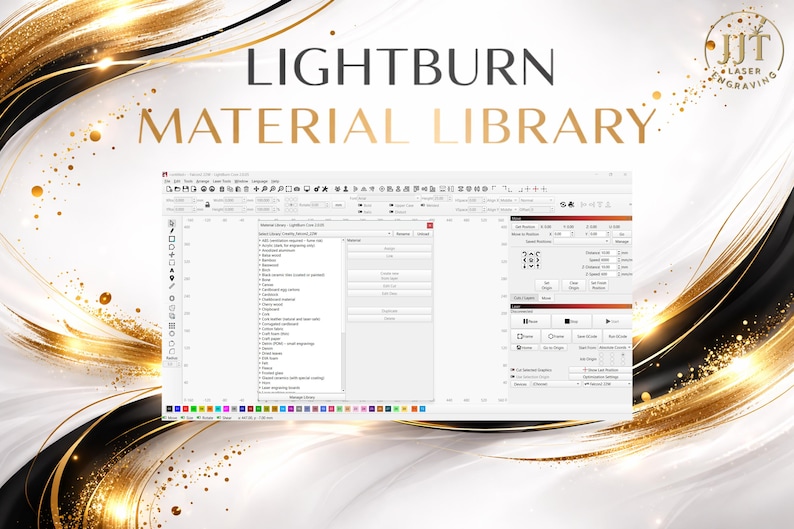
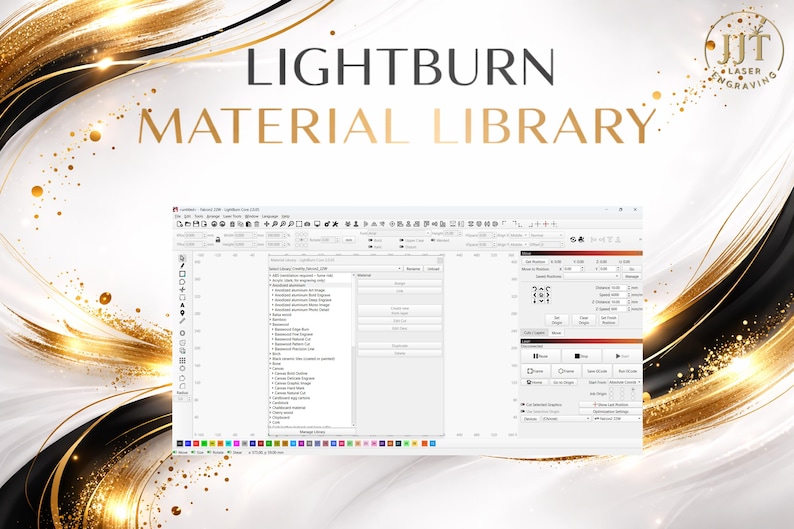
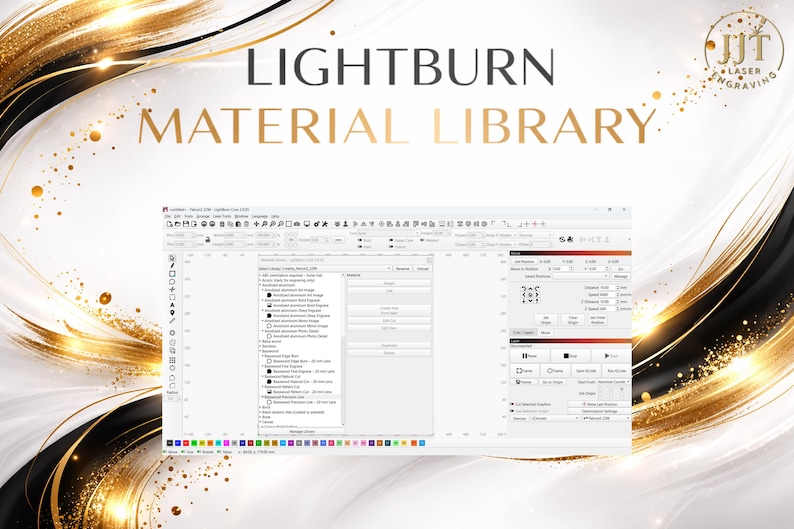
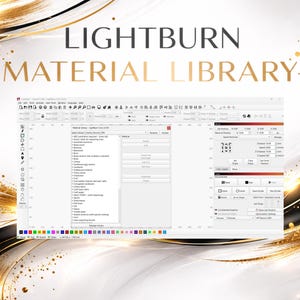
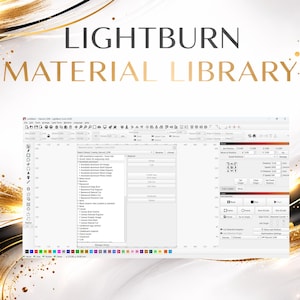
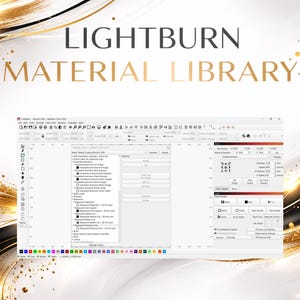
• LightBurn .clb file (Material Library)
• Settings for common materials:
• Birch Plywood
• MDF
• Acrylic
• Basswood
• Cardboard
• Leather
• Slate, Glass (engraving only)
________________________________________
💡 Why You'll Love It:
✔️ Save hours of testing
✔️ Get cleaner lines and better engravings
✔️ Organized by material type
✔️ Instant digital download – start using in minutes!
________________________________________
📌 Compatibility:
• Works with LightBurn software (.clb format)
• Compatible with laser machines like xTool, Ortur, Atomstack, OMTech, and more
________________________________________
📥 How to Use:
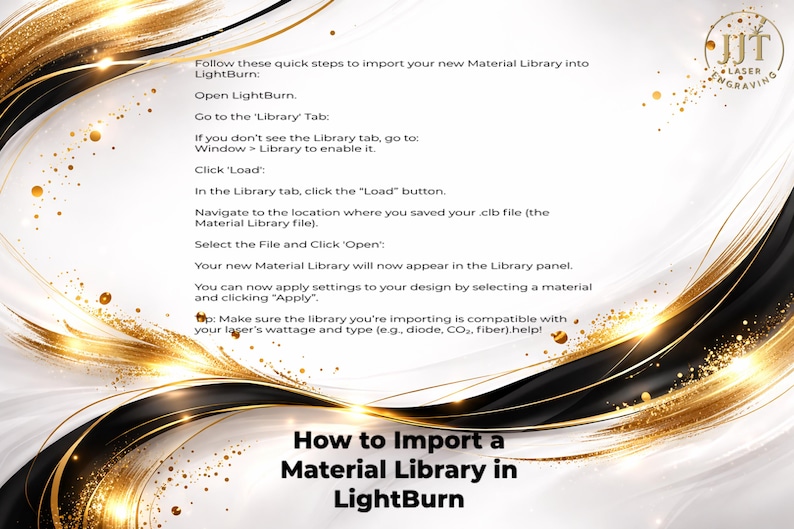
1. Download the file after purchase
2. Open LightBurn and import the library
3. Select materials from the dropdown & enjoy optimized results!
________________________________________
🔒 Instant Download
This is a digital product. No physical item will be shipped. Files are available immediately after purchase via your Etsy account.
________________________________________
Frequently Asked Questions (Please Read Before Purchase)
Where are my files? I haven’t received anything by email.
This is an instant digital download via Etsy. Your files are available immediately after purchase in Purchases & Reviews on your Etsy account. No physical item is shipped, and files are not sent by email.
The ZIP file won’t download or open.
Etsy delivers the files as a compressed ZIP folder, which is standard for digital bundles. On most devices, simply tap or right-click the ZIP file and choose Extract / Unzip. If you need help opening it, please message me and I will gladly guide you step-by-step.
Will these settings work perfectly on my machine?
These settings are provided as a tested starting point to save time and reduce trial and error. Final results can vary depending on:
-material type and thickness
-machine calibration
-lens cleanliness
-air assist
-firmware version
-environment / humidity
-unit settings in LightBurn
Some fine-tuning is normal and expected.
Why do the speed values seem too high / too low?
Please check whether your LightBurn is set to mm/min or mm/sec. In many cases, the values need to be converted depending on your machine profile and software settings.
Why don’t the settings match my exact results?
Even the same laser model can produce different results depending on power output tolerance, alignment, focus height, and the material batch being used. These libraries are designed to give you a reliable starting point, not replace final machine-specific calibration.
Does this include cutting and vector settings?
Please check the listing description carefully. Some libraries focus primarily on engraving / fill settings, while others include cutting presets where stated.
I’m an experienced laser user — are these still useful?
Yes. Many experienced users use these libraries as a time-saving baseline and then refine settings to suit their workflow and preferred materials.
What if something doesn’t work for my setup?
Please message me before leaving a review. I’m always happy to help adjust settings and resolve download or compatibility issues quickly.
________________________________________
⚠️ Please Note:
Settings are starting points.
Adjustments may be needed depending on your specific machine, material batch, and environment.
Lightburn may translate the speed settings incorrectly, however there is a simple solution which is included in a document in the download. Please ensure you read this document.
The language translations have been completed using online language translation applications, they may not be completely accurate or complete. Please message if translations are incomplete.
No refunds on digital items, but I'm happy to help if you have questions!
Images for illustration only.
Visit the store for more
https://jjtlaserengraving.etsy.com
Be the first to review this item
Speedy replies Has a history of replying to messages quickly.
More from this shop
Visit shop-
Digital download
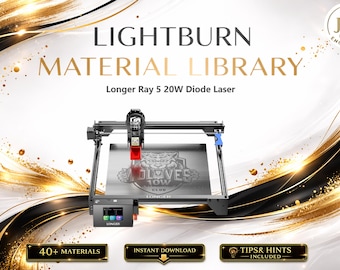
Lightburn Material Library for Longer RAY5 20W Diode Laser | Multilingual Settings Bundle (Digital Download)
$5.63
-
Digital download
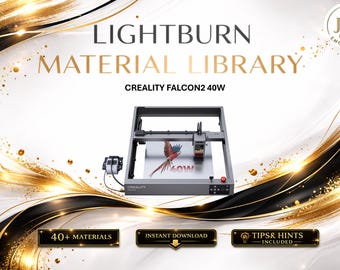
Lightburn Material Library for Creality Falcon2 40W (Including 22W & 1.6W) Diode Laser | Multilingual Settings Bundle (Digital Download)
$5.63
-
Digital download
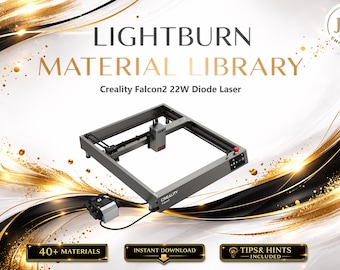
Lightburn Material Library for Creality Falcon 2 22W (including 1.6W Module) Diode Laser | Multilingual Settings Bundle (Digital Download)
$5.63
-
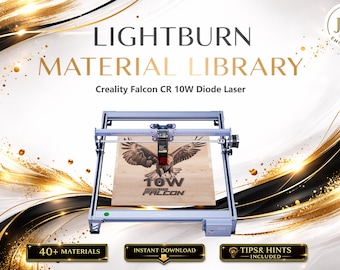
Digital download
Lightburn Material Library for Creality Falcon CR 10W (including 1.6W) Diode Laser | Multilingual Settings Bundle (Digital Download)
$5.63
-
Digital download
LightBurn Material Library for Atomstack A70 Pro / Max | Tested Settings for 70W Diode Laser (35W Engraving)
$9.85
-
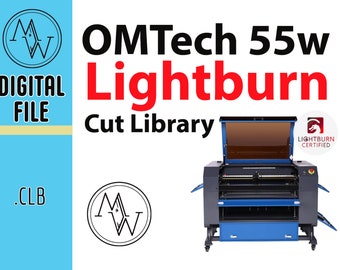
Digital download
OMTech 55w Laser Lightburn Cut Library: Premade Material Settings (Digital Download)
$4.99
-
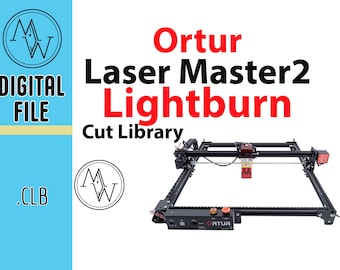
Digital download
Ortur Laser Master 2 Lightburn Cut Library (Digital Download)
$4.99
-
Digital download
OMTech 40W Laser Lightburn Cut Library: Premade Material Settings (Digital Download)
$4.99
-
Digital download
OMTech 80w CO2 Laser Lightburn Cut Library: Premade Material Settings (Digital Download)
$4.99
-
Digital download
xTool D1 Lightburn Material Library (Digital Download)
$4.99
Disclaimer: Etsy assumes no responsibility for the accuracy, labeling, or content of sellers' listings and products. Electrical or electronic products may pose a risk of fire or electrocution. Vintage, handmade, refurbished, or modified electrical or electronic products may not meet current safety standards and may not be in safe working order. Inspect carefully before use and message the seller if you have concerns relating to the product. Do not use a vintage electrical or electronic item if its safety cannot be verified. To reduce the risk of fire, never leave vintage electrical or electronic products plugged in unattended. See Etsy's Terms of Use for more information.
