


NowPrice:$82.80
Original Price: $110.41
25% off
Sale ends on July 12
Inventory Software: Sales, Stock, Buyer, Supplier Tracking (WordPress Plugin)
Here's what's eligible:
- Your order doesn't match the item description or photos
- Your item arrived damaged
- Your item arrived after the estimated arrival window
- Your item didn't arrive or was lost in the mail
You can only make an offer when buying a single item
Highlights
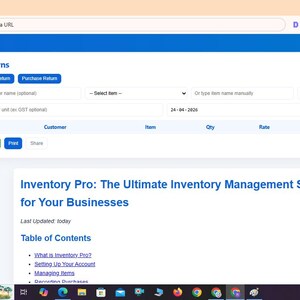
Inventory Pro: The Ultimate Inventory Management Software for Your Businesses (currently this is wordpress plugin and you can use it offline via extracting html file from given zip file )
Last Updated: today
Table of Contents
What is Inventory Pro?
Setting Up Your Account
Managing Items
Recording Purchases
Handling Sales & Billing
Editing Sales & Purchase Entries
Processing Returns
Managing Customers & Suppliers
Generating Reports
Key Features of Inventory Pro
Frequently Asked Questions (FAQs)
Conclusion
What is Inventory Pro?
Inventory Pro is a modern, web-based inventory management software designed for small businesses like pharmacies, electronics shops, and retail stores. It supports both offline mode (LocalStorage) and online mode (Firebase sync), making it flexible for areas with unreliable internet.
From stock tracking and GST-compliant billing to customer/supplier ledger management and detailed reporting, Inventory Pro simplifies everyday operations. The latest update allows you to edit sales and purchase entries easily.
Setting Up Your Account
Access: Open Inventory Pro in your browser. A login modal will appear.
Online Mode: Sign up or log in using email & password to sync via Firebase.
Offline Mode: Choose “Use Offline” to save data locally on your device.
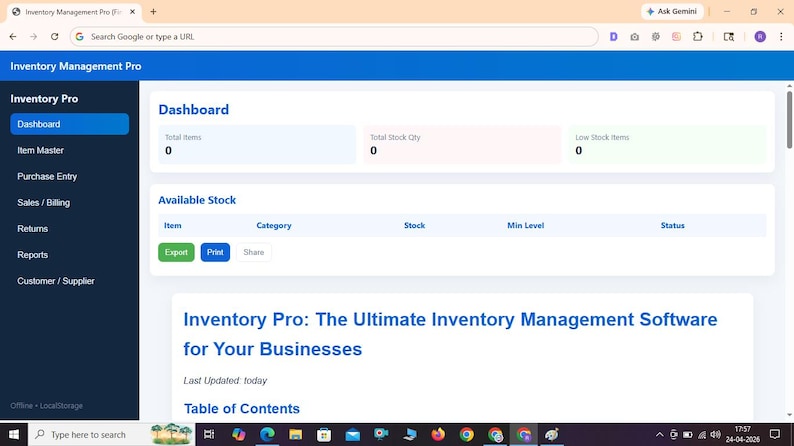
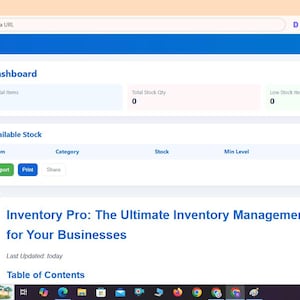
Dashboard: View total items, stock quantity, and low-stock alerts.
Pro Tip: Use Online Mode for cloud backups and multi-device access.
Managing Items
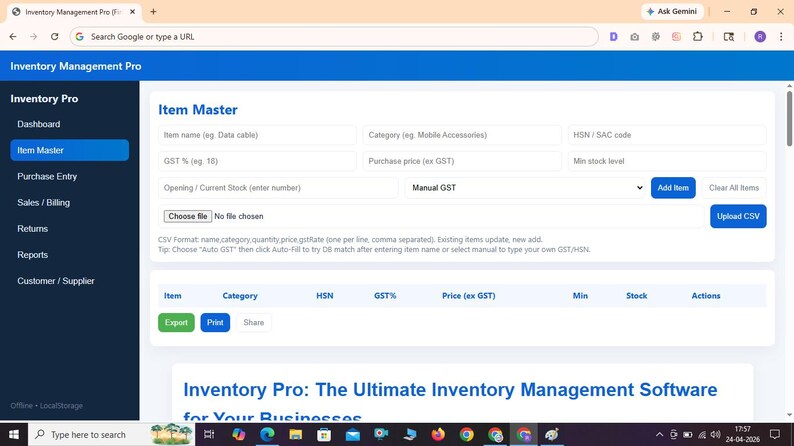
Go to Item Master from the sidebar.
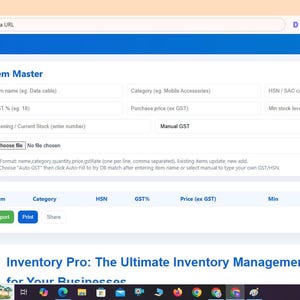
Add items with details: name, category, HSN/SAC, GST %, purchase price, stock level.
Auto GST option fetches rates from the built-in database (e.g., 18% for Data Cable).
Edit or delete items anytime, or bulk import via CSV.
Low-stock items are highlighted on the dashboard.
Recording Purchases
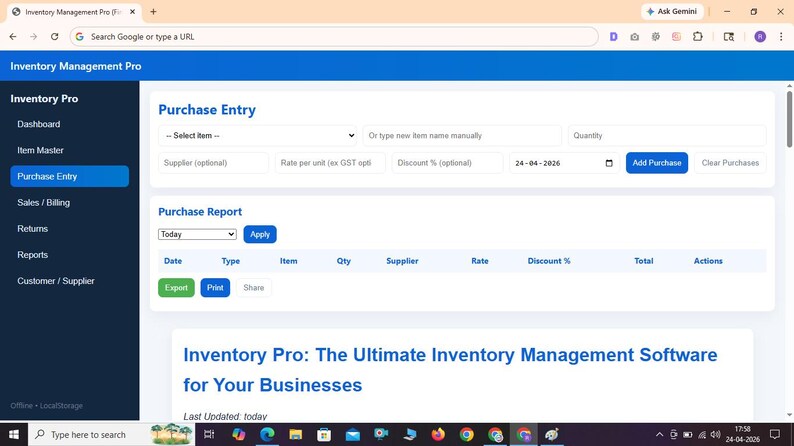
Navigate to Purchase Entry.
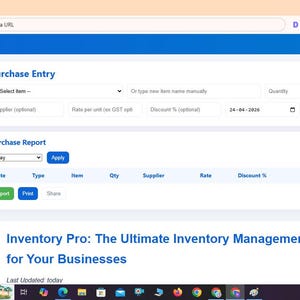
Select item, enter quantity, supplier, rate, discount %, and date.
Click “Add Purchase” → Stock and supplier ledger update automatically.
Edit or delete purchases from the report table; stock adjusts automatically.
Use filters (Today, Last 30 Days, Custom Range) to analyze data.
Handling Sales & Billing
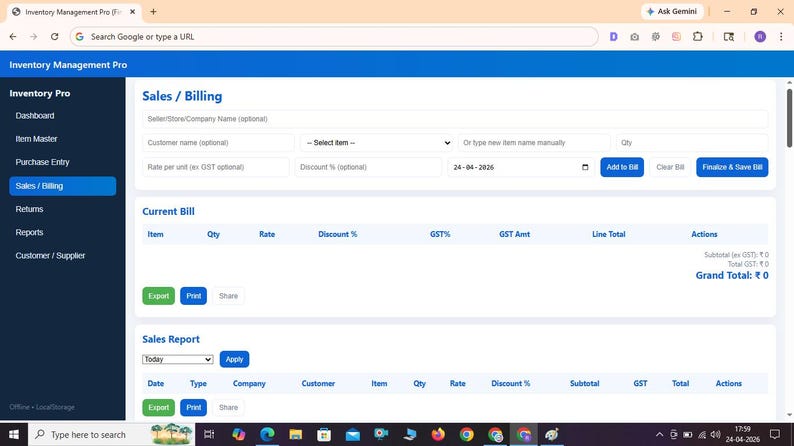
Go to Sales / Billing.
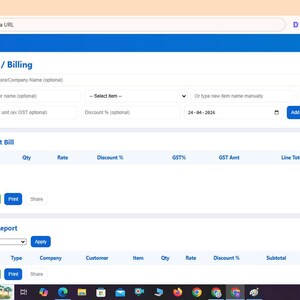
Add customer details, select items, enter qty, rate, and discount.
Finalize bill → Updates stock, GST, and customer ledger instantly.
Edit or delete past sales easily, reversing stock & ledger correctly.
Editing Sales and Purchase Entries
Mistakes happen — with the new Edit Feature, you can quickly correct sales or purchase records without disturbing your reports.
Go to the respective Sales or Purchase Report.
Click “Edit” next to the entry.
Adjust details → Save → Stock and ledgers update automatically.
Processing Returns
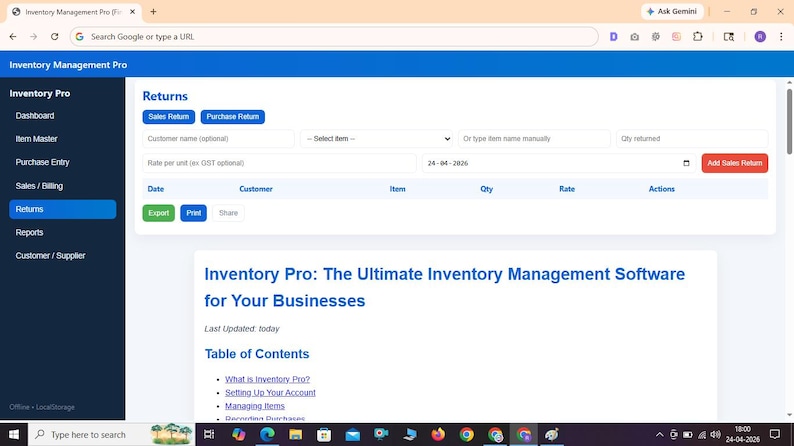
Both Sales Returns and Purchase Returns are supported.
Sales Return: Increase stock, adjust customer ledger.
Purchase Return: Reduce stock, adjust supplier ledger.
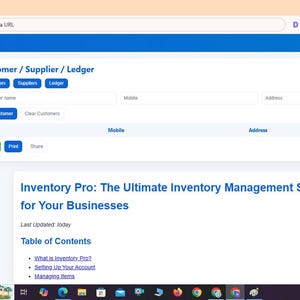
Managing Customers & Suppliers
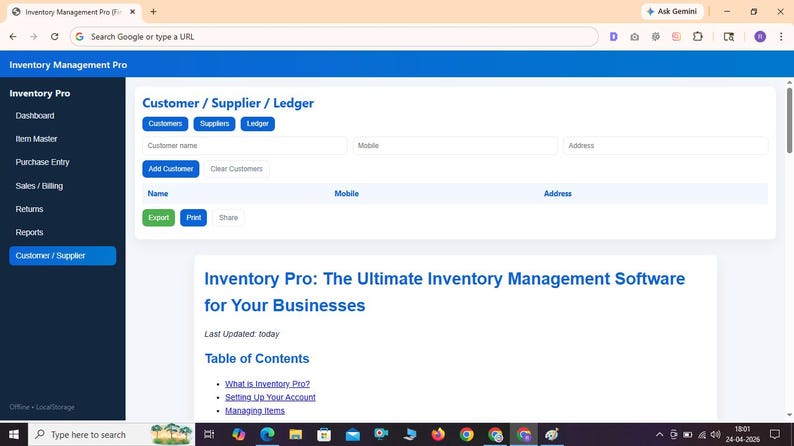
Maintain a full Customer & Supplier Master. Add details like name, mobile, and address. Ledger keeps track of payments, outstanding balances, and credits.
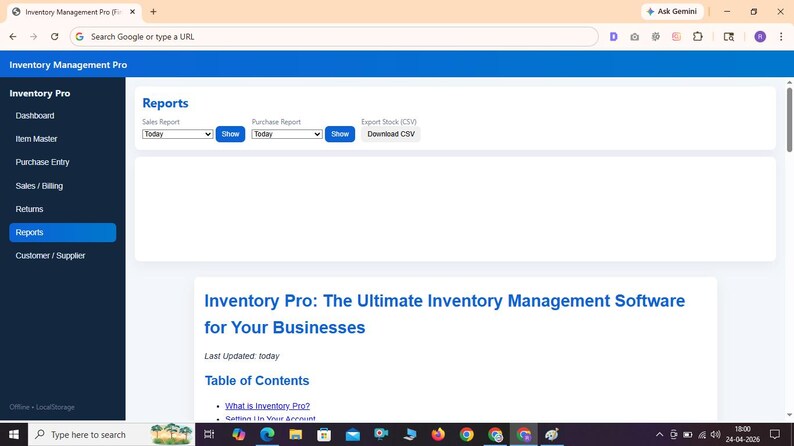
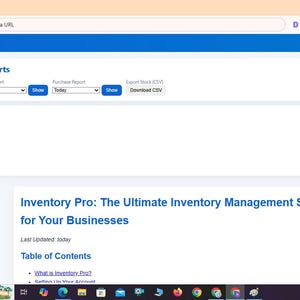
Generating Reports
Sales Reports: Analyze revenue trends.
Purchase Reports: Track expenses and supplier performance.
Stock Reports: Export inventory CSV anytime.
Reports are filterable by date (Today, 7 Days, Month, FY, Custom).
Key Features of Inventory Pro
Real-time stock updates with low-stock alerts.
GST-compliant billing and HSN code support.
Offline + Online sync (Firebase).
Edit sales and purchase entries easily.
Customer & Supplier ledger with outstanding balance.
CSV import/export for bulk data.
Comprehensive reports for sales, purchases, GST, and stock.
Frequently Asked Questions (FAQs)
Q1: Can I use Inventory Pro offline?
A1: Yes, Offline Mode saves data in LocalStorage. Later you can sync to cloud.
Q2: Is it GST-ready?
A2: Yes, Inventory Pro supports GST %, HSN codes, and generates compliant invoices.
Q3: Can I bulk import items?
A3: Yes, upload CSV in Item Master to add/update items quickly.
Conclusion
Inventory Pro is the perfect inventory management solution for small businesses in India — pharmacies, electronics, and retail stores. Its simple interface, offline/online flexibility, GST support, and powerful editing/reporting features make it a complete business tool.
Instant Download
Your files will be available to download once payment is confirmed. Here's how.
Instant download items don’t accept returns, exchanges or cancellations. Please contact the seller about any problems with your order.
Etsy Purchase Protection
Shop confidently on Etsy knowing if something goes wrong with an order, we've got your back for all eligible purchases —
see program terms


More from this shop
Visit shop-
Digital download
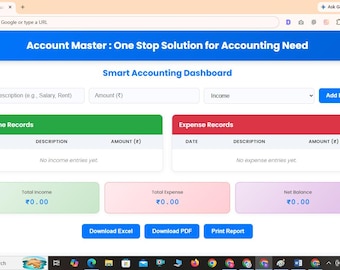
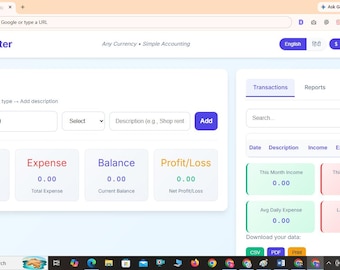
Account Master : One Stop Solution for Accounting Need
Sale Price $24.83
Original Price $33.11
-
Digital download
Account Master-Any Currency • Simple Accounting
Sale Price $24.83
Original Price $33.11
-
Digital download
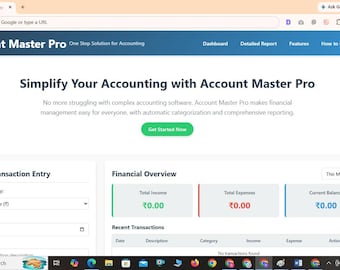
Account Master Pro -One Stop Solution for Accounting
Sale Price $33.11
Original Price $44.16
-

Digital download
Father's Day Inspirational Wall Art, Dad Quotes, A4 PDF Poster (Digital Download)
Sale Price $5.79
Original Price $7.72
Be the first to leave a review
-
Digital download
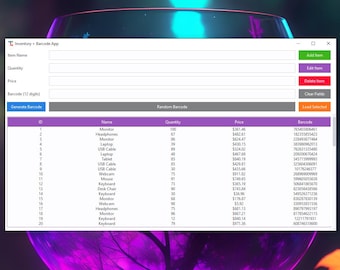
Inventory & Barcode Manager App | Small Business Inventory Tracker | Digital Tool for Shops
$10.00
-
Digital download
Inventory & Barcode Manager App | Small Business Inventory Tracker | Digital Tool for Shops
$4.00
-
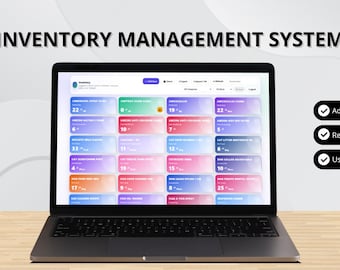
Digital download
Inventory Management System (Google Sheets Web Application)
Sale Price $14.53
Original Price $29.07
-
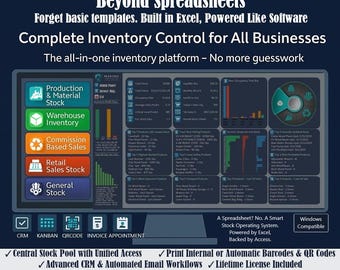
Digital download
NexStock by Excelloom – All-in-One Inventory, CRM & Billing Software for Windows
$100.00
-
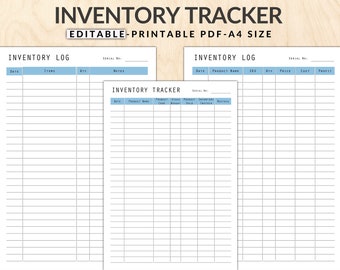
Digital download
Editable Inventory Tracker: Product Stock Management (A4 PDF)
$1.50
-
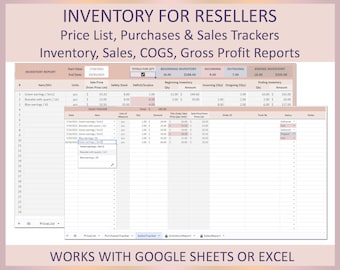
Digital download
Inventory Management Spreadsheet Excel Google Sheet Resellers Inventory Tracking System Stock Levels Safety Stock Merchandise Inventory Cost
$5.50
-
Digital download
Inventory Management| Small Business Stock Management (2-in-1 Bundle, Instant Download)
Sale Price $20.99
Original Price $29.99
-
Digital download
Inventory Tracker Excel – Track Your Stock & Maximize Profits!
$1.74
-
Digital download
Tool Inventory Tracker Spreadsheet | Easy Stock Management Tool for Small Business |
$4.46
-
Digital download
Online Inventory Management System
$3,823.04
-
Digital download
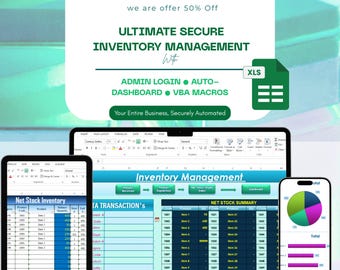
Excel Inventory Management System | Automated Inventory Tracker | Small Business Stock Tracker Dashboard | Secure Inventory VBA Macro
Sale Price $5.47
Original Price $10.95
-
Digital download
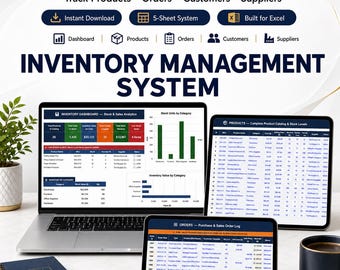
Inventory Management System | Excel Google Sheets Stock Tracker (Digital Download)
Sale Price $9.99
Original Price $19.99
Disclaimer: Etsy assumes no responsibility for the accuracy, labeling, or content of sellers' listings and products. Electrical or electronic products may pose a risk of fire or electrocution. Vintage, handmade, refurbished, or modified electrical or electronic products may not meet current safety standards and may not be in safe working order. Inspect carefully before use and message the seller if you have concerns relating to the product. Do not use a vintage electrical or electronic item if its safety cannot be verified. To reduce the risk of fire, never leave vintage electrical or electronic products plugged in unattended. See Etsy's Terms of Use for more information.


