






Price:$9.62
Freelancer Tax Spreadsheet | Self Employed 1099 Quarterly Tax Calculator | Schedule C Expense Tracker (Excel)
Here's what's eligible:
- Your order doesn't match the item description or photos
- Your item arrived damaged
- Your item arrived after the estimated arrival window
- Your item didn't arrive or was lost in the mail
You can only make an offer when buying a single item
Highlights
Freelancer Quarterly Tax Estimator — 1099 income log, Schedule C expense dropdowns, quarterly federal and state estimator, and set-aside calculator. No April surprise.
INSTANT DOWNLOAD
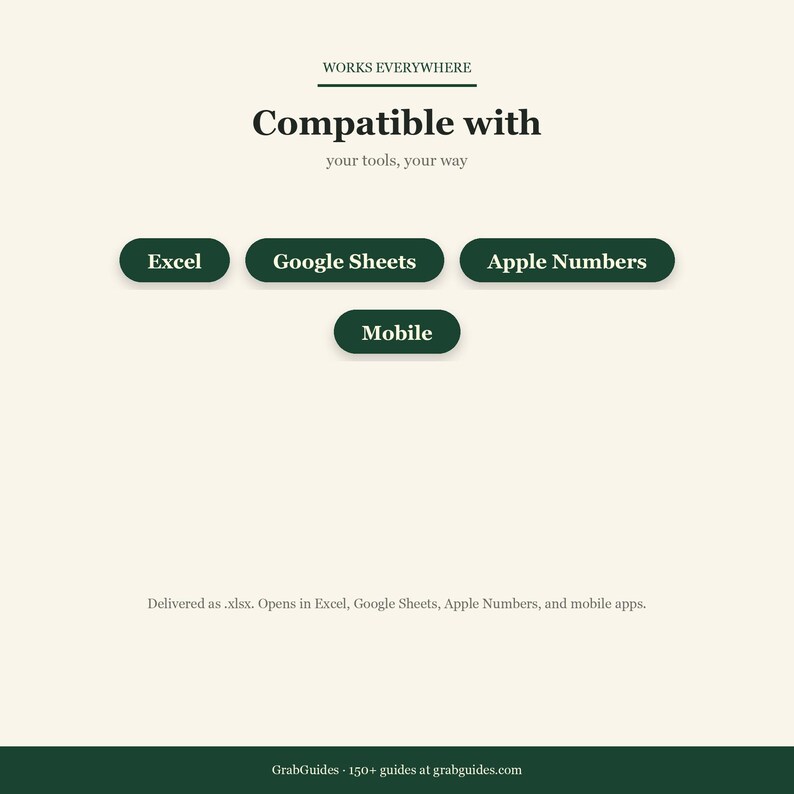
Opens in Excel, Google Sheets, or Apple Numbers.
WHY THIS MATTERS
W-2 employees have taxes withheld automatically. Freelancers and 1099 earners don't, and underpaying triggers underpayment penalties. This spreadsheet calculates exactly how much to set aside from every invoice, schedules your 4 quarterly payments, and tracks deductible expenses in Schedule C categories so your CPA's job takes 1 hour instead of 8.
WHAT'S INSIDE
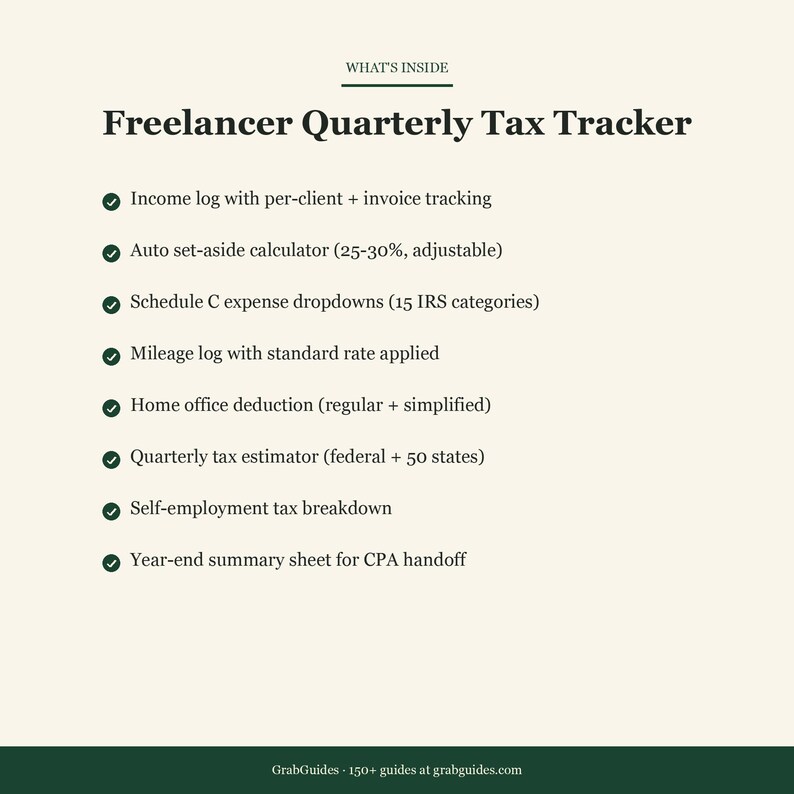
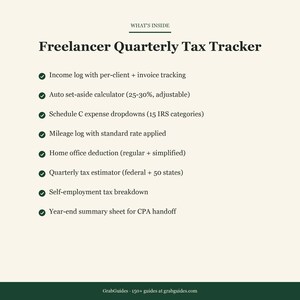
- Income log with per-client tracking plus invoice dates
- Auto set-aside calculator (25 to 30 percent default, adjustable for your bracket)
- Schedule C expense dropdowns (15 IRS categories)
- Mileage log with standard mileage rate auto-applied
- Home office deduction calculator (regular plus simplified methods)
- Quarterly tax estimator (federal plus state) for 50 states
- Estimated quarterly payments calendar (April, June, Sept, Jan)
- Self-employment tax breakdown (SE tax plus income tax, separated)
- Year-end summary sheet ready to hand to a CPA
- Subcontractor 1099-NEC tracker (if you hire help)
WHO THIS IS FOR
- Freelancers, contractors, consultants
- Etsy sellers who need Schedule C tracking
- Side hustlers whose 1099 income crosses the $400 self-employment threshold
- Anyone who got a surprise April tax bill last year and doesn't want a repeat
HOW TO USE
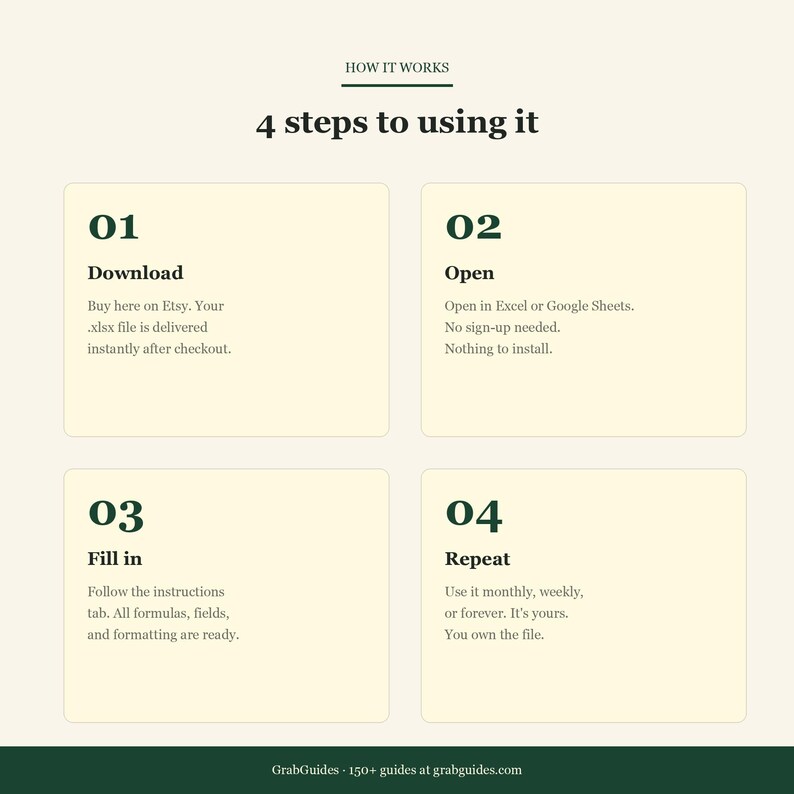
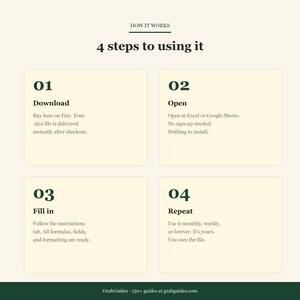
1. Open in Excel or Google Sheets
2. Log invoices as they're paid. The set-aside amount auto-calculates
3. Categorize expenses with the Schedule C dropdowns as they happen
4. Check the Quarterly tab on March 31, May 31, Aug 31, Dec 31. Transfer the estimated amount to the IRS
5. At year-end, hand the Summary tab to your CPA
FILE DETAILS
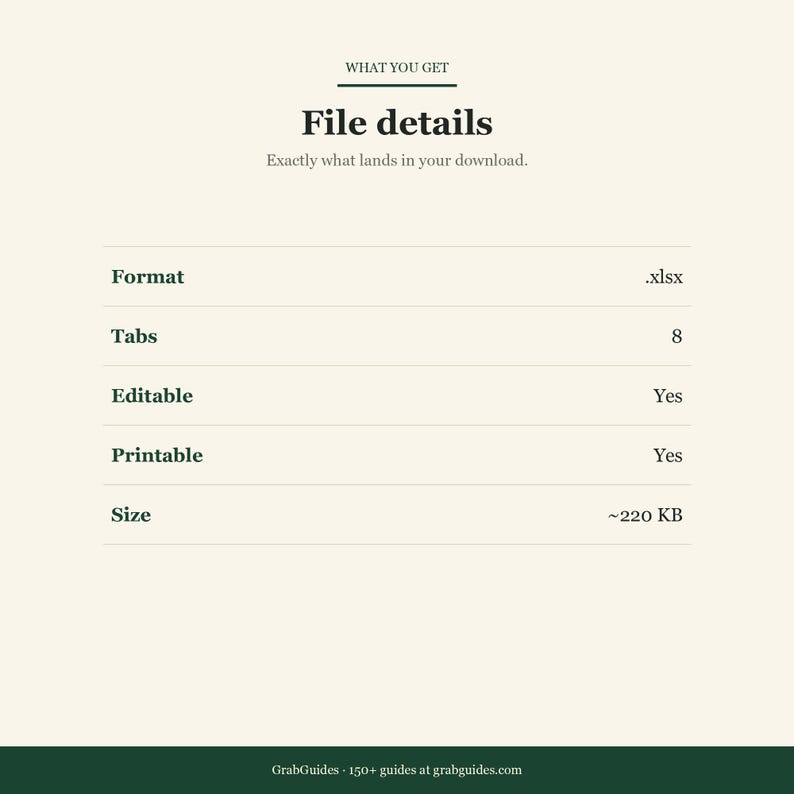
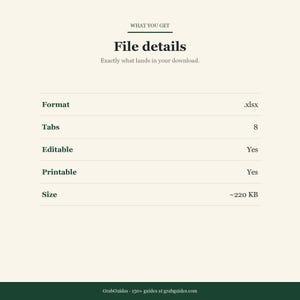
- Format: .xlsx
- Tabs: Income, Expenses, Mileage, Home Office, Quarterly, Summary, Instructions
- Fully editable
- Works across Excel, Sheets, Numbers
IMPORTANT
This is a tracking and estimation tool, not tax advice. Always verify quarterly amounts with a CPA or tax professional before sending to the IRS.
Updated with 2026 tax brackets and standard mileage rates.
Digital download. All sales final. Personal use.
Instant Download
Your files will be available to download once payment is confirmed. Here's how.
Instant download items don’t accept returns, exchanges or cancellations. Please contact the seller about any problems with your order.
Etsy Purchase Protection
Shop confidently on Etsy knowing if something goes wrong with an order, we've got your back for all eligible purchases —
see program terms

More from this shop
Visit shop-

Digital download
A6 Budget Binder Cash Envelope Inserts PDF | Cash Stuffing Printable | Sinking Funds Bill Trackers | Budget Binder Instant Download
$7.21
-

Digital download
Savings Challenge Printable Bundle | 100 Envelope Challenge 52 Week Savings Tracker | Cash Stuffing PDF | Budget Binder Instant Download
$7.21
-

Digital download
Self Care Journal Printable PDF | Daily Gratitude Journal Mindfulness Workbook | Mental Health Planner Mood Tracker Download
$7.21
-

Digital download
Side Hustle Tracker Spreadsheet | Excel Google Sheets Income Tracker Multiple Streams | Etsy Shop Freelance Profit Tracker Download
$9.62
Be the first to leave a review
-
Digital download
Freelance 1099 Tax Tracker Excel & Google Sheets | Self-Employed Tax Organizer | Quarterly Tax Estimator | Digital Download
$24.99
-
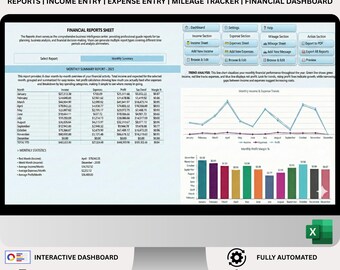
Digital download
Excel Freelance Tax Tracker | Expense Deduction Optimizer | IRS Mileage Log | Self-Employed Bookkeeping System
$69.67
-
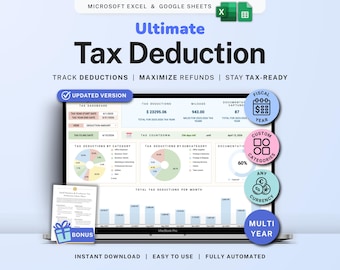
Digital download
Tax Deduction Tracker Google Sheets Self-Employed Tax Spreadsheet Small Business Freelancer Tax Prep Template Itemized Expense Tracker 1099
Sale Price $8.99
Original Price $17.98
-
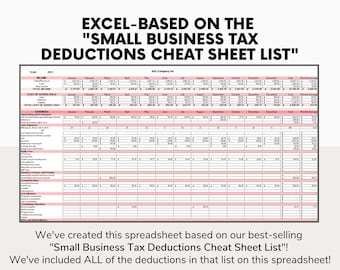
Digital download
Tax Deduction Tracker Excel Self Employed Tax Spreadsheet Small Business Freelancer Tax Prep Template Itemized Write Offs Tracker
$4.49
-
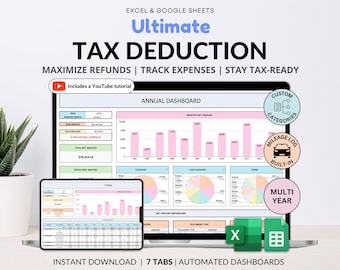
Digital download
Tax Deduction Tracker Google Sheets Small Business Tax Prep Self-Employed Tax Tracker Spreadsheet Excel Tax Planner Tax Checklist 1099 Form
Sale Price $9.00
Original Price $18.00
-
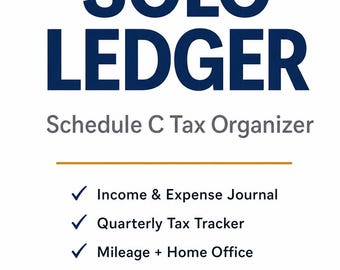
Digital download
Self Employed Tax Organizer | Schedule C Bookkeeping Spreadsheet | 1099 Freelancer Ledger | Excel & Google Sheets
$19.00
-
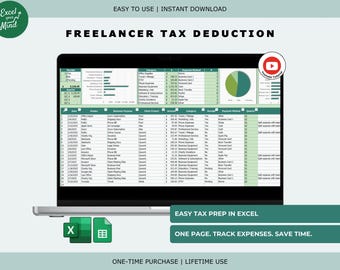
Digital download
Freelancer Tax Deduction Tracker: Client Receipts & Expense Categories (Excel, Google Sheets)
Sale Price $4.15
Original Price $5.93
-
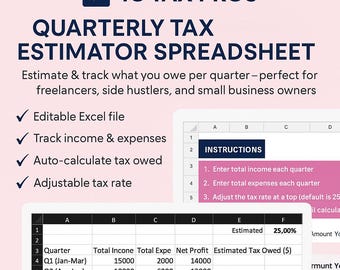
Digital download
2025-2026 Quarterly Tax Estimator | Self-Employed Excel Tracker (Excel Download)
$2.00
-
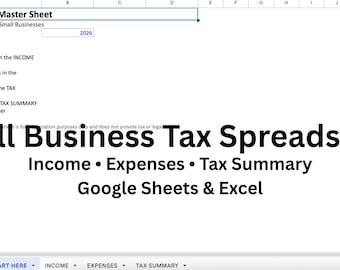
Digital download
Small Business Tax Spreadsheet | Freelancer Income and Expense Tracker | Google Sheets Template
$12.00
-
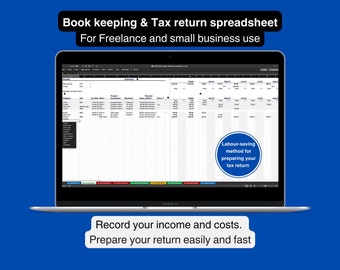
Digital download
Tax Return Spreadsheet: Income & Expenses Tracker for Freelancers (Excel)
$17.42
-
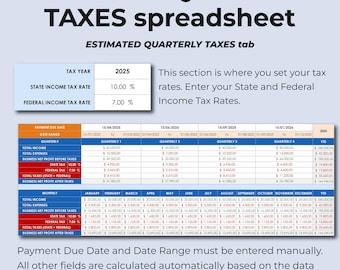
Digital download
Tax Tracker Spreadsheet | Income Tax Deductions Template | Estimated Taxes Planner | Business Tax Organizer | Self Employed Tax Tracker
Sale Price $9.27
Original Price $13.24
-
Digital download
Self Employed Tax Organizer, Freelance Expense Tracker, Small Business Tax Prep Checklist, Bookkeeping Ledger PDF
$7.49

