



NowPrice:$3.50
Original Price: $7.00
50% off
Sale ends on August 14
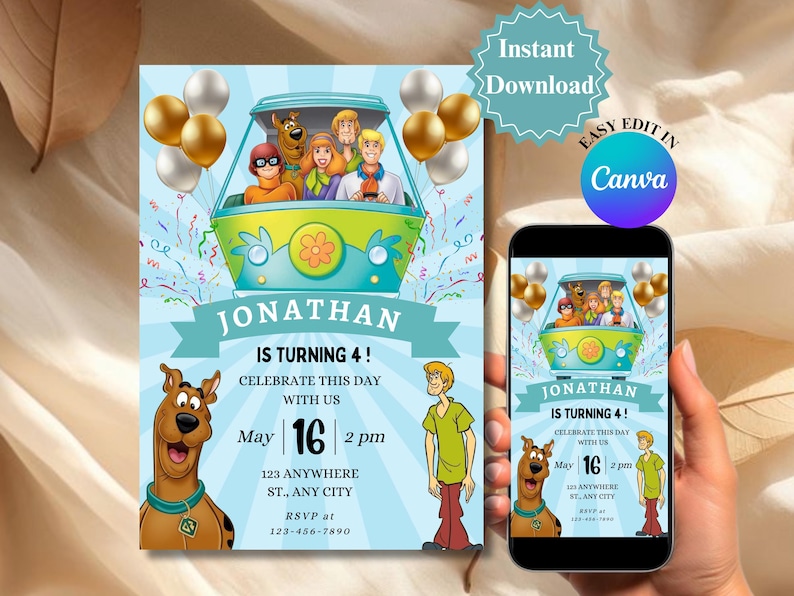
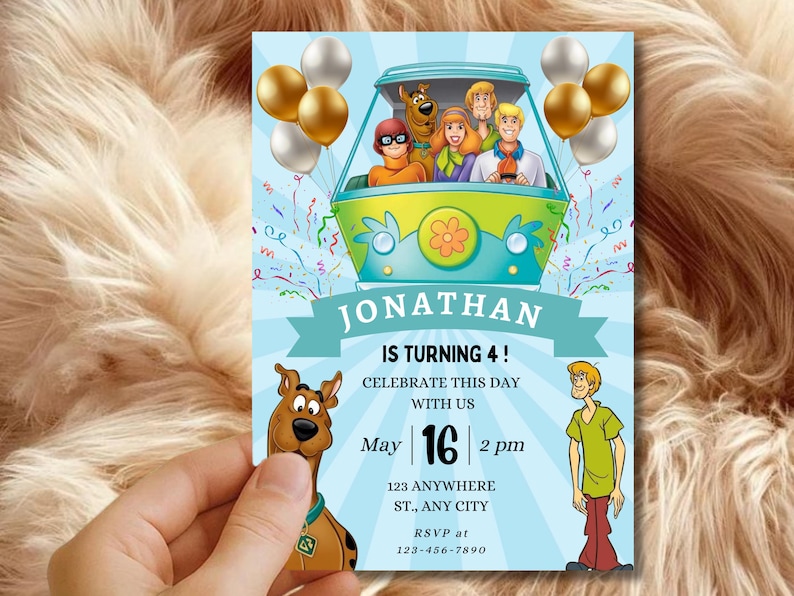
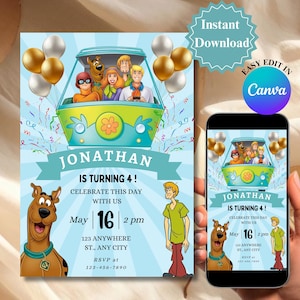
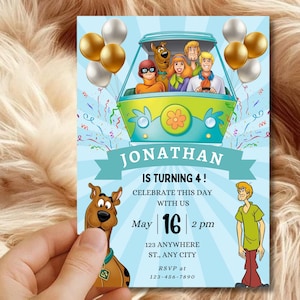
Mystery Puppy Birthday Invitation Editable in Canva Template, Cartoon Party Invite, Kids Birthday Invite, Instant Download, Mobile Friendly
-
Read Terms & Agree:
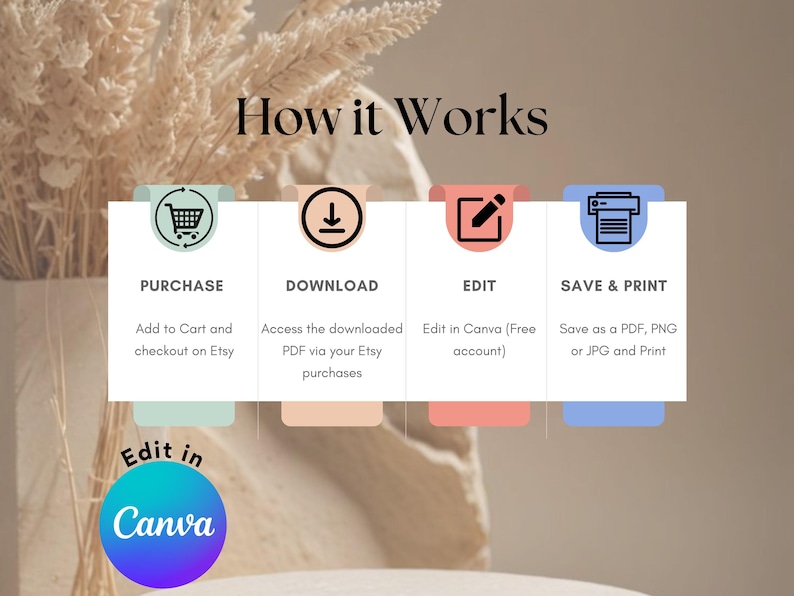
✅ This item is a digital CANVA Template (no physical item sent)
✅ D.I.Y - you edit & print
✅ Mobile & computer editing (computer recommended)
🚫Do not log in with Apple ID (confirmation email will be blocked)
Type "Yes" to proceed.0/256
You can only make an offer when buying a single item
Highlights
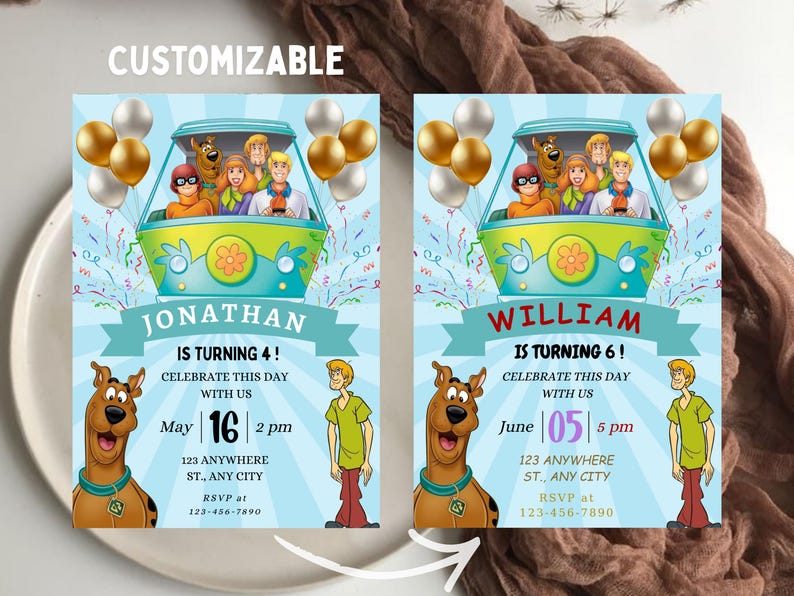
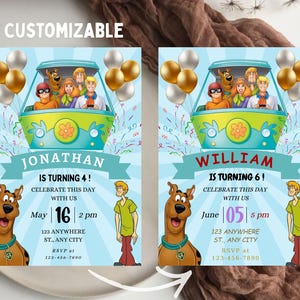
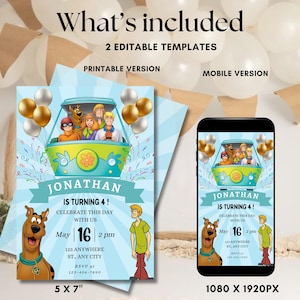
Make your child's birthday truly magical Birthday with our fun Mystery Puppy themed birthday invitation! This vibrant and colorful invite is perfect for a cute Mystery puppy-themed party, featuring amazing graphics that will excite all their friends. With our instant download feature, you can easily print this editable invite from the comfort of your home, allowing you to customize it to suit your celebration. Whether you’re planning a magical birthday party or a fun party, this printable template is designed to make your child’s special day unforgettable. Download your digital invite today and get ready for a whimsical celebration!
𝗜𝗡𝗖𝗟𝗨𝗗𝗘𝗗
(digital download)
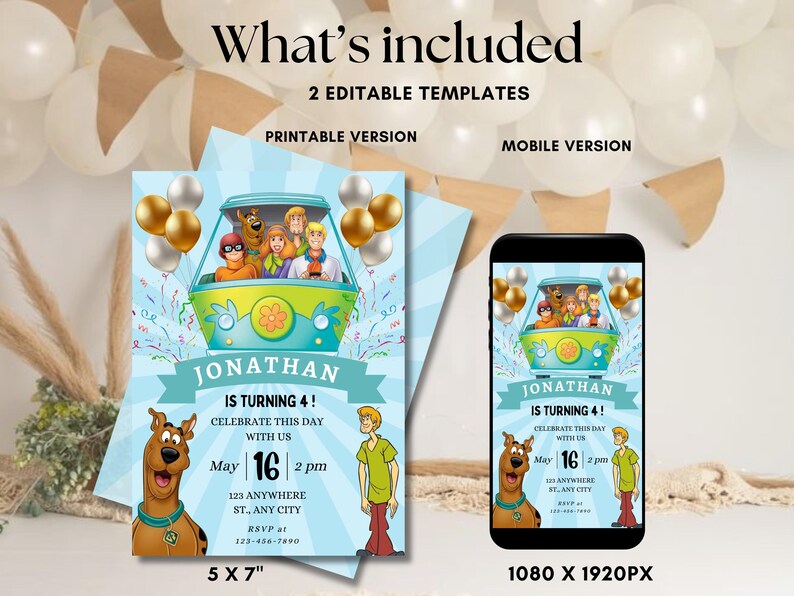
- Mystery Puppy Themed Birthday Invitation (Front & Back)- 5x7 inch template
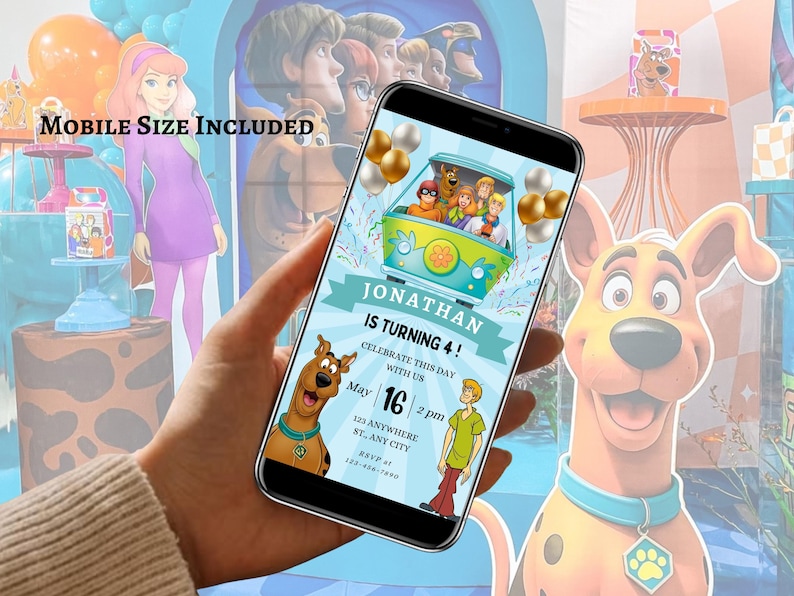
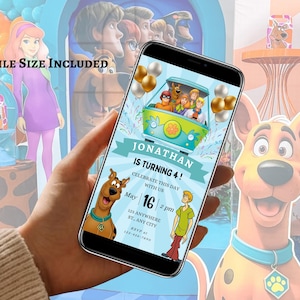
- 1080x1920 px mobile invitation
_______________________________________________________
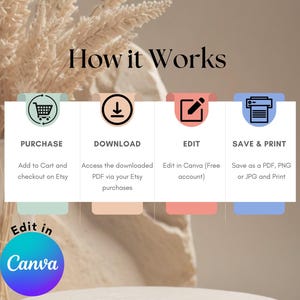
EDITING WITH CANVA
Purchase, edit, and print your designs with ease!
Customize every detail and all templates in Canva.
_______________________________________________________
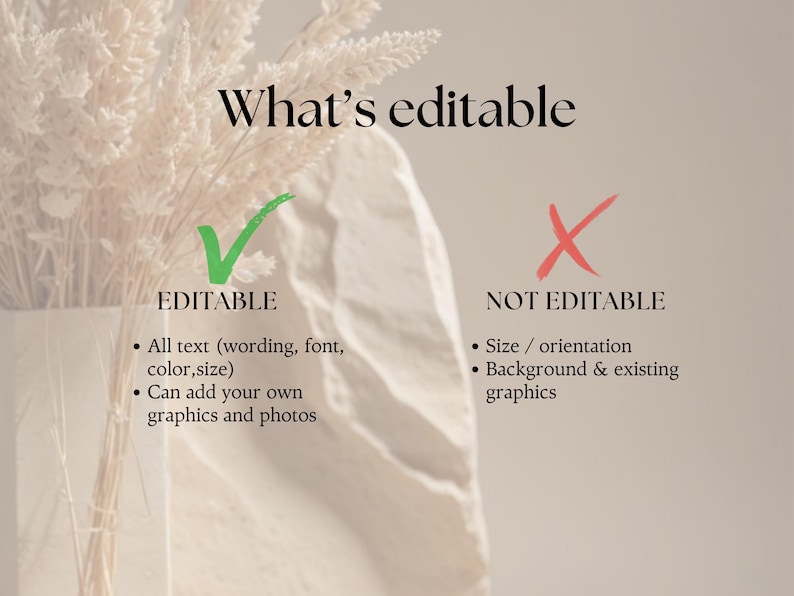
WHAT CAN I EDIT?
• Text & Text Color • Fonts • Size • Add your Photos
_______________________________________________________
WHERE DO I FIND MY TEMPLATES?
Here's a step-by-step guide to download your files from Etsy:
1. Log in to Your Etsy Account:
- Go to Etsy.com and log in with your credentials.
2. Go to Your Purchases:
- Click on your profile picture at the top right corner of the page.
Select "Purchases and reviews" from the dropdown menu.
3. Find Your Order:
- Locate the order for the files you purchased from us.
Download Your Files:
Next to the order, you'll see a "Download Files" button. Click on it.
This will take you to the Downloads page for that specific order.
Click on the file names to download them to your computer.
Note: If you purchased as a guest, you'll find a link to download your files in the receipt email that was sent to you after purchase. If you can't find the email, check your spam or junk folder.
⚠️ THIS LISTING IS NOT FOR A PHYSICAL PRODUCT - YOU WILL RECEIVE A DIGITAL DOWNLOAD AFTER YOUR PURCHASE IS MADE. ⚠️
_______________________________________________________
DOWNLOADING FORMATS
MOBILE SIZE INLCUDED
PDF: Best for printing
JPEG: Best for texting or emailing (or photo labs)
Optional bleed & trim marks (with PDF)
Multiple per page - choose PDF > 'Save Paper'
PRINTING
We recommend:
Invitations & cardstock to be printed at 300gsm/110lb.
_______________________________________________________
PRINTING FROM HOME
Download the final PDF in Canva and cut your designs out using a paper slicer, guillotine, or scissors. Set your print settings to '100%' or 'Actual Size' and the highest print quality. Avoid printing straight onto 5x7" size cardstock to prevent a white border around the design.
_______________________________________________________
SENDING VIA TEXT MESSAGE/EMAIL (Mobile size inlcuded)
Download your file as a JPEG (300dpi) and send it via text message or email. Use Airdrop (on a Mac) or email it to yourself, then open the attachment on your phone and save it. Ensure the email is sent at full quality/size.
_______________________________________________________
THINGS TO KNOW
How Canva Works
1. Sign Up and Log In:
First, head over to canva.com and sign up for a free account using your email, Google, or Facebook account. If you already have an account, just log in.
2. Access Your Template:
After your purchase, you'll receive a digital file with a link to your template. Click on the link, and it will open the template directly in Canva. If prompted, log in to your Canva account.
3. Customize Your Design:
Once your template is open in Canva, you can start customizing it to fit your needs. Canva’s drag-and-drop interface makes it super easy to add, move, and edit elements. You can change text, fonts, colors, images, and more.
4. Upload Your Own Images:
Want to personalize your template with your own photos or graphics? Click on the "Uploads" tab on the left side of the screen. You can drag and drop your files into Canva or use the "Upload" button to select files from your computer.
5. Save and Download:
Once you're happy with your customized design, you can save it by clicking the "File" menu and selecting "Save." To download your design, click the "Share" button at the top right, then "Download." Choose your preferred file format (PDF, JPEG, PNG), and save it to your computer.
_______________________________________________________
TERMS OF USE
All templates sold by Ink & Spark Co are solely for PERSONAL USE ONLY and cannot be resold, shared, or used commercially without our written consent. We reserve the right to revoke any order in breach of these terms.
Instant Download
Your files will be available to download once payment is confirmed. Here's how.
Instant download items don’t accept returns, exchanges or cancellations. Please contact the seller about any problems with your order.
Etsy Purchase Protection
Shop confidently on Etsy knowing if something goes wrong with an order, we've got your back for all eligible purchases —
see program terms

Reviews for this item
Easy to tweak and super cute!
Excellent birthday invitation for my daughter

More from this shop
Visit shop-
Digital download
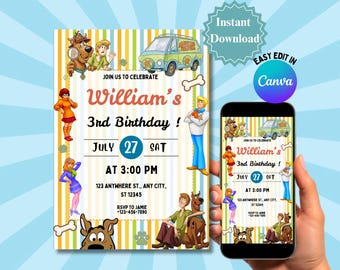
Mystery Puppy Birthday Invitation Editable in Canva Template, Cartoon Party Invite, Kids Birthday Invite, Instant Download, Mobile Friendly
Sale Price $3.50
Original Price $7.00
-
Digital download
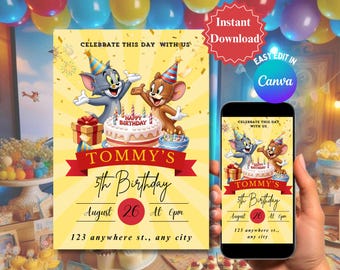
Cat and Mouse Birthday Invitation Editable in Canva Template, Kids Cartoon Party Invite, Mobile Version, Instant Download
Sale Price $3.50
Original Price $7.00
-
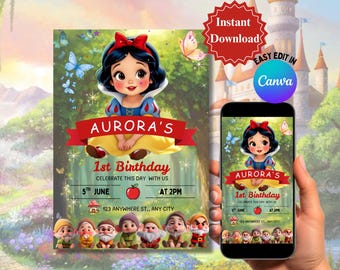
Digital download
Fairytale Princess Invitation Template Editable in Canva, Birthday Party Invite, Instant Download, Mobile Version Included, Kids
Sale Price $3.50
Original Price $7.00
-
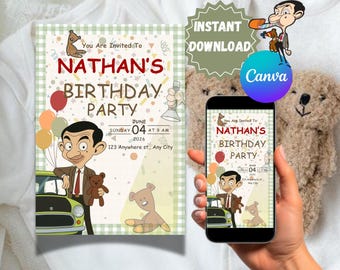
Digital download
Funny Gentleman Birthday Invitation Editable in Canva Template | Funny Cartoon Party Invite | Mobile Friendly (Digital Download)
Sale Price $3.50
Original Price $7.00
-
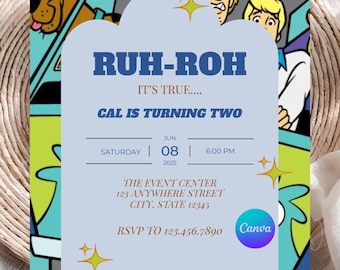
Digital download
Mystery Dog Party Invitation, Retro Van Mystery Second Birthday Invite, Retro Pup Invite, Editable Template, Printable, Digital
$5.99
-
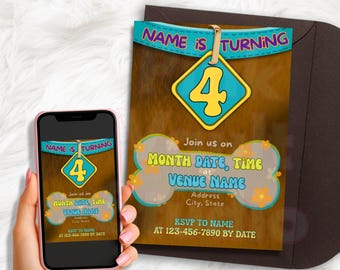
Digital download
Retro Cartoon Birthday Invitation | Groovy Mystery Party, Editable Digital Invite
$2.99
-
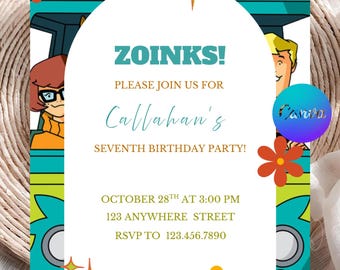
Digital download
Mystery Dog Party Invitation, Retro Van, Groovy Dog Birthday, Zoinks Birthday Invite, Editable Template, Printable, Digital
$5.99
-
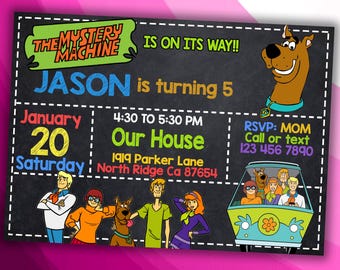
Digital download
Mystery Theme Birthday Invitation Design - DIGITAL FILE ONLY!
$8.25
-
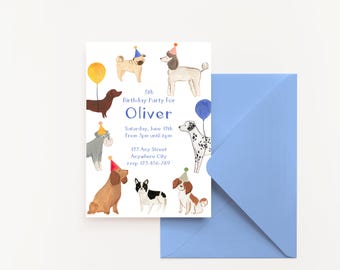
Digital download
Dog Birthday Kids Party Invitation | Editable and Printable Canva Template | Digital Download
$7.16
-
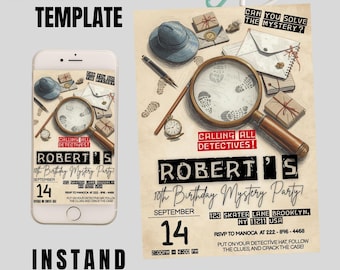
Digital download
Detective Mystery Birthday Invitation, Editable Printable Mystery Party Card, Kids Escape Room Theme Clue Game Party Canva Template 5x7 ınc
$4.50
-

Digital download
Mystery Dog Party Invitation, Retro Van Second Birthday, Groovy Dog Birthday, Ruh Roh Birthday Invite, Editable Template, Printable
$5.99
-
Digital download
Mystery Machine Birthday Party Invite | Retro Cartoon Halloween (Digital Download)
Sale Price $8.50
Original Price $10.00
-
Digital download
Detective Birthday Invitation, Mystery Clue Party Invite, Editable Template, Printable Bday Card, Mobile Phone Evite, Instant Download
Sale Price $2.99
Original Price $5.99
-
Digital download
Party Time Blue Dot Confetti Birthday Invitation | Editable Canva Template (Digital Download)
Sale Price $7.78
Original Price $11.11
-
Digital download
Sesame Street Birthday Invitation | Editable Canva Party Invite (Digital Download)
Sale Price $3.60
Original Price $6.00
-
Digital download
Escape Room Birthday Invitation, Mystery Detective Game (Editable Canva Template)
Sale Price $1.81
Original Price $4.52


