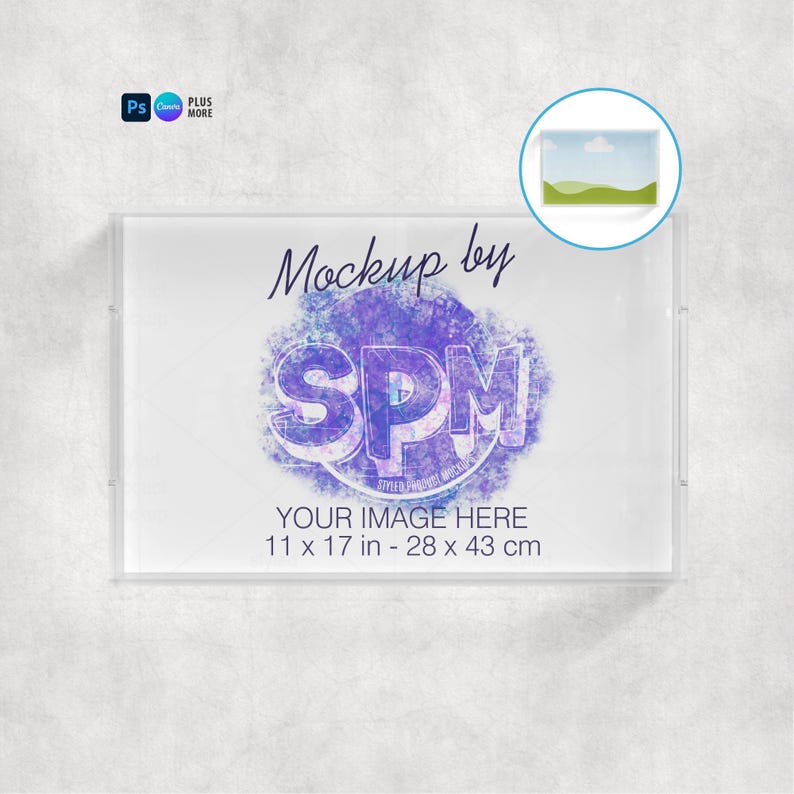
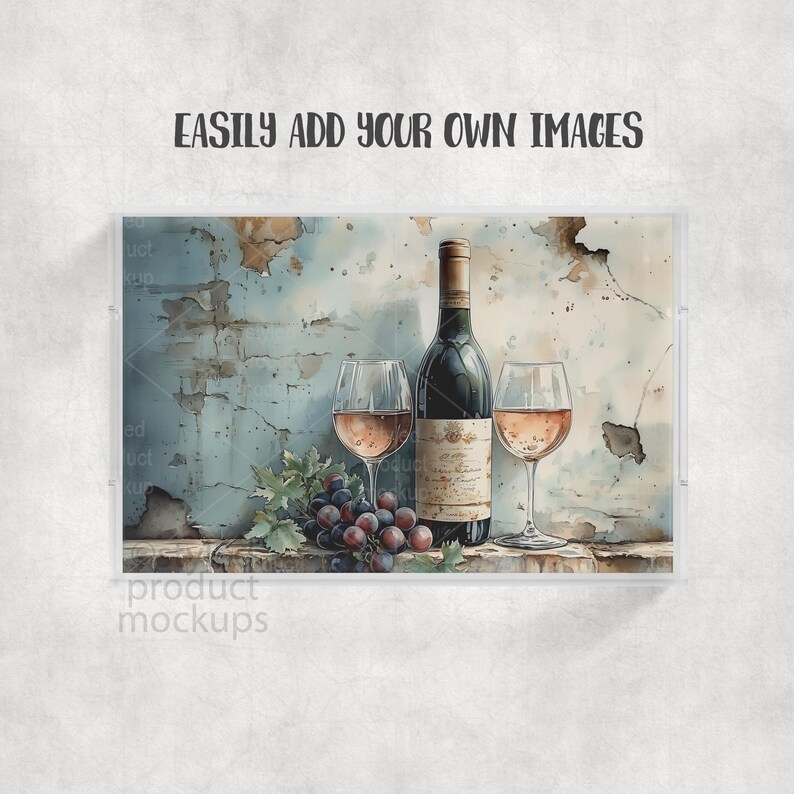
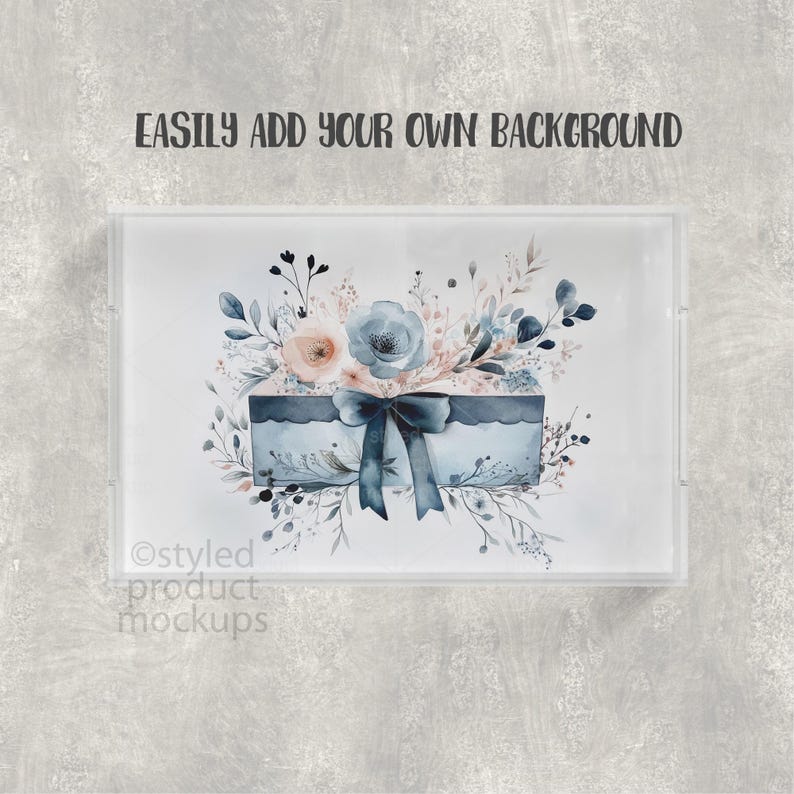
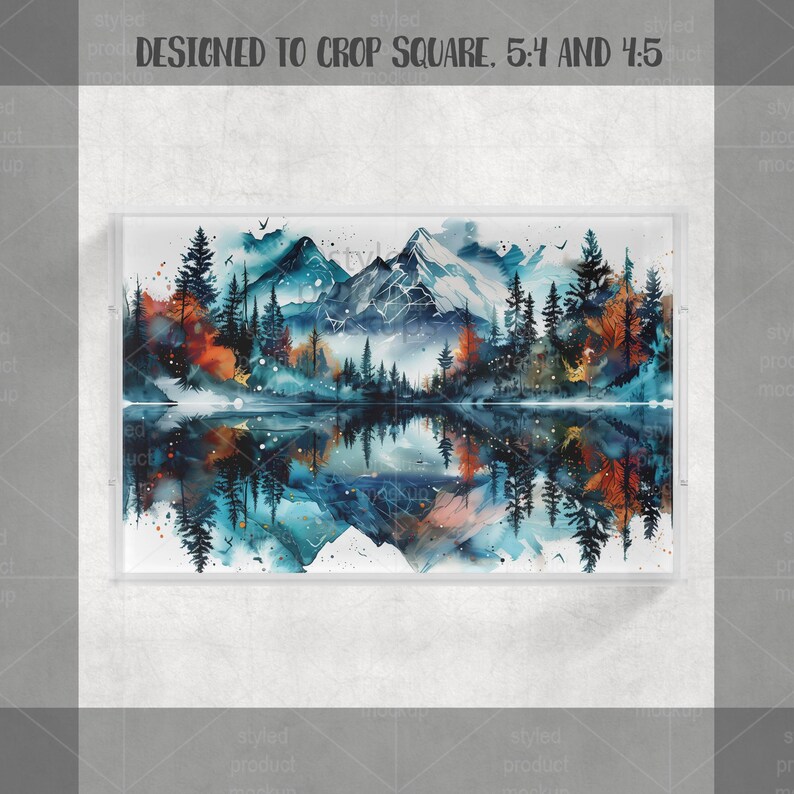
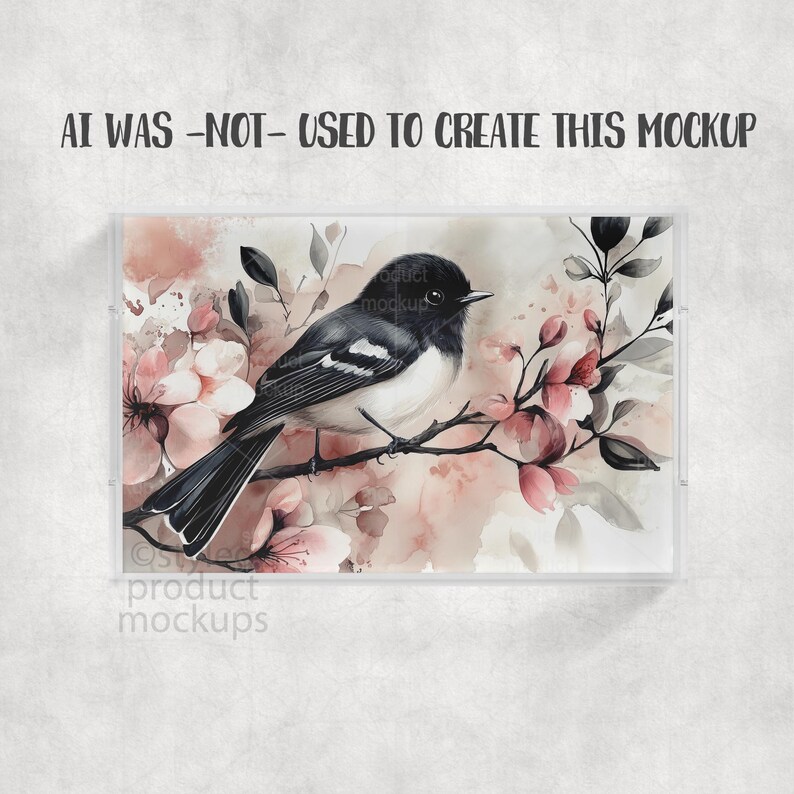
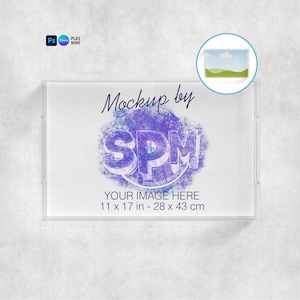
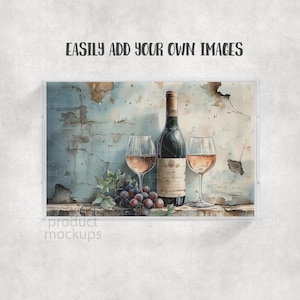
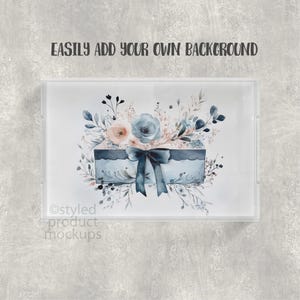
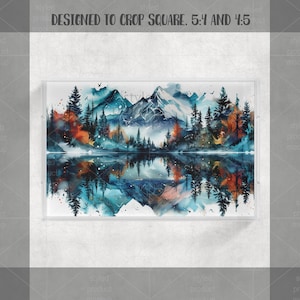
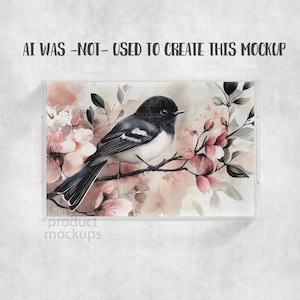
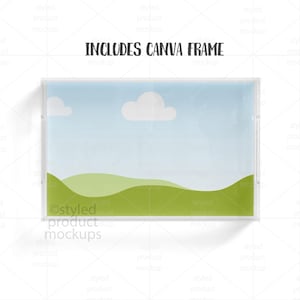
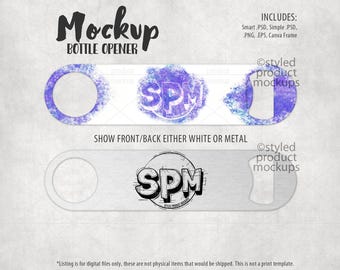
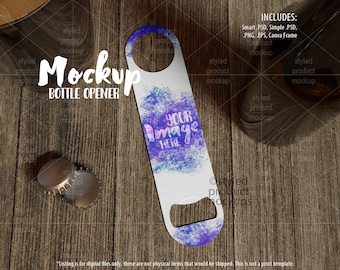
Showcase your designs in a clean, professional way with this acrylic serving tray mockup. Includes smart PSD, simple PSD, Canva frame link, PNG and EPS files. Perfect for Etsy sellers, sublimation designers, print-on-demand shops, and small business branding presentations. This mockup features a realistic acrylic serving tray photographed from a flat lay top-down view, making it ideal for displaying seamless artwork, personalized gifts, monograms, patterns, logos, and custom designs.
This easy-to-use bundle includes multiple file formats so you can quickly create polished product listings, social media content, website banners, and marketing materials.
**IMPORTANT - READ FIRST** This is a digital mockup file. This is NOT a physical item that would be printed and shipped. This is NOT a print template. This is a file that allows you to add your image in to digitally showcase your products without having to first print and photograph them yourself.
------------------------------------------------------------------------------------------------------
Be sure to follow for the latest product releases, giveaways and sales events:
pinterest.com/spmockups
facebook.com/spmockups
instagram.com/spmockups
x.com/spmockups
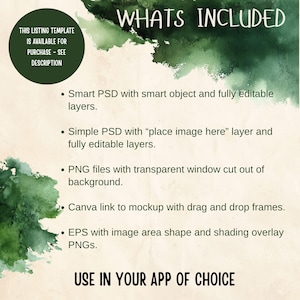
Download includes the following file formats:
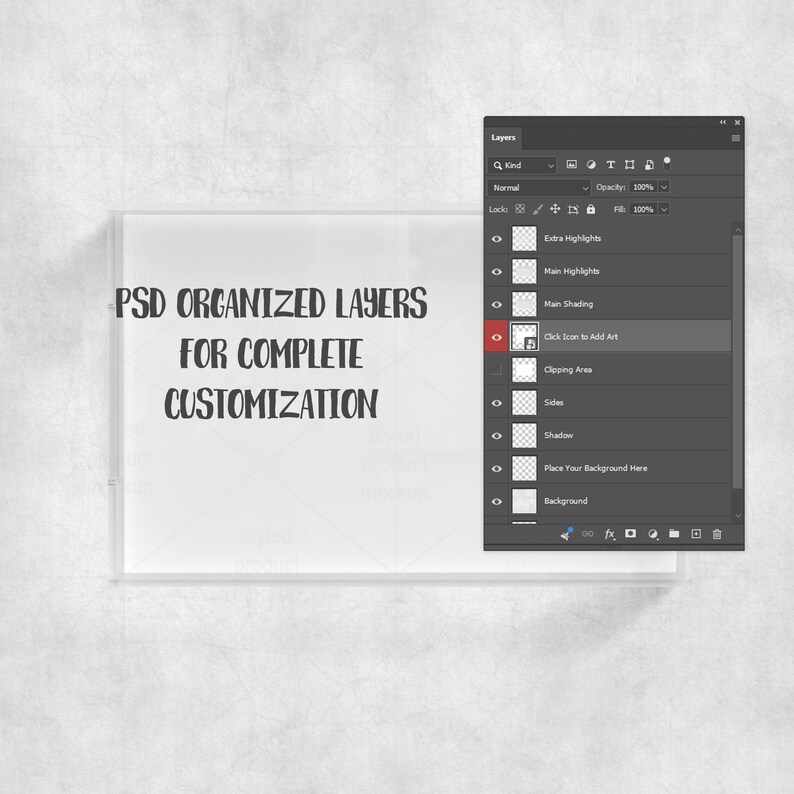
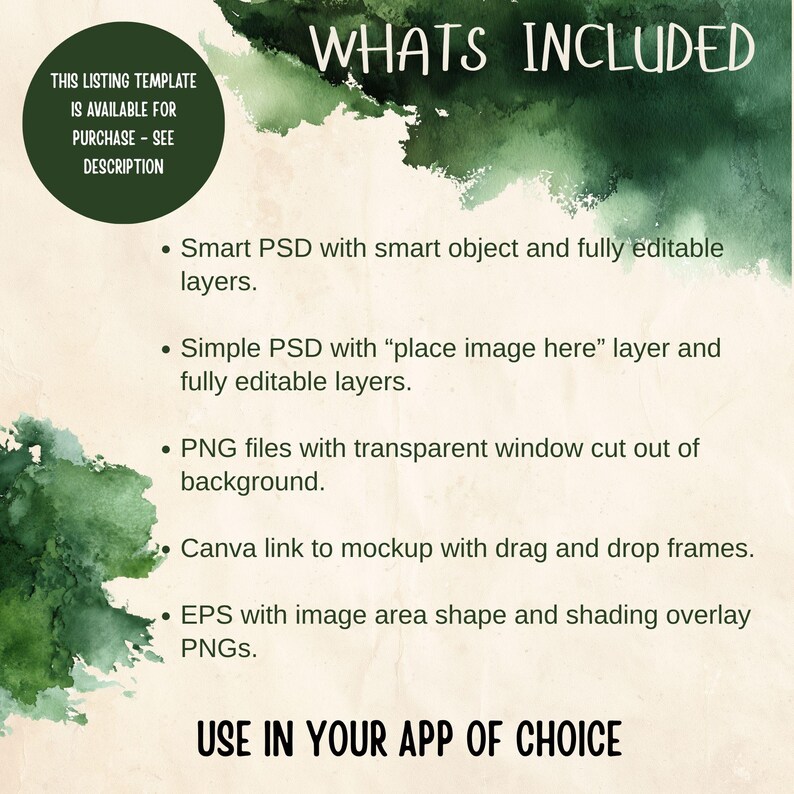
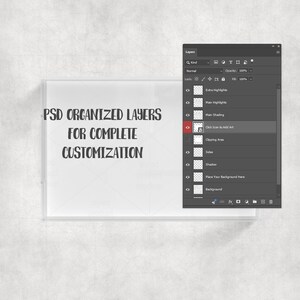
- Smart PSD: For Photoshop CS5+/CC, Photopea. File is set up with Smart Objects. Simply double click the layers marked in Red to paste your image in and you are done! Main layers are separate from background so you can add your own background in.
- Simplified .PSD for use in Elements or Affinity Photo. Simply place your image into the layer that says “Place Image Here”, then resize and adjust to fit the image area’s clipping mask. Main layers are separate from background so you can add your own background in.
- PNG files for other programs which have a transparent window cut out of the image area on a white or grey background. Resize and adjust to fit the image area. You cannot change the background with the PNG files.
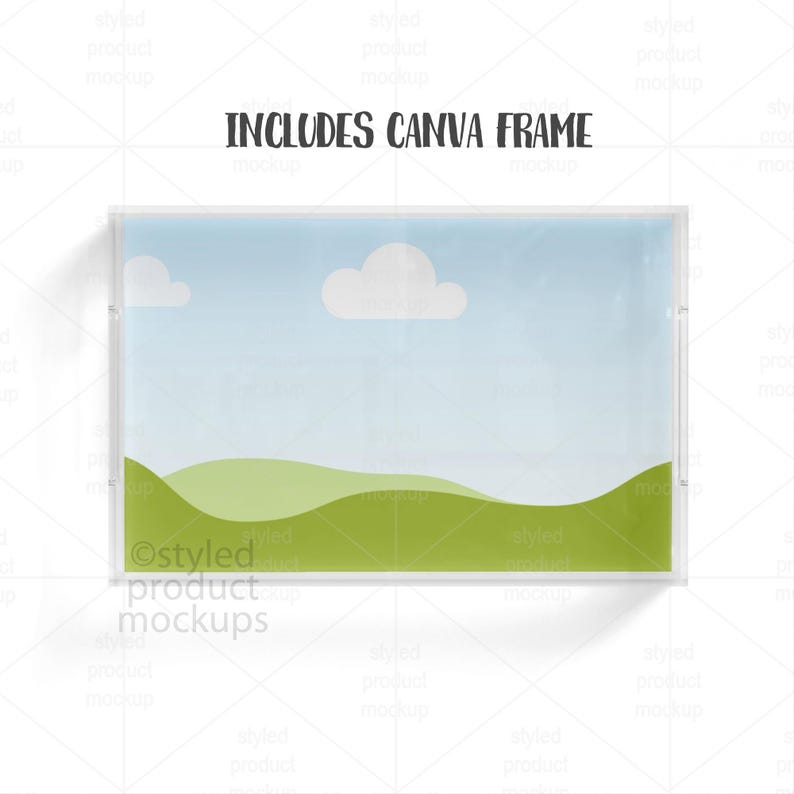
- CANVA link with frame with PNG shading overlays. Click the link in the CANVATemplate PDF. The Canva link has everything put together for you. All you need to do is drag the frame to the top of the layer list, drag and drop your image into it and then move back behind the shading layers.
- EPS shapes with PNG shading overlays. Open the EPS in Illustrator or Corel Draw and use the shapes to clip your image to the shape. Then place in the shading and highlight PNGs above your images. You can also place your own background in.
The templates are 2000x2000 at 300 dpi
Manufacturer(s):
Styled Product Mockups
2520 N McMullen Booth Rd. Ste B Suite 341
Clearwater, FL 33761
styledproductmockups [!at] gmail.com
Responsible Person:
TerrainQSolutionsUG
Franz-Ehrlich-Straße12
12489 Berlin
Germany
+4917643242825
info [!at] cert-rep.com
Product safety:
Digital Mockup Files
The product received is a digital file in PSD, PNG, EPS and/or PDF format. It is intended to be used to as a mockup for display purposes only. This product is intended for personal use only.
The product is delivered to the consumer in digital format ZIP file. User has the option to unzip the folder and use the contents on their personal computer, laptop, cell phone or tablet.
These files are able to be opened and used easily. Please refer to original listing documentation for full instructions on use.
Manufacturer assumes no responsibility for user's personal computer, laptop, cell phone or tablet.
Risk Assessment:
This product is a low-risk consumer digital product when used as intended. It does not pose any risk or poses minimum risks acceptable for its intended use.
All files are virus scanned prior to being placed on the market.
No product recalls have been issued for this product.