

Excel Warehouse Receiving Log – Discrepancy Tracker, Auto Status, Dashboard
Item highlights
Seller's description
Stop calculating overtime by hand. This Excel Warehouse Receiving Log logs every inbound shipment, automatically calculates discrepancies, and flags shortages, overages, and damage the moment you enter the quantities.
Built by a 15-year warehouse and logistics professional for real receiving dock environments.
────────────────────────────────
WHAT'S INCLUDED
────────────────────────────────
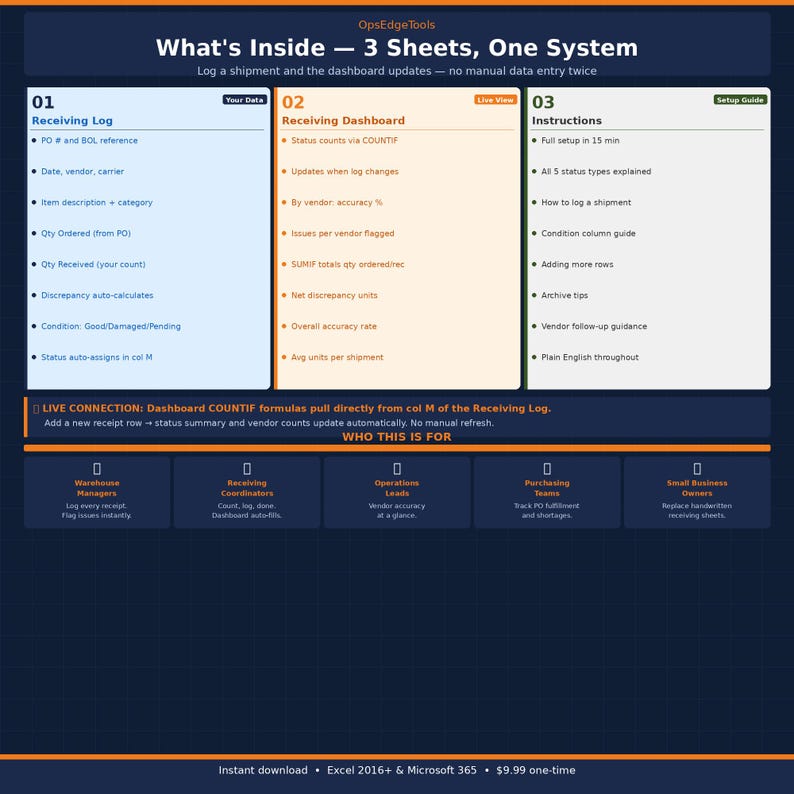
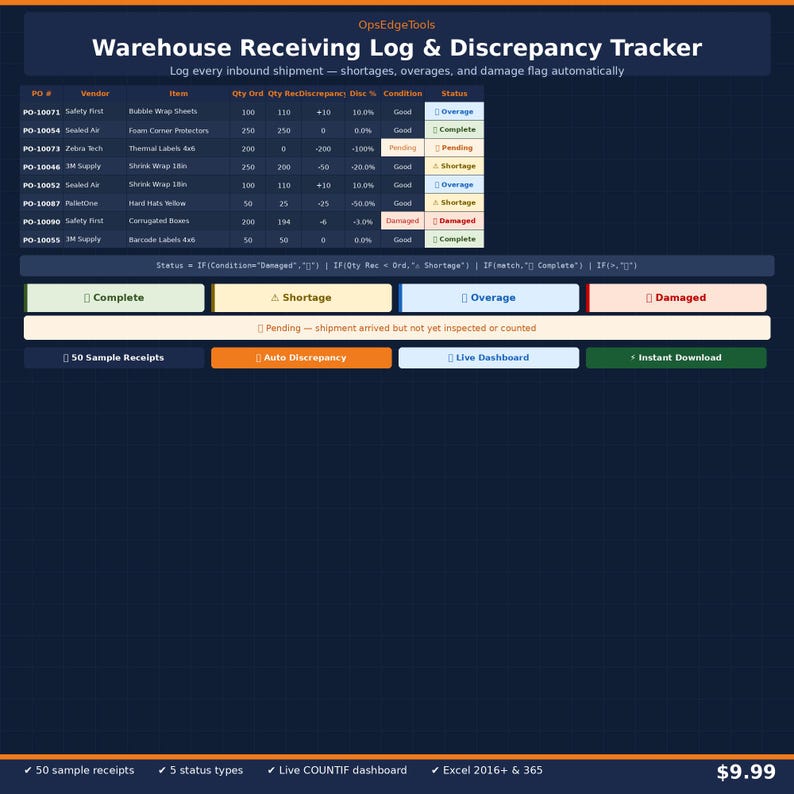
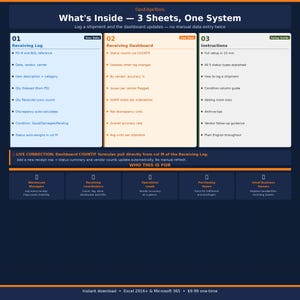
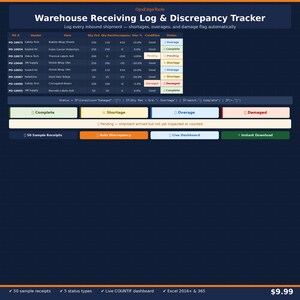
✔ Receiving Log Sheet — log PO number, BOL reference, date, vendor, carrier, item, quantities ordered and received, and condition. Discrepancy and status calculate automatically.
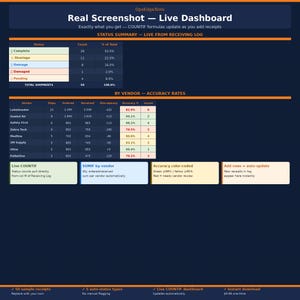
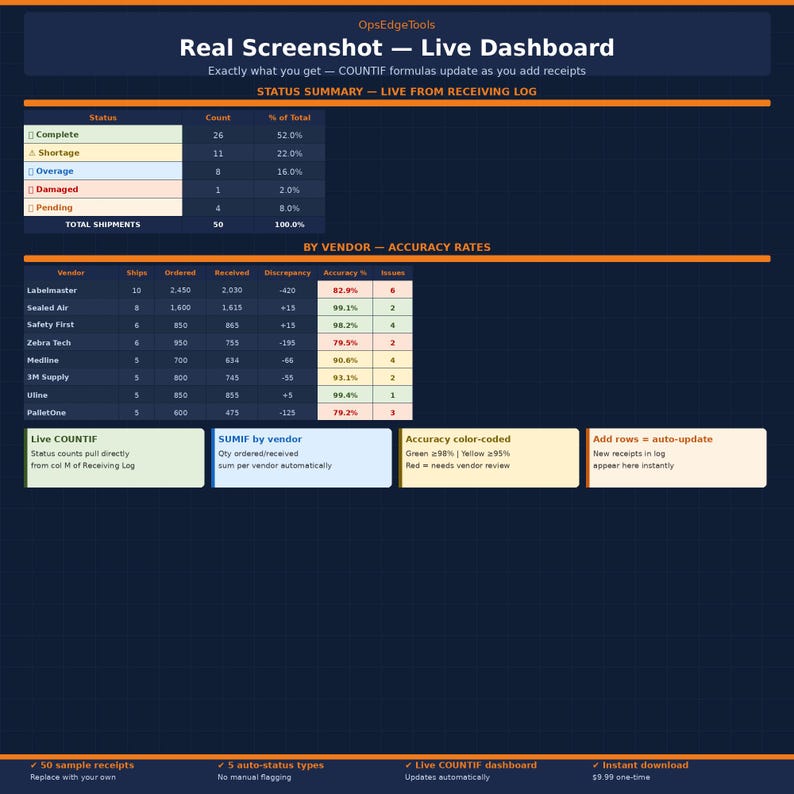
✔ Receiving Dashboard — live summary via COUNTIF and SUMIF formulas. Shows status counts, vendor accuracy rates, issue counts, and overall totals. Updates automatically when you add new rows.
✔ Instructions Sheet — full setup guide with condition options, adding rows, and vendor follow-up tips.
✔ 50 pre-loaded sample receipts across 8 vendors
────────────────────────────────
5 AUTO-STATUS TYPES
────────────────────────────────
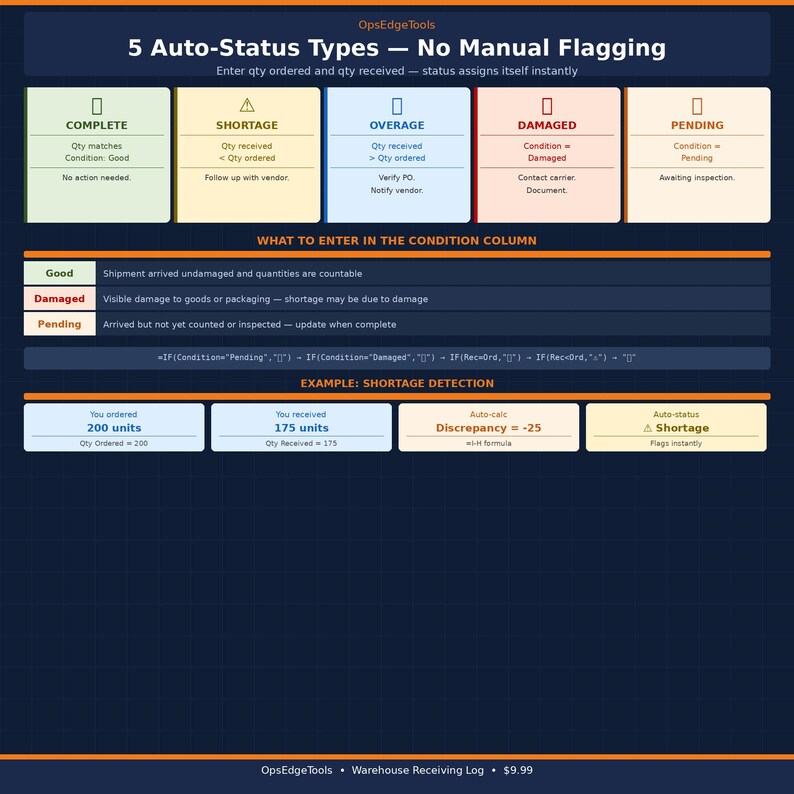
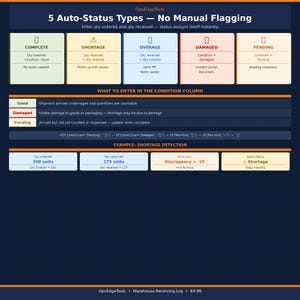
✅ Complete — qty matches, condition Good
⚠ Shortage — qty received less than ordered
📦 Overage — qty received exceeds ordered
🔴 Damaged — condition entered as Damaged
⏳ Pending — shipment arrived, not yet counted
Status assigns automatically based on what you enter in the Qty and Condition columns. No manual flagging required.
────────────────────────────────
AUTO-CALCULATED COLUMNS
────────────────────────────────
- Discrepancy = Qty Received minus Qty Ordered
- Discrepancy % = discrepancy divided by qty ordered
- Status = auto-assigned (5 types, color-coded)
- Dashboard counts via COUNTIF from Status column
- Vendor accuracy % via SUMIF from Qty columns
────────────────────────────────
WHO THIS IS FOR
────────────────────────────────
- Warehouse managers logging inbound shipments
- Receiving coordinators replacing paper logs
- Operations leads tracking vendor performance
- Purchasing teams monitoring PO fulfillment
- Small businesses replacing handwritten logs
────────────────────────────────
HOW TO USE
────────────────────────────────
1. Download instantly after purchase
2. Replace the 50 sample rows with your receipts
3. Enter PO #, vendor, quantities, and condition
4. Discrepancy and status calculate automatically
5. Check the dashboard for vendor accuracy rates
────────────────────────────────
FILE DETAILS
────────────────────────────────
- Format: .xlsx (Microsoft Excel)
- Compatibility: Excel 2016, 2019, 2021, 365
- Sheets: Receiving Log, Receiving Dashboard, Instructions
- Sample data: 50 receipts, 8 vendors, 4 categories
- Google Sheets: Partial compatibility
────────────────────────────────
FAQ
────────────────────────────────
Q: When do I get the file?
A: Instantly — Etsy, Purchases, Download Files.
Q: Can I add more than 50 rows?
A: Yes — copy any data row downward. All formulas and dashboard COUNTIF/SUMIF extend automatically.
Q: Does the dashboard update automatically?
A: Yes — status counts and vendor totals use live COUNTIF/SUMIF formulas that pull from the log.
Q: What if I have an issue?
A: Message me within 48 hours with a screenshot, resolved same day.
------------------------------
DISCLAIMER & TERMS OF USE
------------------------------
This template is a general-purpose organizational tool provided "AS IS" for informational purposes only. It is NOT legal, financial, tax, accounting, HR, safety, or other professional advice, and it is not a substitute for advice from a qualified professional or for your own verification.
You are solely responsible for the data you enter, the formulas and results you rely on, and any decisions, actions, filings, or outcomes based on this file. Always verify calculations and check the current laws, regulations, rates, and standards that apply to your business (including but not limited to IRS, OSHA, DOT, FMCSA, labor and wage-and-hour laws, and ISO or industry standards). Sample data included in the file is fictional and for illustration only.
OpsEdgeTools makes no warranty of any kind, express or implied, including any warranty of accuracy, completeness, merchantability, fitness for a particular purpose, or compliance with any law or standard. To the fullest extent permitted by law, OpsEdgeTools shall not be liable for any direct, indirect, incidental, consequential, or other loss, damage, injury, fine, or claim arising out of or related to the use of, or inability to use, this product.
This is a digital download licensed for the purchaser's personal or internal business use only. No resale, redistribution, sharing, or claiming as your own. Due to the nature of digital products, all sales are final. By purchasing and downloading this product you agree to these terms.
If something goes wrong with an order, we've got your back for all eligible purchases. View program terms
NowPrice:$7.99
Original Price: $9.99
20% off
Sale ends on November 5
You can only make an offer when buying a single item
Delivery
Instant download
Your files will be available to download once payment is confirmed. Here's how.
Instant download items don't accept returns, exchanges or cancellations. Please contact the seller about any problems with your order.
Seller's description
Specifications
Stop calculating overtime by hand. This Excel Warehouse Receiving Log logs every inbound shipment, automatically calculates discrepancies, and flags shortages, overages, and damage the moment you enter the quantities.
Built by a 15-year warehouse and logistics professional for real receiving dock environments.
────────────────────────────────
WHAT'S INCLUDED
────────────────────────────────
✔ Receiving Log Sheet — log PO number, BOL reference, date, vendor, carrier, item, quantities ordered and received, and condition. Discrepancy and status calculate automatically.
✔ Receiving Dashboard — live summary via COUNTIF and SUMIF formulas. Shows status counts, vendor accuracy rates, issue counts, and overall totals. Updates automatically when you add new rows.
✔ Instructions Sheet — full setup guide with condition options, adding rows, and vendor follow-up tips.
✔ 50 pre-loaded sample receipts across 8 vendors
────────────────────────────────
5 AUTO-STATUS TYPES
────────────────────────────────
✅ Complete — qty matches, condition Good
⚠ Shortage — qty received less than ordered
📦 Overage — qty received exceeds ordered
🔴 Damaged — condition entered as Damaged
⏳ Pending — shipment arrived, not yet counted
Status assigns automatically based on what you enter in the Qty and Condition columns. No manual flagging required.
────────────────────────────────
AUTO-CALCULATED COLUMNS
────────────────────────────────
- Discrepancy = Qty Received minus Qty Ordered
- Discrepancy % = discrepancy divided by qty ordered
- Status = auto-assigned (5 types, color-coded)
- Dashboard counts via COUNTIF from Status column
- Vendor accuracy % via SUMIF from Qty columns
────────────────────────────────
WHO THIS IS FOR
────────────────────────────────
- Warehouse managers logging inbound shipments
- Receiving coordinators replacing paper logs
- Operations leads tracking vendor performance
- Purchasing teams monitoring PO fulfillment
- Small businesses replacing handwritten logs
────────────────────────────────
HOW TO USE
────────────────────────────────
1. Download instantly after purchase
2. Replace the 50 sample rows with your receipts
3. Enter PO #, vendor, quantities, and condition
4. Discrepancy and status calculate automatically
5. Check the dashboard for vendor accuracy rates
────────────────────────────────
FILE DETAILS
────────────────────────────────
- Format: .xlsx (Microsoft Excel)
- Compatibility: Excel 2016, 2019, 2021, 365
- Sheets: Receiving Log, Receiving Dashboard, Instructions
- Sample data: 50 receipts, 8 vendors, 4 categories
- Google Sheets: Partial compatibility
────────────────────────────────
FAQ
────────────────────────────────
Q: When do I get the file?
A: Instantly — Etsy, Purchases, Download Files.
Q: Can I add more than 50 rows?
A: Yes — copy any data row downward. All formulas and dashboard COUNTIF/SUMIF extend automatically.
Q: Does the dashboard update automatically?
A: Yes — status counts and vendor totals use live COUNTIF/SUMIF formulas that pull from the log.
Q: What if I have an issue?
A: Message me within 48 hours with a screenshot, resolved same day.
------------------------------
DISCLAIMER & TERMS OF USE
------------------------------
This template is a general-purpose organizational tool provided "AS IS" for informational purposes only. It is NOT legal, financial, tax, accounting, HR, safety, or other professional advice, and it is not a substitute for advice from a qualified professional or for your own verification.
You are solely responsible for the data you enter, the formulas and results you rely on, and any decisions, actions, filings, or outcomes based on this file. Always verify calculations and check the current laws, regulations, rates, and standards that apply to your business (including but not limited to IRS, OSHA, DOT, FMCSA, labor and wage-and-hour laws, and ISO or industry standards). Sample data included in the file is fictional and for illustration only.
OpsEdgeTools makes no warranty of any kind, express or implied, including any warranty of accuracy, completeness, merchantability, fitness for a particular purpose, or compliance with any law or standard. To the fullest extent permitted by law, OpsEdgeTools shall not be liable for any direct, indirect, incidental, consequential, or other loss, damage, injury, fine, or claim arising out of or related to the use of, or inability to use, this product.
This is a digital download licensed for the purchaser's personal or internal business use only. No resale, redistribution, sharing, or claiming as your own. Due to the nature of digital products, all sales are final. By purchasing and downloading this product you agree to these terms.
-
Designed by
-
Item typeDigital download
-
Digital file type(s)1 File
If something goes wrong with an order, we've got your back on all eligible purchases. View program terms
Meet your seller

More from this shop
-
Digital download
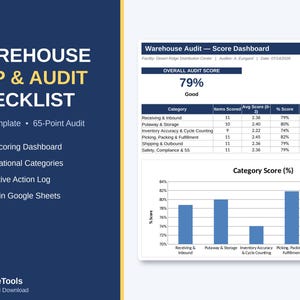
Warehouse SOP Audit Checklist Excel Template – 65 Point Scoring Dashboard, Corrective Action Log
Sale Price $10.39
Original Price $12.99
-
Digital download
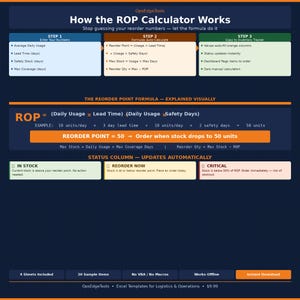
Excel Inventory Tracker Template – Reorder Alerts, KPI Dashboard, Auto Status
Sale Price $7.99
Original Price $9.99
-
Digital download
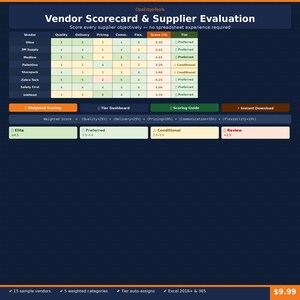
Excel Vendor Scorecard Template – Supplier Evaluation, Weighted Scoring, Tier Dashboard
Sale Price $9.59
Original Price $11.99
-
Digital download
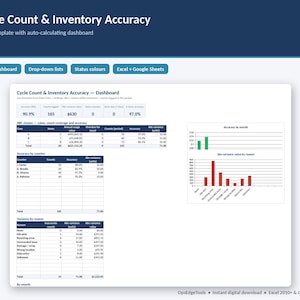
Excel Cycle Count Sheet – Inventory Accuracy, Variance Log, ABC Analysis
Sale Price $8.79
Original Price $10.99
-
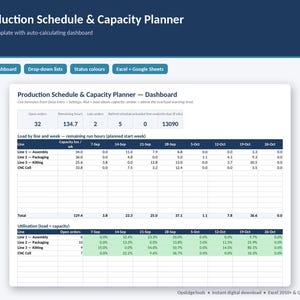
Digital download
Excel Production Schedule Template – Capacity Planning, Line Utilization, Order Status
Sale Price $9.59
Original Price $11.99
-
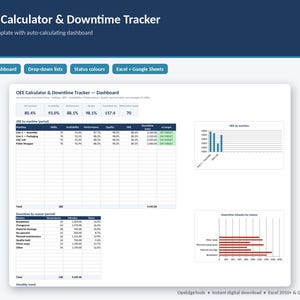
Digital download
Excel OEE Calculator – Availability, Performance, Quality, Downtime Tracker
Sale Price $8.79
Original Price $10.99
-
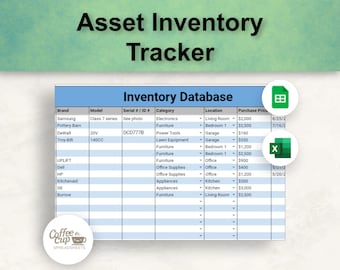
Digital download
Asset Tracker Excel and Google Sheet | Small Business Fixed Assets Listing | Printable Asset List | Insurance Claims Excel Template
$5.50
-
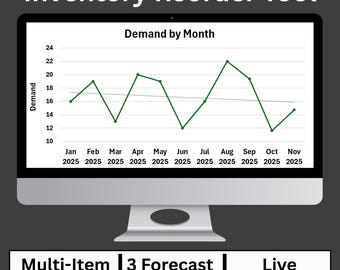
Digital download
Inventory Forecast Excel Template – Demand Planning Tool for SKUs & Sales Trends
$9.99
-
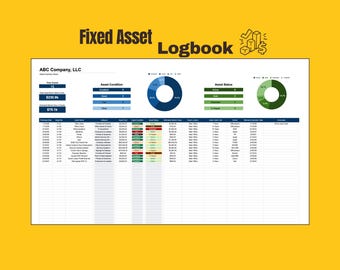
Digital download
Asset Management Template: Small Business Asset Tracker (Excel and Google Sheets)
$6.75
-

Digital download
Hotel Incident Tracker Excel Template | Guest Service Request Log
$9.99
-
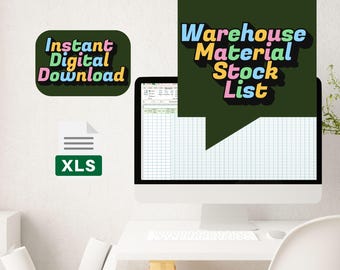
Digital download
Warehouse Stock List Excel Template: Inventory Tracker (Digital Download)
$6.99
-
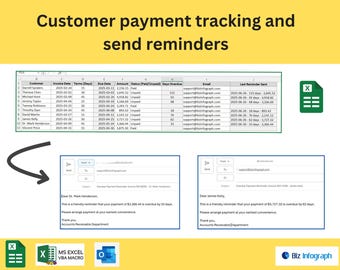
Digital download
Customer Payment Tracking and Send Reminders
$9.70
-
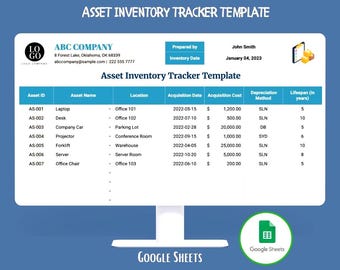
Digital download
Asset Inventory Tracker Google Sheets Fixed Asset Register Equipment Tracking Depreciation Management Dashboard Template
$8.90
-
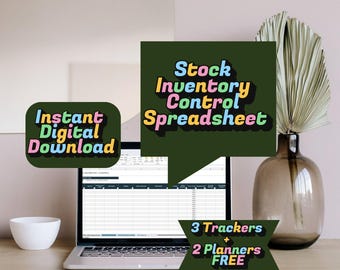
Digital download
Excel Inventory Tracker: Small Business Stock Control Spreadsheet (Digital Download)
$6.99
-
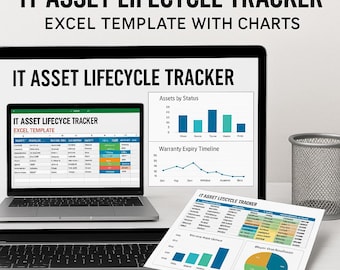
Digital download
IT Asset Tracker Excel Template | Hardware Inventory, Warranty, Lifecycle & Depreciation Dashboard (Digital Download)
$8.38
-
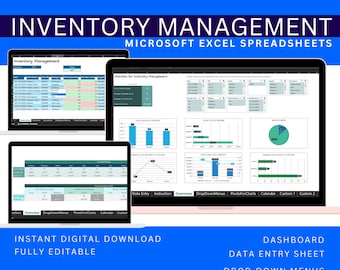
Digital download
Excel Template Inventory Management, Stock Tracker Dashboard, Warehouse Inventory Control Spreadsheet Digital Download
$9.99
-
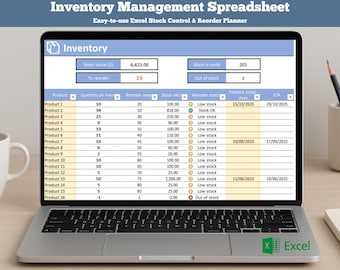
Digital download
Inventory Tracker Excel Template | Stock Management with Automatic Calculations & Alerts
$6.33
-
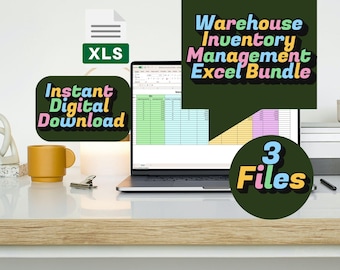
Digital download
Warehouse Inventory Management Excel Templates: Stock List, Receipts (Digital Download))
$9.99
Shoppers with similar taste loved these
-
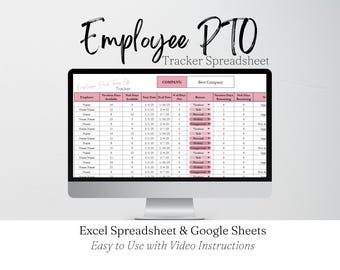
Digital download
Employee PTO Tracker Template, Vacation Tracker, Leave Tracker, Time Off Tracker, HR Templates, Human Resources Business Excel Spreadsheet
Sale Price $3.29
Original Price $6.59
-
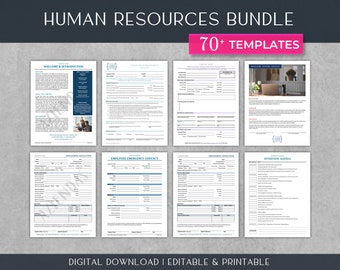
Digital download
Human Resources Templates: 70+ Employee Management Forms (Digital Download)
$74.99
-
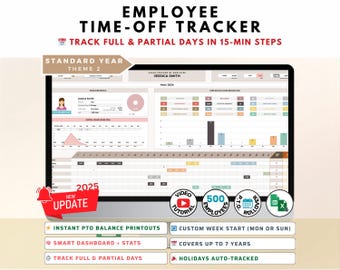
Digital download
Employee PTO Tracker | Time Off and Absence Excel Template | Vacation and Leave Management for Teams (Google Sheets Included)
$22.14
-
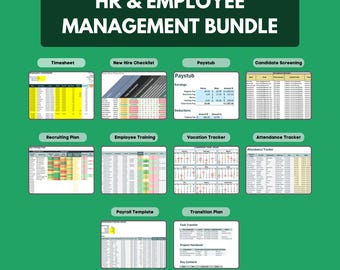
Digital download
HR & Employee Management Spreadsheet | Payroll, Attendance, Hiring and Training Tracker | Excel and Google Sheets
$16.65
-
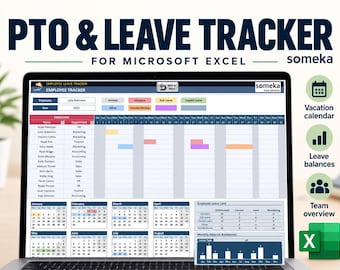
Digital download
PTO Tracker Excel Template: Employee Leave and Vacation Calendar
Sale Price $18.71
Original Price $24.95
-
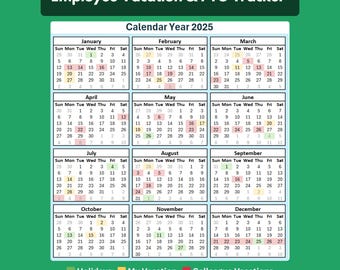
Digital download
Vacation Tracking Template Excel Calendar Digital Download Office Planner Time Management System Tool Business Organization Leave Tracker
$5.99
-

Digital download
HR Templates Hub: 600+ HR Forms, Employee Handbook, Onboarding (Digital Download)
$69.99
-
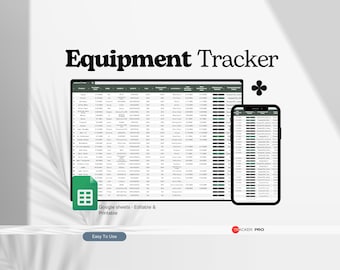
Digital download
Equipment Tracker, Business Inventory Tracker, Asset Tracker, Heavy Equipment, Farm Equipment, Rental Equipment List, Inventory Management
Sale Price $3.66
Original Price $7.32
-
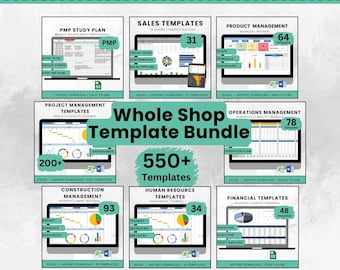
Digital download
Whole Shop Template Bundle Spreadsheet Entire Shop Project Management Construction Financial Human Resources Operations Sales Tracker
Sale Price $18.00
Original Price $60.00
-
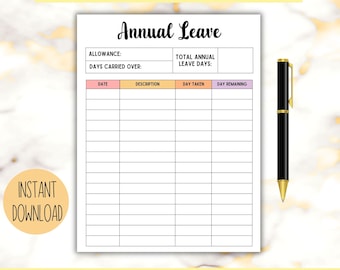
Digital download
Annual Leave Tracker, PTO Tracker, Work Holiday Tracker, Work Vacation Tracker, Day Offs Tracker A4 A5 Letter Size, Instant Download
$2.46
-
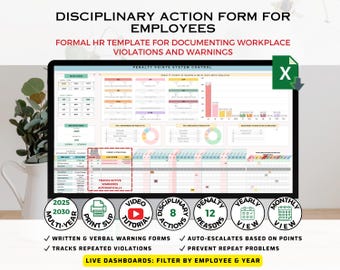
Digital download
Disciplinary Action Form System | Employee Warning Notice Template, HR Excel Tracker & Behavior Log
$22.84
-
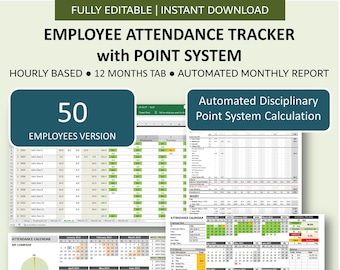
Digital download
Employee Attendance Tracker with Disciplinary Point System | Automated Monthly Attendance Report | PTO-Late Tracker | 50 Hourly Employees
$36.00


