












NowPrice:$5.24
Original Price: $6.99
25% off
Sale ends in 1 day
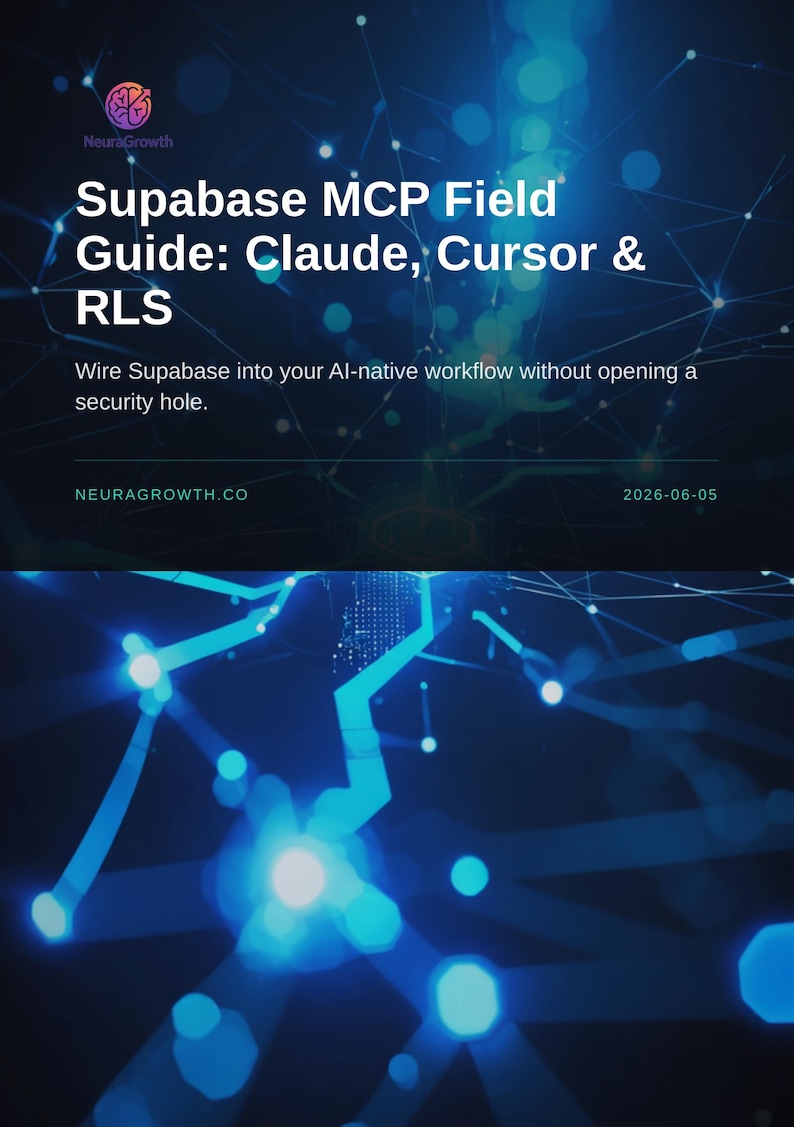
Supabase MCP Field Guide: Claude, Cursor & RLS Security
You can only make an offer when buying a single item
Highlights
You've integrated Supabase into your AI workflow, but connecting Claude or Cursor directly to your database feels risky. You need schema insight without accidentally exposing production data-or worse, giving an LLM write access to your tables.
This guide shows you exactly how to wire Supabase into Claude Desktop and Cursor using the Model Context Protocol (MCP), with Row-Level Security (RLS) locked down so your AI assistant can read schema and query safely, but never modify or breach your data.
What's inside:
• How the Supabase MCP server works and why it matters for AI-native development
• Prerequisites: Supabase project setup, API keys, and RLS policy essentials
• Installing the MCP server on macOS, Linux, and Windows
• Configuring Claude Desktop step-by-step: editing claude_desktop_config.json, adding the server block, and testing your first query
• Configuring Cursor: .cursor/mcp.json syntax, common gotchas, and debug patterns
• RLS fundamentals: why --read-only mode protects your production data and when to use it
• Real-world schema queries: asking Claude to list tables, describe columns, and suggest indexes based on your live schema
• Troubleshooting: common connection errors, authentication failures, and how to verify MCP logs
You'll walk through a complete setup in under five minutes. By the end, you'll have Claude or Cursor connected to your Supabase database with full schema visibility and zero security risk.
This is a digital download: a comprehensive PDF guide with code examples, configuration templates, and step-by-step screenshots. No video, no signup required. Read it once, keep it forever, share the setup instructions with your team.
Ideal for full-stack developers, AI prompt engineers, and teams building AI-assisted applications on Supabase. If you're tired of copy-pasting schema by hand or nervous about giving LLMs database access, this guide cuts through the uncertainty.
About this product
NeuraGrowth is an AI-assisted, human-curated digital studio made in Poland. Concept, structure, and final pass on every product are human-directed. Drafting, layout, illustration, and image rendering use generative AI tools (Claude by Anthropic, Stability AI, Ideogram, DALL-E, Gemini, and FLUX), selected per task for the best output. We don't auto-publish. Every file passes hands-on review before it goes live.
Instant Download
Your files will be available to download once payment is confirmed. Here's how.
Instant download items don’t accept returns, exchanges or cancellations. Please contact the seller about any problems with your order.
Etsy Purchase Protection
Shop confidently on Etsy knowing if something goes wrong with an order, we've got your back for all eligible purchases —
see program terms

Be the first to review this item
More from this shop
Visit shop-

Digital download
Claude MCP Obsidian Setup Guide | Connect Desktop to Vault
Sale Price $3.74
Original Price $4.99
-
Digital download
Claude MCP Setup Guide: No Terminal Required
Sale Price $5.24
Original Price $6.99
-
Digital download
n8n MCP Integration Handbook: Claude + n8n for Solopreneurs
Sale Price $5.24
Original Price $6.99
-

Digital download
MCP Server Audit Guide: Vet and Triage Your AI Servers Fast
Sale Price $5.77
Original Price $7.70