






NowPrice:$4.18
Original Price: $16.74
75% off
Sale ends on August 18
Expense Tracker App — Offline Job Costing Tool for Contractors & Self Employed, No Subscription
Here's what's eligible:
- Your order doesn't match the item description or photos
- Your item arrived damaged
- Your item arrived after the estimated arrival window
- Your item didn't arrive or was lost in the mail
You can only make an offer when buying a single item
Highlights
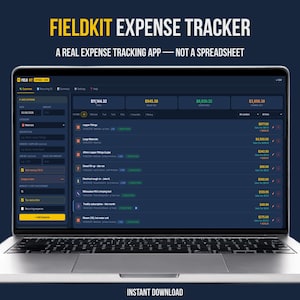
A REAL EXPENSE TRACKER APP — NOT A SPREADSHEET, NOT A SUBSCRIPTION
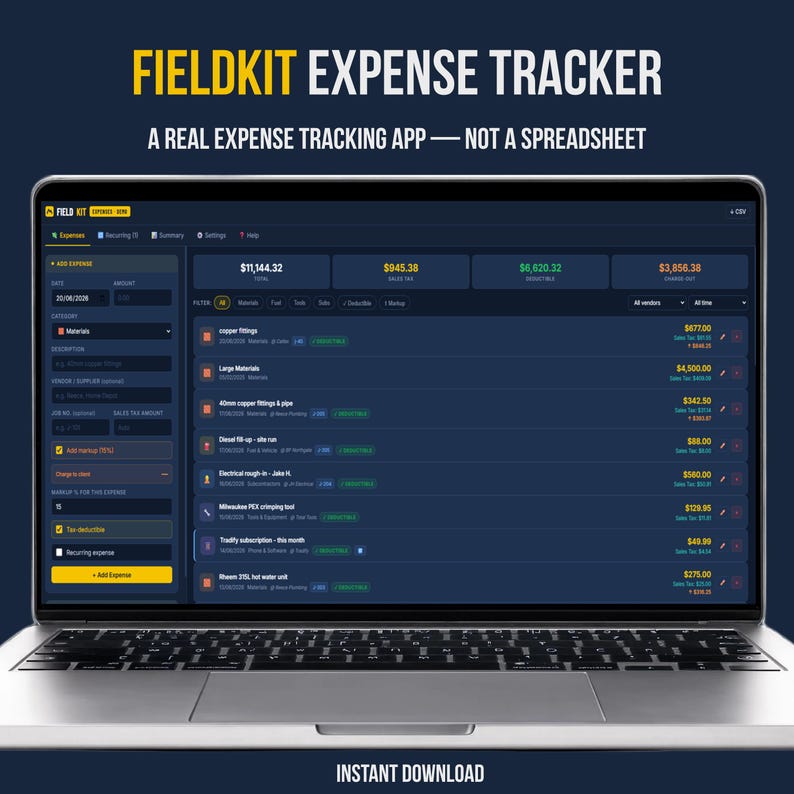
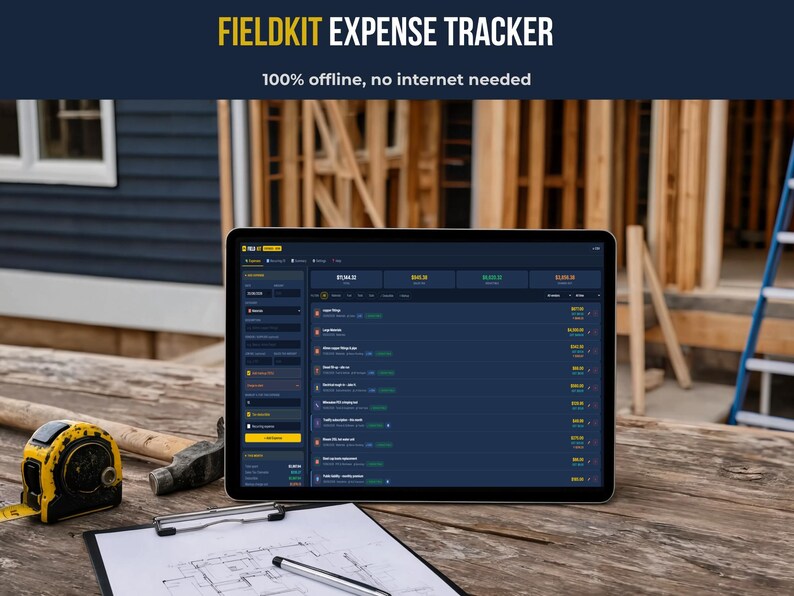
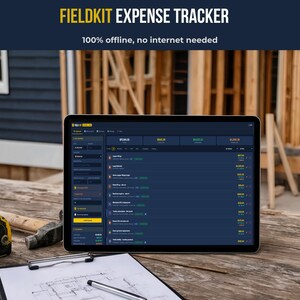
FieldKit Expense Tracker is a genuine offline expense tracking application built for small business owners and self-employed contractors. Open it in any browser, log your first expense in under two minutes, and keep working even without an internet connection. One-time purchase. No login, no monthly fee, no data sitting in someone else's cloud.
🆓 TRY BEFORE YOU BUY
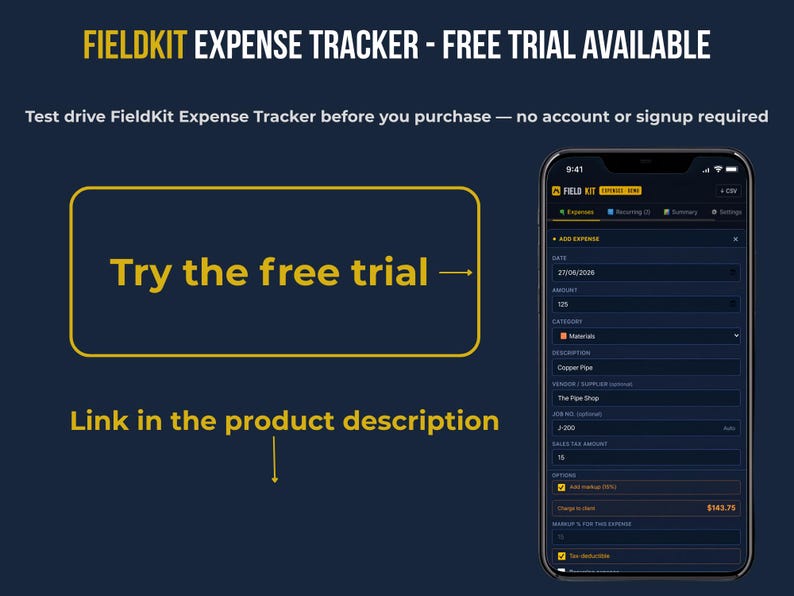
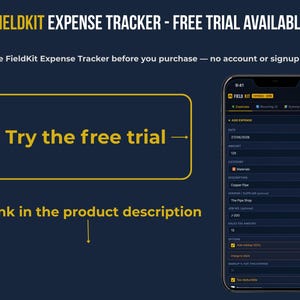
Not sure yet? Test the app for free before purchasing — no sign-up required.
👉 tallybox.app/fieldkit/fieldkit-expenses-trial.html
The trial version runs directly in your browser with limited entries so you can explore the interface, log a few expenses, and see exactly how it works before you commit.
WHO THIS IS FOR
✔ Contractors, electricians, plumbers, and tradespeople who need to know which jobs are actually profitable
✔ Self-employed professionals and freelancers tracking deductible expenses without paying for software every month
✔ Small business owners who've outgrown a spreadsheet but don't need a full accounting platform
✔ Anyone who wants their financial data stored on their own device — not a cloud account they don't control
✔ US-based business owners who want sales tax tracking that's ready to go out of the box (international presets also included — see below)
WHAT YOU GET
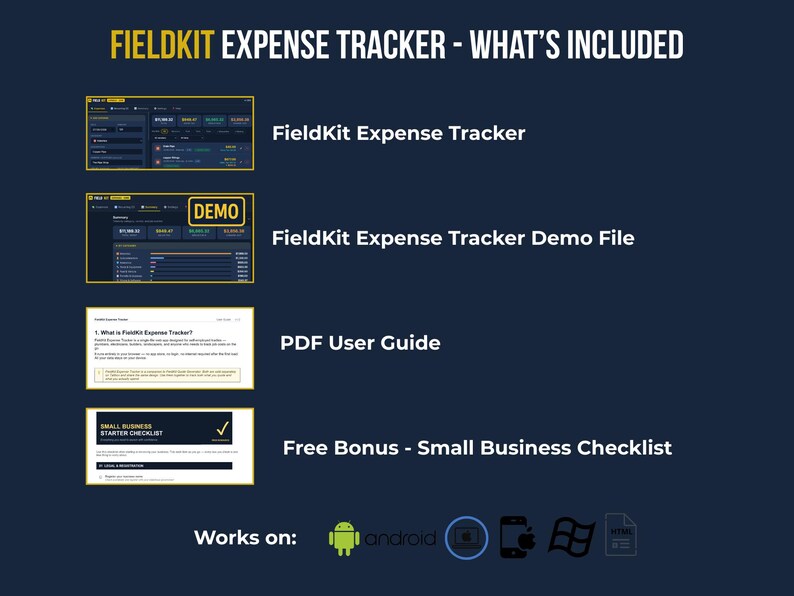
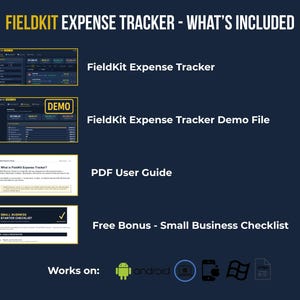
✔ FieldKit Expense Tracker — the full app, a single HTML file that runs in any modern browser
✔ FieldKit Demo File — prefilled with sample data so you can explore every feature before entering your own numbers
✔ User Guide (PDF) — a complete walkthrough of every feature, with a built-in Help tab in the app for quick reference
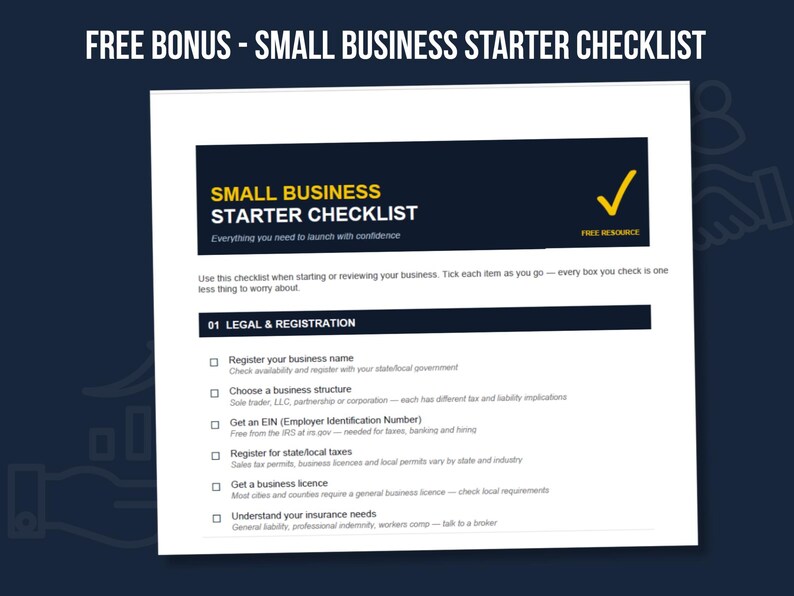
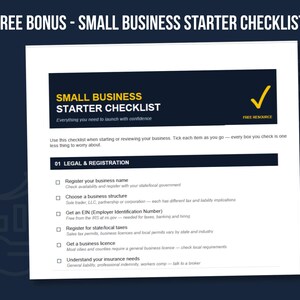
✔ FREE BONUS: Small Business Starter Checklist (Printable PDF)
WHY BUYERS CHOOSE FIELDKIT
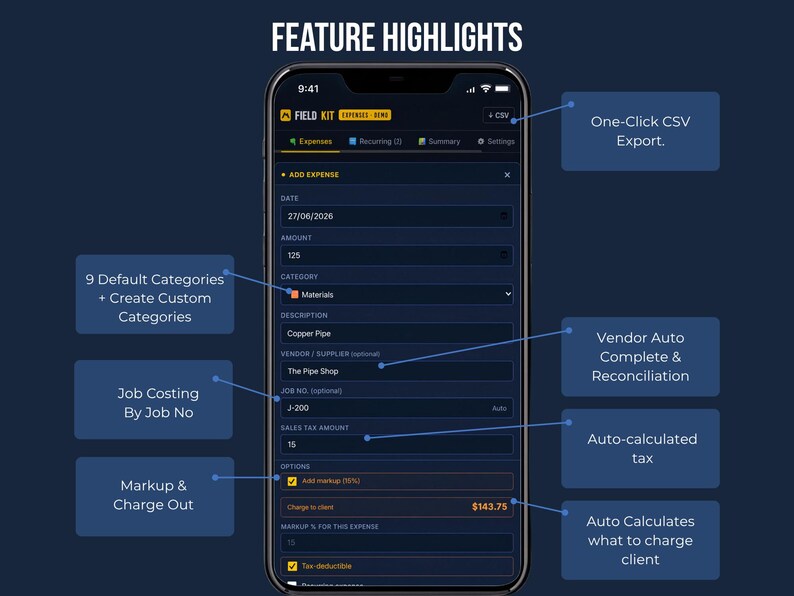
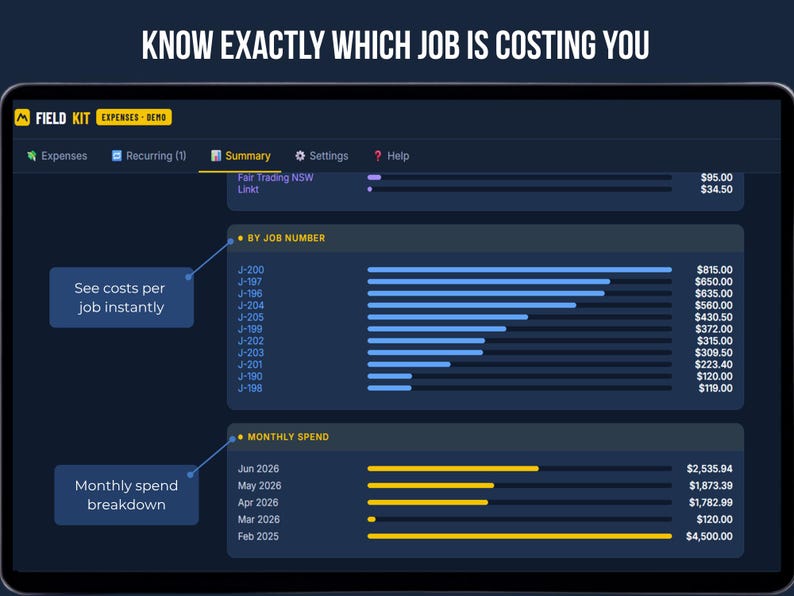
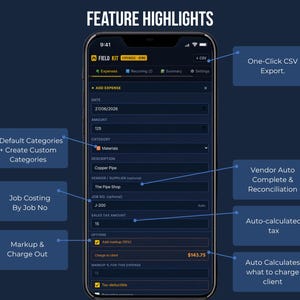
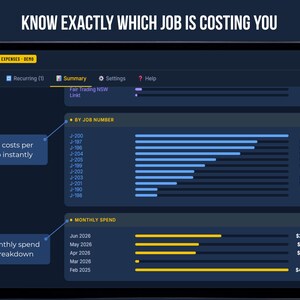
— Real job costing, not just categories. Assign a job number to every expense and see exactly which jobs are making you money on the Dashboard's job profitability ranking — something a generic expense spreadsheet was never built to do.
— Bill clients accurately. The built-in markup calculator works out your charge-out amount per expense automatically, using your default rate or a custom one per line.
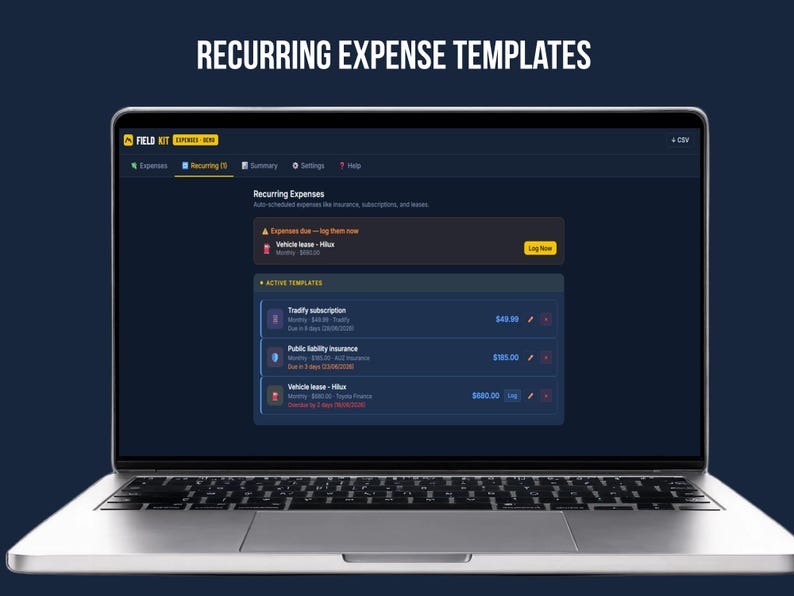
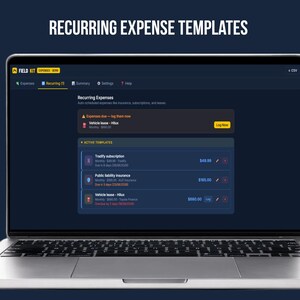
— No re-entering the same expenses every month. Save rent, insurance, or any regular cost as a recurring template — FieldKit shows you what's due and logs it with one tap, auto-advancing the next due date.
— Works the way your business actually runs. Vendor autocomplete speeds up data entry and makes reconciling supplier statements simple. Custom categories sit alongside 9 built-in ones with their own icons and colors.
HOW IT WORKS
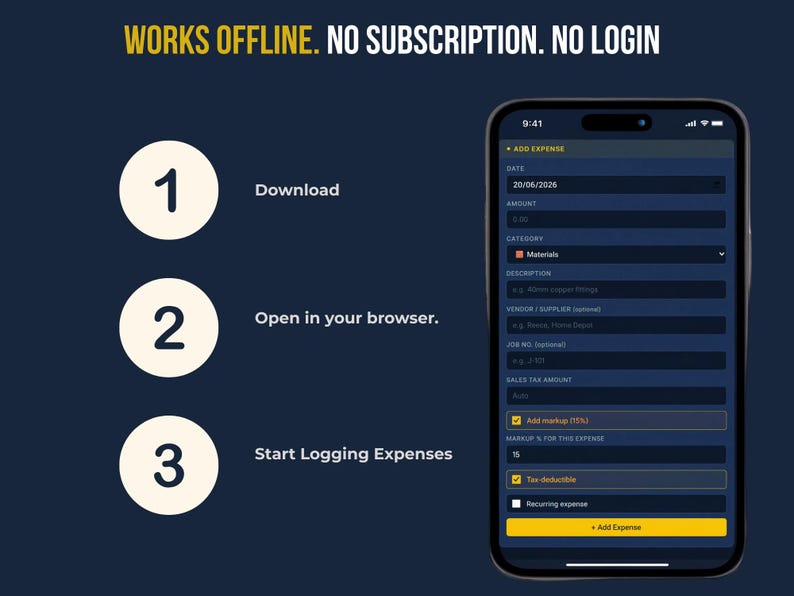
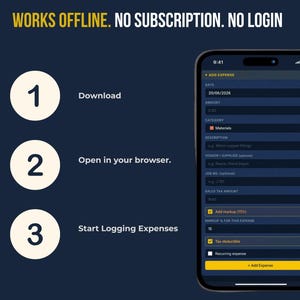
Download and open FieldKit Expense Tracker in any browser (Chrome, Safari, Edge, Firefox)
Set your business details and confirm your sales tax rate — or pick a one-tap country preset (US, AU, NZ, UK, Canada, Europe) and currency, tax label, and date format are set automatically
Log expenses with the quick-add form: date, amount, category, vendor, job number
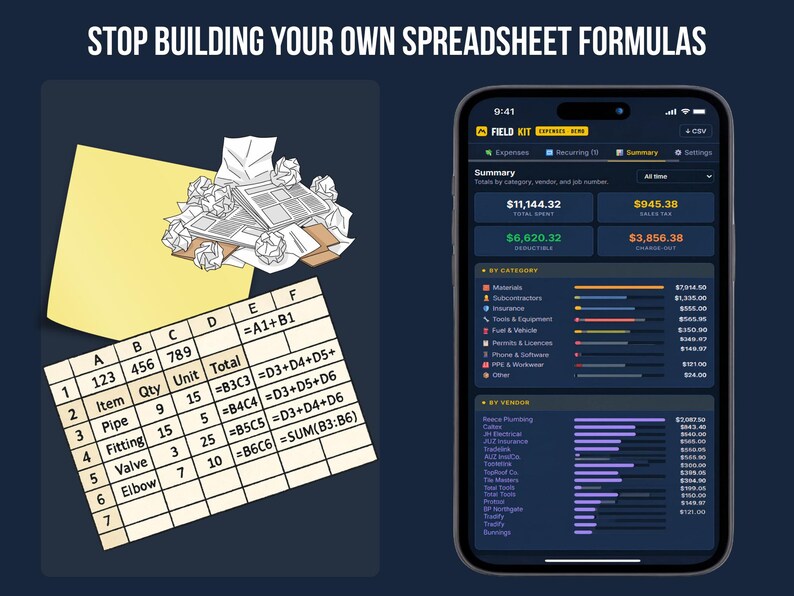
Check the Summary tab anytime for total spend, tax claimable, deductible totals, and job-by-job profitability
Export a CSV whenever you need it — filtered exactly how you want, ready for your bookkeeper or accountant
FILE DETAILS
— FieldKit Expense Tracker: single HTML file, opens in any modern browser, fully responsive on phone, tablet, and laptop
— FieldKit Demo File: the same app, prefilled with sample data
— User Guide: PDF, step-by-step instructions
— Bonus Checklist: PDF, printable
— All data is stored locally in your browser — no server, no account, no one but you has access to your numbers
INSTANT DOWNLOAD
This is a digital product — nothing physical will be shipped. Files are available immediately after purchase via Etsy's "Purchases and Reviews" page. Please download from a desktop or laptop browser (not the Etsy mobile app) to access all files correctly.
CUSTOMIZATION
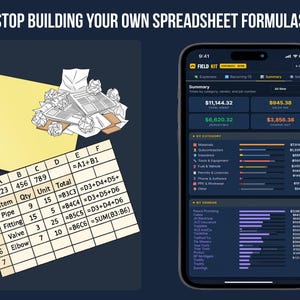
Business details, custom expense categories, and tax settings are all editable inside the app itself — no spreadsheet formulas or coding required.
💡 ALSO FROM TALLYBOX — YOU MIGHT NEED THIS TOO
This app tracks money going out. The FieldKit Invoice Tracker tracks money coming in — who's paid, who's overdue, and what's still outstanding.
👉https://www.etsy.com/listing/4522694366
Browse all FieldKit tools in our shop: etsy.com/shop/Tallybox?section_id=59113042
🔗 PART OF THE FIELDKIT SUITE BY TALLYBOX
FieldKit Expense Tracker is one module in a growing lineup of standalone offline business tools:
· FieldKit Quote & Invoice Generator
· FieldKit Invoice Tracker
· FieldKit Essentials (Quote & Invoice + Tracker combined)
· FieldKit Client CRM
· FieldKit Mileage & Job Log
Want every tool in one place? FieldKit Pro combines all five modules into a single offline app — no switching between files.
👉https://www.etsy.com/listing/4527655800
Find the full FieldKit lineup by searching "Tallybox FieldKit" on Etsy, or visit us at tallybox.etsy.com
TERMS OF USE
Licensed for use in your own business. Not for resale or redistribution of the app files themselves.
FAQ
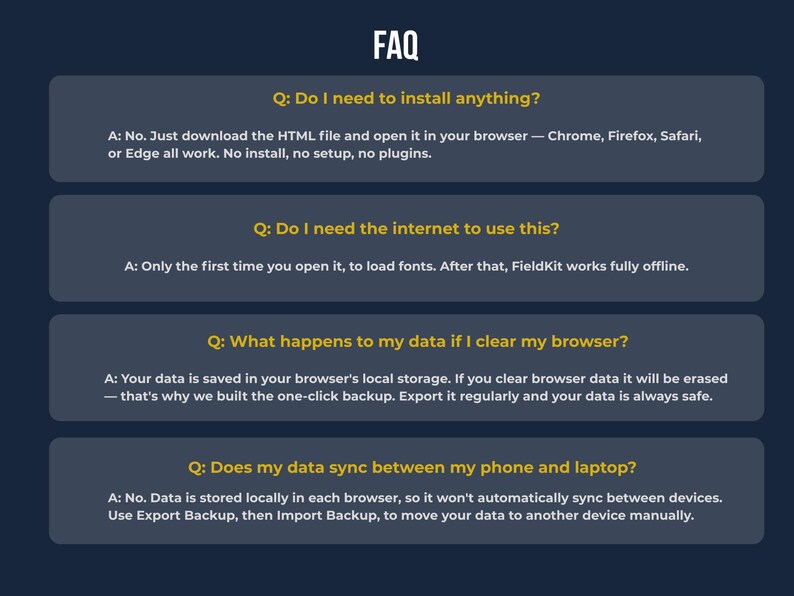
Do I need the internet to use this?
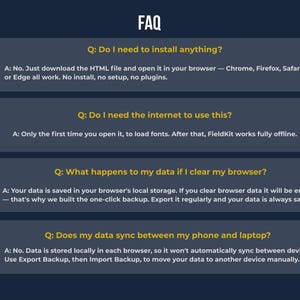
Only the first time you open it, to load fonts. After that, FieldKit works fully offline.
Will this work on my phone or tablet?
Yes — fully responsive on Android and desktop. iPhone/iPad users need a free HTML viewer app from the App Store (we recommend Discit). Full setup instructions included.
Does my data sync between my phone and laptop?
No. Data is stored locally in each browser, so it won't automatically sync between devices. Use Export Backup, then Import Backup, to move your data to another device manually.
I'm not sure my sales tax setup will work — does this handle US tax tracking?
Yes. FieldKit is built with US sales tax tracking ready by default, with an editable rate and label. If you're outside the US, one-tap presets are also included for Australia, New Zealand, the UK, Canada, and Europe.
What if I lose my data or switch computers?
Use Export Backup anytime to save a JSON file of everything — expenses, vendors, categories, and settings — then Import Backup on any device to restore it.
Is this tax advice?
No. The tax-deductible flag and tax tracking features are for your own record-keeping only. Please confirm specifics with your accountant or tax advisor.
📢 PLEASE NOTE:
This is a digital product — no physical item will be shipped
Due to the digital nature, all sales are final
Data is stored locally in your browser, not in the cloud — it does not automatically sync across devices. Use the built-in backup/export feature to move your data to a new device or browser
This is a single-business license for your own use — resale, redistribution, or sharing of the file is not permitted
Not connected to accounting software like Xero or QuickBooks — this is a standalone tool, not an integration
📱 iPhone & iPad Users — Please Read
FieldKit works great on desktop and Android devices. If you're on an iPhone or iPad, there's one extra step: Apple restricts how local files save data in Safari, so you'll need a free app like "Discit" or "HTML Viewer Q" from the App Store to run FieldKit with full functionality.
Desktop (Chrome, Edge, Firefox) and Android users can open the file directly with no extra steps.
Ready to stop wrestling with spreadsheets? Try the free trial at tallybox.app/fieldkit/fieldkit-expenses-trial.html — or download the full version and have your first expense logged in under two minutes.
Instant Download
Your files will be available to download once payment is confirmed. Here's how.
Instant download items don’t accept returns, exchanges or cancellations. Please contact the seller about any problems with your order.
Etsy Purchase Protection
Shop confidently on Etsy knowing if something goes wrong with an order, we've got your back for all eligible purchases —
see program terms


More from this shop
Visit shop-
Digital download
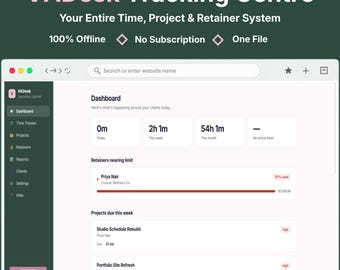
Client Tracker & Task Tracker for Virtual Assistants | Time Tracker, Project Tracker for Freelancers | VADesk No Subscription App
Sale Price $2.50
Original Price $9.99
-

Digital download
Small Business Finance Tracker | Invoice and Expense Tracker for Self-Employed | Client CRM, Mileage Log & Quote Builder | Instant Download
Sale Price $11.73
Original Price $46.92
-
Digital download
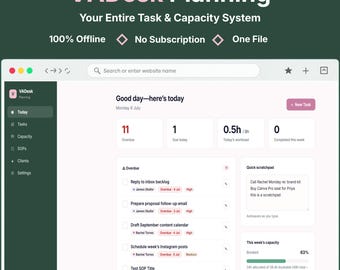
Virtual Assistant Planner & Capacity Tracker | Freelancer Task Manager, Client Hours and SOP Builder | Not a Spreadsheet, 100% Offline
Sale Price $2.50
Original Price $9.99
-
Digital download
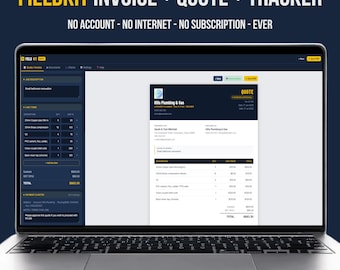
Invoice and Quote Generator Bundle for Contractors, Invoice Tracker for Self Employed, Small Business Invoicing, Editable Web App
Sale Price $5.02
Original Price $20.09
Be the first to leave a review
-
Digital download
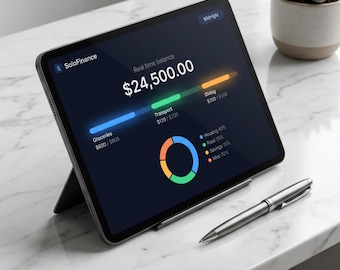
SoloFinance - Offline Budget & Expense Tracker App | Income Tracker | Personal Finance | Digital Download
$6.99
-

Digital download
Remote Job Tracker | No-Experience Spreadsheet + AI Resume (Digital)
$7.77
-
Digital download
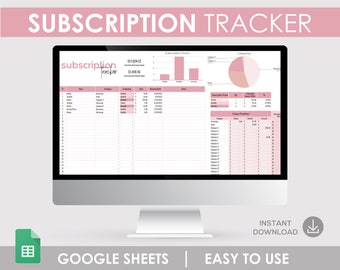
Subscription Tracker Google Sheet, Personal & Business Expenses (Digital Download)
$3.99
-
Digital download
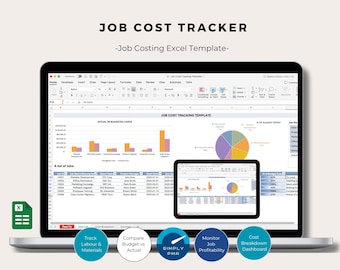
Job Costing Excel Template Bookkeeping Project Cost Tracker Construction Accounting Spreadsheet Digital Download
$11.16
-
Digital download
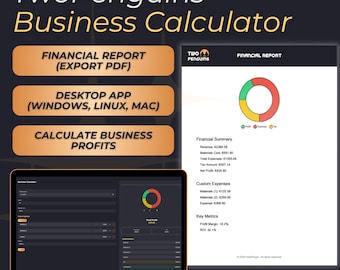
Business Profit & Tax Calculator | Desktop ROI Tracker | Expenses Manager | Multi-Currency Support | Budget Planner for Small Businesses
$65.17
-
Digital download
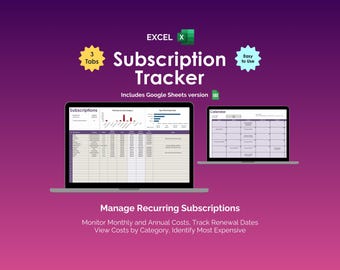
Subscription Tracker Excel Spreadsheet Template Recurring Expense Tracker Bill Payment Calendar Streaming Subscription Membership Renewal
Sale Price $3.90
Original Price $7.95
-
Digital download
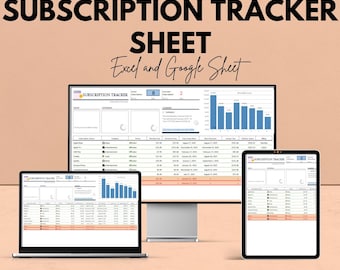
Subscription Tracker Sheet | Excel and Google Sheet | Subscription Management Template | Track Subscriptions & Costs | Budgeting Tool
Sale Price $5.86
Original Price $11.71
-
Digital download
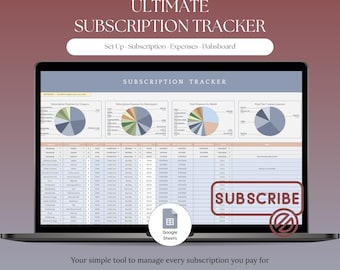
Subscription Tracker, Expense Tracker | Bill Tracker, Savings Tracker, Spending Tracker | Canva, Netflix, Claude, ChatGPT Plus
Sale Price $2.27
Original Price $3.50
-
Digital download
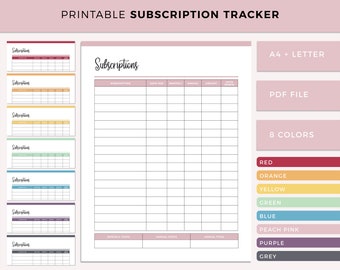
Printable Subscription Tracker, Membership Tracking, Monthly Subscription Checklist, Expense Planner, Account Tracker, A4 and US Letter
$2.95
-
Digital download
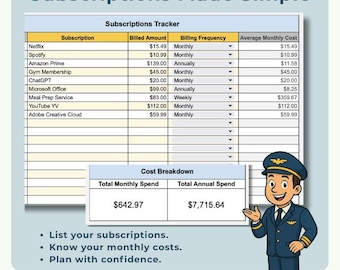
Subscriptions Tracker - Google Sheets Subscription Cost Calculator
$4.99
-
Digital download
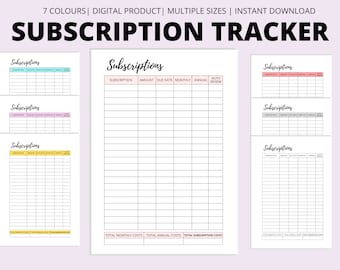
Subscription Tracker, Membership Tracking, Monthly Subscription Checklist, Expense Planner, Account Tracker, A4 and US Letter PDF Template
$2.11
-
Digital download
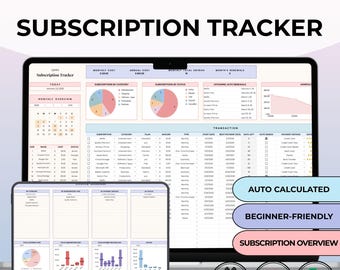
Subscription Tracker Google Sheets|Membership Manager|Digital Download|Easy budget
Sale Price $2.62
Original Price $3.50


