




Price:$20.74
Subscription Tracker App | Recurring Bill & Renewal Tracker | Cancel Subscriptions | Offline Budget Dashboard
You can only make an offer when buying a single item
Highlights
💳 Subscription Tracker App | Recurring Bill & Membership Manager
Ever wonder how much you’re really spending on subscriptions?
Streaming services, software, gym memberships, cloud storage, apps, memberships and other recurring payments can quickly add up.
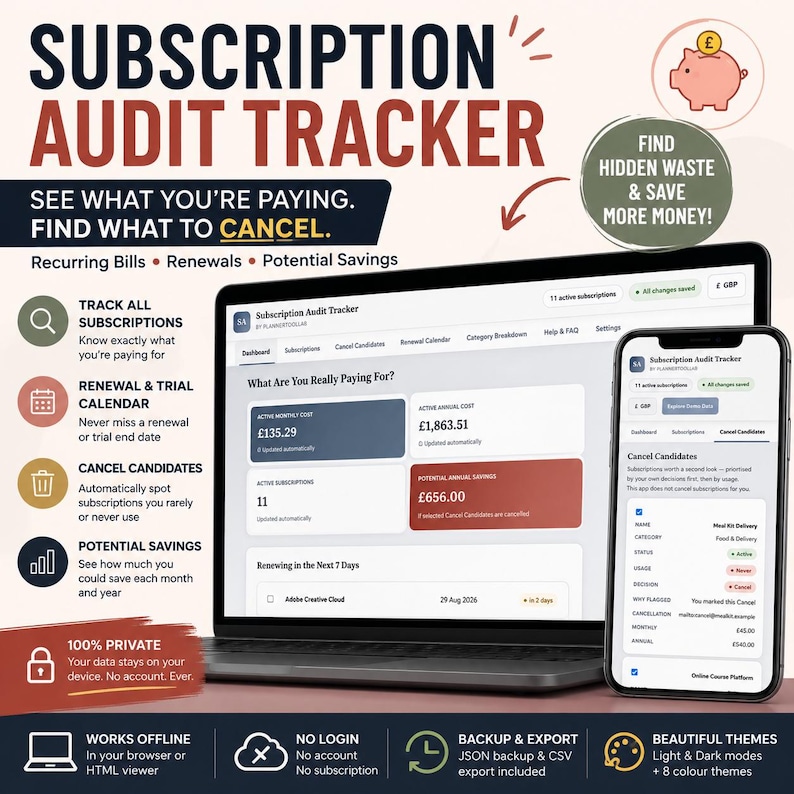
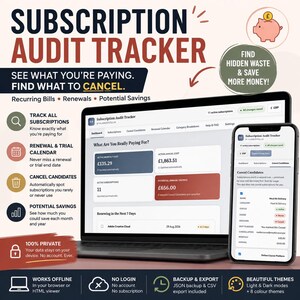
Subscription Audit Tracker is an interactive digital app designed to help you organise recurring expenses, track renewal dates, identify subscriptions you may no longer need and understand your true monthly and annual subscription costs — all from one organised dashboard.
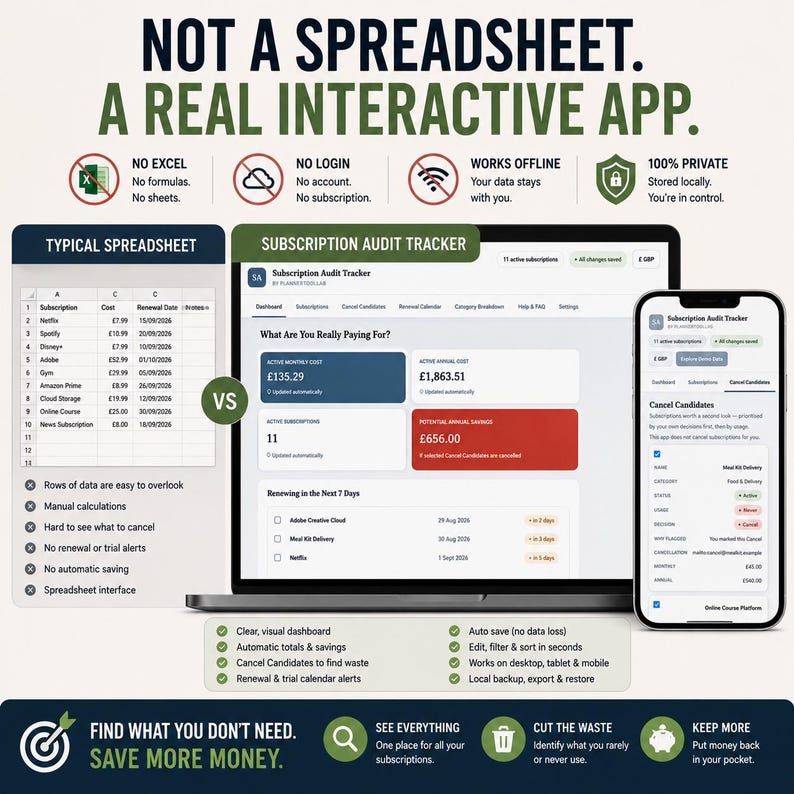
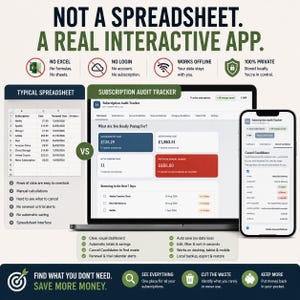
✨ NOT A SPREADSHEET — A REAL INTERACTIVE APP
No complicated formulas. No endless spreadsheet tabs. No monthly software fee.
Simply download the app, open it on a compatible device and start adding your subscriptions.
✓ No Excel required
✓ No Google Sheets required
✓ No account or login required
✓ No monthly subscription fee
✓ Works offline after download
✓ Automatically saves changes locally
✓ Multiple currencies available
✓ 8 colour themes
✓ Backup and restore your data
✓ Export your subscription list to CSV
✓ Designed for desktop, tablet and compatible mobile use
⸻
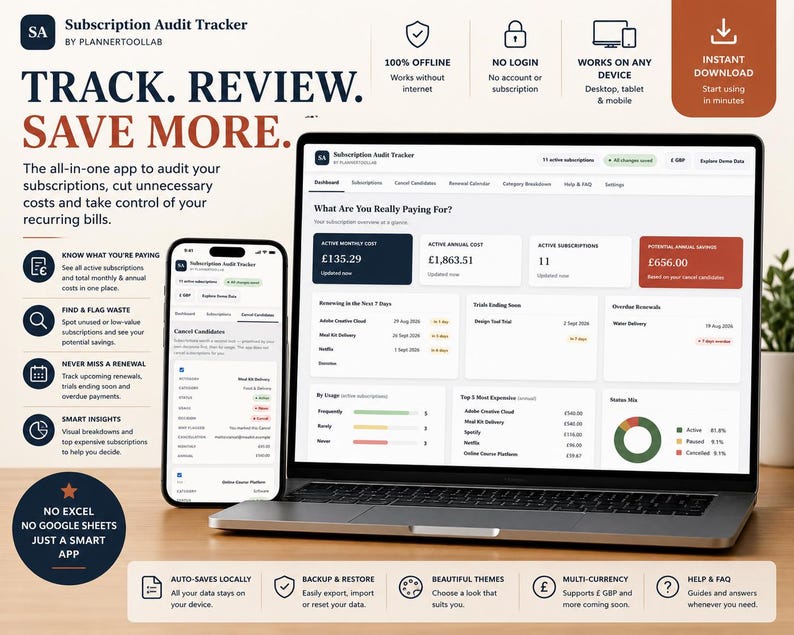
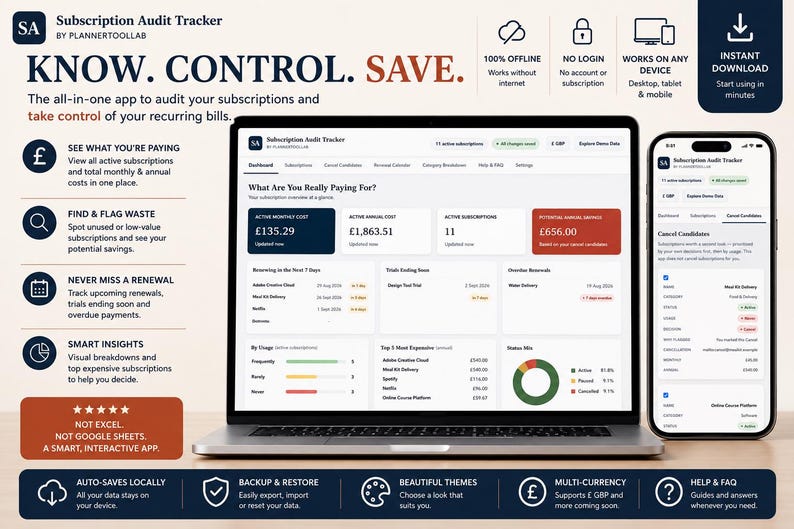
📊 SEE WHAT YOUR SUBSCRIPTIONS REALLY COST
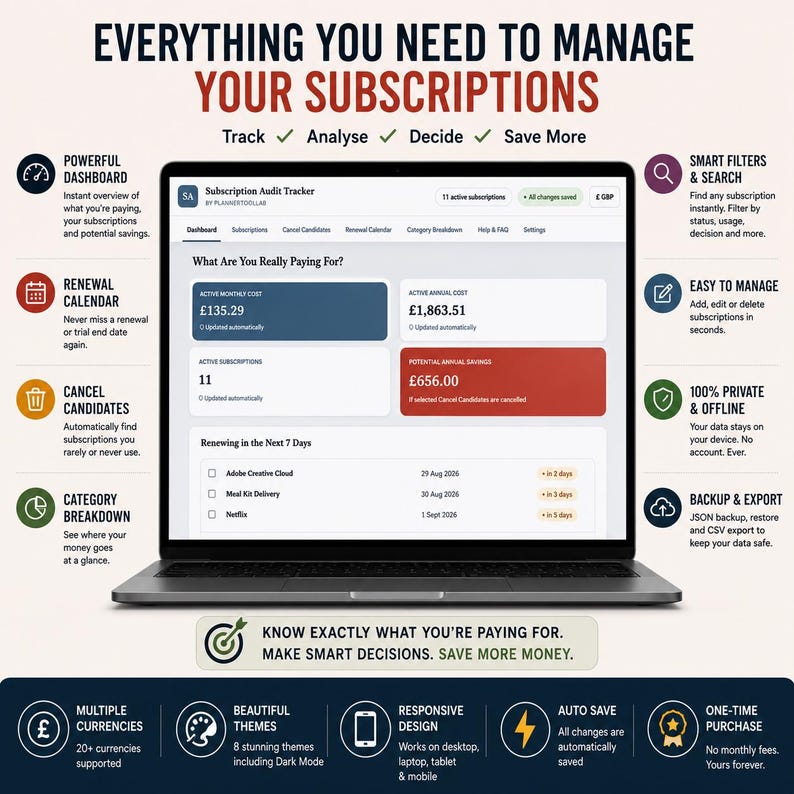
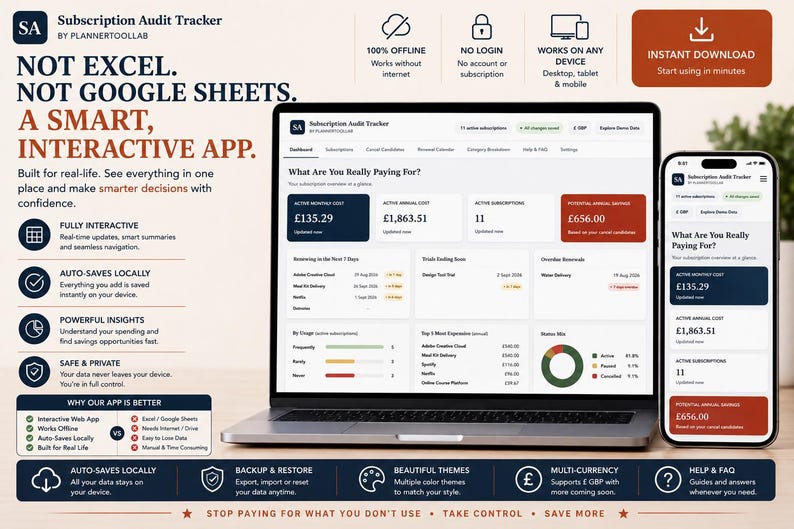
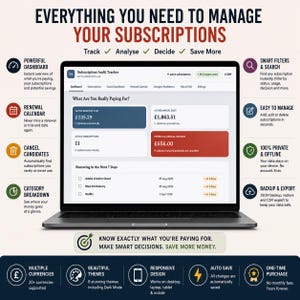
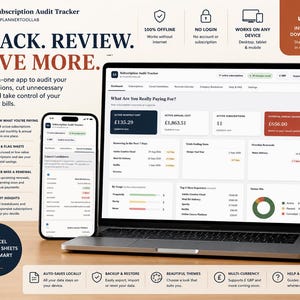
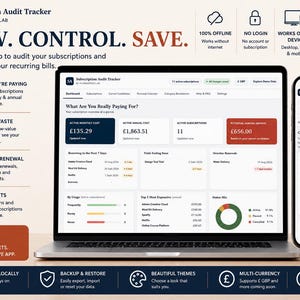
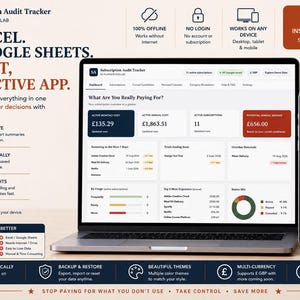
The interactive Dashboard gives you an instant overview of your recurring expenses.
See:
✓ Active Monthly Cost
✓ Active Annual Cost
✓ Number of Active Subscriptions
✓ Potential Annual Savings
✓ Renewals Due Within 7 Days
✓ Renewals Due Within 30 Days
✓ Trials Ending Soon
✓ Overdue Renewals
✓ Subscription Usage Patterns
✓ Top 5 Most Expensive Subscriptions
✓ Active, Paused & Cancelled Subscription Mix
The tracker automatically calculates a monthly equivalent for weekly, monthly, quarterly and annual billing cycles, helping you compare recurring costs more easily.
⸻
📝 MANAGE ALL YOUR SUBSCRIPTIONS
Create your own organised subscription database and record useful information for each recurring payment.
Track:
✓ Subscription name
✓ Category
✓ Cost
✓ Billing cycle
✓ Usage frequency
✓ Status
✓ Keep / Review / Cancel decision
✓ Next renewal date
✓ Trial end date
✓ Payment method
✓ Cancellation URL or contact details
✓ Personal notes
You can edit, delete, pause or reactivate subscriptions whenever needed.
⸻
🔎 SEARCH, FILTER & SORT
As your subscription list grows, quickly find what you’re looking for.
Search by subscription name and filter your records by:
✓ Category
✓ Status
✓ Usage
✓ Keep / Review / Cancel decision
You can also sort subscriptions alphabetically, by cost, monthly equivalent or upcoming renewal date.
⸻
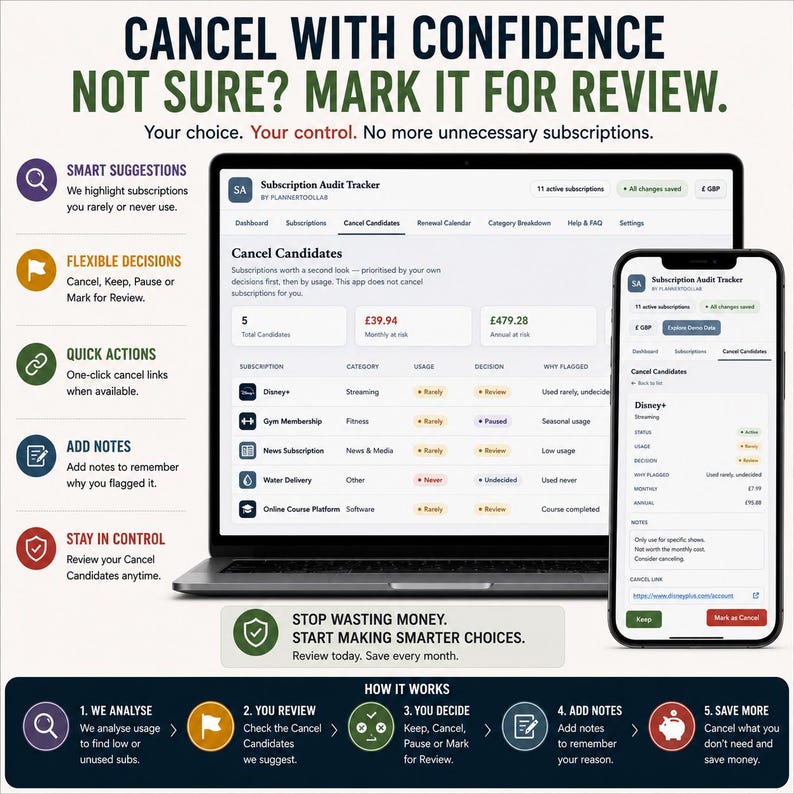
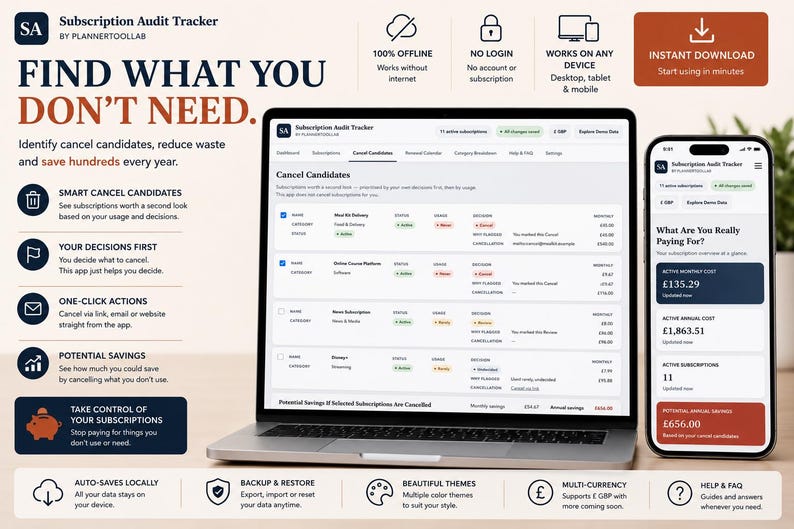
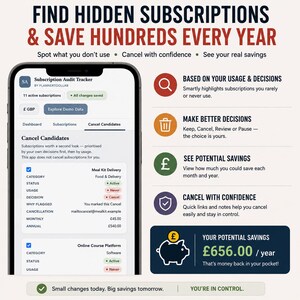
✂️ FIND SUBSCRIPTIONS YOU MAY WANT TO CANCEL
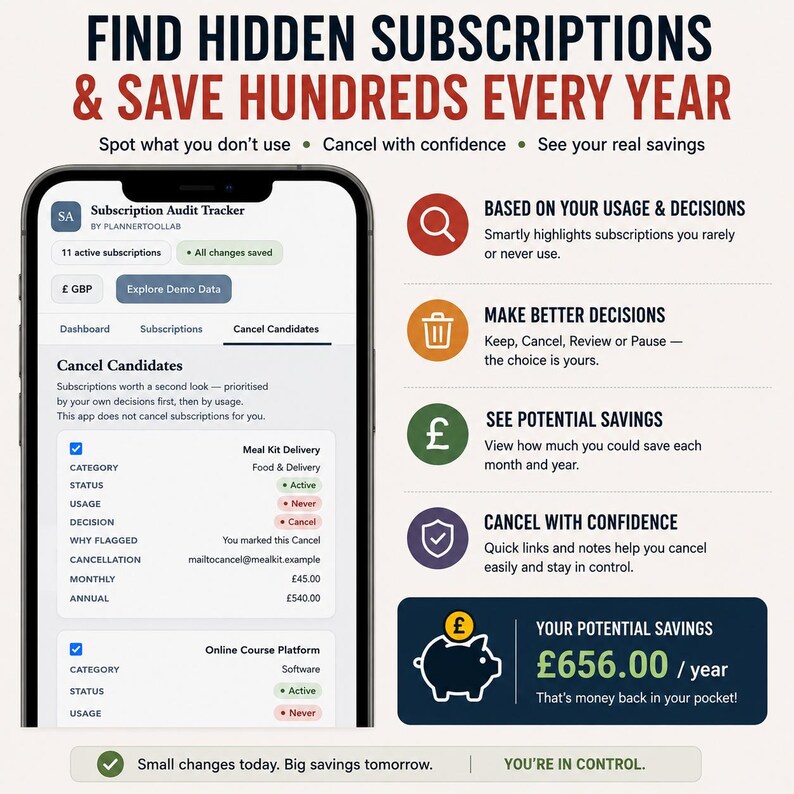
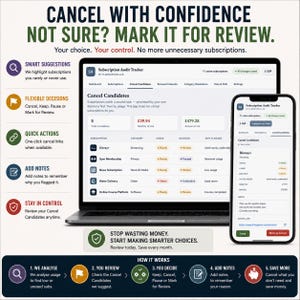
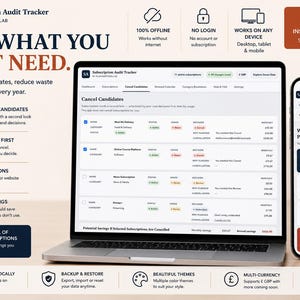
The dedicated Cancel Candidates section helps you review recurring expenses that may deserve another look.
Subscriptions can be highlighted based on the decisions and usage information you enter.
For each candidate, see:
✓ Subscription name
✓ Category
✓ Current status
✓ Usage frequency
✓ Your decision
✓ Why it was flagged
✓ Cancellation information you’ve saved
✓ Monthly equivalent cost
✓ Annual equivalent cost
Select the subscriptions you’re considering cancelling and the app calculates the potential monthly and annual savings.
Important: The tracker does not cancel subscriptions automatically. You remain completely in control and must cancel directly with the relevant provider.
⸻
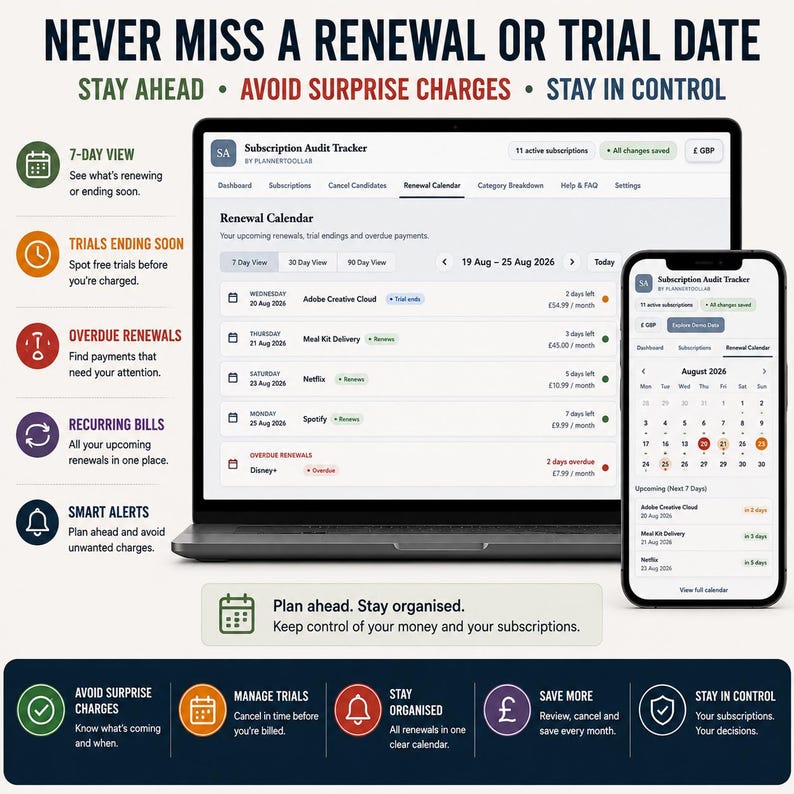
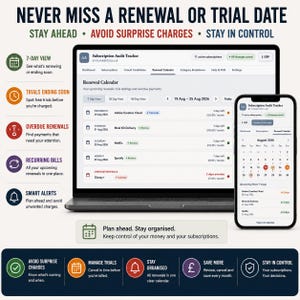
📅 RENEWAL CALENDAR
Avoid losing track of upcoming recurring payments.
The Renewal Calendar organises active and paused subscriptions with renewal dates, showing the soonest renewals first.
Quickly identify:
✓ Upcoming renewals
✓ Renewals due soon
✓ Overdue renewal dates
✓ Trial end dates
✓ Subscription amount
✓ Billing cycle
✓ Current subscription status
Renewal information is displayed inside the app when you open it. The app does not send push notifications, emails or external alerts.
⸻
🧪 KEEP AN EYE ON FREE TRIALS
Add an optional trial end date to subscriptions you’re testing.
The Dashboard highlights trials ending within the next 14 days, helping you review them before deciding whether you want to continue.
⸻
📈 UNDERSTAND WHERE YOUR MONEY GOES
The Category Breakdown provides a visual overview of your active monthly subscription spending.
Organise recurring expenses into categories including:
• Streaming
• Software
• Fitness
• News & Media
• Gaming
• Food & Delivery
• Cloud Storage
• Other
Need something different?
You can also create and manage your own custom categories.
⸻
🎯 TRACK HOW MUCH YOU ACTUALLY USE
Cost isn’t the only thing that matters.
Mark subscriptions according to how often you use them:
• Frequently
• Rarely
• Never
This gives you another way to identify subscriptions that may no longer be providing enough value for their cost.
⸻
💡 KEEP, REVIEW OR CANCEL
Give every subscription a simple decision:
KEEP — something you want to continue
REVIEW — something worth reconsidering
CANCEL — something you’ve decided may need to go
UNDECIDED — decide later
These decisions work with the Cancel Candidates section to help organise your subscription review.
⸻
💰 20 DISPLAY CURRENCIES
Choose from 20 supported display currencies, including:
GBP • USD • EUR • CAD • AUD • NZD • INR • ZAR • AED • SGD • CHF • SEK • NOK • DKK • PLN • JPY • MXN • BRL • HKD • SAR
⚠️ Please note: Changing currency changes the displayed currency symbol only. It does not convert previously entered amounts or provide live exchange rates.
⸻
🎨 8 BUILT-IN COLOUR THEMES
Personalise the tracker with 8 different themes:
🌸 Blush Rose
🌿 Sage Calm
🌊 Ocean Blue
💜 Lavender Mist
🧡 Terracotta Warmth
✨ Golden Neutral
🌙 Midnight
🩶 Slate Professional
Your selected theme is saved automatically on the device/browser you’re using.
⸻
💾 AUTOMATIC LOCAL SAVING
Changes are automatically saved locally using your browser’s or compatible HTML viewer’s local storage.
There is:
✓ No account required
✓ No cloud account to configure
✓ No external database required
✓ No monthly software subscription
Your entered information stays locally on the device/browser environment you use.
Important: Data does not automatically synchronise between devices, browsers or different copies of the file.
Clearing browser/app storage can remove locally saved information, so regular backups are recommended.
⸻
🔐 BACKUP & RESTORE YOUR DATA
For extra peace of mind, the app includes its own backup system.
You can:
✓ Download a JSON backup
✓ Import a previous JSON backup
✓ Restore your saved subscription information
✓ Export subscription records to CSV
✓ Reset your tracker when required
Regular backups are strongly recommended because locally stored information cannot be recovered by PlannerToolLab if browser or app storage is deleted.
⸻
📤 CSV EXPORT
Need your information outside the tracker?
Export your subscription records to a CSV file containing details such as:
• Name
• Category
• Original cost
• Billing cycle
• Monthly equivalent
• Annual equivalent
• Usage
• Status
• Decision
• Renewal date
• Trial end date
• Payment method
• Cancellation details
• Notes
The CSV can then be opened in compatible spreadsheet software if you choose.
⸻
🧪 EXPLORE DEMO DATA
Not sure where to begin?
Use Explore Demo Data to load example subscriptions and see the tracker features in action before entering your own information.
If you’ve already entered subscriptions, the app warns you before replacing them and recommends creating a backup first.
Demo records can also be removed from Settings.
⸻
📱 DEVICE COMPATIBILITY
For the best experience, we recommend using the tracker on a laptop or desktop computer.
The interface also includes responsive layouts designed to adapt to smaller screens.
iPHONE & iPAD USERS
Because Apple handles downloaded HTML files differently from traditional desktop browsers, opening an interactive HTML app directly from the Files app may not provide the full experience.
For iPhone or iPad, a compatible HTML viewer/browser app from the App Store may be required to open and use the tracker correctly.
Please keep using the same app/browser and the same copy of the HTML file so that locally saved information remains available.
⸻
📦 WHAT YOU’LL RECEIVE
This is a DIGITAL DOWNLOAD. No physical item will be shipped.
Your purchase provides the files supplied with this listing for accessing and using the Subscription Audit Tracker.
Please download and save your purchase after checkout.
⸻
🚀 SIMPLE TO GET STARTED
1. Purchase the listing
2. Download your digital files from Etsy
3. Open the Subscription Audit Tracker
4. Add your recurring subscriptions
5. Enter costs, billing cycles and renewal dates
6. Mark how frequently you use each service
7. Choose Keep, Review, Cancel or Undecided
8. Review your Dashboard and Cancel Candidates
9. Export regular backups for safekeeping
That’s it — no account setup and no monthly software subscription.
⸻
👤 WHO IS THIS FOR?
Perfect for anyone who wants a clearer picture of recurring spending, including:
✓ Personal budgeting
✓ Household subscription management
✓ Streaming service tracking
✓ Software subscription tracking
✓ Membership tracking
✓ Gym subscription tracking
✓ App subscription management
✓ Free trial tracking
✓ Recurring bill organisation
✓ Subscription audits
✓ Reducing unnecessary recurring expenses
⸻
⭐ WHY CHOOSE AN INTERACTIVE TRACKER?
Traditional spreadsheets can be powerful, but they often require formulas, multiple tabs and manual organisation.
This tracker gives you a purpose-built interface where the calculations and organisation happen automatically based on the information you enter.
No spreadsheet formulas. No Excel required. No Google Sheets required.
Just one organised interactive tool built specifically for auditing and managing subscriptions.
⸻
⚠️ IMPORTANT INFORMATION
• Digital product only — no physical item will be posted.
• For personal use only.
• This product is an interactive HTML-based tracker.
• Data is stored locally in your browser or compatible HTML viewer.
• Data does not automatically synchronise between devices or browsers.
• Clearing browser/app storage may delete saved information.
• Regular JSON backups are strongly recommended.
• Currency selection changes the displayed symbol only; it does not perform currency conversion.
• Renewal and trial information appears inside the tracker when opened; the product does not send push notifications, emails or external reminders.
• The tracker does not contact providers or automatically cancel subscriptions.
• PlannerToolLab cannot recover information stored only in your local browser/app storage.
⸻
💬 NEED HELP?
If you have any questions about downloading, opening or using your Subscription Audit Tracker, please send me a message through Etsy.
I’m happy to help with your purchase.
Instant Download
Your files will be available to download once payment is confirmed. Here's how.
Instant download items don’t accept returns, exchanges or cancellations. Please contact the seller about any problems with your order.
Etsy Purchase Protection
Shop confidently on Etsy knowing if something goes wrong with an order, we've got your back for all eligible purchases —
see program terms

Be the first to review this item

Rave reviews Average review rating is 4.8 or higher.
More from this shop
Visit shop-
Digital download
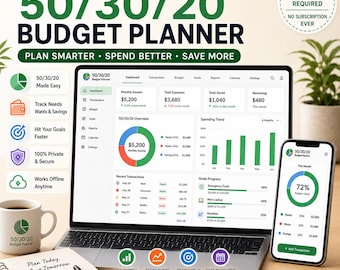
50/30/20 Budget Planner | Monthly Finance Tracker (Digital Download)
$8.29
-
Digital download
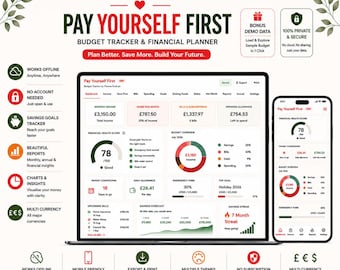
Personal Finance Dashboard | Offline Budget Planner, Savings Tracker (HTML App)
$20.74
-
Digital download
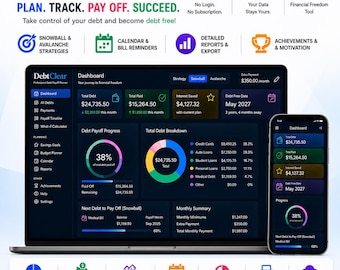
Debt Payoff Planner App, Snowball & Avalanche Tracker, Budget Planner, Savings Goals, Offline No Subscription
$20.74
-
Digital download
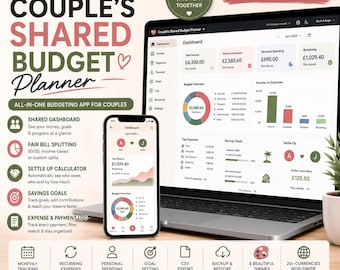
Couples Budget Planner | Shared Expenses, Bill Split, Savings Goals Tracker (Web App)
$16.59
-
Digital download
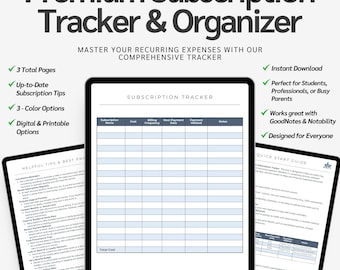
Subscription Tracker & Monthly Bill Organizer | Printable and Digital Recurring Expense Tracker | Budget Template Google Sheet Subscriptions
$4.99
-
Digital download
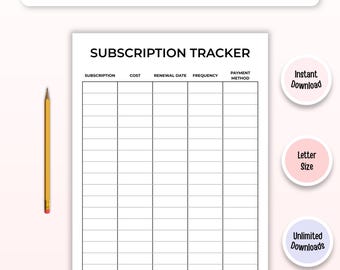
Subscription Tracker Printable | Recurring Bill Payment Organizer, Cancel Membership Tracker (Digital Download)
$1.85
-

Digital download
Subscription Tracker Recurring Payment Bill Tracker Streaming Service Renewal Subscription Management Recurrent Bill Renewal Budget Tracker
$9.52
-
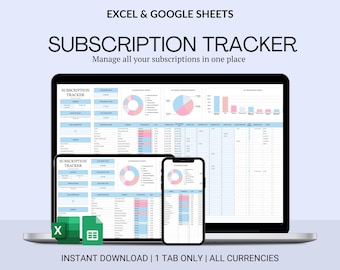
Digital download
Subscription Tracker, Google Sheets & Excel Template (Digital Download)
Sale Price $1.91
Original Price $3.83
-
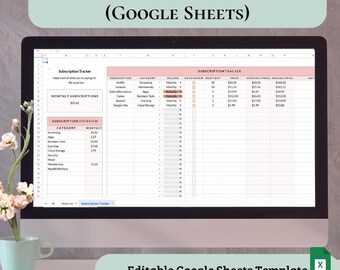
Digital download
Subscription Tracker Google Sheets | Recurring Bill Tracker | Monthly & Annual Totals | Digital Download | Editable Template
$3.50
-
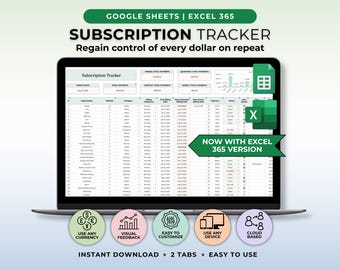
Digital download
Subscription Tracker Google Sheet Template Recurring Bills Tracker Subscription Savings Tracker Password Tracker Manage Subscription Log
Sale Price $2.41
Original Price $5.35
-
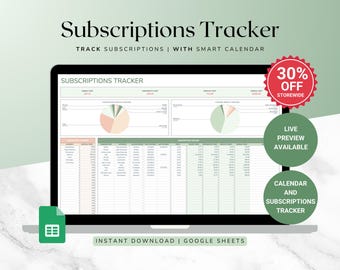
Digital download
Subscription Management Spreadsheet – Google Sheets Template for Tracking Recurring Bills, Subscriptions and Expenses
$3.67
-
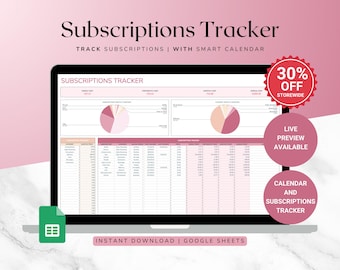
Digital download
Recurring Subscription Tracker – Subscription Management Template for Google Sheets, Expense and Payment Tracker
$3.67
-
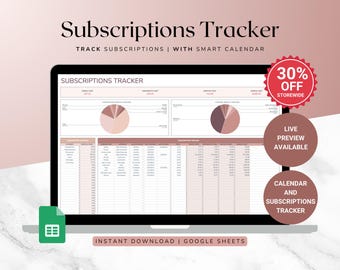
Digital download
Subscription Tracker Spreadsheet – Track Recurring Payments and Subscriptions in Google Sheets, Budget Planner
$3.67
-
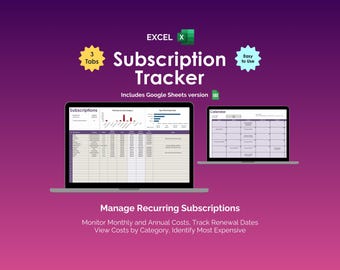
Digital download
Subscription Tracker Excel Spreadsheet Template Recurring Expense Tracker Bill Payment Calendar Streaming Subscription Membership Renewal
Sale Price $3.97
Original Price $7.95
-
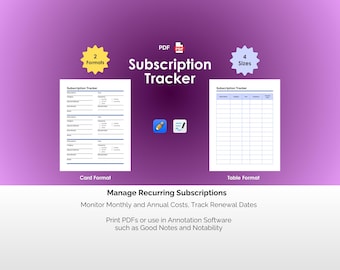
Digital download
Subscription Tracker PDF Digital Template Expense Tracker Renewal Log Membership List Organizer Recurring Services Notability Goodnotes
Sale Price $1.97
Original Price $3.95
-
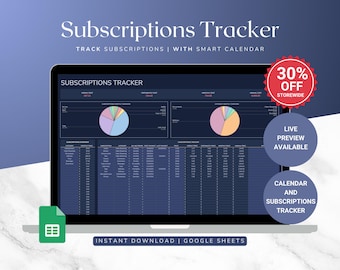
Digital download
Subscription Tracker Spreadsheet – Google Sheets Template for Managing Recurring Subscriptions and Payments
$3.67
Shoppers with similar taste loved these
-
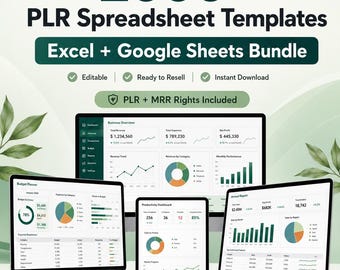
Digital download
PLR Spreadsheet Template Bundle | 2000+ Finance, Business & Budget Trackers | Excel, Google Sheets | MRR
Sale Price $1.92
Original Price $3.20
-

Digital download
200+ Notion Templates Bundle | Life Planner, Finance, Productivity (PLR & MRR Rights)
Sale Price $1.41
Original Price $5.65
-

Digital download
500+ Notion Templates Bundle PLR & Master Resell Rights MRR - Editable Planners (Digital Download)
Sale Price $2.68
Original Price $5.35
-
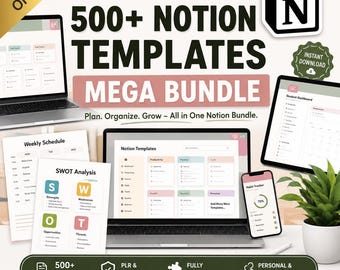
Digital download
Notion Templates Bundle: 500+ Editable Business & Content Planner (PLR/MRR Digital Download
Sale Price $3.27
Original Price $6.53
-

Digital download
500+ Notion Templates Bundle – Editable Planners, PLR & MRR (Digital Download)
$1.95
-

Digital download
500+ Notion Templates Bundle | PLR, MRR | Editable Digital Planners, Journals & Business Tools
Sale Price $3.49
Original Price $4.99
-

Digital download
190 Notion PLR Templates & Planners Bundle | PLR Products, Plr Mrr, Master Resell Rights, Passive Income, Lead Magnet, Notion Template
Sale Price $2.95
Original Price $5.90
-
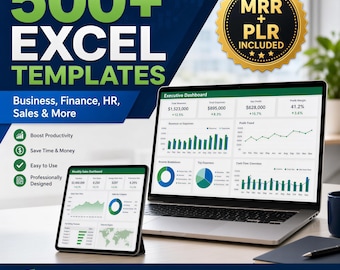
Digital download
500+ Editable Excel Spreadsheet Templates Bundle – MRR & PLR Resell Rights Included
Sale Price $2.64
Original Price $5.28
-
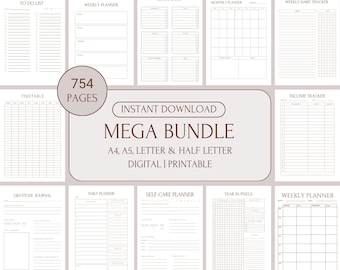
Digital download
Digital Mega Planner ADHD Set for Adults,Printable Undated Planner Bundle, Best Digital Planner Sheets PDF, A4, A5, Letter & Half Letter
Sale Price $6.49
Original Price $12.98
-
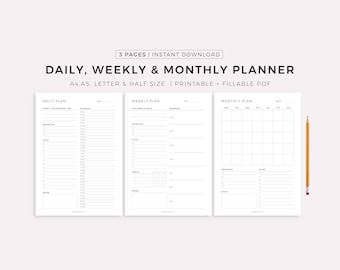
Digital download
Daily Planner, Weekly Planner, Monthly Planner, Printable planner, Planner set, Planner Inserts, Instant Download, A4/A5/Letter/Half Size
Sale Price $2.50
Original Price $3.57
-
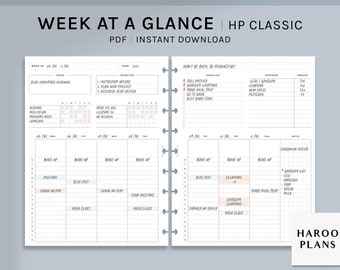
Digital download
Week at a Glance | HP Classic Printable Happy Planner Inserts | Weekly Overview Organizer | WO2P Habit Chores Tracker PDF | Digital Download
$2.60
-
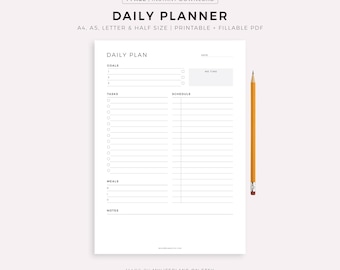
Digital download
Daily Planner Printable, Daily To Do List, Daily Schedule, Instant Download, A5/A4/Letter/Half Letter
Sale Price $1.67
Original Price $2.38


