






Event Planner | Google Sheets Microsoft Excel | Event Dashboard | Guest List RSVP | Budget Tracker | Vendor & Task Management
Star Seller
Star Sellers have an outstanding track record for providing a great customer experience—they consistently earned 5-star reviews, shipped orders on time, and replied quickly to any messages they received.
Item highlights
Shop review
All reviews are from verified buyers. This review is shown automatically based on factors like recency, whether it includes comments, your chosen language, and whether the rating reflects the typical experience with the shop.
“I love this genealogy kit! It’s very helpful and easy to use. The downloads are easy and the customer service is excellent. I highly recommend this very nice seller!”
Terri
Sep 11, 2026
5 views in the last 24 hours
NowPrice:$5.20
Original Price: $8.00
35% off
You can only make an offer when buying a single item
Delivery
Instant download
Your files will be available to download once payment is confirmed. Here's how.
Instant download items don't accept returns, exchanges or cancellations. Please contact the seller about any problems with your order.
Seller's description
Specifications
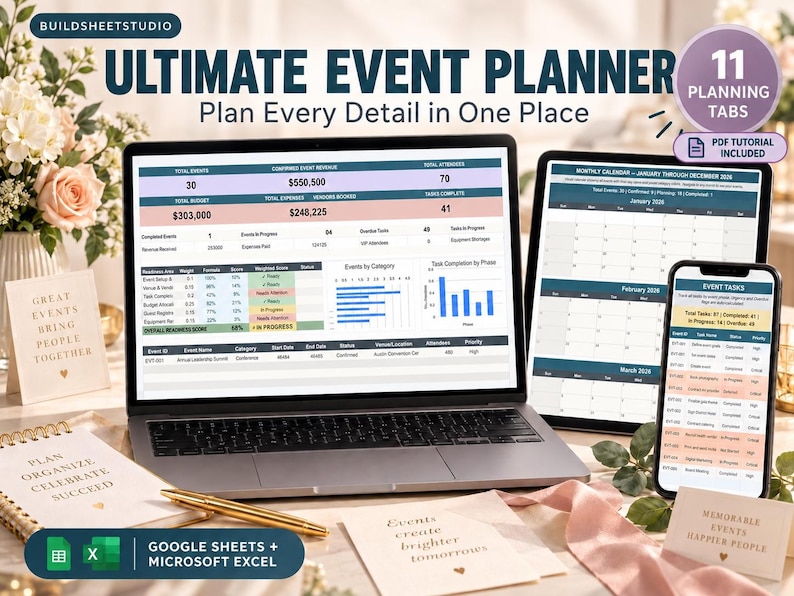
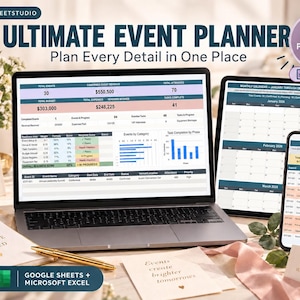
Planning an event means keeping track of far more than a date and a guest list. Budgets, vendors, attendees, schedules, equipment, tasks, venues and dozens of small details all need to come together at the right time.
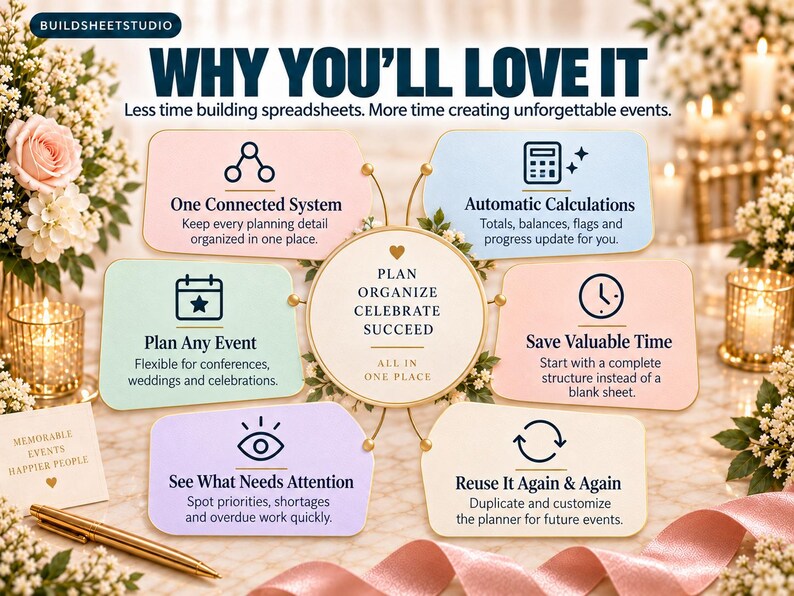
This All-in-One Event Planner Spreadsheet brings the entire process into one organized system, giving you a clear place to plan individual events or manage multiple events at once without juggling separate documents.
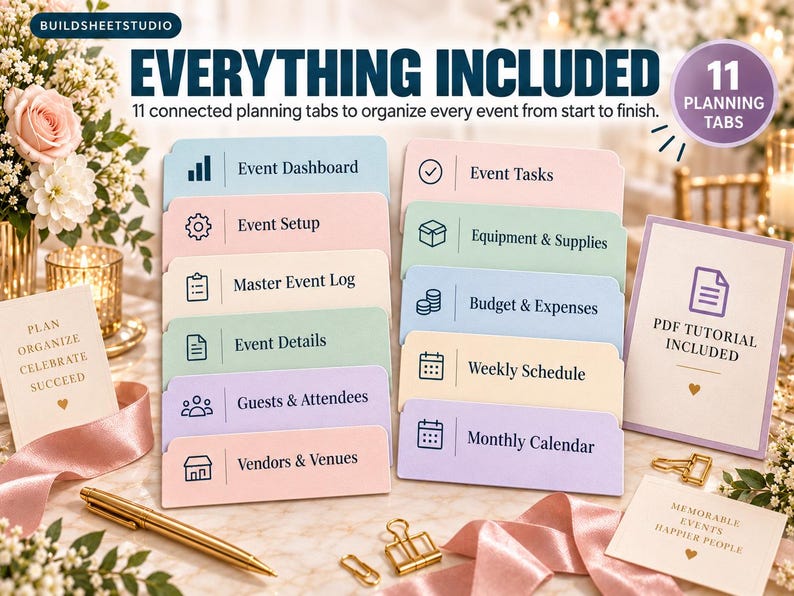
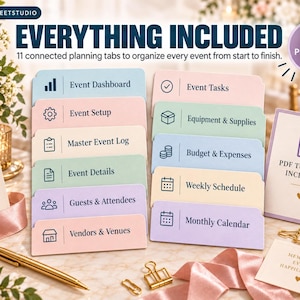
12 planning tabs + built-in reference data. One approachable system for planning events from the first idea through event day.
WHAT IS THIS TEMPLATE?
The Ultimate Event Planner is a detailed yet approachable spreadsheet system designed to help you organize events from beginning to end.
Use it for parties, community events, fundraisers, conferences, workshops, nonprofit events, school functions, networking events, family gatherings, virtual events and more.
Unlike a simple event checklist, this planner connects the major pieces of event management together. Track your event portfolio, build agendas, manage guests, coordinate vendors, monitor tasks and equipment, control spending, and see what’s coming up on weekly and monthly calendars.
The workbook includes sample data so you can immediately understand how each section works, then replace it with your own event information.
WHAT’S INSIDE — 12 PLANNING TABS
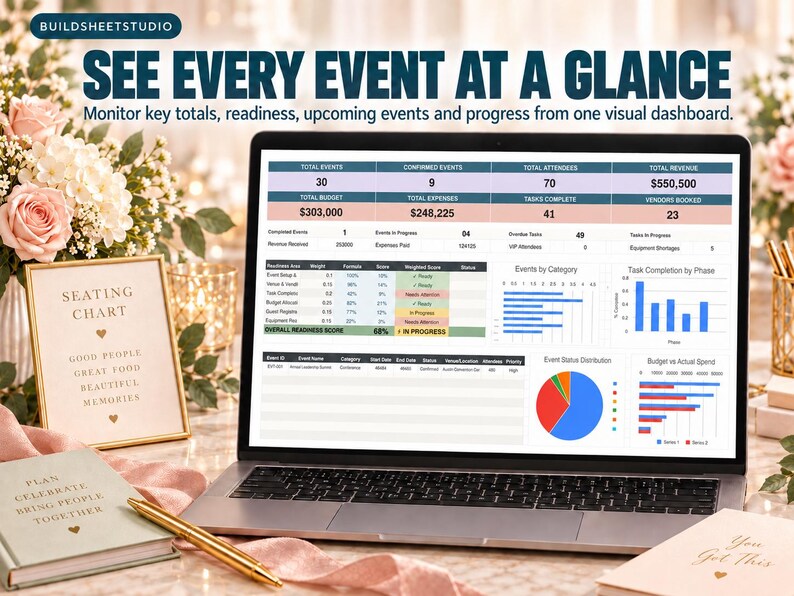
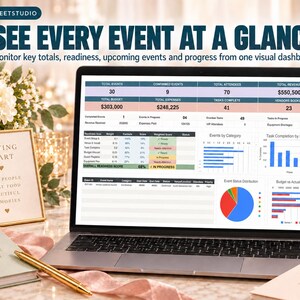
1. EVENT DASHBOARD
See the big picture without digging through your entire planner.
The dashboard automatically summarizes key information including Total Events, Confirmed Events, Total Attendees, Total Revenue, Total Budget, Total Expenses, Tasks Complete and Vendors Booked.
You’ll also see at-a-glance metrics for completed events, events in progress, overdue tasks, tasks in progress, revenue received, expenses paid, VIP attendees and equipment shortages.
One of the standout features is the Event Readiness Scorecard, which evaluates six important planning areas:
• Event Setup & Planning
• Venue & Vendors Confirmed
• Task Completion Rate
• Budget Allocated & Tracked
• Guest Registration Progress
• Equipment Ready
The dashboard also displays your next 12 upcoming events so you can quickly see what’s approaching.
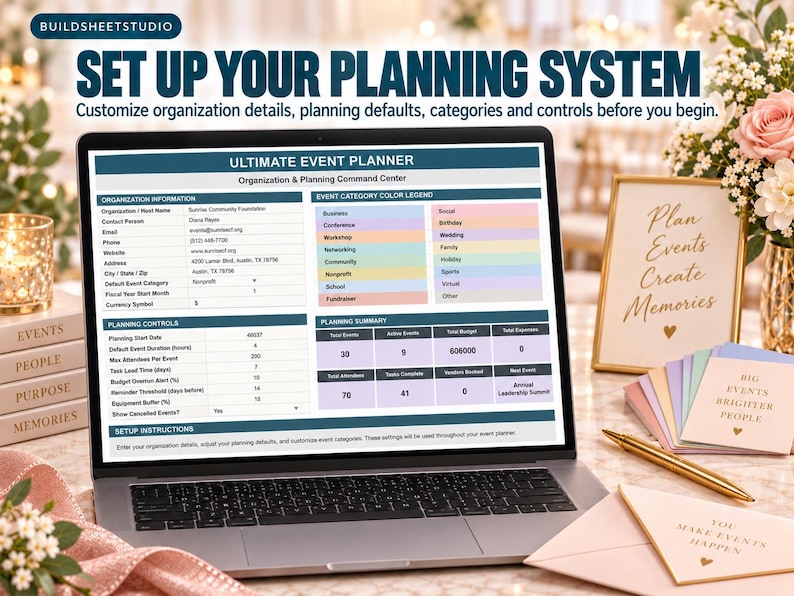
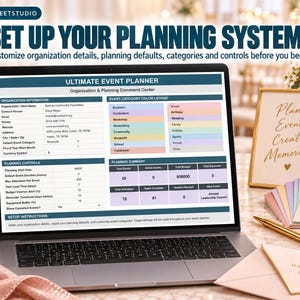
2. EVENT SETUP
Personalize the planner for your organization, business, family or planning needs.
Enter information such as your host or organization name, contact details, default event category and currency.
Planning controls allow you to establish defaults for event duration, maximum attendees, task lead time, budget overrun alerts, reminder thresholds and equipment buffers.
A built-in category system supports events including Business, Conference, Workshop, Networking, Community, Nonprofit, School, Fundraiser, Social, Birthday, Wedding, Family, Holiday, Sports, Virtual and more.
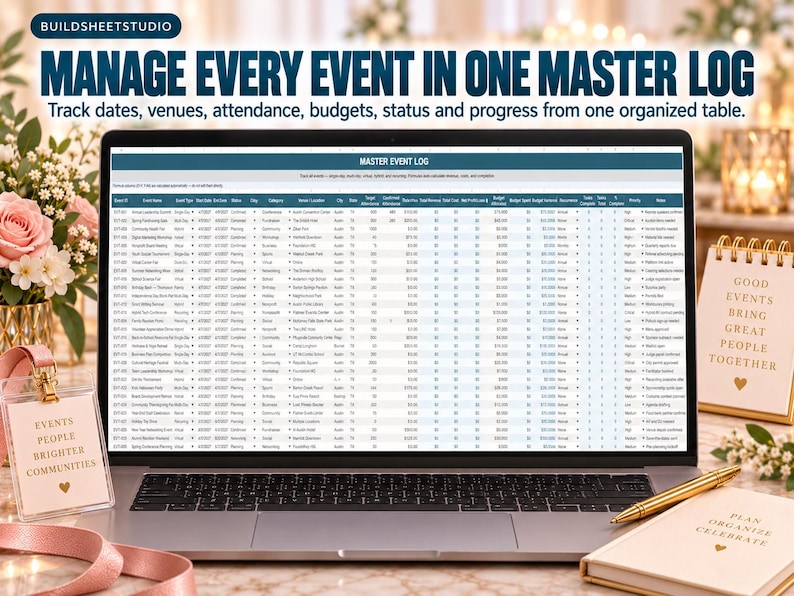
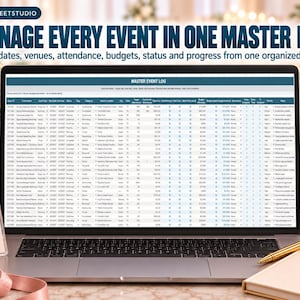
3. MASTER EVENT LOG
Manage your entire event schedule from one central database.
Track:
• Event ID and name
• Event type and category
• Start and end dates
• Event status
• Venue and location
• City and state
• Virtual meeting links
• Organizers and co-organizers
• Target and confirmed attendance
• Ticket pricing
• Revenue and costs
• Budget allocation and spending
• Recurrence
• Next occurrence
• Task completion
• Priority and notes
The included sample data demonstrates how the planner can handle very different events—from an Annual Leadership Summit and Spring Fundraising Gala to a Community Health Fair, Virtual Career Fair, Birthday Bash and School Science Fair.
The workbook is designed for single-day, multi-day, virtual, hybrid and recurring events.
4. EVENT DETAILS & AGENDA
Turn each event into a detailed agenda.
Track individual sessions, activities and agenda items with fields for date, start and end times, room or location, speaker or facilitator, maximum capacity and attendance.
You can also document:
• AV requirements
• Materials needed
• Live streaming
• Recording requirements
• Session status
• Attendee feedback
• Notes
• Required actions
Automatic fields help calculate session duration, day number and multi-day conflicts.
This makes the planner useful for everything from a simple party itinerary to conferences containing keynotes, workshops, panels and networking sessions.
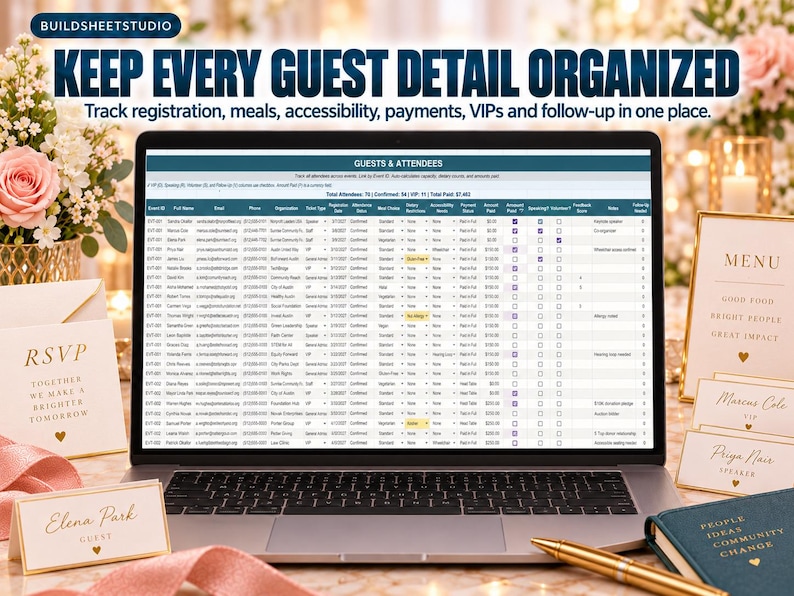
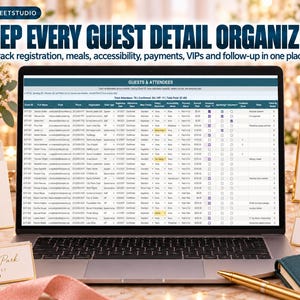
5. GUESTS & ATTENDEES
Keep guest information organized across all of your events.
Track each attendee’s name, email, phone number, organization, ticket type, registration date and attendance status.
Additional fields let you manage:
• Check-in information
• Meal choices
• Dietary restrictions
• Accessibility needs
• Guest relationships
• Table or room assignments
• Payment status
• Amount paid
• VIP guests
• Speakers
• Volunteers
• Feedback scores
• Follow-up requirements
This gives you much more than a basic guest list—you can manage the practical details that affect the actual event experience.
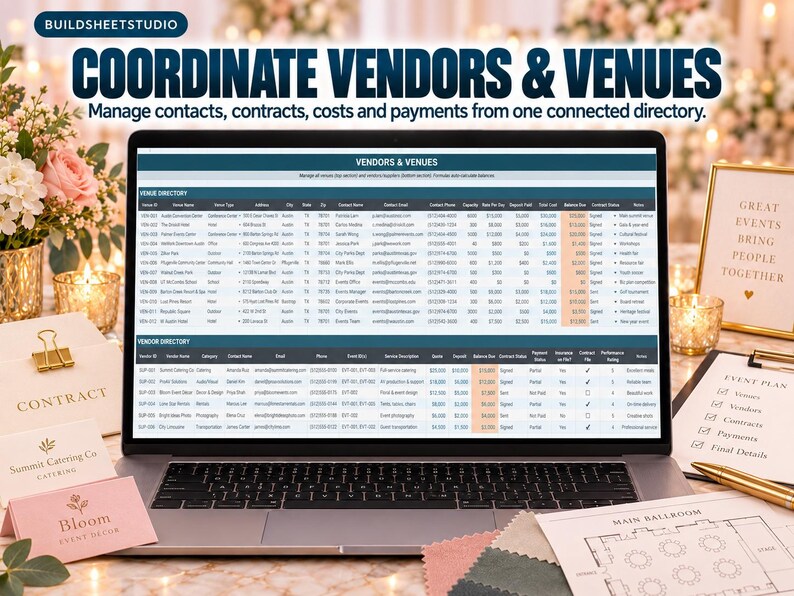
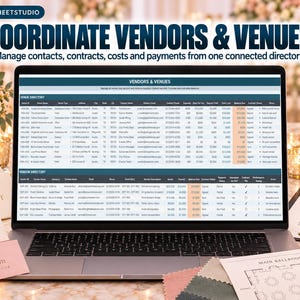
6. VENDORS & VENUES
Keep venue and supplier information together instead of searching through emails, notes and separate documents.
The Venue Directory tracks venue type, address, contact details, capacity, daily rate, deposits, total cost, balance due, contract status and notes.
Sample venues demonstrate how the system can accommodate conference centers, hotels, outdoor locations, offices and community halls.
The vendor section helps you organize the outside businesses and suppliers supporting your events so important booking and payment information stays connected to your planning system.
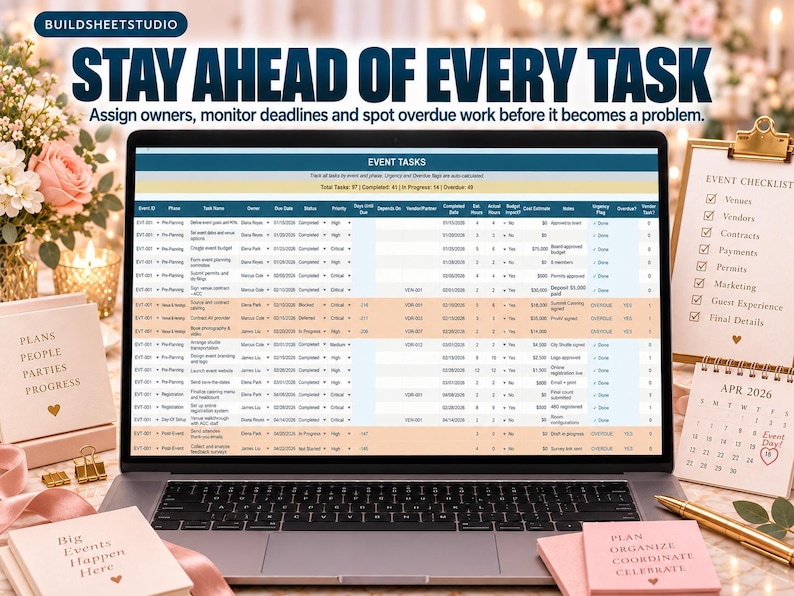
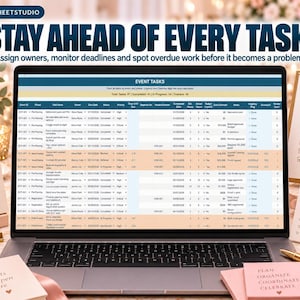
7. EVENT TASKS
Turn your event plans into actionable work.
Organize tasks by event and planning phase, then assign an owner, due date, status and priority.
Track dependencies, vendor involvement, completion dates, estimated versus actual hours, budget impact, estimated cost and notes.
Automatic calculations identify days until due, urgency and overdue tasks, making it easier to spot work that needs attention before it becomes an event-day problem.
Tasks can cover the entire event lifecycle—from defining goals and creating budgets to venue contracts, setup and post-event follow-up.
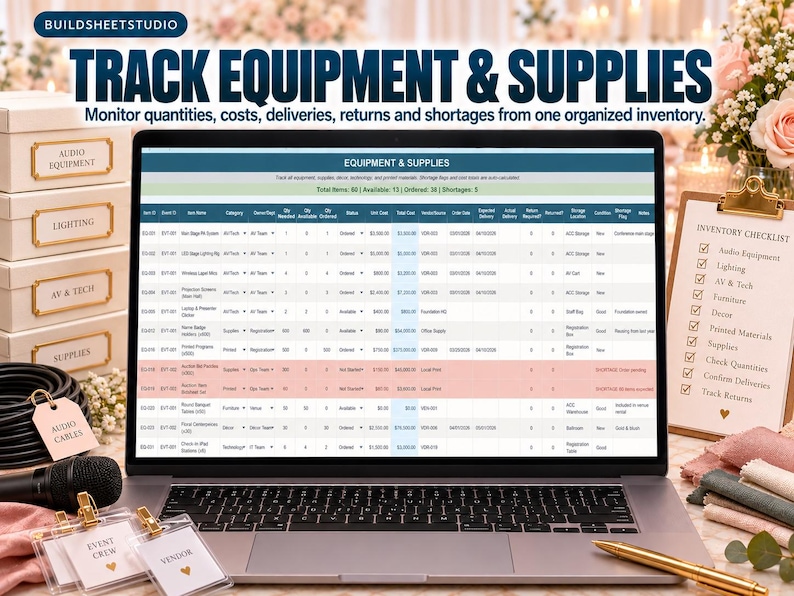
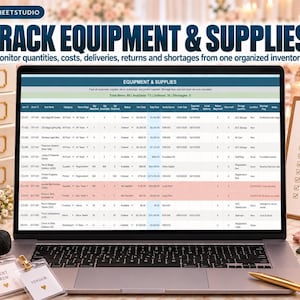
8. EQUIPMENT & SUPPLIES
Keep track of the physical items needed to make each event happen.
Manage AV equipment, signage, furniture, décor, printed materials, supplies, technology and other event resources.
For each item, track:
• Quantity needed
• Quantity available
• Quantity ordered
• Status
• Unit and total cost
• Vendor or source
• Order and delivery dates
• Return requirements
• Storage location
• Condition
• Notes
Automatic shortage flags help identify situations where the quantity available or ordered may not meet your event requirements.
This is especially useful for larger events where dozens of physical items need to arrive, be used and sometimes be returned.
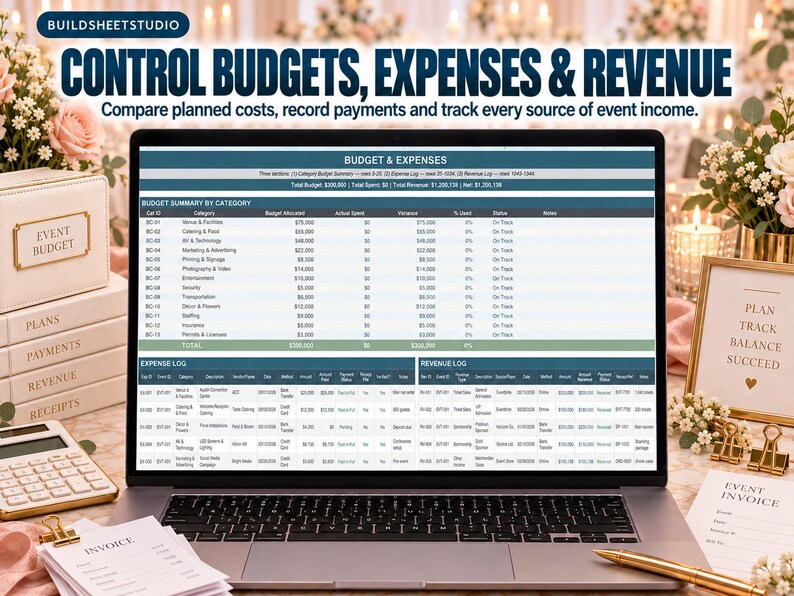
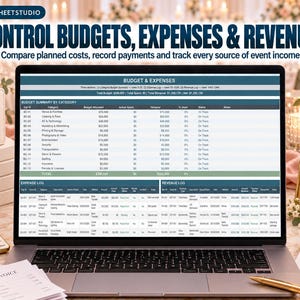
9. BUDGET & EXPENSES
Manage the financial side of your events in one dedicated workspace.
The tab contains three major sections:
Category Budget Summary
Allocate budgets across categories and compare planned spending with actual spending, variance and percentage used.
Built-in categories include Venue & Facilities, Catering & Food, AV & Technology, Marketing & Advertising, Printing & Signage, Photography & Video, Entertainment, Security, Transportation, Décor & Flowers, Staffing, Insurance, Permits & Licenses, Speaker Fees, Awards & Recognition, Contingency and Administrative expenses.
Expense Log
Record individual event expenses and keep detailed spending information organized.
Revenue Log
Track money coming into your events alongside your costs.
Together, these sections make it easier to understand whether an event is staying within its financial plan.
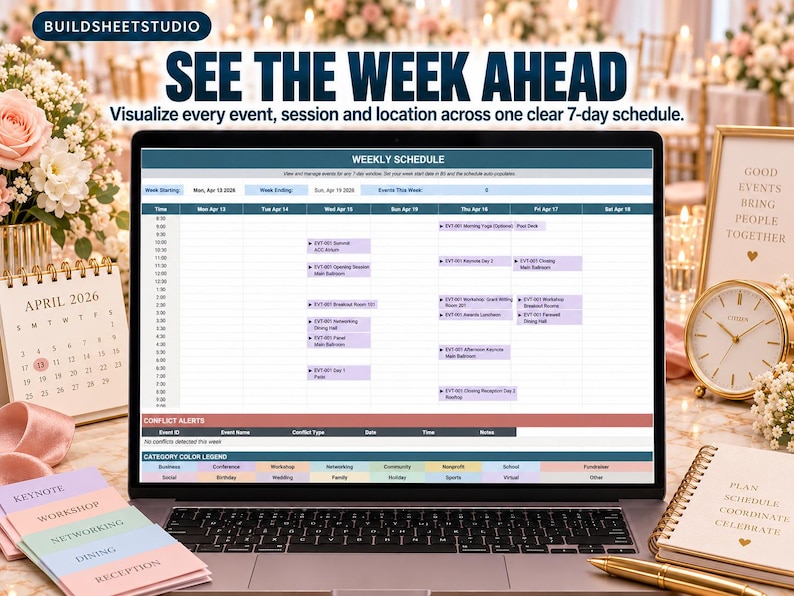
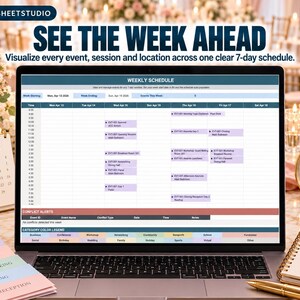
10. WEEKLY SCHEDULE
See the week ahead at a glance.
Choose a week start date and the schedule automatically creates a 7-day event planning view.
The schedule uses time blocks throughout the day, making it easier to visualize when events and activities are taking place.
A dedicated Conflict Alerts section helps surface scheduling problems by Event ID, event name, conflict type, date and time.
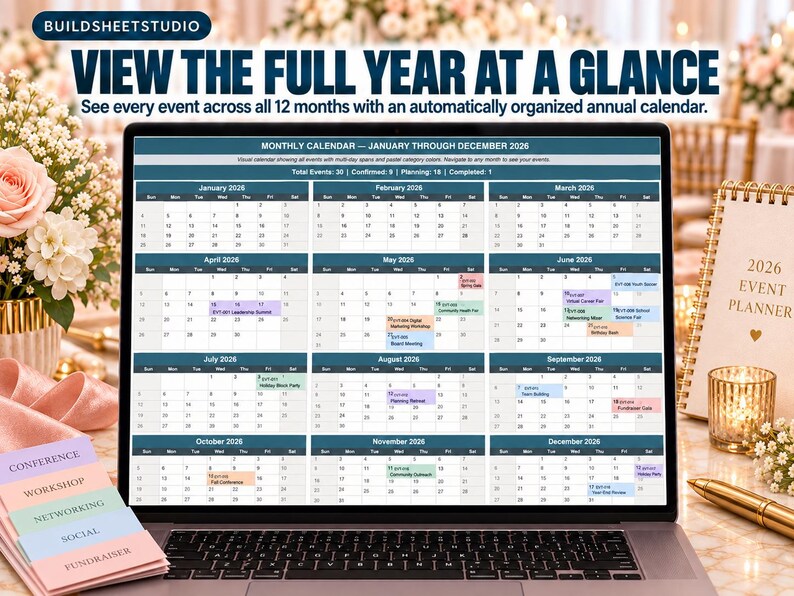
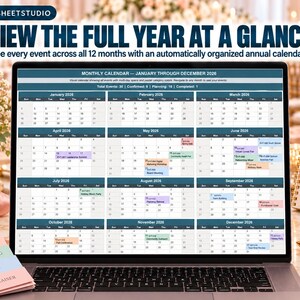
11. MONTHLY CALENDAR
Move from detailed planning to a visual calendar view.
The calendar displays events across the year and supports multi-day event spans and category-based visual organization.
Use it to quickly understand which dates are busy, where events overlap and how your overall event schedule is developing.
It’s especially useful when you’re planning more than one event instead of managing everything individually.
12. REFERENCE DATA
Behind the planner is a dedicated support system containing the standardized options used throughout the workbook.
Reference data includes event categories, statuses, event types, priorities, task statuses, venue types, vendor categories, contract statuses, payment statuses, attendance statuses, ticket types, meal choices, equipment statuses, expense categories, revenue types and recurrence options.
This keeps your planner consistent while supporting the dropdowns and automated features throughout the workbook.
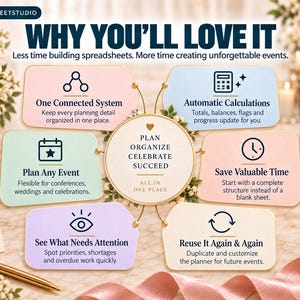
KEY FEATURES
• Central dashboard for your entire event system
• Built-in Event Readiness Scorecard
• Manage multiple events from one master log
• Supports single-day, multi-day, virtual, hybrid and recurring events
• Detailed session and event agenda planning
• Guest, RSVP and attendee management
• Dietary and accessibility tracking
• VIP, speaker and volunteer tracking
• Venue and vendor management
• Event task tracker with urgency and overdue indicators
• Equipment and supply management with shortage alerts
• Category-based event budgeting
• Expense and revenue tracking
• Weekly schedule with conflict alerts
• Visual monthly event calendar
• Sample data included to make setup easier
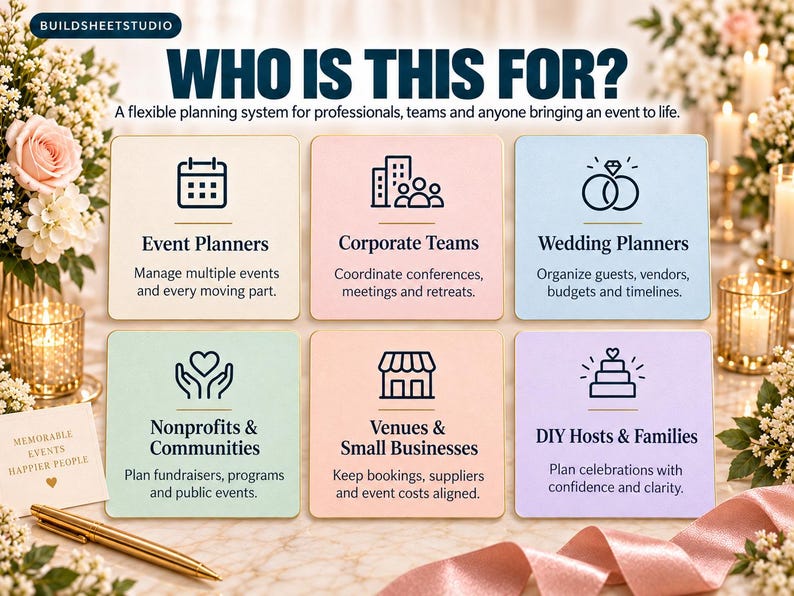
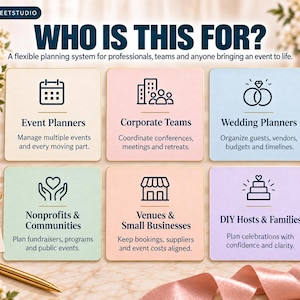
WHO IS THIS FOR?
This planner is designed to be flexible enough for many different types of event planning, including:
• Anyone organizing parties, celebrations or family events
• Community and nonprofit event coordinators
• Small businesses managing workshops, networking events or company functions
• School, club and organization event committees
• Freelance and professional event planners managing multiple events
• Anyone who wants more organization than a basic event checklist provides
Whether you’re planning one important event or coordinating an entire calendar of events, you can adapt the system to your needs.
WHAT YOU’LL RECEIVE
• Ultimate Event Planner spreadsheet
• 12 interconnected planning tabs plus Reference Data
• Pre-built formulas and automated calculations
• Dropdown menus and planning controls
• Sample event data to demonstrate how the system works
• Reusable digital template
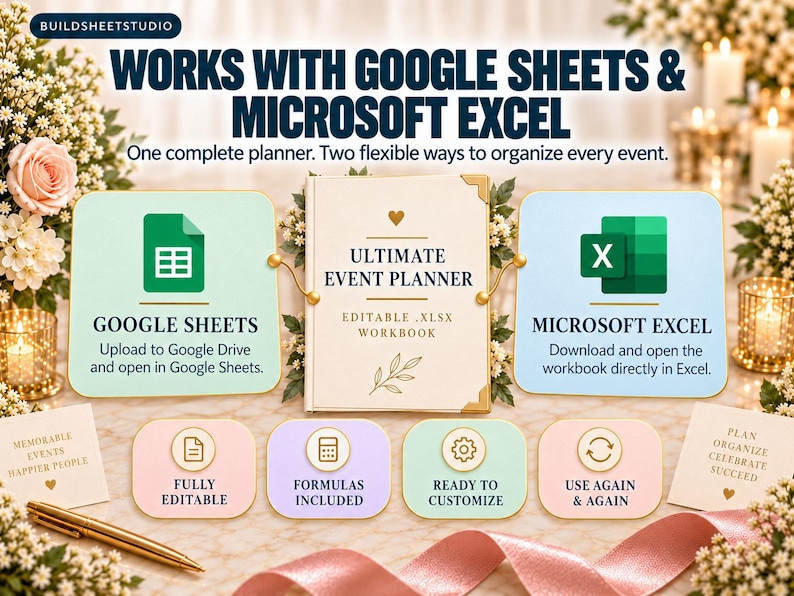
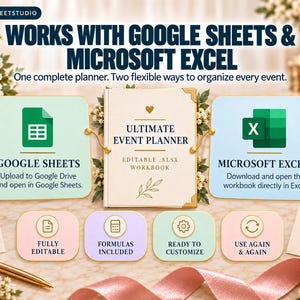
Compatible with: Google Sheets (free) and Microsoft Excel
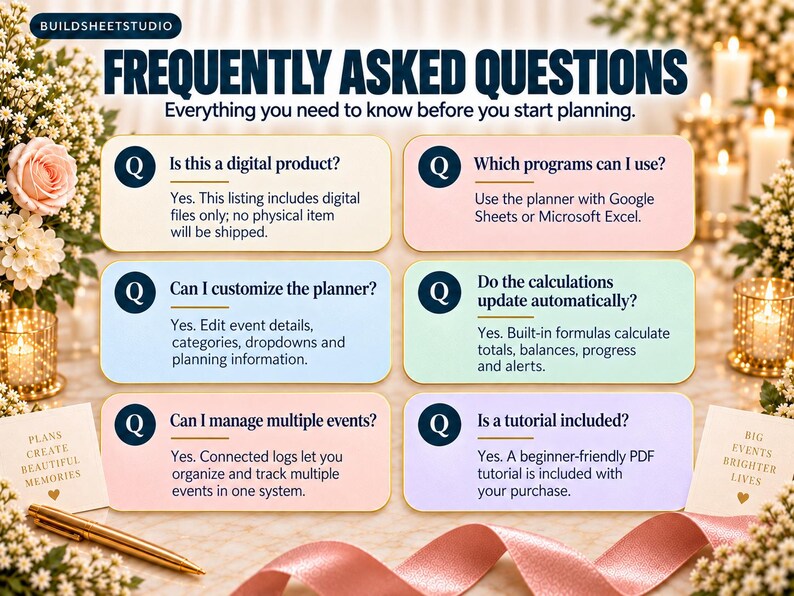
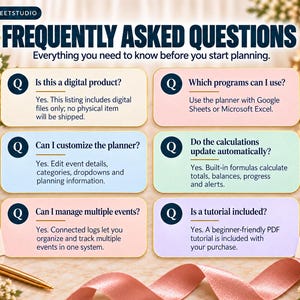
This is a digital product. No physical item will be shipped.
HOW TO GET STARTED
1. Download your files after purchase.
2. Open your planner in Google Sheets or Microsoft Excel.
3. Begin with Event Setup and replace the sample organization information with your own.
4. Review your planning controls and adjust your default settings.
5. Add upcoming events to the Master Event Log.
6. Build detailed schedules and agendas in Event Details & Agenda.
7. Add attendees in Guests & Attendees and enter your venue and supplier information in Vendors & Venues.
8. Assign and monitor your planning work through Event Tasks.
9. Add equipment requirements and event spending as your plans develop.
10. Use the Event Dashboard, Weekly Schedule and Monthly Calendar to monitor everything from one organized system.
PLEASE NOTE
• This is a digital download. No physical product will be mailed.
• Because this is a digital product, refunds, exchanges and cancellations are generally not available after download.
• Spreadsheet software, device and version differences may affect the appearance or behavior of certain advanced spreadsheet features.
• For best results, avoid renaming worksheet tabs because certain formulas and color-coded features depend on the existing tab names.
• Sample names, businesses, events and financial information included in the template are demonstration data and should be replaced with your own information.
• This template is for personal or internal business use only. It may not be resold, redistributed, shared or repackaged as your own digital product.
Questions about the template? Message me through Etsy and I’ll get back to you quickly.
-
Designed by
-
Item typeDigital download
-
Digital file type(s)3 PDF
This seller consistently earned 5-star reviews, shipped orders on time, and replied quickly to messages.
If something goes wrong with an order, we've got your back on all eligible purchases. View program terms
Meet your seller
Usually responds in a few hours
Speedy replies Has a history of replying to messages quickly.
Rave reviews Average review rating is 4.8 or higher.
More from this shop
-
Digital download
Event Planner | Google Sheets & Excel | Multi-Event Budget | Vendor Tracker | Run-of-Show
Sale Price $4.55
Original Price $7.00
-
Digital download
Family Reunion Planner | Google Sheets | Potluck Sign-Up | Guest List & RSVP | Budget Tracker | Itinerary
Sale Price $4.55
Original Price $7.00
-
Digital download
Bridal Shower Planner | Google Sheets | Guest List & RSVP | Budget Tracker | Bridesmaid Tasks | Gift Wishlist
Sale Price $4.55
Original Price $7.00
-
Digital download
Kids Birthday Party Planner | Google Sheets & Excel | Guest List RSVP | Budget Tracker | Shopping List
Sale Price $4.55
Original Price $7.00
-
Digital download
Wedding Guest List Tracker | RSVP, Seating Chart, Gifts (Digital Download)
Sale Price $4.55
Original Price $7.00
-
Digital download
Engagement Party Planner | Google Sheets, Excel Template (Digital Download)
Sale Price $4.55
Original Price $7.00
-
Digital download
Event Planner Spreadsheet: Budget, Guest List, Timeline - Google Sheets & Excel
Sale Price $4.00
Original Price $8.00
-
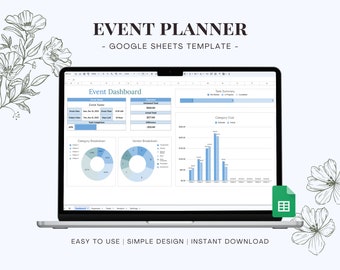
Digital download
Event Planning Google Sheets Template, Party Planner Spreadsheet, Automated Dashboard, Digital Budget Tracker, Vendor & Task List
$5.00
-
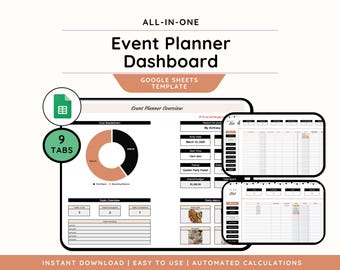
Digital download
Event Planner Google Sheets, Aesthetic Party Planner Spreadsheet, Task Tracker, To Do List, Budget Tracker, Guest List, Birthday Planner
Sale Price $7.17
Original Price $10.24
-
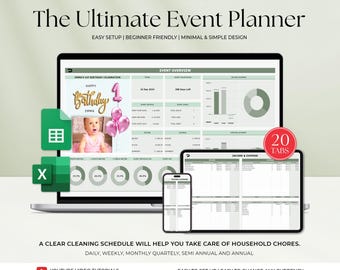
Digital download
Event Planner template Google Sheets Digital Event Planner Excel Spreadsheet Event Party Budget Tracker Event Planning Template
Sale Price $4.00
Original Price $10.00
-
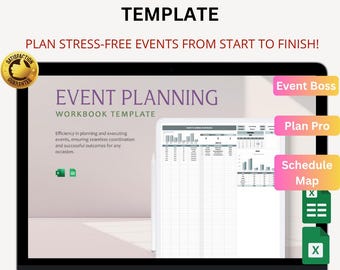
Digital download
Event Planning Workbook Template Excel & Google Sheets | Schedule, Budget and Event Management Tool
Sale Price $3.30
Original Price $6.60
-
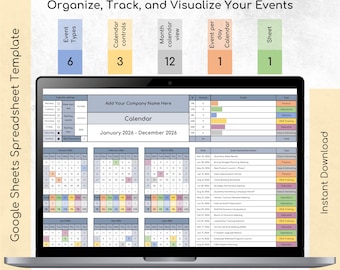
Digital download
Event Calendar Spreadsheet Template | Excel & Google Sheets Yearly Planner, Business Event Tracker
Sale Price $4.53
Original Price $6.29
-
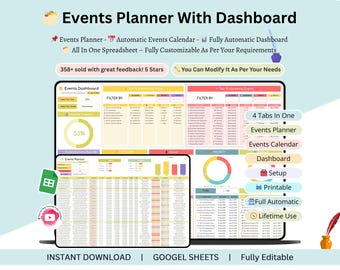
Digital download
Events Planner - events calendar - events calendar google sheets - event planning spreadsheet - event planner spreadsheet - events tracker
Sale Price $3.00
Original Price $9.99
-
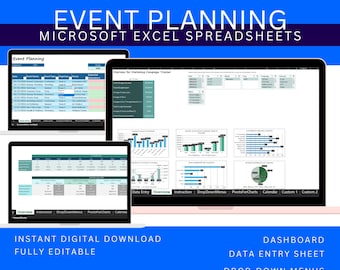
Digital download
Excel Template Event Planner, Wedding Guest List, Party Budget Tracker, Event Planning Spreadsheet Digital Download
$9.99
-
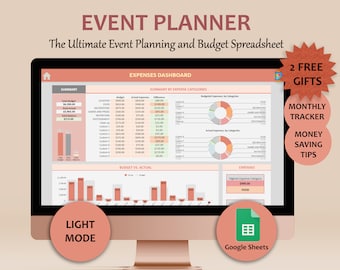
Digital download
Google Sheets Event Planner template Digital Event Planner Spreadsheet Event Party Budget Tracker
$10.00
-
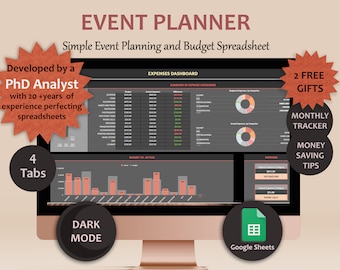
Digital download
Google Sheets Event Planner Event planning template Digital Event Planner Event Budget Event Planner Event Spreadsheet Party Planner
$10.00
-
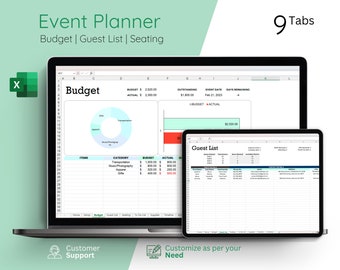
Digital download
Event Planner Excel Template, Party Planner Template, Event Management, Wedding Planner, Event Organizer Spreadsheet
Sale Price $3.89
Original Price $5.99
-
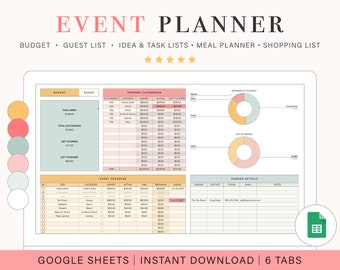
Digital download
Event Planner Spreadsheet | Google Sheets Spreadsheet Template | Digital Party Planner
$8.50
Shoppers with similar taste loved these
-
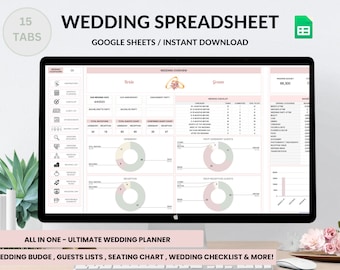
Digital download
Digital Wedding Planner Spreadsheet: Budget, Checklist, Guest List (Google Sheets)
$12.00
-
Digital download
Editable Balloon Menu Template: Black & White Price List (53 Pages) (Digital Download)
Sale Price $27.49
Original Price $49.99
-
Digital download
Digital Wedding Planner Budget Spreadsheet: Seating Chart, Wedding Planning Checklist, Timeline, Expense Tracker (Google Sheets Template)
$5.32
-

Digital download
Digital Event Planner, Event Planning Template, Digital Event Planning Book, Event planner notebook, Event organizer template, Guest list
Sale Price $0.99
Original Price $3.96
-
Digital download
2027 Digital Daily Planner, Summer Theme, Landscape Minimalist Elegant Planner, Notability Noteshelf Goodnotes template iPad Android Samsung
Sale Price $4.99
Original Price $9.98
-
Digital download
200 Pages Minimalist Wedding Planner Digital Template Printable Download Editable with Canva Ultimate Wedding Guide Tiktok Instagram Trends
$30.61
-

Digital download
EMILY Wedding Template --- 20-Slide Wedding Planning Digital Download Template, Google Slides, Wedding Timeline, Bridesmaid Template
$15.20
-
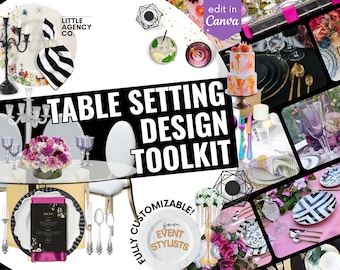
Digital download
Wedding Table Setting Canva Template: Event Design Mockup (Digital)
Sale Price $54.99
Original Price $99.99
-
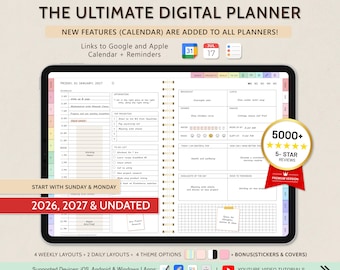
Digital download
Digital Planner for GoodNotes, 2026 2027 Undated, iPad Notability Planner (Digital Download)
Sale Price $4.00
Original Price $10.00
-

Digital download
LED & Plant Letters Mockup Templates: Event Styling (Digital Download)
Sale Price $8.60
Original Price $28.66
-
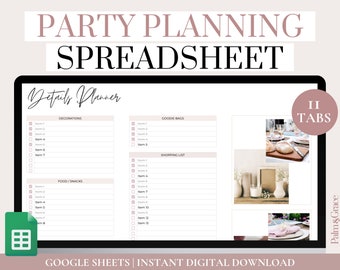
Digital download
Digital Party Planner Spreadsheet, Google Sheets Birthday Party Planner Template, Party Planning Template and Checklist, Party To Do List
$9.00
-
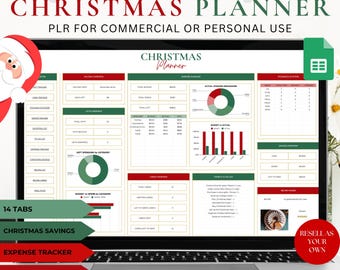
Digital download
PLR Christmas Planner Spreadsheet: Resell Rights, Google Sheets Template
Sale Price $25.00
Original Price $50.00


