






Mobile Notary Spreadsheet, Loan Signing Agent Tracker with Income, Mileage and Journal Log
Price:$15.99
Star Seller
Star Sellers have an outstanding track record for providing a great customer experience—they consistently earned 5-star reviews, shipped orders on time, and replied quickly to any messages they received.
You can only make an offer when buying a single item
Star Seller. This seller consistently earned 5-star reviews, shipped on time, and replied quickly to any messages they received.
Highlights
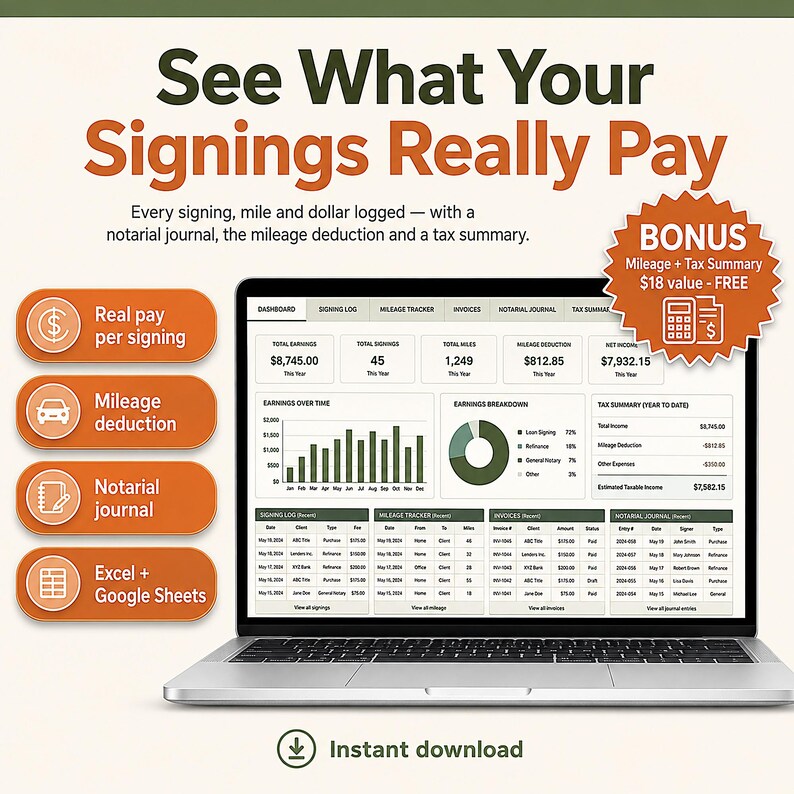
Mobile notary spreadsheet for Excel and Google Sheets. Track loan signing appointments, notary income and expenses, mileage and your journal entries in one file.
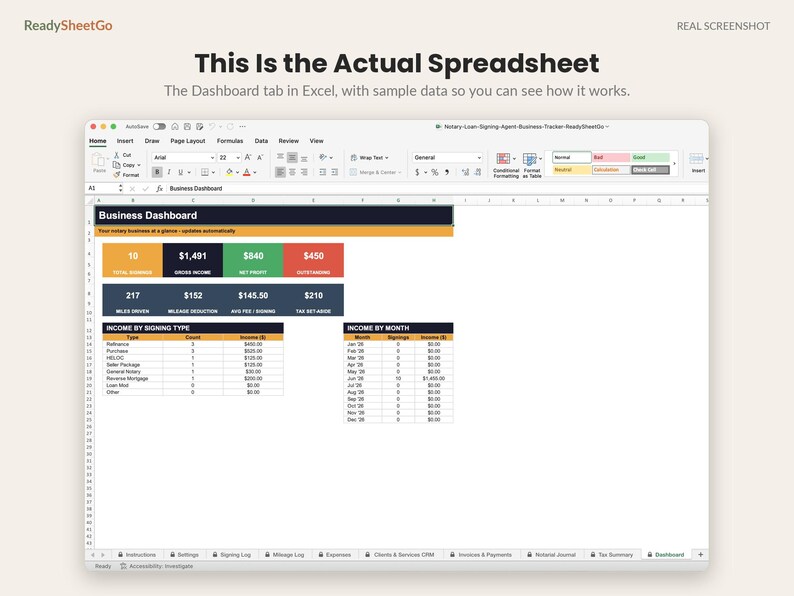
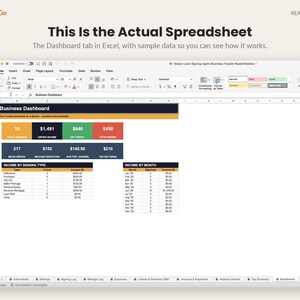
Run your whole mobile notary / loan signing business from one spreadsheet — log every signing, track your mileage deduction, chase the payouts you're owed, and walk into tax season already organized. Sample data is filled in so you can see exactly how it works; just type over it with your own and every total updates automatically.
🎁 FREE BONUS INCLUDED — Mileage + Tax Summary (a $18 value): captures your mileage deduction and totals your tax summary automatically. Yours free with this template.
Built for mobile notaries and loan signing agents who'd rather close signings than wrestle with bookkeeping. No formulas to build, no monthly software fees.
━━━━━━━━━━━
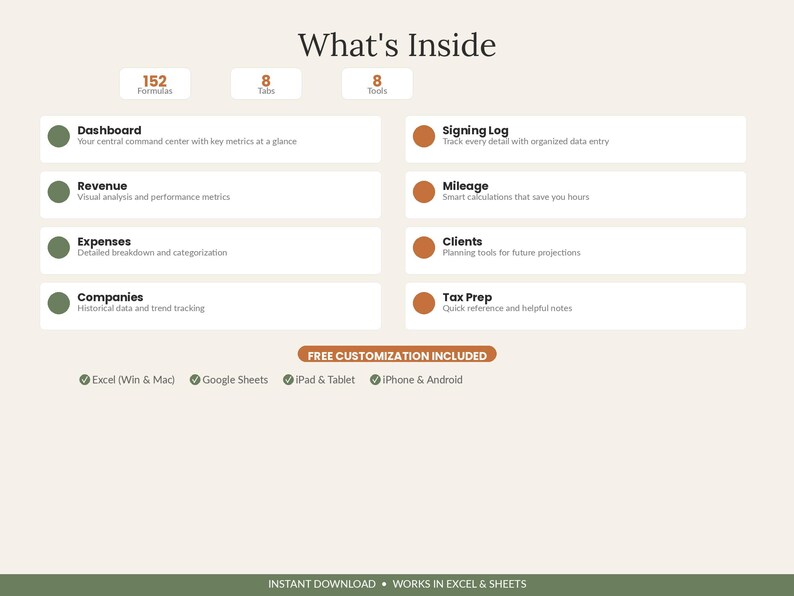
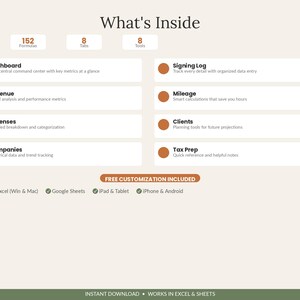
WHAT'S INCLUDED (10 Tabs)
━━━━━━━━━━━
① Instructions — Quick-start guide to every tab
② Settings — Set your default fee, IRS mileage rate and tax set-aside % once; they power the whole file
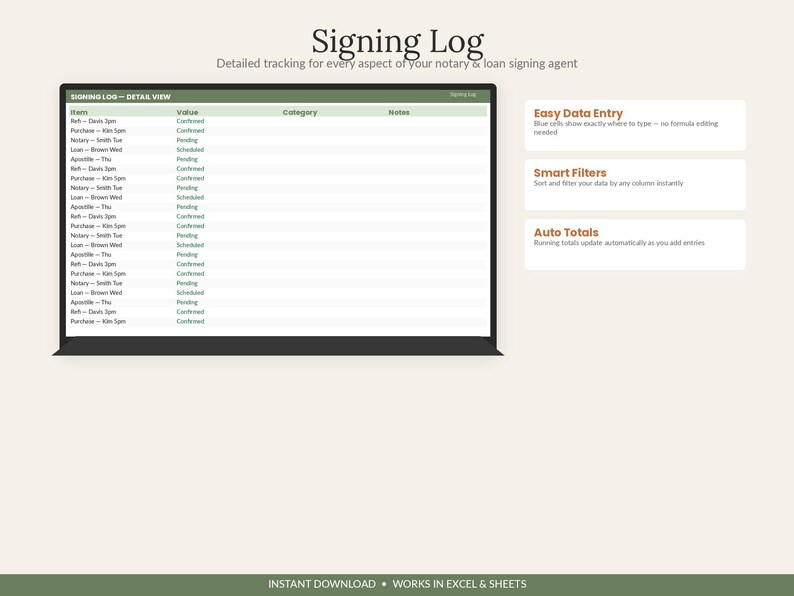
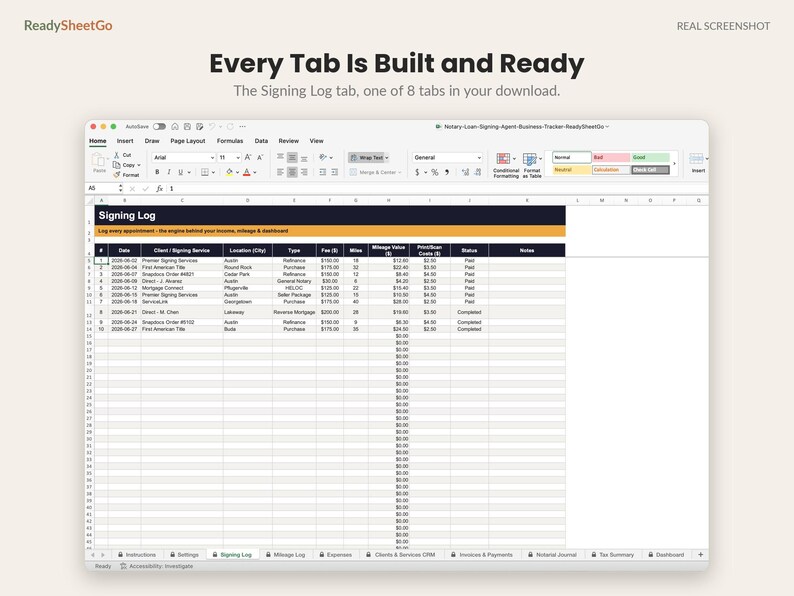
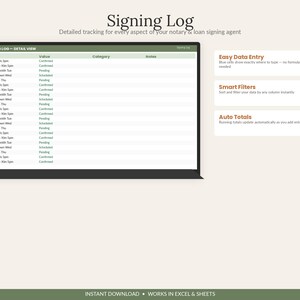
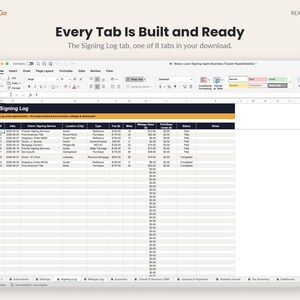
③ Signing Log — Every appointment: date, client, location, type, fee, miles and paid status
④ Mileage Log — Auto-pulls your trips and applies the IRS rate for a tax-ready mileage deduction
⑤ Expenses — E&O insurance, supplies, printer, background checks and more, categorized for Schedule C
⑥ Clients & Services CRM — Title companies and signing services with payment terms and YTD revenue
⑦ Invoices & Payments — Track net-30 payouts; overdue invoices flag red so you actually get paid
⑧ Notarial Journal — A compliance-style record of each notarization: date, document, signer and ID type
⑨ Tax Summary — Schedule C category roll-up plus a quarterly estimated-tax set-aside
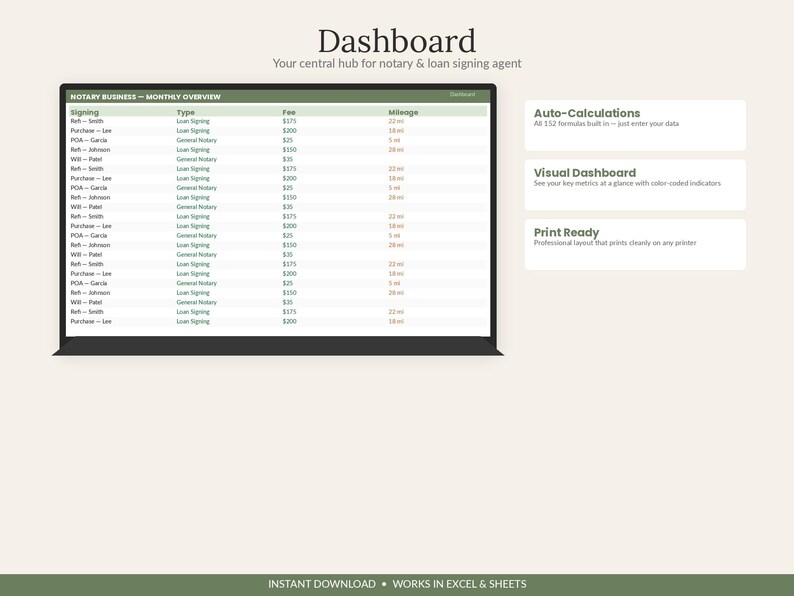
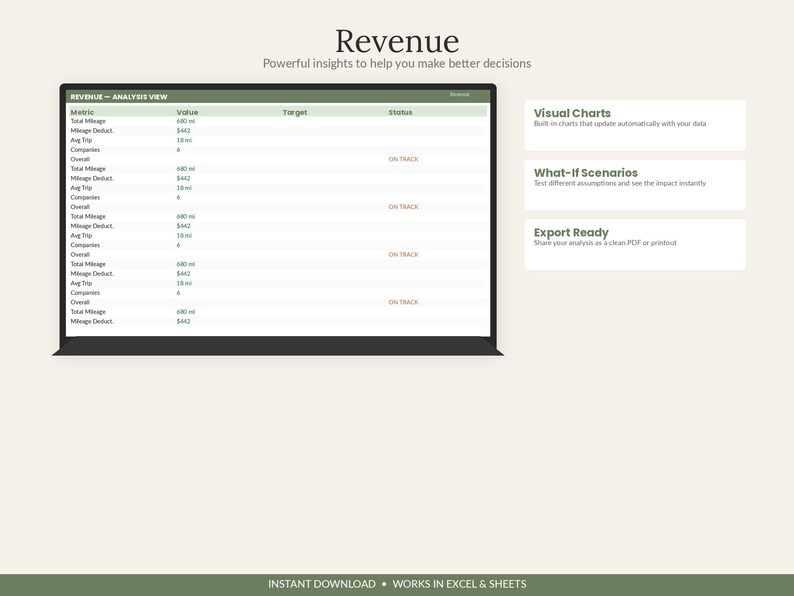
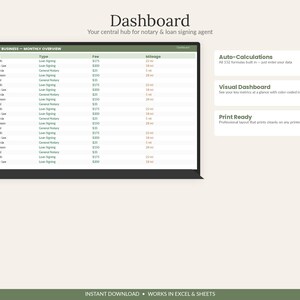
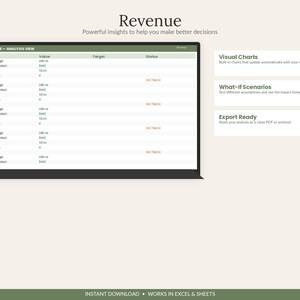
⑩ Dashboard — Signings, average fee, miles, net profit and outstanding balance at a glance
━━━━━━━━━━━
WHY YOU'LL LOVE IT
━━━━━━━━━━━
✔ KNOW YOUR REAL PROFIT — income minus mileage, supplies and expenses, calculated for you
✔ NEVER MISS A MILE — the biggest notary deduction, auto-totaled at the IRS rate
✔ GET PAID ON TIME — outstanding net-30 invoices flagged so nothing slips through
✔ STAY ORGANIZED & COMPLIANT — a clean notarial journal in the same file
✔ TAX SEASON, SORTED — Schedule C categories and a quarterly set-aside ready to go
✔ SEE YOUR BEST CLIENTS — which signing services actually pay, ranked by revenue
✔ PRE-FILLED SAMPLES — see how it all connects, then make it yours
━━━━━━━━━━━
HOW IT WORKS
━━━━━━━━━━━
1️⃣ In Settings, enter your default fee, the current IRS mileage rate and your tax set-aside %
2️⃣ After each signing, add a row to the Signing Log; log expenses and invoices as they happen
3️⃣ Check the Dashboard and Tax Summary anytime — profit, mileage and what you're owed update live
━━━━━━━━━━━
COMPATIBILITY
━━━━━━━━━━━
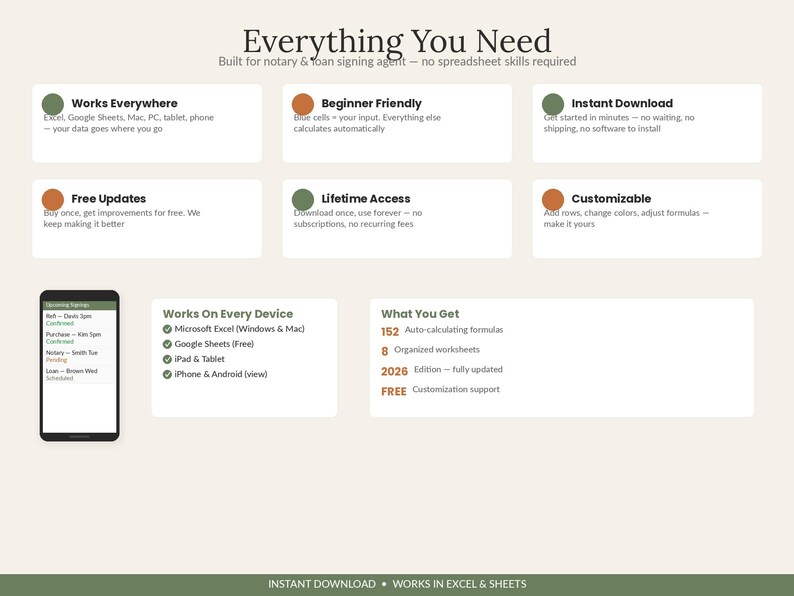
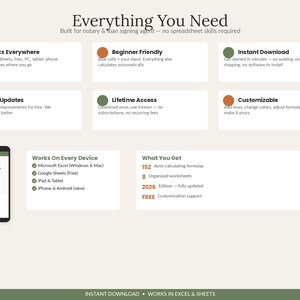
✔ Microsoft Excel (Desktop, Online & Mobile)
✔ Google Sheets (Free — just upload the file)
✔ Works on PC, Mac, iPhone, iPad & Android
━━━━━━━━━━━
INSTANT DIGITAL DOWNLOAD
━━━━━━━━━━━
This is a digital product — no physical item will be shipped. You'll receive the .xlsx file immediately after purchase and can reuse it year after year.
Perfect for mobile notaries, loan signing agents, remote online notaries (RON) and notary side-hustlers.
Note: This template helps you organize your business; it is not legal, accounting or tax advice. Please confirm your state's notarial journal requirements and your tax situation with a professional.
Questions? Message us anytime — we're happy to help.
📗 HOW TO OPEN IN GOOGLE SHEETS (free & easy):
This is one file that works in BOTH Excel and Google Sheets — there's no separate file to find, you just import the download once:
1. Go to sheets.google.com and open a blank spreadsheet
2. Click File ▸ Import ▸ Upload
3. Drag in the .xlsx file you downloaded from this order
4. Choose "Replace spreadsheet" and click Import data
All tabs load as a full Google Sheet saved in your Drive — edit it on any device. (Prefer Excel? Just double-click the file to open.)
© ReadySheetGo
———————————————
VIDEO TUTORIAL INCLUDED
This template comes with a step-by-step video walkthrough to help you get set up in minutes. Your tutorial link is included with the instant download.
Instant Download
Your files will be available to download once payment is confirmed. Here's how.
Instant download items don’t accept returns, exchanges or cancellations. Please contact the seller about any problems with your order.
Etsy Purchase Protection
Shop confidently on Etsy knowing if something goes wrong with an order, we've got your back for all eligible purchases —
see program terms

Be the first to review this item


Speedy replies Has a history of replying to messages quickly.
Rave reviews Average review rating is 4.8 or higher.
More from this shop
Visit shop-

Digital download
Nonprofit Church Treasurer Spreadsheet Template Excel Google Sheets | Donation Tracker, Restricted Fund and Budget Board Report Dashboard
$18.99
-
Digital download
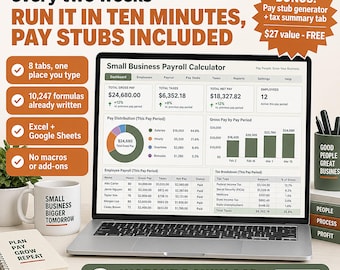
Small Business Payroll Calculator Spreadsheet Template Excel Google Sheets | Pay Stub Generator, Employee Paycheck and W-2 Tax Tracker
$19.99
-

Digital download
PTA Treasurer Spreadsheet | Budget, Bank Reconciliation, Fundraiser Tracker (Excel, Google Sheets)
$18.99
-

Digital download
Side Hustle Income Tracker Spreadsheet 2027, Multiple Income Streams & Expense Log | Freelance Profit Loss Tax Estimator, Google Sheets
$14.99
-

Digital download
Notary Business Spreadsheet Template, Loan Signing Agent Business Planner Google Sheets, Appointment Tracker, Bookkeeping Template, Journal
Sale Price $8.76
Original Price $17.52
-

Notary Scheduler | Loan Signing Agent | Organization Record Keeping | Notary Public| Loan Signing Scheduler | notary loan signing agent
$14.99
-

Digital download
Notary Bookkeeping Template, Loan Signing Agent Income and Expenses Tracker Log, Notary Template, Mobile Notary Public Apostille Spreadsheet
Sale Price $3.29
Original Price $6.59
-
Digital download
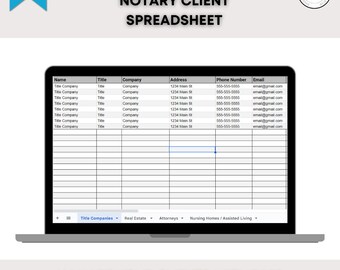
Notary Clients Spreadsheet | Spreadsheet to Track Notary Clients | Spreadsheet to Track Signing Services | Client Tracker |
$5.00
-

Notary Journal Loan Signing Agent Record Keeping Notary Signing Agent Log Book
$14.99
-

Digital download
Notary Admin Bundle | Editable Canva Templates | Printable Notary Forms & Trackers | Digital Download
$12.00
-

Digital download
Field Inspection Marketing List for Notaries and Signing Agents, Notary Public Resources, Notary Marketing Tools, Notary Supplies
$15.00
-

Digital download
Loan Signing Agent Bundle | Notary Supplies | Printable Template | Notary Certificates | Affidavit | Acknowledgment
Sale Price $5.25
Original Price $10.50
-
Digital download
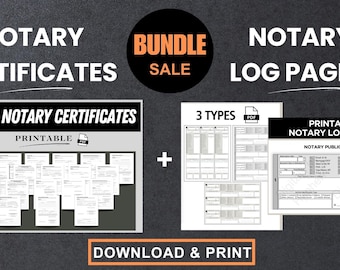
Notary Bundle: 19 Certificates & Log Book (Printable PDF)
$12.99
-

Digital download
Notary Checklist Template, Notary Public, Notary Template, Notary Business, Notary Signing Agent, Loan Signing Agent, Remote Online Notary
Sale Price $3.29
Original Price $6.59
-

Digital download
Notary Loan Signing Cheat Sheet Binder: Mobile Notary Guide (Digital Download, 24-Page PDF)
$14.99
-

Digital download
Loan Signing Agent Bundle: Notary Forms, Certificates, Scripts (Digital Download)
$27.99
Shoppers with similar taste loved these
-

Digital download
Ultimate Tax Organizer - Printable Tax Organizer for Individuals (1040) | Maximize Deductions | Easy Tax Season Planner| Tax Checklist
$3.99
-

Digital download
AI & ChatGPT Toolkit for Tax Professionals: Personalized Guide for how to use AI LLMs with specific Prompts and Custom Instructions
$9.87
-

Digital download
AI Tax Prompt Tax Preparer Notes Generator Tool, IRS Audit Ready, Virtual Tax Office AI Prompt Google Form Tool
$9.99
-
Digital download
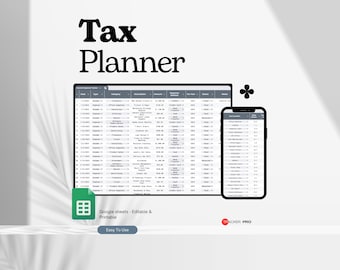
Tax Planner Template Bundle Google Sheets, Tax Planning Spreadsheet Tax Return, Tax Prep Checklist, Preparation Spreadsheet Excel Accounting
Sale Price $3.40
Original Price $7.24
-

Digital download
100 Legal Tax Deductions for Businesses and Self-Employed Individuals
$4.25
-
Digital download
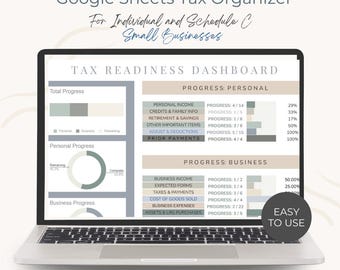
Tax Organizer | Google Sheets | Small Business and Self-Employed | Made by an Enrolled Agent
$14.00
-

Digital download
Accountant Squarespace 7.1 website template/ CPA Consultant freelance business website services Financial Bookkeeping, Personal Coaching
$229.00
-

Digital download
Canva Website Template for Bookkeepers: Business Landing Page (Digital Download)
Sale Price $30.00
Original Price $40.00
-

Digital download
Bookkeeping Website Template Editable in Canva Custom Design for Accountants & Bookkeepers Canva Template DIY Website One Page Website
$16.86
-

Digital download
Blue Shopify Theme: Tax Specialist Website Design, Canva Banners
Sale Price $18.60
Original Price $62.00
-

Digital download
Editable WIX Professional Website! Perfect for any Profession!!
$45.76
-

Digital download
Accounting Bookkeeping Website Template, Canva Landing Page (Digital Download) Accounting Landing Page Tax Business Website
Sale Price $10.00
Original Price $20.00


