











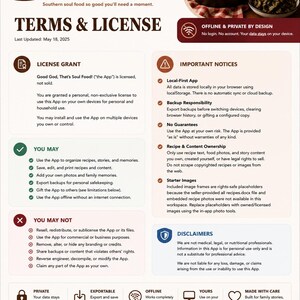
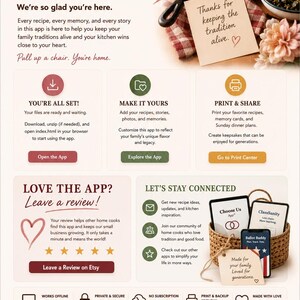
12 Offline HTML Planner Apps Bundle | Family, Budget, Travel, Wellness (Digital Download)
Item highlights
Shop review
All reviews are from verified buyers. This review is shown automatically based on factors like recency, whether it includes comments, your chosen language, and whether the rating reflects the typical experience with the shop.
“Excellent product and service. Easy to use and quick response if you need help.”

Toni
23 days ago
Price:$22.99
You can only make an offer when buying a single item
Delivery
Instant download
Your files will be available to download once payment is confirmed. Here's how.
Instant download items don't accept returns, exchanges or cancellations. Please contact the seller about any problems with your order.
Seller's description
Specifications
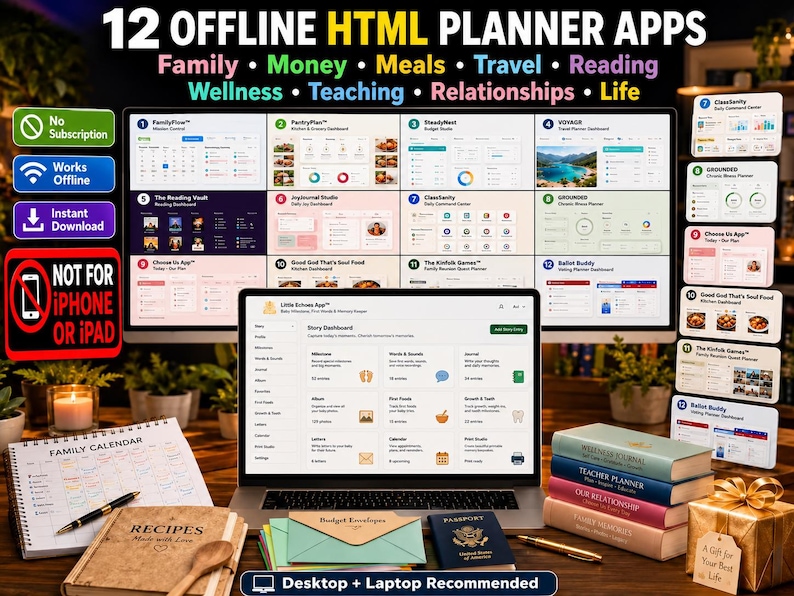
🖥️ 12 INTERACTIVE PLANNER APPS. ONE DOWNLOAD. NO MONTHLY FEES.
Have you ever downloaded one planner for your family, another for your budget, another for meals—and then realized your life was still scattered across notebooks, subscriptions, spreadsheets, and apps you stopped opening?
The Ultimate Offline App Vault was created to solve that problem.
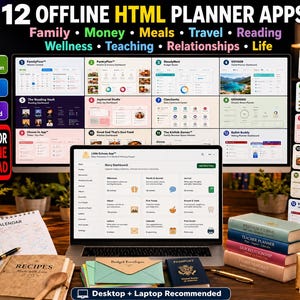
This digital bundle gives you 12 separate interactive HTML planner apps for organizing family life, meals, money, travel, books, wellness, teaching, relationships, recipes, reunions, and important civic responsibilities.
✨ No recurring subscription
✨ No required login
✨ No bank connection
✨ No complicated spreadsheet
✨ No Notion setup
✨ No GoodNotes required
✨ No advertising inside the apps
Download the files, open the planner you need on your desktop or laptop, and start entering your own information.
📦 WHAT IS INCLUDED?
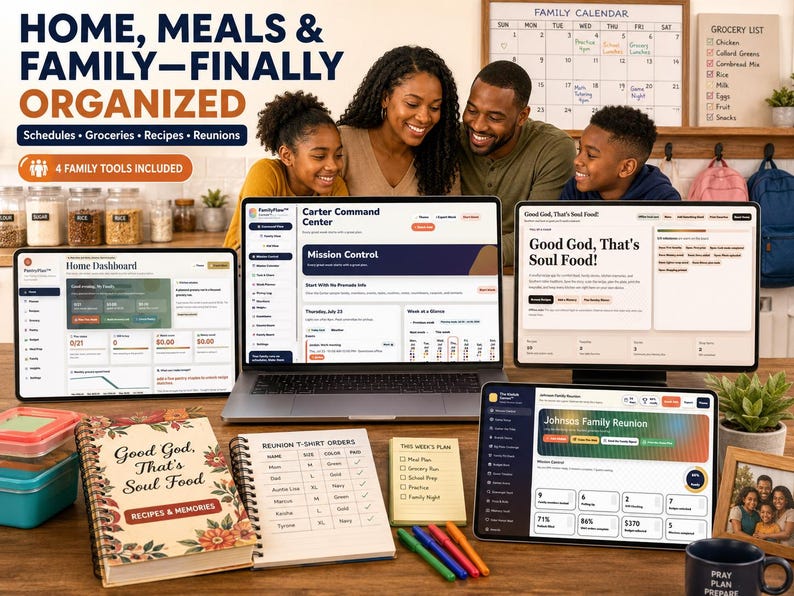
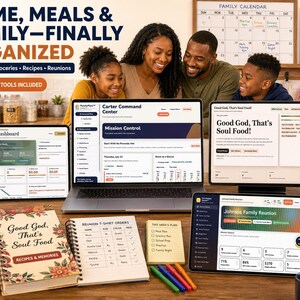
1. 🏠 FamilyFlow™ — Family Schedule Command Center
Bring the entire household schedule into one visible system.
Use it to organize:
• Family calendar and weekly schedule
• Events and appointments
• Tasks and chores
• School and activity schedules
• Pickup and drop-off responsibilities
• Emergency contacts
• Family members
• Kid and family views
• Countdowns and family notes
• Weekly schedule insights
2. 🍲 PantryPlan™ — Family Meal and Kitchen Planner
Plan meals before the week becomes hectic.
Use it for:
• Weekly breakfast, lunch, dinner, and snack planning
• Recipe storage
• Grocery lists
• Pantry, refrigerator, and freezer inventory
• Meal-prep planning
• Grocery budgets
• Family food preferences
• Kitchen insights
• Weekly menu exports
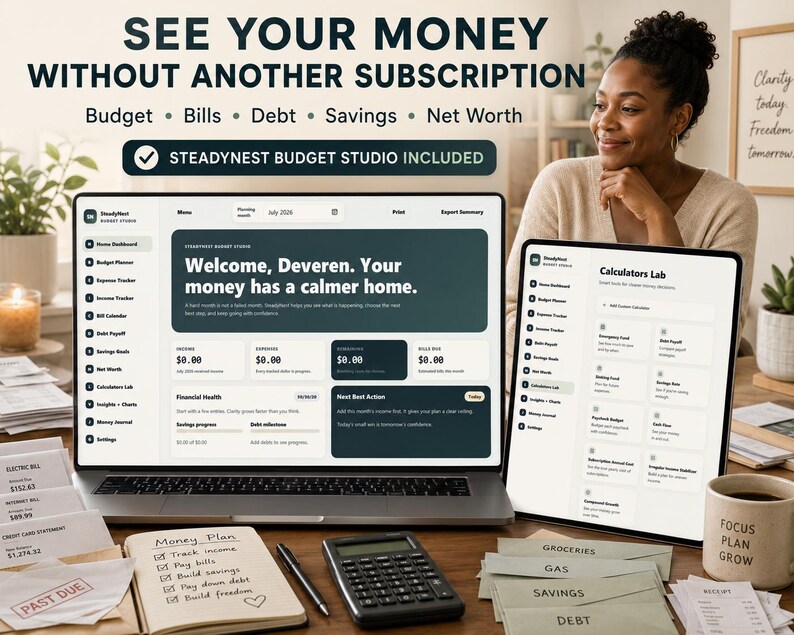
3. 💵 SteadyNest™ — Budget Studio
Give your money a calmer, more organized home.
Track:
• Monthly income
• Expenses
• Budget categories
• Bills and due dates
• Debt balances
• Savings goals
• Assets and liabilities
• Net-worth snapshots
• Spending insights
• Paycheck, debt, savings, cash-flow, and growth calculations
4. ✈️ VOYAGR™ — Travel Planner
Stop keeping reservations, ideas, budgets, and packing notes in separate places.
Plan:
• Multiple trips
• Destination details
• Dates and travelers
• Itineraries
• Travel budgets
• Packing
• Activities and ideas
• Important trip information
• Travel notes and memories
5. 📚 The Reading Vault
Turn a growing book collection into an organized digital reading life.
Track:
• Your personal library
• Currently reading books
• TBR books
• Finished and unfinished books
• Reading progress
• Ratings and reviews
• Journal entries
• Quotes
• Reading challenges
• Reading statistics
• Mood-based book recommendations
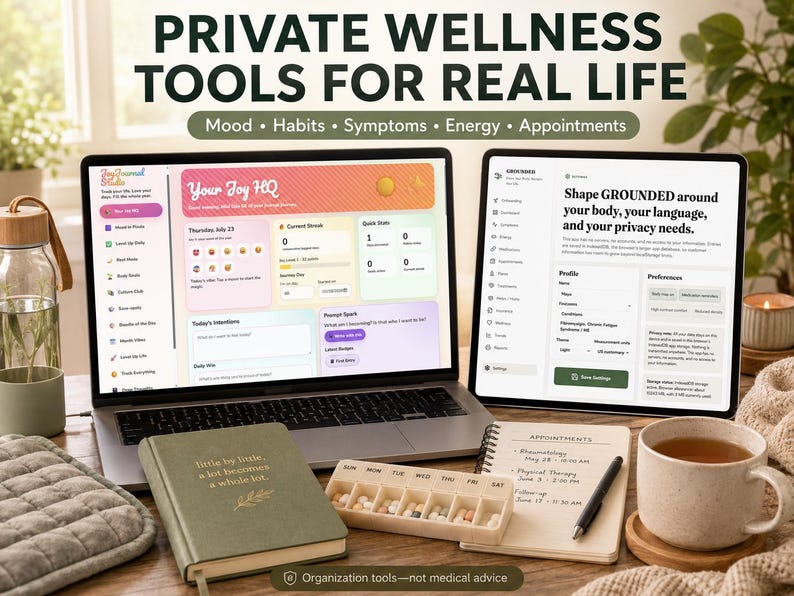
6. 😃 JoyJournal Studio
Create a private place for everyday reflection and wellness organization.
Use it for:
• Mood check-ins
• Habit tracking
• Sleep records
• Stress and energy reflections
• Confidence check-ins
• Health notes
• Journaling
• Personal progress and insights
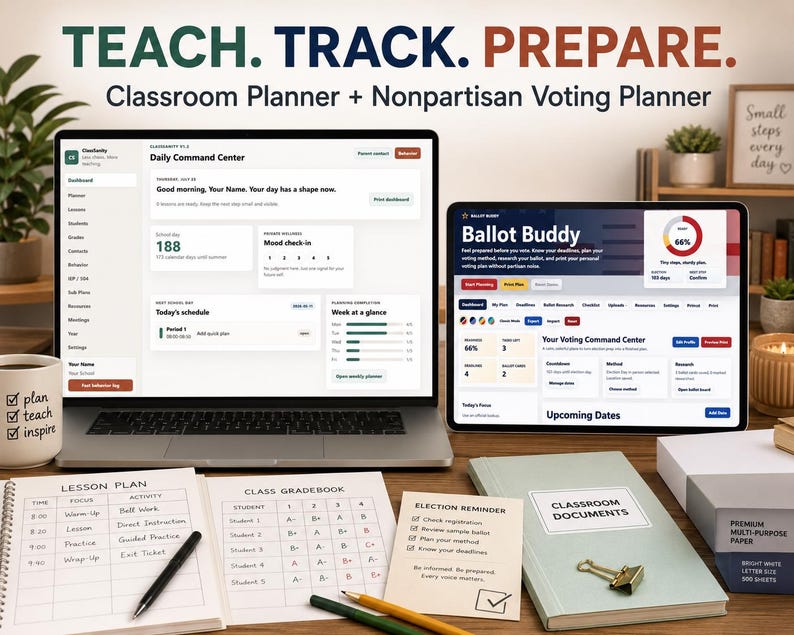
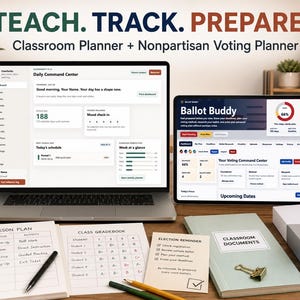
7. 🍎 ClassSanity™ Teacher Planner
Reduce the amount of school information living in sticky notes, notebooks, emails, and separate files.
Organize:
• Daily teaching dashboard
• Planner and schedule
• Lesson plans
• Student records
• Grades
• Parent contacts
• Behavior notes
• IEP and 504 information
• Substitute plans
• Resources
• Meetings
• School-year planning
8. 🌿 GROUNDED — Chronic Illness Planner
Keep important health information organized without repeatedly rebuilding your records.
Track:
• Symptoms and body notes
• Daily energy and pacing
• Medications and supplements
• Appointments
• Flare records
• Treatments
• What helps
• Insurance claims and contacts
• Questions for providers
• Mood reflections
• Personal wins
• Printable summaries
GROUNDED is an organization tool and does not provide medical advice, diagnosis, or treatment.
9. 💜 Choose Us App™
Help important relationship intentions become visible actions.
Organize:
• Relationship priorities
• Promises
• Check-ins
• Shared rituals
• Protected time
• Appreciations
• Relationship meetings
• Repair reflections
• Responsibilities
• Date ideas
• Shared goals
This app is designed for healthy personal reflection and communication. It is not a monitoring, control, diagnosis, or counseling tool.
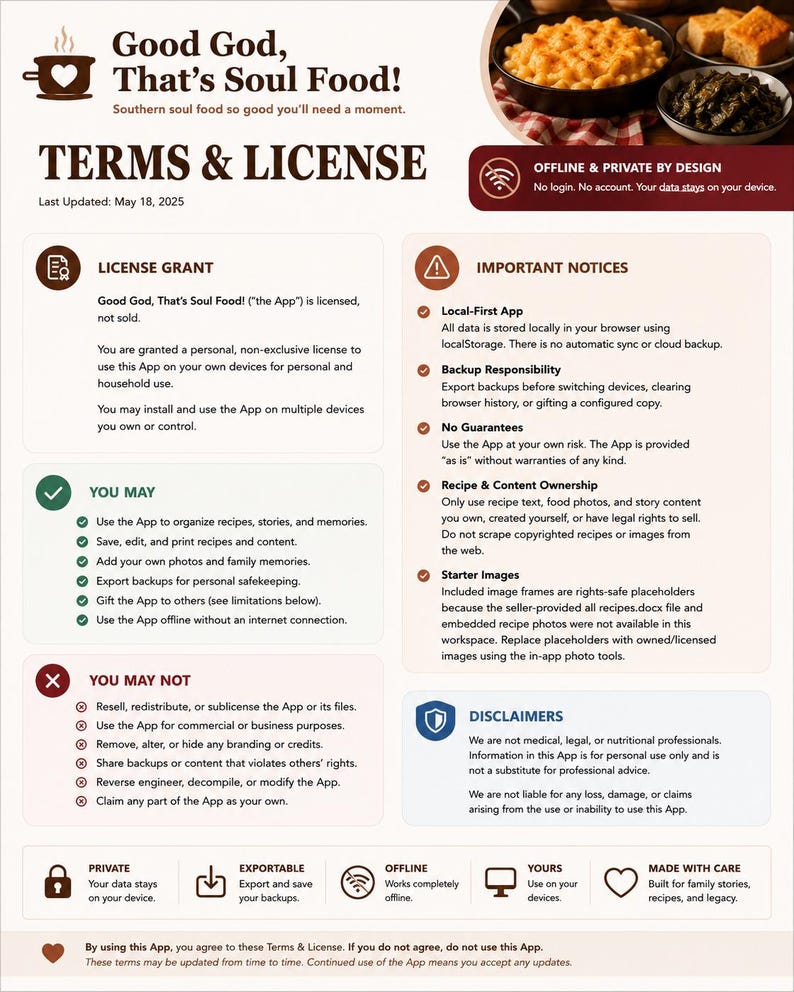
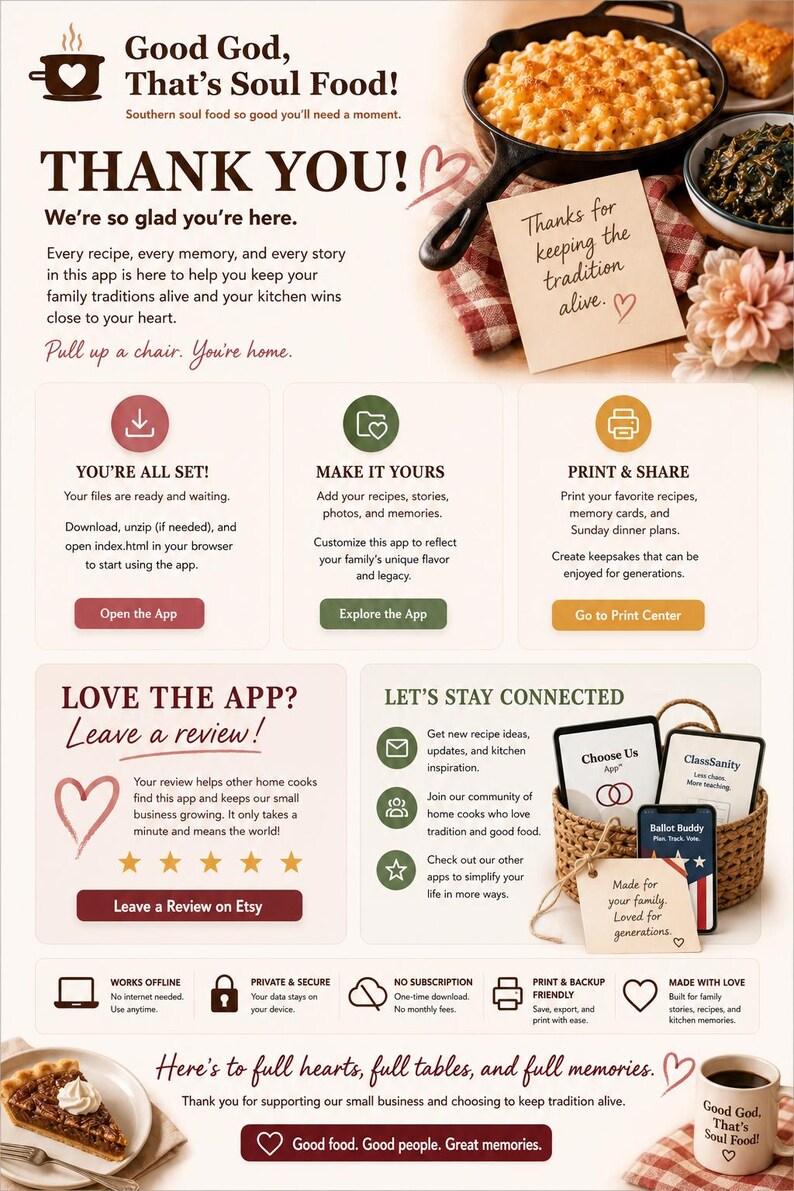
10. 🍗 Good God, That’s Soul Food!
Preserve more than recipes—preserve the stories around the table.
Use it for:
• Southern soul-food recipes
• Dinner planning
• Shopping and pantry lists
• Community stories
• Family food memories
• Sunday Balance reflections
• Table traditions
• Recipe printing
• Family recipe cards
11. 🏆 The Kinfolk Games™
Plan a family reunion like a game and celebrate the family like a legacy.
Organize:
• Family members and RSVPs
• Reunion teams
• Potluck assignments
• Shirt orders
• Family dues and payments
• Budget
• Event schedule
• Reunion games
• Awards
• Elder and memorial tributes
• Memory vault
• Reunion-readiness progress
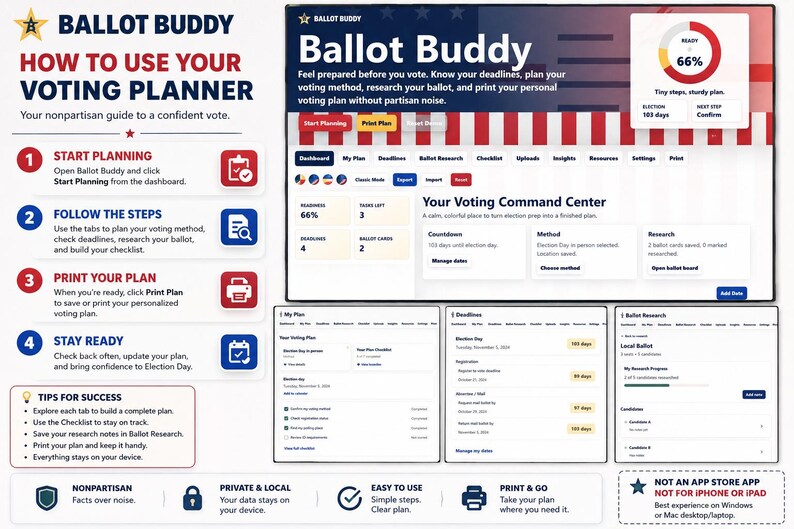
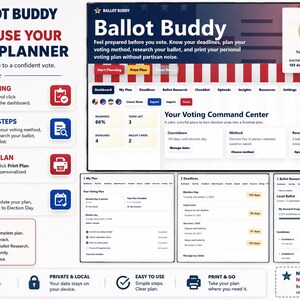
12. 🗳️ Ballot Buddy
Feel prepared before voting without partisan noise.
Organize:
• Election information
• Voting method
• Registration and election deadlines
• Personal ballot research notes
• Voting checklist
• Document uploads
• Readiness progress
• Helpful resources
• Printable personal voting plan
Ballot Buddy is a neutral planning tool. It does not endorse, rank, or recommend candidates, political parties, ballot measures, or public policies.
💡 WHY THIS BUNDLE IS DIFFERENT
This is not one giant static PDF filled with pages you may never use.
You receive 12 separate interactive HTML mini apps. Open the one that matches what you need that day:
• Family chaos? Open FamilyFlow.
• No dinner plan? Open PantryPlan.
• Bills feel scattered? Open SteadyNest.
• Planning a vacation? Open VOYAGR.
• Buying and forgetting books? Open The Reading Vault.
• Need to prepare for class? Open ClassSanity.
• Organizing a family reunion? Open The Kinfolk Games.
You are not forced to manage your entire life inside one overwhelming system.
✅ BUILT FOR REAL-LIFE PAIN POINTS
This collection is especially useful for people who are:
• Tired of paying for several subscriptions
• Overwhelmed by complicated productivity systems
• Frustrated with spreadsheets
• Constantly switching between planners
• Trying to manage family information alone
• Forgetting meals, bills, appointments, or deadlines
• Looking for more private digital tools
• Buying planners but abandoning them
• Searching for one practical gift that offers lasting usefulness
🎁 A USEFUL DIGITAL GIFT
This app collection makes a practical digital gift for:
• A busy mom or dad
• A wife, husband, girlfriend, or boyfriend
• A teacher or first-year teacher
• A college graduate learning to manage adult life
• A family member who wants better organization
• A book lover
• A frequent traveler
• A couple
• A family-reunion organizer
• A friend managing wellness information
• Someone moving into a new home
• Someone beginning a new job
• Anyone who loves useful desktop tools
Gift it for a:
• Birthday
• Graduation
• Teacher-appreciation occasion
• Housewarming
• Anniversary
• Back-to-school season
• New job
• Christmas
• Mother’s Day or Father’s Day
• “Thinking of you” surprise
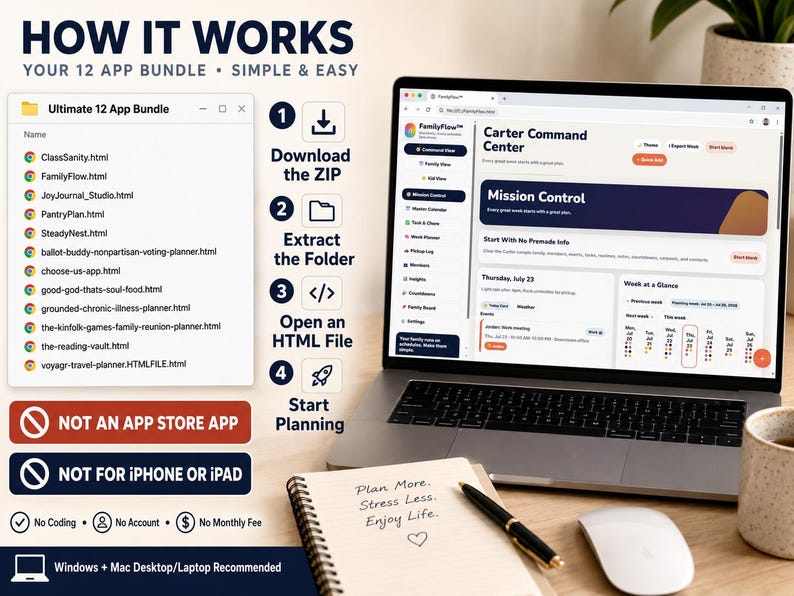
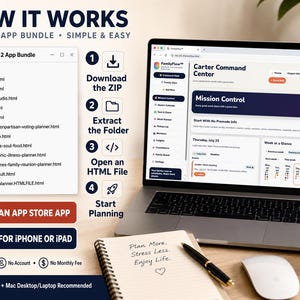
💻 HOW IT WORKS
1. Purchase the digital listing.
2. Download the included ZIP file and Quick Start Guide.
3. Extract the ZIP folder on your computer.
4. Choose one of the 12 HTML planner files.
5. Open it in Chrome, Edge, Firefox, or Safari.
6. Replace the demonstration information with your own.
7. Continue using the same browser and device so your locally saved information remains available.
8. Export backups regularly wherever the app provides a backup option.
No coding knowledge is required.
No App Store installation is required.
📱 DEVICE COMPATIBILITY
This is a collection of interactive HTML mini apps, not App Store apps.
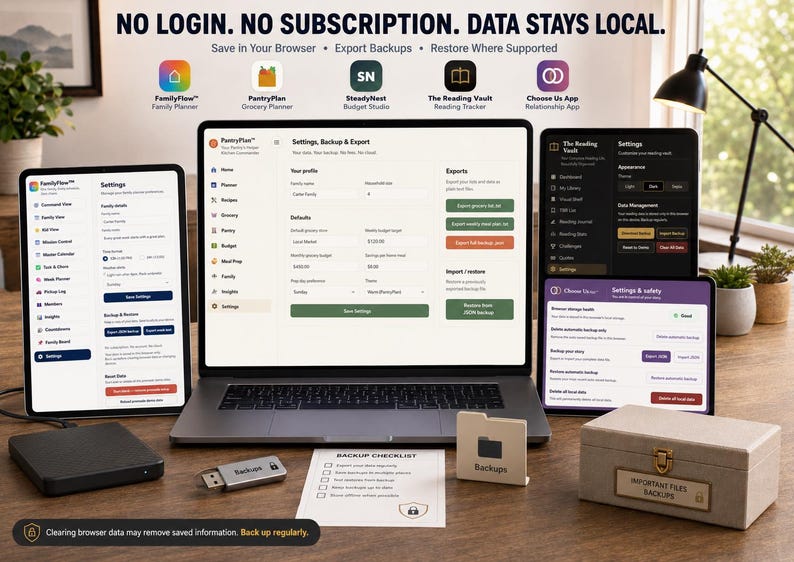
✅ Works offline after downloading
✅ No subscription required
✅ No login required
✅ Core calculations happen inside your browser
✅ Your information is stored locally on your device/browser
✅ Designed primarily for Windows and Mac computers
❌ Not for iPhones or iPads
For the best experience, use a desktop or laptop computer with:
• Google Chrome
• Microsoft Edge
• Mozilla Firefox
• Safari on Mac
Some apps may open on certain tablets or mobile browsers. However, iPhone and iPad file previews may display an HTML file without running all interactive features.
For full functionality, open the files in a supported web browser on a desktop or laptop computer.
Some optional external links, fonts, or online resources may require an internet connection.
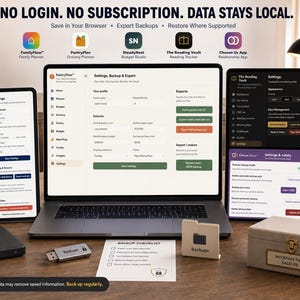
🔐 IMPORTANT LOCAL-STORAGE INFORMATION
Your planner information is stored locally in the browser you use.
That means:
• Your entries are not sent to my servers.
• I cannot see your personal planner information.
• Your apps do not automatically synchronize between devices.
• Opening the file in a different browser may create a separate save.
• Clearing browser data may remove locally stored information.
• Replacing your computer does not automatically transfer your data.
Please use the available export and backup tools regularly.
📥 WHAT YOU WILL RECEIVE
• 12 interactive HTML mini-app files
• One organized digital ZIP bundle
• Quick Start instructions
• Device-compatibility guidance
• Personal-use license information
• Instant digital access through Etsy
No physical item will be shipped.
📌 PERSONAL-USE LICENSE
This purchase is for one buyer’s personal use.
You may not:
• Resell the apps
• Redistribute the files
• Share the download folder
• Upload the files for others
• Copy or repackage the code
• Claim the designs or written content as your own
• Include the apps in another product or bundle
Purchase additional copies when gifting the files to different households or recipients.
🌟 READY TO ORGANIZE MORE OF REAL LIFE?
Instead of purchasing another planner that solves only one problem, give yourself an entire vault of interactive tools.
One purchase. Twelve specialized apps. No monthly subscription.
👉 Add the Ultimate Offline App Vault to your cart and choose the tool that fits what life needs today.
After you have explored the bundle, please return and leave an honest Etsy review. Reviews help my small shop grow and help other customers discover useful interactive tools.
Be sure to visit the rest of my shop for more offline mini apps covering budgeting, ADHD support, family life, relationships, wellness, travel, teaching, celebrations, and everyday organization. 💛
━━━━━━━━━━━━━━━━━━━━
START HERE — AFTER PURCHASE
━━━━━━━━━━━━━━━━━━━━
1. Open Etsy in a desktop or laptop browser and go to Purchases and Reviews.
2. Download all included files. Etsy app downloads may need to be completed through a web browser.
3. Open the included Start Here/How-To file before launching the app.
4. Save the HTML app file in a permanent folder; do not run it from a temporary preview.
5. Open the HTML file in a current Chrome, Edge, Safari, or Firefox desktop browser.
6. Test the app with a sample entry, then use Export/Backup regularly and store the backup separately.
COMPATIBILITY & STORAGE
• Digital download; no physical item ships.
• Designed for Windows or Mac desktop/laptop browsers and supported Android browsers.
• Not compatible with iPhone or iPad.
• No subscription, login, cloud sync, or automatic multi-device syncing.
• Entries normally remain in that browser profile on that device unless you export a backup.
• Clearing browser data, changing browsers/devices, or moving files may affect saved information.
Need help? Message DigitalCreatorVault2 with your device, browser, and the step where you became stuck.
-
Designed by
-
Item typeDigital download
-
Digital file type(s)2 ZIP
If something goes wrong with an order, we've got your back on all eligible purchases. View program terms
Meet your seller
Usually responds in a few hours
More from this shop
-

Digital download
Lucky Bear St Patrick's Day PNG, Shamrock Graphics (Instant Download)
$5.99
-

Digital download
Interactive Southern Recipe App, Soul Food Cookbook, Digital Gift (Offline)
$9.98
-

Digital download
Interactive Budget Planner App | Debt Payoff, Savings Goals (Digital Download)
$11.98
-

Digital download
Cruise Planner App, Vacation Budget Tracker, Itinerary, Packing List (Digital Download)
$9.98
-

Digital download
Pet Care Journal App, Pet Tracker, Moods, Health, Routines (Offline Digital Download)
$8.99
-

Digital download
Cancer Support Planner, Chemo Symptom Tracker, Caregiver Hub (Digital Download)
$12.98
-

Digital download
The new Ultimate Digital life planner
$29.88
-
Digital download
The Ultimate Life Planner Notion Template MRR is your complete solution for organizing every aspect of your life tasks finances selfcare etc
$20.00
-

Digital download
2026 Digital Life Planner Budget Spreadsheet Digital Recipe Book Busy Mom Planner Adhd Digital Planner Emergency Binder Cleaning Checklist
Sale Price $10.00
Original Price $20.00
-

Digital download
The Complete Home and Life Planner Google Sheets, All-in-One Digital Planner (15 Tabs)
Sale Price $16.91
Original Price $28.18
-
Digital download
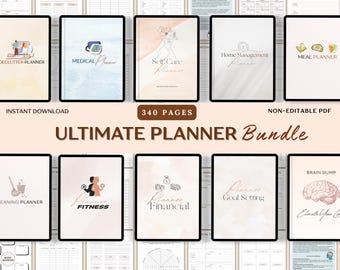
Ultimate Life Planner Bundle, Cleaning & Declutter planner, Life Binder, Productivity, goal, fitness, finance, self-care, daily Mom Planner
Sale Price $12.99
Original Price $25.98
-

Digital download
Life Planner Google Sheets Dark Mode Annual Budget Tracker Excel Budget Spreadsheet Habit Tracker Organization Planner Savings Tracker
Sale Price $16.86
Original Price $33.72
-
Digital download
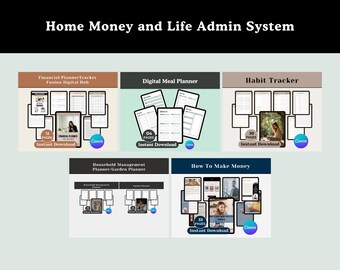
Home and Life Admin System | Budget Planner, Habit Tracker & Family Organizer Bundle (PLR)
$53.53
-

Digital download
Ultimate Digital Planner | Interactive HTML Download | Monthly, Weekly, Daily, Goals & Budget Tracker | Dark and Light Mode
$25.00
-

Digital download
Ultimate Annual Budget Template Excel Google Sheets Budget Spreadsheet Organization Planner Life Planner Template Habit Tracker Task Tracker
Sale Price $16.86
Original Price $33.72
-

Digital download
Notion Life Planner Template: ADHD-Friendly, Ultimate Organization (PLR)
$26.58
-

Digital download
Annual Budget Template 2026 Life Planner Google Sheets Excel Goal Planner Habit Tracker Organization Bundle Task Spreadsheet Reading Log
Sale Price $15.99
Original Price $31.98
-

Digital download
2026 All-in-One Digital Annual Planner for wiser organizers Google Excel Sheets To Do List Productivity Goal Digital Calendar
$21.17
Shoppers with similar taste loved these
-
Digital download
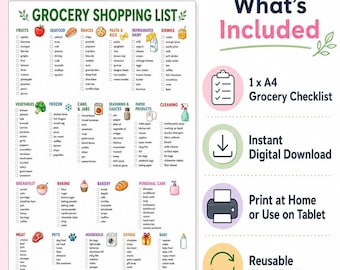
Grocery Shopping List Printable, A4 Categorised Checklist PDF, Weekly Meal Planner Digital Download
$4.21
-
Digital download
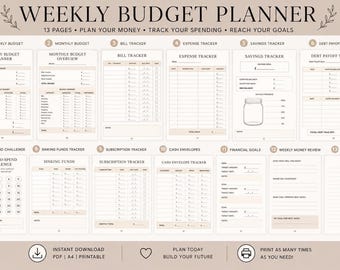
Budget Planner Bundle Printable, A4 Weekly and Monthly Financial Organizer PDF
$5.62
-
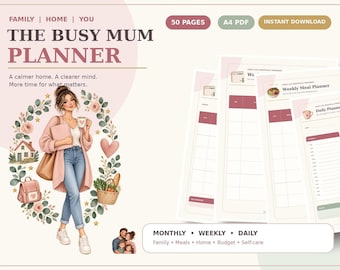
Digital download
Busy Mum Planner, 50-Page A4 Family Organiser with Cleaning, Meal and School Pages
$7.03
-
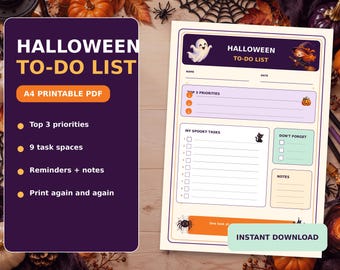
Digital download
Halloween To Do List Printable, A4 Spooky Checklist Planner Page for Party Prep
$4.21
-
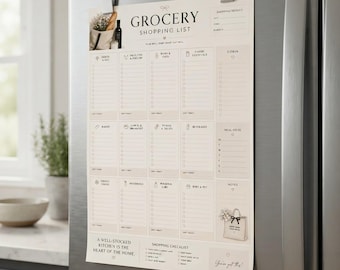
Digital download
Weekly Grocery Planner PDF with Meal Ideas, Budget Tracker, and Organized Shopping List
$4.21
-
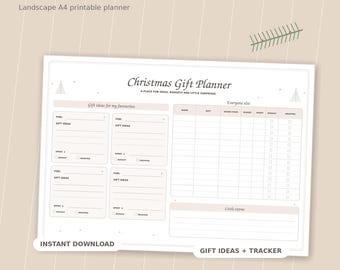
Digital download
Wrapping and Gift Budget Organizer, A4 Landscape PDF Christmas Planner Tracker
$5.62
-
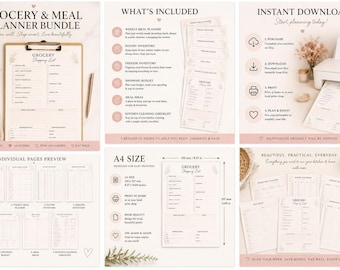
Digital download
Printable Weekly Meal Planner Bundle with Grocery List, Pantry and Freezer Inventory Tracker
$3.52
-
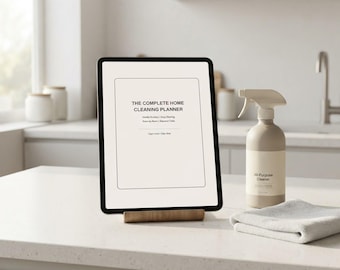
Digital download
Cleaning Checklist Planner, 14-Page Room-by-Room Household Printable PDF
$4.21
-

Digital download
Pregnancy Diary PDF, A4 56-Page Maternity Journal with Weekly Prompts
$4.21
-
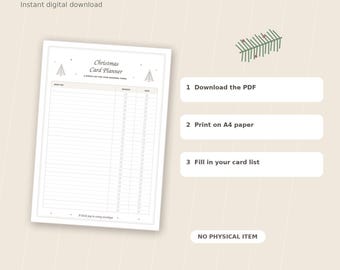
Digital download
Seasonal Card List Tracker Printable, A4 PDF for 30 Names and Addresses
$5.62
-

Digital download
Self-Care Wellness Planner, 99-Page Pink A4 Printable PDF with Habit and Mood Tracker
$7.03
-

Chronic Illness Outer Space Sticker Set | Disabled Medical Spoonie Wheelchair Cane Hospital Mask Medication Dreamy Kawaii Aesthetic
$12.99


