




NowPrice:$17.92
Original Price: $22.97
22% off
Sale ends in 6 days
Teacher Planner Spreadsheet Gradebook Standards Mastery Parent Contact Log IEP 504 Sub Plans Classroom Budget Excel Google Sheets
Star Seller
Star Sellers have an outstanding track record for providing a great customer experience—they consistently earned 5-star reviews, shipped orders on time, and replied quickly to any messages they received.
You can only make an offer when buying a single item
By clicking the Apple Pay button, you agree to Etsy's Terms of Use and Privacy Policy. Etsy may send you marketing communications; you may unsubscribe at any time.
Star Seller. This seller consistently earned 5-star reviews, shipped on time, and replied quickly to any messages they received.
Highlights
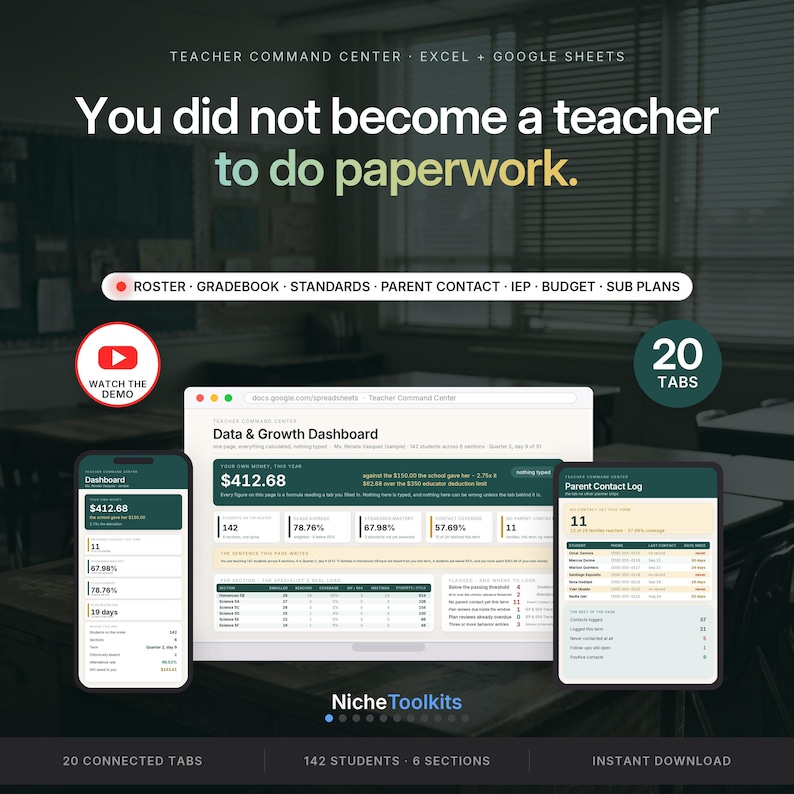
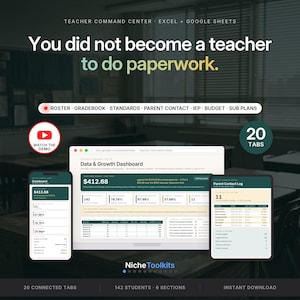
YOU DID NOT BECOME A TEACHER TO DO PAPERWORK. SO STOP DOING IT TWICE.
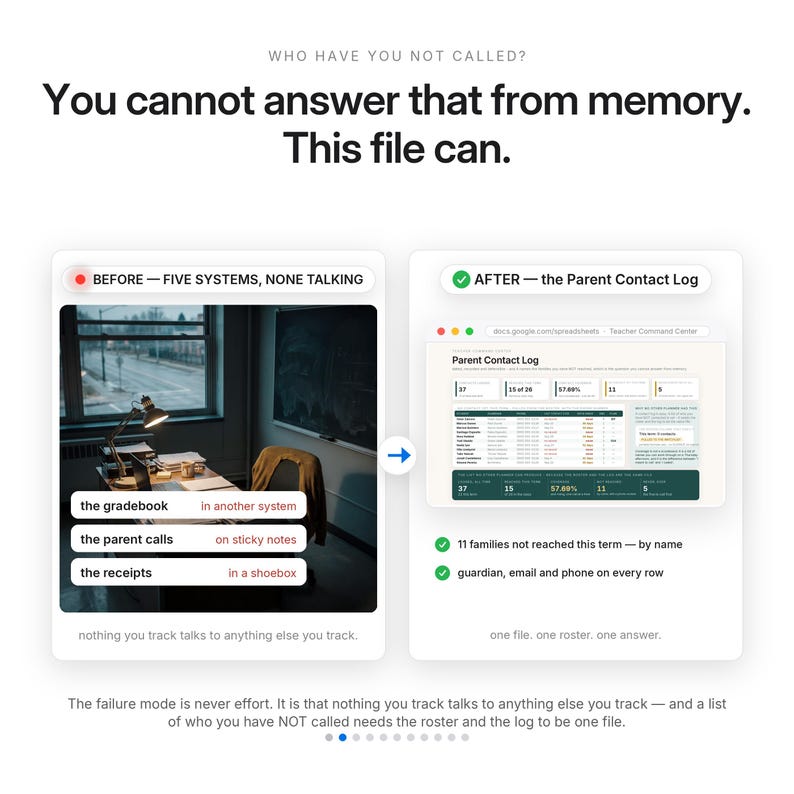
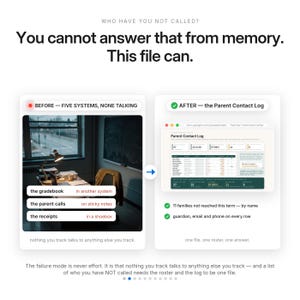
The gradebook is in one system. The parent calls are on sticky notes. The accommodations are in a binder. The standards are in a district spreadsheet you open once a quarter. The money you spent is in a shoebox. The failure mode was never effort — it is that nothing you track talks to anything else you track, so every question costs you an evening.
WHAT THE FILE SHOWS — from the shipped sample (Ms. Renata Vasquez, a written persona, not a real teacher)
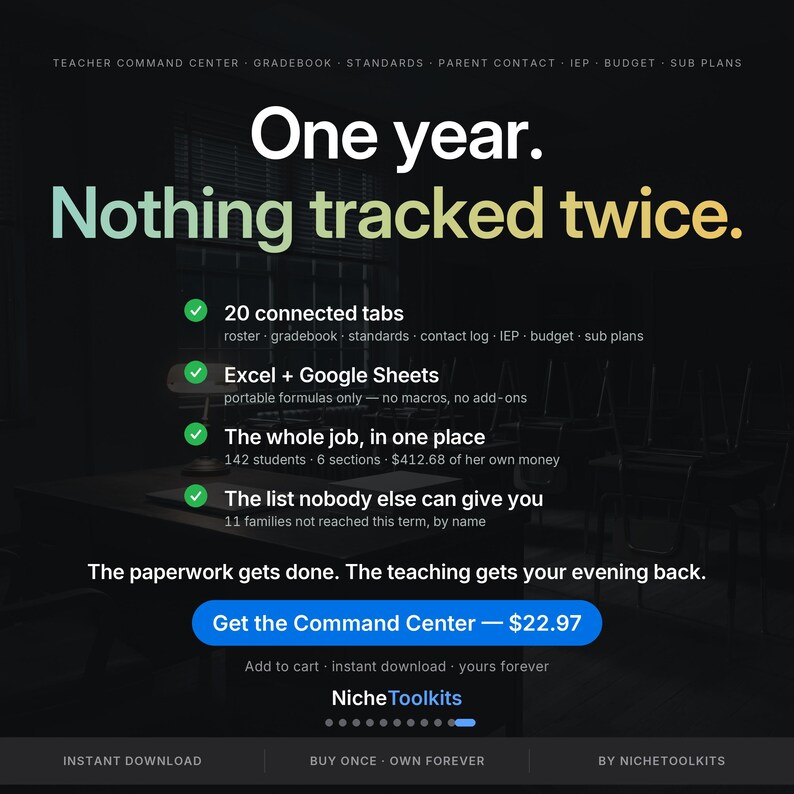
· 142 students across 6 sections, in Quarter 2, day 9 of 51, with 42 instructional days completed.
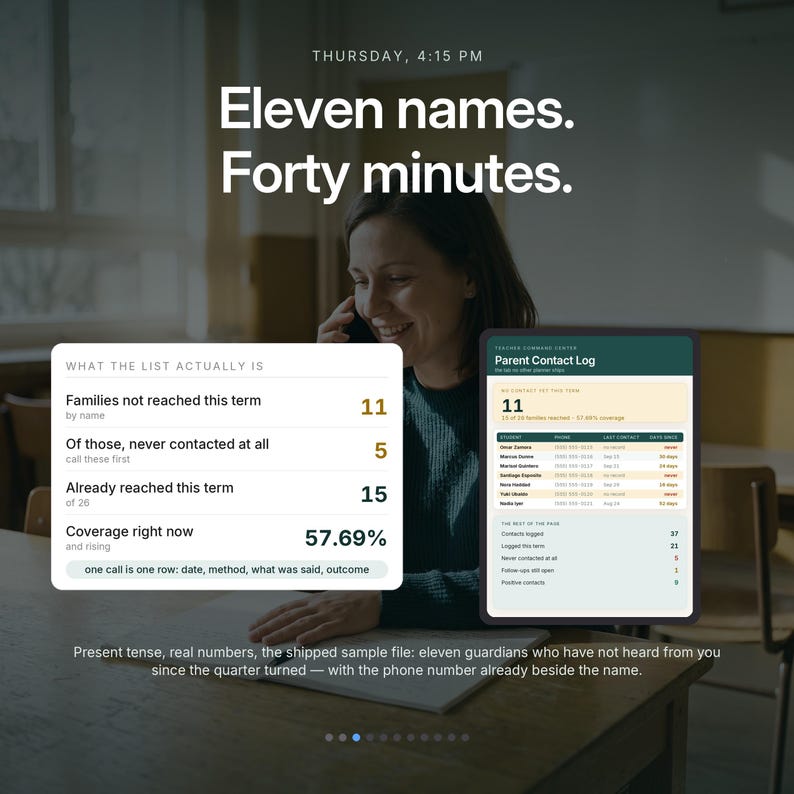
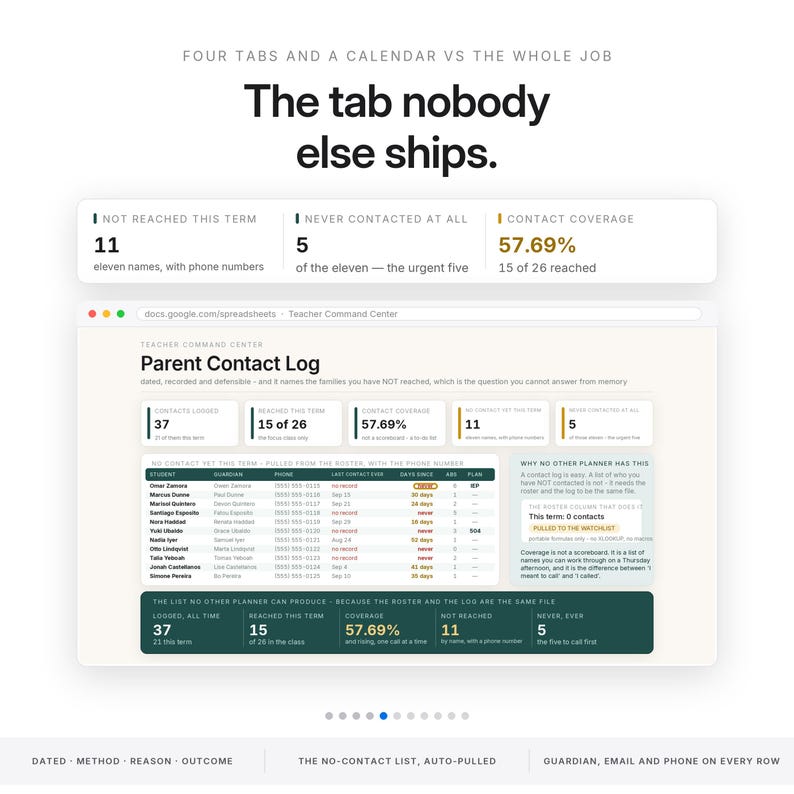
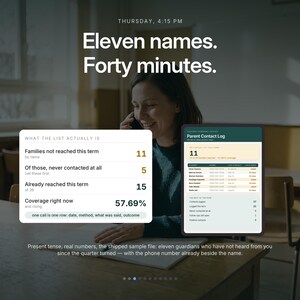
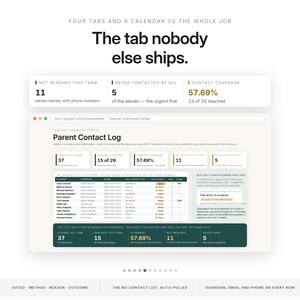
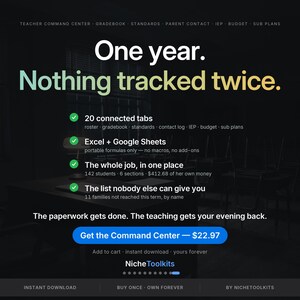
· 11 families in the focus class not spoken to since the term turned — listed by name, with guardian, email and phone. Contact coverage reads 57.69%, from 37 contacts logged.
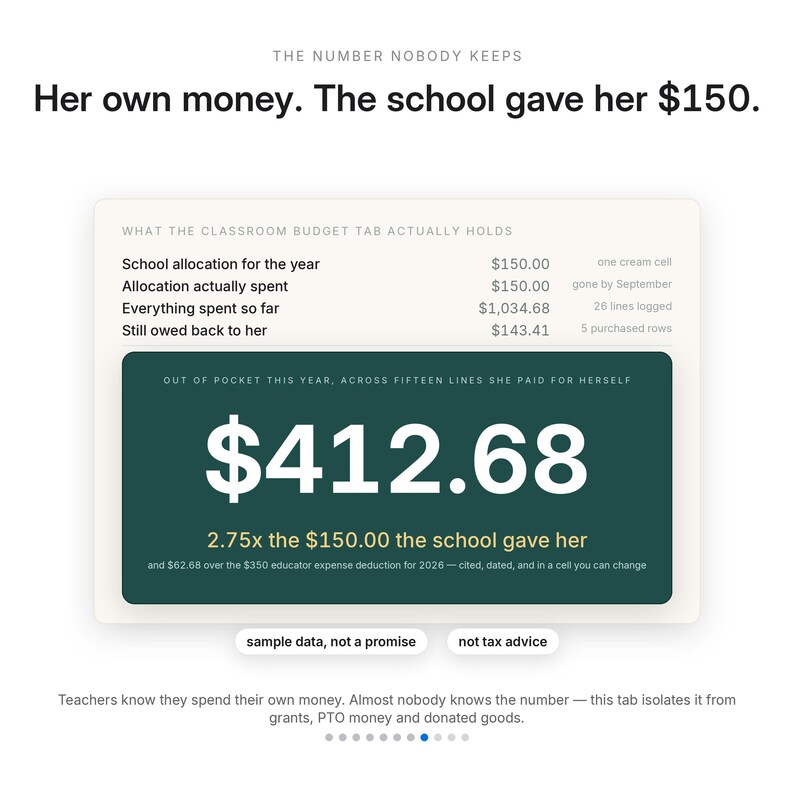
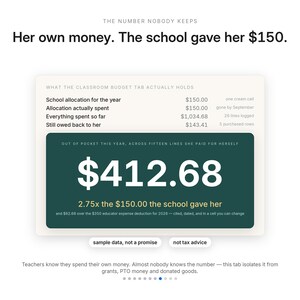
· $412.68 of her own money against a $150 school allocation — 2.75 times what the school gave her, and $62.68 over the $350 educator expense deduction the file cites and dates.
· 4 students below the passing line, 2 heading for chronic absence, 3 plans in the class and 1 review due in 19 days.
· A class average of 78.76% and an attendance rate of 96.52%, both computed, neither typed.
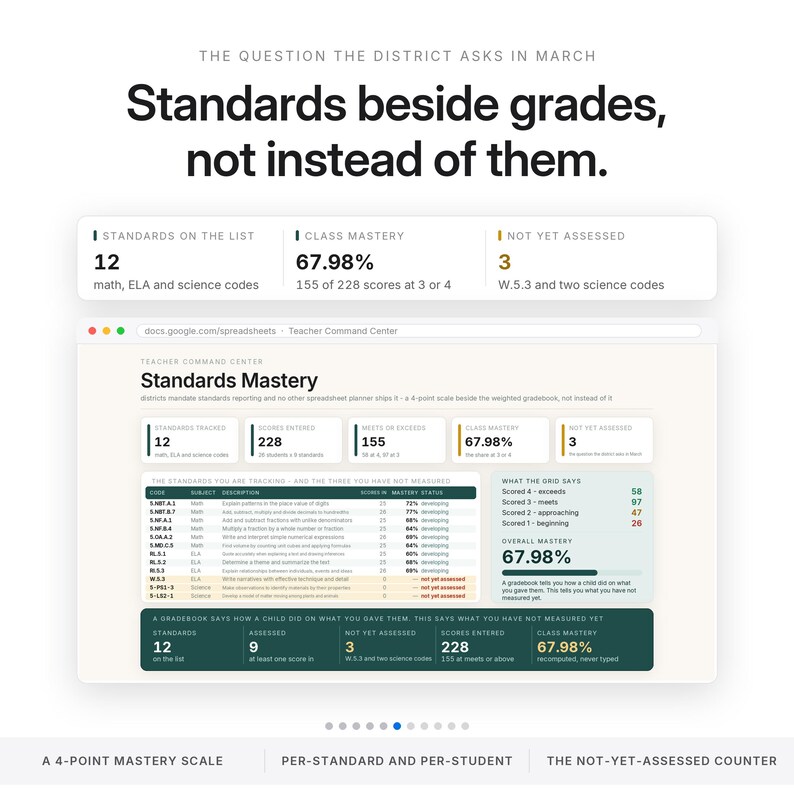
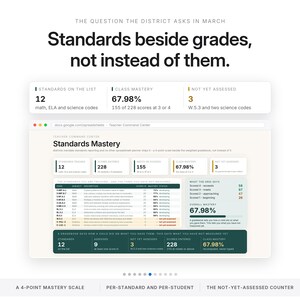
· 9 of 12 standards assessed, 67.98% class mastery — and a live counter for the ones nobody has assessed yet.
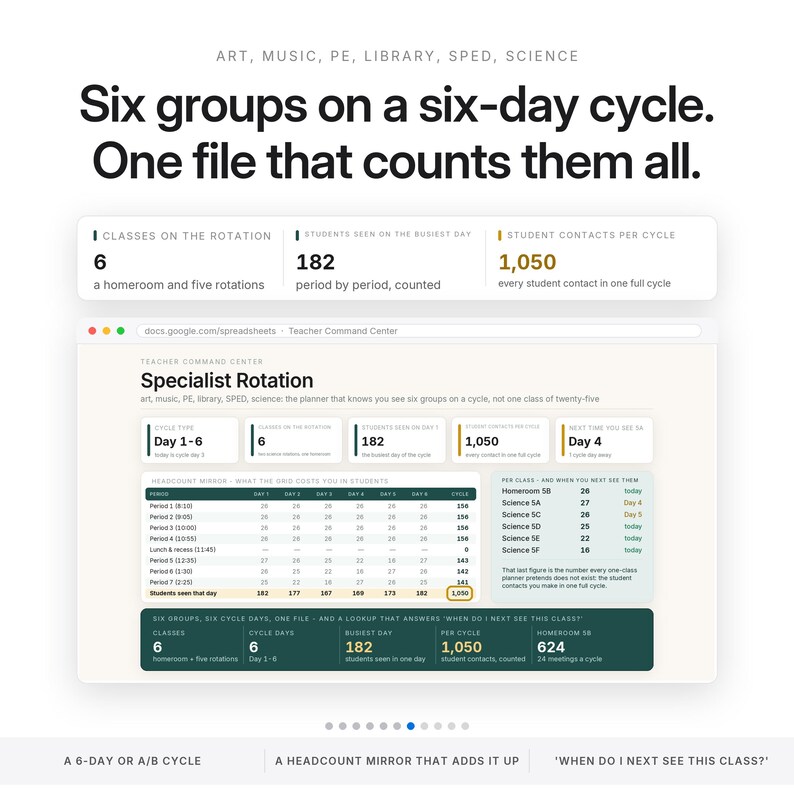
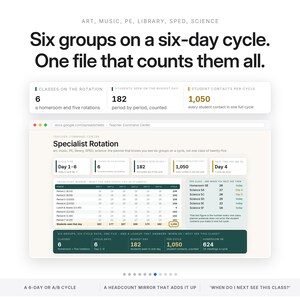
· 1,050 student contacts per rotation cycle, which is the number a single-class planner never has to count.
· $143.41 still owed back to her, counted only from what she bought and has not been reimbursed for.
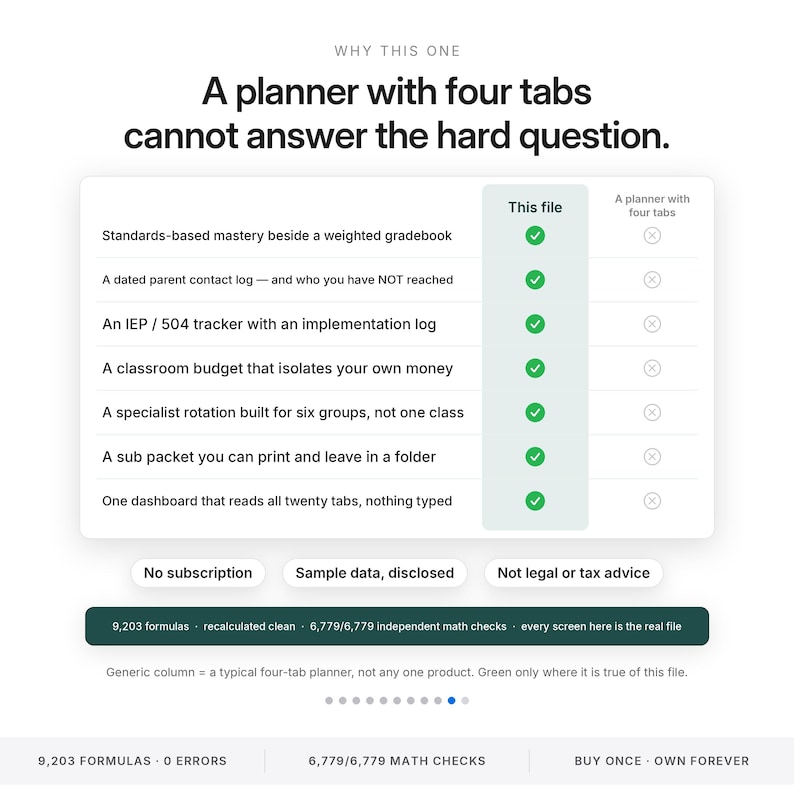
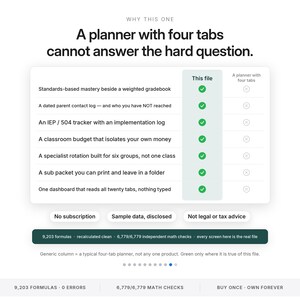
WHAT IT ACTUALLY DOES — the six things a four-tab planner cannot
· A dated parent contact log that can tell you who you have NOT reached. The watchlist pulls itself off the roster and names them, with days since last contact and "never" flagged in red. That is the tab this file exists for.
· Standards-based mastery on a four-point scale sitting beside a weighted gradebook, not instead of it — including the count of standards not yet assessed, which is the question the district asks in March.
· An IEP and 504 implementation log with review countdowns, behind a confidentiality warning.
· A classroom budget that isolates your own money from the school allocation, grants, donations and PTO funds, with the educator expense deduction figure cited, dated, and sitting in an editable cell so you can change it the moment the IRS does.
· A specialist rotation built for a six-day cycle and hundreds of students — art, music, PE, library, SPED — with a headcount mirror and a when-do-I-next-see-this-class lookup.
· A sub packet you can actually print, including the students a substitute must know about, pulled automatically from your own roster notes.
WHAT THIS IS NOT
· It is not a student information system and it does not connect to one. Nothing syncs, imports or exports to your district's gradebook. You type here or you type there.
· It is not FERPA compliance, and no claim of compliance is made for the file. It holds student information, so keep it on a device and account your district permits.
· It is not legal, compliance or tax advice. The deduction figure and the chronic-absence threshold are cited, dated references in editable cells — verify both for your own year.
· The IEP and 504 tab does not replace your district's official plan system.
· It does not grade for you, write your lessons, or promise a test-score outcome.
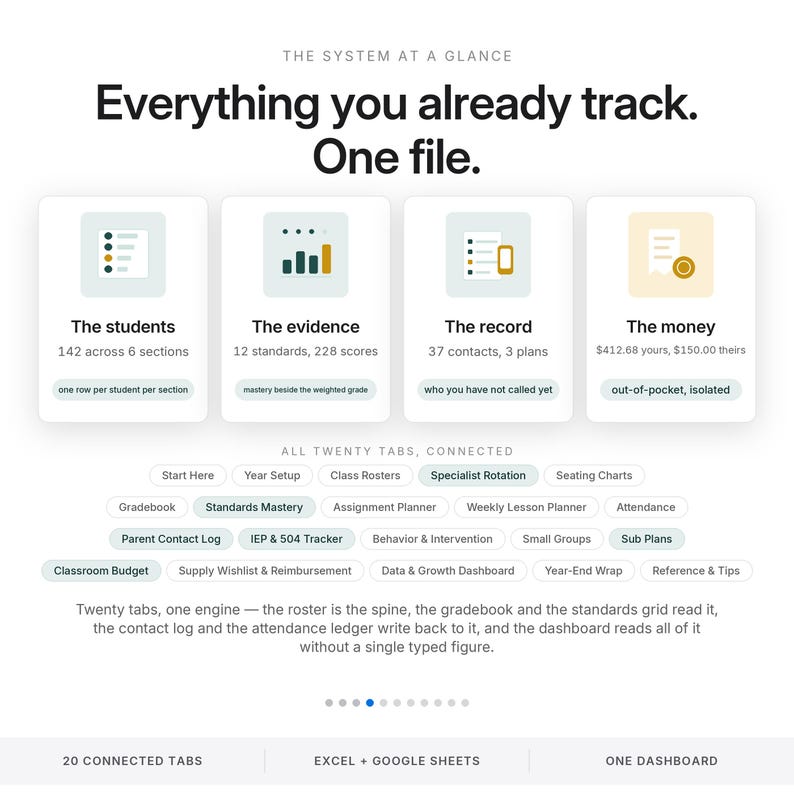
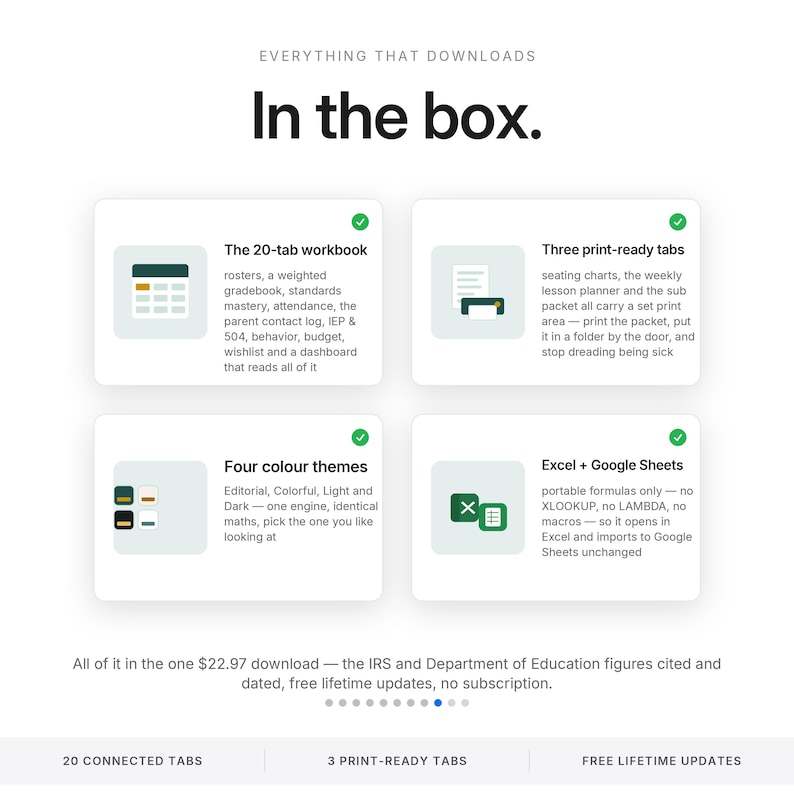
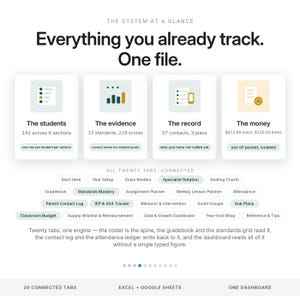
WHAT'S INSIDE — 20 connected tabs
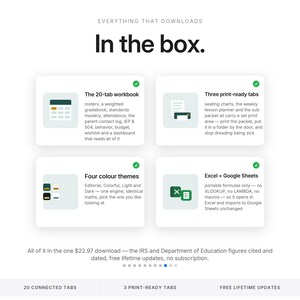
· Start Here — the big idea, the five cells to fill in first, the privacy note, a live tab map, what this file is not.
· Year Setup — the as-of date and the focus class, the two cells the whole file runs on, plus terms, scale, thresholds, weights and the bell schedule.
· Class Rosters — the spine: the only place a name is typed, with eleven calculated columns reading the rest of the file.
· Specialist Rotation — a six-day cycle grid with a headcount mirror and a when-do-I-next-see-this-class lookup.
· Seating Charts — three print-ready grids with a duplicate-name check.
· Gradebook — weighted categories with empty ones dropped and the rest rescaled, plus an A-to-F distribution.
· Standards Mastery — twelve standards on a four-point scale beside the grades, with a not-yet-assessed counter.
· Assignment Planner — eighty rows with days-to-due, an overdue-to-grade flag and a standard attached.
· Weekly Lesson Planner — type the Monday once and thirty rows date themselves from the bell schedule. Print-ready.
· Attendance — an exceptions ledger with the federal chronic-absence definition cited and a live at-or-over list.
· Parent Contact Log — dated contacts with method and outcome, and the watchlist that names the families not reached this term.
· IEP & 504 Tracker — plan rows with review countdowns and an implementation log, behind a confidentiality warning.
· Behavior & Intervention — tiered entries with the interventions tried, a per-student block and a ten-week trend.
· Small Groups — placements with entry and exit scores, growth, and a plain reading of whether the group is moving.
· Sub Plans — a print-ready packet: today's schedule with headcounts, where everything is, and the students a sub must know.
· Classroom Budget — eighty lines by source, with your own money isolated from allocation, grants, donations and PTO.
· Supply Wishlist & Reimbursement — what you want, what you bought, what you submitted and what is still owed to you.
· Data & Growth Dashboard — sixteen hero stats, a per-section table and an eight-row flag list that names the tab to open.
· Year-End Wrap — a sixteen-task checklist, a final grade export, a pack-and-toss inventory and notes to next year's self.
· Reference & Tips — how the weights work, how to add a class or reset the year, privacy and FERPA, six honest limits, sources with dates.
WHO THIS IS FOR
The teacher running more than one class list — a homeroom plus a rotation, or six sections — who is tired of the answer to a simple question living in four places. Elementary through middle, self-contained or specialist, first year or twentieth.
WHAT MAKES IT DIFFERENT
The category standard is four tabs and a calendar: a roster, a grid, a to-do list. This one assumes the whole job. It assumes you see hundreds of children on a rotation, that a parent contact is a dated record and not a memory, that accommodations have review dates, and that the money you spent on your own classroom is worth counting honestly. Two cells drive the entire file — the as-of date and the focus class — so changing the section you are looking at is one keystroke, not a rebuild.
WHAT YOU GET
· Teacher-Command-Center.xlsx — the Editorial default
· The same workbook in Colorful, Light and Dark, plus Teacher-Command-Center-3color.zip
· Quick-Start.pdf — five pages: what to fill in first, how every headline figure is calculated, how to add rows, how to reset for a new year, printing, the disclaimers
· ACCESS-YOUR-TEMPLATE.pdf — one click opens your own copy in Google Sheets
· README.txt and LICENSE.txt
HOW IT ARRIVES — instant download, four color themes, one file that opens in Microsoft Excel and in Google Sheets. Hosted-Sheets access is included: the link in your download opens Google's own Make a copy page and the copy lands in your Drive with every formula live. Portable formulas only — no add-ons, no macros, no array entry, nothing that behaves differently between the two. Free lifetime updates.
STEP ONE IS FIVE MINUTES
Set the as-of date and the focus class on Year Setup, then type your roster into Class Rosters. That is the only place a student's name is ever typed. Eleven calculated columns and nineteen other tabs start reading it immediately.
HONEST ENGINEERING
9,203 formulas · recalculated clean · 6779/6779 independent math checks · 0 error cells across 144,596 cells scanned · every screen in this listing is the real file. Nothing displayed in the workbook is hard-coded; the verifier re-derives every figure from the input cells alone.
PLEASE READ
This file holds student information. Keep it on a device and an account your district permits, do not share it publicly, and follow your school's data-privacy and FERPA policies. Nothing in this file is legal, compliance or tax advice, and it does not replace your district's official systems. The class shown in every image is demonstration data — Ms. Renata Vasquez is a fictional persona, not a real teacher, and every student, guardian, email and phone number in the file is invented. No test-score outcome is promised anywhere in this product.
WATCH THE FULL WALKTHROUGH ON YOUTUBE: https://youtu.be/oJpw7ZghZzs
Instant download · personal use · by NicheToolkits
Instant Download
Your files will be available to download once payment is confirmed. Here's how.
Instant download items don’t accept returns, exchanges or cancellations. Please contact the seller about any problems with your order.
Etsy Purchase Protection
Shop confidently on Etsy knowing if something goes wrong with an order, we've got your back for all eligible purchases —
see program terms

Be the first to review this item

Speedy replies Has a history of replying to messages quickly.
Rave reviews Average review rating is 4.8 or higher.
More from this shop
Visit shop-
Digital download
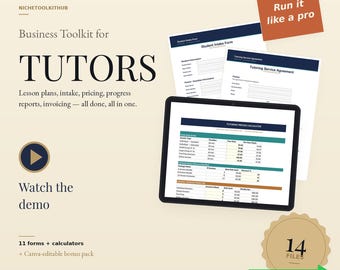
Tutoring Business Toolkit | Forms Bundle for New Private Tutors | Lesson Plan, Invoice, Contract & Intake Forms | Excel PDF Canva
Sale Price $14.02
Original Price $17.97
-
Digital download
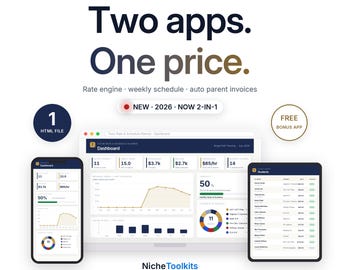
Tutor Rate Calculator & Scheduler | Tutoring Pricing Software + Expense and Mileage Tracker | Student Tracker, Invoice Builder App
Sale Price $36.66
Original Price $47.00
-

Digital download
Start a Tutoring Business in a Box | Tutor Startup Kit to Book Your First Student | Parent Forms, Rate Tool, Contract & Scripts
Sale Price $114.66
Original Price $147.00
-
Digital download
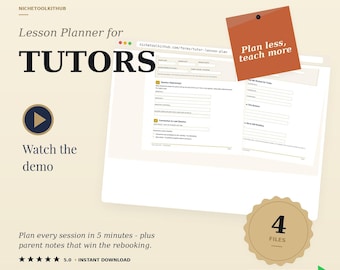
Tutor Lesson Plan Template | Editable Tutoring Session Plan for Private Tutors | Printable & Fillable PDF, Word | Bonus Parent Notes
Sale Price $4.67
Original Price $5.99
-

Digital download
Complete Google Sheets Teacher Planner &Gradebook Guide
$20.00
-
Digital download
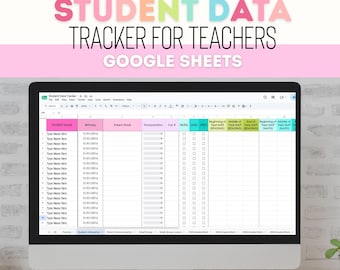
Student Data Tracker for Teachers, Google Sheets Gradebook, Progress Monitoring, Parent Communication, Small Group Planning, Teacher Planner
Sale Price $10.50
Original Price $14.00
-
Digital download
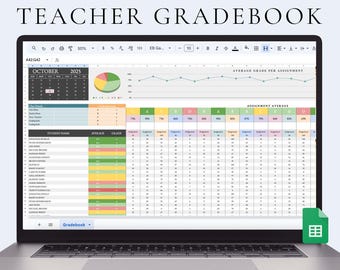
Digital Teacher Gradebook Spreadsheet Assignment Tracker for Teacher Grading Spreadsheet Student Gradebook Google Sheets Gradebook
Sale Price $2.07
Original Price $4.15
-
Digital download
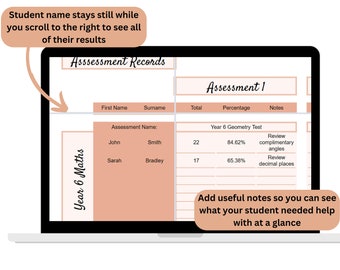
Teacher Markbook, Assessment Record, Student data tracker, Google Sheets Teacher Organiser, Digital spreadsheet for schools, Gradebook
Sale Price $3.37
Original Price $4.50
-
Digital download
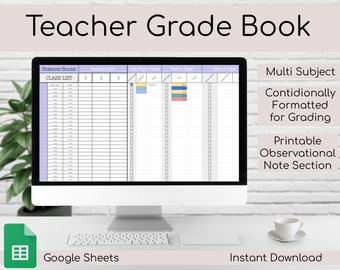
Teacher Gradebook & Data Tracker | Google Sheets | Spreadsheet
$10.00
-
Digital download
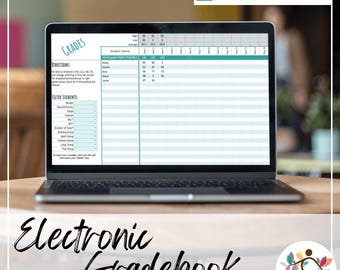
Editable Digital Grade Book for Teachers | Google Sheets Grading & Classroom Data Tracker
$10.00
-
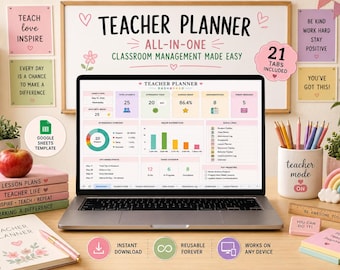
Digital download
Teacher Planner | Google Sheets Excel Template | Lesson Plan Gradebook Attendance Tracker | Classroom Organizer | Instant Download
Sale Price $4.19
Original Price $6.99
-
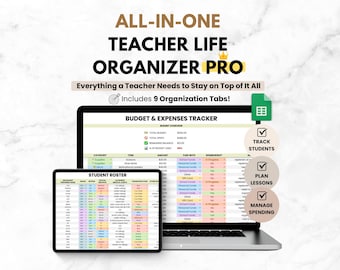
Digital download
Teacher Organization Spreadsheet, Google Sheets Digital Teacher Planner, Lesson Planner & Student Data Tracker, Classroom Organization Tool
Sale Price $14.44
Original Price $16.99
-
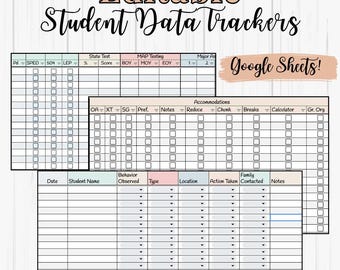
Digital download
All-in-One Student Data Tracker | Google Sheets | Editable Teacher Spreadsheet for Testing, Accommodations & Behavior| Documentation
$8.00
-
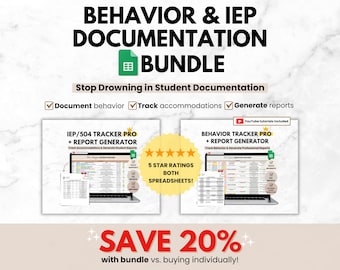
Digital download
Behavior Tracker & IEP/504 Accommodation Tracker, Classroom Teacher Google Sheets Spreadsheet Bundle, Student Data Tracker SPED Organization
Sale Price $20.39
Original Price $23.99
-
Digital download
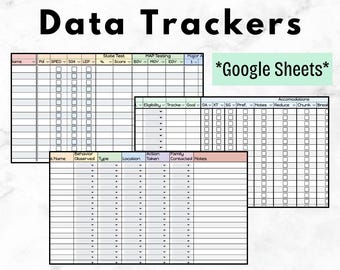
All-in-One Student Data Tracker | Google Sheets | Editable Teacher Spreadsheet for Testing, Accommodations & Behavior| Teacher Documentation
$8.00
-
Digital download
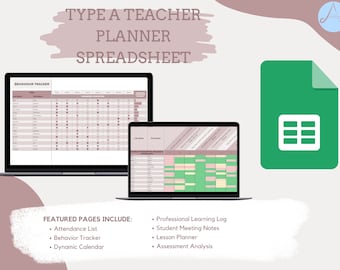
ULTIMATE High School Teacher Planner | Google Sheets
$26.23
Shoppers with similar taste loved these
-
Digital download
16oz Teacher Libbey Glass Can Svg, Teacher Glass Can Wrap Svg, Teacher Libby Glass Wrap Svg, Teacher Svg, Teacher Appreciation Svg, Dxf, Png
Sale Price $0.99
Original Price $3.31
-

Digital download
20 Teacher Glass Can Wrap Bundle, 16oz & 20oz Teacher Libbey Glass Svg, Apple Monogram Svg, Best Teacher Ever, Teacher Appreciation Svg Png
Sale Price $1.50
Original Price $5.00
-

Digital download
Teacher Life Mug SVG Bundle, Teacher Coffee Mug Template Sublimation Designs, Teacher Quotes Mug Svg, Mug Templates, Cricut Cut SVG PNG
Sale Price $0.99
Original Price $1.98
-
Digital download
Retired Teacher svg Bundle, Teacher Retirement svg, Retiring Teacher svg, eps, dxf, ai, png, Files For Cricut
Sale Price $2.09
Original Price $2.99
-

Teacher Gift, Personalized Tumbler Gift for Teacher, Teacher Tumbler, Teacher Appreciation Gift, Pencil Skinny Tumbler, Teacher Gifts
Sale Price $7.95
Original Price $15.90
-

Digital download
Teacher Retirement Class Of 2026 SVG, Retired Educator Design, School Staff Celebration Graphic, Farewell Teaching Career
$1.44
-

Religious Teacher Gift, Christmas, Teacher Appreciation. Teacher prayer
$10.00
-

Teacher Sweatshirt Quarter Zip, Gift for Teacher, Teacher Appreciation, Teacher Christmas Gift, Custom Teacher Gift, Personalized Gift
Sale Price $28.06
Original Price $31.18
-

Teacher Sweatshirt, Helping Little Minds Grow Shirt, Teacher Shirt, Cute Shirt for Teachers, Teacher Gifts, Teacher Flower Shirt
Sale Price $11.10
Original Price $18.50
-

Reading Teacher Sign Teacher Appreciation It's A Good Day To Read Classroom Door Hanger Personalized Language Arts Teacher Wooden Sign
$21.99
-
Funny Things My Students Say | Stories from the Classroom | Teacher Journal | Teacher Appreciation Gift for Educator, Principal, New Teacher
$22.95
-

ABC Affirmation Teacher Hoodie: Back To School Gift
Sale Price $24.25
Original Price $32.33


