


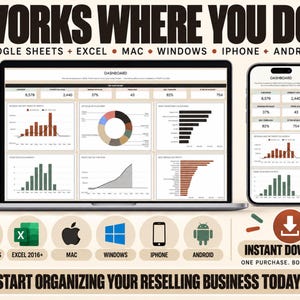
Reseller Spreadsheet, Inventory Tracker for eBay Poshmark Mercari, Profit and Sales Tracker, Resale Business Dashboard, Excel Google Sheets
Price:$3.30
Original Price: $4.40
25% off
Limited time sale
Star Seller
Star Sellers have an outstanding track record for providing a great customer experience—they consistently earned 5-star reviews, shipped orders on time, and replied quickly to any messages they received.
You can only make an offer when buying a single item
Star Seller. This seller consistently earned 5-star reviews, shipped on time, and replied quickly to any messages they received.
Highlights
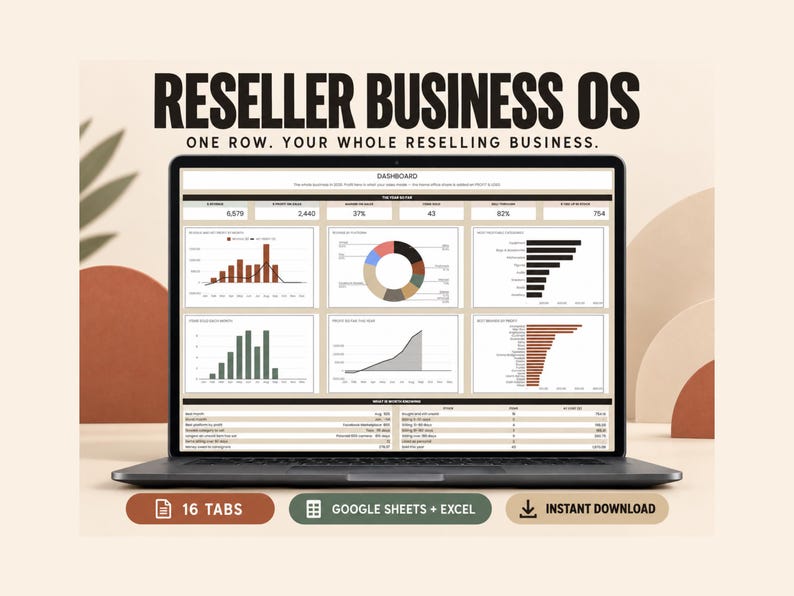
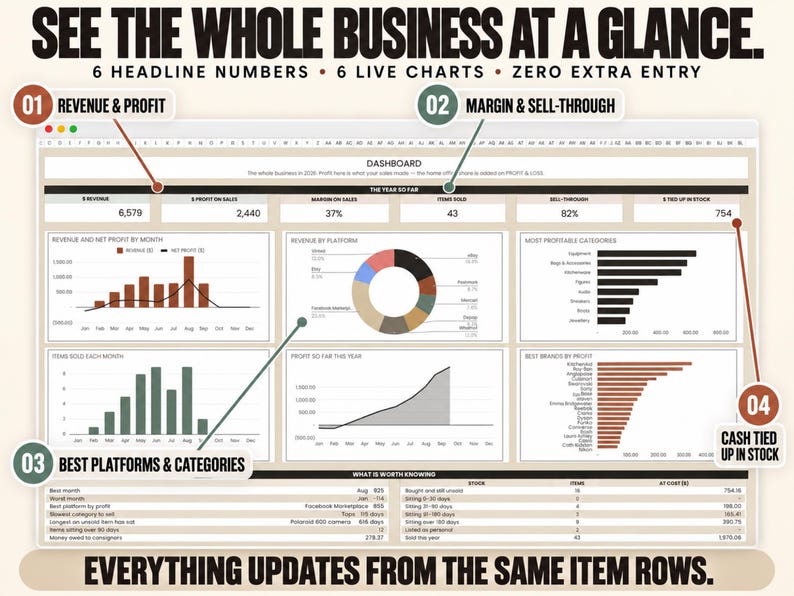
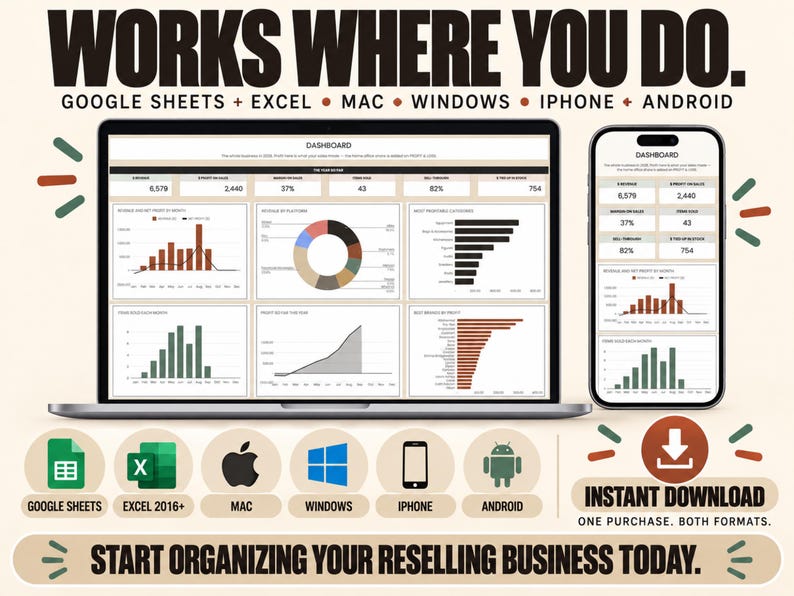
This reseller spreadsheet works out what every item made after fees and what you paid, and how much cash is still tied up in unsold stock. It runs in Google Sheets and Excel, for selling on eBay, Poshmark, Whatnot, Mercari, Depop and other marketplaces, and you can paste your order exports into the Import tab.
QUICK FACTS
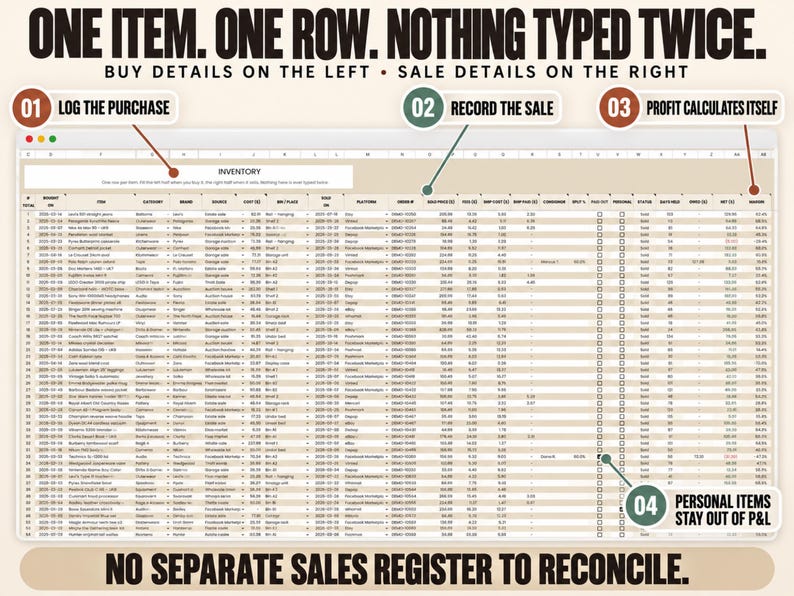
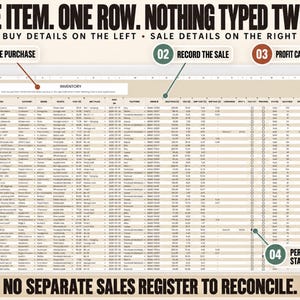
• One row per item, with what you paid on the left and the sale on the right
• Days held, profit, margin, sell-through and cash tied up in stock all work themselves out
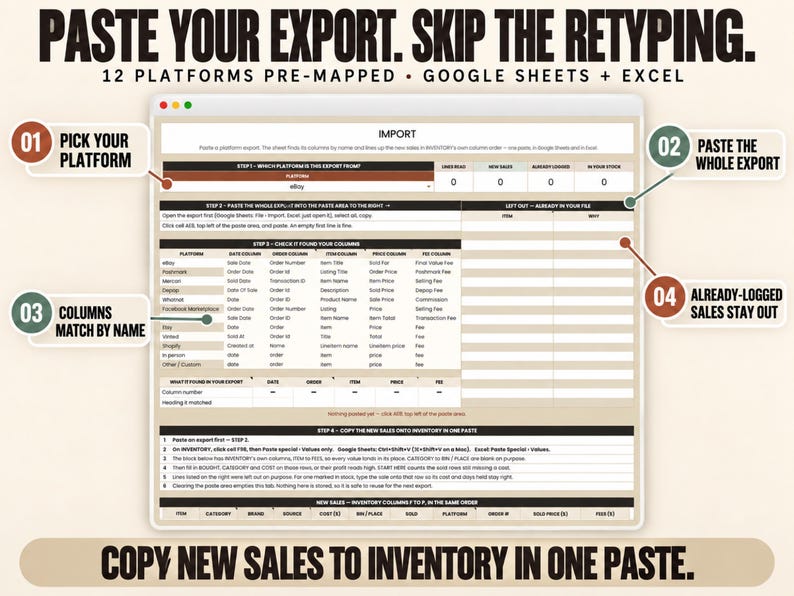
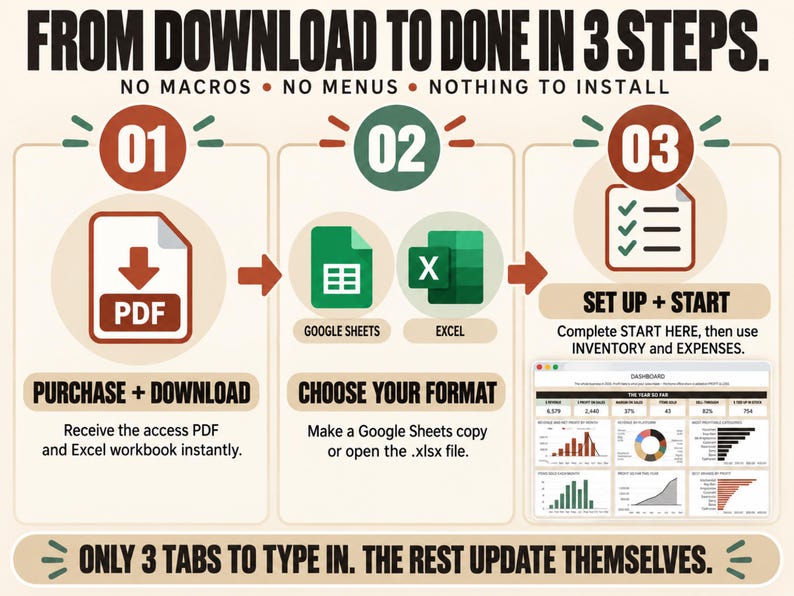
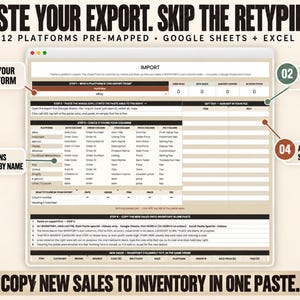
• Paste your order exports into the Import tab, with 12 platforms set up already
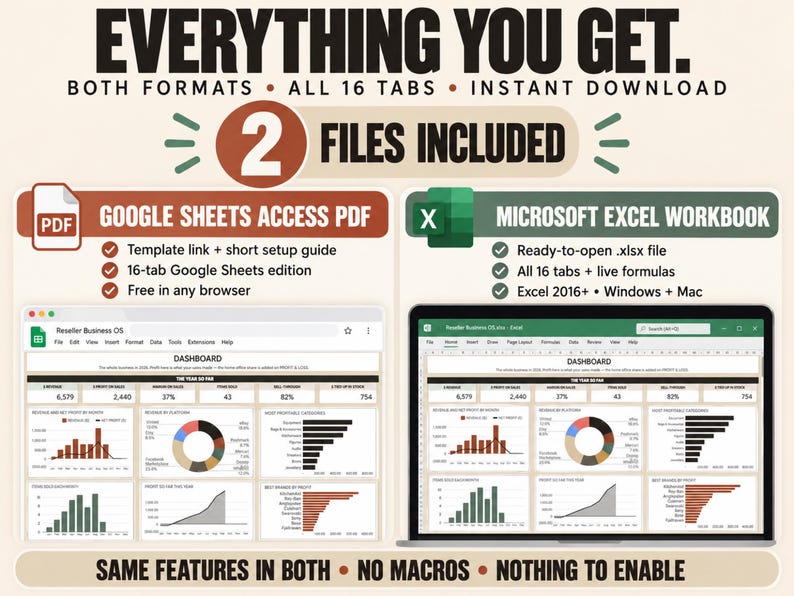
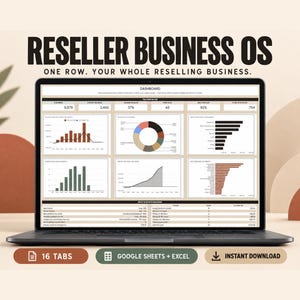
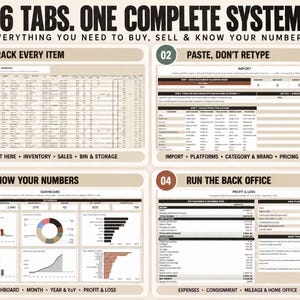
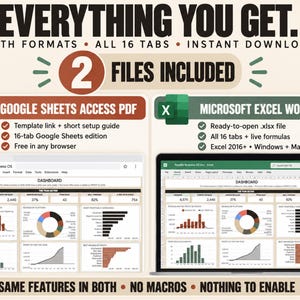
• A Google Sheets template and an Excel workbook with the same 16 tabs, and nothing to install or enable in either
• One file for every year, with room for 1,000 items and 300 expense rows
• Consignment, mileage, a pricing calculator and a one-page profit and loss
• Sample items are filled in, and Start Here shows you how to clear them
The video in the photos shows the real spreadsheet. Questions before or after you buy? Message me through Etsy. I usually reply within a few hours.
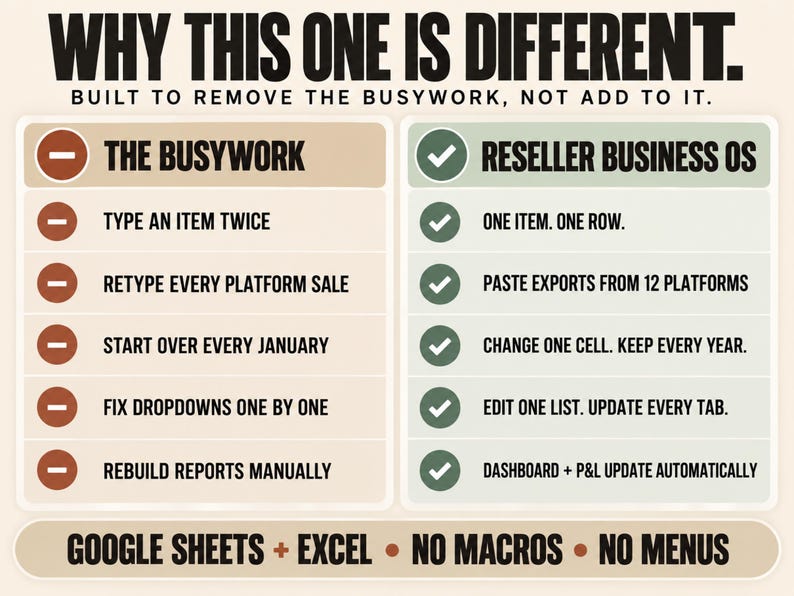
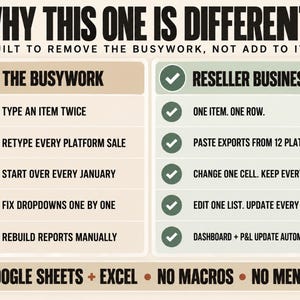
One row is all you type for an item, and days held, profit, margin, sell-through and the cash tied up in unsold stock all come from it. The Sales tab is a read-only list built from those rows, newest first. There's no second sales log to keep in step. Consignment is three more columns on the same row, and a sourcing trip is an expense row with a distance in it.
There are no macros, menus or scripts in either file, only formulas. That's why the import works the same way in Excel as it does in Sheets.
HOW THE IMPORT WORKS
Download your order export from the platform, open the Import tab, pick the platform and paste the whole export, header row included. The sheet finds each column by its heading, so the order of the columns doesn't matter. If a platform renames a column, the tab shows it as not found and you type the new name into the map. Sales that are already in your file are left out. If an item on Inventory has exactly the same name as the title in the export, it tells you which row that item is on. The rest comes out in the same column order as Inventory, so you copy that one block and use Paste special, Values only. Step 4 on the tab tells you exactly which cells to use.
Twelve platforms are set up already: eBay, Poshmark, Mercari, Depop, Whatnot, Facebook Marketplace, Etsy, Vinted, Grailed, Shopify, in person, and other. It takes up to 300 lines and 100 columns at a time.
ONE FILE FOR EVERY YEAR
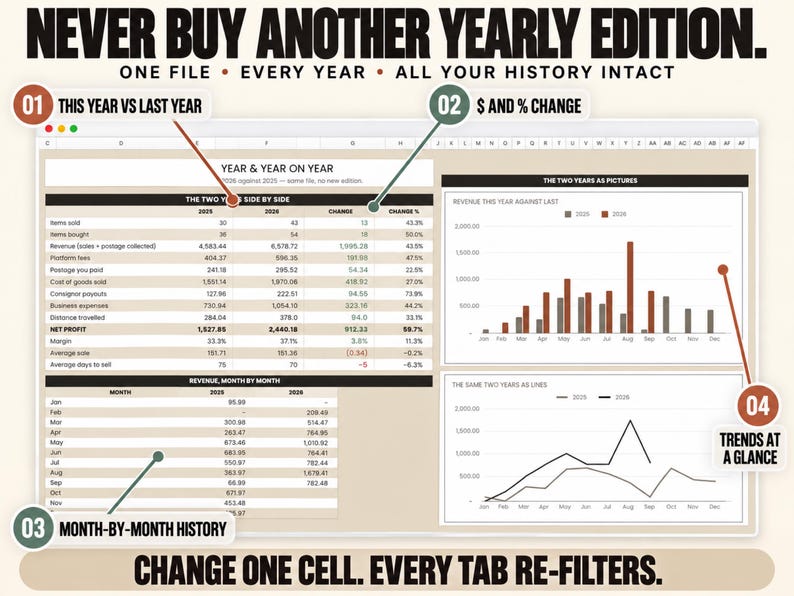
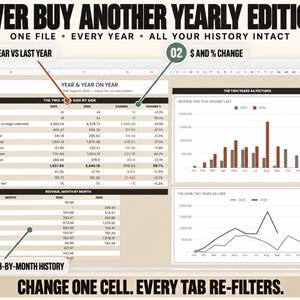
Type a new year into one cell on Start Here and the report tabs switch to that year. Nothing is deleted, Inventory keeps your whole history, and the Year & YoY tab puts this year next to last year. The file holds 1,000 items, so at a few hundred sales a year that's several years in one file. There are also 300 expense rows.
It isn't only for clothing, either. It comes with 31 categories, including trading cards, coins, vinyl, LEGO and toys, cameras, furniture and kitchenware, and you can edit the list. There are 14 sourcing places and 24 storage bins set up as well. Brand is a free-text column, and Category & Brand ranks your top 20 brands. If you sell something personal, mark Personal on its row (a checkbox in Sheets, TRUE in Excel). It stays in your records but out of your profit and loss.
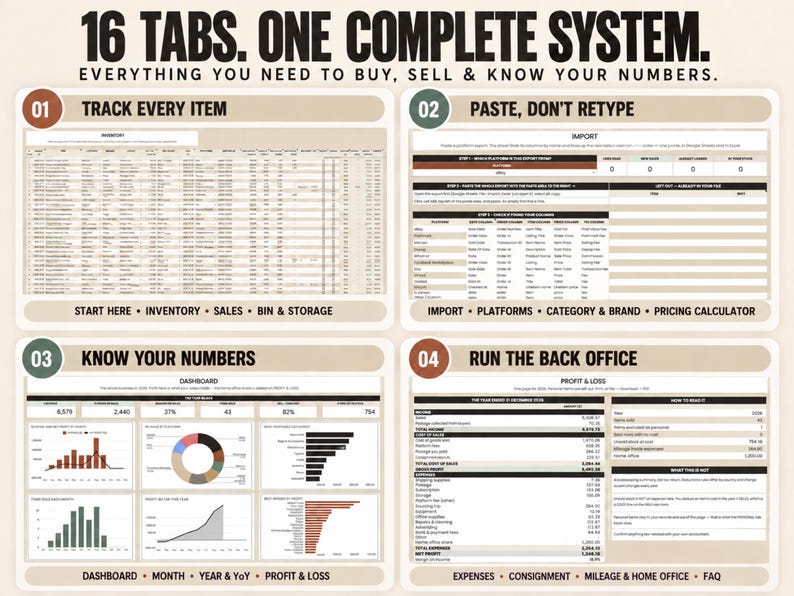
THE 16 TABS
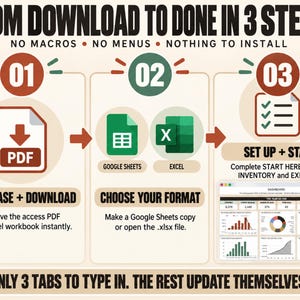
Start Here has four short steps and five lists, and that's the setup. Import takes your platform exports. You type your items on Inventory and your costs on Expenses (supplies, postage, subscriptions, storage, fees and sourcing trips), and Sales lists this year's sales, newest first.
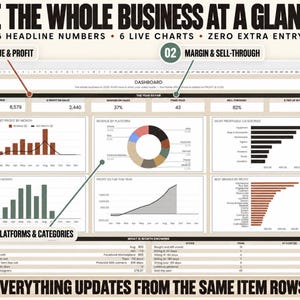
Dashboard shows six headline numbers and six charts, Month takes each month from revenue down to profit, and Year & YoY compares this year with last. Platforms shows which marketplace paid best, and Category & Brand shows what sold and what made money.
Consignment tracks what you owe each person and what's still unpaid. Mileage & Home Office covers sourcing trips and your workspace share, and Bin & Storage shows where everything is and what's been sitting longest. The Pricing Calculator works out profit, margin and break-even before you buy something, Profit & Loss puts the year on one page for your accountant, and the FAQ tab answers common questions inside the file.
QUESTIONS
Where do I type?
On Start Here, Inventory and Expenses, plus pasting exports into Import and trying prices on the Pricing Calculator. The rest fills itself in.
Do I have to fill in every column?
The item name is the only one the file needs, and a row without one is ignored. The more you fill in, the more it can tell you.
How do I record a sale?
Find the item's row on Inventory and fill in the right-hand side: sold date, platform, sold price and fees. Days held, profit and margin appear on their own, and the sale shows up on Sales, Dashboard, Month, Platforms and Profit & Loss.
Does it work in Excel?
Yes. The .xlsx has all 16 tabs with live formulas, and the import works the same as in Sheets because nothing depends on macros. It doesn't use FILTER, SORT, UNIQUE or other dynamic-array functions, and it's made for Excel 2016 and newer on Windows and Mac.
Do I need Excel?
No. The Google Sheets version is free in any browser, on a computer or a phone, and you get both.
My export has a column name the sheet doesn't know. What now?
Type the new name into the map on the Import tab. If you'd rather I did it, message me and I'll map your export for you.
Does it stop working at the end of the year?
No. Type the new year on Start Here, and last year stays in the file for Year & YoY to compare.
What happens after 1,000 items?
Start a fresh copy for the new year. The template is yours to copy as often as you like.
Can I use my own currency?
Yes. Type your symbol on Start Here and it shows on every money heading. The distance unit and mileage rate are set there too, so the mileage tab works outside the US.
I sell on consignment. Is that covered?
Yes. Put the owner's name and their cut on the item's row, and the Consignment tab works out what you owe each person and what's still unpaid.
Can I send it to my bookkeeper?
Yes. In Google Sheets, share the file or download the Profit & Loss tab as a PDF. In Excel, send the .xlsx.
Is this tax advice?
No. It's a bookkeeping tool. Deduction rules differ by country and change every year, so check anything tax-related with your accountant.
WHAT YOU GET
Two files, right after you buy: a PDF with your Google Sheets template link and a short setup guide, and the Excel workbook. Click the link and choose Make a copy, open the .xlsx, or use both. Nothing is shipped.
PLEASE READ
Because it's delivered instantly, all sales are final, and I'm always happy to help if you have a question about the template. It's for your own reselling business. Please don't resell, share or pass on the template. It's a record-keeping tool, not tax, accounting, legal or financial advice.
The marketplaces are named only so the import can find their columns. This template isn't affiliated with or endorsed by any of them.
The listing images were made with AI assistance, and the screenshots show the real product.
Ryan
Instant Download
Your files will be available to download once payment is confirmed. Here's how.
Instant download items don’t accept returns, exchanges or cancellations. Please contact the seller about any problems with your order.
Etsy Purchase Protection
Shop confidently on Etsy knowing if something goes wrong with an order, we've got your back for all eligible purchases —
see program terms

Be the first to review this item

Speedy replies Has a history of replying to messages quickly.
Rave reviews Average review rating is 4.8 or higher.
More from this shop
Visit shop-
Digital download
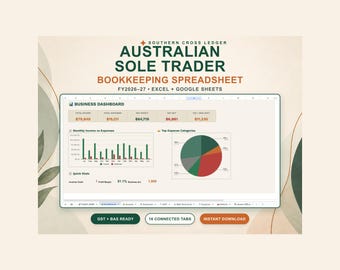
Australian Sole Trader Spreadsheet, GST BAS Excel & Google Sheets
Sale Price $2.75
Original Price $3.67
-
Digital download
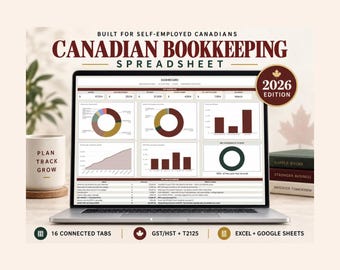
Canadian Bookkeeping Spreadsheet, CRA T2125 Tax Tracker, GST HST Tracker, Small Business Expense and Mileage Log, Excel Google Sheets
Sale Price $3.30
Original Price $4.40
-

Digital download
Australian Investment Property Tax Spreadsheet, ATO Depreciation CGT
Sale Price $2.75
Original Price $3.67
-
Digital download
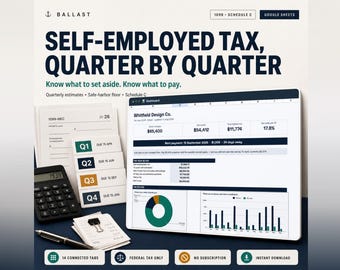
Self Employed Tax Spreadsheet, Quarterly Estimated Tax Calculator, 1099 Expense Tracker, Schedule C, Mileage Log, Google Sheets
Sale Price $7.14
Original Price $9.53
-

Digital download
Reseller Spreadsheet Google Sheets Manage Inventory Sales Profit Tracker for eBay Poshmark Depop Business Template Online Seller Tool USA
Sale Price $4.59
Original Price $9.19
-

Digital download
reseller spreadsheet google sheet - reseller spreadsheet excel - reseller spreadsheet - reseller tracker - reseller sales tracker -
Sale Price $3.24
Original Price $6.49
-

Digital download
Reseller Spreadsheet Google Sheets Manage Inventory Sales Profit Tracker for eBay Vinted Depop Small Business Template Online Seller Tool UK
Sale Price $4.59
Original Price $9.19
-

Digital download
Simple Reseller Inventory & Profit Tracker Spreadsheet | Excel for eBay, Poshmark, Mercari, Depop | Beginner Seller Tool
$3.99
-
Digital download
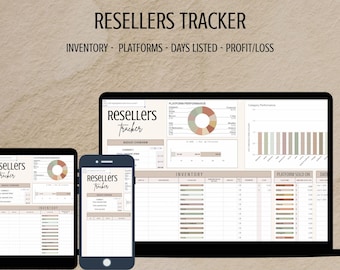
Reseller Inventory & Sales Tracker | Google Sheets Template | Online Reselling l Small business l Ecommerce l Multiple Platforms l Side gig
$3.30
-

Digital download
Reseller Spreadsheet, Reselling Business Dashboard, Inventory Management Tracker, Reseller Bookkeeping Excel & Google Sheets
Sale Price $11.43
Original Price $17.58
-

Digital download
Ultimate Reseller Spreadsheet Bundle – Google Sheets | Excel | Automated Dashboard + Monthly & Platform Profit Tracking
$3.66
-
Digital download
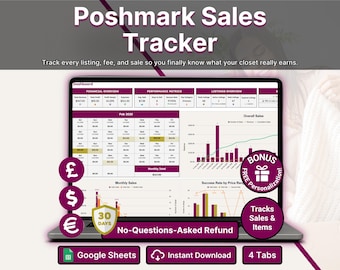
Poshmark Sales Tracker Reseller Spreadsheet for Closet Sellers Inventory and Expense Tracker Profit and Loss Google Sheets Template
$9.46
-

Digital download
Reseller Spreadsheet Revenue & Profit Tracking Basic | Google Sheets Inventory, Sales, Business Tracker | Automated Dashboard Small Business
$2.93
-

Digital download
Reseller Inventory and Sales Tracker Spreadsheet, Reseller Template Planner for Google Sheets, Poshmark Ebay Depop Reselling Templates
Sale Price $7.49
Original Price $14.99
-

Digital download
Reseller Inventory Profit Tracking Spreadsheet for Excel & Google Sheets , EBay Seller Inventory Spreadsheet , Resale Profit and Inventory
$9.99
-
Digital download
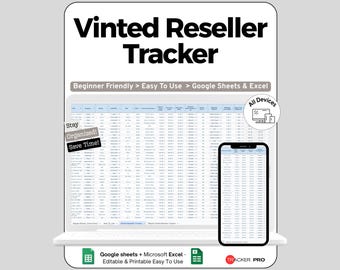
Mercari and Vinted Reseller Excel Google Sheets, Track Listings, Sales, Profits, Orders, Fees, Inventory, Marketplace Seller Planner
Sale Price $3.48
Original Price $7.26
Shoppers with similar taste loved these
-

Digital download
Business Plan Template Printable | Small Business Planner | Start Up Workbook | Side Hustle Planner | Canva Template
Sale Price $5.25
Original Price $15.00
-

Digital download
Business Development Social Media Templates | Small Business Modern Corporate Branding Consulting | Editable Canva Instagram
Sale Price $3.28
Original Price $6.56
-

Digital download
Minimal Business Plan Template | 86-Page Workbook, Canva (Digital Download)
Sale Price $5.95
Original Price $14.88
-

Digital download
Inventory Tracker Spreadsheet Small Business, Inventory Template Google Sheets, Inventory Management, Inventory Log List Order Tracker
$3.80
-

Digital download
Consulting Contract Template: Editable Services Agreement & Client Intake Forms
Sale Price $3.28
Original Price $10.94
-

Digital download
Side Hustle Planner Bundle, Business & Finance, 95+ Pages (Printable PDF)
Sale Price $3.83
Original Price $5.11
-
Digital download
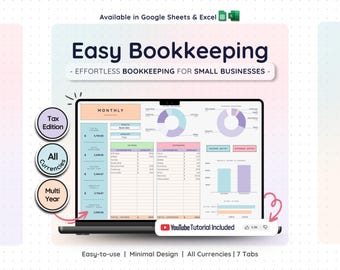
Bookkeeping Template for Small Business Easy Income Tracker | Expense Tracker | Accounting Spreadsheet for Google Sheets
Sale Price $10.89
Original Price $21.79
-

Digital download
NEW! Consulting Presentation & Toolbox | Professional Layouts + Color Scheme | Modern Corporate Slides | Annual Report PPT | Business Deck
$24.00
-

Digital download
50 Business Consulting Instagram Post, Business Consultant Social Media Canva Templates, Consulting Services Marketing, Business Coach
Sale Price $10.45
Original Price $20.90
-

Digital download
Professional Consultant Agreement, Consulting Contract Template, Editable Client/Consultant Contract, Consulting Services Agreement
Sale Price $4.61
Original Price $9.22
-

Digital download
Business Plan Template Printable | Small Business Planner | Start Up Workbook | Canva Template
Sale Price $4.84
Original Price $9.68
-
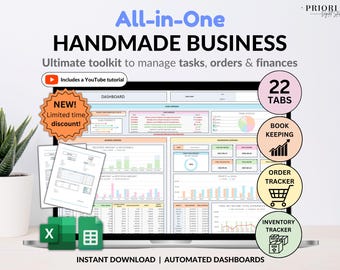
Digital download
Small Business Bookkeeping Tracker Inventory Tracker Order Tracker Handmade Product Task Tracker Pricing Calculator Google Sheets Excel
Sale Price $11.00
Original Price $22.01


