


Schedule C Template, 1099 Self Employed Tax Spreadsheet, Excel & Google Sheets
NowPrice:$0.75
Original Price: $2.50
70% off
Sale ends in 3 days
5.0 out of 5
1 rating
You can only make an offer when buying a single item
Highlights
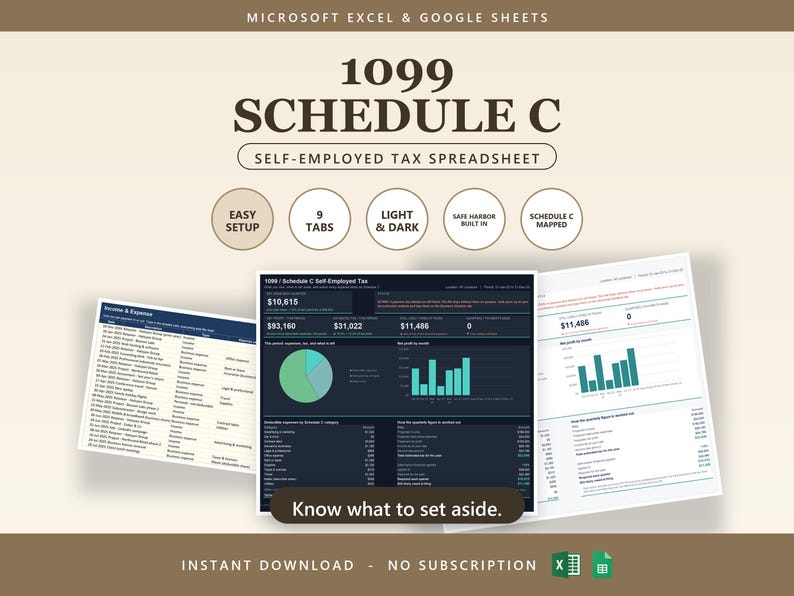
Log what comes in and what goes out. The file works out your net profit for the period, what to set aside each quarter, and where every expense lands on Schedule C. Excel and Google Sheets.
Written for freelancers, contractors and self employed sole traders who file a Schedule C and want to stop guessing at the April bill.
There are no formulas for you to write and nothing to install.
⚠️ SAFE HARBOR AVOIDS THE PENALTY, NOT THE TAX
This is the thing most people get wrong about estimated tax, and it is why the file is built the way it is.
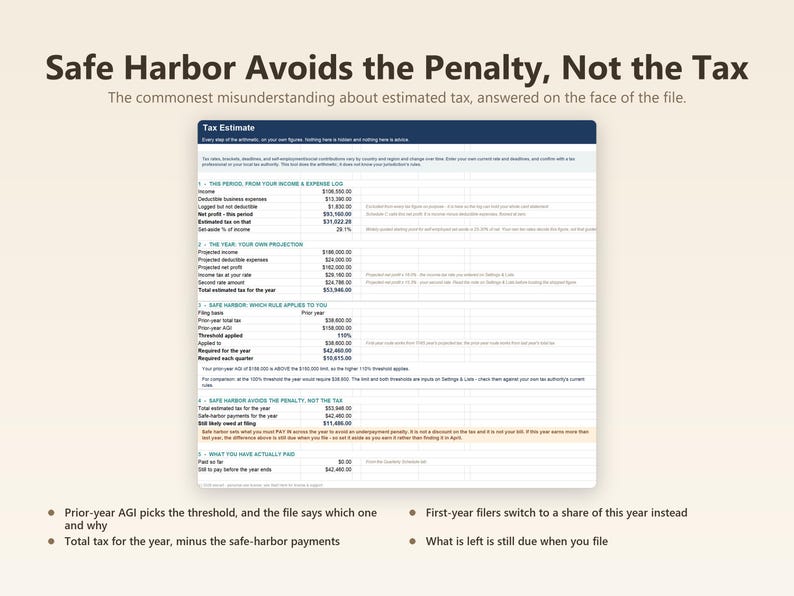
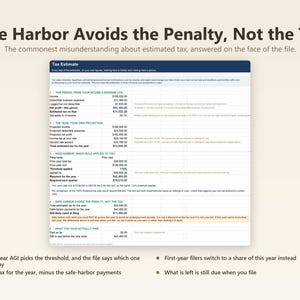
Paying the safe harbor amount across the year protects you from an underpayment penalty. It does not settle the bill. If this year earns more than last year, the difference is still due when you file.
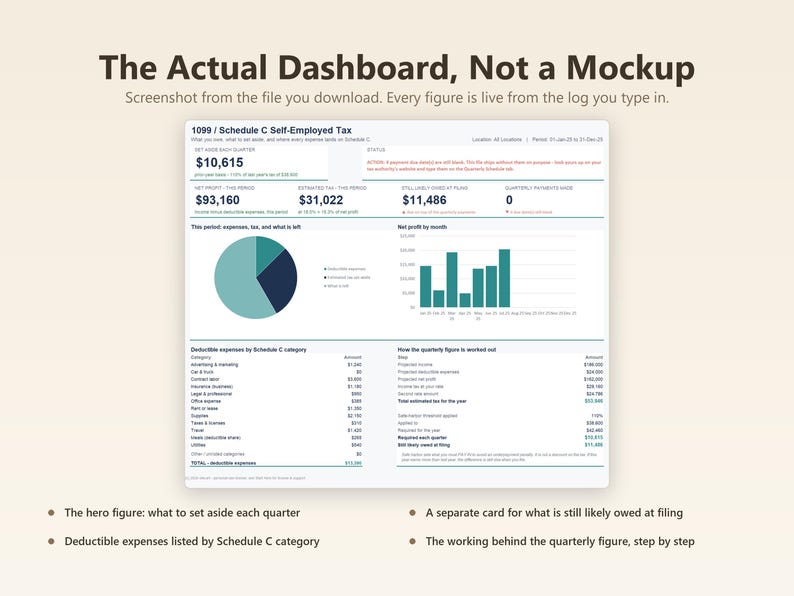
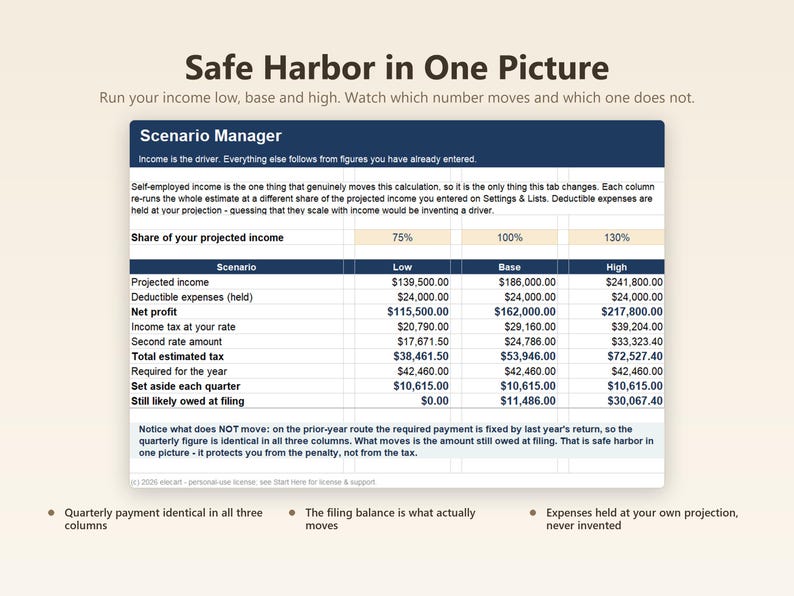
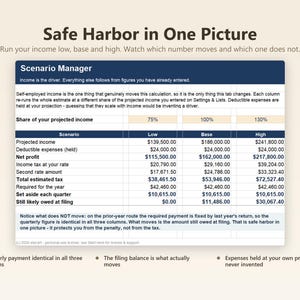
So the dashboard shows you both. One card for what to pay each quarter, a second card for what is still likely owed at filing, and a plain line underneath saying why they are different numbers. The Scenario Manager tab makes the same point in one picture: run your income low, base and high, and watch the quarterly payment stay exactly where it is while the amount owed at filing moves.
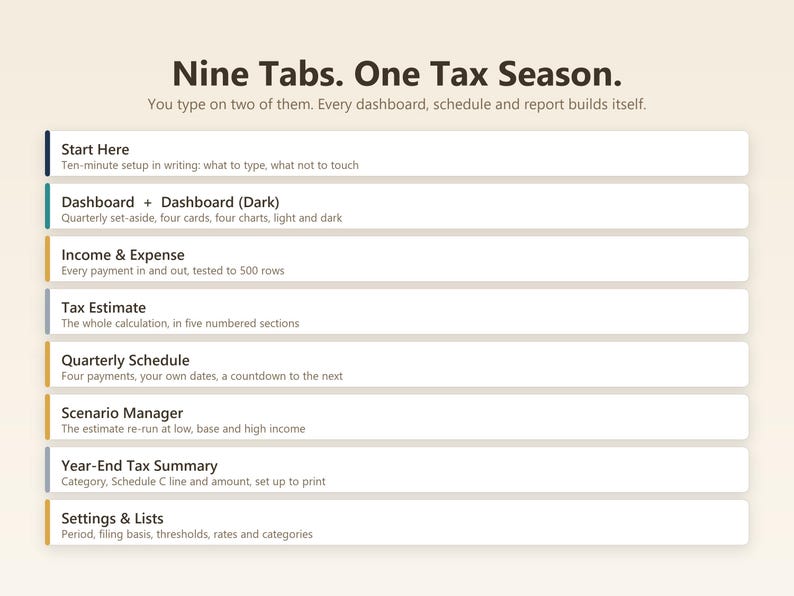
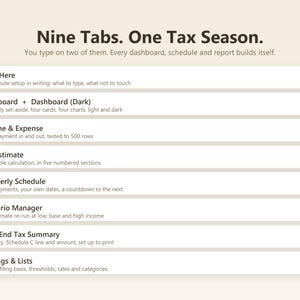
📊 WHAT YOU GET: 9 TABS
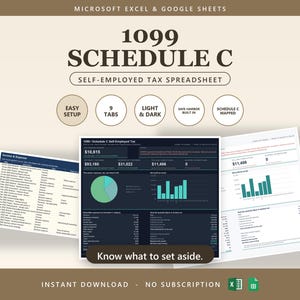
1. START HERE: what to type, what not to touch, and how the tabs connect. About ten minutes of setup.
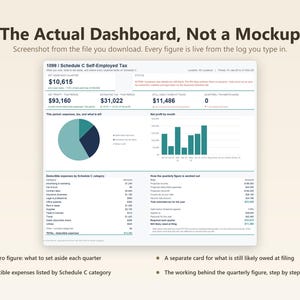
2. DASHBOARD: ""set aside each quarter"" as the headline figure, four cards (net profit, estimated tax, still likely owed at filing, quarterly payments made), two charts, your deductible expenses listed by Schedule C category, and the working behind the quarterly figure line by line.
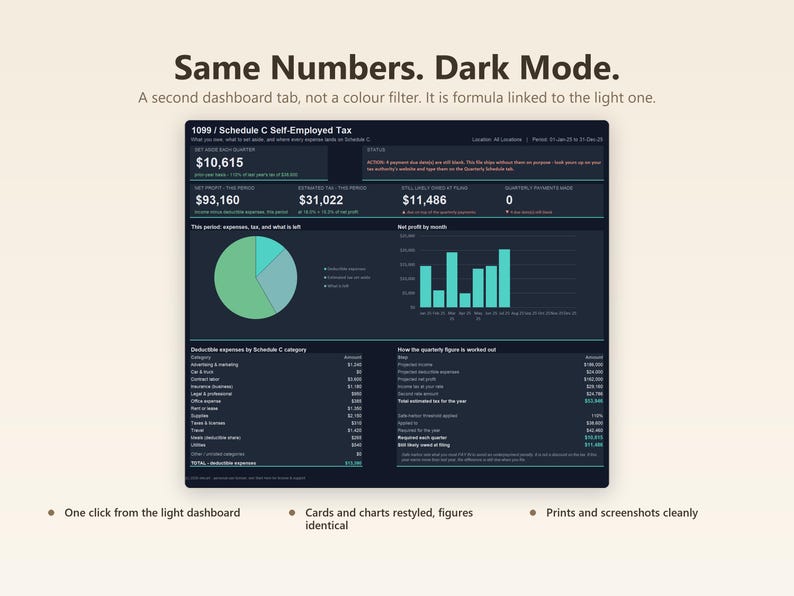
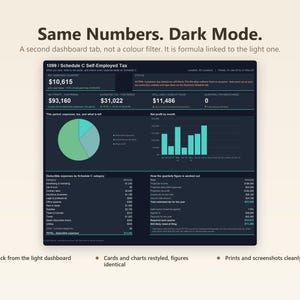
3. DASHBOARD (DARK): the same dashboard in a dark theme. Both read from the same cells, so they cannot disagree. Four charts across the two.
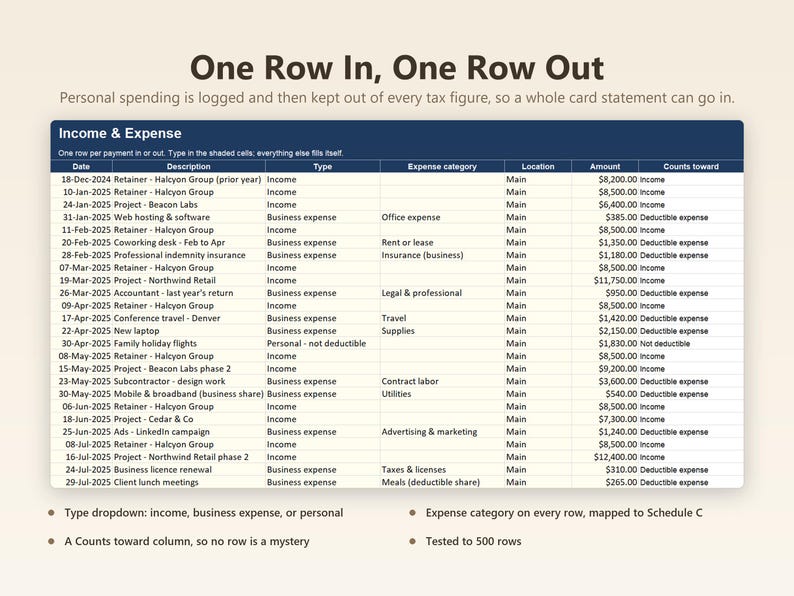
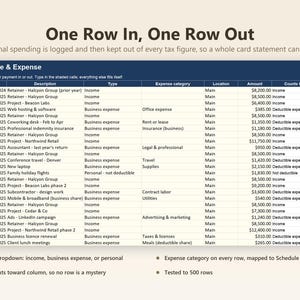
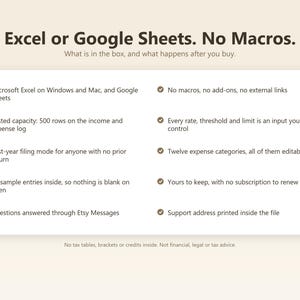
4. INCOME & EXPENSE: one row per payment in or out. Date, description, type, expense category, location and amount, plus a ""Counts toward"" column that tells you what each row is doing before it reaches your totals. Tested to 500 rows.
5. TAX ESTIMATE: the arithmetic in the open, in five numbered sections, from your logged income through to the balance still likely owed when you file.
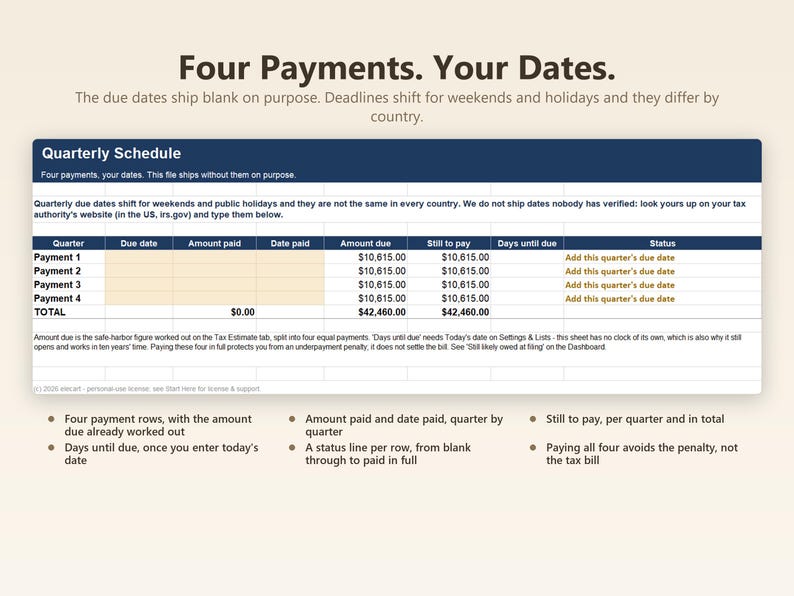
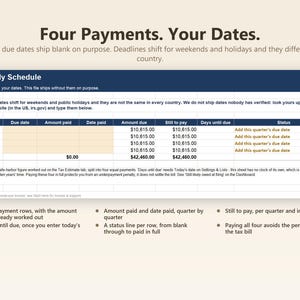
6. QUARTERLY SCHEDULE: four payment rows with amount due, amount paid, still to pay, days until due and a status line. The due dates ship blank on purpose, and there is a section below about why.
7. SCENARIO MANAGER: re-runs the whole estimate at a low, base and high share of your projected income, so you can see which figures move and which ones do not.
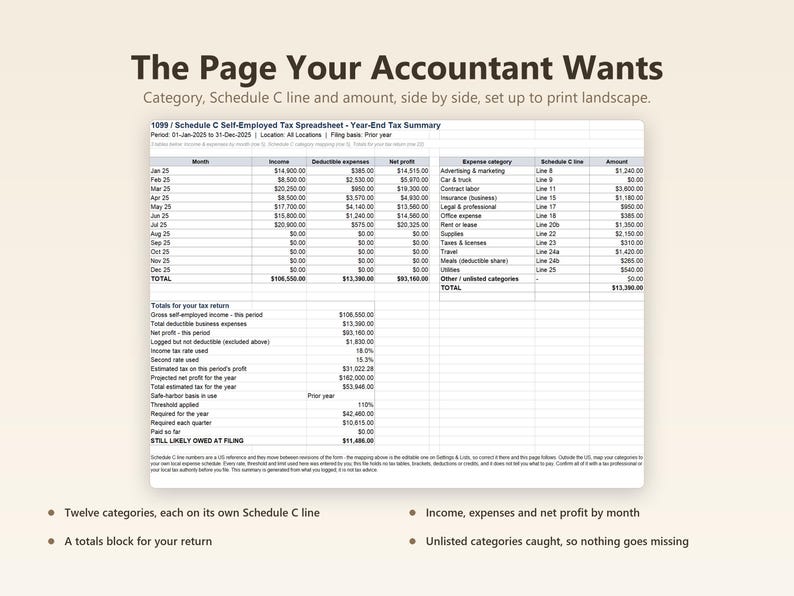
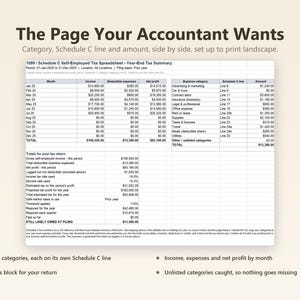
8. YEAR-END TAX SUMMARY: three tables. Income and expenses by month, every expense category beside its Schedule C line, and a totals block for your return. Set up to print landscape.
9. SETTINGS & LISTS: period start and end, filing basis, both safe harbor thresholds, the AGI limit, your two tax rates, your own projection, location view, and the category to Schedule C line mapping. Twelve categories preloaded, all of them editable.
✅ WHAT MOST FREE TEMPLATES DO NOT DO
▸ Safe harbor is a switch, not a fixed percentage. Type last year's total tax and last year's AGI, and the file picks the normal threshold or the higher one itself, then tells you in a sentence which it used and why. The limit and both thresholds sit on the Settings tab as editable inputs, so the file keeps working when the rules change.
▸ First year filing has its own route. With no prior year return there is nothing to take a percentage of, which is where most estimated tax templates leave you. Switch Filing basis to First year and the whole calculation moves onto a share of the tax you project for this year.
▸ Personal spending is logged but kept out. Mark a row ""Personal - not deductible"" and it stays in your records while being excluded from every tax figure, so you can paste in a whole card statement without it inflating your deduction.
▸ Every category carries its Schedule C line. Advertising sits on line 8, car and truck on line 9, contract labor on line 11, and so on down to utilities on line 25. The Year-End tab prints the category, the line and the amount side by side, which is the page an accountant actually wants.
▸ The quarterly due dates are blank when the file arrives. Deadlines shift for weekends and public holidays and they are not the same in every country, so this file does not ship dates nobody has verified. Look yours up, type them in once, and the schedule counts down to the next one.
▸ Any fiscal year works. Set a period start of 01-Jul and all twelve month rows relabel themselves.
▸ Running more than one location? Tag rows by location, then switch a single dropdown to see one at a time.
🔔 IT TELLS YOU WHEN SOMETHING IS WRONG
The status card counts and names the problem rather than turning a cell red and leaving you to work it out. It flags dates the sheet cannot read, rows with no Type set (those are counted as income until you pick one), a missing tax rate, a missing prior-year figure, due dates you have not filled in yet, and rows dated outside your reporting period.
🚫 WHAT IT DELIBERATELY DOES NOT DO
There are no tax tables inside, no brackets, no standard deduction, no credits and no assumptions about your circumstances. It will never tell you what to pay. You supply the rates and the figures, it does the arithmetic and shows every step, and you and your accountant can check the lot. That is the trade: no subscription, no account, no data leaving your computer, and a file you can still open in ten years.
🌗 LIGHT AND DARK
Two dashboard tabs, not a colour filter. The dark one is formula linked to the light one, so the two can never drift apart. One click between them.
📥 WHAT YOU RECEIVE
▸ 1 Excel workbook (.xlsx), the actual file rather than a link to a copy of one
▸ 1 PDF with your Google Sheets copy link and setup notes
Both download the moment your payment clears. There is nothing to ship and nothing to wait for.
💻 COMPATIBILITY
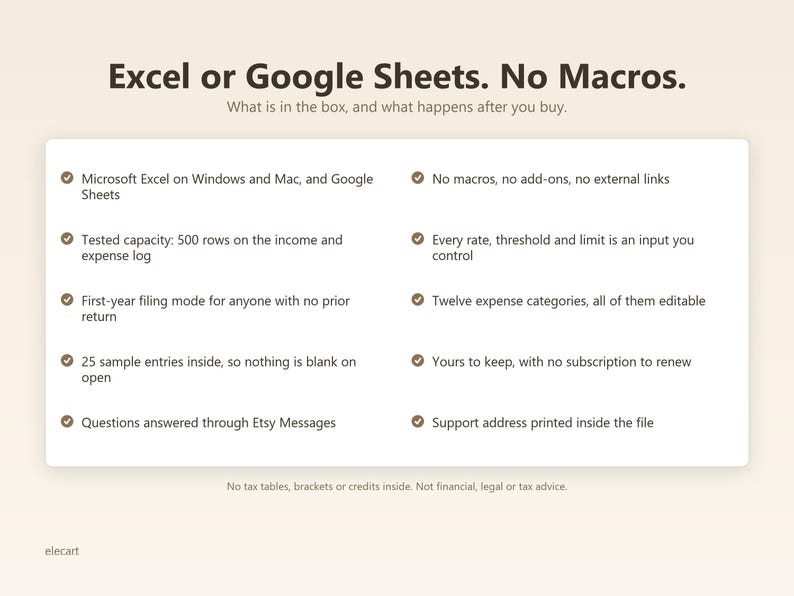
Microsoft Excel on Windows and Mac, and Google Sheets. It runs on plain formulas with no macros, no add-ons and no external links, so nothing needs installing and no security warning appears when you open it. The sheets are protected without a password, and number formatting is left unlocked on purpose so you can change the currency without unprotecting anything.
🚀 HOW IT WORKS
1. Download instantly after checkout
2. Open it in Excel, or use the link to copy it into Google Sheets
3. Set your period, your filing basis and your two rates on Settings & Lists
4. Clear the sample rows and log your own
The file arrives with 25 sample entries already logged, so every chart, card and total is filled in the moment you open it. You get to see how it behaves before you clear anything.
❓ QUESTIONS
Q. Does safe harbor mean I owe less tax?
A. No, and this is the misunderstanding that costs people the most. Paying it protects you from an underpayment penalty. The balance is still due when you file, which is why the dashboard shows the quarterly payment and the amount still likely owed as two separate figures.
Q. I am filing for the first time and have no prior year.
A. Set Filing basis to First year on the Settings tab. The prior-year route needs a prior year, so the file switches to a share of the tax you project for this year and works from your own income estimate instead.
Q. Why are the quarterly due dates blank?
A. Because they move. Deadlines shift for weekends and public holidays, they differ by country, and a date printed into a template ages quietly. Look yours up on your tax authority's website, type the four dates in once, and the countdown starts working.
Q. Will it tell me what I owe?
A. It shows you the arithmetic on the figures you give it. There are no tax tables, brackets, deductions or credits inside, and none of it is advice. Confirm your rates and thresholds with a tax professional before you file.
Q. Does it work outside the US?
A. The engine does. Every rate, threshold and limit is an input rather than a number baked into a formula, so the arithmetic works anywhere. The Schedule C line numbers are a US reference and you can edit them on the Settings tab to match your own local expense schedule.
Q. How many rows can it hold?
A. It was tested to 500 rows on the Income & Expense log. The Start Here tab explains how to add more without breaking the totals.
Q. Can I change the currency?
A. Yes. Select the amount cells and press Ctrl+1. The formatting is deliberately left unlocked so this works without unprotecting anything. The file ships formatted in US dollars.
💬 QUESTIONS BEFORE YOU BUY
Message me through Etsy. The support address is printed on the Start Here tab inside the file as well. If something does not work, tell me and I will fix it.
📄 LICENSE
For personal use by the original purchaser. Not to be resold, redistributed or shared. Provided as is. This is not financial, legal or tax advice, so verify every figure with your accountant or your local tax authority before you file.
Instant Download
Your files will be available to download once payment is confirmed. Here's how.
Instant download items don’t accept returns, exchanges or cancellations. Please contact the seller about any problems with your order.
Etsy Purchase Protection
Shop confidently on Etsy knowing if something goes wrong with an order, we've got your back for all eligible purchases —
see program terms

Reviews for this item
This is exactly what I wanted. I checked out several, and none of them were quite right. This one fit the bill, and I will use it to stay on track with taxes for the upcoming year. Thanks for a great product!

Response from Ahmed
Thank you, this is lovely to read. Good luck with the tax year ahead, and just message me if you ever need a tweak.
More from this shop
Visit shop-
Digital download
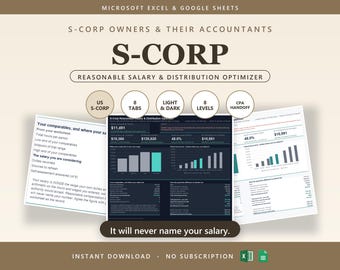
S-Corp Reasonable Salary & Distribution Optimizer | Excel + Google Sheets | S Corp Payroll Tax Spreadsheet | Reasonable Comp Worksheet
Sale Price $1.80
Original Price $6.00
-
Digital download
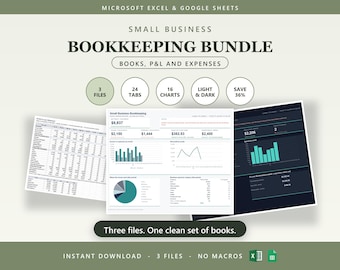
Bookkeeping Spreadsheet Bundle with Profit and Loss Template and Business Expense Tracker, Excel & Google Sheets
Sale Price $1.80
Original Price $6.00
-
Digital download
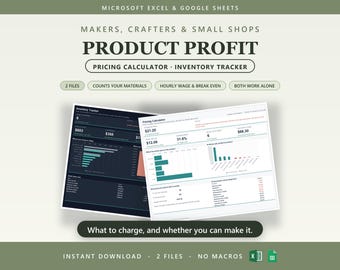
Pricing Calculator and Inventory Spreadsheet Bundle for Handmade Sellers, Excel & Google Sheets
Sale Price $1.35
Original Price $4.50
-
Digital download
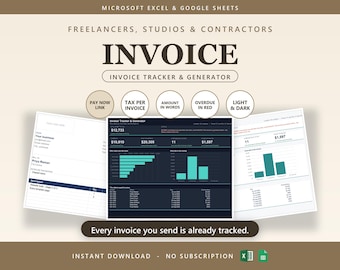
Invoice Tracker & Generator | Invoice Template, Bill Tracker, Excel + Google Sheets | Sales Tax, Overdue Aging, Pay Now Link
Sale Price $0.75
Original Price $2.50
-
Digital download
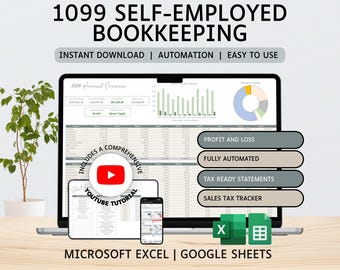
1099 Self-Employed Bookkeeping Spreadsheet | Income and Expense Tracker | Profit and Loss | Excel | Google Sheets | Accounting | Tax Tracker
Sale Price $8.24
Original Price $16.49
-
Digital download
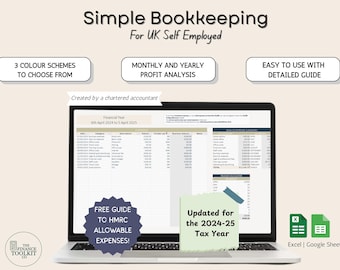
UK Self-Employed Bookkeeping Spreadsheet: HMRC Sole Trader Accounts Tracker (Excel or Google Sheets) for Tax Return
$8.19
-
Digital download
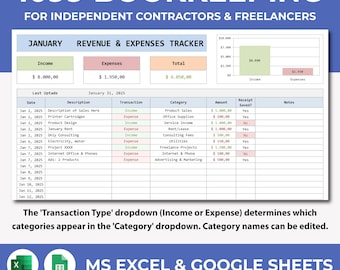
1099 Bookkeeping Spreadsheet, Excel & Google Sheet, Finance Spreadsheet,Income Expense Tracker, Profit Loss Accounting, 1099 Tax Bookkeeping
Sale Price $8.58
Original Price $17.16
-
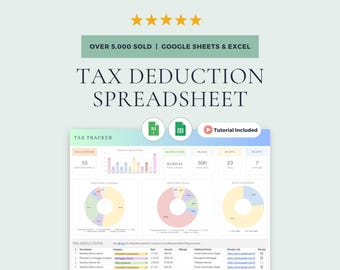
Digital download
Tax Deduction Tracker: Google Sheets & Excel Template (Digital Download)
Sale Price $6.52
Original Price $9.32
-
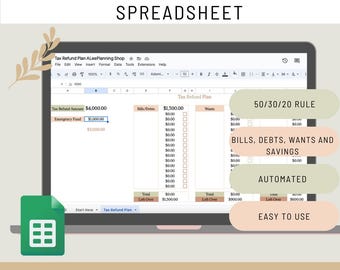
Digital download
Tax Refund Plan Spreadsheet: 50/30/20 Budget (Google Spreadsheet & PDF)
Sale Price $2.24
Original Price $2.99
-
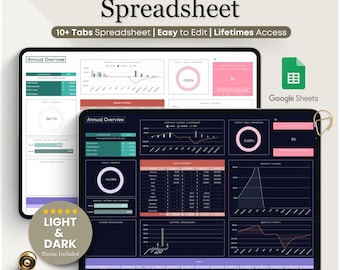
Digital download
Ultimate Bookkeeping Spreadsheet Template Small Business Finance Spreadsheet | Income and Expense Tracker | Profit and Loss | Google Sheets
Sale Price $1.98
Original Price $3.96
-
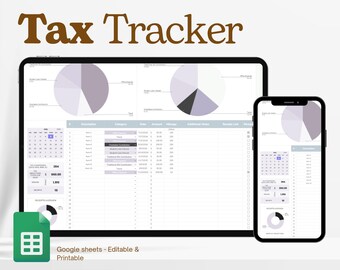
Digital download
Tax Deduction Google Sheets & Excel Spreadsheet Tax Spreadsheet Tax Tracker Sheet Tax Planner Tax Organizer Business Spreadsheet Tax Log
Sale Price $3.33
Original Price $7.25
-
Digital download
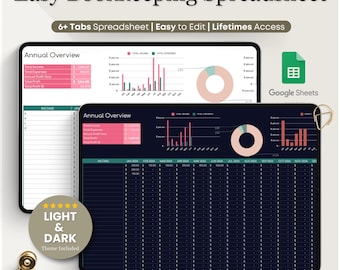
Easy Bookkeeping Template, Small Business Finance Spreadsheet, Bookkeeping log Income and Expense Tracker, Sales Tax Accounting Spreadsheet
Sale Price $1.98
Original Price $3.96
-
Digital download
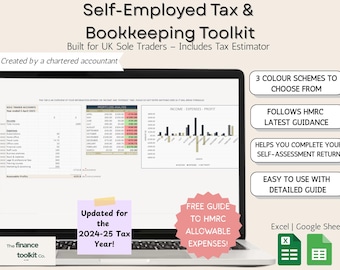
Self Assessment Bookkeeping Spreadsheet UK | Tax Estimator + Income & Expense Tracker | Sole Trader or Landlord HMRC Toolkit for Tax Return
$13.66
-
Digital download
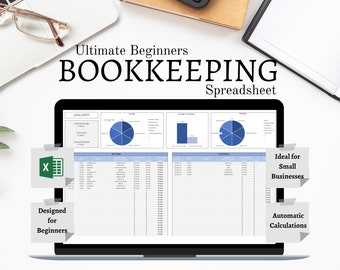
Small Business Bookkeeping Template: Excel Accounting Tracker
Sale Price $0.96
Original Price $2.74
-
Digital download
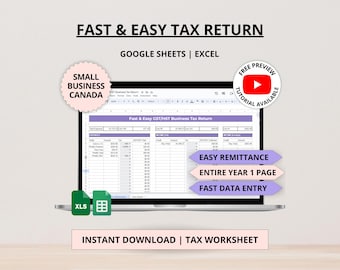
Print on Demand Etsy Sellers Canadian End of Year Tax Spreadsheet, Excel Spreadsheet Tax Tracker, Bookkeeping Small Business Google Sheets
$7.32
-
Digital download
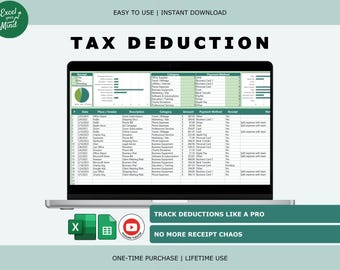
Tax Deduction Tracker | Tax Expense Spreadsheet (Excel & Google Sheets)
Sale Price $3.97
Original Price $6.61
Shoppers with similar taste loved these
-

Digital download
300 Tax Prep Instagram Templates | Tax Prep Flyers & Social Media Posts | Editable Tax Prep Flyer Bundle | Tax Preparation Templates 2026
Sale Price $10.88
Original Price $27.21
-
Digital download
Tax Acuity Scheduling template | Tax Prep Acuity Website | Acuity scheduling | Tax Preparation | Tax Prep Branding | Custom Acuity | Credit
Sale Price $7.50
Original Price $15.00
-

Digital download
Tax Prep flyer, Tax Prep Instagram, Tax Prep Flyer Bundle, Tax Flyer Template, Prep Flyers Bundle, Tax Prep Templates, Tax Prep Post
Sale Price $4.00
Original Price $8.00
-

Digital download
Tax Prep Checklist Template, Pink Canva Tax Preparer Social Media Flyer
Sale Price $2.70
Original Price $6.00
-

Digital download
Tax Prep Flyer Template Bundle, Tax Flyer Template, Tax Preparation Flyers, Tax Prep Template, 15 Flyer Bundle, Social Media Post Tax Flyers
$12.30
-

Digital download
Tax Prep Service Flyer, Tax Preparation Flyer, Accounting Flyer, Tax Consultant Marketing Template, Tax Flyer for Tax Season, DIY in Canva
Sale Price $1.00
Original Price $2.00
-

Digital download
200 Tax Preparer Instagram Templates | Tax Prep Flyers & Social Media Posts | Accounting Instagram Posts | Tax Preparation Canva Templates
Sale Price $9.07
Original Price $22.67
-

Digital download
Tax Prep Service Flyer, Tax Credit Repair Template (DIY Canva)
$10.10
-

Digital download
DIY Tax Business Card, Tax Prep Business Card, Tax Refund Business Card, Premade Template, Taxes Business Card, Editable Design
Sale Price $5.00
Original Price $10.00
-

Digital download
4 Tax Prep Flyers, Tax Prep Instagram, Tax Prep Flyer Bundle, Tax Flyer Template, Prep Flyers Bundle, Tax Prep Templates, Tax Prep Guide
Sale Price $7.50
Original Price $15.00
-

Digital download
Animated Tax Preparation Flyer, Tax Flyer, Tax Season, Tax Prep Season Flyer,Accountant Flyer,Tax Prep Instagram Template,Animated Tax Flyer
Sale Price $2.50
Original Price $5.00
-

Digital download
Tax Website, Tax Season Website, Tax Preparation Website Design, Tax Banner Templates, Tax templates, Accounting Web Template, Shopify, Wix
Sale Price $25.00
Original Price $50.00


