


Inventory Manager Pro, Offline HTML Stock Tracker, Sales Purchases Reports
Price:$29.99
Star Seller
Star Sellers have an outstanding track record for providing a great customer experience—they consistently earned 5-star reviews, shipped orders on time, and replied quickly to any messages they received.
You can only make an offer when buying a single item
Star Seller. This seller consistently earned 5-star reviews, shipped on time, and replied quickly to any messages they received.
Highlights
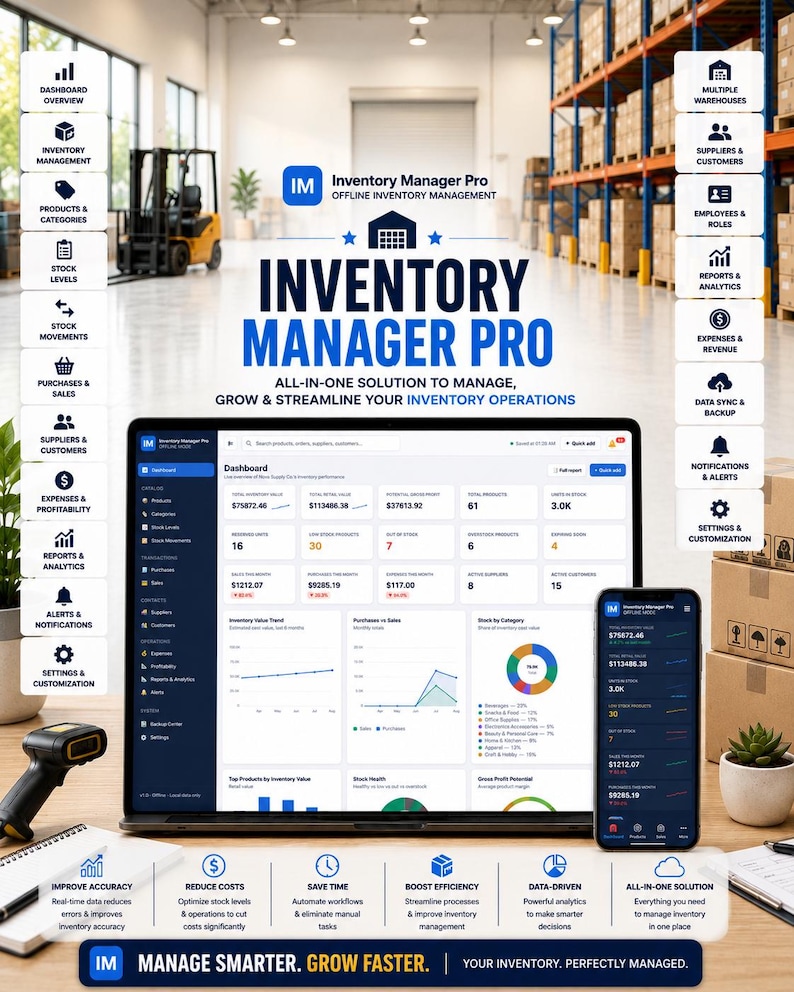
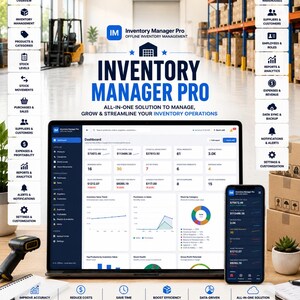
Take complete control of your products, stock levels, suppliers, purchases, sales, expenses, and inventory performance with **Inventory Manager Pro** — a professional offline HTML inventory management application designed for small businesses, online sellers, retailers, wholesalers, studios, and product-based businesses.
This is not a basic spreadsheet, printable planner, or simple product list.
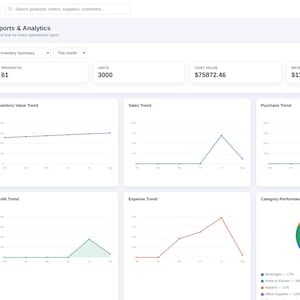
Inventory Manager Pro is a fully interactive business system that helps you organize inventory, monitor stock movement, track low-stock products, manage suppliers and customers, record purchases and sales, calculate product profitability, and understand business performance through modern visual charts.
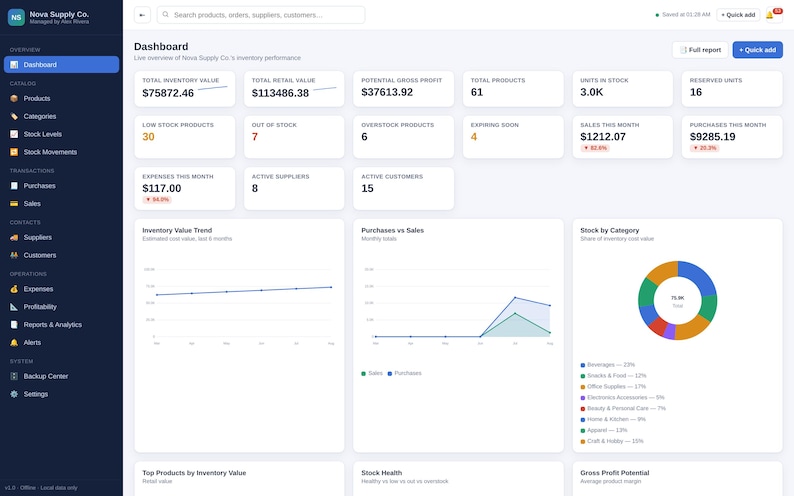
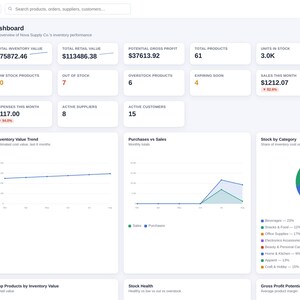
Everything is managed from one professional dashboard.
---
## WHY THIS INVENTORY MANAGER IS A SOLUTION
Managing inventory can quickly become confusing when products, quantities, prices, suppliers, sales, and purchase records are stored in different spreadsheets, notebooks, messages, or apps.
That creates real business problems:
• Products run out without warning
• Overstock ties up money
• Purchase records become difficult to track
• Stock quantities become inaccurate
• Product costs and profit margins are unclear
• Expiration dates are forgotten
• Suppliers and customers are scattered across multiple files
• Important inventory decisions are made without clear data
Inventory Manager Pro brings these operations together into one organized system.
It helps you:
• Know what products you currently have
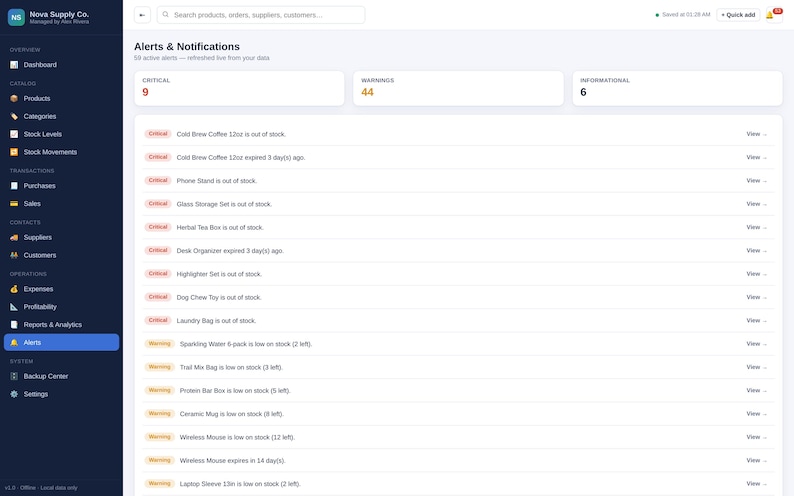
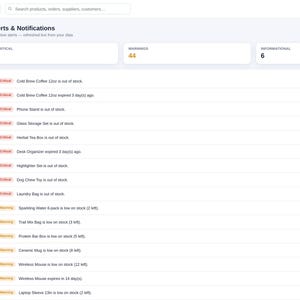
• See which items are low, out of stock, or overstocked
• Track stock coming in and going out
• Monitor inventory value
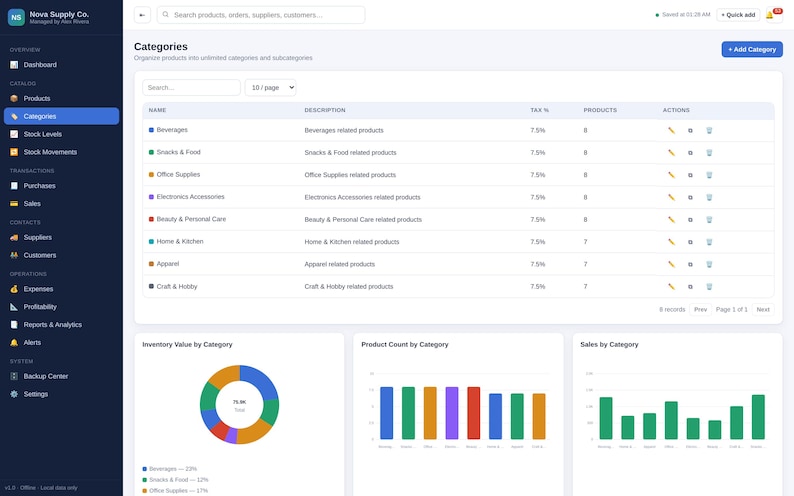
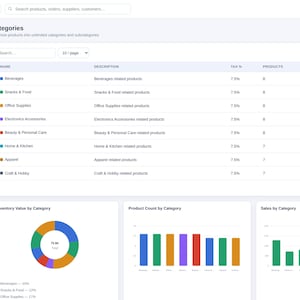
• Organize products by category and location
• Manage supplier and customer records
• Record purchases and sales
• Track purchase orders and sales orders
• Manage product returns and stock adjustments
• Monitor expiration dates
• Calculate product costs, profit, margin, and markup
• View business trends through modern charts
• Keep important records available in one central location
• Reduce manual work and improve inventory accuracy
Instead of switching between multiple tools, you can open one application and review your inventory from one clear dashboard.
---
## WHO IS IT FOR?
Inventory Manager Pro is ideal for:
• Small businesses
• Retail stores
• E-commerce businesses
• Etsy sellers
• Shopify sellers
• Amazon sellers
• Wholesale businesses
• Online shops
• Gift businesses
• Photography studios
• Salons and beauty businesses
• Contractors
• Offices
• Product-based businesses
• Small manufacturers
• Restaurants and cafés
• Medical supply businesses
• Home-based businesses
• Independent entrepreneurs
---
## MAIN FEATURES
### Executive Inventory Dashboard
View important business information in one place, including:
• Total inventory value
• Retail value
• Potential profit
• Total products
• Units in stock
• Low-stock products
• Out-of-stock products
• Overstocked products
• Expiring products
• Purchases
• Sales
• Expenses
• Active suppliers
• Active customers
• Open purchase orders
• Open sales orders
---
## PRODUCT MANAGEMENT
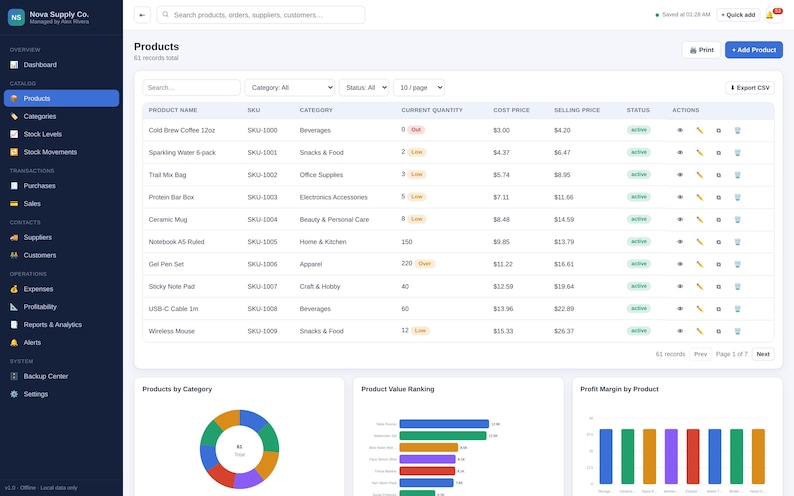
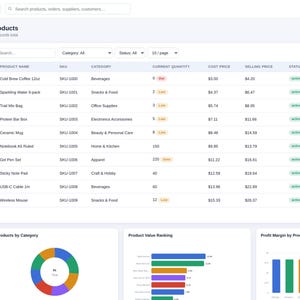
Create detailed product records including:
• Product name
• SKU
• Barcode reference
• QR reference
• Category
• Subcategory
• Brand
• Description
• Product image
• Unit of measure
• Cost price
• Selling price
• Wholesale price
• Tax rate
• Current quantity
• Reserved quantity
• Available quantity
• Minimum stock
• Maximum stock
• Reorder point
• Reorder quantity
• Supplier
• Storage location
• Shelf or bin
• Weight
• Dimensions
• Lot number
• Batch number
• Serial number
• Manufacture date
• Expiration date
• Status
• Tags
• Custom fields
• Notes
The system automatically calculates:
• Available stock
• Inventory cost value
• Retail value
• Profit per unit
• Profit margin
• Markup percentage
• Reorder status
• Stock status
• Days until expiration
---
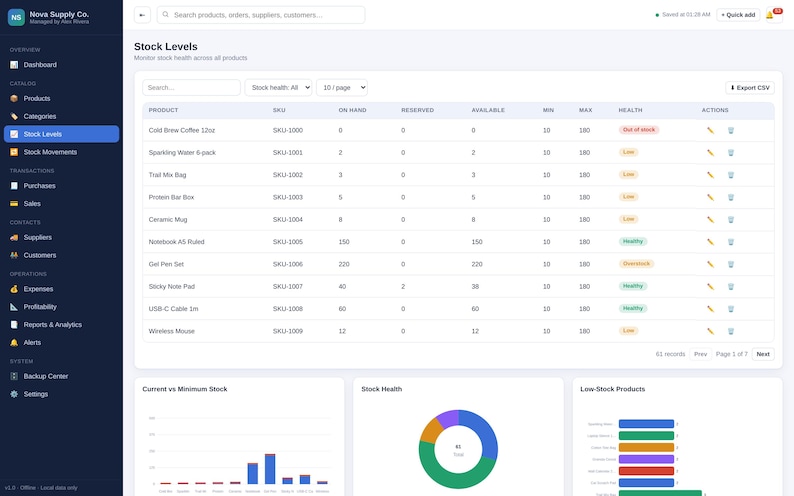
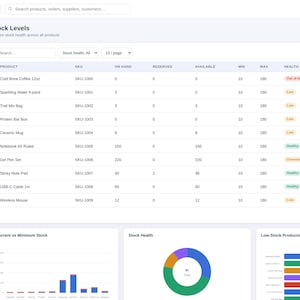
## STOCK LEVEL MANAGEMENT
Quickly identify:
• Healthy stock
• Low-stock items
• Out-of-stock products
• Overstocked products
• Reserved inventory
• Available inventory
• Expiring stock
• Products that need reordering
Use search, filters, sorting, and visual indicators to find the products that need attention.
---
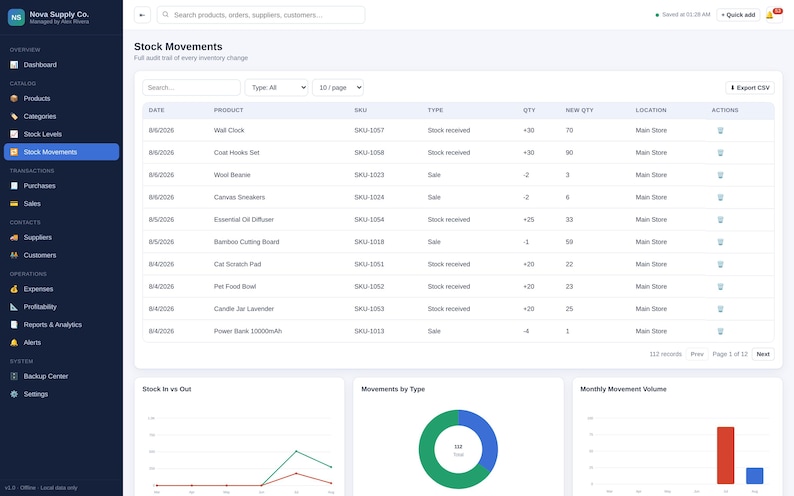
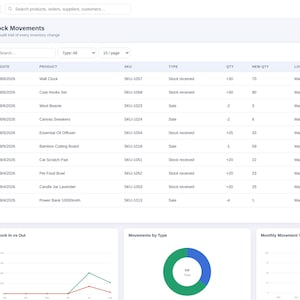
## STOCK MOVEMENT TRACKING
Track inventory movements including:
• Stock received
• Product sales
• Manual additions
• Manual removals
• Transfers
• Customer returns
• Supplier returns
• Damaged products
• Expired products
• Lost inventory
• Stock corrections
• Internal use
• Promotional use
Each movement updates product quantities and creates a clear history record.
---
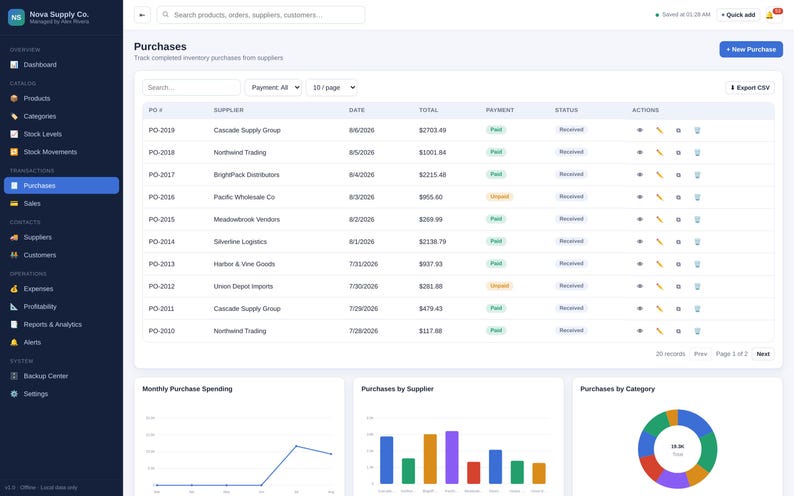
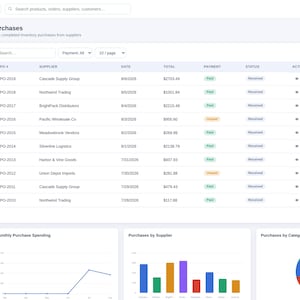
## PURCHASE MANAGEMENT
Record inventory purchases with:
• Supplier
• Purchase number
• Purchase date
• Products
• Quantities
• Unit costs
• Discounts
• Taxes
• Shipping costs
• Additional costs
• Payment method
• Payment status
• Receipt upload
• Notes
Completed purchases can automatically increase inventory quantities.
---
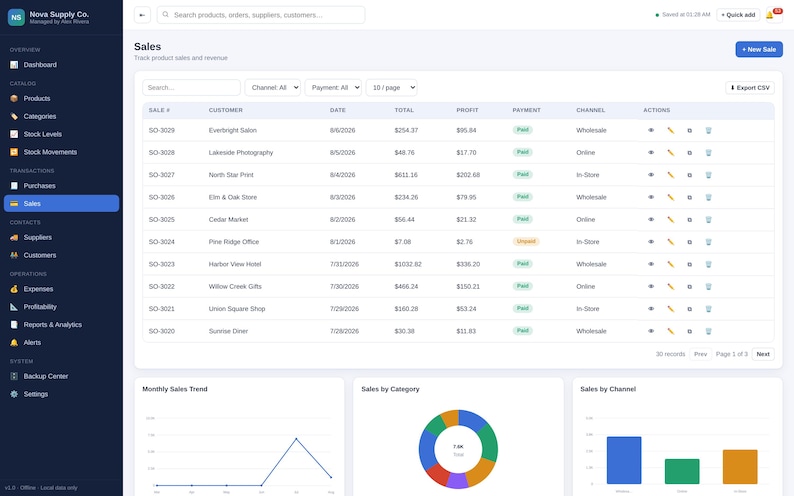
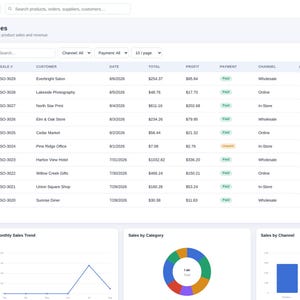
## SALES MANAGEMENT
Track product sales including:
• Customer
• Sale number
• Products
• Quantities
• Selling prices
• Discounts
• Taxes
• Shipping
• Payment method
• Payment status
• Sales channel
• Cost of goods sold
• Gross profit
• Notes
Completed sales can automatically reduce available inventory.
---
## PURCHASE ORDERS
Create and organize purchase orders with:
• Supplier
• Expected delivery date
• Product line items
• Quantities
• Costs
• Taxes
• Shipping
• Payment status
• Order status
Statuses may include:
• Draft
• Sent
• Confirmed
• Partially received
• Received
• Cancelled
Received purchase orders can update inventory.
---
## SALES ORDERS
Manage customer orders with:
• Customer details
• Product line items
• Quantities
• Prices
• Discounts
• Taxes
• Shipping
• Payment status
• Order status
• Notes
The system can reserve stock and convert completed orders into sales.
---
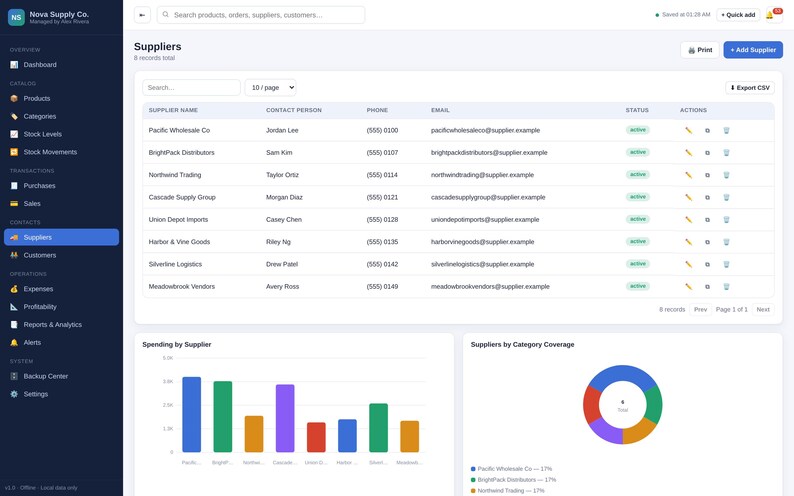
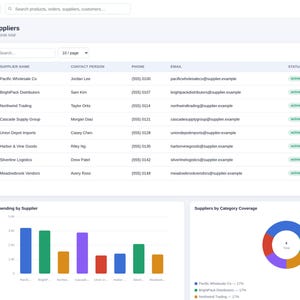
## SUPPLIER MANAGEMENT
Store supplier information including:
• Supplier name
• Company
• Contact person
• Phone
• Email
• Address
• Website
• Products supplied
• Payment terms
• Lead time
• Minimum order
• Rating
• Status
• Notes
• Documents
---
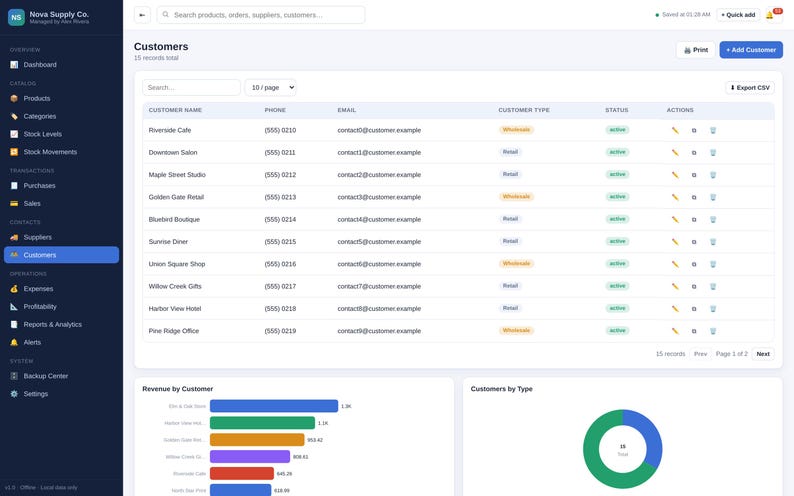
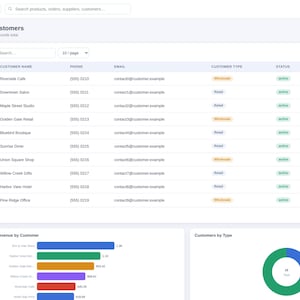
## CUSTOMER MANAGEMENT
Maintain customer records including:
• Customer name
• Company
• Contact information
• Address
• Customer type
• Purchase history
• Total spend
• Outstanding balance
• Favorite products
• Notes
• Tags
---
## MULTIPLE STORAGE LOCATIONS
Organize inventory across:
• Stores
• Warehouses
• Stockrooms
• Rooms
• Zones
• Aisles
• Racks
• Shelves
• Bins
• Vehicles
• Custom locations
See how much stock and inventory value is stored in each location.
---
## STOCK TRANSFERS
Move inventory between locations while maintaining accurate records.
Track:
• Source location
• Destination location
• Products
• Quantities
• Transfer status
• Assigned employee
• Notes
Completed transfers reduce stock from one location and add it to another.
---
## STOCK ADJUSTMENTS
Record adjustments caused by:
• Count corrections
• Damage
• Expiration
• Loss
• Theft
• Breakage
• Internal use
• Promotional use
• Data correction
• Other reasons
Each adjustment keeps a history of the previous and updated quantity.
---
## RETURNS MANAGEMENT
Track:
• Customer returns
• Supplier returns
• Return reason
• Product condition
• Refund amount
• Restock status
• Returned quantity
• Notes
Restocked returns can automatically update inventory.
---
## EXPIRATION TRACKING
Monitor products by:
• Expiration date
• Batch
• Quantity
• Location
• Cost value
• Days remaining
• Status
Statuses may include:
• Safe
• Expiring soon
• Urgent
• Expired
Users can customize expiration alert periods.
---
## INVENTORY COUNTS
Organize:
• Full inventory counts
• Cycle counts
• Expected quantity
• Counted quantity
• Variance
• Cost variance
• Employee
• Count date
• Approval status
Approved counts can create inventory adjustments.
---
## BARCODE TOOLS
Manage barcode numbers and create printable product labels containing:
• Product name
• SKU
• Barcode number
• Price
• Business name
The application can also support USB barcode scanners that type into a selected field.
---
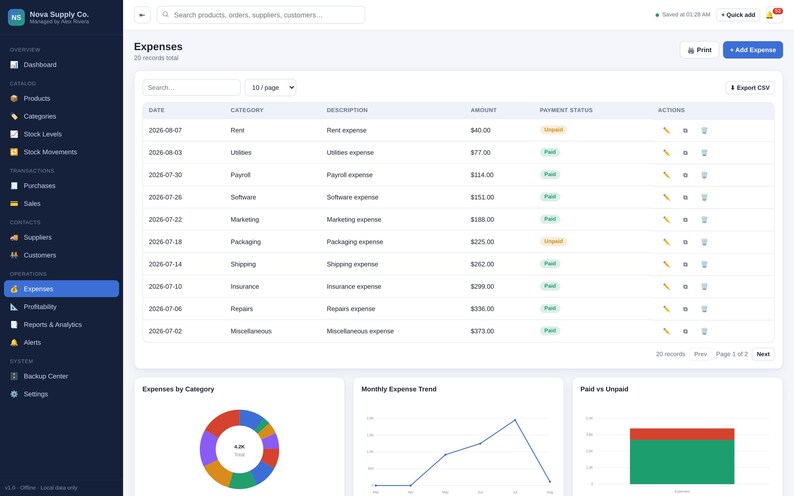
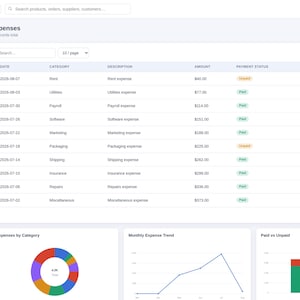
## EXPENSE TRACKING
Record expenses such as:
• Product purchases
• Shipping
• Packaging
• Rent
• Utilities
• Payroll
• Software
• Marketing
• Repairs
• Equipment
• Insurance
• Professional services
• Taxes
• Miscellaneous expenses
Track paid, unpaid, recurring, and supplier-related expenses.
---
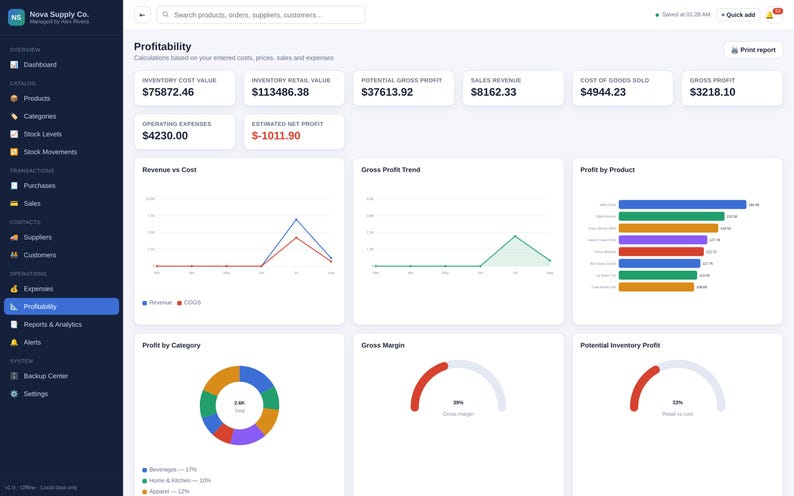
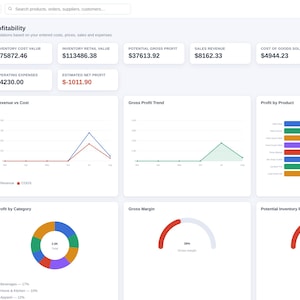
## PROFITABILITY TRACKING
Automatically calculate:
• Inventory cost value
• Inventory retail value
• Potential gross profit
• Product profit per unit
• Gross profit
• Gross margin
• Markup percentage
• Cost of goods sold
• Sales revenue
• Operating expenses
• Estimated net profit
• Profit by product
• Profit by category
• Profit by customer
• Profit by sales channel
All calculations are based on the information entered by the user.
---
## TASKS AND REMINDERS
Organize business tasks such as:
• Reorder stock
• Contact supplier
• Complete inventory count
• Review expiration dates
• Process returns
• Update pricing
• Review products
• Administrative tasks
Track:
• Priority
• Status
• Assigned person
• Start date
• Due date
• Recurring status
• Notes
• Checklists
---
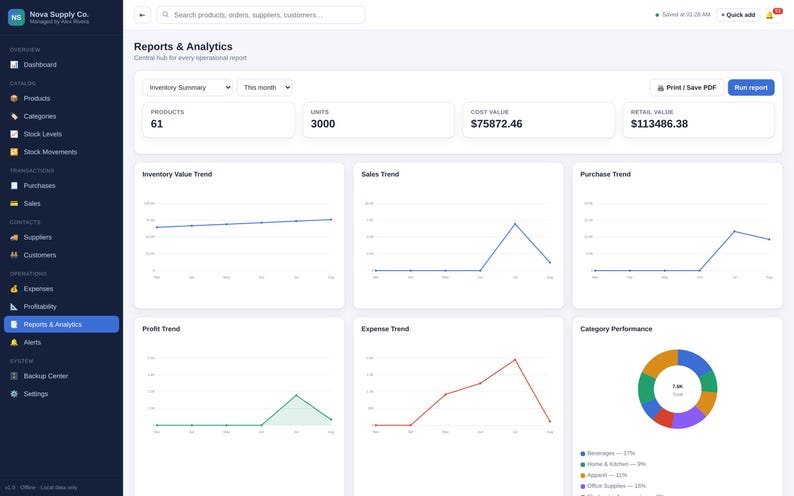
## MODERN INTERACTIVE CHARTS
Every major section includes modern charts that automatically update based on your records.
Charts may include:
• Inventory value trends
• Stock by category
• Low-stock products
• Out-of-stock products
• Purchases vs sales
• Monthly sales
• Stock movement
• Product profitability
• Expense breakdown
• Supplier spending
• Customer revenue
• Expiration risk
• Return trends
• Stock adjustment costs
• Inventory accuracy
• Location utilization
• Fast-moving products
• Slow-moving products
• Profit trends
Charts are included to make inventory data easier to understand and help users identify important business patterns.
---
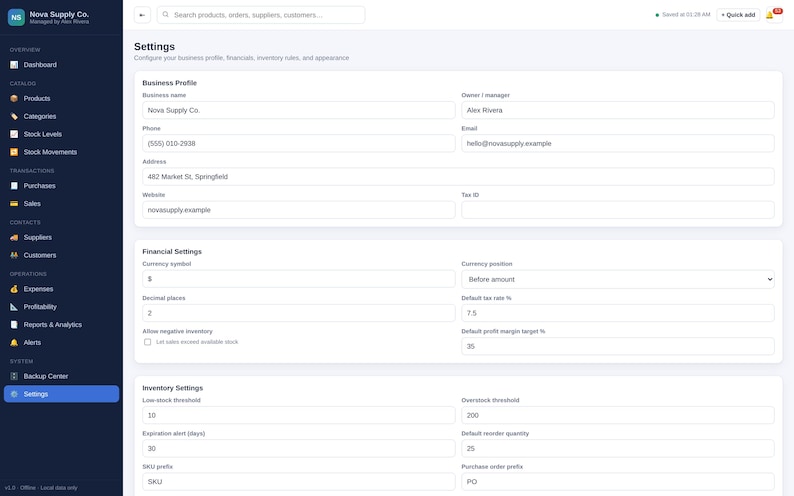
## FULLY EDITABLE
This application can be customized for different types of businesses.
Users can edit:
• Business name
• Business logo
• Contact details
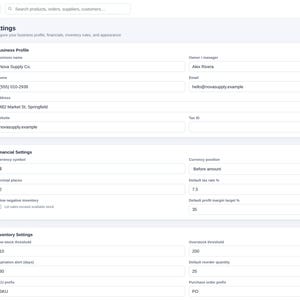
• Currency
• Tax rate
• Product categories
• Subcategories
• Units
• Suppliers
• Customers
• Storage locations
• Status labels
• Alert thresholds
• Product fields
• Custom fields
• Expense categories
• Payment methods
• Dashboard targets
• Report notes
• Theme appearance
• Chart colors
---
## ADVANCED COLOR CUSTOMIZATION
Customize the complete application appearance, including:
• Primary color
• Secondary color
• Sidebar color
• Page background
• Card background
• Text colors
• Button colors
• Table colors
• Input colors
• Border colors
• Positive status color
• Warning color
• Critical color
• Chart colors
Choose from professional presets or create a custom theme.
The application also includes:
• Light mode
• Dark mode
• System mode
• Compact layout
• Comfortable layout
• Font-size controls
• Rounded-corner controls
• Card-shadow controls
Appearance settings are saved automatically.
---
## GLOBAL SEARCH
Search across:
• Products
• SKUs
• Barcodes
• Categories
• Suppliers
• Customers
• Purchases
• Sales
• Purchase orders
• Sales orders
• Locations
• Transfers
• Adjustments
• Returns
• Tasks
• Documents
• Notes
---
## AUTOMATIC LOCAL SAVE
Every change is automatically saved inside the browser on your device.
Your information remains available after:
• Refreshing the page
• Closing the browser
• Restarting the computer
• Reopening the HTML application
No manual save button is required for normal records.
---
## FULLY OFFLINE
No subscription required.
No monthly fees.
No account required.
No internet connection required.
No external software required.
Open the HTML file directly in a modern browser such as:
• Google Chrome
• Microsoft Edge
• Firefox
• Safari
---
## BACKUP AND RESTORE
Protect your records with:
• JSON data export
• JSON data import
• Timestamped backups
• Restore options
• Backup validation
• Demo data restore
• Factory reset
Regular backups are recommended.
---
## CSV IMPORT AND EXPORT
Export business records such as:
• Products
• Suppliers
• Customers
• Purchases
• Sales
• Stock movements
• Expenses
Products may also be imported from a properly formatted CSV file.
---
## PRINT AND PDF REPORTS
Create professional printable reports for:
• Inventory summary
• Product list
• Low stock
• Out of stock
• Inventory valuation
• Stock movements
• Purchases
• Sales
• Suppliers
• Customers
• Expenses
• Profitability
• Expiration dates
• Returns
• Adjustments
• Inventory counts
• Custom date ranges
Reports can be printed or saved as PDF using your browser’s print function.
---
## RESPONSIVE DESIGN
The application is designed to work on:
• Desktop computers
• Laptops
• Tablets
• iPhones
• Android phones
For the best experience when working with large tables and many records, a desktop or laptop is recommended.
---
## DEMO DATA INCLUDED
The application opens with realistic editable demo data so you can explore:
• Products
• Categories
• Suppliers
• Customers
• Purchases
• Sales
• Stock movements
• Returns
• Expenses
• Charts
• Reports
Demo data can be edited, removed, or restored.
---
## DIGITAL DOWNLOAD
This is a digital product.
No physical item will be shipped.
You will receive a downloadable HTML application that can be opened directly in a compatible browser.
---
## IMPORTANT DATA NOTICE
All data is stored locally inside the browser and device being used.
The application does not automatically synchronize between multiple devices.
Clearing browser data, changing browsers, resetting the device, or deleting local browser storage may remove saved records.
Regularly export a JSON backup to protect your information.
---
## IMPORTANT DISCLAIMER
Inventory Manager Pro is intended for inventory organization, internal business planning, record keeping, and operational analysis only.
It does not replace professional accounting, tax, legal, ERP, compliance, financial, or inventory auditing services.
All totals and calculations depend on the information entered by the user. Users are responsible for reviewing their records and following all applicable business requirements.
Instant Download
Your files will be available to download once payment is confirmed. Here's how.
Instant download items don’t accept returns, exchanges or cancellations. Please contact the seller about any problems with your order.
Etsy Purchase Protection
Shop confidently on Etsy knowing if something goes wrong with an order, we've got your back for all eligible purchases —
see program terms

Be the first to review this item

Speedy replies Has a history of replying to messages quickly.
Rave reviews Average review rating is 4.8 or higher.
More from this shop
Visit shop-
Digital download
Event Planning Management System | Wedding, Corporate, Private Organizer (Digital Download)
$29.99
-

Digital download
Employee Management System HR Dashboard, Payroll Attendance Tracker (Digital Download)
$29.99
-
Digital download
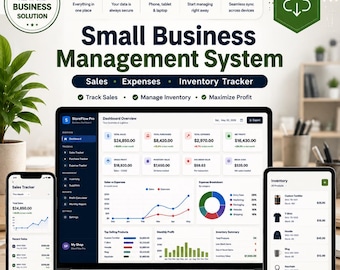
Small Business Management System | Sales, Expenses, Inventory Tracker (Instant Download)
$29.99
-
Digital download
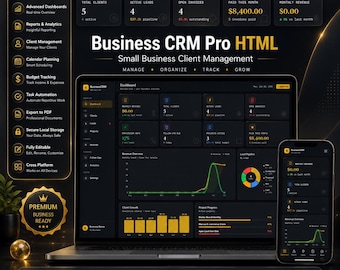
Business CRM Pro HTML Dashboard – Small Business Client Management (Digital Download)
$29.99
-
Digital download
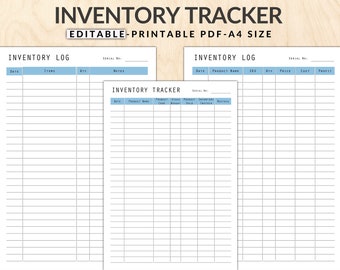
Editable Inventory Tracker: Product Stock Management (A4 PDF)
$1.50
-
Digital download
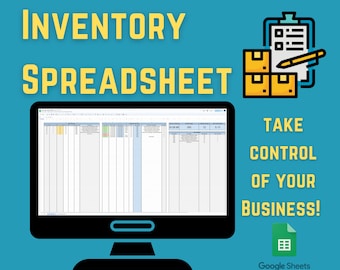
Tool Inventory Tracker Spreadsheet | Easy Stock Management Tool for Small Business |
Sale Price $1.34
Original Price $4.46
-
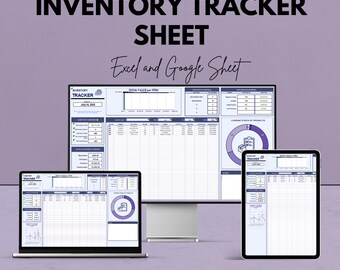
Digital download
HR Inventory Tracker Sheet | Inventory Management Dashboard | Stock Tracking | Inventory Control Template | Budget & Expense Management
Sale Price $5.77
Original Price $11.53
-
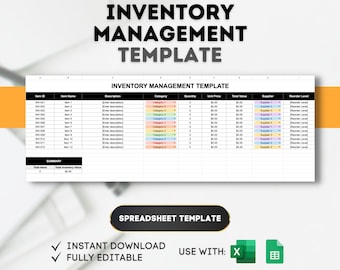
Digital download
Inventory Management Template: Stock Control Spreadsheet (Excel, Google Sheets)
$6.99
-
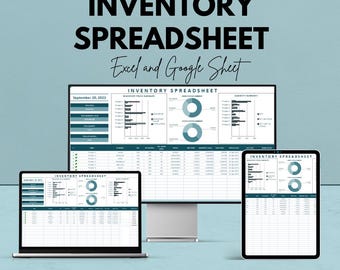
Digital download
Inventory Spreadsheet Template | Google Sheet | Stock Tracking | Inventory Management System | Real-time Data Analysis | Instant Download
Sale Price $5.77
Original Price $11.53
-
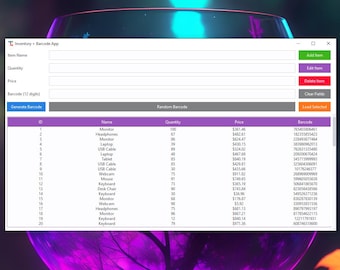
Digital download
Inventory & Barcode Manager App | Small Business Inventory Tracker | Digital Tool for Shops
$10.00
-
Digital download
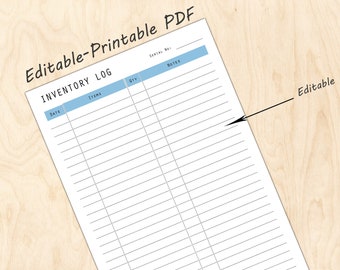
Editable Inventory Log Template: Product Stock Tracker (PDF)
$1.94
-
Digital download
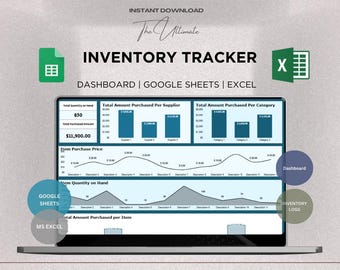
Inventory Tracker Dashboard | Small Business Inventory Spreadsheet | Stock and Purchase Manager | Excel & Sheets Compatible
Sale Price $1.50
Original Price $6.00
-
Digital download
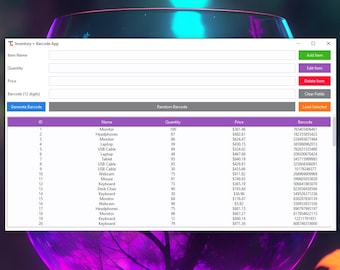
Inventory & Barcode Manager App | Small Business Inventory Tracker | Digital Tool for Shops
$4.00
-
Digital download
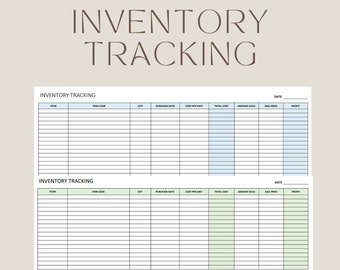
Product Inventory Tracker | Editable Excel Spreadsheet for Stock Management
$3.31
-
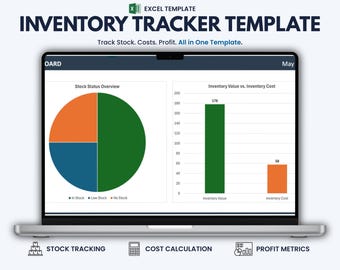
Digital download
Inventory Tracker Excel Template – Stock Management for Etsy Sellers & Small Business
$7.98
-
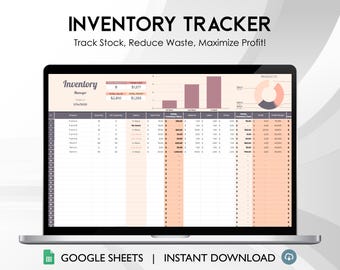
Digital download
Inventory Tracker Template - Automated Google Sheets Tool, Stock Management System, Small Business Inventory Control
$4.99
Shoppers with similar taste loved these
-
Digital download
Project Strategist's Toolkit 5in1 Pack | Google Sheet Template
Sale Price $12.60
Original Price $21.00
-
Digital download
Task Tracker Google Sheet To-Do List template daily routine planner to do checklist spreadsheet task management productivity tool
Sale Price $1.20
Original Price $3.00
-
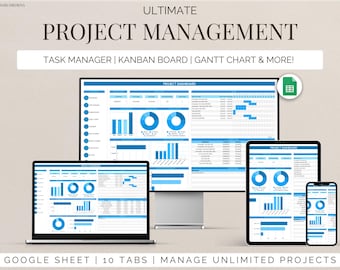
Digital download
Project Management Template for Google Sheets Task Tracker, Kanban Board & Gantt Chart for Team and Personal Planning Workflow Planner
Sale Price $7.20
Original Price $17.99
-
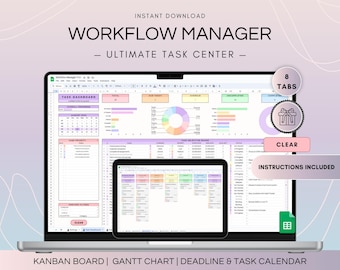
Digital download
Workflow Project Management Spreadsheet, Google Sheets Kanban Board and Gantt Chart, To Do List Template, Project Plan and Weekly Schedule
$18.71
-
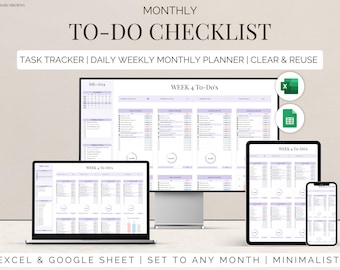
Digital download
To Do List Checklist Task Manager Tracker Checklist Excel & Google Sheets Productivity Planner Daily Weekly Monthly Planner Digital Template
Sale Price $2.00
Original Price $5.00
-
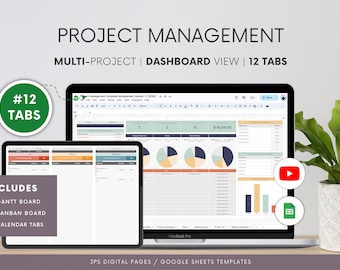
Digital download
Project Management Google Sheets Template: Gantt Chart, Kanban (Digital Download)
Sale Price $12.99
Original Price $19.99
-
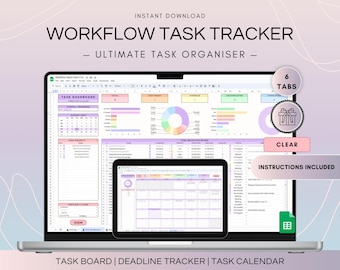
Digital download
Workflow Task Tracker Spreadsheet, Google Sheets To Do List and Deadlines Calendar, Digital Workflow with Project Management Dashboard
$14.21
-
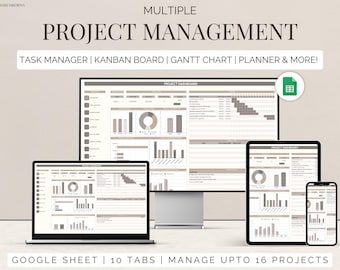
Digital download
Team project tracker google sheets task management timeline planner Kanban board Gantt chart task tracker to do checklist business dashboard
Sale Price $3.20
Original Price $7.99
-
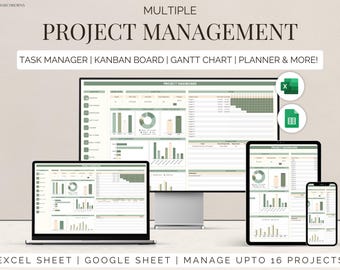
Digital download
Excel multi project management template google sheets team task manager work organization To-Do List Timeline Planner kanban Gantt chart
Sale Price $4.40
Original Price $10.99
-
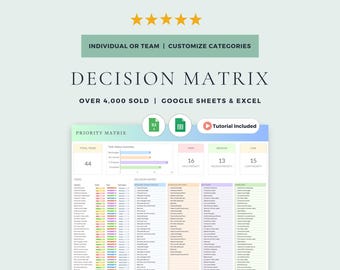
Digital download
Eisenhower Matrix and Decision Matrix: Google Sheets & Excel Template (Digital Download)
Sale Price $5.99
Original Price $7.99
-
Digital download
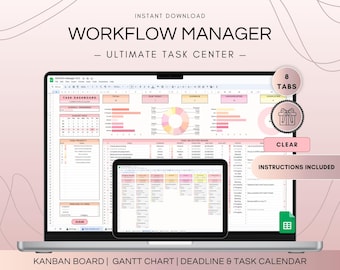
Multi Project Management Dashboard and Activity Tracker Spreadsheet, Google Sheets Kanban Board and Gantt Chart Planner, To-Do List Template
$18.71
-
Digital download
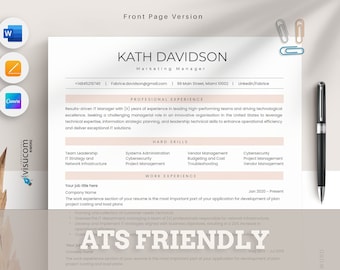
ATS cv Template Word, Pages, Canva, ATS RESUME Template, Professional cv ats, Modern Executive Resume, Minimalist,simple and clean Resume
$4.76


