





Self Employed Tax Spreadsheet, Quarterly Estimate Calculator, Schedule C and 1099 Expenses (Google Sheets)
NowPrice:$4.75
Original Price: $9.51
50% off
Sale ends in 6 days
Star Seller
Star Sellers have an outstanding track record for providing a great customer experience—they consistently earned 5-star reviews, shipped orders on time, and replied quickly to any messages they received.
5.0 out of 5
27 ratings
You can only make an offer when buying a single item
Star Seller. This seller consistently earned 5-star reviews, shipped on time, and replied quickly to any messages they received.
Buy together, get 60% off
 This listing
Self Employed Tax Spreadsheet, Quarterly Estimate Calculator, Schedule C and 1099 Expenses (Google Sheets)
Sale Price $3.81
Original Price $9.51
Digital Download
Original value: $16.83
New total: $6.73
Highlights
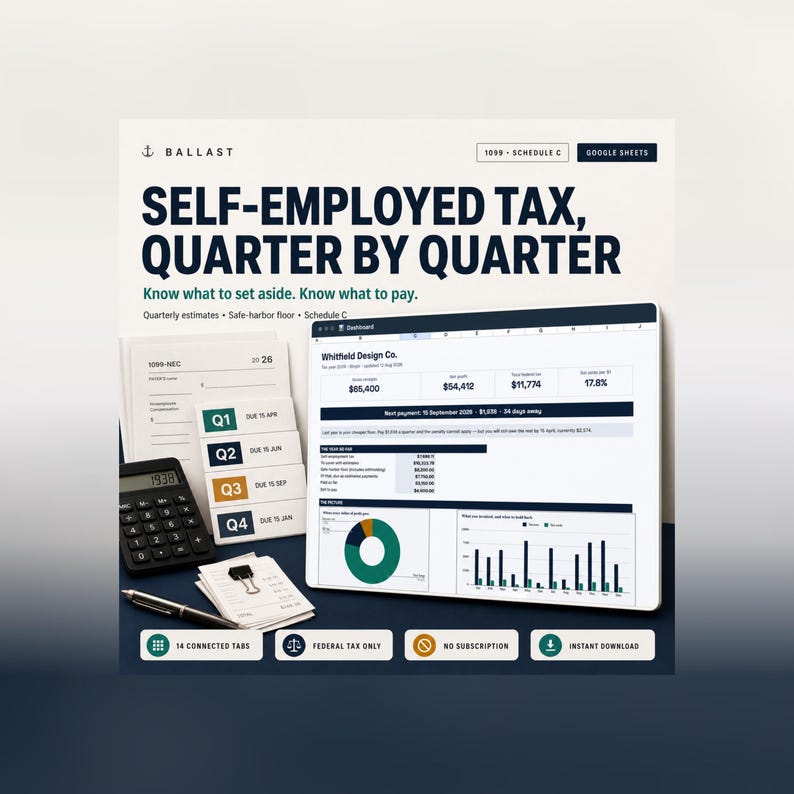
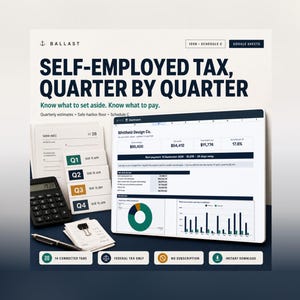
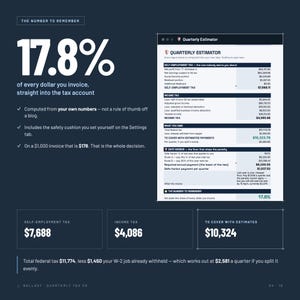
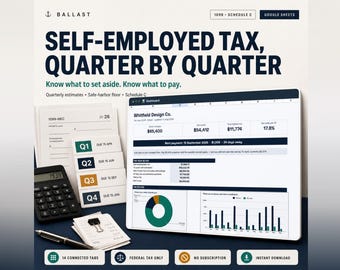
Know how much of each 1099 payment you can spend and how much to put aside for taxes. This self-employed tax spreadsheet estimates your quarterly payments and self-employment tax, and builds your Schedule C totals as you log income and expenses in Google Sheets.
QUICK FACTS
• For U.S. freelancers, independent contractors and 1099 workers. It covers federal tax only, not state tax
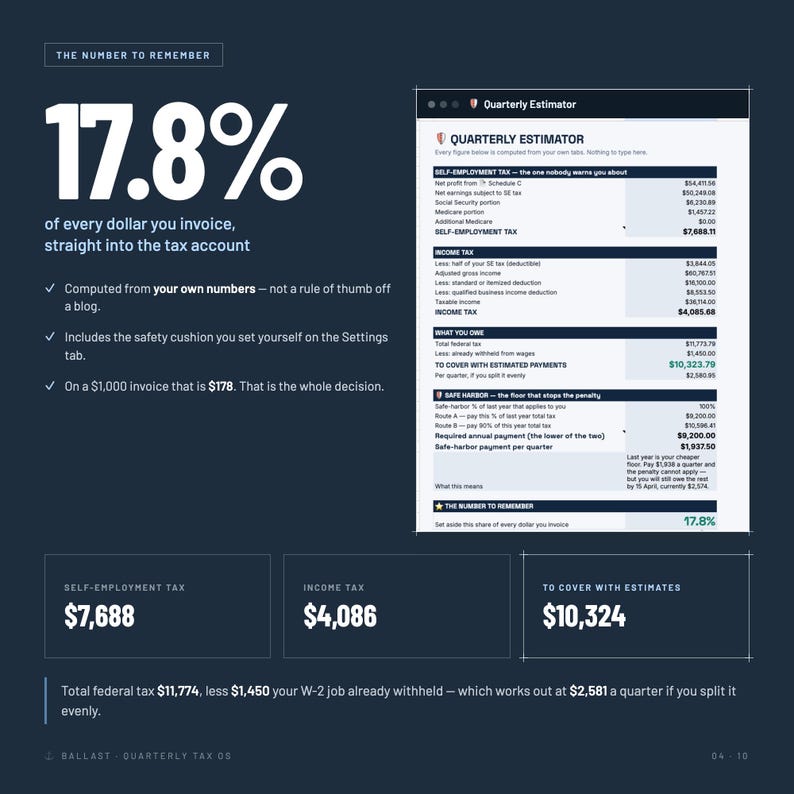
• A set-aside percentage for each payment, with a safety cushion you choose
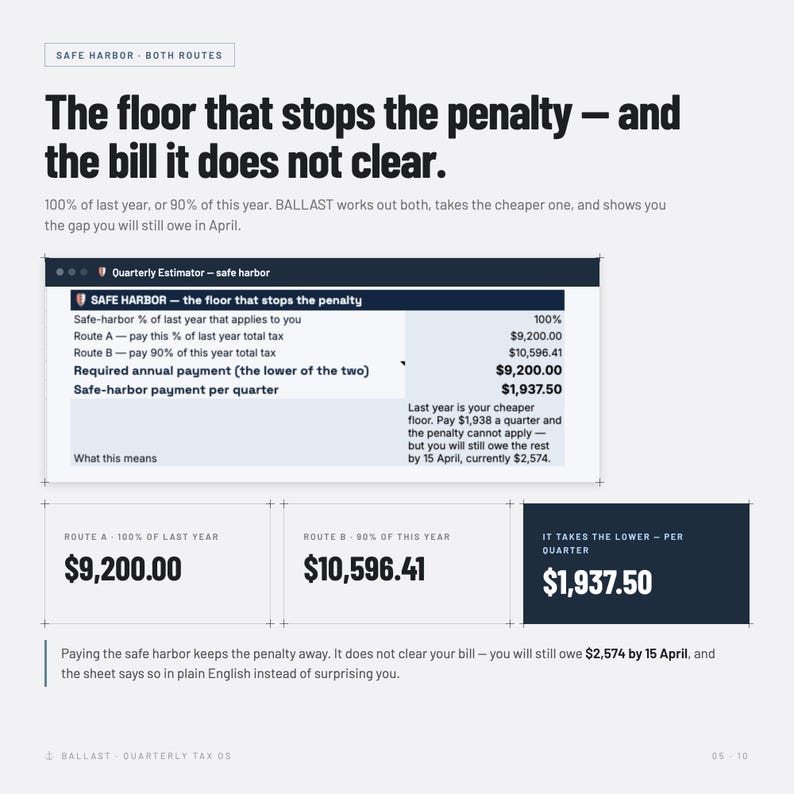
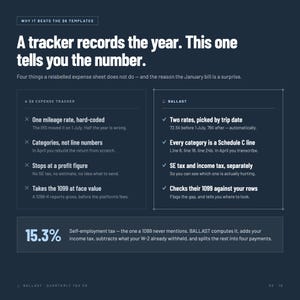
• Quarterly estimated payments, with federal income tax and self-employment tax shown separately
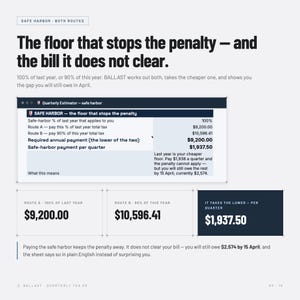
• Safe-harbor targets, plus an estimate of what you may still owe when you file
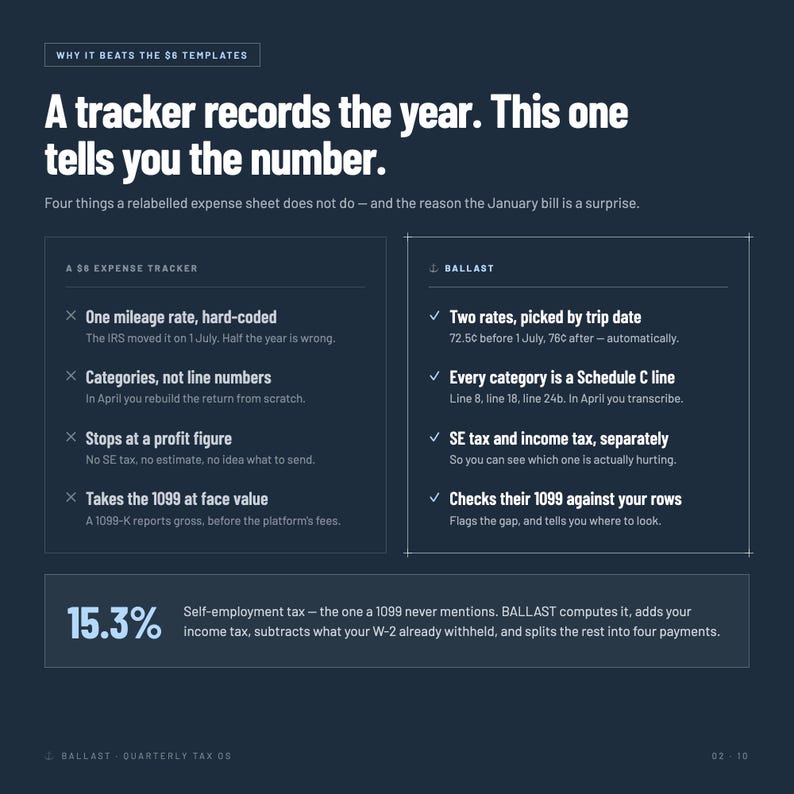
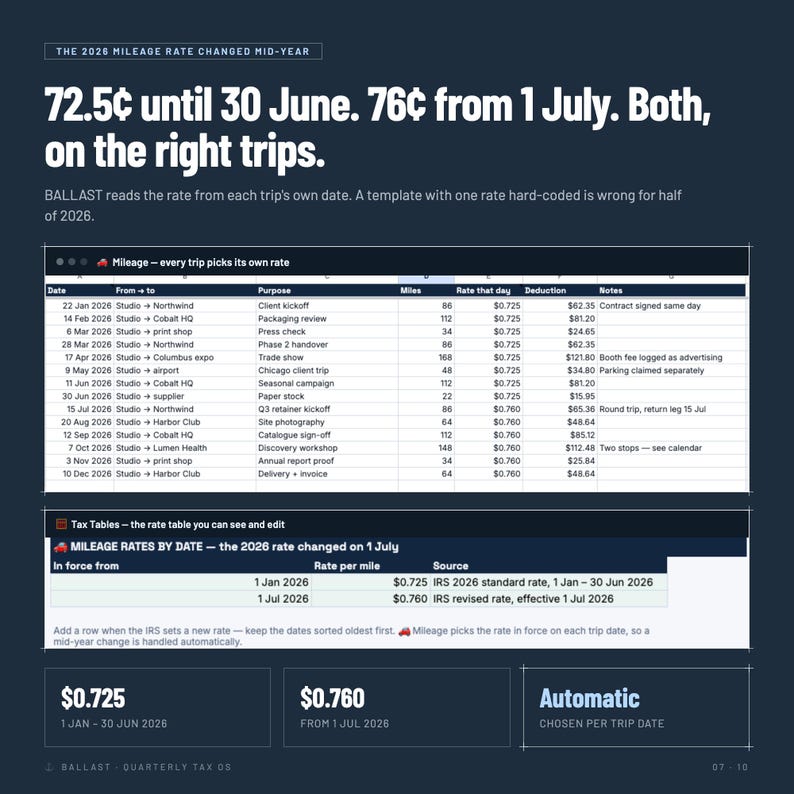
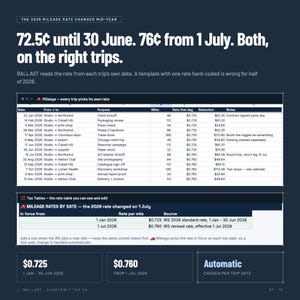
• Both 2026 IRS business mileage rates (72.5 cents to June 30, 76 cents from July 1), applied by trip date
• W-2 wages and withholding count too, if you also have a job
• 14 tabs in Google Sheets (there's no Excel version), with sample data and no subscription
Questions before or after you buy? Message me through Etsy. I usually reply within a few hours.
HOW IT WORKS
The Quarterly Estimator compares the standard federal safe-harbor approaches (a percentage of this year's estimated tax, your prior-year tax, and the higher prior-year percentage that applies above the AGI threshold) and shows the annual target. Meeting a safe-harbor target doesn't necessarily mean your full bill is paid, which is why it also shows what you may still owe when you file.
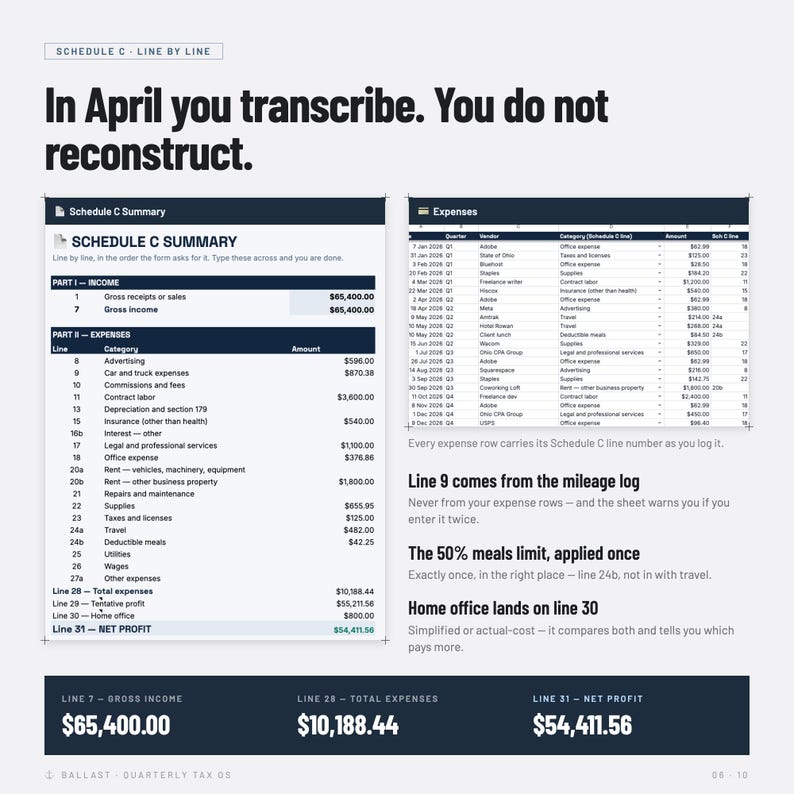
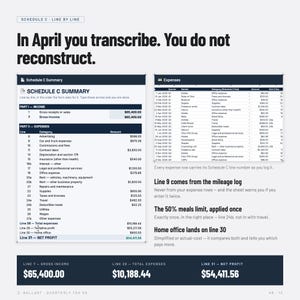
Expenses follow the Schedule C categories. Vehicle costs stay tied to the Mileage tab and aren't casually counted twice, and the 50% limit on business meals is applied once, on the Schedule C Summary.
WHAT'S IN IT
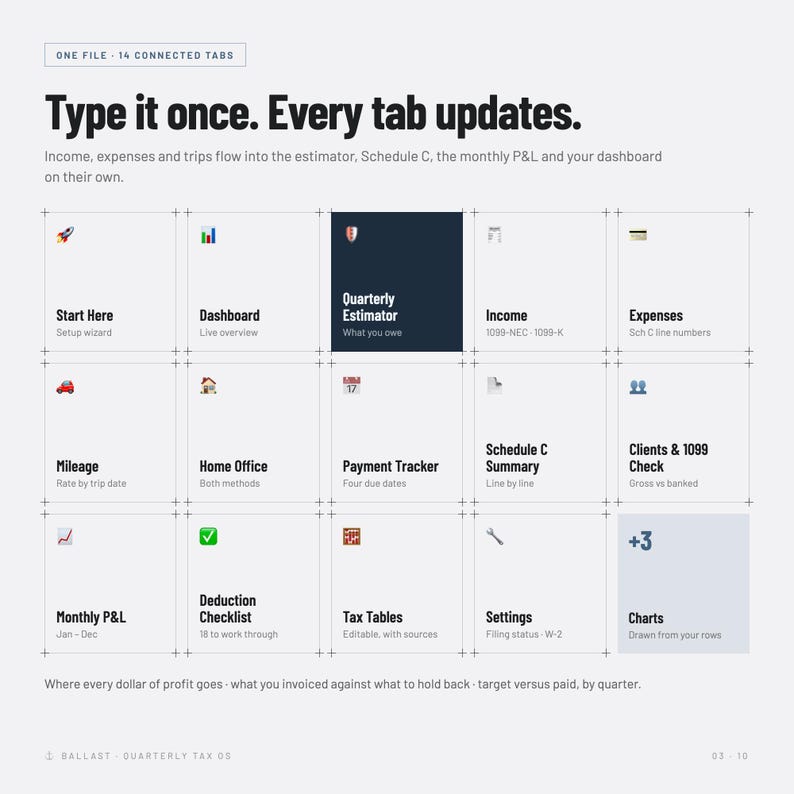
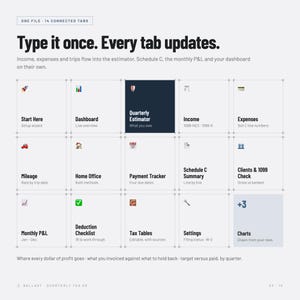
• Dashboard and Quarterly Estimator, with estimated profit, estimated federal and self-employment tax, your set-aside percentage, the quarterly target, what you've paid and the estimated amount still to pay
• Income, Expenses and Mileage, the logs you fill in through the year
• Home Office, comparing the simplified method with your actual home costs
• Payment Tracker, with each quarter's target, what you paid and whether it's met or short
• Schedule C Summary, your figures in Schedule C order to review with your tax software, CPA or enrolled agent (compare it with the Schedule C for the year you're filing)
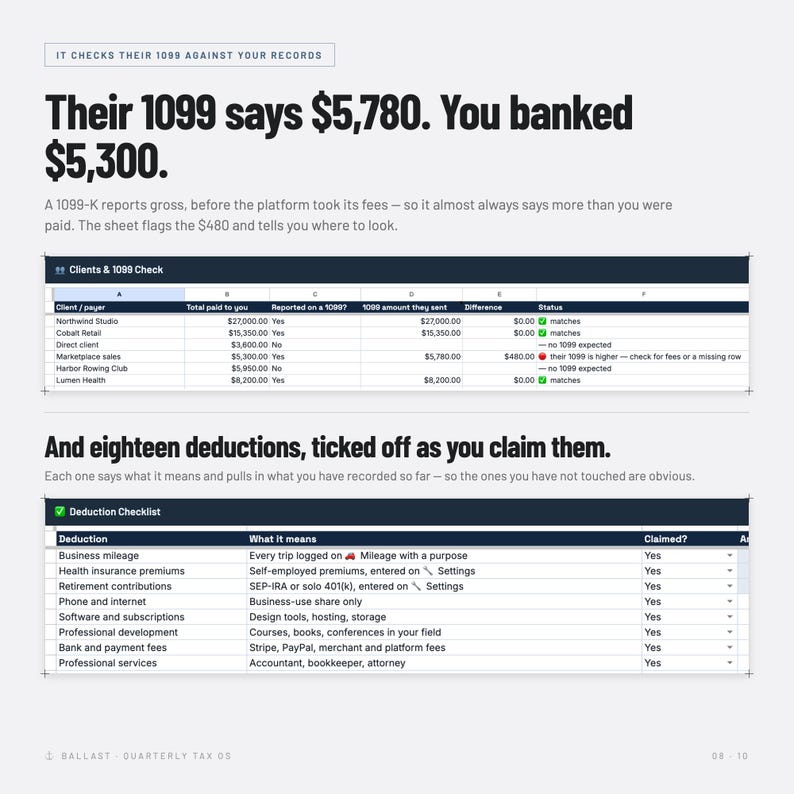
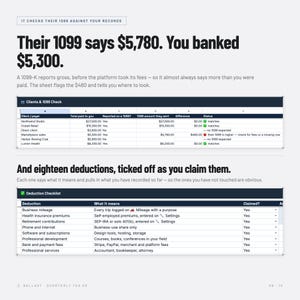
• Clients & 1099 Check, Monthly P&L and a Deduction Checklist of areas to review, which isn't a promise that an expense is deductible
• Start Here, Tax Tables and Settings, with your own details and most of the tax figures in cells you can see and edit
QUESTIONS
How does setup work?
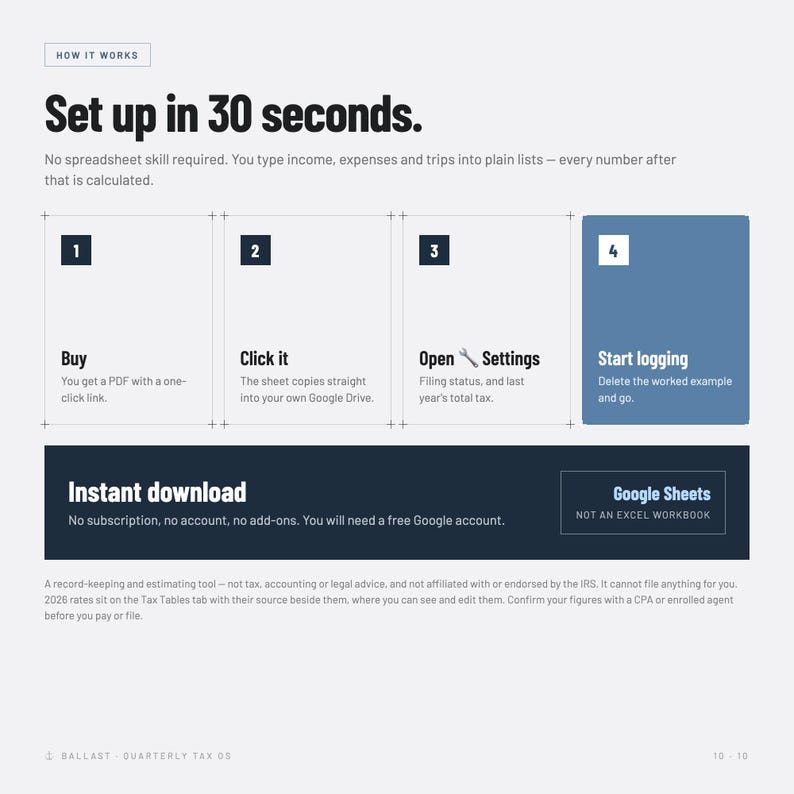
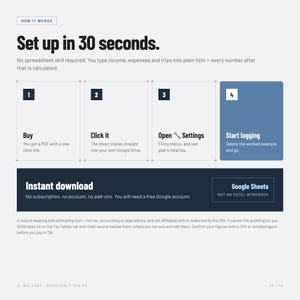
Click the link in the PDF and choose Make a copy. Once you've looked at the sample data, Clear the sample data in the workbook's own menu removes the worked example and the demo settings. Then enter your filing status, prior-year total tax and AGI, and any W-2 figures in Settings.
What if I also have a W-2 job?
Enter your W-2 wages and federal withholding in Settings and the estimates include them. That can matter for estimated income tax and for the Social Security part of self-employment tax, since Social Security has an annual wage base ($184,500 for 2026).
Do the charts update by themselves?
The three charts (two on the Dashboard, one on the Payment Tracker) update when you choose Refresh the charts from the workbook's menu. That menu only runs on a computer, not in the Google Sheets phone app.
Does it file my taxes?
No. It doesn't e-file Form 1040, Schedule C, Schedule SE, Form 1040-ES, Form 2210 or any other IRS form. The year-end summaries make those forms easier to prepare or review.
Does this guarantee I won't get an underpayment penalty?
No. It models the standard federal safe-harbor rules with the information you enter, but penalties can depend on payment timing, withholding, uneven income and your complete tax situation. Use the estimate for planning and confirm your requirements with current IRS guidance or a tax professional.
Why can my 1099-K be higher than my bank deposits?
A 1099-K reports gross payments and can show an amount before platform fees and certain other adjustments, which doesn't automatically mean the form is wrong. Clients & 1099 Check lets you compare it with your own records and find the gap.
Are the tax rates current?
The workbook ships with the tax figures for its stated tax year, and the main rates are on the Tax Tables tab. Tax law changes, so always confirm current IRS figures for the year you're preparing. To reuse it next year, change the tax year and update the tax-table figures from current IRS guidance.
Do I need Excel?
It's built for Google Sheets and needs a free Google account. It isn't sold as an Excel workbook, so please don't buy it expecting an .xlsx version that works the same way.
Does it connect to my bank or the IRS?
No. It doesn't connect to your bank, your clients, payment platforms, tax software, the IRS or HelpfulSheetsHQ. You enter your own records, and your copy lives in your own Google Drive.
Does it cover state tax?
No. It doesn't calculate state or local income tax, sales tax, payroll for employees, or partnership, S corporation or corporate returns. If state tax is a big part of what you need to estimate, this edition isn't the complete answer.
PLEASE READ
This is a record-keeping, bookkeeping and tax-estimation spreadsheet. It is not tax, accounting, legal or financial advice, IRS-approved tax software, tax-preparation software or a substitute for your tax return. It doesn't guarantee a deduction, the accuracy of any estimated-tax figure, or that an underpayment penalty won't apply. All estimates depend on the accuracy and completeness of the information you enter. Tax laws, forms, brackets, deductions, mileage rates and other rules can change, so always confirm current federal requirements with IRS guidance or a qualified CPA or enrolled agent before paying estimated taxes or filing a return.
This is an instant digital download: a PDF with your Google Sheets link and setup steps, and nothing physical is shipped. There's no monthly fee or account to create, and your copy is yours to keep.
Designed and built by HelpfulSheetsHQ, which is not affiliated with, endorsed by, approved by or certified by the Internal Revenue Service or Google. For personal or single-business use only. Please don't resell, redistribute or share the template, or list it as your own. © HelpfulSheetsHQ.
The listing images were made with the help of AI design tools; the screenshots are from the real files.
Ryan
Instant Download
Your files will be available to download once payment is confirmed. Here's how.
Instant download items don’t accept returns, exchanges or cancellations. Please contact the seller about any problems with your order.
Etsy Purchase Protection
Shop confidently on Etsy knowing if something goes wrong with an order, we've got your back for all eligible purchases —
see program terms

Be the first to review this item

Speedy replies Has a history of replying to messages quickly.
Rave reviews Average review rating is 4.8 or higher.
More from this shop
Visit shop-
Digital download
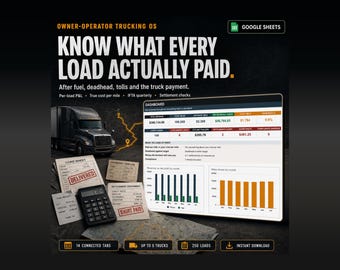
Owner Operator Spreadsheet, IFTA Cost Per Mile Excel Google Sheets
Sale Price $4.75
Original Price $9.51
-

Digital download
Who Killed Santa? Christmas Murder Mystery Elimination Puzzle, Printable PDF
Sale Price $1.83
Original Price $3.66
-

Digital download
Mystery Color by Number Printable, 50 Cute Animals Coloring Book
Sale Price $1.83
Original Price $3.66
-
Digital download
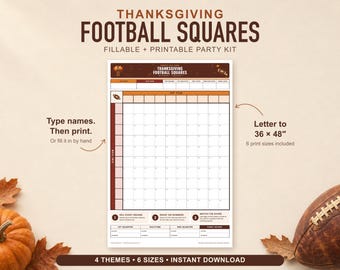
Thanksgiving Football Squares Printable, Fillable Party Poster Board
Sale Price $2.20
Original Price $4.39
-
Digital download
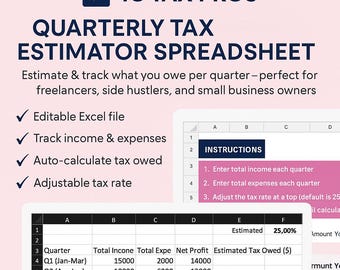
Quarterly Tax Estimator Excel 2025 2026 | Self Employed Tax Calculator | Freelancer Estimated Tax Planner Spreadsheet | Instant Download
$9.99
-
Digital download
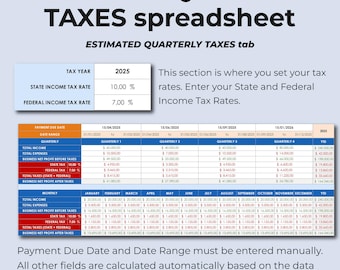
Tax Tracker Spreadsheet | Income Tax Deductions Template | Estimated Taxes Planner | Business Tax Organizer | Self Employed Tax Tracker
Sale Price $6.29
Original Price $12.59
-
Digital download
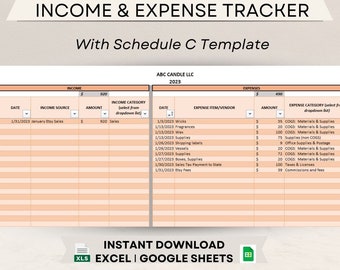
Tax-Ready Income & Expense Tracker | Schedule C Excel Template | Small Business Bookkeeping Tax Planner| Schedule C Google Sheets Template
$10.00
-
Digital download
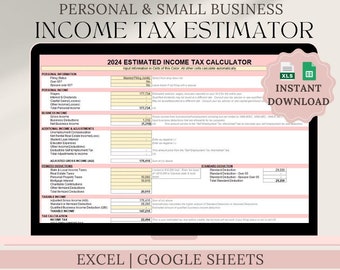
2024 Federal Income Tax Calculator: Excel & Google Sheets
$9.39
-
Digital download
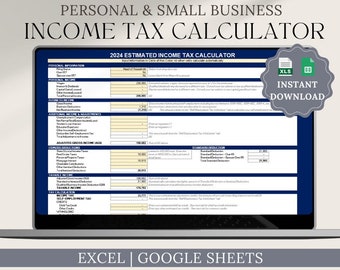
2024 Federal Income Tax Calculator: Excel & Google Sheets Template
$9.39
-
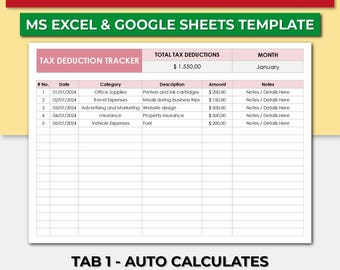
Digital download
Tax Deduction Tracker Spreadsheet Template. Small Business Tax Deductions List. Tax Organizer Planner. Tax Prep Excel & Google Sheets.
Sale Price $3.72
Original Price $7.44
-
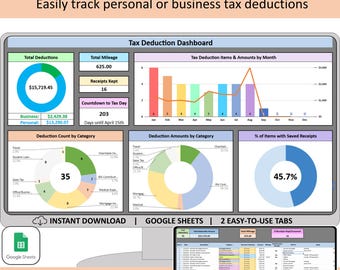
Digital download
Tax Deduction Tracker spreadsheet, Google Sheets itemized expenses template for personal or small business tax prep, tax write-off planner
Sale Price $7.59
Original Price $9.49
-
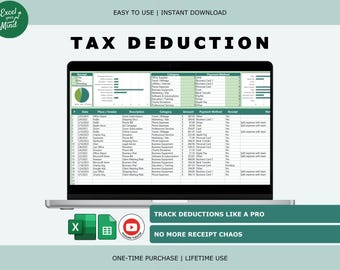
Digital download
Tax Deduction Tracker | Tax Expense Spreadsheet (Excel & Google Sheets)
Sale Price $3.97
Original Price $6.61
-
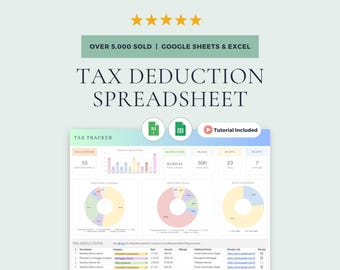
Digital download
Tax Deduction Tracker: Google Sheets & Excel Template (Digital Download)
Sale Price $6.52
Original Price $9.32
-
Digital download
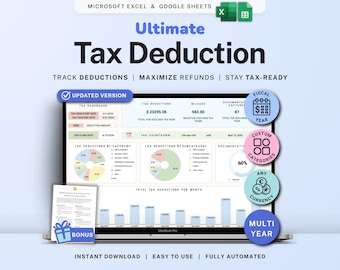
Tax Deduction Tracker Google Sheets Self-Employed Tax Spreadsheet Small Business Freelancer Tax Prep Template Itemized Expense Tracker 1099
Sale Price $8.99
Original Price $17.98
-
Digital download
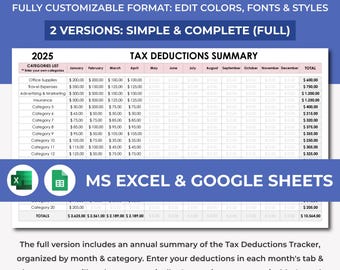
Home Office Tax Organizer, Monthly Tax Log, Tax Worksheet, Deduction Spreadsheet, Tax Schedule Tracker, Financial Organizer for Taxes
Sale Price $4.58
Original Price $9.15
-
Digital download
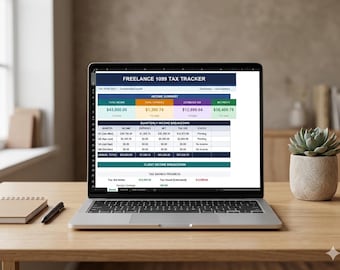
Freelance 1099 Tax Tracker Excel and Google Sheets | Self Employed Tax Organizer | Quarterly Estimated Tax | Digital Download
$24.99
Shoppers with similar taste loved these
-

Digital download
Bookkeeping Services Agreement Template: Client Onboarding Guide (Canva Editable)
Sale Price $11.25
Original Price $15.00
-

Digital download
Accounting Canva Website Template | Editable Landing Page | Accountant, Bookkeeper, Finance Services, Finance Coach
Sale Price $5.21
Original Price $14.89
-

Digital download
Bookkeeping Proposal Template: Client Onboarding Forms (Canva Template)
Sale Price $11.25
Original Price $15.00
-

Digital download
Bookkeeper Email Marketing Templates: Newsletter (PDF)
Sale Price $22.50
Original Price $30.00
-

Digital download
Accountant Squarespace 7.1 website template/ CPA Consultant freelance business website services Financial Bookkeeping, Personal Coaching
$229.00
-
Digital download
Email Templates for Bookkeepers | Leads | Clients | Prospect | Client Onboarding
Sale Price $11.25
Original Price $15.00
-
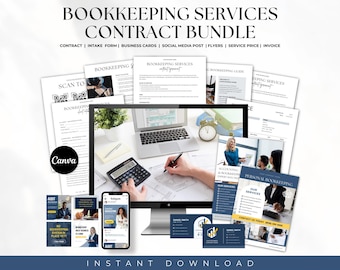
Digital download
Bookkeeping Template Bundle, Bookkeeper Social Media, Bookkeeper Flyer, Business Starter Kit, Bookkeeper Business Kit, Canva
Sale Price $6.00
Original Price $13.33
-

Digital download
Accounting Bookkeeping Website Template, Canva Landing Page (Digital Download) Accounting Landing Page Tax Business Website
Sale Price $15.00
Original Price $20.00
-
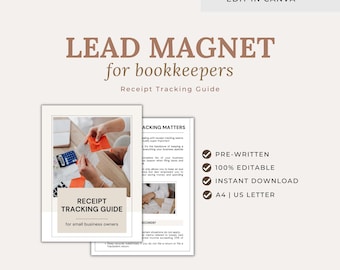
Digital download
Bookkeeper Lead Magnet: Editable Receipt Tracking Guide (Canva Template)
Sale Price $11.25
Original Price $15.00
-
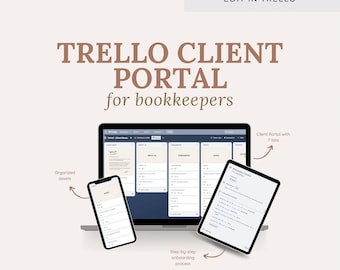
Digital download
Trello Client Portal for Bookkeeping Clients | Onboarding Template | Client Dashboard | Business Tool | Accountant | Bookkeeper
Sale Price $30.00
Original Price $40.00
-
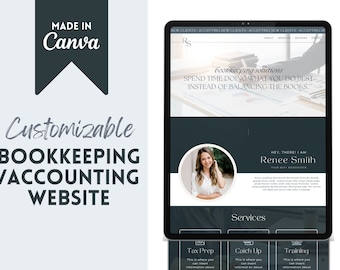
Digital download
Bookkeeper Website | Canva Website | Canva Templates for Financial Services | Bookkeeping Templates | Accounting Website | Finance Templates
$11.00
-
Digital download
Accounting Client Intake Form Template: Bookkeeper Onboarding (Canva Template)
Sale Price $6.00
Original Price $8.00
