


Price:$21.62
Video Clip Repurposing Toolkit: One Interview into Six Social Clips, Reels TikTok Shorts Clip Sheet, AI Skill Claude & ChatGPT, Videographer
Here's what's eligible:
- Your order doesn't match the item description or photos
- Your item arrived damaged
- Your item arrived after the estimated arrival window
- Your item didn't arrive or was lost in the mail
You can only make an offer when buying a single item
Highlights
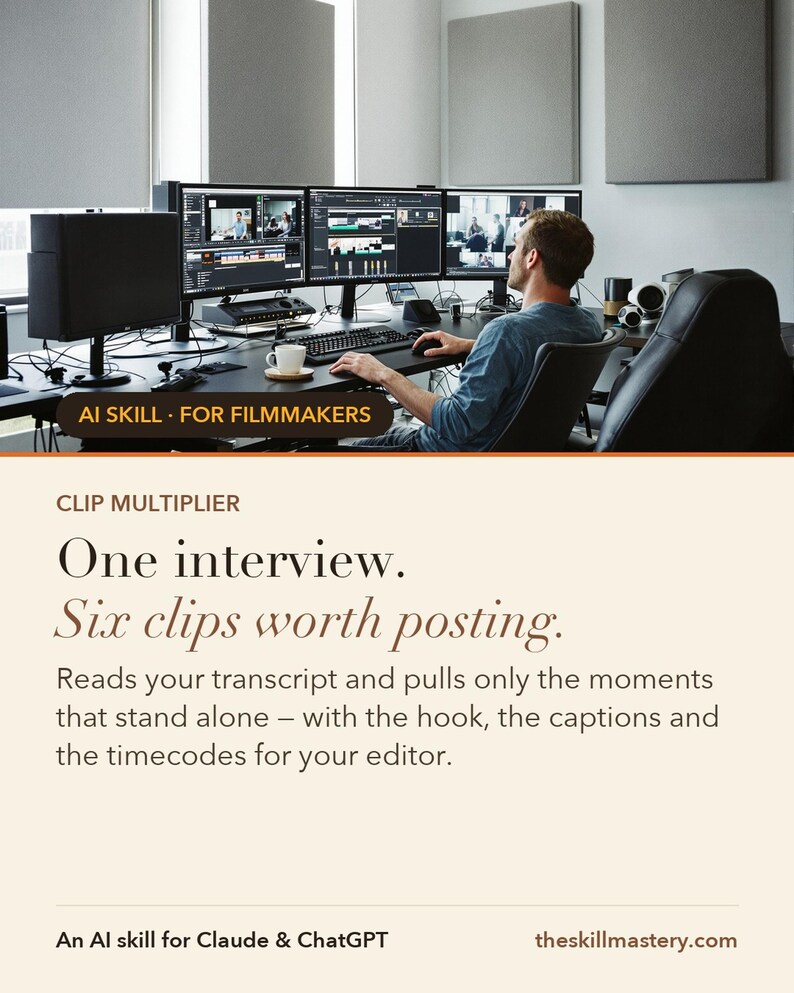
Clip Multiplier is an AI skill for Claude and ChatGPT, made for videographers & filmmakers. Feed it a timecoded transcript: every genuine clip, ranked and hooked, with captions, reframe notes, a sequel map and a dated posting calendar. Honest counts only — six strong clips beat forty weak ones.
Instant download. Works on the free tier. No coding. One interview. Six clips. An $850 line on your invoice.
WHAT IS AN AI SKILL?
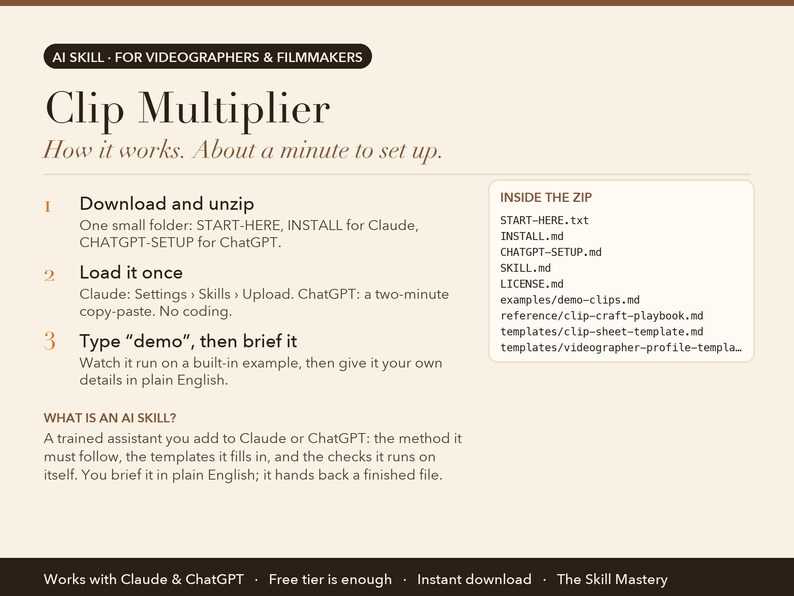
Think of it as a trained assistant you add to Claude or ChatGPT. It is a small folder of files: the step-by-step method the AI must follow, the templates it fills in, the checks it runs on itself, and a worked example. You load it once (about a minute), then talk to the AI in plain English the way you would brief a colleague. Instead of a generic chat answer, you get the finished piece of work as a real file you can print, send or open in Excel. No coding, no software to install, nothing to configure. It runs inside your own Claude or ChatGPT account.
THE PROBLEM IT SOLVES
You delivered the film. The interview that produced it is still sitting on the drive, and inside it are the six moments that stand alone — the ones that would run as clips for a month.
Two things stop that becoming revenue. You don't know which moments genuinely work outside the film, and you've never priced the cutdown as a line item, so it either doesn't happen or it happens for free.
ABOUT THE EXAMPLES BELOW
The figures and names come from the built-in demo: Jonas Kim of North & Main Films, a Vancouver videographer on a brand film for a small roaster. Type "demo" after setup and you watch the same run happen in front of you before you type a single real number.
WHAT IT DOES (6 JOBS, ONE SKILL)
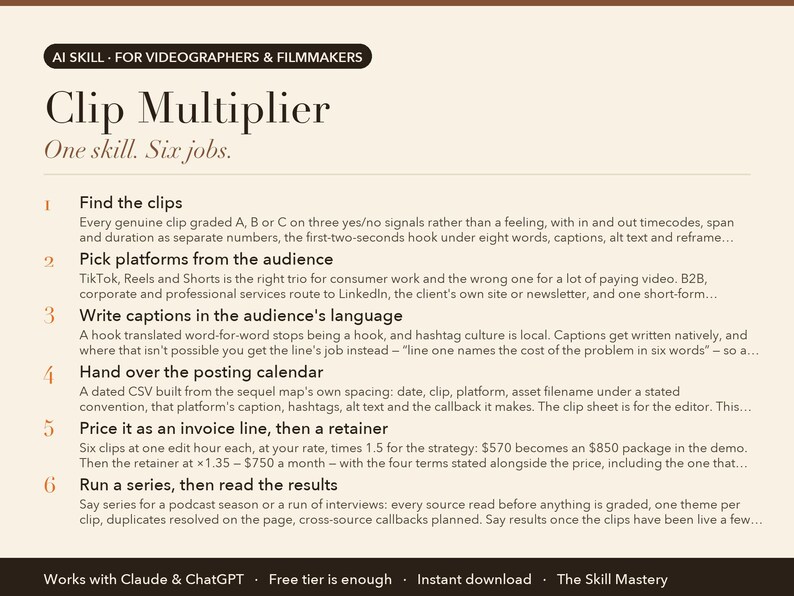
1. Find the clips
Every genuine clip graded A, B or C on three yes/no signals rather than a feeling, with in and out timecodes, span and duration as separate numbers, the first-two-seconds hook under eight words, captions, alt text and reframe notes. A 30 to 60 minute interview yields five to ten.
2. Pick platforms from the audience
TikTok, Reels and Shorts is the right trio for consumer work and the wrong one for a lot of paying video. B2B, corporate and professional services route to LinkedIn, the client's own site or newsletter, and one short-form platform. Internal comms goes to the intranet with no hooks-as-bait at all.
3. Write captions in the audience's language
A hook translated word-for-word stops being a hook, and hashtag culture is local. Captions get written natively, and where that isn't possible you get the line's job instead — “line one names the cost of the problem in six words” — so a native speaker can write it.
4. Hand over the posting calendar
A dated CSV built from the sequel map's own spacing: date, clip, platform, asset filename under a stated convention, that platform's caption, hashtags, alt text and the callback it makes. The clip sheet is for the editor. This file is for whoever presses publish.
5. Price it as an invoice line, then a retainer
Six clips at one edit hour each, at your rate, times 1.5 for the strategy: $570 becomes an $850 package in the demo. Then the retainer at ×1.35 — $750 a month — with the four terms stated alongside the price, including the one that stops it becoming free work: a month whose footage holds three real clips ships three.
6. Run a series, then read the results
Say series for a podcast season or a run of interviews: every source read before anything is graded, one theme per clip, duplicates resolved on the page, cross-source callbacks planned. Say results once the clips have been live a few weeks and it turns what happened into the next sheet.
WHAT YOU GET
• Ranked clip sheet with in/out timecodes and alt text
• Platforms picked from the audience — B2B goes to LinkedIn, not TikTok
• From $850 invoice line to $750/month retainer, math shown
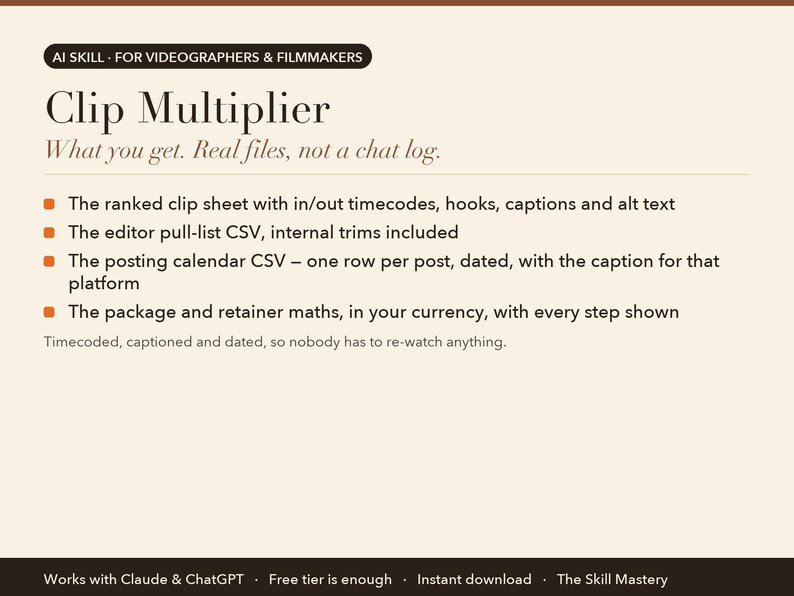
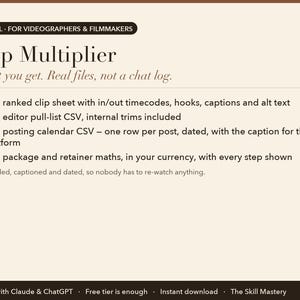
Timecoded, captioned and dated, so nobody has to re-watch anything:
• The ranked clip sheet with in/out timecodes, hooks, captions and alt text
• The editor pull-list CSV, internal trims included
• The posting calendar CSV — one row per post, dated, with the caption for that platform
• The package and retainer maths, in your currency, with every step shown
YOUR FIRST FIVE MINUTES (copy-paste any of these)
› Find the clips in this transcript. [paste]
› Who's the audience? Pick my three platforms.
› This is client work — price the package and the retainer.
› Build the posting calendar from the sequel map.
› demo — watch one interview become six clips.
HOW TO SET IT UP (about a minute)
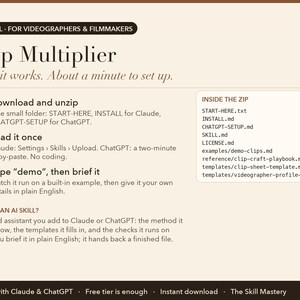
1. Download the zip and unzip it. Inside: a START-HERE file, INSTALL steps for Claude, and CHATGPT-SETUP for ChatGPT.
2. Claude app: Settings → Capabilities → Skills → Upload skill (or add the files to a Project). Claude Code: drop the folder into ~/.claude/skills/. ChatGPT: follow CHATGPT-SETUP (copy-paste, about two minutes).
3. Type "demo" to watch the skill run on a built-in example. Then give it your own details in plain English.
WHO MADE THIS
The Skill Mastery builds AI skills for working professionals: photographers, filmmakers, creators, marketers and sales teams. We don't start from what AI can do. We start from how the job is actually done, the methods the trade already trusts (here: call-sheet discipline, log-to-display colour science, paper edits and clip economics), the numbers that have to be right, and the mistakes that cost real money. Then we engineer the skill so the AI follows those rules every single time, and we test it the way a buyer would use it: on the built-in demo, on a cold scenario it has never seen, and in a currency other than our own. Every skill ships with a demo mode, a self-check, and a plain list of what it can't do.
WHY NOT JUST ASK THE CHATBOT?
• Restraint is the feature. A thirty-five minute interview yields six real clips, not forty weak ones. It also tells you why the rejects were rejected, which is how you get better at spotting them yourself.
• Platforms chosen, not assumed. A chatbot writes TikTok captions for a client whose buyers are on LinkedIn. This asks who the audience is first, picks the three platforms from that answer, and writes each caption in that platform's dialect and the audience's own language.
• It turns editing into recurring income. The demo prices six hours of cutdown work as an $850 add-on, then a $750-a-month retainer, arithmetic shown, from the rates already in your profile. It also refuses to offer a retainer when the footage can't honestly feed one.
WHAT IT WON'T DO (read this before buying)
• It reads transcripts, not footage. A visually-driven moment makes the sheet when your notes mention it.
• Nobody can promise views, and it doesn't. Results mode changes nothing on fewer than six posted clips, because one clip travelling is weather, not climate.
• It flags usage rights and points at your original project agreement before anything gets posted. That's a reminder, not legal advice.
FAQ
Q: How is this different from just asking Claude or ChatGPT?
A: Ask a chatbot for clips and it will find you as many as you asked for, whether they exist or not. The Clip Multiplier grades every candidate on three yes/no signals, caps the count at what the footage supports, writes hooks under eight words, picks platforms from who the audience actually is, and hands over an editor pull-list plus a dated posting calendar.
Q: My client's audience isn't on TikTok. Does that break it?
A: No — platform choice comes from the audience, not from habit. B2B, corporate and professional-services work routes to LinkedIn, the client's own site or newsletter, and one of Reels or Shorts, where longer clips survive and the hook is a specific claim rather than a tease. Internal comms goes to the intranet with no engagement bait at all.
Q: What's the posting calendar for?
A: It's a CSV for whoever presses publish, which on client work is usually somebody who never opens the clip sheet. One row per post, in date order: date, clip number, platform, asset filename under a stated convention, the exact caption for that platform, hashtags, alt text and the callback it makes. Dates it assumed are marked for you to confirm.
Q: How does the pricing part work?
A: It reads your rates from your profile and shows every step. The one-off package is estimated edit hours × your rate × 1.5, rounded to the nearest 50 — six clips at $95 an hour reaches $850 in the demo. The retainer uses ×1.35 because the strategy work amortises, and it ships with four terms: three-month minimum, a cap rather than a quota, new footage as separate scope, and a thin month delivering fewer clips instead of padded ones.
Q: Is it a subscription?
A: No. The Clip Multiplier is a one-time purchase, yours to keep, updates included.
Q: Do I need a paid Claude or ChatGPT plan?
A: No. The free tiers run it. Paid plans give you longer sessions and stronger models, which is nicer but not required.
Q: Claude or ChatGPT: which should I use?
A: Both are included and both work. Claude gives the fuller experience because skills upload directly; ChatGPT setup is a two-minute copy-paste from the included CHATGPT-SETUP file.
Q: Do I need to know how to code?
A: No. You type in plain English. Setup is upload-a-file, and every step is written out for non-technical people.
Q: Does it work outside the US, in my currency?
A: Yes. It works in your currency, your date format and your market. It never converts or invents exchange rates.
Q: Can I use it for client work?
A: Yes. One purchase is a perpetual single-user licence; everything it produces is yours to use, unrestricted, for your own business or your clients. You just can't resell or share the skill files themselves.
Q: Is my data private?
A: It runs entirely inside your own Claude or ChatGPT account. We never see your numbers, clients or files.
Q: Can I use it on my phone?
A: Set it up once on a computer; after that it works from the Claude and ChatGPT phone apps too.
Q: Do I get updates?
A: Yes, free updates to this version. If a new version ships, message us on Etsy for the update.
Q: What if it doesn't work for me?
A: Digital files can't be returned on Etsy, but message us and we'll make it right, whether that's a fix, a walkthrough or a refund. A real person replies.
PART OF THE CINEMA SUITE
Also in this shop: Pre-Production Powerhouse, Look Match, Paper-Edit Assistant, or the full Cinema Suite bundle at a saving. They share one profile, so you describe your business once and every skill reads it.
INSTANT DIGITAL DOWNLOAD
One .zip file, delivered by Etsy the moment you buy. Nothing physical will be shipped. Free updates for the current version. Questions before or after buying: message us here on Etsy, a real person replies.
Version 2.0.0.
AI disclosure: this toolkit was designed and written by The Skill Mastery with the help of AI tools, then tested by hand (every calculation, template and demo checked). It runs inside Claude or ChatGPT; it is not a standalone app. Not affiliated with Anthropic or OpenAI. Claude and ChatGPT are trademarks of their respective owners.
Instant Download
Your files will be available to download once payment is confirmed. Here's how.
Instant download items don’t accept returns, exchanges or cancellations. Please contact the seller about any problems with your order.
Etsy Purchase Protection
Shop confidently on Etsy knowing if something goes wrong with an order, we've got your back for all eligible purchases —
see program terms

More from this shop
Visit shop-

Digital download
Videographer Business Bundle: Pre-Production, LUT Generator, Paper Edit and Clip Sheet, AI Toolkit for Claude & ChatGPT, Filmmaker Templates
$55.92
-
Digital download
Paper Edit Assistant: Turn Interview Transcripts into a Story Edit, Documentary and Brand Film Toolkit for Claude & ChatGPT, Video Editor
$21.62
-

Digital download
Video Pre-Production Toolkit: Shot List, Call Sheet, Budget and Schedule Templates, AI Skill for Claude & ChatGPT, Videographer Filmmaker
$21.62
-
Digital download
LUT Generator: Match Any Reference Image, Create .cube LUTs for S-Log3 V-Log C-Log LogC, Color Grading Tool for Videographers, Download
$21.62
Be the first to leave a review
-
Digital download
Short-Form Clipping Business Guide (TikTok, Reels, Shorts) — SOPs, Templates, Pricing (PDF)
$8.99
-

Digital download
1000+ Viral AI Video Bundle for Reels & Shorts | Instagram, YouTube Content Pack | Instant Download
Sale Price $2.20
Original Price $4.00
-
Digital download
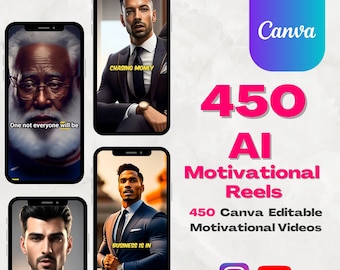
450 AI Motivational Reels | Canva Editable Video Templates
Sale Price $6.40
Original Price $11.63
-

Digital download
3000+ AI Hack Viral Reels Bundle | Ready-to-Post Social Media Content (Digital Download)
Sale Price $1.10
Original Price $2.00
-
Digital download
AI-Powered TikTok & Reels Video Prompts: AI-Generated Hooks and Trending Content Ideas
$14.99
-
Digital download
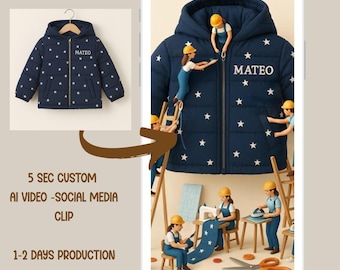
Custom Miniature workers product AI video, Custom AI Video of Your Product, 5 Second Social Media Clip, Digital Delivery, AI video creation
$19.00
-
Digital download
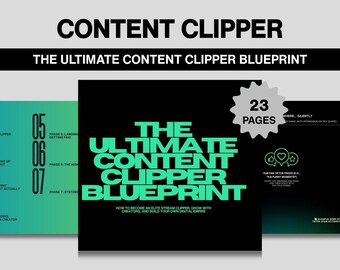
Content Clipper Blueprint: Viral Clip Pages, Monetization (Digital Download)
$29.99
-

Digital download
Text‑to‑Video Storyboard & Prompt Template Pack
$7.99
-
Digital download
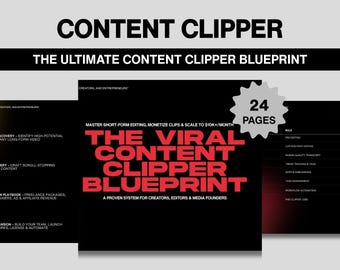
Viral Content Clipper Blueprint – Short Form Video Guide (PDF Download)
$29.99
-
Digital download
75+ AI TikTok Video Generator Tools and Prompts for ChatGPT, Best Chat GPT prompts for Trending Reels, AI TikTok Viral Video Prompt and Tool
$18.00
-
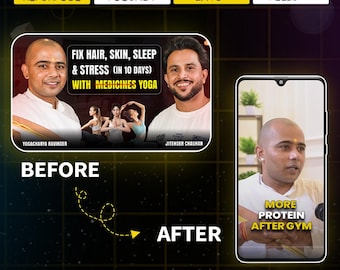
Video Editing Service: Instagram Reels, Podcast Clips & Content Repurposing
$15.00
-

Digital download
Complete AI Content Creation Kit (Full Tutorial + 60 Specialized Prompts)
$8.07
Shoppers with similar taste loved these
-
Digital download
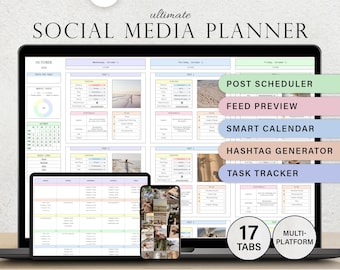
Social Media Planner Spreadsheet Monthly Content Calendar Influencer Template TikTok Instagram Youtube Facebook Pinterest Post Google Sheets
Sale Price $3.99
Original Price $7.98
-
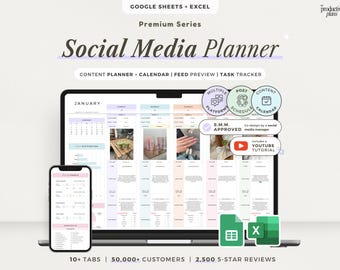
Digital download
Social Media Content Planner Spreadsheet Monthly Content Calendar Digital Creators Post Scheduler Google Sheets Template Instagram TikTok
Sale Price $4.29
Original Price $8.58
-
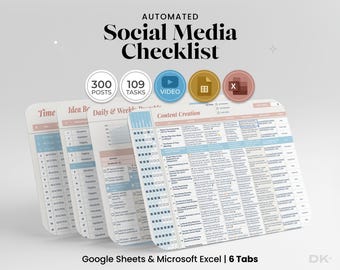
Digital download
Social Media Planner for Excel Social Media Research for Google Sheets Social Media Checklist Content Planner Spreadsheet Social Media Idea
Sale Price $4.22
Original Price $8.44
-
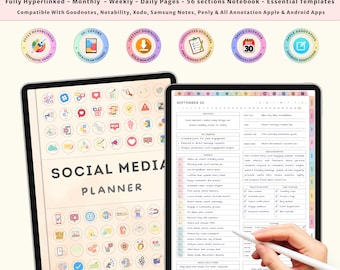
Digital download
Digital Content Planner for Social Media | Instagram TikTok YouTube | Undated iPad GoodNotes Planner | Social Media Kit for Creators
Sale Price $1.19
Original Price $4.76
-
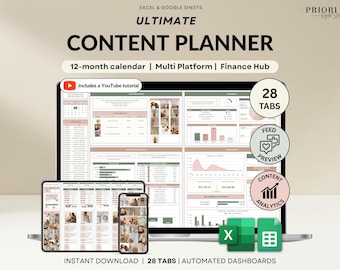
Digital download
Content Planner Social Media Calendar Spreadsheet Monthly Content Tracker Social Media Posting Instagram TikTok Google Sheets Excel Template
Sale Price $9.75
Original Price $19.51
-

Digital download
Social Media Planner Google Sheets Content Calendar Social Media Content Planner Influencer Spreadsheet Template Instagram TikTok Marketing
Sale Price $4.29
Original Price $8.58
-
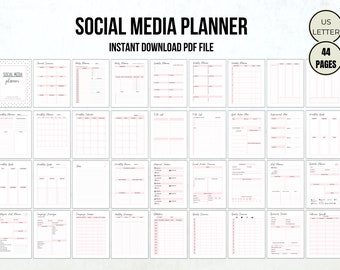
Digital download
Social Media Planner Printable: Content Tracker, Followers, Stats (PDF)
Sale Price $2.00
Original Price $4.00
-
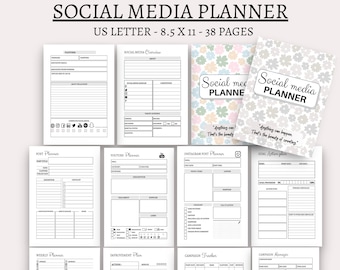
Digital download
Social Media Planner: Facebook, Instagram, YouTube Tracker (US Letter PDF)
Sale Price $1.50
Original Price $3.00
-
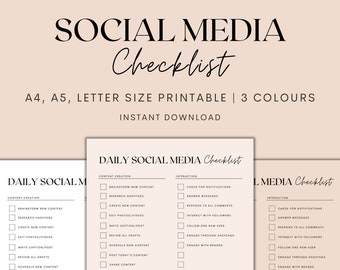
Digital download
Daily Social Media Checklist Printable, Social Media Planner Printable, Daily Planner, Social Media Planning, Instant Download PDF
$1.48
-
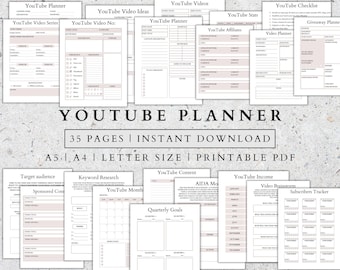
Digital download
YouTube Content Planner: Social Media Tracker (Printable PDF)
Sale Price $2.00
Original Price $6.65
-
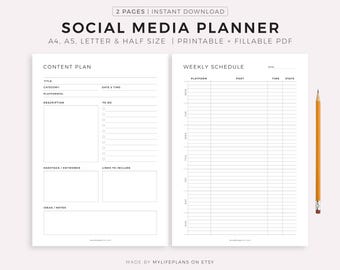
Digital download
Social Media Planner Printable, Content Planner for Instagram, Youtube, Pinterest, TikTok, Blog, A4/A5/Letter/Half, Instant Download PDF
Sale Price $1.69
Original Price $2.41
-
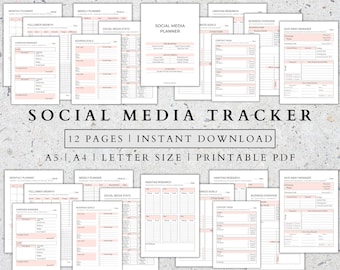
Digital download
Social Media Planner Printable: Marketing, Content, Follower Tracker (A5 A4)
Sale Price $2.00
Original Price $6.65


