









NowPrice:$13.24
Original Price: $16.97
22% off
Sale ends on October 10
Project Management Spreadsheet Gantt Chart Excel Google Sheets Multi Project Tracker Critical Path Task Planner Kanban Board Team Workload
Star Seller
Star Sellers have an outstanding track record for providing a great customer experience—they consistently earned 5-star reviews, shipped orders on time, and replied quickly to any messages they received.
You can only make an offer when buying a single item
Star Seller. This seller consistently earned 5-star reviews, shipped on time, and replied quickly to any messages they received.
Highlights
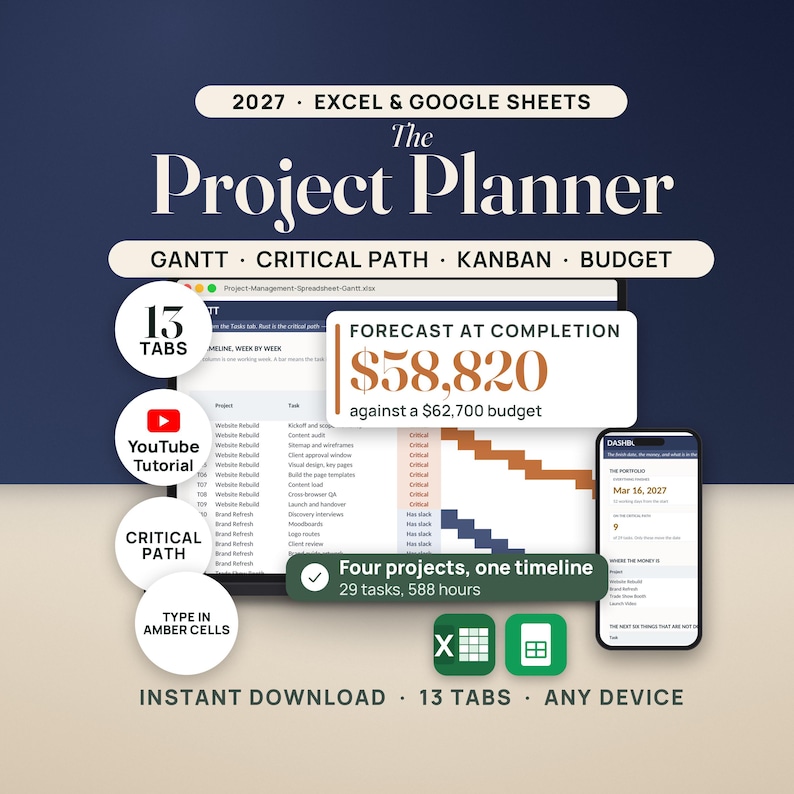
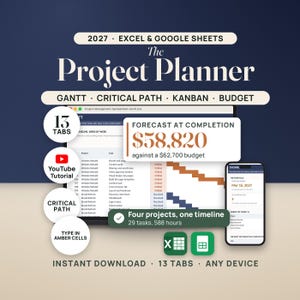
PROJECT MANAGEMENT SPREADSHEET WITH GANTT — thirteen connected tabs for Excel and Google Sheets
Most project templates make you draw the Gantt chart yourself and then ask you to guess which task is holding the finish date. This one does both for you.
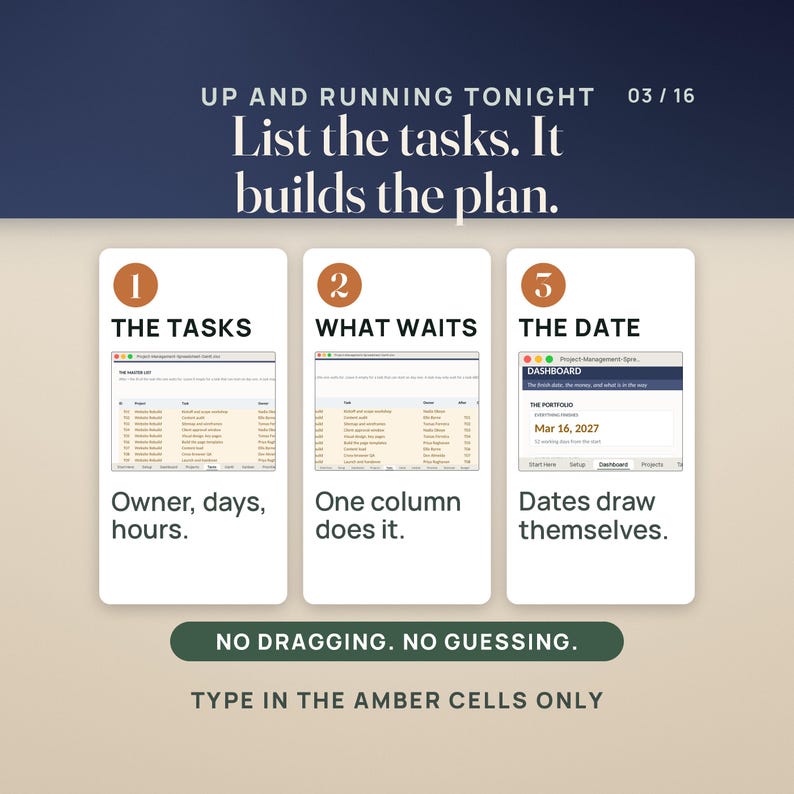
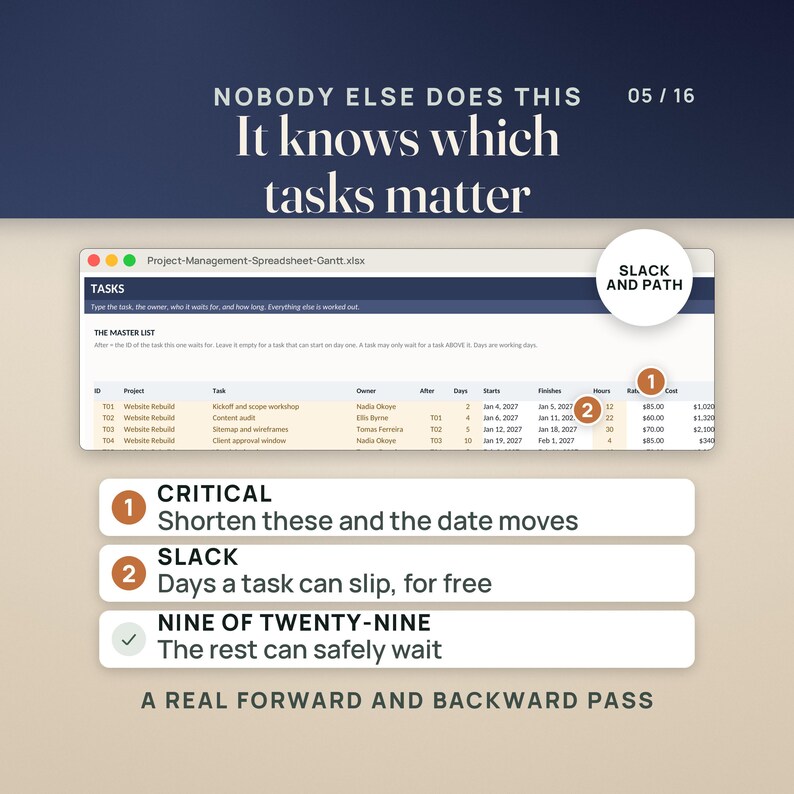
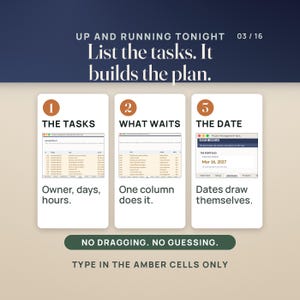
You type the task, who owns it, how many working days it takes, and the ID of the task it waits for. That is the whole input. From it the workbook works out every start and finish date, draws the timeline week by week, prices the work at each person's hourly rate, and tells you which tasks are actually on the critical path — the only ones that move the finish date when you shorten them.
WHAT MAKES IT DIFFERENT
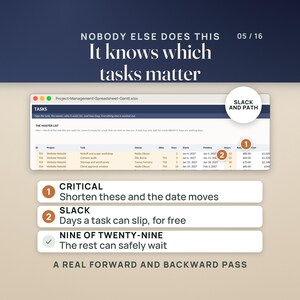
• A real forward AND backward pass. Almost no spreadsheet template does the second one. The file works out the latest each task could finish without pushing the project, subtracts, and gives you slack in days. Slack of zero means Critical. Everything else says Has slack, and shortening it changes nothing at all.
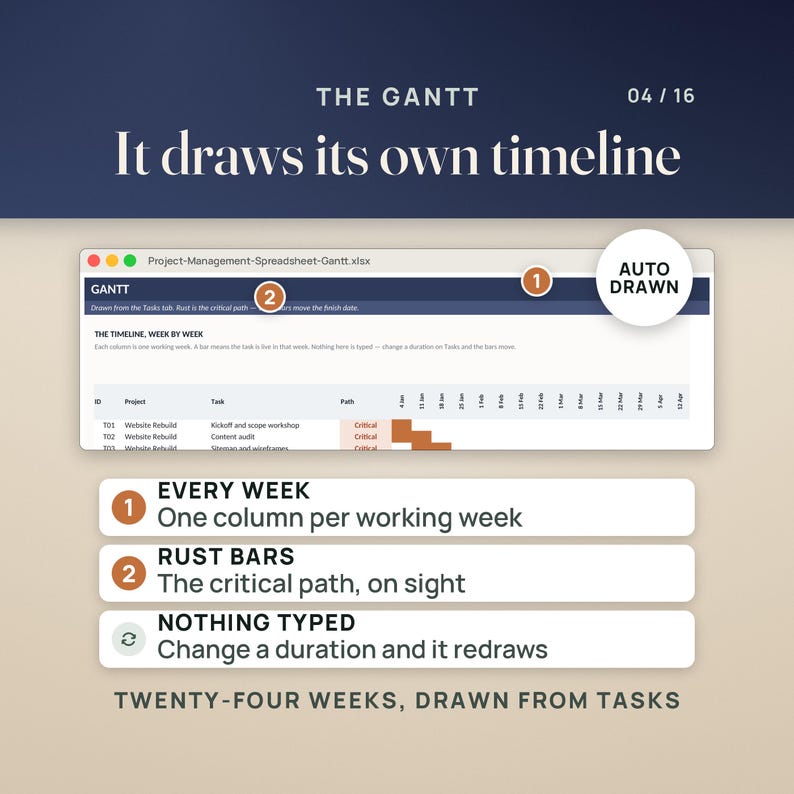
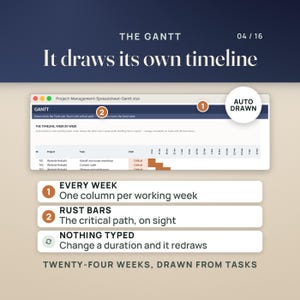
• The Gantt draws itself. Twenty-four working weeks across the top, one bar per task, the critical path in rust. Nothing on that screen is typed. Change one duration and every bar after it slides.
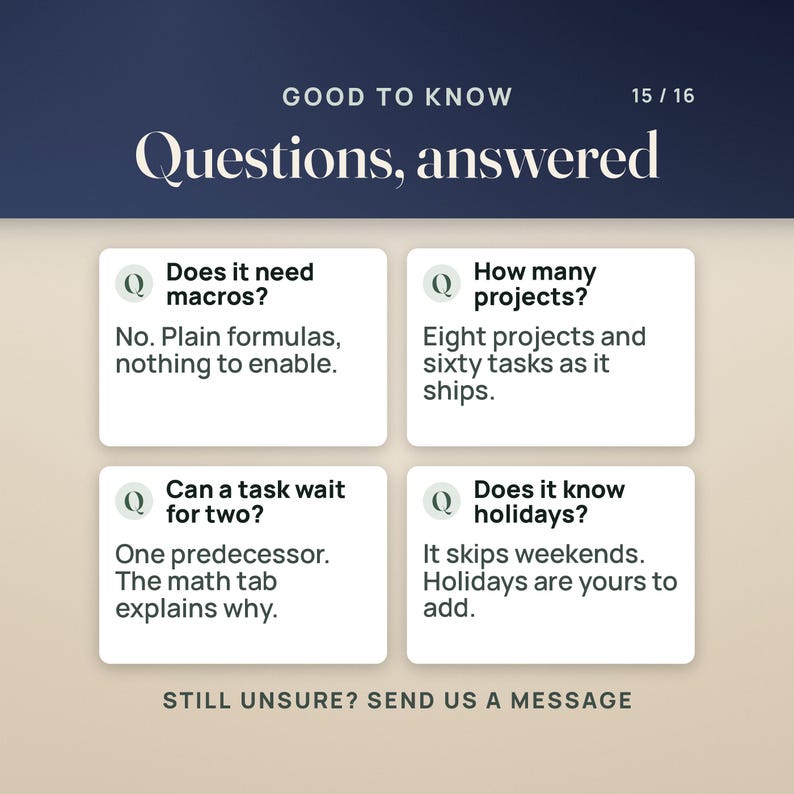
• Many projects, one timeline. Eight projects and sixty task rows as it ships, all on the same Gantt, the same board and the same budget.
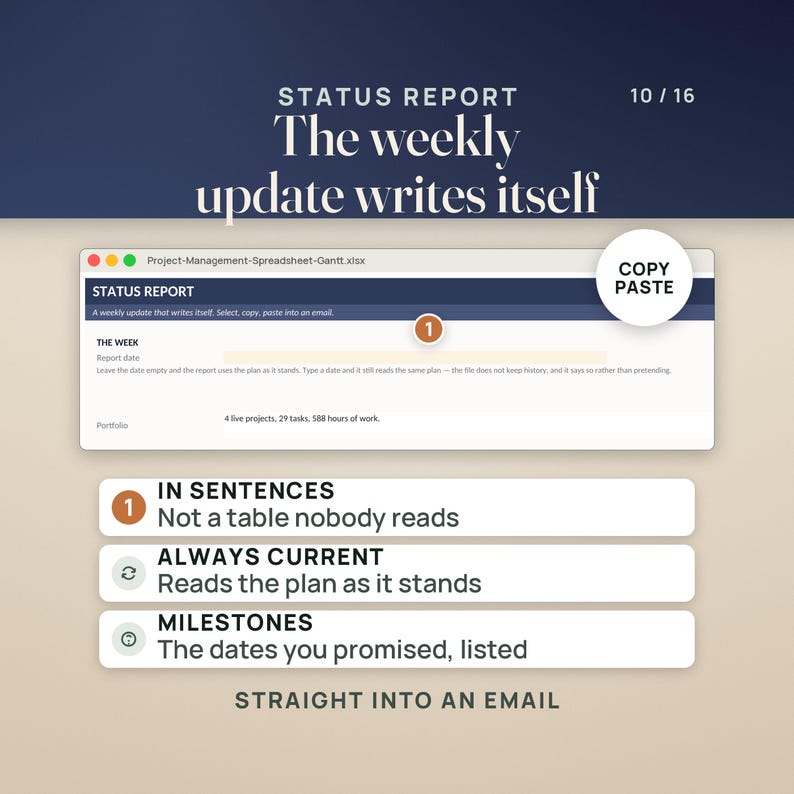
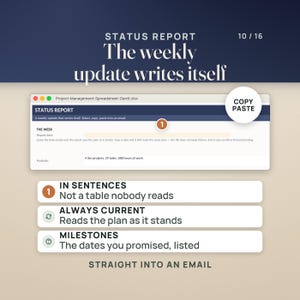
• The weekly update writes itself. The Status Report tab turns the plan into sentences you can paste straight into an email.
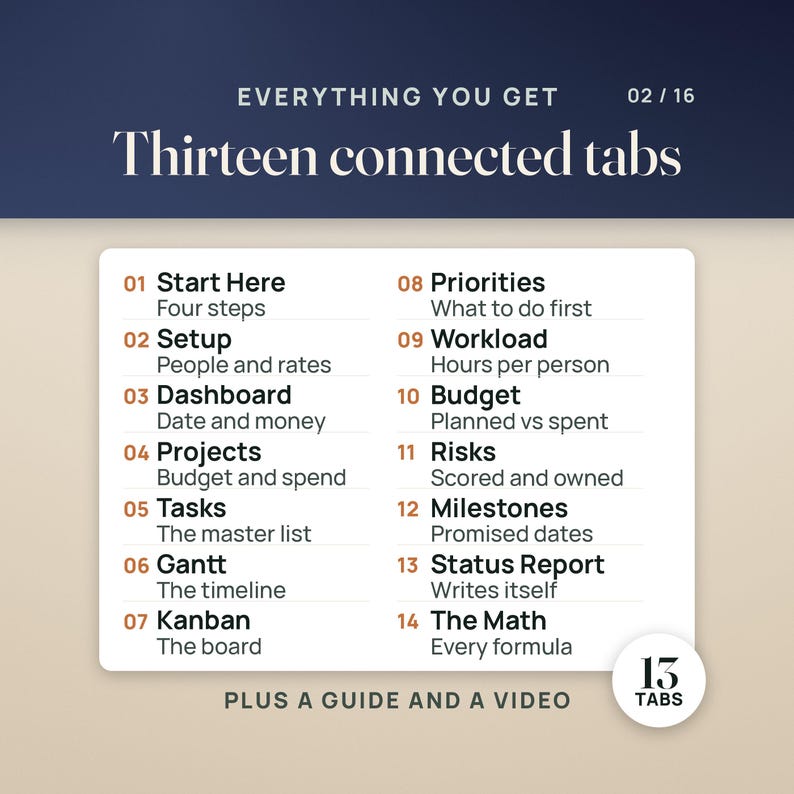
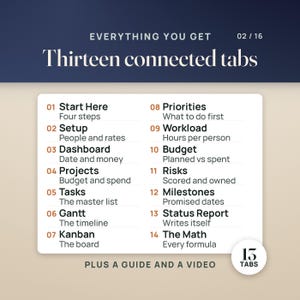
THE THIRTEEN TABS
1. Start Here — the four things to do first, and what every tab is for
2. Setup — the start date, the team, their hourly rates, the weekly hours cap
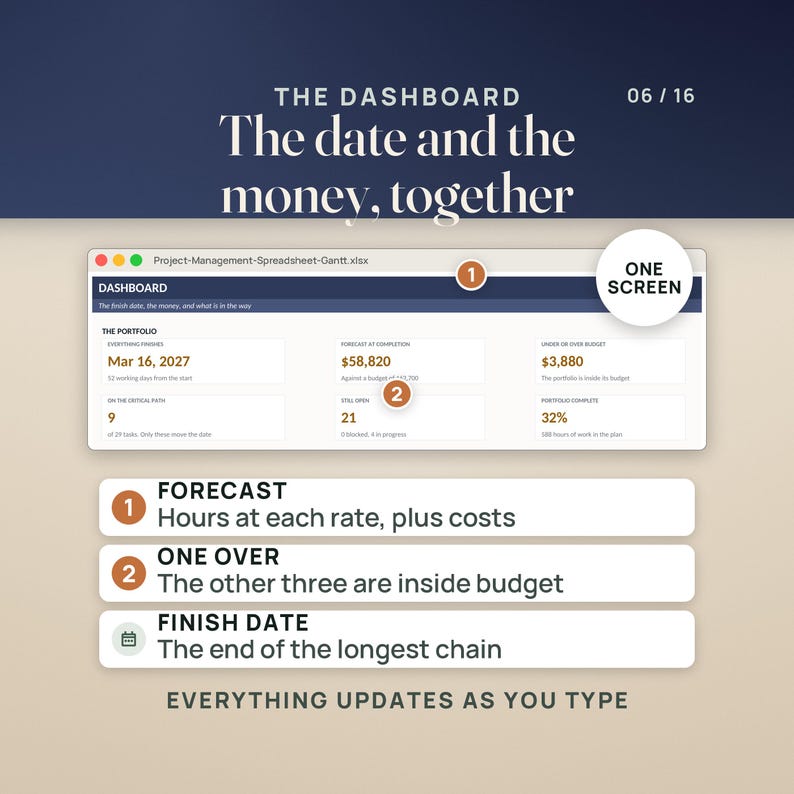
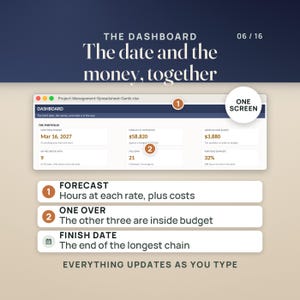
3. Dashboard — finish date, forecast, budget variance, critical path, what is next
4. Projects — one row per project: budget, other costs, forecast, variance, percent done
5. Tasks — the master list. Start, finish, cost, slack and path are all worked out
6. Gantt — twenty-four weeks, drawn from the Tasks tab, critical path in rust
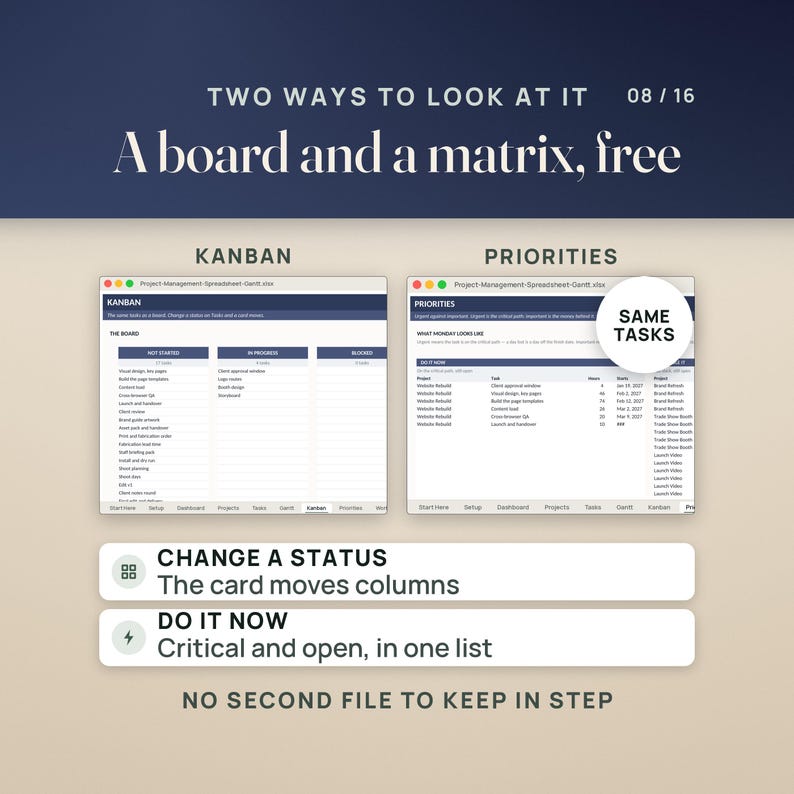
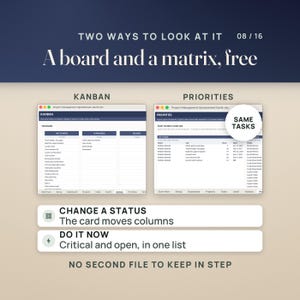
7. Kanban — the same tasks as a board. Change a status and a card moves columns
8. Priorities — critical and open on the left, has slack and open on the right
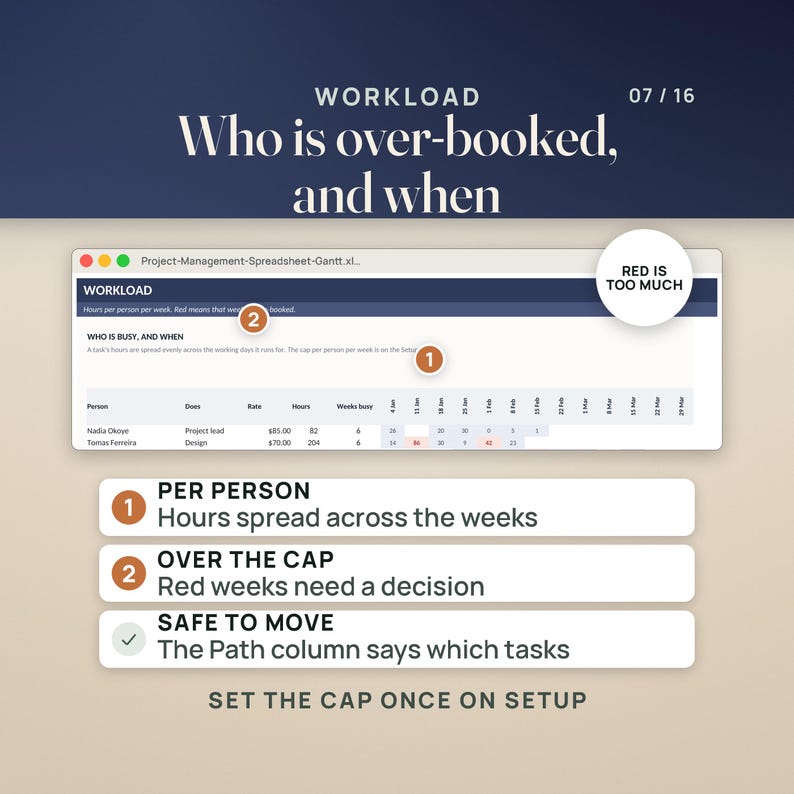
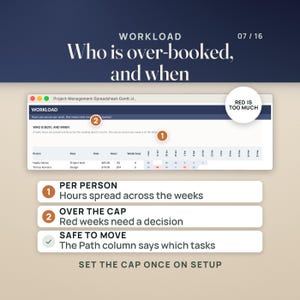
9. Workload — hours per person per week, with the over-booked weeks in red
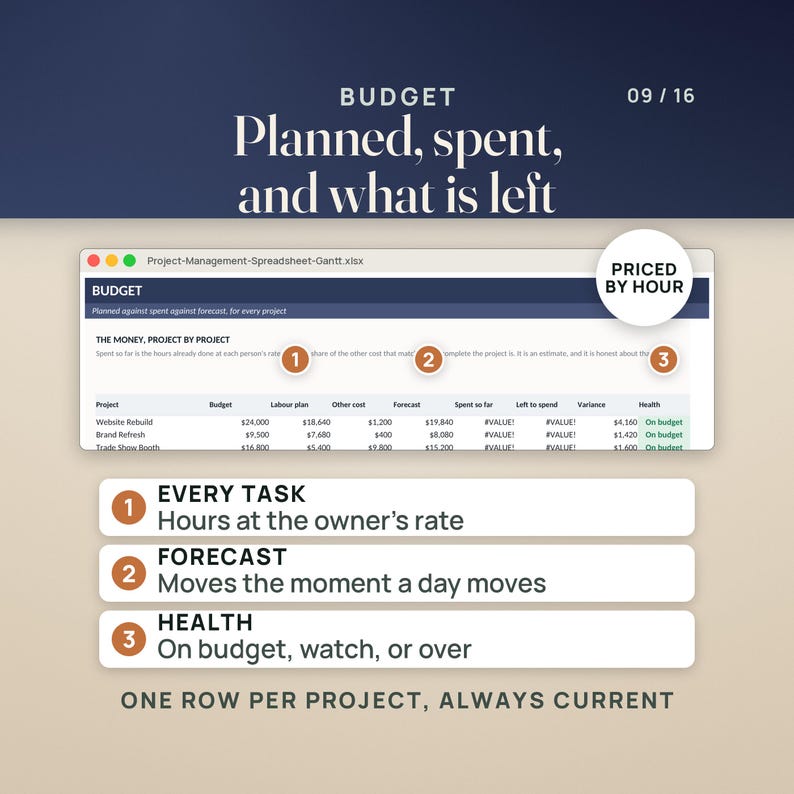
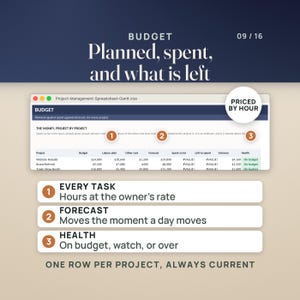
10. Budget — planned, spent so far, left to spend, variance and a health flag
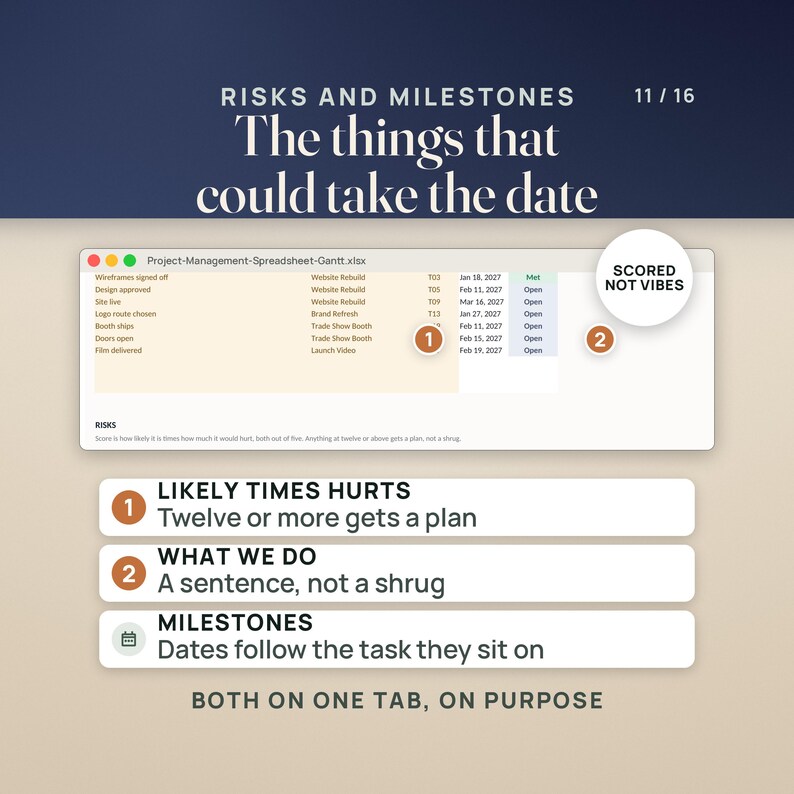
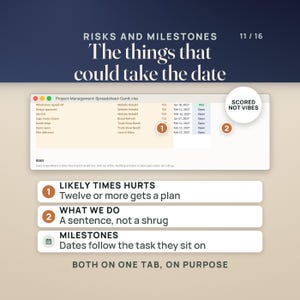
11. Risks & Milestones — risks scored likely times impact, milestones tied to a task
12. Status Report — a weekly update in sentences, ready to copy and paste
13. How the Math Works — every formula in plain English, and four honest warnings
WHAT YOU GET
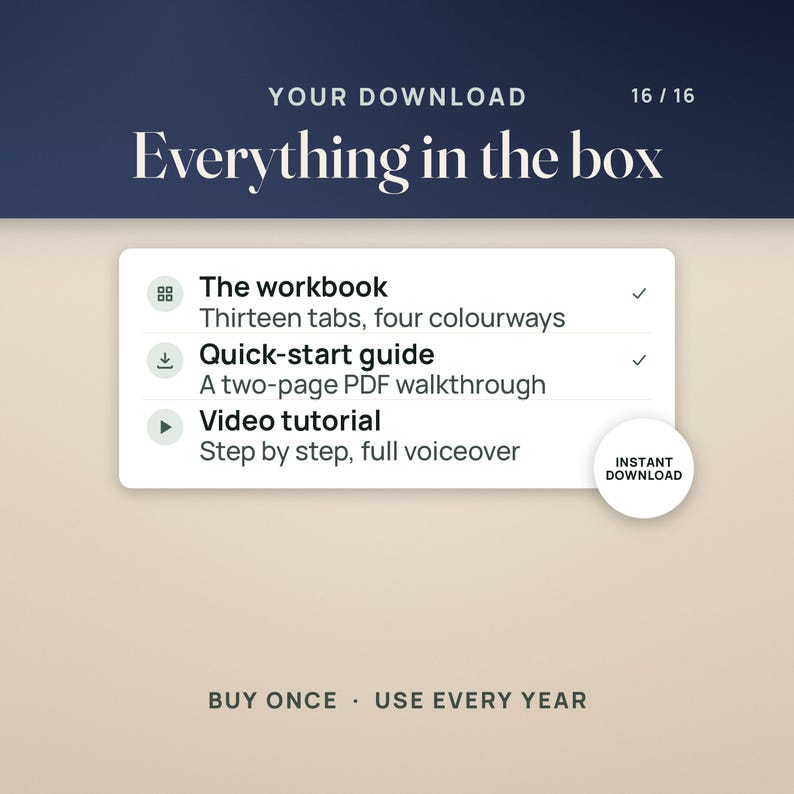
• The workbook in four colorways: Colorful, Editorial, Light and Dark. Same tabs, same formulas, pick the one you can look at all day.
• A two-page quick-start PDF: the four things to do first, what every tab is for, and the honest warnings.
• A full video walkthrough on YouTube, linked in the file and below.
• A worked four-project sample so every tab has something to show on the first open. Type over it.
WORKS WHERE YOU WORK
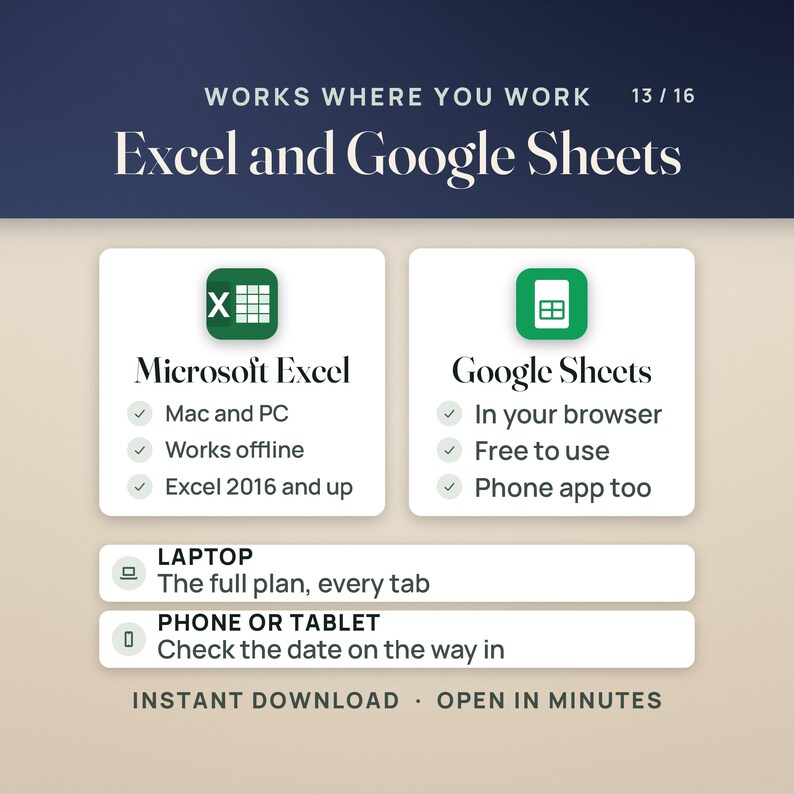
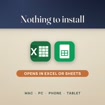
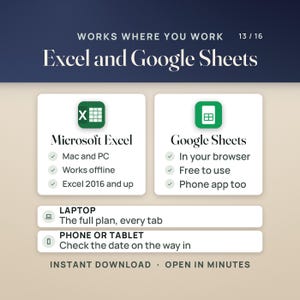
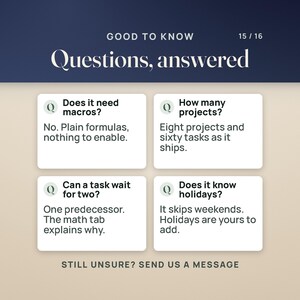
Microsoft Excel 2016 or later on Mac or PC. Google Sheets — upload the .xlsx to Drive and open it. Apple Numbers opens it too. Portable formulas only: no macros, no add-ons, no login, no subscription. Nothing to install and nothing that expires.
FOUR HONEST WARNINGS, BECAUSE YOU SHOULD KNOW BEFORE YOU BUY
1. One predecessor per task. Real critical-path software allows many. If a task genuinely waits for two, point it at the later one and note the other in the task name.
2. A task can only wait for a task above it in the list. The forward pass reads upwards only — that is what keeps the file free of circular references. If you break the rule, the Path column says "check After" rather than quietly lying to you.
3. Weekends are skipped. Public holidays are not; add a buffer task if that matters to you.
4. The Workload tab spreads a task's hours evenly across the days it runs for. Real weeks are lumpier than that.
INSTANT DOWNLOAD
This is a digital product. Nothing is shipped. The files are available the moment your payment clears, and you can download them again from your Etsy account any time.
WATCH THE FULL WALKTHROUGH before you buy - five minutes, every screen the real file:
https://youtu.be/ugnYp2a4lIE
Questions before or after? Message us any time — we answer every one.
NicheToolkits builds spreadsheets that do the arithmetic so you do not have to.
This is a planning and record-keeping tool. It is not project management advice, and it does not replace a project manager.
Instant Download
Your files will be available to download once payment is confirmed. Here's how.
Instant download items don’t accept returns, exchanges or cancellations. Please contact the seller about any problems with your order.
Etsy Purchase Protection
Shop confidently on Etsy knowing if something goes wrong with an order, we've got your back for all eligible purchases —
see program terms

Be the first to review this item

Speedy replies Has a history of replying to messages quickly.
Rave reviews Average review rating is 4.8 or higher.
More from this shop
Visit shop-
Digital download
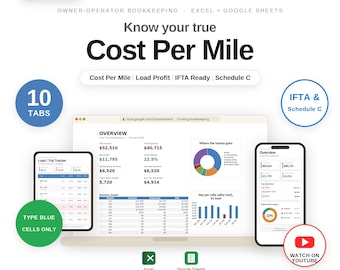
Owner Operator Trucking Bookkeeping Template: Cost Per Mile, Profit Tracker (Excel, Google Sheets) | IFTA Log, Schedule C Tax
Sale Price $11.68
Original Price $14.97
-
Digital download
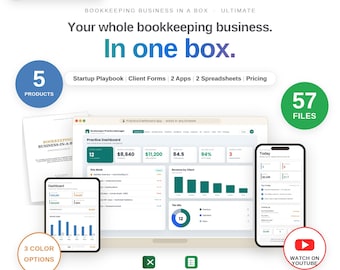
Bookkeeping Business in a Box Ultimate Bundle Bookkeeper Startup Kit Client Dashboard Apps Spreadsheet ADHD Bookkeeper Planner Forms
Sale Price $122.46
Original Price $157.00
-

Digital download
Income Statement Template Small Business Profit and Loss Spreadsheet Excel & Google Sheets Monthly and Annual Net Profit and Margins
Sale Price $11.68
Original Price $14.97
-
Digital download
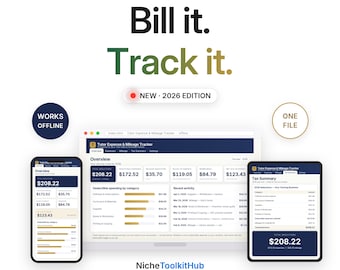
Tutor Expense and Mileage Tracker App Bill Clients for Materials and Travel Track Write-Offs No Spreadsheet Offline One File
Sale Price $7.78
Original Price $9.97
Shoppers with similar taste loved these
-
Digital download
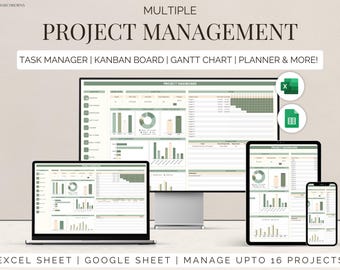
Excel multi project management template google sheets team task manager work organization To-Do List Timeline Planner kanban Gantt chart
$10.99
-
Digital download
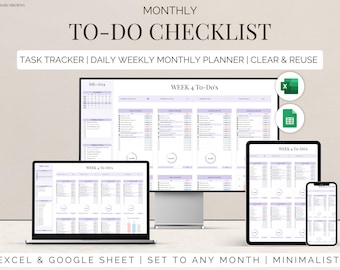
To Do List Checklist Task Manager Tracker Checklist Excel & Google Sheets Productivity Planner Daily Weekly Monthly Planner Digital Template
$5.00
-
Digital download
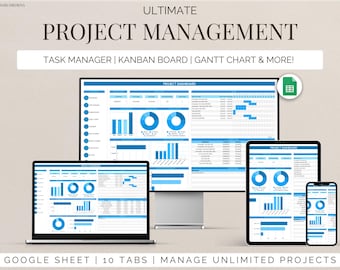
Project Management Template for Google Sheets Task Tracker, Kanban Board & Gantt Chart for Team and Personal Planning Workflow Planner
$17.99
-
Digital download
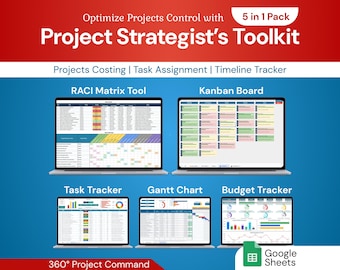
Project Strategist's Toolkit 5in1 Pack | Google Sheet Template
Sale Price $12.60
Original Price $21.00
-
Digital download
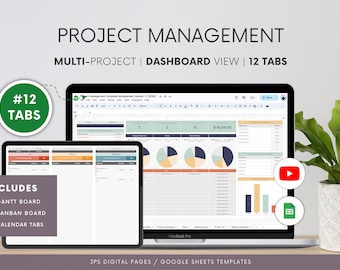
Project Management Google Sheets Template: Gantt Chart, Kanban (Digital Download)
Sale Price $11.99
Original Price $19.99
-
Digital download
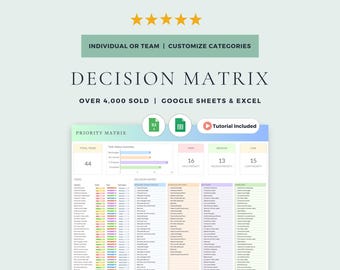
Eisenhower Matrix and Decision Matrix: Google Sheets & Excel Template (Digital Download)
Sale Price $5.99
Original Price $7.99
-
Digital download
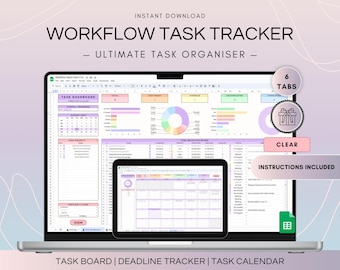
Workflow Task Tracker Spreadsheet, Google Sheets To Do List and Deadlines Calendar, Digital Workflow with Project Management Dashboard
$14.50
-
Digital download
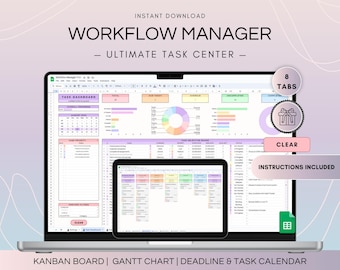
Workflow Project Management Spreadsheet, Google Sheets Kanban Board and Gantt Chart, To Do List Template, Project Plan and Weekly Schedule
$19.10
-
Digital download
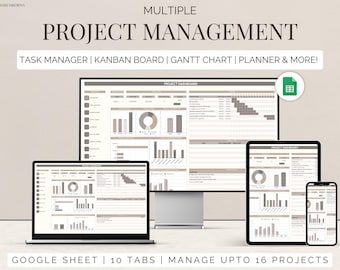
Team project tracker google sheets task management timeline planner Kanban board Gantt chart task tracker to do checklist business dashboard
$7.99
-
Digital download
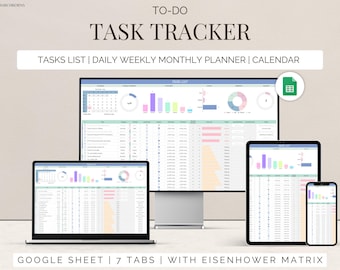
Task Tracker Google Sheet To-Do List template daily routine planner to do checklist spreadsheet task management productivity tool
$3.00
-
Digital download
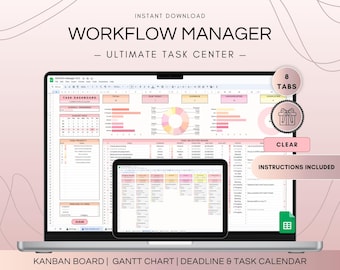
Multi Project Management Dashboard and Activity Tracker Spreadsheet, Google Sheets Kanban Board and Gantt Chart Planner, To-Do List Template
$19.10
-
Digital download
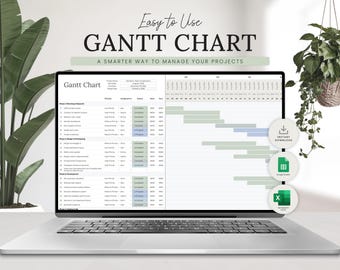
Gantt Chart Project Management Template | Team Task Tracker | Excel | Google Sheets | Project Planner Timeline | Task Management Planner
Sale Price $3.53
Original Price $4.70


