

NowPrice:€52.62
Original Price: €65.77
20% off
Sale ends on 09 October
Event Planning Spreadsheet for Agencies | Multi Event Tracker, Portfolio Dashboard, Budget and Margin by Event | Excel
You can only make an offer when buying a single item.
Highlights
You already have a budget, a production schedule and a client tracker for every event. So where does your team go to see all of them at once?
Most event teams run beautifully at the event level and blindly at the portfolio level. Every event has its own file. Nobody has the view across them, and the answer to "how are we doing" gets assembled by hand every Monday from eleven files and four people.
The Event Portfolio Command Center is the internal workbook that sits above your individual event files. One place where leadership sees every active event, every client, every budget position, every open decision, every deadline, every risk, what you are waiting on from clients, and how the work is spread across the team.
WHAT THIS IS
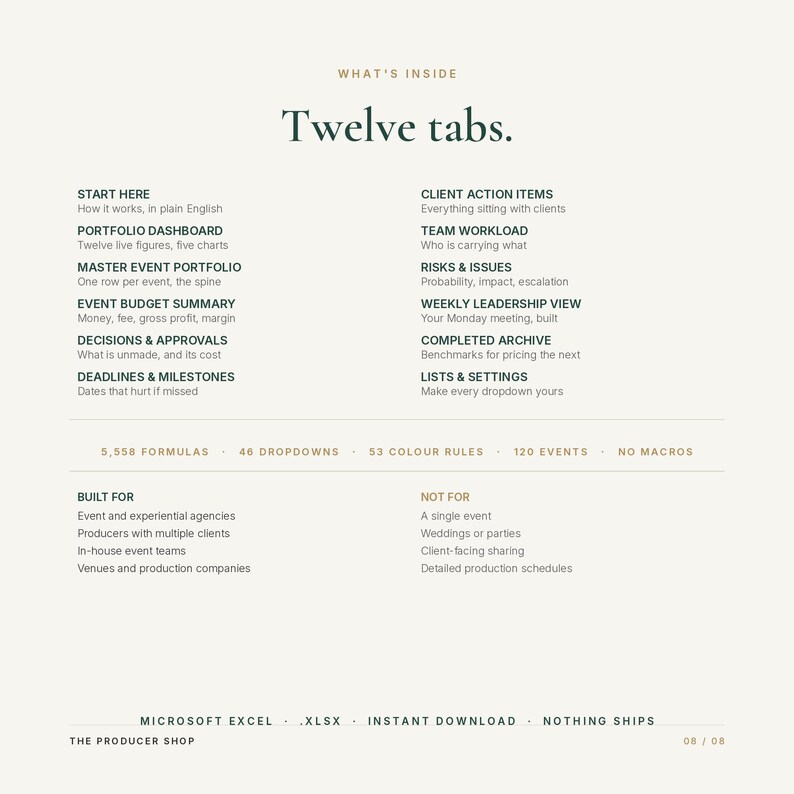
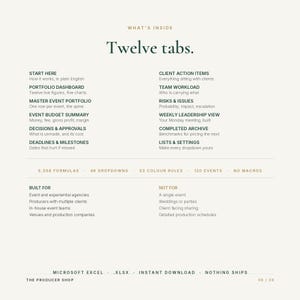
A twelve tab Excel workbook built as the internal operating layer for teams running many events at the same time.
It does not replace your event budget, your production schedule, your run of show or your client-facing tracker. Those stay exactly where they are. This is the layer above them, and it is the layer most teams are missing.
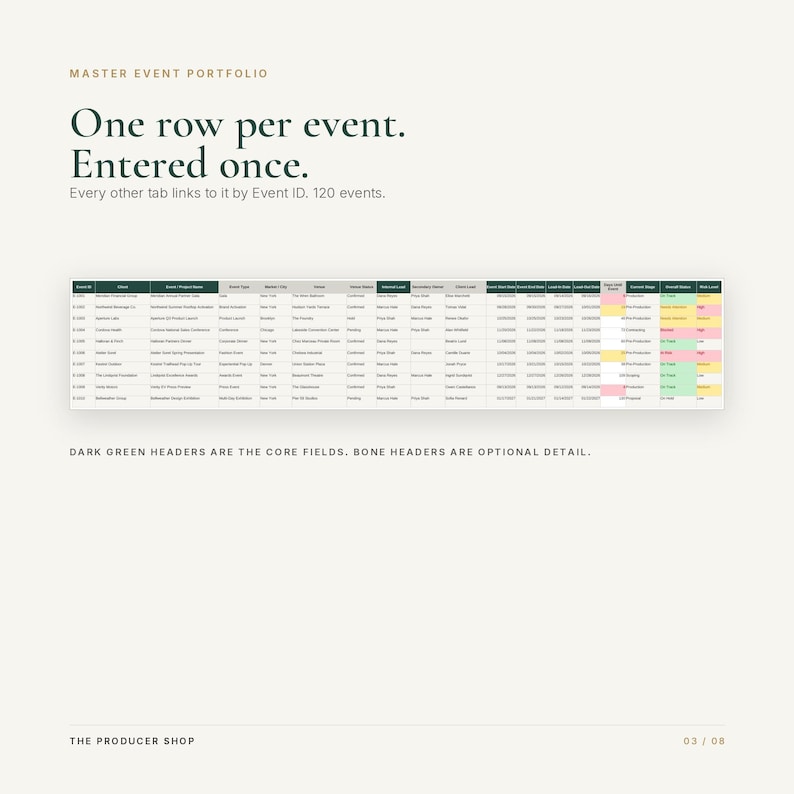
Everything joins on Event ID. Add an event once and it appears everywhere.
WHO IT IS FOR
Event agencies and experiential agencies
Independent and freelance producers running several clients at once
In-house corporate and brand event teams
Venues and venue groups managing a calendar of programming
Production companies
Built for teams carrying roughly ten to thirty concurrent events. It holds 120 active events and 80 archived events before you extend a single formula.
If you run one event at a time, this is more workbook than you need. That is an honest recommendation.
WHAT YOU SEE AT A GLANCE
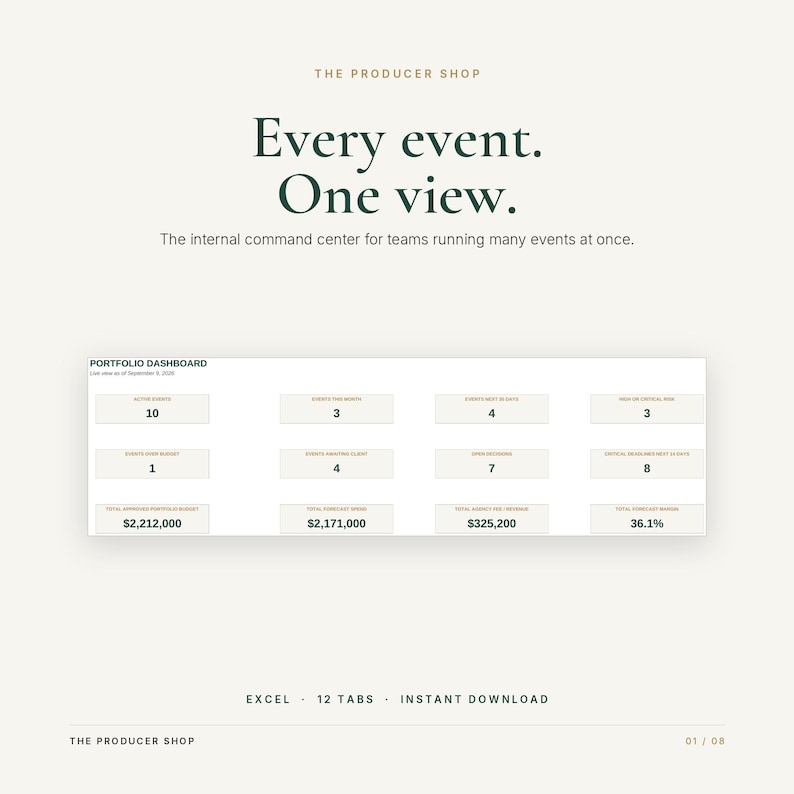
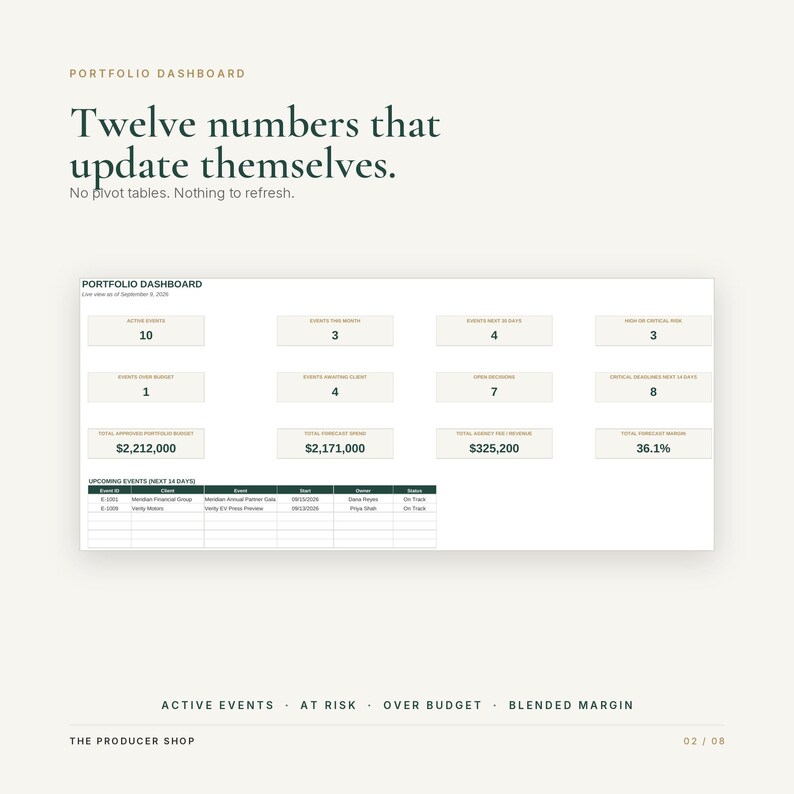
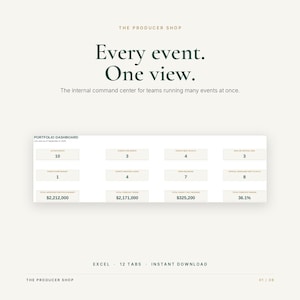
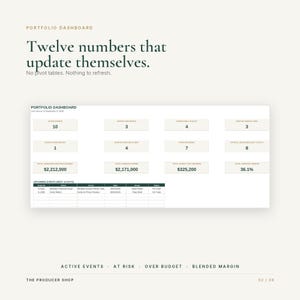
The Portfolio Dashboard calculates twelve figures the moment anything changes:
Active events, events this month, events inside the next 30 days, events at high or critical risk
Events over budget, events waiting on a client, open decisions, critical deadlines inside 14 days
Total approved portfolio budget, total forecast spend, total agency fee and revenue, blended forecast margin
Below the numbers, five charts build themselves. Nothing to refresh, no pivot table to rebuild.
WHAT IS INCLUDED
START HERE. Walks a new user through the workbook, marks which cells to type in, and sets out a weekly rhythm.
PORTFOLIO DASHBOARD. Twelve headline figures, upcoming events, and five automatic charts.
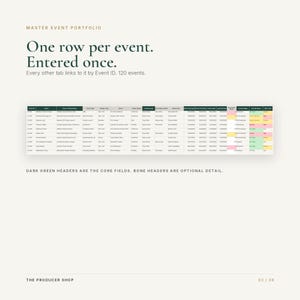
MASTER EVENT PORTFOLIO. One row per event and the spine everything joins to. Client, venue, internal lead, dates including load in and load out, stage, status, risk, priority, current blocker, next action. Core fields are marked in dark green. Optional detail is marked in bone, so you know what actually needs maintaining.
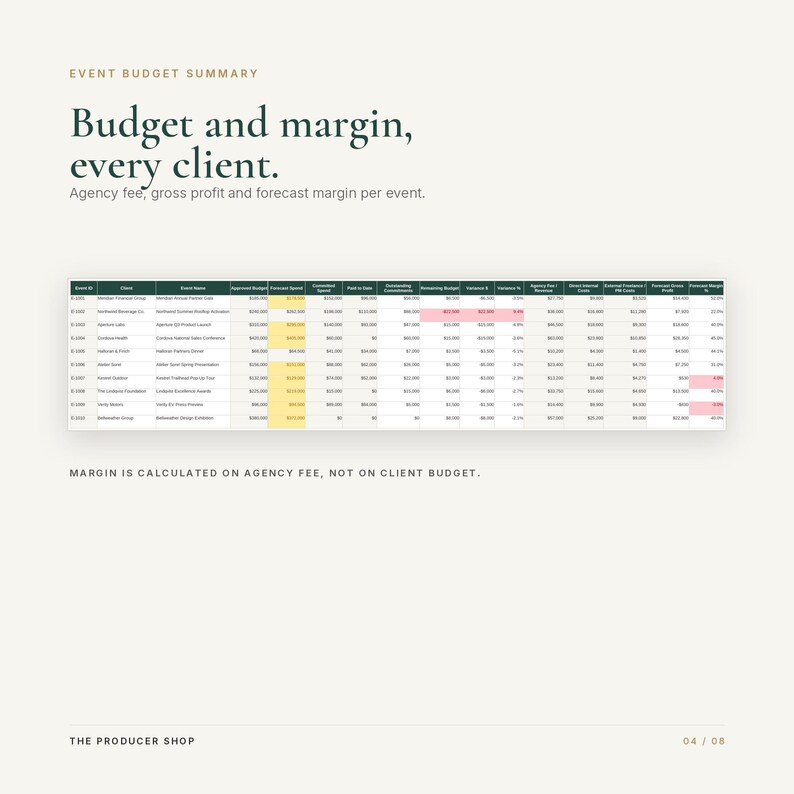
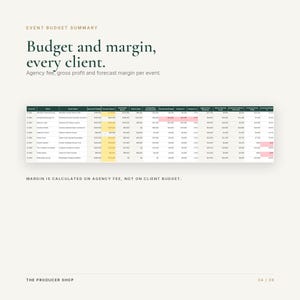
EVENT BUDGET SUMMARY. The single place money is entered. Approved, forecast, committed, paid, remaining, variance. Then the commercial half most trackers skip: agency fee and revenue, internal costs, external costs, forecast gross profit, forecast margin, billing status and next invoice.
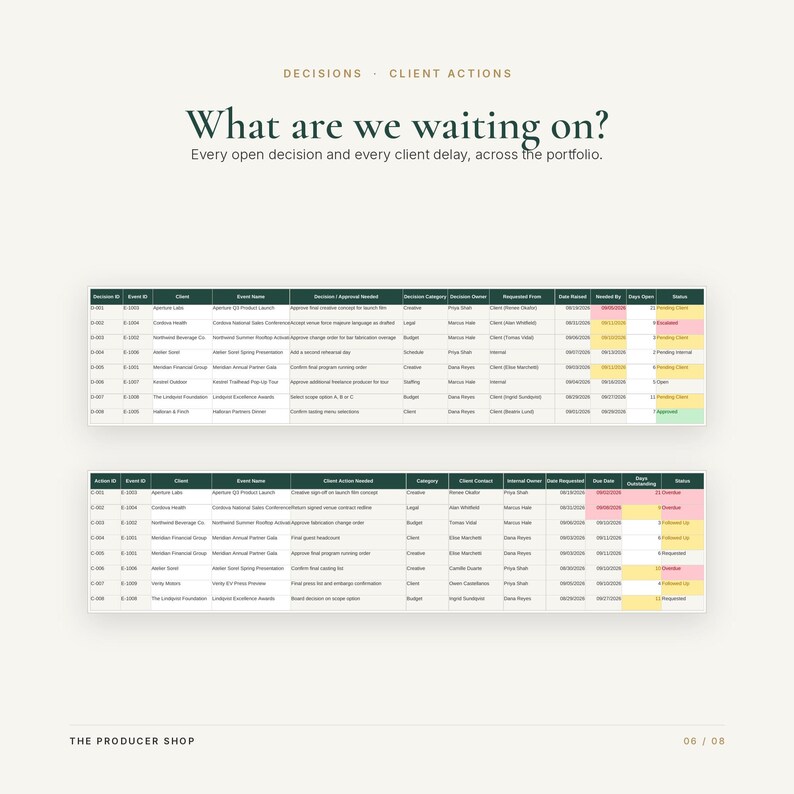
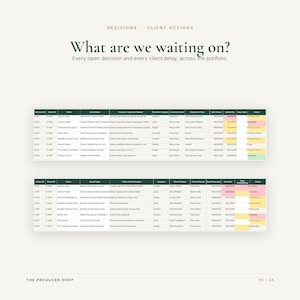
DECISIONS AND APPROVALS. Every decision still outstanding. Who owns it, who it waits on, days open, and what it costs you if it slips.
DEADLINES AND MILESTONES. Material milestones with owner, days remaining, dependency, and the consequence of missing it.
CLIENT ACTION ITEMS. Everything sitting with the client, with days outstanding and follow up history.
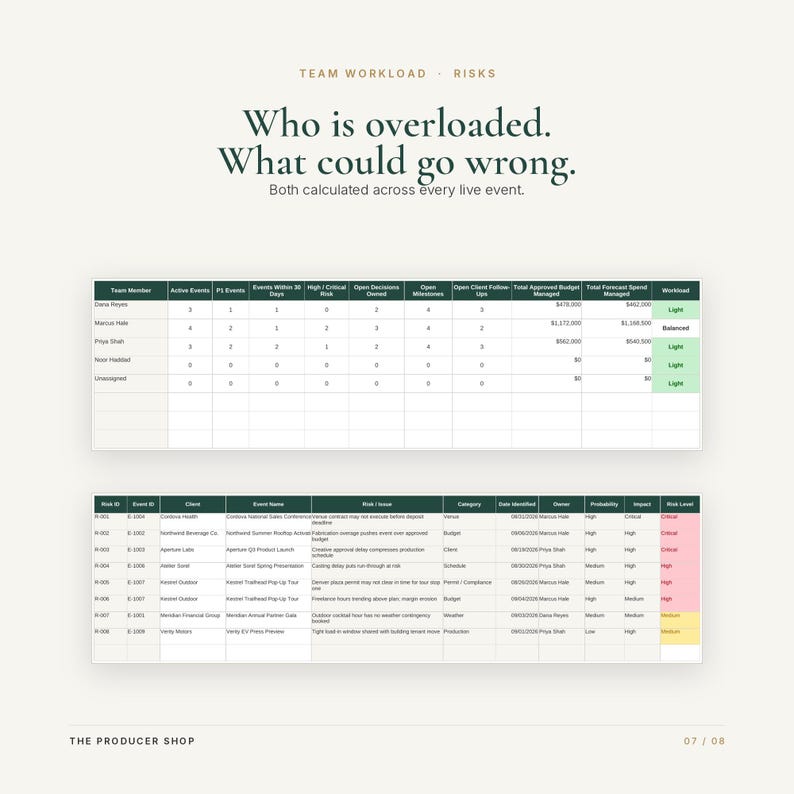
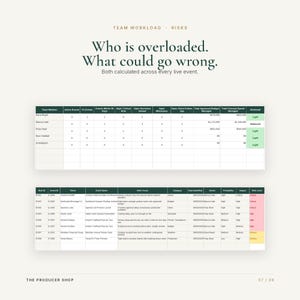
TEAM WORKLOAD. Calculates itself. Per person: active events, P1 events, events inside 30 days, high risk events, decisions owned, open milestones, client follow ups, budget under management, and a workload band.
RISKS AND ISSUES. Probability, impact, a calculated risk level, mitigation, owner and escalation.
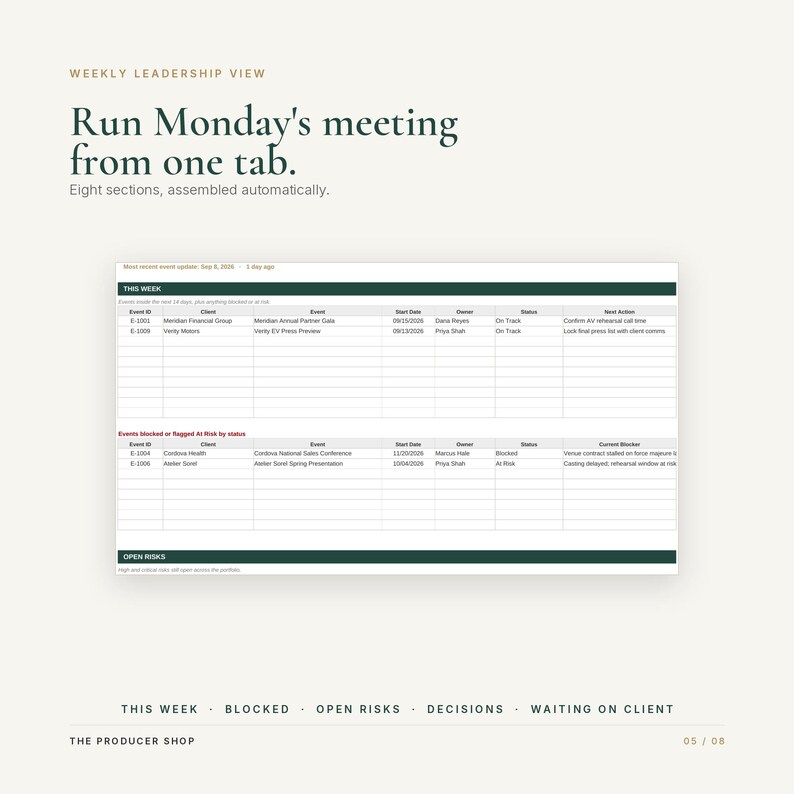
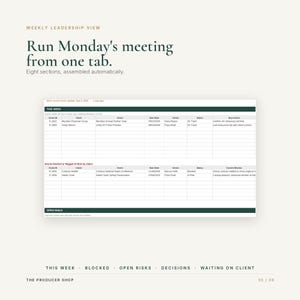
WEEKLY LEADERSHIP VIEW. The tab that changes how meetings run. Eight sections built with no typing at all: this week, blocked and at risk events, open high and critical risks, decisions needed, what you are waiting on from clients, team pressure, a financial watch list, and milestones due inside seven days. Open it and run the meeting.
COMPLETED ARCHIVE. Closed events with final spend, revenue, gross profit, margin and lessons learned, so you price the next job against your own history.
LISTS AND SETTINGS. Sixteen dropdown lists and eleven settings. Each list has spare rows for your own additions.
HOW IT WORKS
Add an event once on the Master and give it an Event ID. Every other tab carries that ID as a dropdown, so you select it rather than typing it, and client and event name fill in automatically. Nothing drifts out of sync on a typo.
Money is entered once, on the Event Budget Summary. The Master and the Dashboard read those figures rather than asking you to maintain them twice.
Sorting and filtering any tab is safe. Everything joins on Event ID, never on row position.
WHAT IS AUTOMATED, AND WHAT YOU MAINTAIN
Calculated for you: all twelve dashboard figures, the five charts, days until each event, days until each milestone, days a decision has been open, days a client action has been outstanding, remaining budget, variance, forecast gross profit, forecast margin, every figure on Team Workload, all eight sections of the Weekly Leadership View, and colour warnings across 56 rules.
You maintain: the status fields, the blockers, the next actions and the notes. The workbook calculates the consequences of what you enter.
This is an Excel workbook. It does not send emails, alerts or reminders and it does not sync with anything. It shows you the position clearly the moment you open it.
HOW THIS DIFFERS FROM A SINGLE EVENT TOOL
A single event tracker answers how this event is going. This answers the questions it structurally cannot.
Which of our live events is actually in trouble this week
Where is our money across the whole book of business, and what is our real blended margin
What are we waiting on from clients right now, across every account
Who on the team is overloaded and who has capacity
What decisions are sitting unmade, and what does each week of delay cost
Which events are profitable, and which are quietly not
You can run one event out of one file. You cannot run an agency out of eleven of them.
WHAT YOU RECEIVE
One Excel workbook, .xlsx, twelve tabs, 5,558 working formulas, 45 dropdown ranges, 56 conditional formatting rules.
A realistic ten event sample portfolio to study before you clear it. It is deliberately not flattering: 2.2 million dollars of approved budget across ten clients at a blended 36 percent gross margin, including a strong gala at 52 percent, a thin activation at 22 percent, a pop-up tour at 4 percent, one press event running at a small loss, an overdue client payment, a contract blocked on force majeure language and three overdue client approvals. You can watch every warning behave correctly before you trust it with your own numbers.
Built in instructions on the START HERE tab.
Instant digital download. Nothing physical ships.
SOFTWARE AND COMPATIBILITY
Built and tested in Microsoft Excel for desktop, Mac and Windows. Excel is where it looks and behaves as designed.
No macros, no add ins, no links to any other file.
It will open in Google Sheets and Apple Numbers and the formulas were chosen for broad compatibility, but it has not been fully tested in either, and conditional formatting and charts do not always transfer cleanly out of Excel. Expect to adjust some visual elements. If your team works exclusively in Google Sheets or Numbers, please buy with that in mind.
Excel skill required: entering data and using dropdowns. You never need to write a formula.
DIGITAL PRODUCT NOTE
Instant digital download. Nothing is shipped.
Because the file is delivered immediately and cannot be returned, all sales are final and no refunds are offered. Please read the description and images carefully and message me before purchasing if anything is unclear. I answer quickly and would far rather help you decide than have you buy the wrong tool.
Licensed for your own business use and for use inside the company you work for. Not for resale, redistribution or sharing outside your organisation.
Instant Download
Your files will be available to download once payment is confirmed. Here's how.
Instant download items don’t accept returns, exchanges or cancellations. Please contact the seller about any problems with your order.
Etsy Purchase Protection
Shop confidently on Etsy knowing if something goes wrong with an order, we've got your back for all eligible purchases —
see programme terms

Be the first to review this item

More from this shop
Visit shop-
Digital download
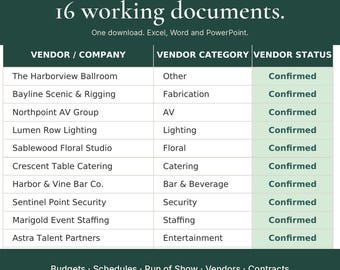
Event Planning Kit | Complete Event Production System, 16 Excel & Word Templates
Sale Price €70.46
Original Price €88.07
-
Digital download
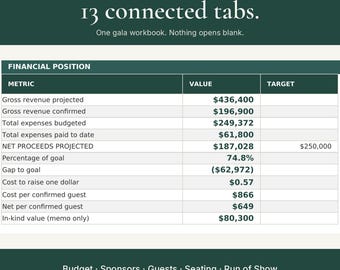
Gala Planner Spreadsheet, Nonprofit Fundraising Event Template, Excel Gala Budget Seating Run of Show, Benefit Gala Planning Workbook
Sale Price €34.79
Original Price €43.48
-
Digital download
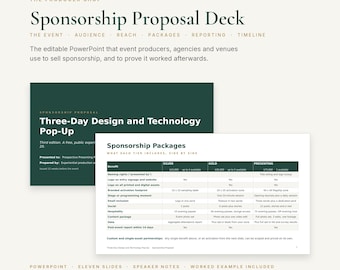
Event Sponsorship Proposal Template | Sponsorship Deck PowerPoint, Sponsor Packages, Tiers, Reach Plan, Reporting, Timeline, Worked Example
Sale Price €16.95
Original Price €21.18
-
Digital download
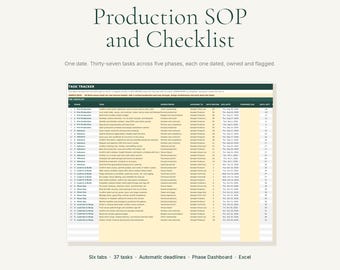
Event Checklist Spreadsheet | Event Planning Checklist Excel with Automatic Deadlines, Owner Column and Phase Dashboard | 37 Tasks
Sale Price €16.05
Original Price €20.06
-
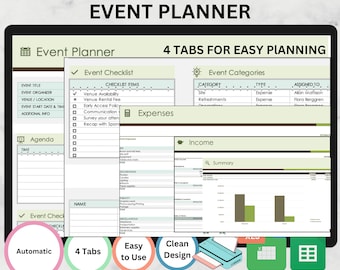
Digital download
Editable Event Planner Template: Google Sheets & Excel (Digital Download)
€8.81
-
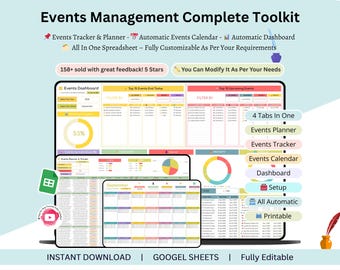
Digital download
Events Management - event planning templates - event planning calendar - events tracker spreadsheet - Events Template - event schedule
Sale Price €5.01
Original Price €16.72
-
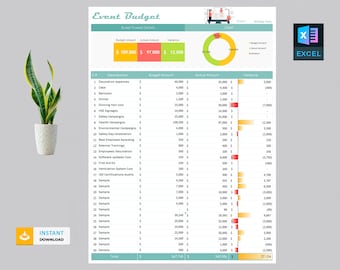
Digital download
Event Budget Template | Event Template | Event Planner | Event Template | Event Planning | Event Spreadsheet | Event Organization
€4.00
-
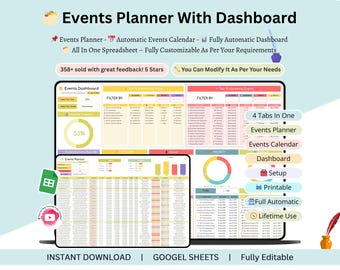
Digital download
Events Planner - events calendar - events calendar google sheets - event planning spreadsheet - event planner spreadsheet - events tracker
Sale Price €3.34
Original Price €11.13
-
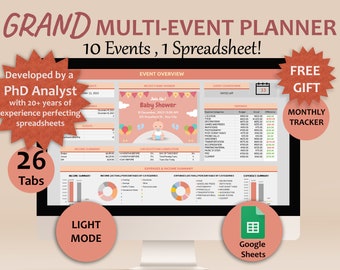
Digital download
Event Planner template Google sheets Multi Events template Digital Event Planner Spreadsheet Event Party Budget Tracker Multi Events Planner
€46.43
-
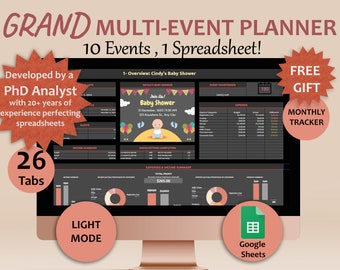
Digital download
Event Planner template Google sheets Multi Events template Digital Event Planner Spreadsheet Event Party Budget Tracker Multi Events Planner
€46.43
-
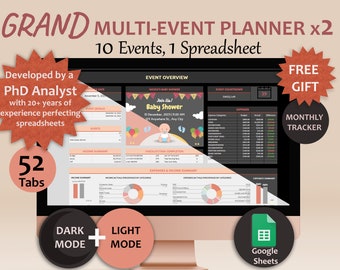
Digital download
Event Planner template Google sheets Multi Events template Digital Event Planner Spreadsheet Event Party Budget Tracker Multi Events Planner
€55.73
-
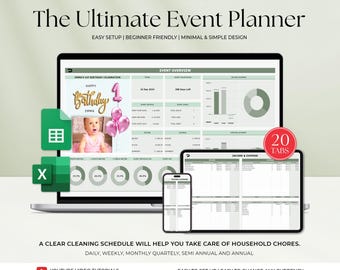
Digital download
Event Planner template Google Sheets Digital Event Planner Excel Spreadsheet Event Party Budget Tracker Event Planning Template
Sale Price €4.46
Original Price €11.14
-
Digital download
Event Planner Spreadsheet | Automated Dashboard (XLSX File)
Sale Price €6.78
Original Price €9.04
-
Digital download
Google Sheets Event Planner template Digital Event Planner Spreadsheet Event Party Budget Tracker
€27.86
-
Digital download
Google Sheets Event Planner template Digital Event Planner Spreadsheet Event Party Budget Tracker
€27.86
-
Digital download
Google Sheets Event Planner template Digital Event Planner Spreadsheet Event Party Budget Tracker
€33.43
Shoppers with similar taste loved these
-
Digital download
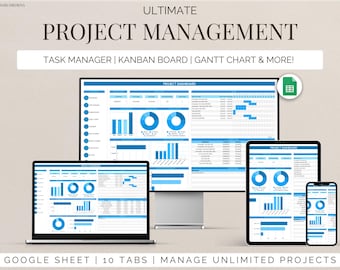
Project Management Template for Google Sheets Task Tracker, Kanban Board & Gantt Chart for Team and Personal Planning Workflow Planner
€20.06
-
Digital download
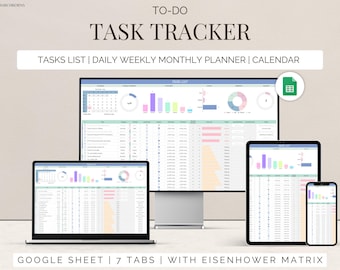
Task Tracker Google Sheet To-Do List template daily routine planner to do checklist spreadsheet task management productivity tool
€3.35
-
Digital download
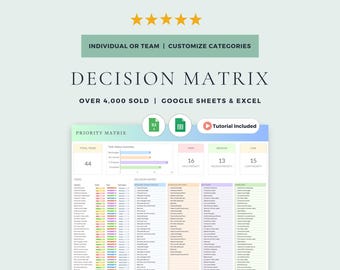
Eisenhower Matrix and Decision Matrix: Google Sheets & Excel Template (Digital Download)
Sale Price €6.68
Original Price €8.91
-
Digital download
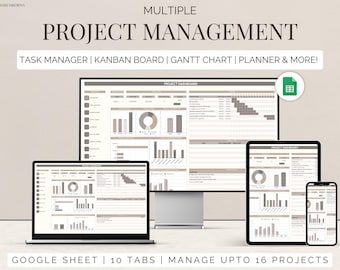
Team project tracker google sheets task management timeline planner Kanban board Gantt chart task tracker to do checklist business dashboard
€8.91
-
Digital download
Workflow Task Tracker Spreadsheet, Google Sheets To Do List and Deadlines Calendar, Digital Workflow with Project Management Dashboard
€15.39
-
Digital download
Project Management Google Sheets Template: Gantt Chart, Kanban (Digital Download)
Sale Price €13.37
Original Price €22.29
-
Digital download
To Do List Checklist Task Manager Tracker Checklist Excel & Google Sheets Productivity Planner Daily Weekly Monthly Planner Digital Template
€5.57
-
Digital download
Multi Project Management Dashboard and Activity Tracker Spreadsheet, Google Sheets Kanban Board and Gantt Chart Planner, To-Do List Template
€20.28
-
Digital download
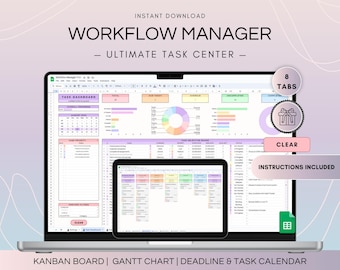
Workflow Project Management Spreadsheet, Google Sheets Kanban Board and Gantt Chart, To Do List Template, Project Plan and Weekly Schedule
€20.28
-
Digital download
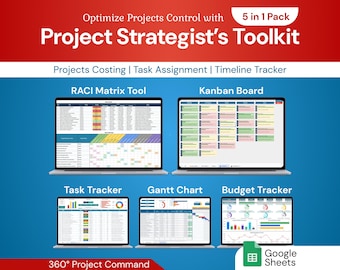
Project Strategist's Toolkit 5in1 Pack | Google Sheet Template
Sale Price €14.05
Original Price €23.41
-
Digital download
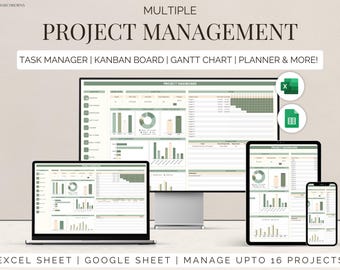
Excel multi project management template google sheets team task manager work organization To-Do List Timeline Planner kanban Gantt chart
€12.25
-
Digital download
500+ Notion Templates Bundle PLR & Master Resell Rights MRR - Editable Planners (Digital Download)
Sale Price €2.77
Original Price €5.54

