



Auto Repair Shop Spreadsheet Template Excel Google Sheets | Mobile Mechanic Job Tracker, Repair Order Log, Parts and Labor Profit
NowPrice:$11.89
Original Price: $16.99
30% off
Sale ends in 12:03:46

By josh
You can only make an offer when buying a single item
Highlights
AUTO REPAIR SHOP & MOBILE MECHANIC JOB TRACKER
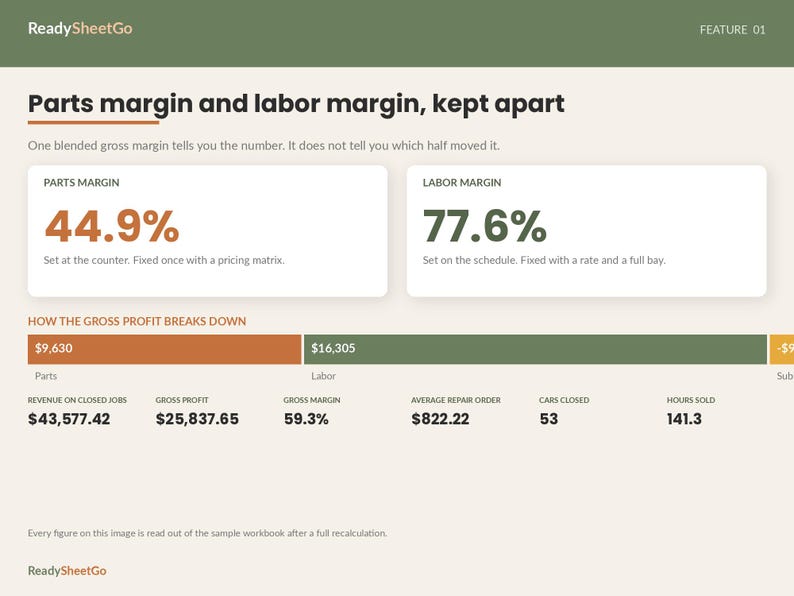
Parts margin and labor margin, kept apart - because you fix them in different places
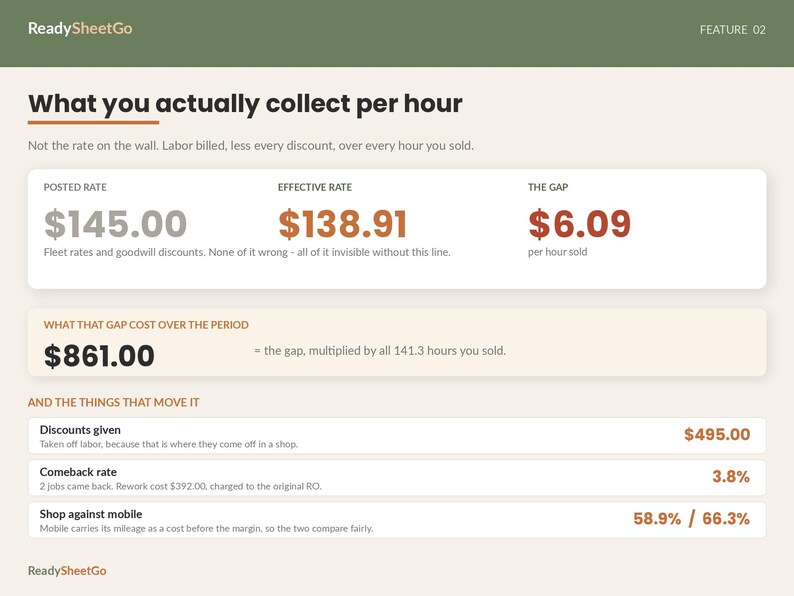
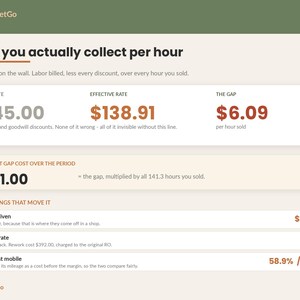
In the sample data that ships with this workbook, the posted labor rate is $145.00 an hour and the shop actually collected $138.91. The gap is $6.09. Over the hours in that record it is $861, and not one dollar of it appears anywhere in a normal set of books.
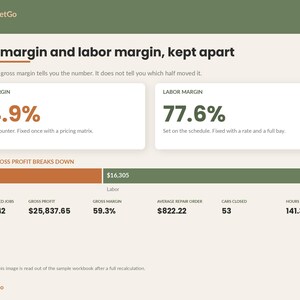
A generic bookkeeping template gives you one gross margin for the whole shop. That single number hides the only two levers you have. Parts margin is a pricing decision you make at the counter. Labor margin is a rate and efficiency decision you make on the schedule. They move independently, they are fixed by completely different actions, and averaging them together tells you to do nothing.
- - - - - - - - - - - - - - - - - - - - - - - -
WHAT'S INCLUDED
- - - - - - - - - - - - - - - - - - - - - - - -
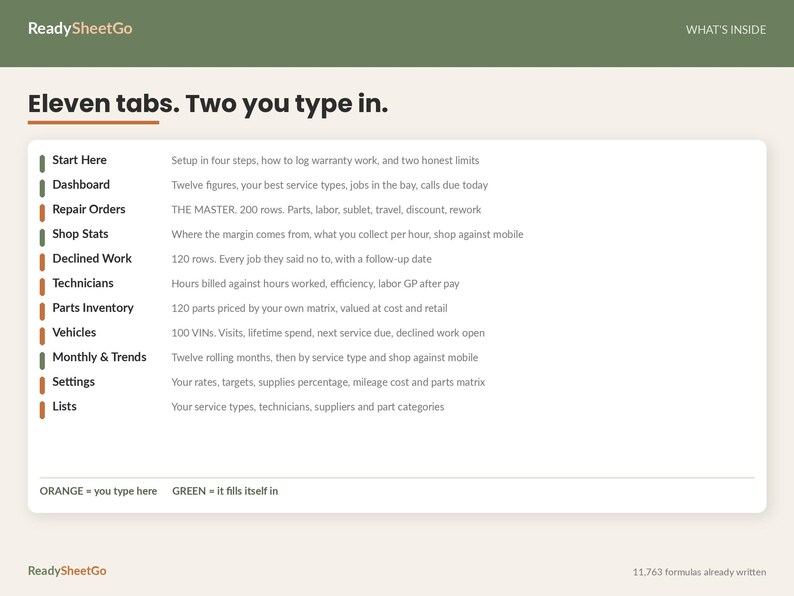
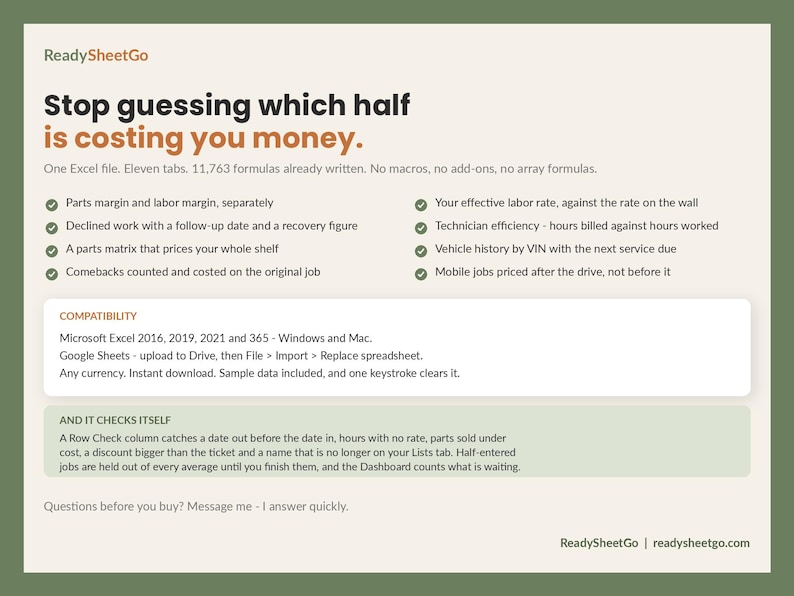
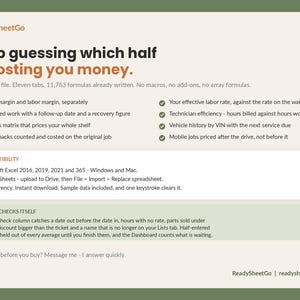
One Excel (.xlsx) file. 11 tabs, 11,763 formulas already written, no macros and no add-ons.
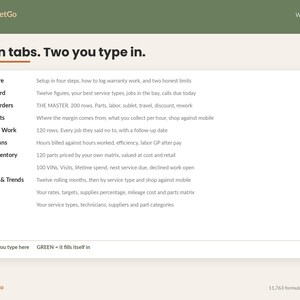
1. START HERE - setup in four steps, how to log warranty work, and a section for owner-operators
2. DASHBOARD - twelve figures, your best service types, the cars in the bay, the calls due today
3. REPAIR ORDERS - the master. 200 rows. Parts, labor, sublet, supplies, travel, discount and rework on one line
4. SHOP STATS - where the margin comes from, what you really collect per hour, shop against mobile
5. DECLINED WORK - 120 rows. Every job they said no to, with a follow-up date worked out for you
6. TECHNICIANS - hours billed against hours worked, efficiency, labor gross profit after pay
7. PARTS INVENTORY - 120 parts priced by your own matrix, valued at cost and at retail
8. VEHICLES - 100 VINs. Visits, lifetime spend, last mileage, next service due, declined work open
9. MONTHLY & TRENDS - twelve rolling months, then by service type and shop against mobile
10. SETTINGS - your rates, targets, supplies percentage, mileage cost and parts pricing matrix
11. LISTS - your service types, technicians, suppliers and part categories
- - - - - - - - - - - - - - - - - - - - - - - -
WHAT MAKES IT DIFFERENT
- - - - - - - - - - - - - - - - - - - - - - - -
PARTS MARGIN AND LABOR MARGIN, SEPARATELY, ON EVERY JOB AND ACROSS THE SHOP. In the sample they are 44.9% and 77.6%. Those two numbers need two completely different conversations, and a blended figure asks for neither.
YOUR EFFECTIVE LABOR RATE. Total labor billed, minus every discount you gave, divided by every hour you sold. Not the rate on the wall - the rate you actually collected. The line directly underneath it multiplies the gap by all your hours and shows you the year's worth in dollars. Most shops have never calculated this.
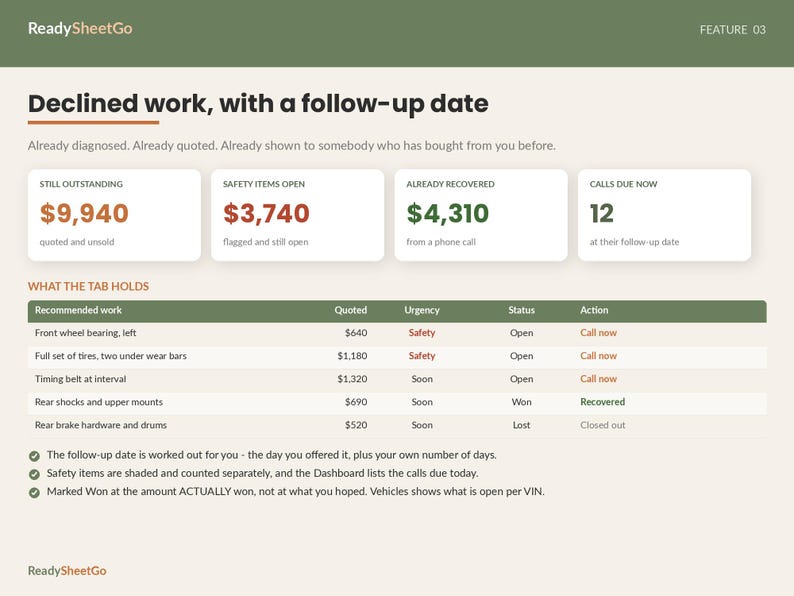
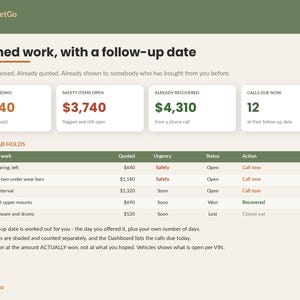
DECLINED WORK WITH A FOLLOW-UP DATE. Every repair a customer said no to, what it was worth, how urgent it was, and when to ring them. The file works the follow-up date out from the day you offered it. The Dashboard shows what is still unsold, what you have already recovered by calling, and which safety items are outstanding. This is the cheapest revenue in the building and almost nobody writes it down.
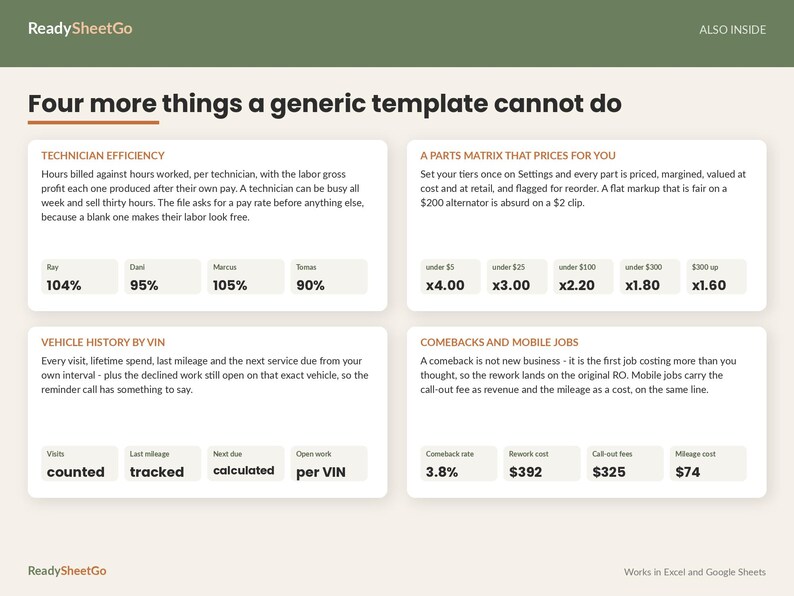
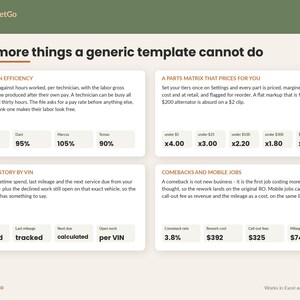
TECHNICIAN EFFICIENCY. Hours billed against hours worked, per technician, with the labor gross profit each one produced after their own pay. A technician can be busy all week and sell thirty hours.
COMEBACKS, COUNTED AND COSTED. A comeback is not new business - it is the first job costing more than you thought, so the rework cost lands on the ORIGINAL repair order, where it belongs. Your comeback rate becomes a percentage you can watch instead of a feeling.
MOBILE JOBS PRICED AFTER THE DRIVE. Travel miles and a call-out fee on the same row. The call-out fee counts as labor revenue and the mileage counts as a labor cost, so a mobile job and a shop job can honestly be set side by side. If you are the owner-operator, Start Here explains why you should put a notional rate against your own name rather than leaving it at zero.
A PARTS MATRIX THAT DOES THE PRICING. Set your tiers once and every part is priced, margined, valued at cost and at retail, and flagged for reorder. A flat markup that is fair on a $200 alternator is absurd on a $2 clip.
VEHICLE HISTORY BY VIN. Every visit, lifetime spend, last mileage, and the next service due from your own interval - plus the declined work still open on that exact vehicle, so the reminder call has something specific to say.
IT KNOWS WHAT IT DOES NOT KNOW. An open job is reported as work in progress at its estimated value and is kept out of revenue, margin, car count and the effective labor rate. Counting the hours logged so far on an unfinished job as though they were the final cost is the quickest way to make a shop look more profitable than it is.
IT CHECKS ITSELF AND TELLS YOU. A Row Check column catches a date out before the date in, a closed job with nothing on it, hours with no rate, parts sold under cost, a negative discount, a discount larger than the ticket, travel miles on a shop job, a missing location, and a technician or service type that is no longer on your Lists tab. Half-entered jobs are held out of every average until you finish them, and the Dashboard counts what is waiting.
- - - - - - - - - - - - - - - - - - - - - - - -
HOW IT WORKS
- - - - - - - - - - - - - - - - - - - - - - - -
1. Open Settings. Put in your posted labor rate, your fleet rate, the margin you are aiming at, the lowest parts margin you will accept, your shop supplies percentage and your cost per mile.
2. Open Lists. Replace the sample service types, technicians, suppliers and part categories with your own wording. Every dropdown and every grouped table reads from that tab.
3. Open Technicians. Enter each person's pay rate and the hours they actually worked. Hours worked is the one thing nothing can work out for you - it is the clock, not the ticket.
4. Log your repair orders. That tab and Declined Work are the only two you type jobs into. Everything else fills itself in.
A worked example is already in there: repair orders across roughly twelve months, a declined-work list, a parts shelf, four technicians and a vehicle history. Select the white cells and press Delete to clear it.
- - - - - - - - - - - - - - - - - - - - - - - -
COMPATIBILITY
- - - - - - - - - - - - - - - - - - - - - - - -
Microsoft Excel 2016, 2019, 2021 and 365, on Windows and Mac.
Google Sheets - upload to Drive, then File > Import > Replace spreadsheet.
No macros, no add-ons and no array formulas, which is the thing that usually breaks a template on the way into Sheets.
Works for any currency - it follows your own regional settings.
- - - - - - - - - - - - - - - - - - - - - - - -
PLEASE NOTE
- - - - - - - - - - - - - - - - - - - - - - - -
This is a JOB COSTING AND SHOP MANAGEMENT workbook. It tracks what each job earned you. It is not accounting software and it is not a tax return - it does not do payroll tax, sales tax filing, accounts payable or depreciation, and nothing in it is tax, legal or financial advice. Hand the Monthly & Trends tab to whoever does your books.
Everything it reports is gross profit, before overhead. Rent, utilities, insurance, advertising, the service advisor and your own wage all come out of it afterwards.
The declined-work tab is a management prompt, not a legal record. However you document a declined safety repair here, document it on the customer's copy of the invoice as well - that is the copy that matters.
Because the calculated cells are locked, Excel will not sort a protected range and will not let you delete whole rows. That is Excel's rule about protected ranges, not a choice this file is making. Unprotect the sheet from the Review menu first, then sort. There is no password.
This is a DIGITAL DOWNLOAD. No physical item will be shipped. Because of the nature of instant downloads, this purchase is non-refundable - but if anything is not working, message me and I will fix it.
Personal and single-business use only. Please do not resell, redistribute or share the file.
- - - - - - - - - - - - - - - - - - - - - - - -
Questions before you buy? Send me a message - I answer quickly and I am happy to tell you whether this fits how your shop runs.
ReadySheetGo | readysheetgo.com
———————————————
VIDEO TUTORIAL INCLUDED
This template comes with a step-by-step video walkthrough to help you get set up in minutes. Your tutorial link is included with the instant download.
Instant Download
Your files will be available to download once payment is confirmed. Here's how.
Instant download items don’t accept returns, exchanges or cancellations. Please contact the seller about any problems with your order.
Etsy Purchase Protection
Shop confidently on Etsy knowing if something goes wrong with an order, we've got your back for all eligible purchases —
see program terms

Be the first to review this item

More from this shop
Visit shop-
Digital download
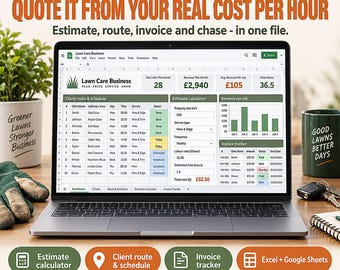
Lawn Care Business Spreadsheet | Landscaping Client Tracker Route Scheduler Invoice Estimate Calculator | Excel Google Sheets Template
Sale Price $12.59
Original Price $17.99
-
Digital download
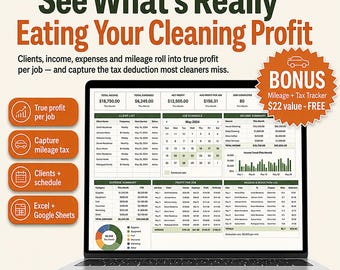
Cleaning Business Spreadsheet | Income & Expense Tracker, Client CRM Job Schedule | Excel Google Sheets House Cleaner Bookkeeping Template
Sale Price $10.49
Original Price $14.99
-
Digital download
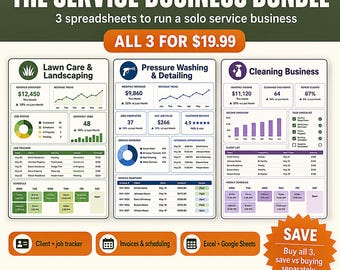
Service Business Spreadsheets | Lawn Care, Pressure Washing, Cleaning (Digital Download) | Handyman Job Tracker, Quote and Invoice
Sale Price $13.99
Original Price $19.99
-
Digital download
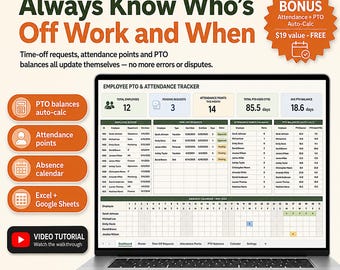
Employee PTO Tracker | Attendance Points, Leave Balances (Excel Google Sheets) | Vacation Days, Sick Leave, Staff Absence Tracker for HR
Sale Price $13.29
Original Price $18.99
-
Digital download
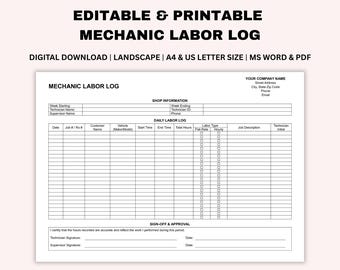
Editable Mechanic Labor Log, Printable Auto Shop Work Tracker, Garage Timesheet, Vehicle Service Record, Word, PDF, A4, US Letter
$1.25
-
Digital download
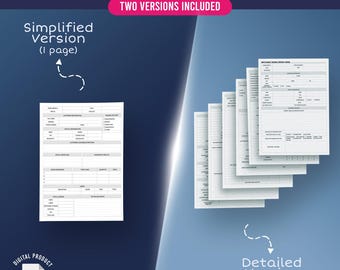
Mechanic Work Order Form | Vehicle Repair & Service Template PDF
Sale Price $2.10
Original Price $3.00
-

Digital download
Vehicle Repair Log. Car, Motorcyvle, Truck Repair Log. Vehicle Repair Records. Car Repair Tracker. Mechanic Reparir Log. Auto Repair Tracker
Sale Price $2.08
Original Price $4.17
-
Digital download
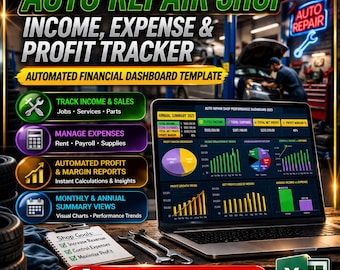
Auto Repair Shop Income, Expense & Profit Tracker | Automated Financial Dashboard Template
$51.71
-
Digital download
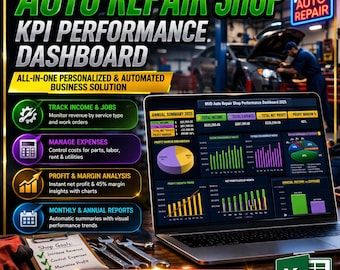
Auto Repair Shop KPI Performance Dashboard | All-In-One Personalized & Automated Business Solution
$51.71
-
Digital download
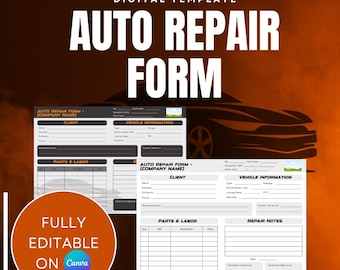
Auto Repair Form Template | Car Repair Work Order Printable (Black and White & Color) | Mechanic Invoice Sheet | Editable Canva Download
$1.50
-

Digital download
Car Repair Shop Website Mechanic Shop Schedule Website Template Auto Repair Shop Gift For Car Mechanic Automotive Repair Canva Template
Sale Price $8.93
Original Price $29.77
-
Digital download
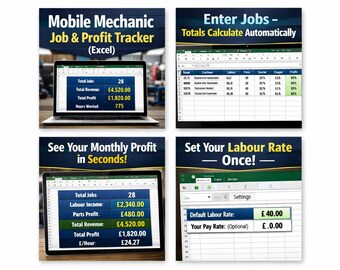
Mobile Mechanic Job & Profit Tracker (Excel) | Labour + Parts | Monthly Summary | UK GBP Spreadsheet
$13.83
-
Digital download
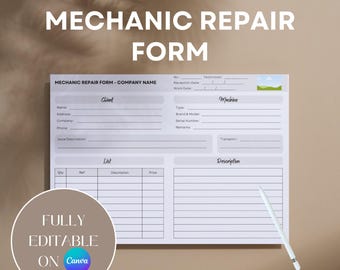
Mechanic Repair Form | Editable Work Order Template | Printable Canva Job Sheet
$1.40
-

Digital download
Car Repair Service Flyer: Auto Shop Advertising Template (PSD & Word)
$8.00
-
Digital download
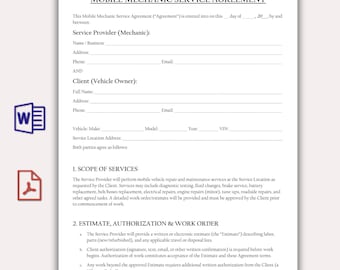
Mobile Mechanic Service Agreement Template, Editable Auto Repair Contract, Vehicle Maintenance Service Form, Car Repair Business Template
Sale Price $1.90
Original Price $3.81
-

Digital download
Auto Repair Service Flyer: MS Word & Photoshop Template
$8.00
Shoppers with similar taste loved these
-
Digital download
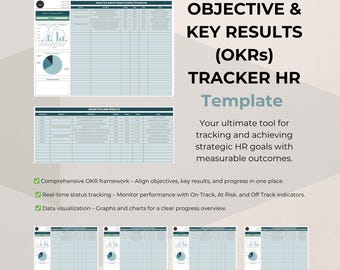
OKR Tracking Dashboard for Google Sheets — Goal Planner and Progress Manager
$11.99
-

Digital download
Dashi Data Infographic PowerPoint Template | Best PowerPoint Template, Easy to Edit, Professional PowerPoint Templates
$7.70
-

Digital download
Data Chart PowerPoint Templates
$10.00
-
Digital download
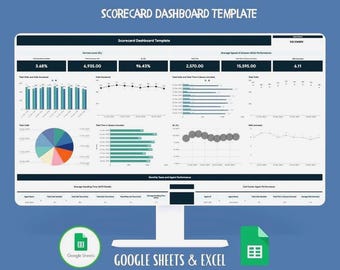
Scorecard Dashboard Google Sheets and Excel Template, KPI Tracker for Business Performance, Project Management, Team Productivity
Sale Price $5.80
Original Price $12.89
-
Digital download
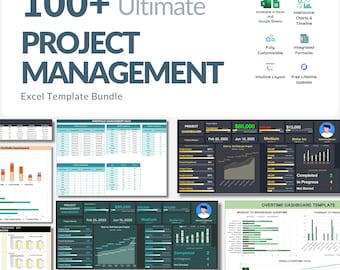
Excel Project Management Template Bundle: 100+ Automated Charts (Digital Download)
Sale Price $8.85
Original Price $22.14
-
Digital download
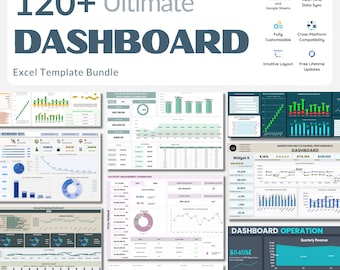
Excel Dashboard Templates – 120+ Powerful Spreadsheets with Automated Formulas, KPI Trackers & Interactive Charts for Smarter Data Insights
Sale Price $8.85
Original Price $22.14
-
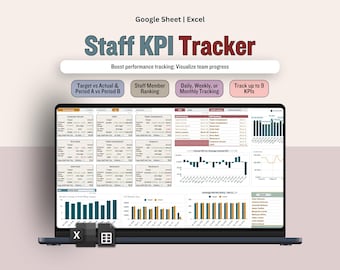
Digital download
Staff KPI Spreadsheet, KPI Dashboard, Multi-KPI Tracker, Timeframe Comparison, Employee & Team Performance Management, Managers Team Leads
Sale Price $8.50
Original Price $13.07
-
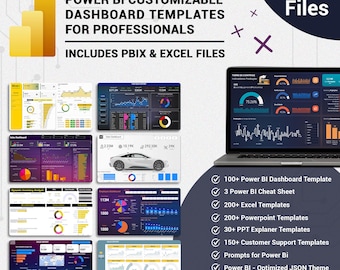
Digital download
Power BI Dashboard Templates: 100+ Customizable Data Analytics, Business, HR, Sales
Sale Price $25.00
Original Price $83.33
-
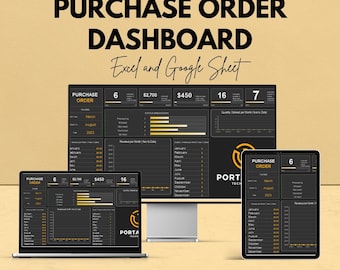
Digital download
Purchase Order Dashboard | Excel & Google Sheets Template | Track Orders, Revenue, and Status | Customizable Procurement Tool
Sale Price $5.76
Original Price $11.52
-
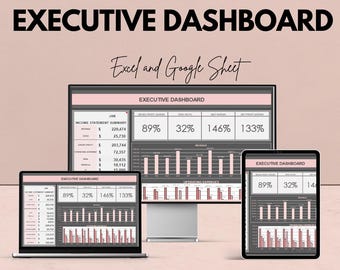
Digital download
Executive Dashboard Excel and Google Sheet Template - Financial Overview, Budget Analysis & Performance Tracker
Sale Price $5.76
Original Price $11.52
-
Digital download
Sample KPI Sheet - Excel & Google Sheet | Performance Metrics Dashboard | Business Goal Tracker | Excel KPI Template
Sale Price $5.76
Original Price $11.52
-
Digital download
CRM Dashboard Template for Sales and Customer Metrics | Google Sheet | Real-Time Data Visualization | Automated Tracking & Reporting
Sale Price $5.76
Original Price $11.52

