

Savings Goals Tracker Spreadsheet for Excel and Google Sheets, Sinking Funds Planner, Savings Challenge Progress Dashboard
NowPrice:$5.72
Original Price: $7.62
25% off
Sale ends in 5 days
You can only make an offer when buying a single item
Highlights
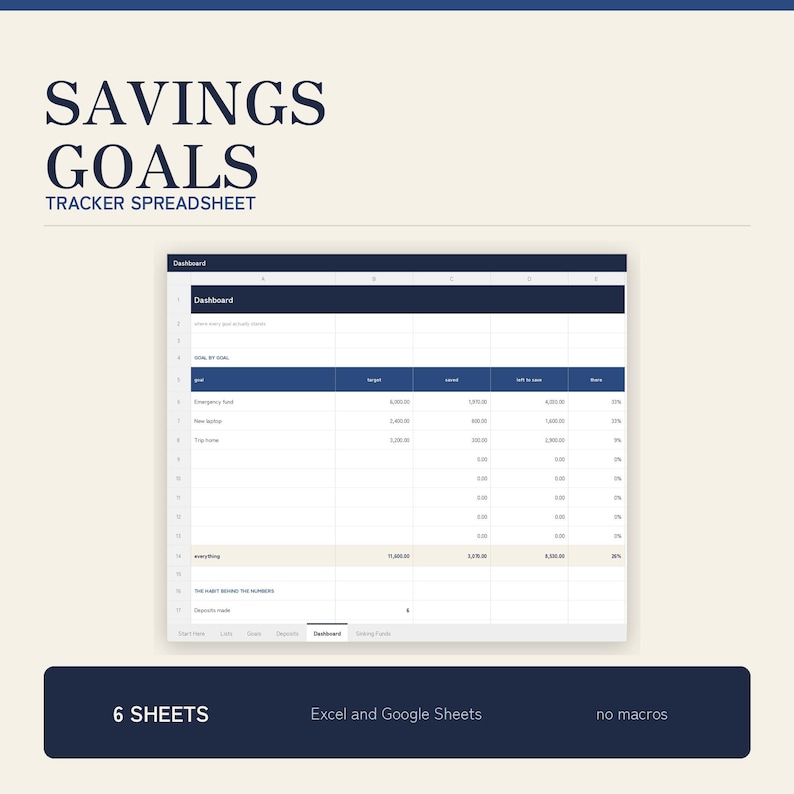
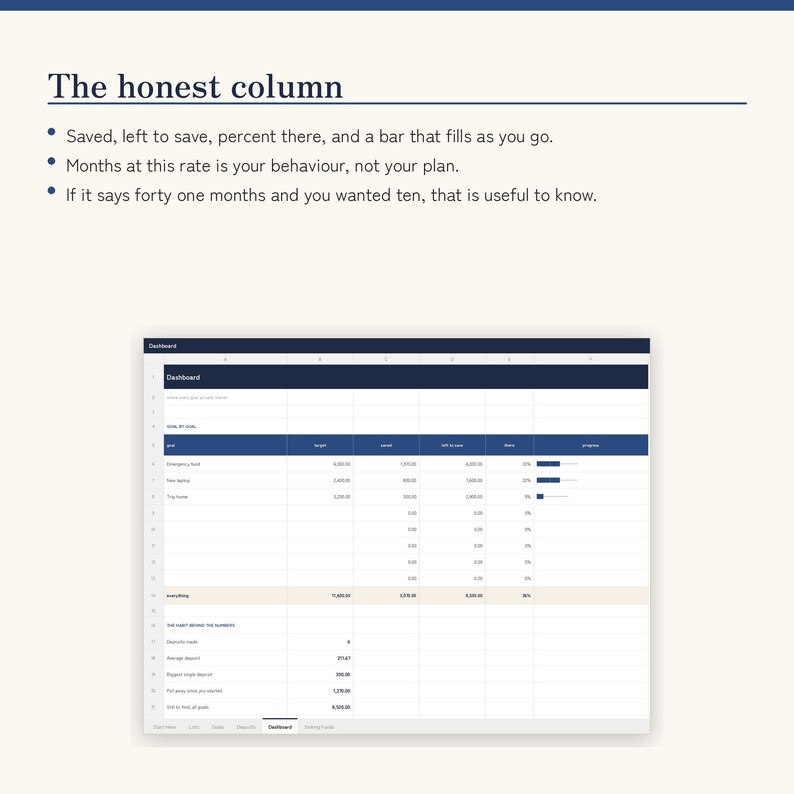
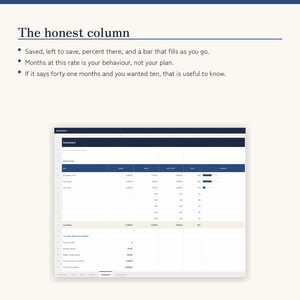
Every goal you are saving for, what is in it, what is left, and how long it actually takes at the rate you are actually going. That last one is the honest column.
WHAT YOU GET
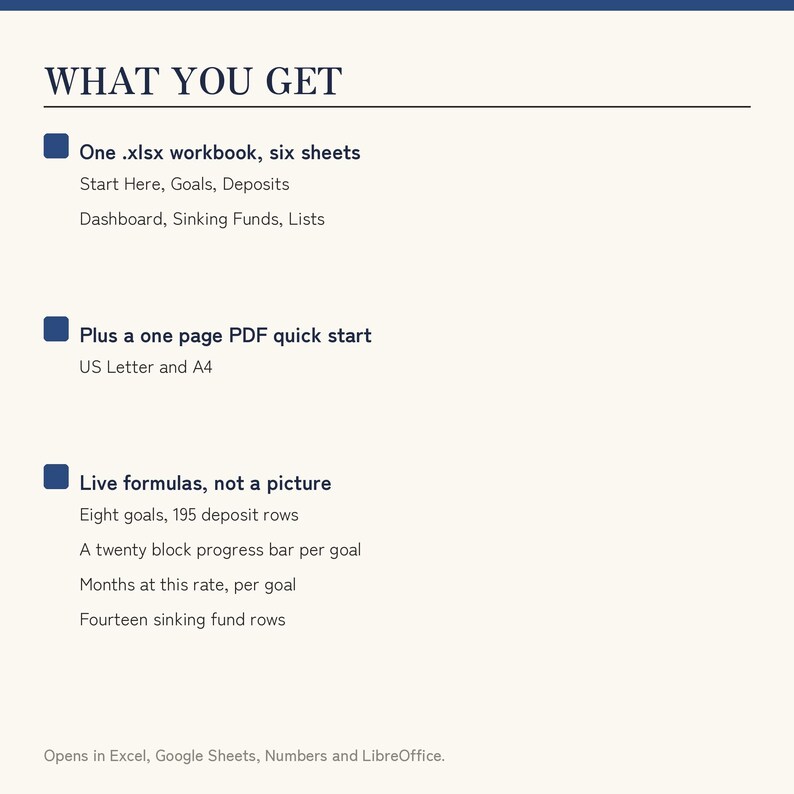
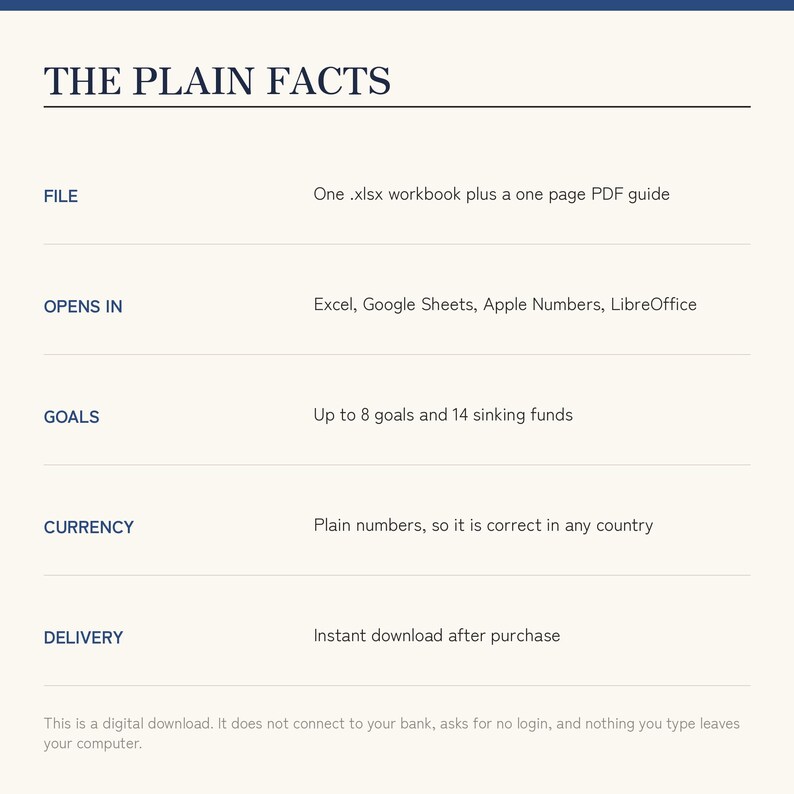
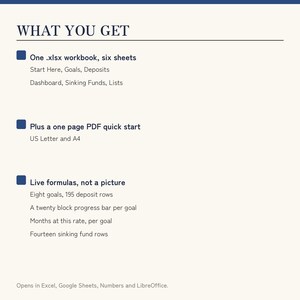
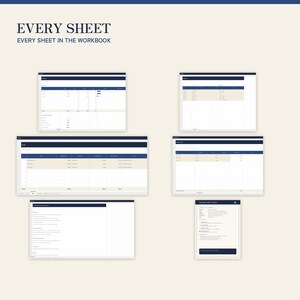
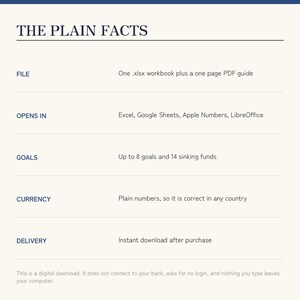
One .xlsx workbook with six sheets, plus a one page PDF quick start:
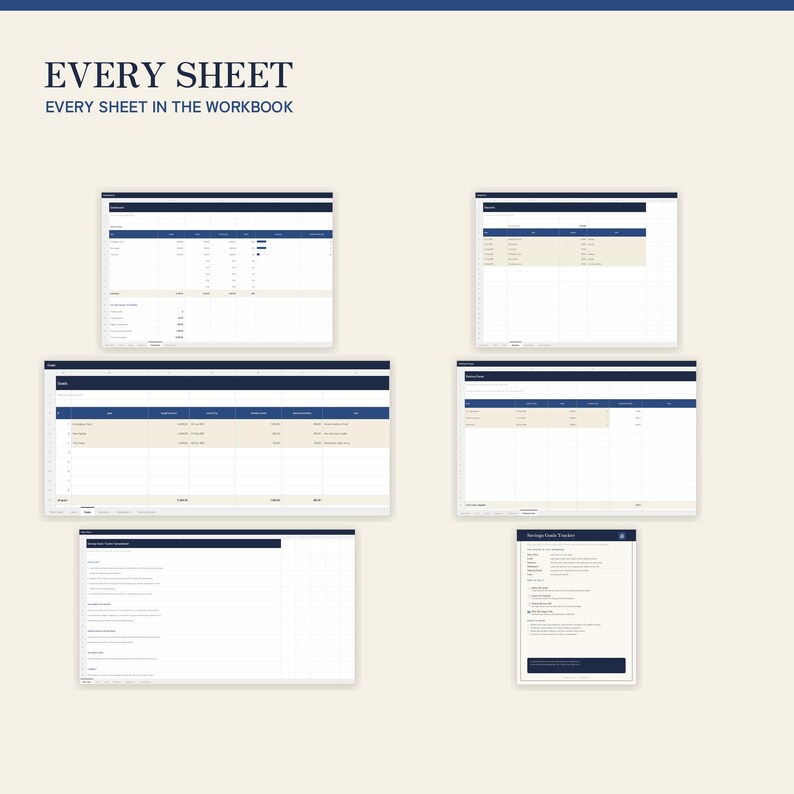
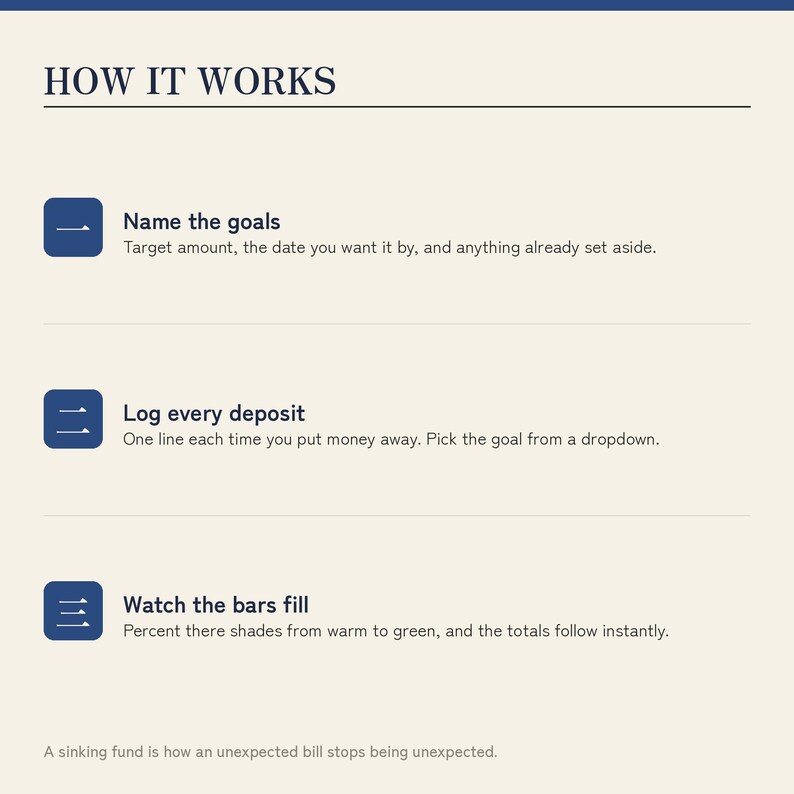
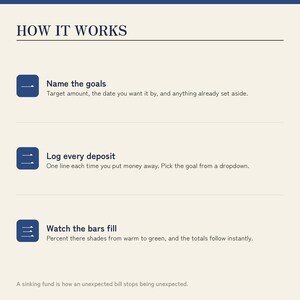
Start Here: how to use it, in four steps
Goals: eight goals, with target, date, what you have already put aside, and a planned monthly amount
Deposits: 195 rows, one line every time you put money away, with a goal dropdown that reads your own goal names
Dashboard: saved, left to save, percent there, a progress bar, and months at this rate, per goal, plus a chart
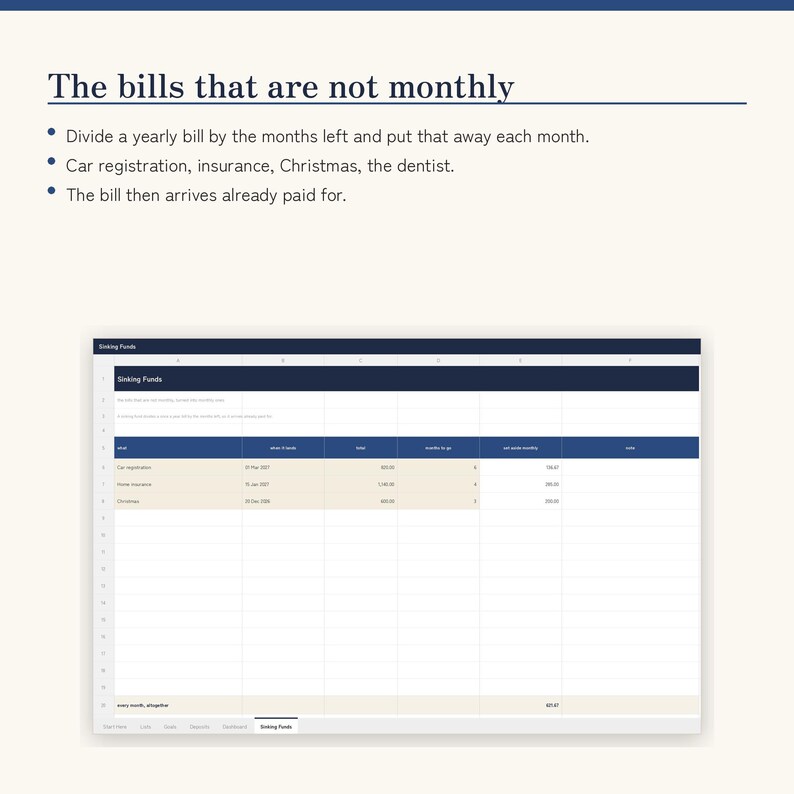
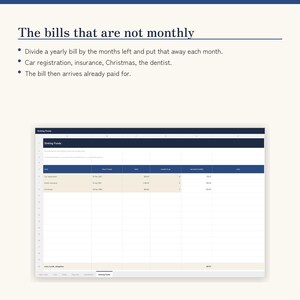
Sinking Funds: fourteen rows for the bills that are not monthly
Lists: the dropdown options
THE COLUMN THAT CHANGES BEHAVIOUR
Months at this rate is not your plan, it is your behaviour. If it says forty one months and you wanted the thing in ten, the sheet has told you something useful and slightly annoying, which is the whole point of writing it down.
SINKING FUNDS IN ONE SENTENCE
A sinking fund turns a once a year bill into a monthly one: divide the total by the months left, put that away each month, and the bill arrives already paid for. Car registration, insurance, Christmas, the dentist.
THE PROGRESS BARS ARE REAL
Each goal draws a twenty block bar from its own percentage, and the percent column shades from warm to green as it fills. It updates the moment you add a deposit.
HOW TO OPEN IT
The file is a standard .xlsx workbook with no macros, so it opens without a security warning.
Excel on Windows or Mac: double click it
Google Sheets: Drive, then New, then File upload, then open it and choose File, Save as Google Sheets. Formulas, dropdowns and colour rules all carry over
Apple Numbers: double click it and Numbers converts it on open
LibreOffice Calc and WPS Office: double click it
THE SAMPLE ROWS
The workbook ships with example rows, shaded cream, so every total and every chart has something to show you the moment you open it. Start Here says exactly which rows to delete when you want to begin your own. Nothing else needs changing.
CURRENCY
Money cells are formatted as plain numbers with no symbol, so the workbook is correct in every country. To show your own symbol, select the cells and use Format, Cells, Currency in Excel, or Format, Number, Currency in Google Sheets.
WHAT IT IS NOT
It does not connect to your bank, it asks for no login, there is no subscription, and nothing you type leaves your own computer. It is a file you own.
HOW THIS WAS MADE
This workbook was made by me with AI assistance, then hand corrected and checked formula by formula until every total on the dashboard added up against a worked example.
HOW TO DOWNLOAD
After you buy, open Etsy in a web browser and go to You, then Purchases and reviews, then Download. Please download in a browser rather than the Etsy phone app: the app often saves files somewhere you cannot get at them. The files stay in your Etsy account, so you can download them again any time.
This is a digital download. No physical item is shipped, so no refunds are issued once the files are delivered. For personal use. Any question before you buy is welcome, and if something goes wrong after you buy, message me first and I will help.
Instant Download
Your files will be available to download once payment is confirmed. Here's how.
Instant download items don’t accept returns, exchanges or cancellations. Please contact the seller about any problems with your order.
Etsy Purchase Protection
Shop confidently on Etsy knowing if something goes wrong with an order, we've got your back for all eligible purchases —
see program terms

Be the first to review this item

More from this shop
Visit shop-

Digital download
Kakeibo Budget Planner Printable, Japanese Money Saving Method, Monthly Budget Template, Weekly Spending Log PDF, US Letter and A4
Sale Price $4.16
Original Price $5.54
-

Digital download
Annual Kakeibo Budget Planner Printable, Japanese Money Saving Method, 12 Month Expense Tracker and Sinking Funds PDF, Letter A4
Sale Price $5.20
Original Price $6.93
-

Digital download
No Spend Challenge Tracker Printable, 31 Day Frugal Living Money Saving Log PDF, Minimalist Budget Binder Page, US Letter A4
Sale Price $2.59
Original Price $3.46
-

Digital download
Weekly Budget Planner Printable, Kakeibo Style Spending Log PDF, Needs Wants Culture Unexpected Tracker, US Letter A4 Download
Sale Price $2.59
Original Price $3.46
-
Digital download
Savings Tracker, Sinking Funds, Excel 365 Budget Planner, Budget Template, Budget Spreadsheet, Savings Template, Savings Spreadsheet
Sale Price $5.16
Original Price $10.32
-
Digital download
Savings Goal Tracker Excel Spreadsheet, 30 Savings Goals, Sinking Funds Planner and Monthly Progress Tracker
Sale Price $5.99
Original Price $7.99
-
Digital download
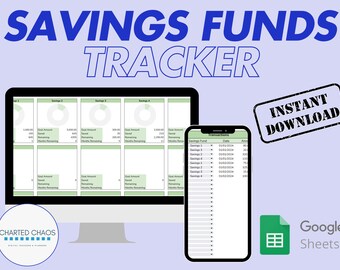
Savings Tracker Google Sheets Template | Track 20 Funds, Dashboard & Progress Charts | Digital Download
$5.86
-

Digital download
Savings Goal Tracker Excel Spreadsheet, 20 Savings Goals, Sinking Funds Planner and Monthly Progress Tracker
Sale Price $4.49
Original Price $5.99
-
Digital download
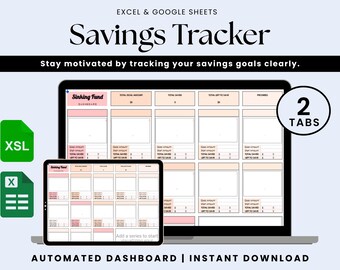
Savings Tracker Spreadsheet: Digital Goal Planner for Google Sheets
$7.34
-
Digital download
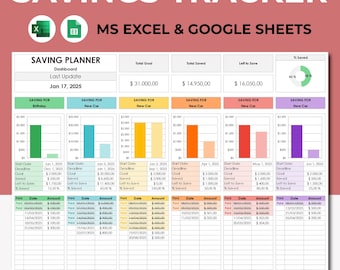
Savings Tracker Spreadsheet Excel & Google Sheets, Budget Planner, Savings Spreadsheet, Sinking Fund Dashboard, Saving Goals Template
Sale Price $4.30
Original Price $8.60
-
Digital download
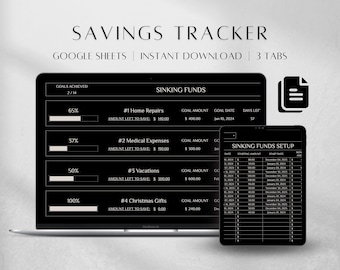
Sinking Funds Tracker Spreadsheet , Google Sheets Savings Goals 2027 planner
Sale Price $2.75
Original Price $9.17
-
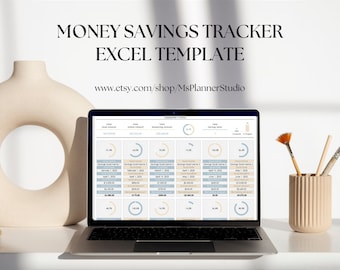
Digital download
Money Savings Tracker Excel Template: Financial Goal Spreadsheet
$8.76
-
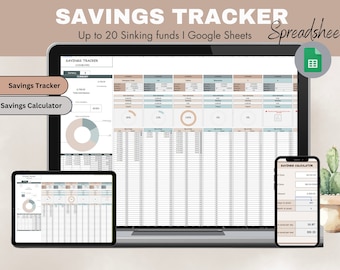
Digital download
Simple Savings Tracker, Sinking Fund Budget Spreadsheet, Financial Planner, Saving Challenge Google Sheet, Personal Finance, Budgeting Tool
Sale Price $4.09
Original Price $5.46
-
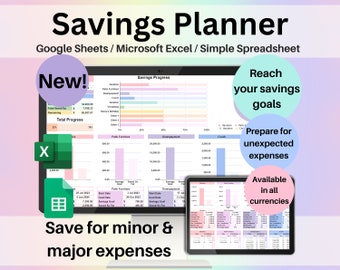
Digital download
Savings Planner Spreadsheet Google Sheets & Excel | Savings Goal Tracker, Fund Calculator, Financial Planning Template
Sale Price $4.92
Original Price $9.83
-
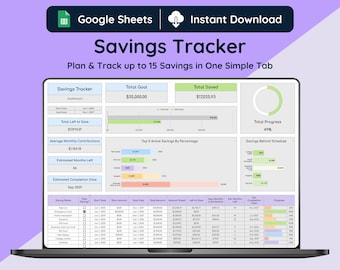
Digital download
Savings Tracker Spreadsheet, Light Mode, Google Sheets Template (Digital Download), Sinking Funds Tracker
Sale Price $5.14
Original Price $10.27
-

Digital download
Savings Tracker Excel Spreadsheet, Weekly Savings Contributions Calculator, Goal Planner and Progress Tracker
Sale Price $4.87
Original Price $6.50
Shoppers with similar taste loved these
-
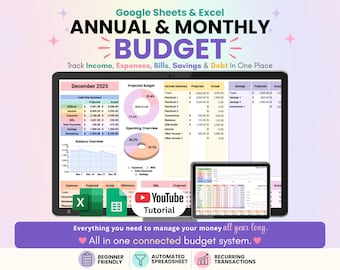
Digital download
Annual & Monthly Budget Spreadsheet | Google Sheets and Excel Financial Planner Template | Monthly Income, Expense and Bill Tracker
Sale Price $12.58
Original Price $25.17
-
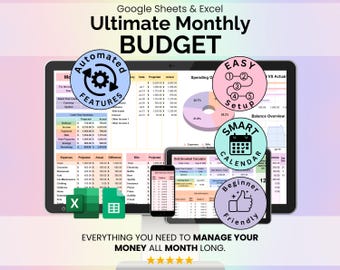
Digital download
Ultimate Monthly Budget Spreadsheet Google Sheets Excel Template Digital Financial Planner Debt Snowball Sinking Fund Subscription Tracker
Sale Price $10.49
Original Price $20.99
-
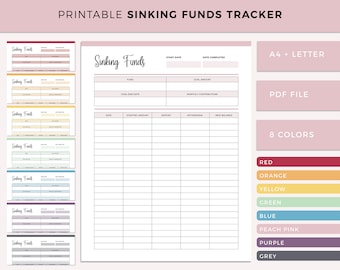
Digital download
Sinking Funds Tracker Printable, Savings Tracker PDF, Budget Planner, Savings Challenge, Finance Planner, Savings Goal, A4 US Letter
Sale Price $0.69
Original Price $2.77
-
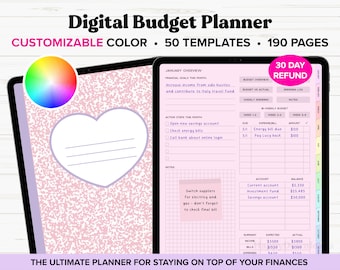
Digital download
Digital Budget Planner, Budget Tracker, Digital Finance Planner, Monthly Budget Planner, Goodnotes Planner, Budget Template, Finance Tracker
Sale Price $8.22
Original Price $16.44
-
Digital download
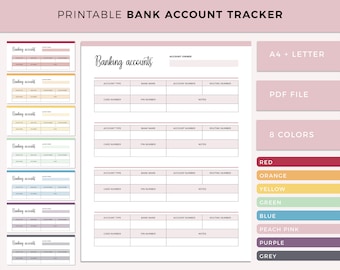
Bank Account Tracker Printable, Banking account Information Sheet, Bank Account List, Banking Account Log, Bank Account Details, A4 / Letter
Sale Price $0.87
Original Price $3.47
-
Digital download
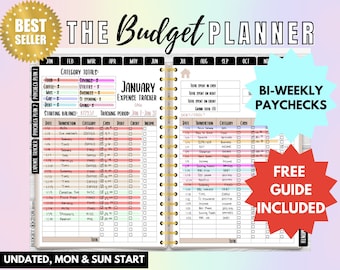
Biweekly Budget Planner Digital Book Bill Tracker Debt Snowball Financial Planner Paycheck Budget Remarkable 2 Planner Bill Calendar Budget
Sale Price $19.00
Original Price $27.15
-

Digital download
Digital Budget Planner, Paycheck Bi Weekly Budget, Bill Tracker, Debt Payoff Tracker (Digital Download)
Sale Price $3.99
Original Price $7.99
-
Digital download
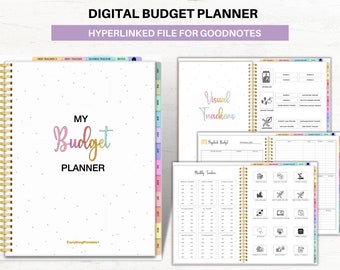
Digital Budget Planner: GoodNotes Finance Tracker (Hyperlinked PDF)
Sale Price $3.50
Original Price $7.00
-
Digital download
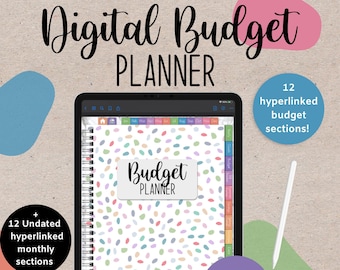
Digital budget planner, paycheck planner, iPad budget planner, finance budget planner,mom, goodnotes, debt, savings, sinking funds, budget
$15.00
-

Digital download
Ultimate Budget for Couples Spreadsheet Google Sheets & Excel | Dual Income Planner, Shared Bills, Savings and Debt Tracker
Sale Price $10.49
Original Price $20.99
-
Digital download
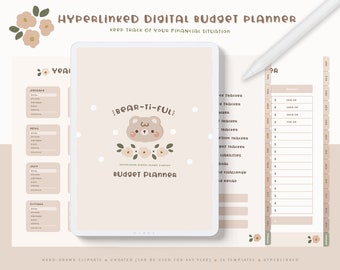
Cute Digital Budget Planner Goodnotes/ Budget Planner Digital/ Cute Digital Budget Planner Ipad/ Digital Finance Planner Ipad Budget Planner
Sale Price $7.70
Original Price $10.27
-
Digital download
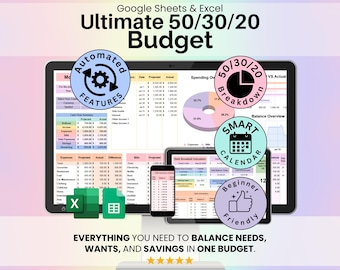
Ultimate 50/30/20 Budget Spreadsheet Google Sheets & Excel | Bills Calendar, Subscription Tracker, Debt Snowball and Savings Planner
Sale Price $10.49
Original Price $20.99


