

Budget Digital Stickers, 60 Pre Cropped Goodnotes Money Stickers, Transparent PNG Finance Planner Stickers for iPad, Instant Download
NowPrice:$2.91
Original Price: $3.88
25% off
Sale ends in 5 days
You can only make an offer when buying a single item
Highlights
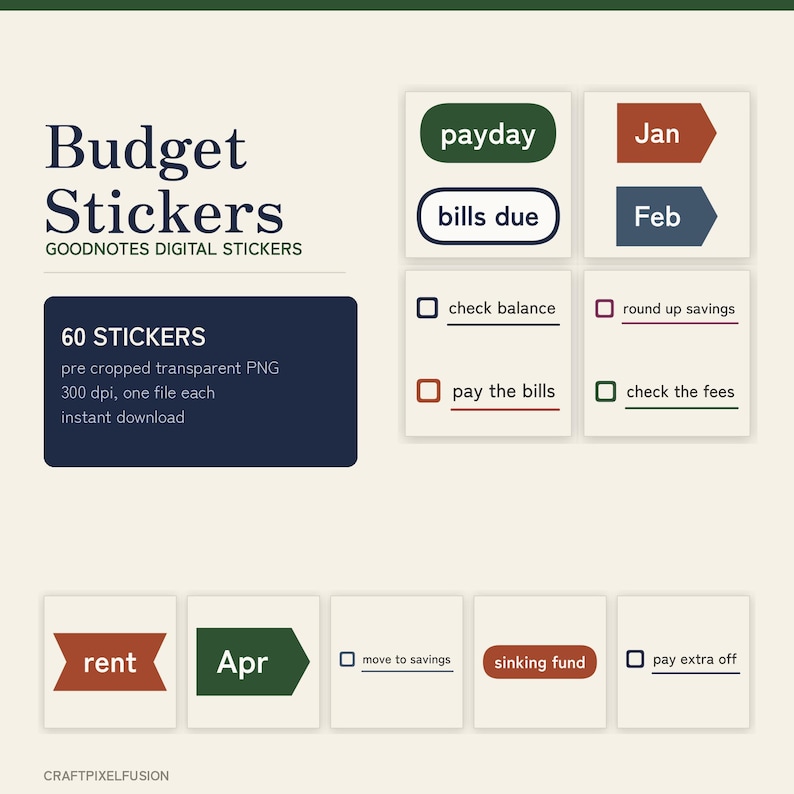
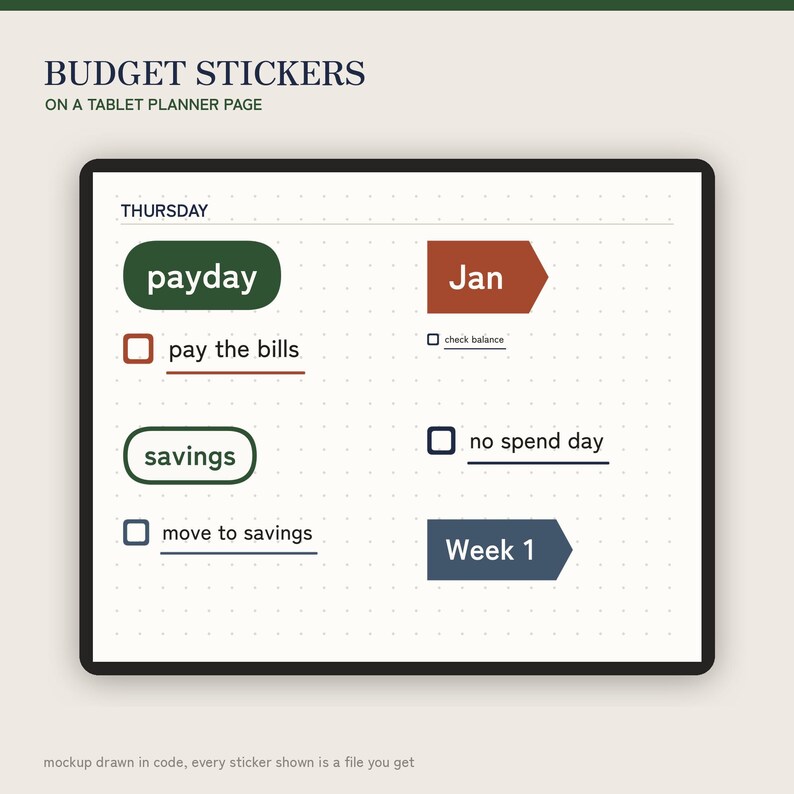
Money pages go stale because writing the same six words every month is dull. Sixty stickers here for the ones that repeat: payday, bills due, no spend, saved, on track.
WHAT YOU GET
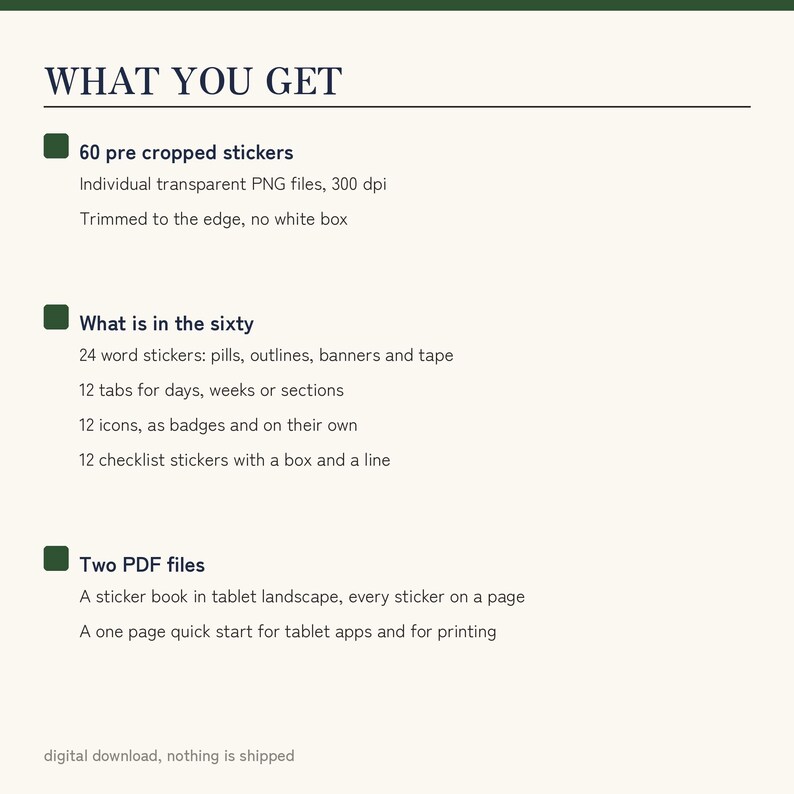
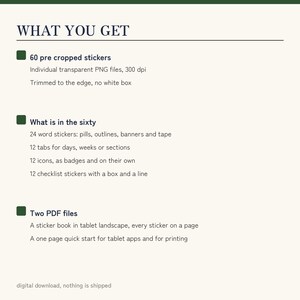
Three files, delivered the moment you pay:
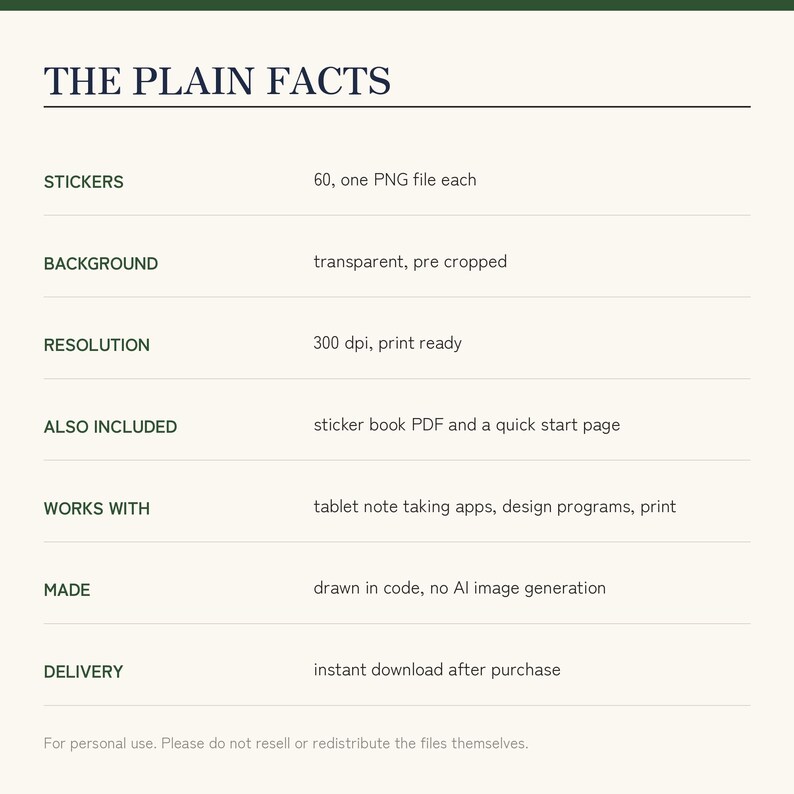
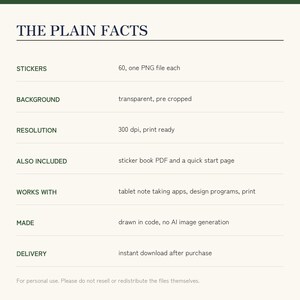
A zip folder holding 60 stickers as individual PNG files, 300 dpi, transparent background, each one cropped to its own edge
A sticker book PDF in tablet landscape with every sticker on it, for lassoing and pasting straight into a planner
A one page quick start for tablet apps, for computers and for printing
THE SIXTY STICKERS
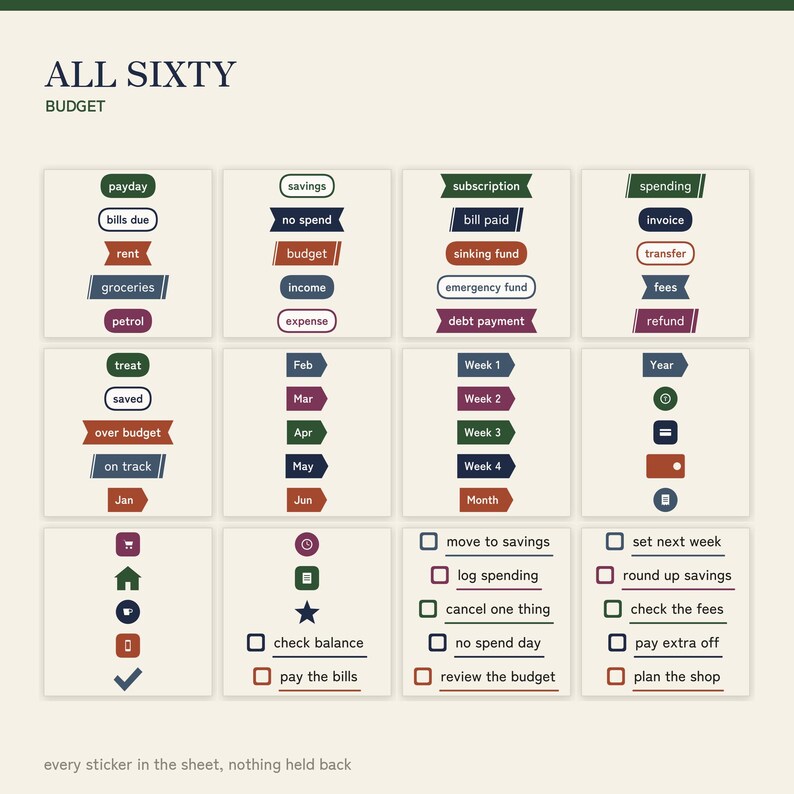
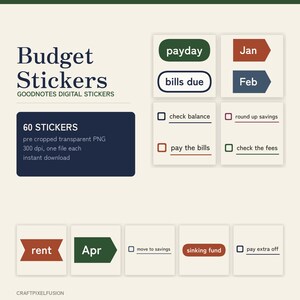
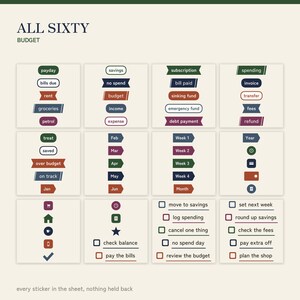
24 word stickers in four shapes: filled pills, outlined pills, ribbon banners and washi tape strips
12 tabs, the pointed markers that sit on the edge of a page
12 icons, some in filled badges and some on their own
12 checklist stickers, a box and a ruled line ready to write on
WHAT IS ON THIS SHEET
Payday, bills due, rent, groceries, petrol, savings, no spend, budget, income, expense, subscription, bill paid, sinking fund, emergency fund, debt payment, spending, invoice, transfer, fees, refund, treat, saved, over budget and on track. Month and week tabs, twelve money icons and twelve checklist stickers for the weekly money routine.
PRE CROPPED, AND WHY THAT MATTERS
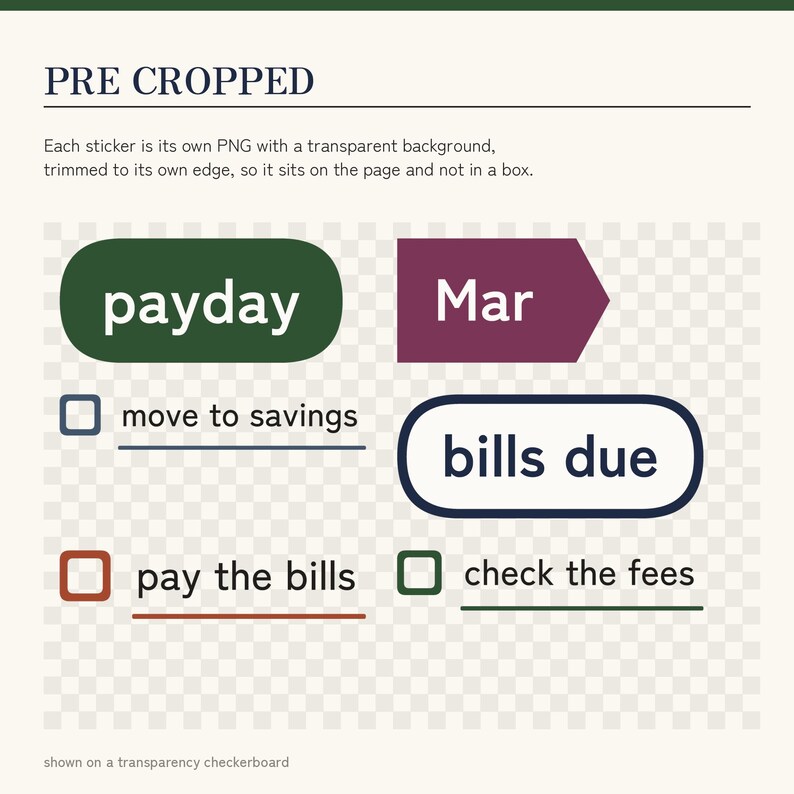
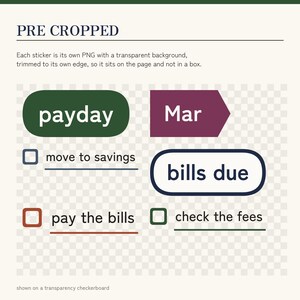
Each sticker is its own PNG trimmed to its own outline, so when you drop it into a planner it sits on the page instead of inside a white box you then have to hide. That is the difference between a sticker you use and a sticker you fight.
HOW TO USE THEM
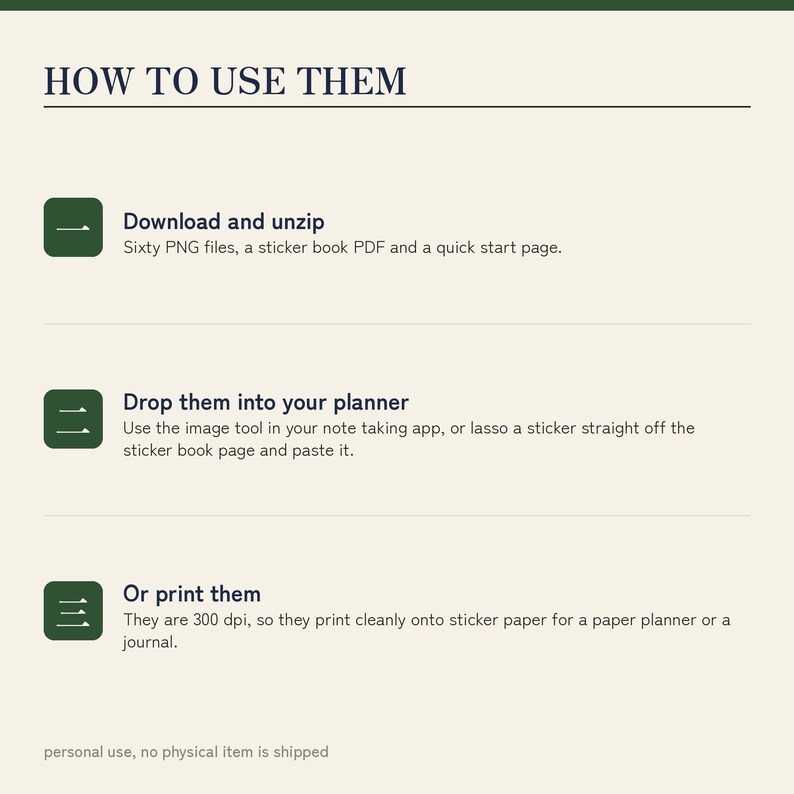
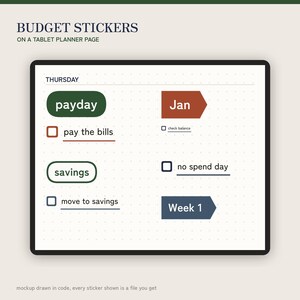
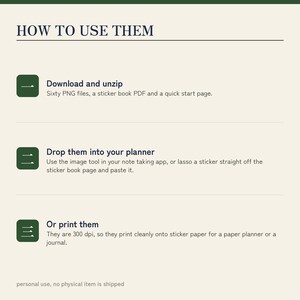
On a tablet, unzip the folder into your files app, then add a sticker with the image tool in your note taking app and drag the corners to size it. You can also open the sticker book PDF beside your planner, lasso a sticker and paste it, which is quicker when you want a lot of them. On a computer they drop into any program that takes an image. They are 300 dpi, so they also print cleanly onto sticker paper for a paper planner.
HOW THESE WERE MADE
Every sticker is drawn by code: the words are set in open source type licensed for commercial use and the icons are built from curves, not traced from anything. I wrote that code with AI assistance. Nothing here was generated by an AI image tool, and no clip art was bought in.
COMPATIBILITY NOTE
Goodnotes, Notability and iPad are trademarks of their owners. This shop is independent and is not affiliated with them or endorsed by them. What you are buying is a set of transparent PNG files, so they work in any app or program that lets you place an image.
USE
For personal use, in your own planner, journal or documents. Please do not resell or redistribute the sticker files themselves and please do not use them in a product of your own.
HOW TO DOWNLOAD
After you buy, open Etsy in a web browser and go to You, then Purchases and reviews, then Download. Please download in a browser rather than the Etsy phone app: the app often saves files somewhere you cannot get at them. The files stay in your Etsy account, so you can download them again any time.
This is a digital download. No physical item is shipped, so no refunds are issued once the files are delivered. Any question before you buy is welcome, and if something goes wrong after you buy, message me first and I will help.
Instant Download
Your files will be available to download once payment is confirmed. Here's how.
Instant download items don’t accept returns, exchanges or cancellations. Please contact the seller about any problems with your order.
Etsy Purchase Protection
Shop confidently on Etsy knowing if something goes wrong with an order, we've got your back for all eligible purchases —
see program terms

Be the first to review this item

More from this shop
Visit shop-

Digital download
Green Ribbon Tumbler Wrap: Celiac Disease Awareness (Digital Download)
Sale Price $3.63
Original Price $4.85
-
Digital download
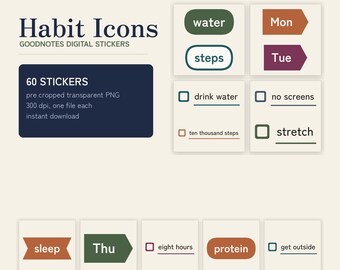
Habit Tracker Digital Stickers, 60 Pre Cropped Goodnotes Icon Stickers, Transparent PNG Planner Stickers for iPad, Instant Download
Sale Price $2.91
Original Price $3.88
-
Digital download
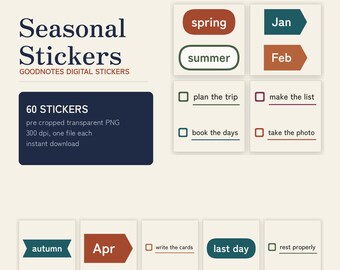
Seasonal Digital Stickers, 60 Pre Cropped Goodnotes Stickers, Transparent PNG Month and Holiday Planner Stickers for iPad, Instant Download
Sale Price $2.91
Original Price $3.88
-
Digital download
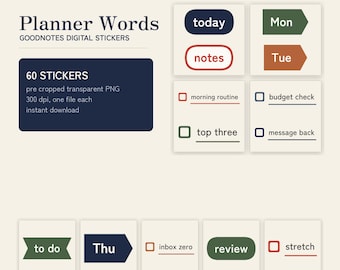
Planner Words Digital Stickers, 60 Pre Cropped Goodnotes Stickers, Transparent PNG Planner Stickers for iPad and Tablet, Instant Download
Sale Price $2.91
Original Price $3.88
-
Digital download
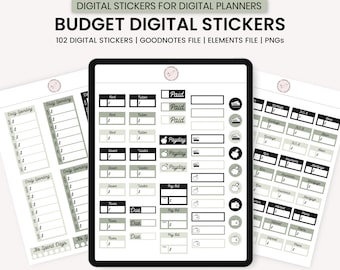
Digital Budget Stickers, Digital Finance Stickers, GoodNotes Digital Stickers, Digital Planner Stickers, GoodNotes Elements, Digital Widgets
$2.83
-
Digital download
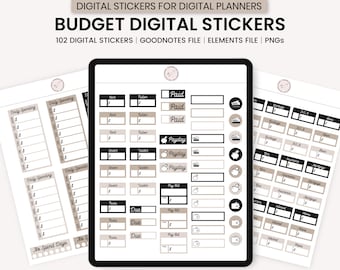
Digital Budget Stickers, Digital Finance Stickers, GoodNotes Digital Stickers, Digital Planner Stickers, GoodNotes Elements, Digital Widgets
$2.83
-
Digital download
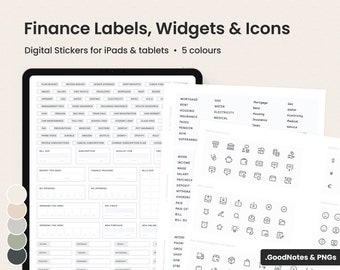
Digital Finance Stickers | Money Financial Budget GoodNotes Sticker Sheets | iPad Tablet Sticker Book | Minimalist Planner Widgets & PNGs
$3.47
-
Digital download
Digital Budget Stickers, Digital Finance Stickers, GoodNotes Digital Stickers, Digital Planner Stickers, GoodNotes Elements, Digital Widgets
$2.83
-
Digital download
Finance stickers for Goodnotes
$3.00
-
Digital download
Finance Digital Sticker Pack for Digital Planners, GoodNotes Stickers, Icons, Widgets, Labels, Words, Pre-Cropped, Individual PNG, Coloring
Sale Price $1.74
Original Price $4.98
-
Digital download
Budgeting Stickers | Digital Stickers for Goodnotes | PNG Digital Stickers| Goodnotes Planner sticker|pre-cropped stickers | Clipart
Sale Price $1.12
Original Price $3.50
-
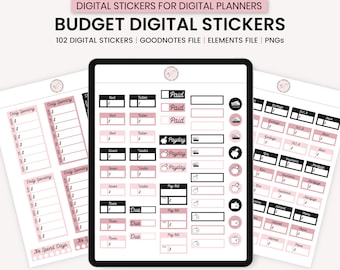
Digital download
Digital Budget Stickers, Digital Finance Stickers, GoodNotes Digital Stickers, Digital Planner Stickers, GoodNotes Elements, Digital Widgets
$2.83
-
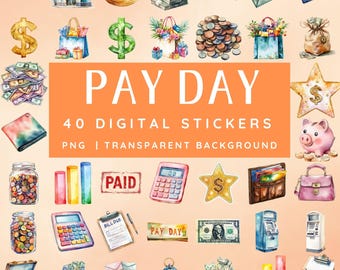
Digital download
Pay Day Digital Planner Stickers, Goodnotes Money Stickers, Financial Stickers for Ipad, Budgeting Embellishments Finance Stickers, Bank
Sale Price $1.75
Original Price $2.50
-

Digital download
Finance Stickers (Earthy) - GoodNotes Planners Notebook - Budgeting Tracking Calendar Stickers | INSTANT DOWNLOAD
$4.86
-
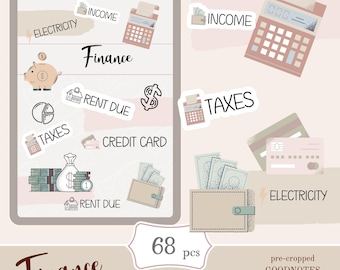
Digital download
Finance Goodnotes Stickers | Digital Planner, Budget (PNG, PDF)
Sale Price $2.14
Original Price $2.87
-
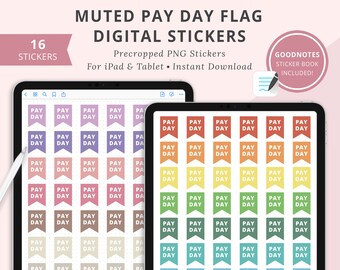
Digital download
Goodnotes Digital Planner Stickers, iPad Digital Stickers, iPad Stickers, Pay Day Stickers, Pay Bill Stickers, Financial Stickers, Finance
$2.99
Shoppers with similar taste loved these
-
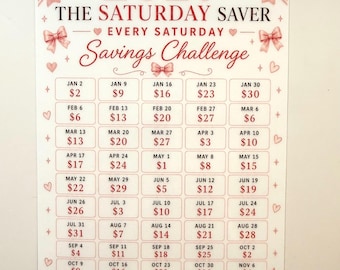
2027 Saturday Saver Savings Challenge a5 size (fits best in a5 envelope)
$8.50
-
a5 100 Envelope Challenge bow square dashboard
$11.50
-
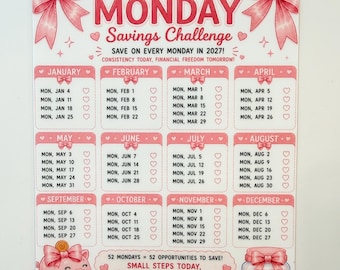
Mini Monday Savings Challenge a5 size (fits best in a5 envelope)
$7.00
-
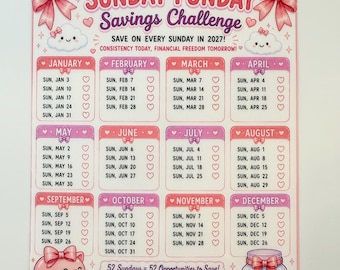
2027 Sunday Funday Savings Challenge a5 size (fits best in a5 envelope)
$7.00
-
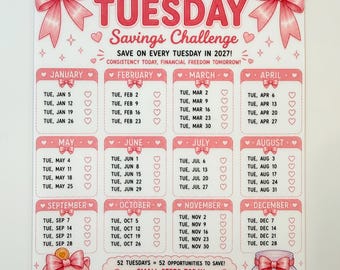
Tiny Tuesday Savings Challenge a5 size (fits best in a5 envelope)
$7.00
-
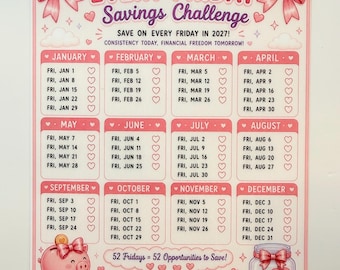
Every Friday Savings Challenge a5 size (fits best in a5 envelope)
$7.00
-
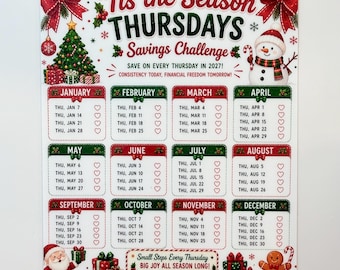
Tis the Season Savings Challenge a5 size (fits best in a5 envelope)
$7.00
-
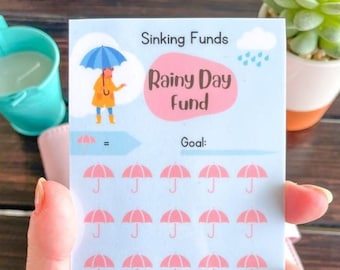
Rainy Day l Everyday Savings Challenge | Sinking Funds | Money Tracker | Laminated | For cash envelope Insert | Fits A6 Binder | Reusable
Sale Price $4.29
Original Price $4.76
-
Digital download
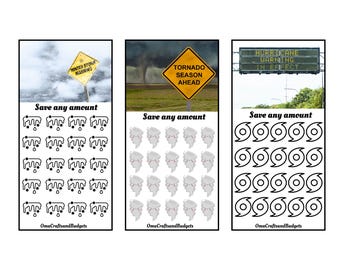
Prepare for a Disaster savings challenge
$3.00
-
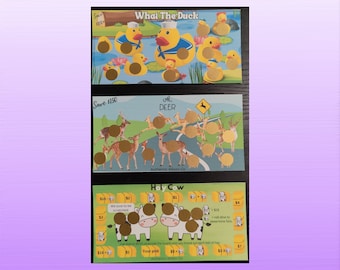
A6 Emergency Fund Savings Challenge Bundle | Scratch and Save Trackers
Sale Price $3.75
Original Price $5.00
-
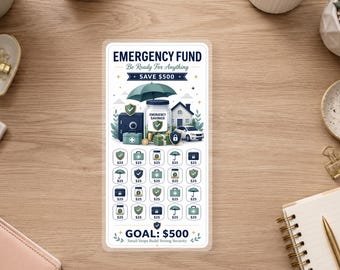
Emergency Fund Savings Challenge | 500 Emergency Savings Tracker | Cash Stuffing Challenge | Financial Security Fund
Sale Price $2.94
Original Price $3.67
-
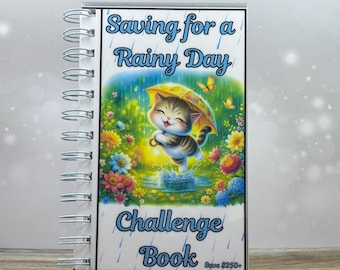
Saving for a Rainy Day Challenge book
$15.00


