


NowPrice:$17.60
Original Price: $22.00
20% off
Sale ends on October 17
Markup and Margin Calculator, Excel and Google Sheets: Overhead, Break Even Sales, Job Price Checker
Here's what's eligible:
- Your order doesn't match the item description or photos
- Your item arrived damaged
- Your item arrived after the estimated arrival window
- Your item didn't arrive or was lost in the mail
You can only make an offer when buying a single item
Highlights
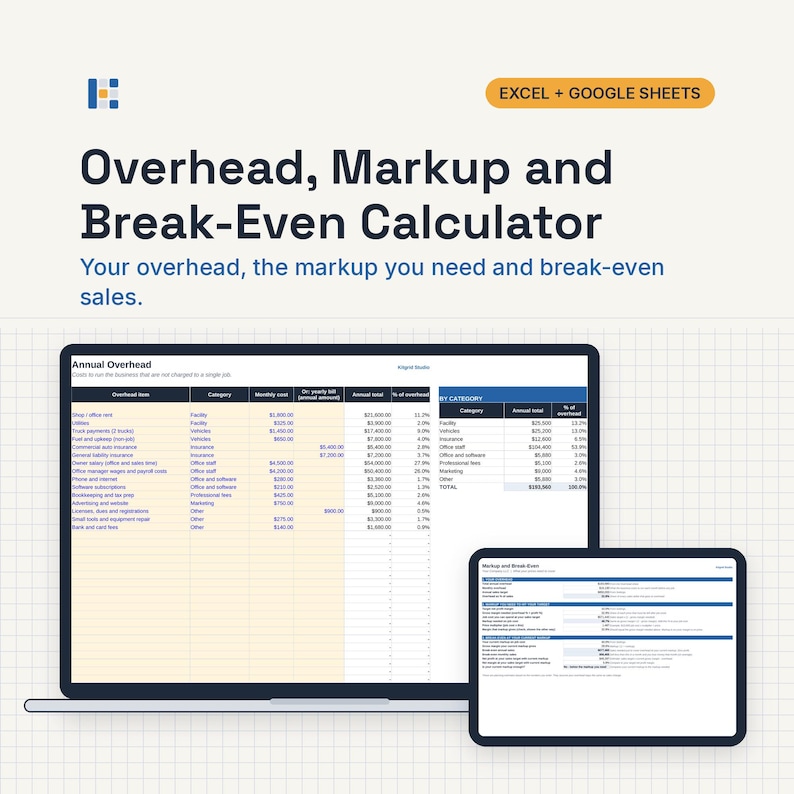
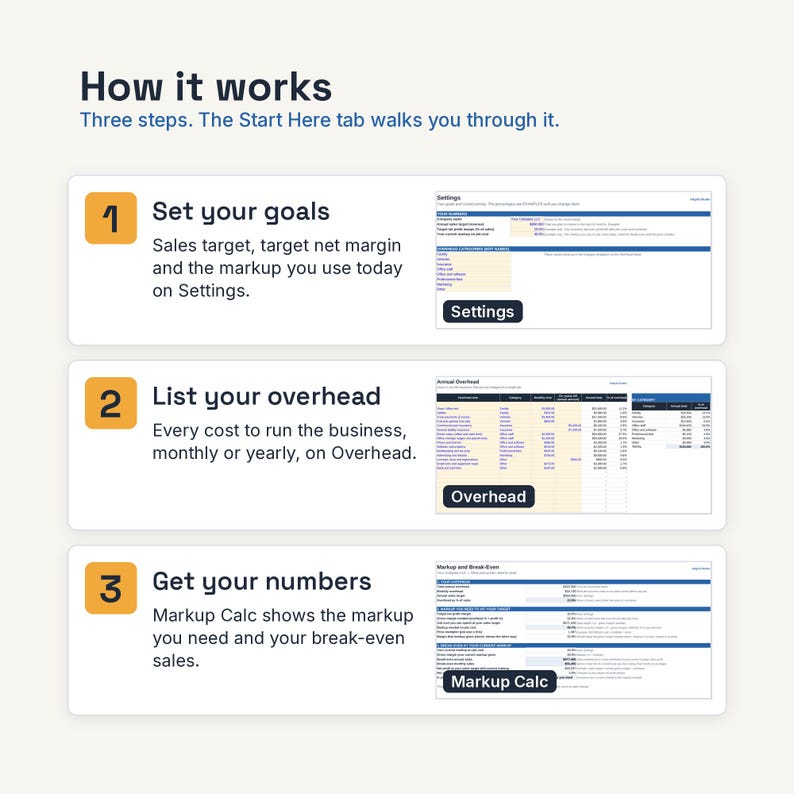
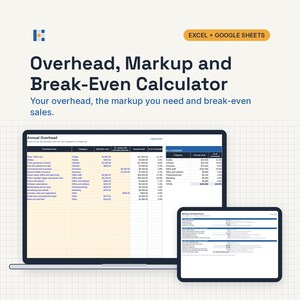
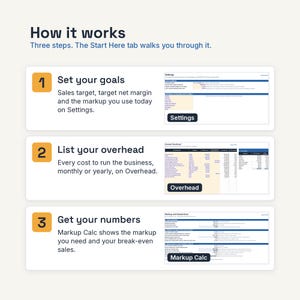
Add up your overhead, find the markup you need to hit your profit goal, see your break-even sales, and check any quote against your target.
What it does
• List up to 40 overhead items as a monthly cost or a yearly bill, grouped into 8 categories you can rename.
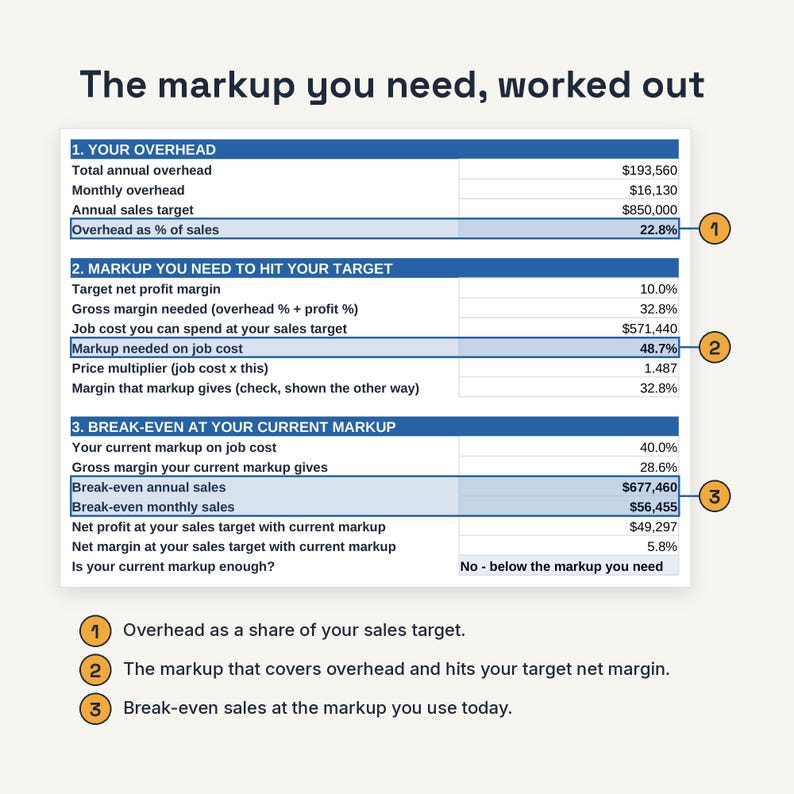
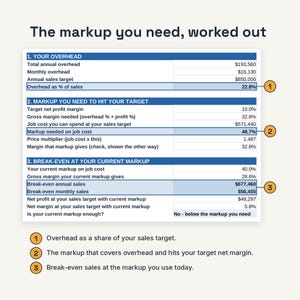
• Shows overhead as a % of your sales target and the markup you need to hit your target net margin.
• Shows break-even sales per year and per month at your current markup.
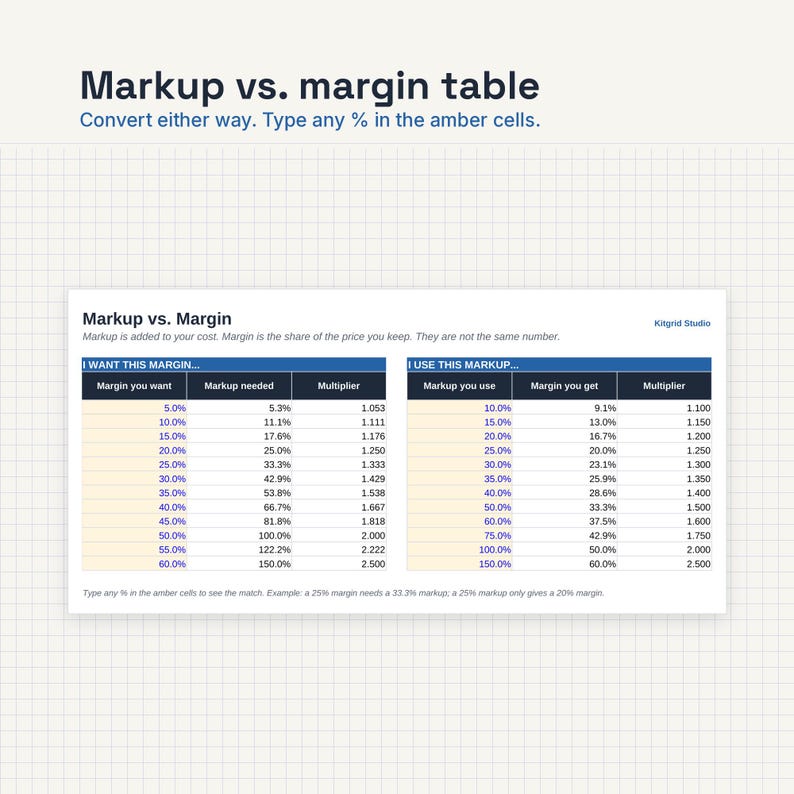
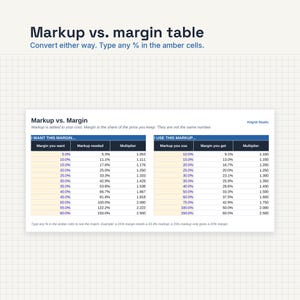
• Two conversion tables: margin to markup and markup to margin, with multipliers.
• Check up to 25 quotes: enter costs and see price, profit, margin and whether it meets your target.
What's inside
One ZIP file (KitgridStudio-15-markup-margin-calculator.zip) with:
• KitgridStudio-15-markup-margin-calculator.xlsx for Microsoft Excel
• KitgridStudio-15-markup-margin-calculator-GoogleSheets.xlsx for Google Sheets
• KitgridStudio-15-markup-margin-calculator-HowTo.pdf: setup steps, the cells you edit, and how to open the kit in Google Sheets
• KitgridStudio-License.pdf: your license terms
• KitgridStudio-Download-Instructions.pdf: how to download and open the files
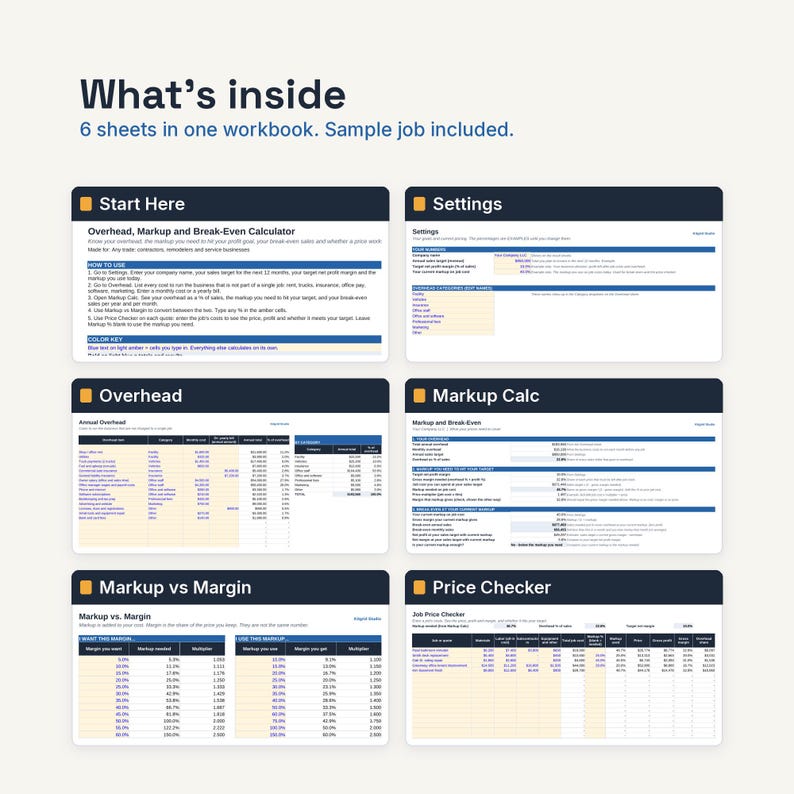
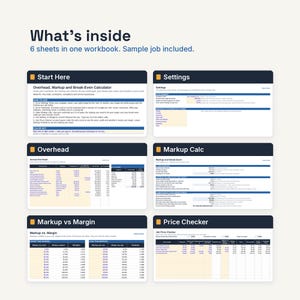
Tabs in the workbook
• Start Here: 5 setup steps and the exact cells you fill in.
• Settings: company name, 12-month sales target, target net margin, current markup, 8 overhead category names.
• Overhead: 40 lines with annual totals and totals by category.
• Markup Calc: overhead %, markup needed and break-even sales.
• Markup vs Margin: two tables of 12 rows each. Type any % in the amber cells.
• Price Checker: 25 jobs with price, profit, margin and a target check.
Sample data: A small contractor's overhead list and a few sample quotes. Type over it with your own numbers.
Tested before release
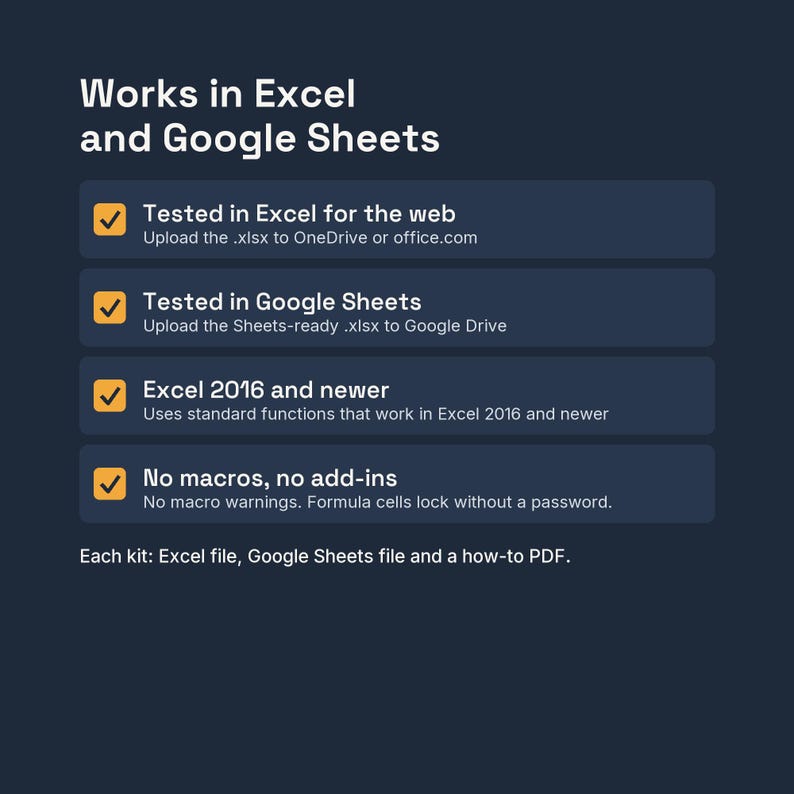
Both files were tested with the sample data in Excel (Excel for the web) and Google Sheets: all 22 expected results matched (totals, single rows, blank rows, cross-sheet values and percentages, each worked out separately), with no formula errors across 415 formulas.
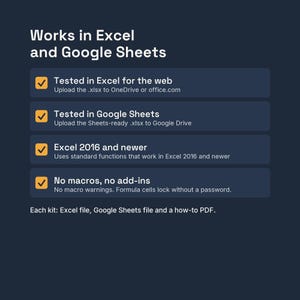
No macros, no add-ins, no external links. Input cells are blue text on light amber. In the Excel file, formula cells are locked with no password so they don't get typed over by accident.
Who it's for
Contractors, remodelers and service businesses setting or checking their prices.
Not the right fit if
You want a profit and loss statement from your books. This works from numbers you enter, not from accounting software.
Works with
Tested in Excel for the web and Google Sheets. Uses standard functions that work in Excel 2016 and newer.
• Excel on the web (free Microsoft account): Yes
• Google Sheets (free Google account): Yes. Upload the Google Sheets file to Google Drive and open it with Google Sheets
• Excel or Google Sheets phone and tablet apps: Opens and edits. Setup and printing are easier on a computer
• Apple Numbers: Not supported. It may open the file, but some formulas and formatting may not carry over
• LibreOffice: Not tested
How delivery works
• Instant digital download. Nothing ships.
• After checkout, go to Your account, then Purchases, then Download Files. Use a browser on a computer or phone; the Etsy app can't download files.
• You get one ZIP file (KitgridStudio-15-markup-margin-calculator.zip). Unzip it: on Windows, right-click it and choose Extract All. On a Mac, double-click it.
• Inside: the Excel file, the Google Sheets file, the how-to PDF, the license PDF and the download instructions PDF.
• For Google Sheets, upload the GoogleSheets.xlsx file to Google Drive and open it with Google Sheets.
• In Excel, if a yellow PROTECTED VIEW bar appears, click Enable Editing. Excel does this for every downloaded file.
FAQ
Q: What is the difference between markup and margin?
A: Markup is a % added to cost. Margin is the % of the price you keep. A 40% markup gives about a 28.6% margin.
Q: Where do I get my overhead numbers?
A: From your bank and card statements or your bookkeeper. List everything to run the business that is not charged to one job.
Q: Is the target margin a recommendation?
A: No. It is an example. Pick your own number, and talk to your accountant if you are not sure.
Q: Does it work on a Mac or in Google Sheets?
A: Use the Google Sheets version in any browser, or open the Excel file in Excel on the web. Tested in Excel for the web and Google Sheets. Uses standard functions that work in Excel 2016 and newer. Apple Numbers is not supported.
Q: Can I change the rates, categories and layout?
A: Yes. Rates and defaults sit on the Settings sheet and are examples only, so set them to match your suppliers, crew and market. To change a formula or the layout in Excel, use Review, then Unprotect Sheet (there is no password).
Save with a bundle
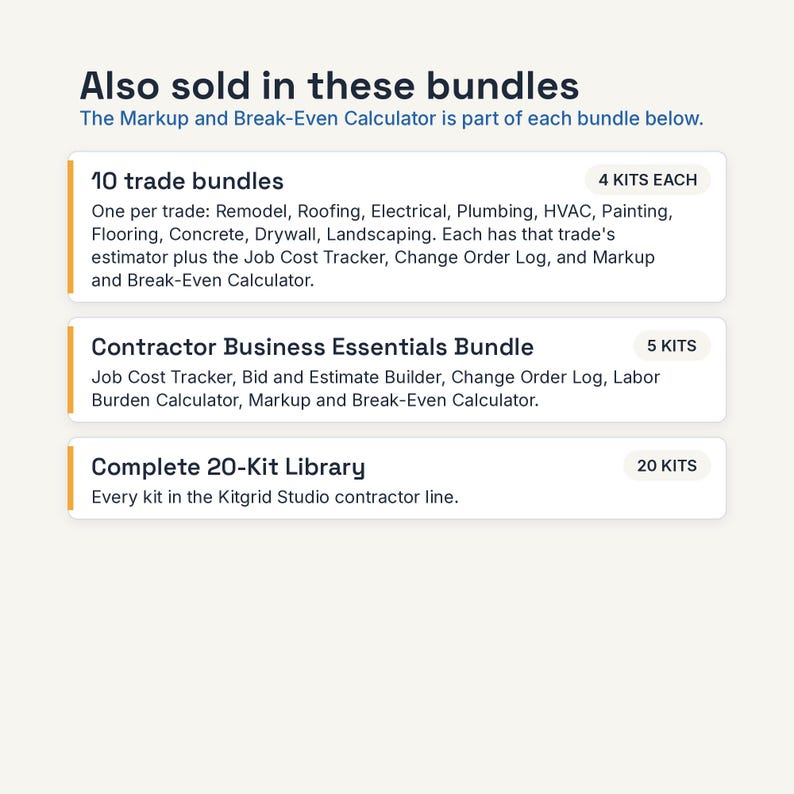
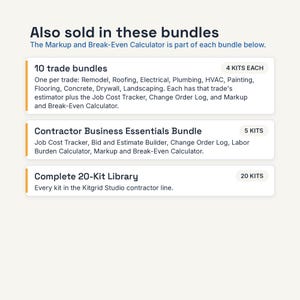
This kit is also in the Contractor Business Essentials bundle, together with: Job Cost Tracker; Bid and Estimate Builder; Change Order Log and Form; Labor Burden and True Hourly Cost Calculator. All 20 kits are in the Complete 20-Kit Library. See the Bundles section of our shop. It is also part of every trade bundle (for example the Roofing Contractor Bundle).
License: one business. Use the kit for your own business's work, on any devices your business controls, and let your own staff use it. Change it however you like. Do not resell it, share the files outside your business, or upload them to any template site. The estimates, invoices and reports you make with it are yours. Full terms are in KitgridStudio-License.pdf.
This is a calculation tool. It is not tax, legal, accounting or engineering advice. Sample data and default rates are examples only. Check your numbers.
How this was made: Designed and tested by Kitgrid Studio with the help of AI tools. AI tools helped draft the formulas, sheet layout and instructions. Every kit is tested with sample data in Excel and Google Sheets before release.
Questions before you buy, or a file that won't open? Send us a message on Etsy. We reply within 2 business days, usually sooner. Digital files can't be returned, but if a file doesn't work as described, we'll fix it or help you get it working.
Version 1.0, 9/2026
Instant Download
Your files will be available to download once payment is confirmed. Here's how.
Instant download items don’t accept returns, exchanges or cancellations. Please contact the seller about any problems with your order.
Etsy Purchase Protection
Shop confidently on Etsy knowing if something goes wrong with an order, we've got your back for all eligible purchases —
see program terms

More from this shop
Visit shop-
Digital download
Labor Burden Calculator, Excel and Google Sheets: True Hourly Cost per Employee, Minimum Bill Rate
Sale Price $17.60
Original Price $22.00
-
Digital download
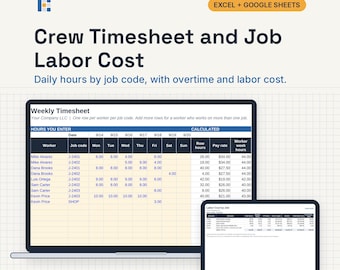
Crew Timesheet Template, Excel and Google Sheets: Weekly Hours by Job Code, Overtime, Labor Cost
Sale Price $17.60
Original Price $22.00
-
Digital download
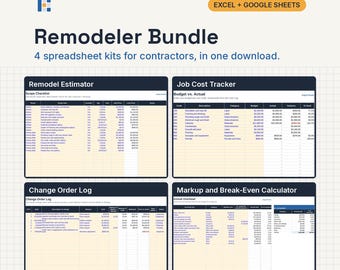
Remodeler Bundle, Excel and Google Sheets: Remodel Estimate, Job Cost Tracker, Change Orders, Markup
Sale Price $47.20
Original Price $59.00
-
Digital download
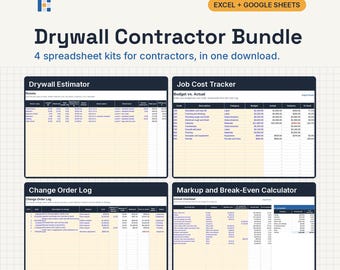
Drywall Contractor Bundle, Excel and Google Sheets: Drywall Estimate, Job Cost Tracker, Change Orders, Markup
Sale Price $47.20
Original Price $59.00
Be the first to leave a review
Shoppers with similar taste loved these
-
Digital download
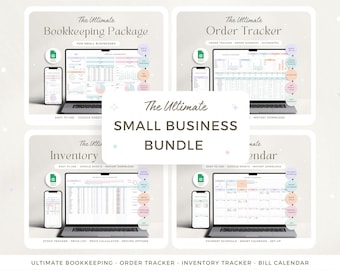
Small Business Bundle Google Sheets Bookkeeping Spreadsheet Inventory Tracker Order Tracker Product Pricing Calculator Tax Bill Calendar
Sale Price $8.45
Original Price $16.92
-
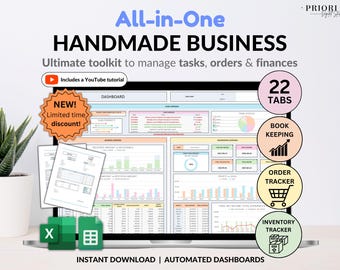
Digital download
Small Business Bookkeeping Tracker Inventory Tracker Order Tracker Handmade Product Task Tracker Pricing Calculator Google Sheets Excel
Sale Price $11.05
Original Price $22.10
-
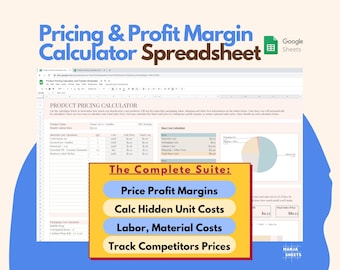
Digital download
Etsy Sellers Pricing Calculator: Small Business Planner, Price List, Handmade products, Spreadsheet template (Google Sheets)
Sale Price $5.89
Original Price $9.82
-
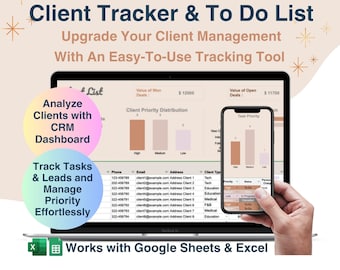
Digital download
Client Tracker Spreadsheet for Google Sheets and Excel, Small Business Planner, Task Tracker, Client List, CRM Dashboard, Lead Tracker
Sale Price $5.24
Original Price $6.99
-
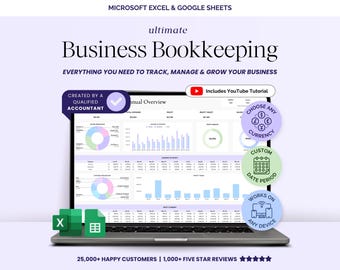
Digital download
Small Business Bookkeeping Template Spreadsheet Google Sheets Profit and Loss Bookkeeper Excel Sheet Accounting Income Expense Tracker
Sale Price $5.26
Original Price $13.15
-
Digital download
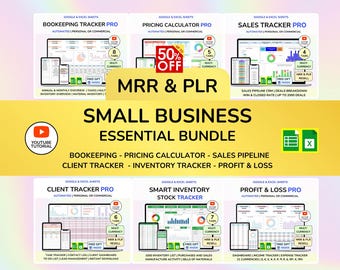
PLR Small Business Spreadsheet Sales Tracker Bookkeeping Profit and Loss Client tracker MRR Google Sheets Digital Products Resell Rights
Sale Price $15.78
Original Price $31.57
-
Digital download
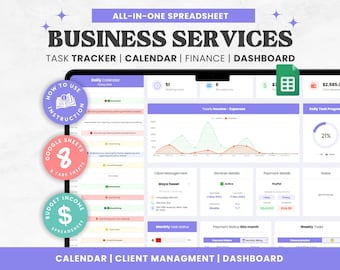
Cleaning Business CRM: Client & Task Tracker Google Sheet (Digital Download)
Sale Price $10.67
Original Price $14.23
-
Digital download
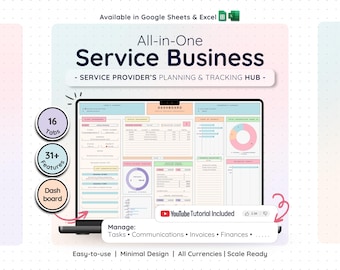
Service Business CRM Dashboard: Bookkeeping, Tasks & Invoice Tracker — Google Sheets, Excel
Sale Price $15.35
Original Price $30.71
-
Digital download
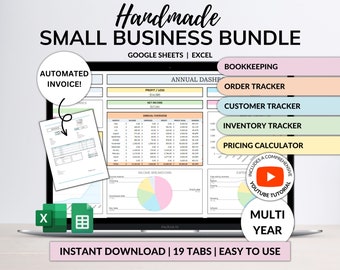
Small Business Bookkeeping Spreadsheet Inventory Tracker Order Tracker Product Handmade Pricing Calculator Client Tracker Google Sheet Excel
Sale Price $12.16
Original Price $24.31
-

Digital download
Freelance Spreadsheet Google Sheets Small Business Bookkeeping Spreadsheet Inventory Tracker Order Tracker Product Pricing Calculator Tax
Sale Price $8.48
Original Price $16.97
-

Digital download
Beauty Salon Bookkeeping Spreadsheet Google Sheets Template Simple Income Tracker Expense Tracker Log for Nail Hair Salon Lash Tech Business
Sale Price $12.74
Original Price $16.99
-
Digital download
Price & Profit Calculator for Small Businesses with 5 Pricing Strategies and up to 2 Taxes | Price Guide | Price List Spreadsheet Template
Sale Price $4.68
Original Price $9.37


