

Project Budget Tracker Spreadsheet | Expense Log, Budget vs Actual (Digital Download)
NowPrice:$3.24
Original Price: $4.63
30% off
Sale ends on December 2
Here's what's eligible:
- Your order doesn't match the item description or photos
- Your item arrived damaged
- Your item arrived after the estimated arrival window
- Your item didn't arrive or was lost in the mail
You can only make an offer when buying a single item
Highlights
**📊 Project Budget Tracker — Google Sheets Edition**
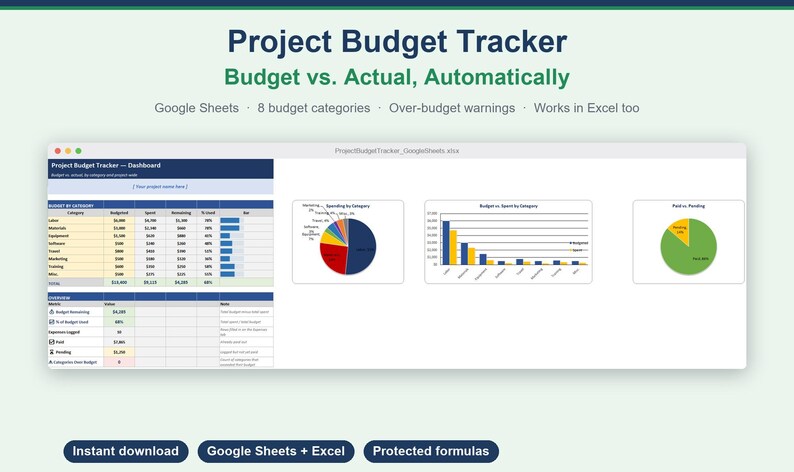
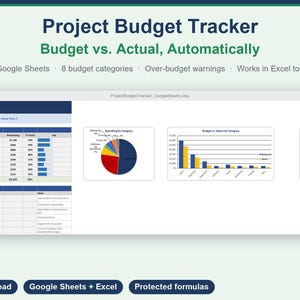
Set a budget per category once, log every expense as it happens, and watch spent vs. remaining update automatically — for each category and for the whole project. Built for any project: renovations, events, freelance work, small business launches.
---
**✨ WHAT YOU GET**
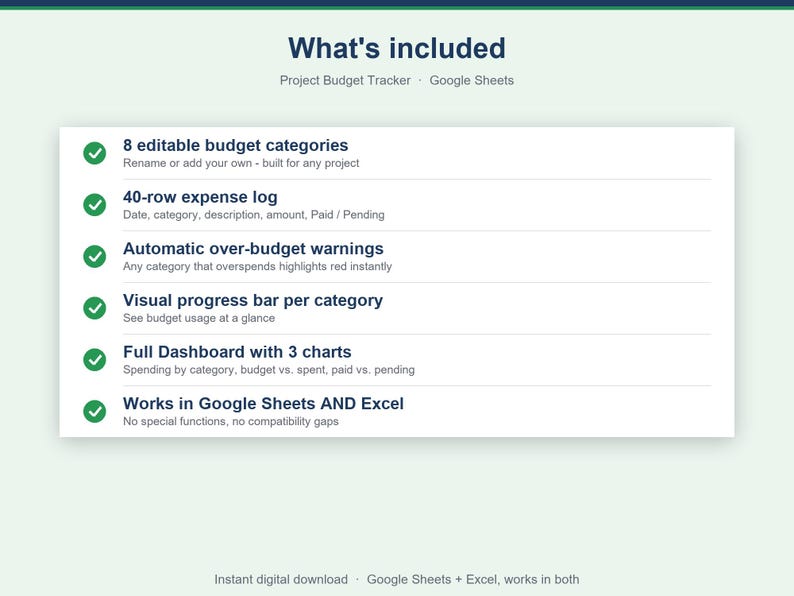
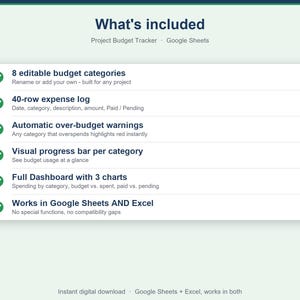
✅ 8 editable budget categories (Labor, Materials, Equipment, Software, Travel, Marketing, Training, Misc.) — rename or add your own
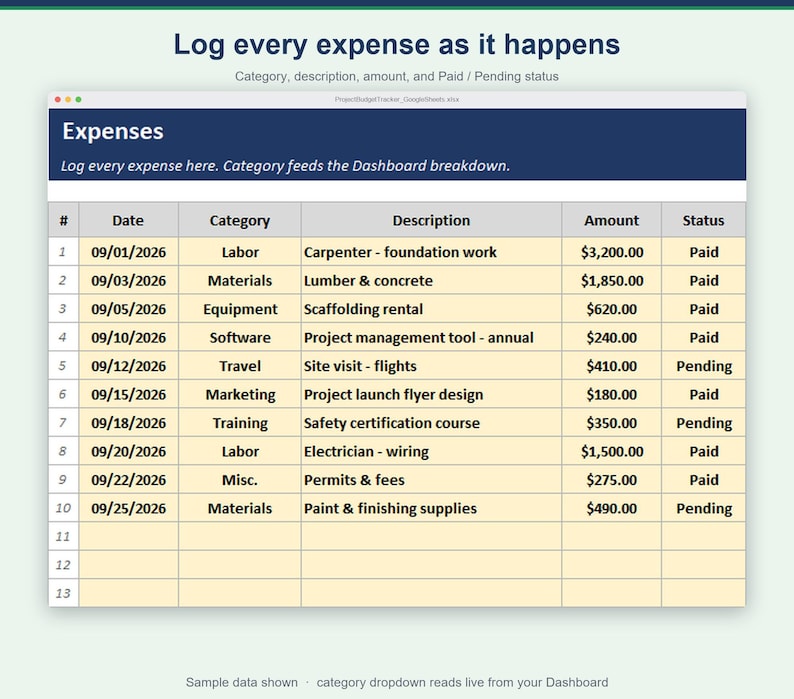
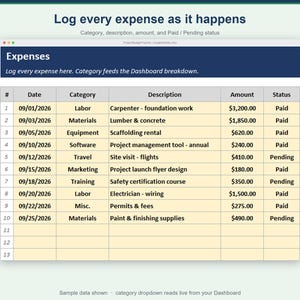
✅ 40 built-in expense log rows
✅ Budget vs. Spent vs. Remaining, auto-calculated per category
✅ Visual progress bar for every category
✅ Automatic red flag when a category goes over budget
✅ Paid vs. Pending tracking, so you always know what's actually gone out the door
✅ Full Dashboard — total budget, total spent, remaining, % used, expenses logged
✅ Color-coded, protected cells — formulas can't be accidentally overwritten
✅ Works in Google Sheets AND Excel — no special functions, no compatibility gaps
---
**📦 FILES INCLUDED**
• ProjectBudgetTracker_GoogleSheets.xlsx — the spreadsheet (import into Google Sheets or open in Excel)
• Instructions.html — full user guide
---
**🚀 HOW IT WORKS**
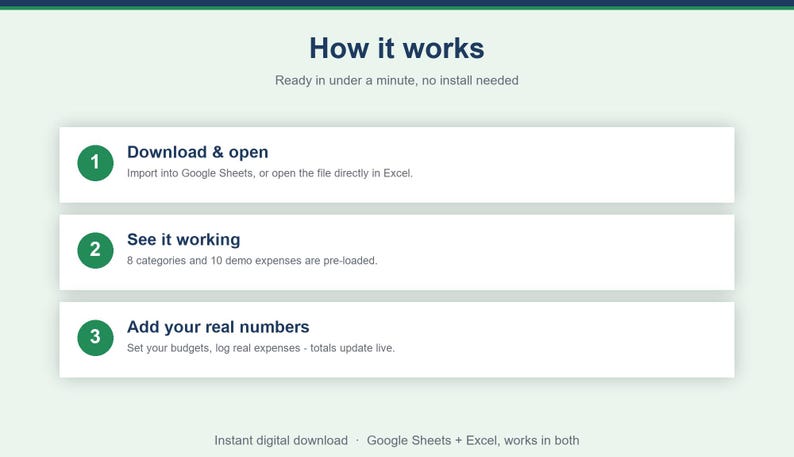
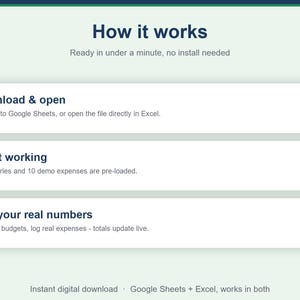
1. Download the .xlsx file
2. Upload it to Google Sheets (File → Import → Upload) or open it directly in Excel
3. Demo categories and expenses are pre-loaded so you see it working immediately
4. Rename the 8 categories and set your real budgets on the Dashboard
5. Log real expenses on the Expenses tab — pick the category from the dropdown, enter the amount, mark Paid or Pending
6. Watch every total update instantly on the Dashboard
---
**📊 KEY FEATURES**
• Per-category: Budgeted, Spent, Remaining, % Used, visual bar
• Project-wide total budget, total spent, remaining, % used
• Paid vs. Pending totals, so cash-out-the-door is never a guess
• 🎉 Category rows highlight automatically when they go over budget
• Category dropdown on the expense log reads live from your Dashboard — rename once, it updates everywhere
---
**🔒 100% PRIVATE & OFFLINE-CAPABLE**
Your data lives in your own Google Sheets copy or local Excel file — nothing is sent anywhere.
---
**❓ FAQ**
Q: Do I need a Google account?
A: To use Google Sheets, yes (it's free). The file also works fully in Microsoft Excel — every formula is a standard function supported in both.
Q: Can I use more or fewer than 8 categories?
A: Yes — insert or delete rows in the Dashboard category table, the dropdown and totals follow automatically.
Q: Is this only for construction/renovation projects?
A: No — it's generic by design. People use it for events, freelance projects, home renovations, and small business launches.
Q: Can I track more than 40 expenses?
A: Yes — just insert more rows on the Expenses tab following the same pattern.
---
**⭐ PLEASE LEAVE A REVIEW**
Your review helps other buyers keep their next project on budget. Thank you! 🙏
---
*Instant digital download — no physical product shipped.*
Instant Download
Your files will be available to download once payment is confirmed. Here's how.
Instant download items don’t accept returns, exchanges or cancellations. Please contact the seller about any problems with your order.
Etsy Purchase Protection
Shop confidently on Etsy knowing if something goes wrong with an order, we've got your back for all eligible purchases —
see program terms

More from this shop
Visit shop-
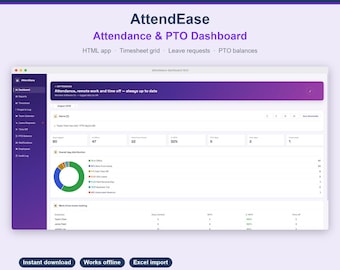
Digital download
AttendEase - Employee Attendance & PTO Dashboard | Interactive HTML Template | Leave Tracker | No Software Needed
Sale Price $1.61
Original Price $2.31
-
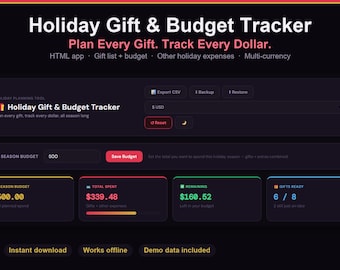
Digital download
Holiday Gift and Budget Tracker | Christmas Gift List Planner | Holiday Budget App | Dark & Light Mode | Instant Download
Sale Price $3.24
Original Price $4.63
-
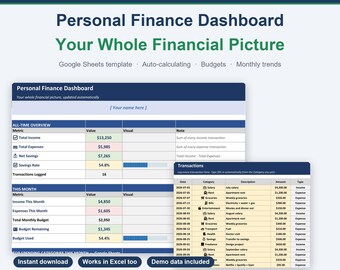
Digital download
Personal Finance Dashboard Google Sheets | Budget Spreadsheet with Categories & Monthly Summary | Auto-Calculating | Instant Download
Sale Price $2.42
Original Price $3.47
-
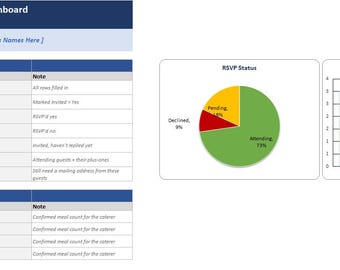
Digital download
Wedding Guest List & RSVP Tracker | Meal Count, Table Planner (Digital Download)
Sale Price $2.61
Original Price $3.73
Be the first to leave a review
-
Digital download
Project Budget Template: Excel Spreadsheet, Budget Tracker
$3.57
-
Digital download
Budget Planner Spreadsheet | Income & Expense Tracker (Excel + PDF)
$5.01
-
Digital download
Excel Finance Tracker | Automated Budget Spreadsheet | Personal & Small Business Expense Planner | Monthly Budget Template
Sale Price $2.33
Original Price $4.67
-
Digital download
Excel Budget Planner | Expense & Bill Tracker | Monthly Template | Digital Planner | Personal Finances | Excel Download | Printable Version
$4.40
-
Digital download
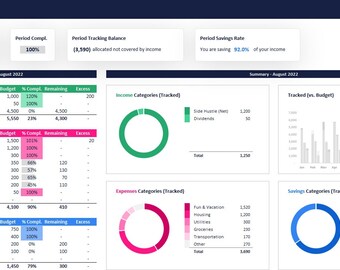
Monthly Budget Spreadsheet Excel, Budget Planner Paycheck Budget Tracker, Expense Tracker, Weekly Budget, Yearly Budget, Budgeting
$4.99
-

Digital download
Monthly Bills Expense Tracker
$3.00
-
Digital download
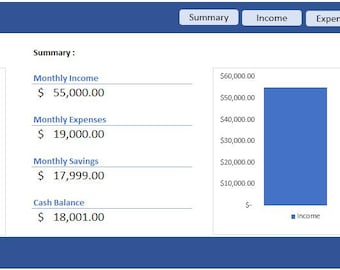
Budget Spreadsheet: Income and Expense Tracker (Digital Excel & Google Sheets Template)
$2.50
-
Digital download
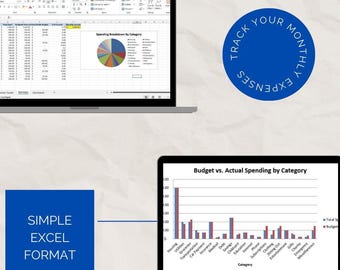
Monthly Expense Tracker Spreadsheet | Editable Budget Template | Financial Planner Excel | Personal & Business Budget Sheet | Excel Download
$4.99
-

Digital download
Project Budget Tracker Excel Template – Estimate vs Actual Spend, Auto Charts, Cost Summary
$2.49
-
Digital download
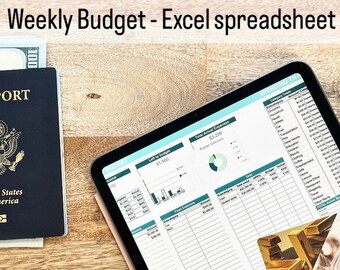
Weekly Budget Planner || Spreadsheet Excel Template || Expense tracker || Digital Planner || Bill tracker || Green & Beige colors
$4.90
-

Digital download
Project Budget Tracker Excel Template | Business Personal Planner Spreadsheet (Instant Download)
$4.99
-

Digital download
Expense Tracker - Excel Spreadsheet Template, Monthly Expenditure, Household Finances & Spending, College Budget, Personal Organizer
$4.77
Shoppers with similar taste loved these
-

Digital download
Project Planner Printable Productivity Planner Personal Project Planning Work Planning A4 US Letter Size Project Management Project Tracker
Sale Price $2.55
Original Price $3.00
-
Digital download
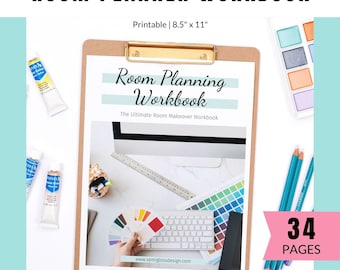
Room Planner - Makeover Planner for Decorating Rooms - Design Guide
$11.97
-

Digital download
Home Project Planner Printable • Home Renovation Planner • Home Improvement Planner • Project Budget • Project Management • Project Planning
$5.00
-

Digital download
Home Renovation Planner - Home Improvement Printables - Home Project Planner - DIY Project Planner - PDF
Sale Price $2.50
Original Price $4.17
-
Digital download
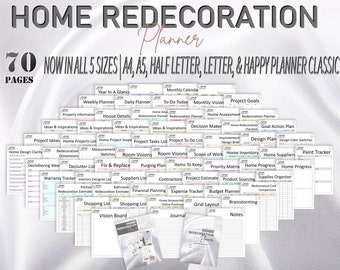
Home Decor Planner Home Decoration Redecoration Renovation Beautification Planner Printable Declutter Organizing Home Management Classic
Sale Price $4.49
Original Price $8.99
-

Digital download
Project Plan, Project Management, Project Planner, Project Manager, Editable MS Word, Instant Download
$4.12
-

Digital download
Interior Design Business Kit | Printable | Room Planner | Home Decorating | Home Remodel Floor Layout | Interior Designer | A4 | Letter
$12.20
-

Digital download
Editable ADHD Brain Dump Template, ADHD Daily Planner, Productivity, Priority Matrix, Work Day, Thoughts Organizer, Brain Dump, Printable
Sale Price $0.94
Original Price $3.77
-

Digital download
Project Planner Bundle, Work Productivity Goal Planner Set Digital Planner, Printable PDF
Sale Price $3.85
Original Price $7.70
-

Digital download
Interior Design Checklist: Room-by-Room Home Planner (Digital Download)
Sale Price $19.08
Original Price $63.59
-

Digital download
kitchen and bathroom renovation checklist home improvement planner remodel guide house interior design printable DIY declutter project canva
Sale Price $3.11
Original Price $4.15
-
Digital download
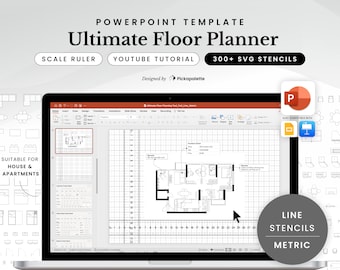
Ultimate Floor Planner | Metric | Line | Design House Apartment Floor Plan Interior Layout with 300 Furniture Stencils in PowerPoint Easy
$45.00


