


Shift Schedule Excel Template, 12 Hour Crew Rotation Planner, Panama DuPont Rota, Coverage Check
Price:$23.35
Here's what's eligible:
- Your order doesn't match the item description or photos
- Your item arrived damaged
- Your item arrived after the estimated arrival window
- Your item didn't arrive or was lost in the mail
You can only make an offer when buying a single item
Buy together, get 25% off
 This listing
Shift Schedule Excel Template, 12 Hour Crew Rotation Planner, Panama DuPont Rota, Coverage Check
Sale Price $17.51
Original Price $23.35
Digital Download
Original value: $56.04
New total: $42.02
Highlights
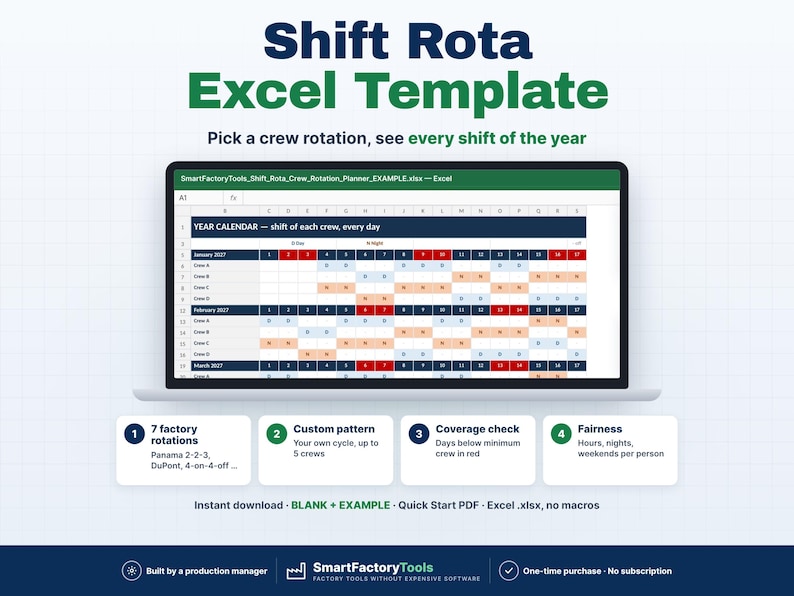
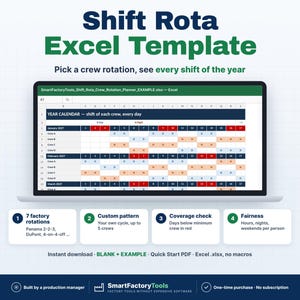
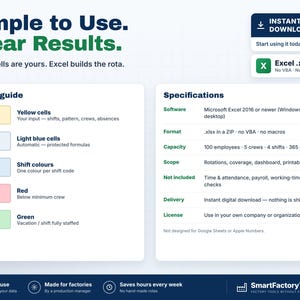
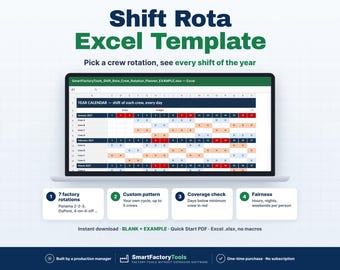
Pick a crew rotation — Excel builds the shift rota for the whole year and shows every day a shift falls below your minimum crew.
✔ 7 factory rotations – Panama 2-2-3, DuPont, 4-on-4-off …
✔ Custom pattern – your own cycle, up to 5 crews
✔ Days below minimum crew shown in red
✔ Instant download: BLANK + EXAMPLE · Quick Start PDF
✔ Built by a production manager · one-time purchase, no subscription, no macros
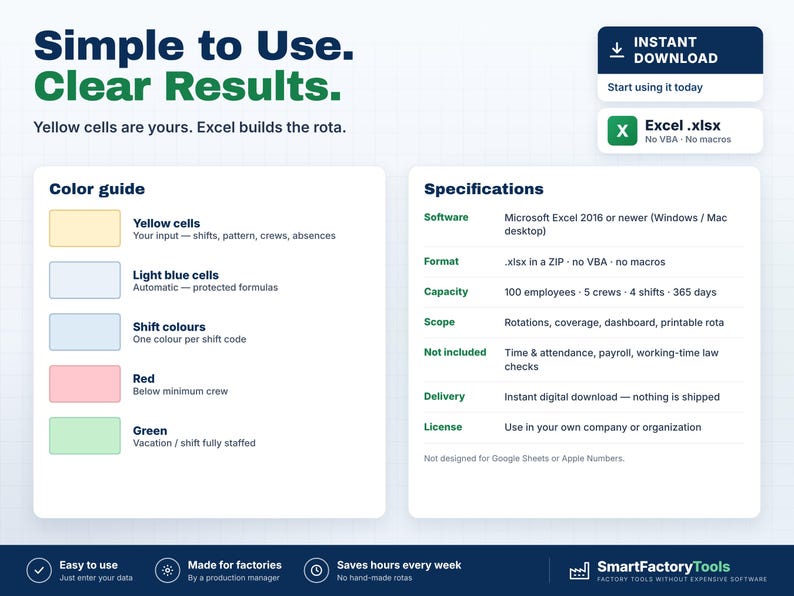
▶ REQUIRES MICROSOFT EXCEL (DESKTOP) 2016 OR NEWER — Windows or Mac.
Not for Google Sheets, Apple Numbers or mobile apps.
The SmartFactoryTools Shift Rota & Crew Rotation Planner is made for factories, warehouses and food plants that run 2-shift, 3-shift or 24/7 crews. Stop rebuilding the rota by hand every month: choose a rotation, put your people into crews, log vacations and sickness — and see in advance where you will be short of people.
No macros. No subscription. Built by a production manager who plans crews himself.
━━━━━━━━━━━━━━━━━━
WHAT IT DOES
━━━━━━━━━━━━━━━━━━
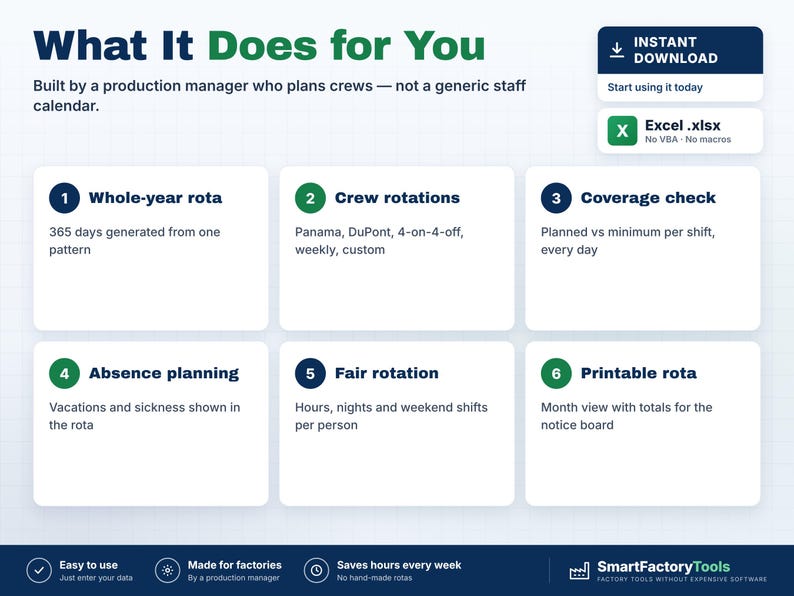
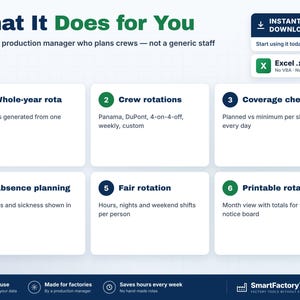
• Whole planning year (365 days) generated from one rotation pattern
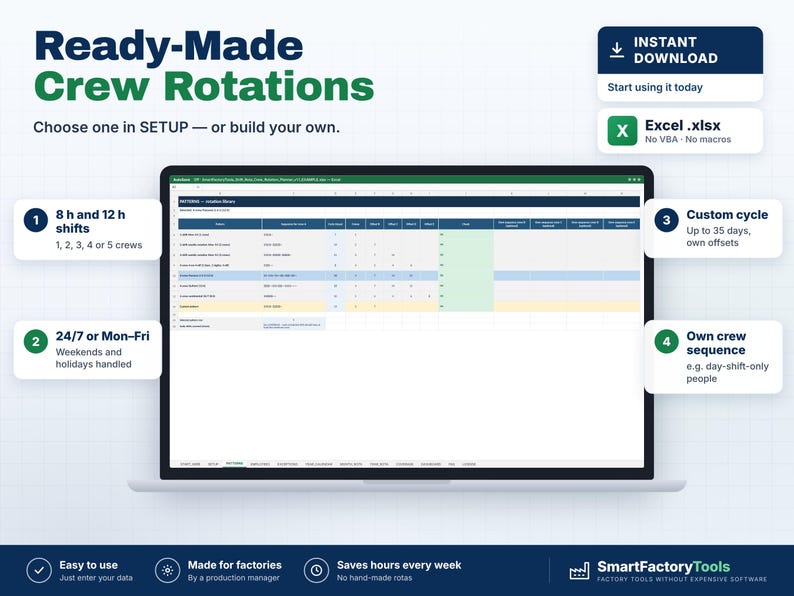
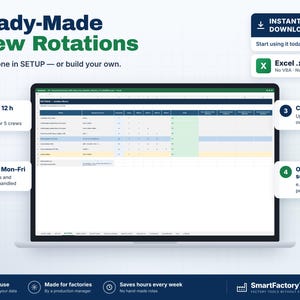
• 7 ready-made factory rotations: 1-shift Mon–Fri · 2-shift weekly · 3-shift weekly · 4-on-4-off · Panama 2-2-3 (12 h) · DuPont (12 h) · 5-crew continental 24/7 (8 h)
• Custom pattern: your own cycle up to 35 days, up to 5 crews, own offsets — and an own sequence per crew (e.g. people who only work the day shift)
• Up to 4 shift types: code, times, paid hours, night shift, minimum people
• Up to 100 employees in crews A–E
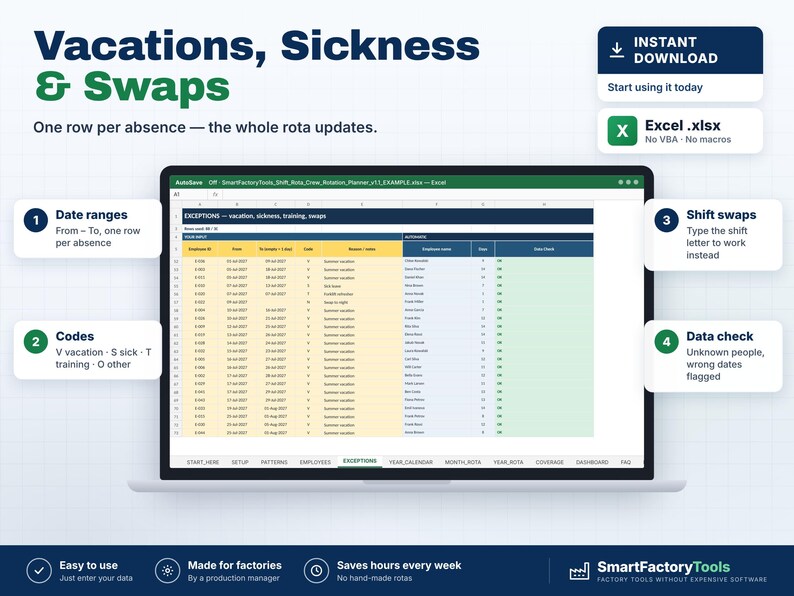
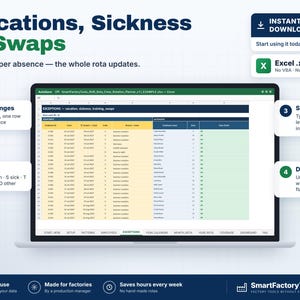
• Vacations, sickness, training, other absence and shift swaps as date ranges
• Plant holidays: closed (everyone off) or 24/7 (only marked)
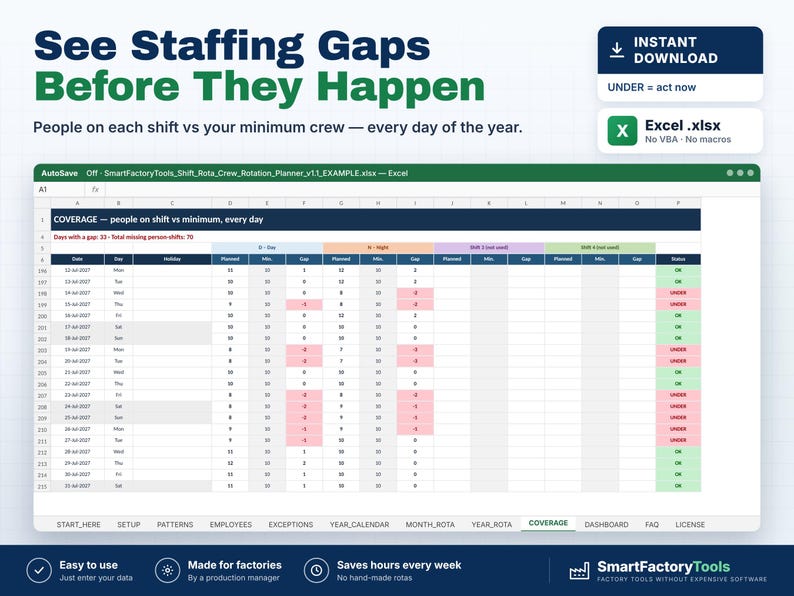
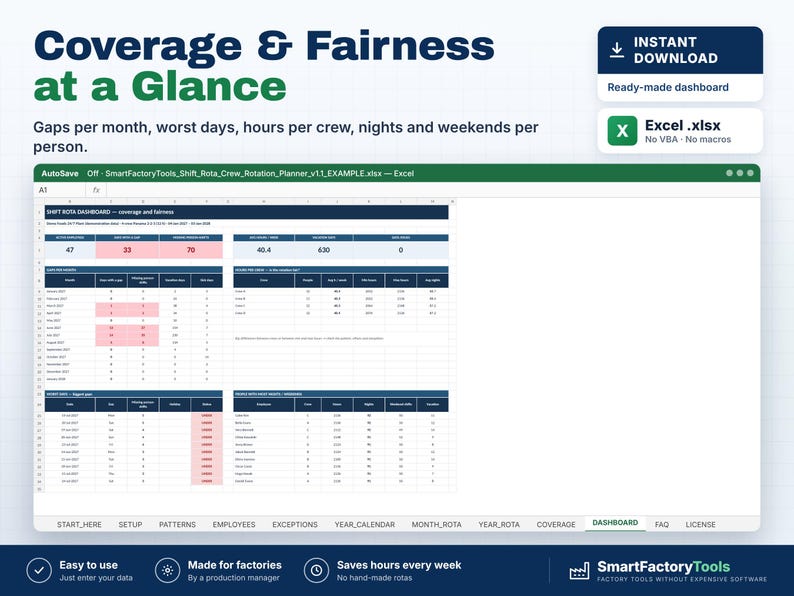
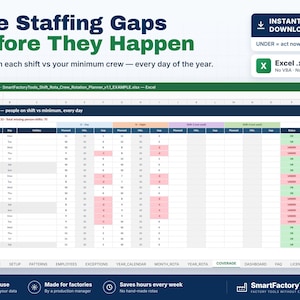
• COVERAGE: people on each shift vs your minimum, every day — UNDER days in red
• YEAR CALENDAR: shift of every crew, 12 months, colour-coded
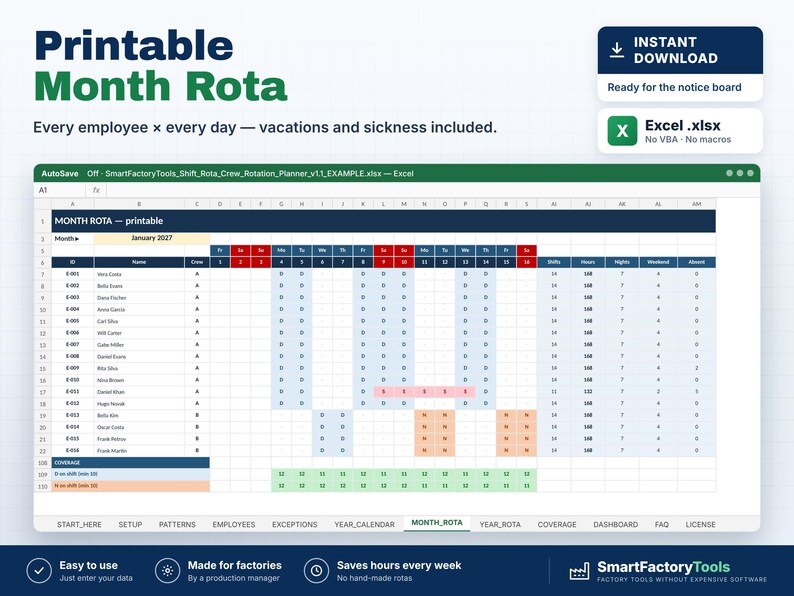
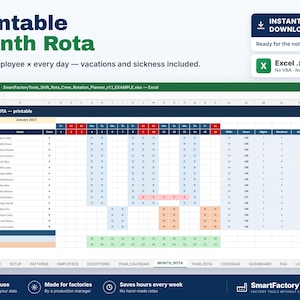
• MONTH ROTA: printable month for the notice board with shifts, hours, nights, weekend shifts and absences per person
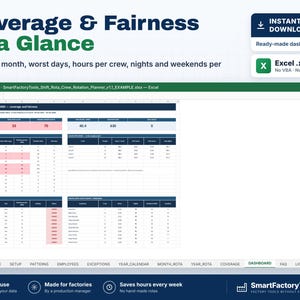
• DASHBOARD: gaps per month, worst days, average weekly hours per crew, people with the most nights and weekends
• Data checks: duplicate IDs, unknown employees, wrong dates, invalid pattern
━━━━━━━━━━━━━━━━━━
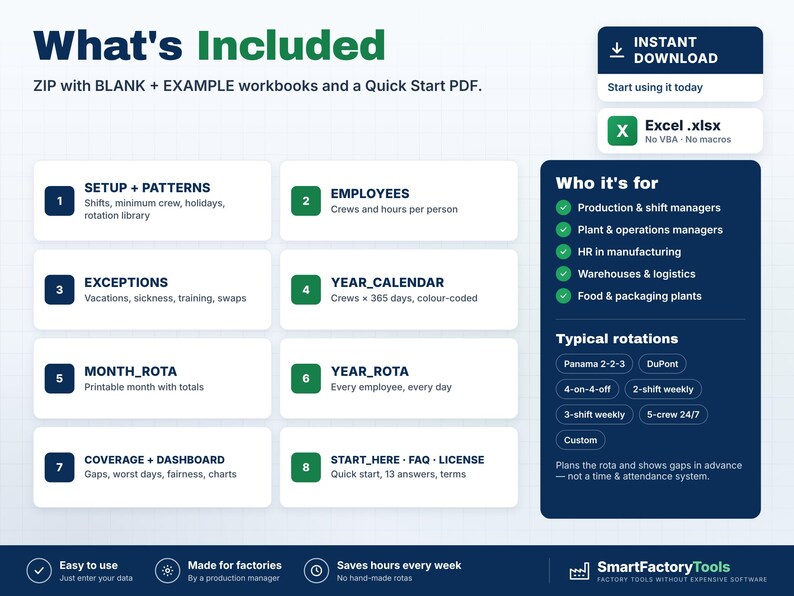
WHAT'S INCLUDED (ZIP)
━━━━━━━━━━━━━━━━━━
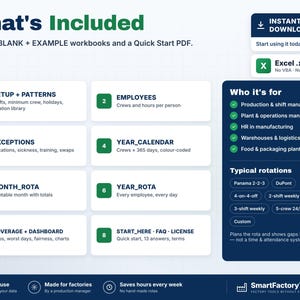
• BLANK workbook — ready for your plant
• EXAMPLE workbook — 24/7 food plant, 48 fictional employees in 4 crews, Panama 2-2-3
• Quick Start Guide (PDF, 2 pages)
Sheets: START_HERE · SETUP · PATTERNS · EMPLOYEES · EXCEPTIONS · YEAR_CALENDAR · MONTH_ROTA · YEAR_ROTA · COVERAGE · DASHBOARD · EXPORT_TODAY · FAQ · LICENSE
━━━━━━━━━━━━━━━━━━
HOW IT WORKS
━━━━━━━━━━━━━━━━━━
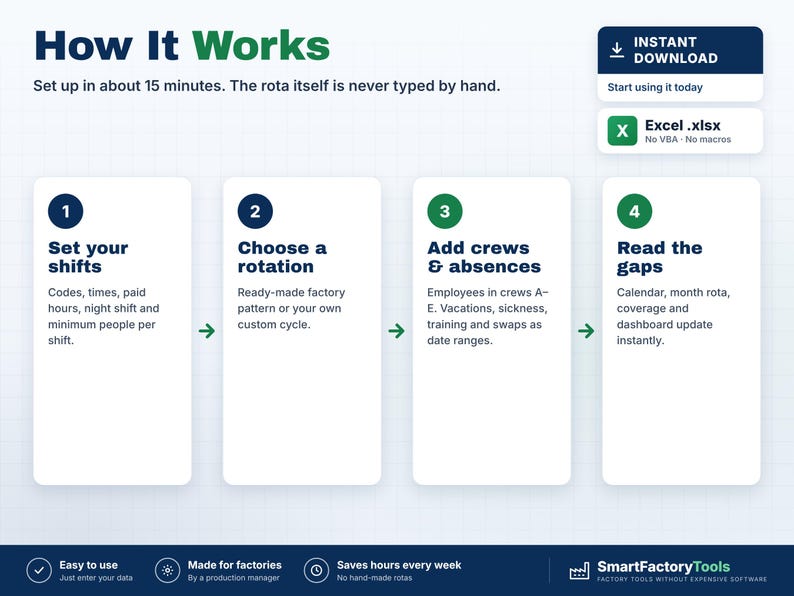
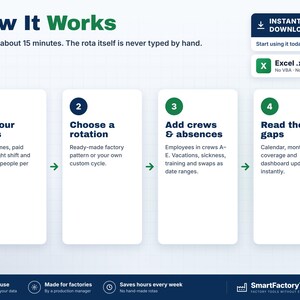
1. Enter your shifts and the minimum people per shift
2. Choose a rotation (or build your own)
3. Add employees to crews and log vacations, sickness and swaps
4. Read the calendar, print the month rota and fix the red days
The rota itself is never typed by hand — so it can't be broken.
━━━━━━━━━━━━━━━━━━
WORKS WITH OTHER SMARTFACTORYTOOLS TOOLS (optional)
━━━━━━━━━━━━━━━━━━
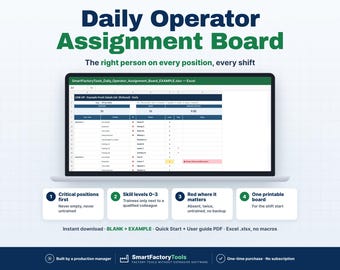
• EXPORT_TODAY: type a date and a shift – who is on shift, on vacation, sick or in training, ready for the SmartFactoryTools Daily Operator Assignment Board
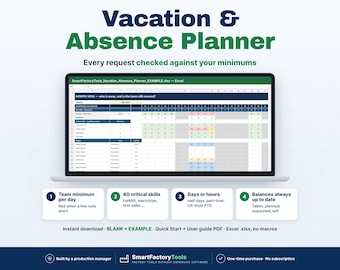
• EXCEPTIONS rows 106–305 take the approved absences from the SmartFactoryTools Vacation & Absence Planner (one paste a week)
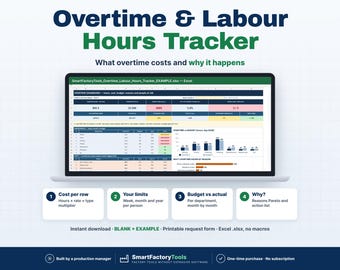
• Also part of the Workforce Planning Bundle (one people list for five tools)
• Only this file? Ignore these sheets – nothing else changes. Nothing is linked: copy one named block, Paste Values.
━━━━━━━━━━━━━━━━━━
WHO IT'S FOR
━━━━━━━━━━━━━━━━━━
Production and shift managers · Plant and operations managers · HR in manufacturing · Warehouses and logistics · Food and packaging plants · Any team working in crews.
━━━━━━━━━━━━━━━━━━
LIMITS
━━━━━━━━━━━━━━━━━━
• Plans the rota and shows gaps in advance — it is not a time & attendance system
• It does not fill gaps automatically; you decide who covers
• No payroll, overtime premiums or working-time law checks (they differ by country)
• One planning year per file · 100 employees · 5 crews · 4 shift types
• Fully editable inputs. Need it set up with your data or adapted to your plant? See the Setup & Customization section in our shop.
━━━━━━━━━━━━━━━━━━
FAQ
━━━━━━━━━━━━━━━━━━
Q: Does it work in Google Sheets or on an iPad?
A: No. It is built and tested for Microsoft Excel 2016 or newer on Windows or Mac desktop.
Q: Our rotation is not in the list.
A: Use the Custom pattern: type the shift sequence of one crew (1 = first shift, 2 = second, - = day off), the number of crews and the offset in days for the others.
Q: Some people never work nights.
A: Put them into their own crew and give that crew its own sequence.
Q: Is the file locked?
A: Formulas are protected against accidental changes, without a password. Your input cells are always editable.
━━━━━━━━━━━━━━━━━━
DIGITAL DOWNLOAD
━━━━━━━━━━━━━━━━━━
This is a digital product. No physical item will be shipped. After purchase, download the ZIP from your Etsy account on a computer, unzip it and open the workbook in Excel.
━━━━━━━━━━━━━━━━━━
LICENSE
━━━━━━━━━━━━━━━━━━
For use within your own company or organisation. Resale, sharing or redistribution of the template is not permitted.
© SmartFactoryTools
Instant Download
Your files will be available to download once payment is confirmed. Here's how.
Instant download items don’t accept returns, exchanges or cancellations. Please contact the seller about any problems with your order.
Etsy Purchase Protection
Shop confidently on Etsy knowing if something goes wrong with an order, we've got your back for all eligible purchases —
see program terms


More from this shop
Visit shop-
Digital download
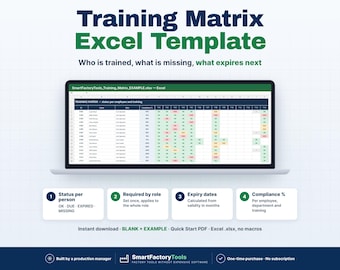
Training Matrix Excel Template, Employee Certification Expiry Tracker, Compliance Dashboard by Role and Department
$23.35
-
Digital download
Daily Operator Assignment Board Excel, Staff Allocation by Skill, Shift Line Up, Workstation Template
$21.02
-
Digital download
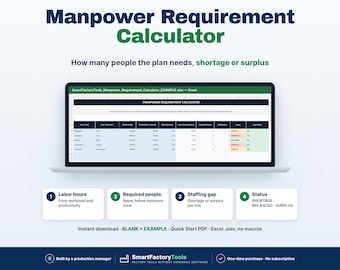
Manpower Requirement Calculator Excel Template | Manufacturing Staffing Planner, Labor Hours & Staffing Gap
$9.33
-
Digital download
Vacation Planner Excel, Annual Leave Tracker for Production Teams, PTO Calendar, Minimum Staffing Check
$17.51
Be the first to leave a review
-
Digital download
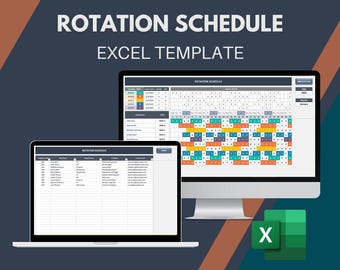
Employee Rotation Schedule: Excel Template, Shift Planner (Printable)
Sale Price $14.35
Original Price $20.50
-
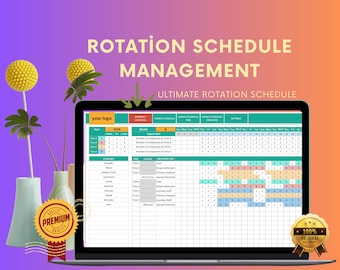
Digital download
Excel Rotation Schedule Template: Employee Shift Management
$24.99
-
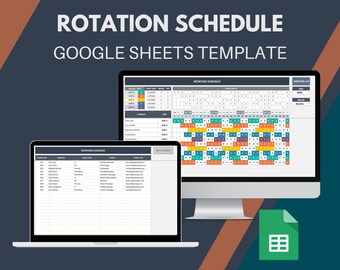
Digital download
Rotation Schedule Template: Employee Shift Planner (Google Sheets)
Sale Price $14.35
Original Price $20.50
-

Digital download
Employee Roster Template Bundle | Excel & Google Sheets 4-Week Shift Planner
Sale Price $13.19
Original Price $21.99
-

Digital download
Work Rotating Generator Template and Attendance Tracker | Automated Schedule and Report | 3 Shifts | 4 Teams | 32 Days Cycle | GSheets | XL
$24.00
-
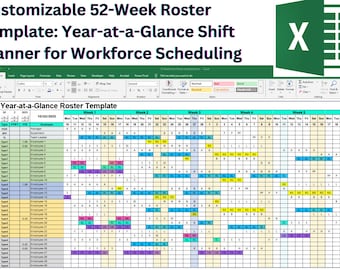
Digital download
52-Week Excel Shift Roster Template – Employee Schedule Planner (Macro-Enabled)
Sale Price $15.39
Original Price $25.66
-
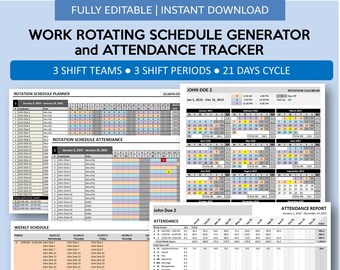
Digital download
Work Rotating Generator Template and Attendance Tracker | Automated Schedule and Report | 3 Shifts | 3 Teams | 21 Days Cycle | GSheets | XL
$24.00
-
Digital download
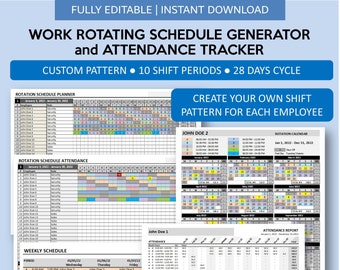
Work Rotating Generator Template and Attendance Tracker | Automated Schedule and Report | Custom Pattern | 28 Days Cycle | GSheets | XL
$26.00
-
Digital download
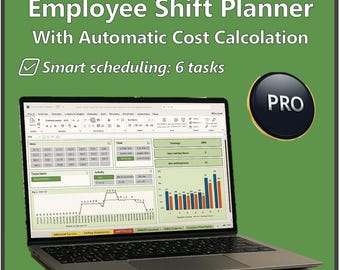
Shift Planner Excel PRO| Staff Scheduling | Cost Calculator | Coverage | Vacation Tracker | 6 Task | 40 employee | User man. Italian-English
$23.35
-
Digital download
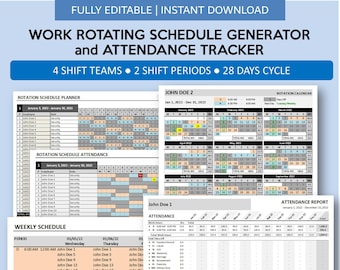
Work Rotating Generator Template and Attendance Tracker | Automated Schedule and Report | 2 Shifts | 4 Teams | 28 Days Cycle | GSheets | XL
$24.00
-
Digital download
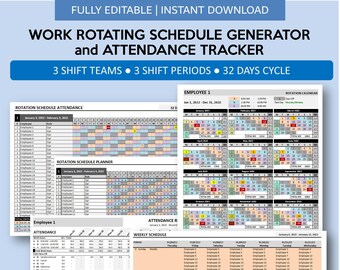
Work Rotating Generator Template and Attendance Tracker | Automated Schedule and Report | 3 Shifts | 3 Teams | 32 Days Cycle | GSheets | XL
$24.00
-

Digital download
Shift Schedule Generator | Printable Hourly Employee Work Schedule Creator | Automated Work Rotating 3 Shift 5 Group | Excel | Google Sheets
$19.00
Shoppers with similar taste loved these
-
Digital download
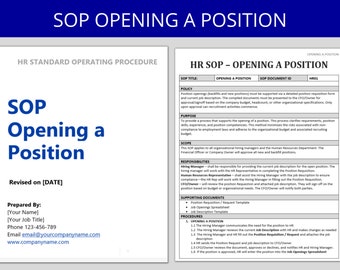
Opening a Position SOP: HR Standard Operating Procedure
$5.00
-
Digital download
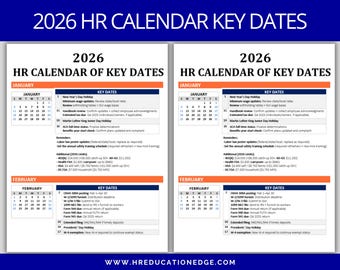
2026 HR Calendar: Compliance & Payroll Deadlines (Digital Download)
$8.00
-

Digital download
You've Bean Amazing Jelly Bean Gift Tag Easter Spring Gift Tags Employee Recognition Teacher Appreciation Team Coworker Workplace Thank You
Sale Price $2.99
Original Price $4.00
-
Digital download
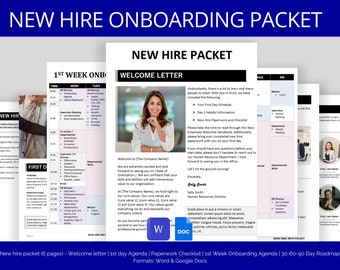
New Hire Packet: Welcome Letter & 30-60-90 Day Plan (Digital Download)
$10.00
-
Digital download
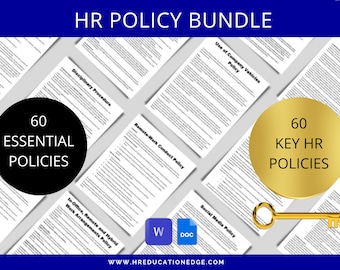
Employee Policy Template Bundle: 60 HR Documents, Handbook & Manual (Digital Download)
$18.00
-
Digital download
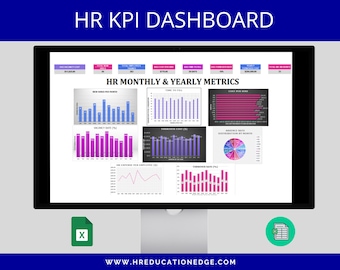
HR KPI Dashboard: Employee Management Excel Template (Digital Download)
$15.00
-
Digital download
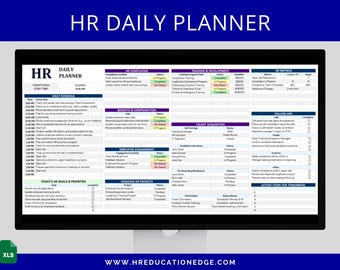
HR Planner: Daily Schedule, Goal Tracker, Compliance Checklist (Excel Spreadsheet & Google Sheets)
$6.00
-
Digital download
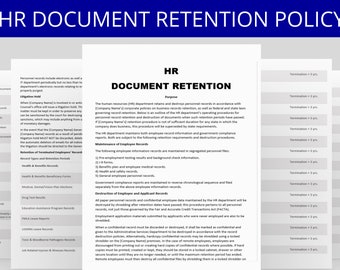
Employee Document Retention Policy: Guidelines for HR Record Management
$4.00
-
Digital download
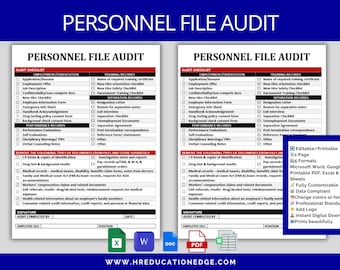
Personnel File Audit Checklist: HR Compliance Template (Word, Excel, Google Docs & Sheets, PDF)
$4.00
-
Digital download
SOP Template: Standard Operating Procedure for HR (Digital Download)
$5.00
-
Digital download
Employee Benefits Contact Sheet: HR Template (Digital Download)
$3.00
-
Digital download
HR SWOT Analysis - Editable Word Doc for Small Business Strategy
$5.00


