

NowPrice:$23.20
Original Price: $29.00
20% off
Sale ends on October 17
Computer Skills for Kids, 12-Week AI Tutor Guide, Touch Typing, Files and Internet Safety, Ages 8 to 12, Homeschool, PDF
Here's what's eligible:
- Your order doesn't match the item description or photos
- Your item arrived damaged
- Your item arrived after the estimated arrival window
- Your item didn't arrive or was lost in the mail
You can only make an offer when buying a single item
Highlights
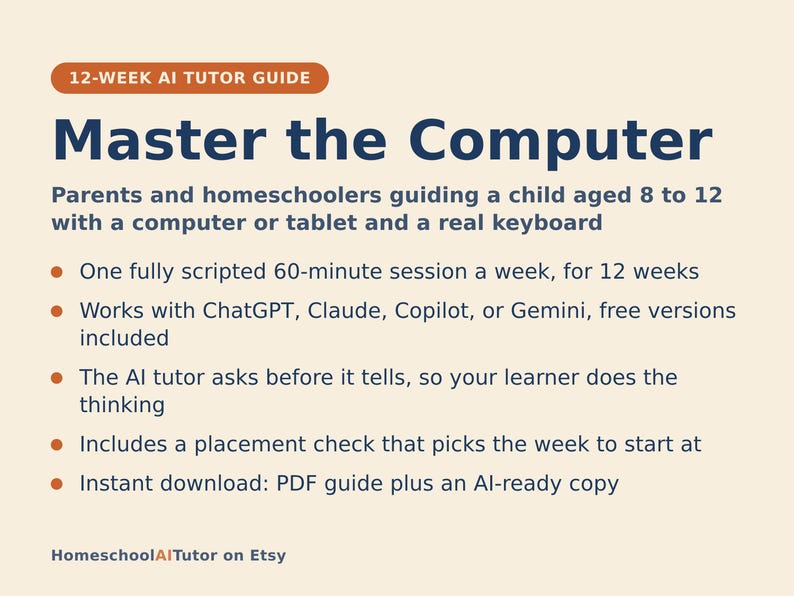
Most kids today can swipe and tap, but few have ever actually been taught to type without hunting and pecking, save a file somewhere they can find it again, search for something and judge whether it’s true, or make something on screen instead of only watching. This is a done-for-you, 12-week plan for guiding an 8-12-year-old from “where’s the on button” to typing real sentences, organizing their own files, searching safely, and finishing a project they built themselves, using an AI tutor to talk them through every hands-on step while you do the leading. You do not need to be a computer expert.
WHAT YOU GET
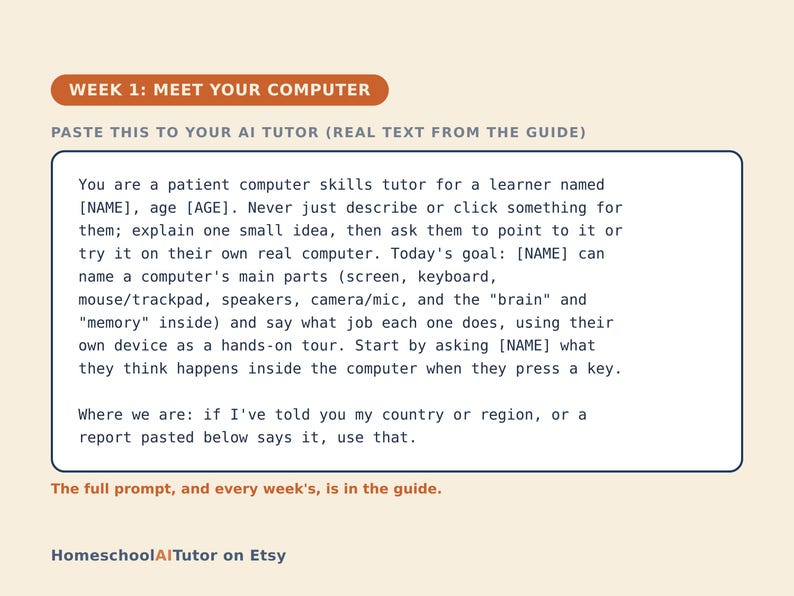
• 12 deep weekly session guides, each built for one ~60-minute, fully scripted session: a plain-language concept, a concrete worked example, a minute-by-minute session plan with the AI-tutor prompts built in, a “show me” checkpoint so you always know it landed, common mistakes to watch for, and practice.
• A “Never used an AI chat assistant? Start here” onboarding that takes a complete beginner from zero to ready in about five minutes. Any free AI assistant works (ChatGPT, Claude, Copilot, Gemini), no paid plan needed.
• A parent/teacher orientation: how to sit beside a learner using AI, why the adult stays the leader and the AI is the tutor, and exactly what your one hour a week looks like.
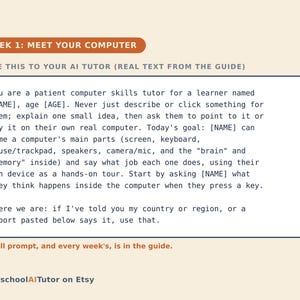
• Four rescue prompts in the front matter for when the learner is stuck or frustrated, bored or finding it too easy, when the AI starts doing the clicking itself, and to check real understanding, plus a tutor brief that keeps the AI talking your child through doing it themselves and a guardrail that keeps every example appropriate and every real click adult-approved.
• Works wherever you live: the guide is written in US English, and every prompt tells the AI to use your country or region for spelling, units, money, school terms, and examples. Windows, Mac, and Chromebook all work.
• A digital guide: no printer needed; read it on any screen.
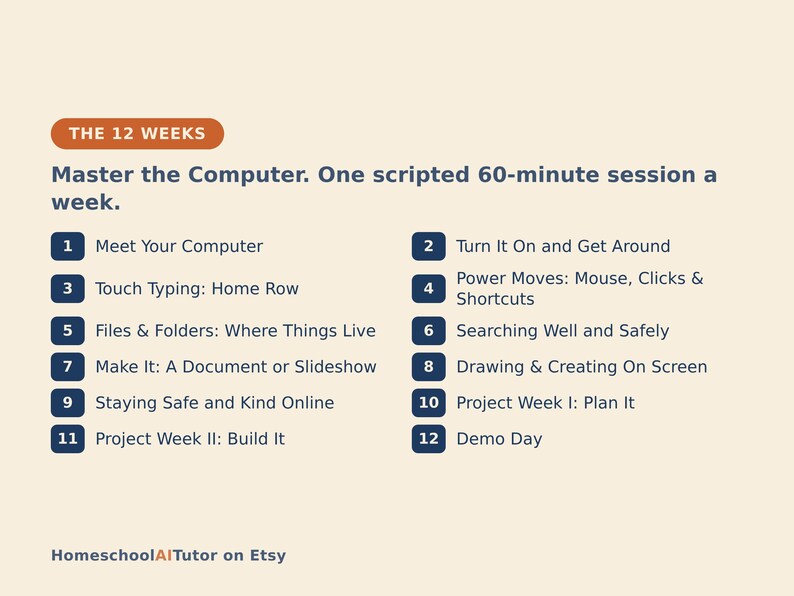
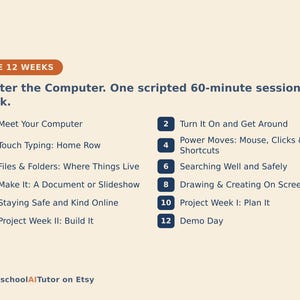
THE 12 WEEKS
1. Meet Your Computer: its parts, and what each one does
2. Turn It On and Get Around: logging in, opening apps, shutting down
3. Touch Typing: Home Row
4. Power Moves: Mouse, Clicks & Shortcuts
5. Files & Folders: Where Things Live
6. Searching Well and Safely
7. Make It: A Document or Slideshow
8. Drawing & Creating On Screen
9. Staying Safe and Kind Online
10. Project Week I: Plan It (a project that uses everything so far)
11. Project Week II: Build It
12. Demo Day: present, reflect, choose what’s next
WHO IT’S FOR
Parents, teachers, and homeschoolers guiding a learner aged roughly 8-12 who has a laptop or desktop computer (Windows, Mac, or Chromebook) with a real keyboard and a mouse or trackpad available at home or school. No computer background needed, and no prior AI experience needed. You lead one fully scripted ~60-minute session each week, with every step timed and written out for you, while the AI tutor walks your child through every hands-on step.
WHY THIS INSTEAD OF A FREE CHATBOT
A raw chatbot will happily click through a task, type the document, or run the search for your child, which teaches nothing. This pack ships the structure a chatbot lacks: a real 12-week arc that moves from the parts of a computer to touch typing to files to safe searching to actually making things (a document, a slideshow, digital art); a tutor that talks the learner through doing each step themselves instead of doing it for them; guardrails that keep every example age-appropriate and every real click adult-approved; and checkpoints that prove your child can do it, not just watch it done. Curriculum + guardrails + a way to see progress. That’s the difference.
FAQ
• Do I need to be a computer expert? No. The AI tutor explains and coaches the hands-on steps; you lead. Every session comes with a timed plan and the tutor instructions written in for you.
• Which AI does it use? I’ve never used one. Any modern AI assistant works: ChatGPT, Claude, Copilot, Gemini. The free version of any of them is enough; no paid plan needed. The guide opens with a “Never used an AI chat assistant? Start here” section that walks a complete beginner through setup in about five minutes.
• Does my child need their own device? They need access to a real laptop or desktop computer with a keyboard and a mouse or trackpad during sessions (a phone or tablet won’t do); typing, files, and searching are hands-on skills. A shared family computer is fine. No paid apps needed: a word processor, a slideshow app, a simple free paint program, and a web browser cover every week.
• Is my child’s data collected? Not by us. This is a digital guide sold to you, the adult. There’s no login and no child account; you start and supervise every AI session yourself, under your own account. The AI service you choose may store your chats, so the guide has you share only a first name and age, never an address, school, or other private details.
• What ages? Roughly 8-12.
• Refunds? Standard marketplace refund policy applies.
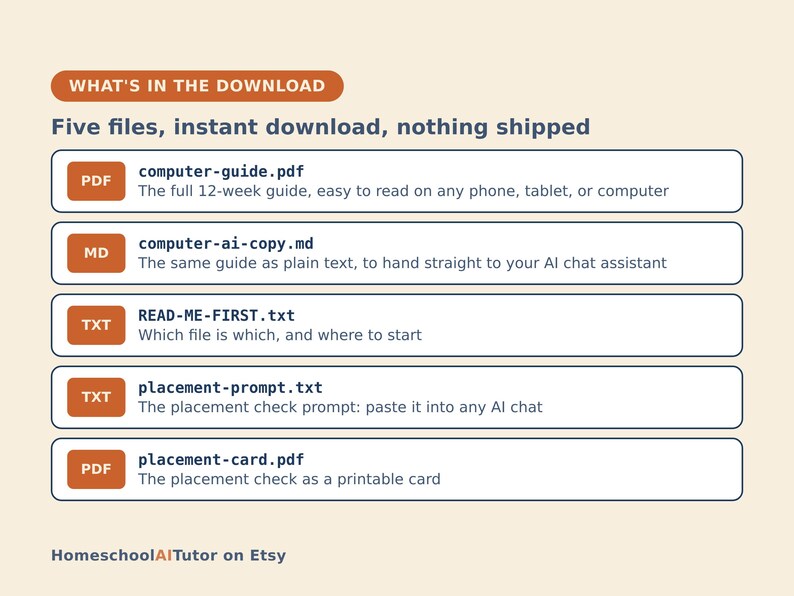
WHAT’S IN THE DOWNLOAD
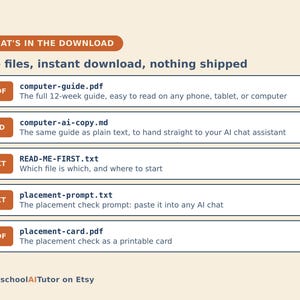
• computer-guide.pdf: the full 12-week guide, easy to read on any phone, tablet, or computer
• computer-ai-copy.md: the same guide as plain text, to hand straight to your AI chat assistant
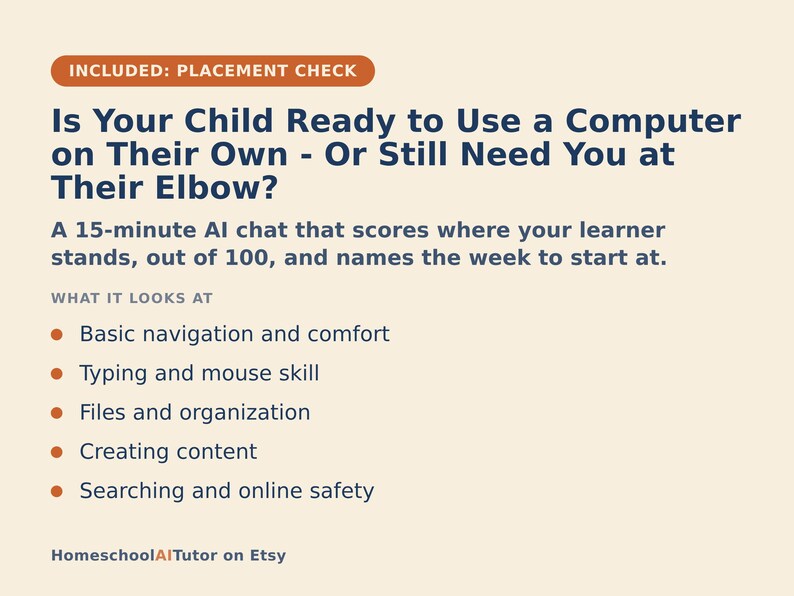
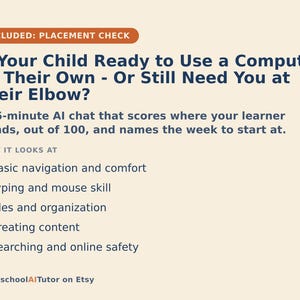
• Placement check (Is Your Child Ready to Use a Computer on Their Own - Or Still Need You at Their Elbow?): a 15-minute AI chat that scores where your learner stands and names the week to start at, as a prompt to paste and a printable card
• READ-ME-FIRST.txt: which file is which
Instant digital download. Nothing is shipped.
AI disclosure: I guided the main portion; AI executed some parts for me.
Instant Download
Your files will be available to download once payment is confirmed. Here's how.
Instant download items don’t accept returns, exchanges or cancellations. Please contact the seller about any problems with your order.
Etsy Purchase Protection
Shop confidently on Etsy knowing if something goes wrong with an order, we've got your back for all eligible purchases —
see program terms


More from this shop
Visit shop-
Digital download
Homeschool Coding Curriculum for Kids, 12-Week AI Tutor Guide, Learn Python Ages 10-16, No Coding Experience Needed, PDF
Sale Price $23.20
Original Price $29.00
-
Digital download
Public Speaking for Kids, 12-Week AI Tutor Guide, Confident Presentations for Shy Kids, Ages 9 to 13, Homeschool, PDF
Sale Price $23.20
Original Price $29.00
-
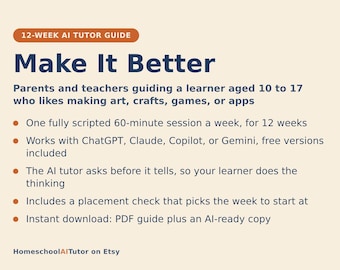
Digital download
Design Thinking for Kids and Teens, 12-Week AI Tutor Guide, Prototyping and User Testing, Ages 10 to 17, Homeschool, PDF
Sale Price $23.20
Original Price $29.00
-
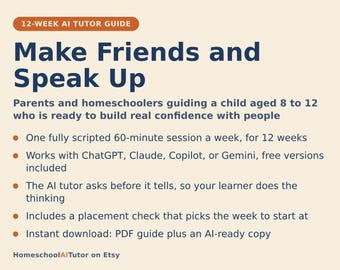
Digital download
Social Skills for Kids, 12-Week AI Tutor Guide, Making Friends and Confidence Curriculum, Ages 8 to 12, Homeschool, PDF
Sale Price $23.20
Original Price $29.00
Be the first to leave a review
Disclaimer: As with all children's products, adult supervision is required. Products that contain small parts may pose a choking hazard and should not be used by children under 3. Sellers are responsible for following applicable laws and regulations, including posting items with accurate labeling and warnings. Etsy assumes no responsibility for the accuracy, labeling, or content of sellers' listings and products. Always read labels, warnings, directions and other information provided with the product before using it. If you have any questions, message the seller. See Etsy's Terms of Use for more information.
Shoppers with similar taste loved these
-
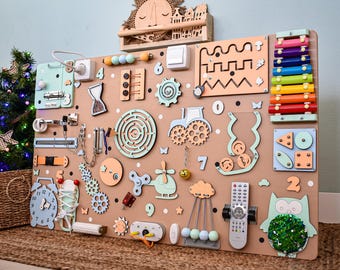
Large sensory adult wall panel busy board, ccupational therapy gifts, activity boards alzheimer dementia activities, stroke recovery board
Sale Price $89.99
Original Price $179.99
-

Toddler Sensory Panel Busy Board, Montessori 1 Year Toy, Personalized Name Activity Board
Sale Price $93.00
Original Price $186.00
-
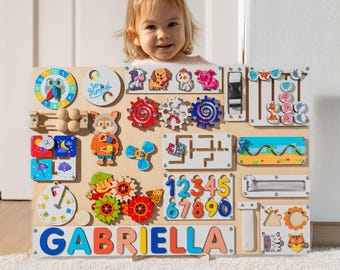
Big Size Busy Board, Personalized Toddler busy puzzle board, busy board toddler, 1st Birthday Gift, Wooden Busy Board, baby busy board C11
Sale Price $11.23
Original Price $36.22
-
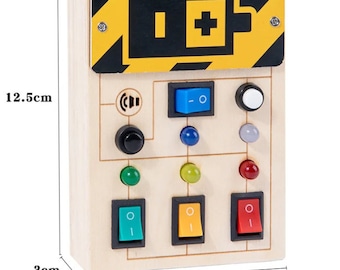
Montessori Busy Board with LED Light
$18.99
-
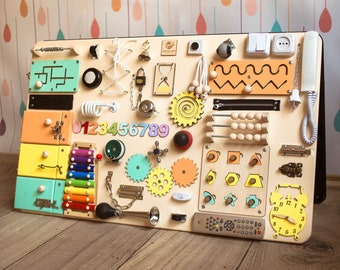
Montessori Busy Board: Toddler Sensory Activity Board, 1st Birthday Gift
$195.00
-
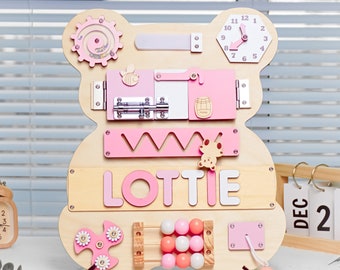
Bear Busy Board: Custom Name Puzzle, Montessori Toy
Sale Price $41.92
Original Price $83.84
-
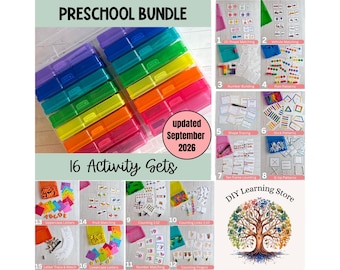
Preschool Activity Bundle | 16 Task Box Learning | Preschool Homeschool, Special Ed, Therapy, Fine Motor Skills, Handwriting Practice
$215.00
-
Digital download
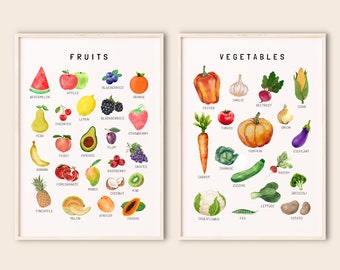
Set of Educational Posters, Montessori classroom Decor,Educational Printable, Neutral Kids Decor, Toddler Playroom Decor, Learning Print set
Sale Price $3.72
Original Price $5.31
-
Digital download
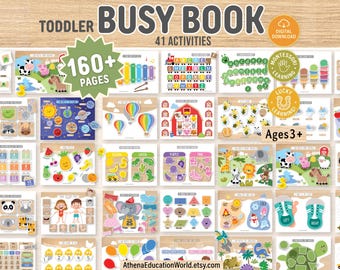
Toddler Busy Book Printable, Toddler Learning Binder, Kids Activity Book, Homeschool Resources, Montessori Materials, Preschool Worksheets
Sale Price $13.22
Original Price $17.63
-
Digital download
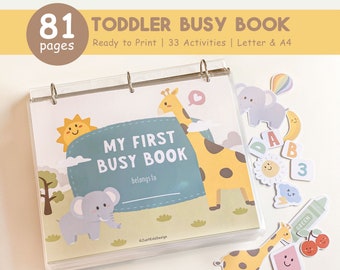
Busy Book Printable, Toddler Learning Binder, Preschool Activities, Homeschool Resources, Montessori Materials, Kids Quiet Book, Digital
Sale Price $9.49
Original Price $18.98
-
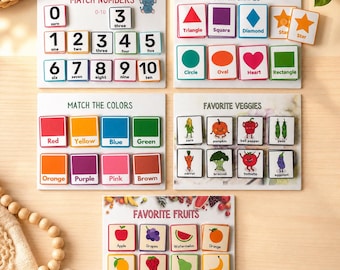
Toddler Busy Book. Hands on Personalized Montessori Activities Ages 1-4.
$44.50
-
Digital download
Busy Book Printable Toddler Activities Montessori Homeschool Resources Preschool Pre-K Kids Learning Materials
Sale Price $10.77
Original Price $17.95


