



Clinical Hours Ledger + Reporting | Supervised Hours Summary by Email (Google Sheets)
Item highlights
Seller's description
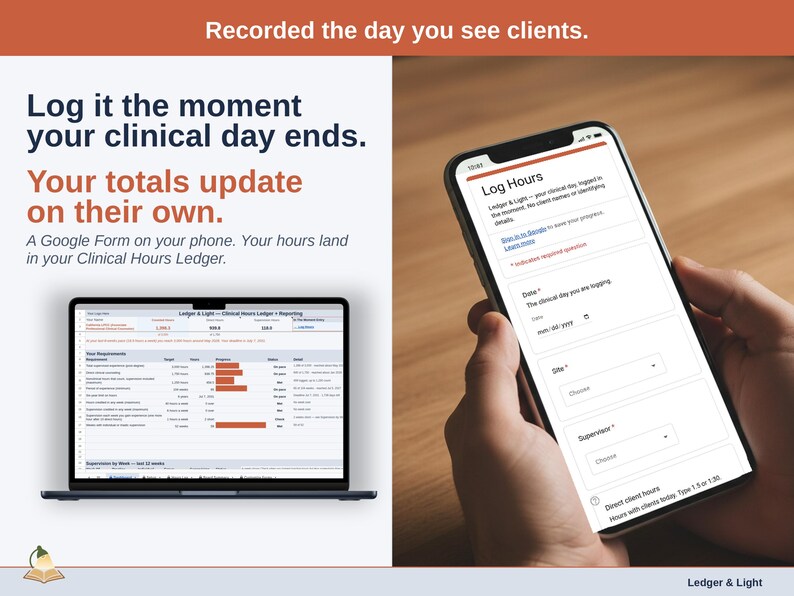
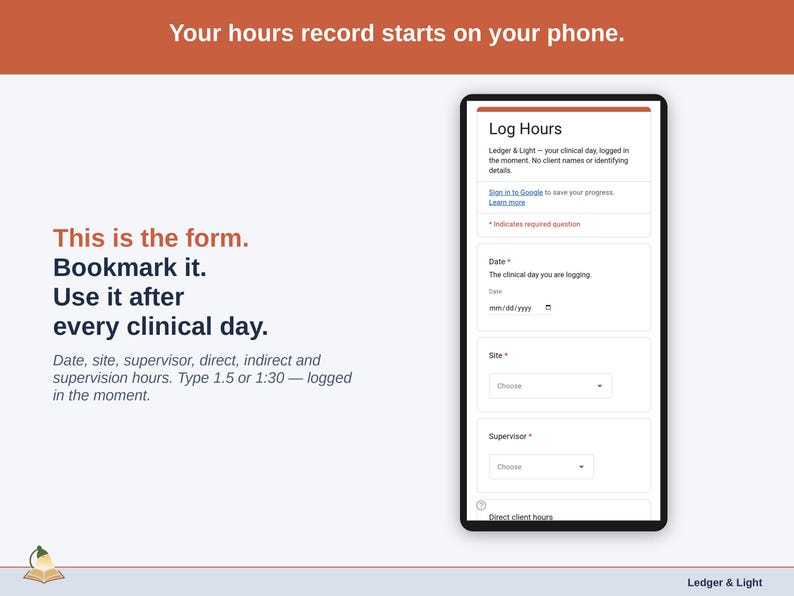
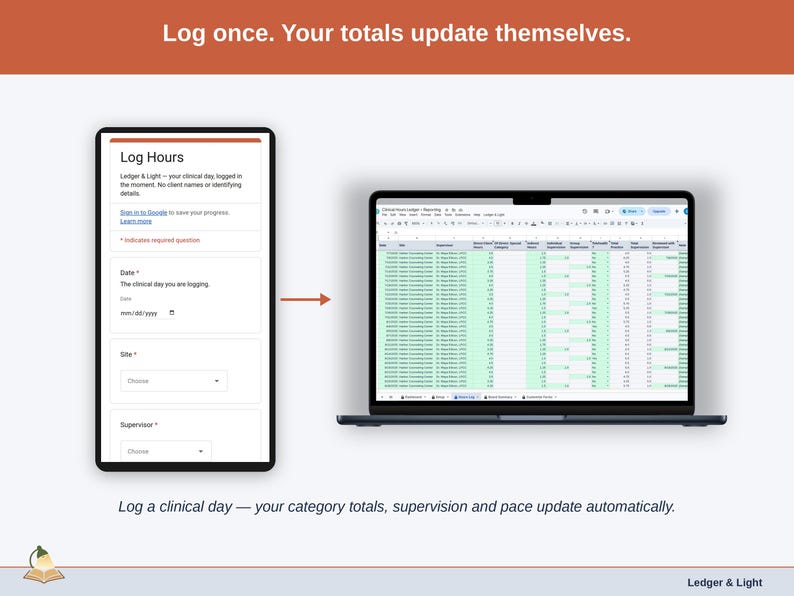
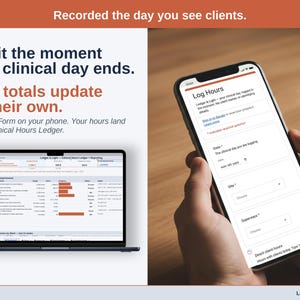
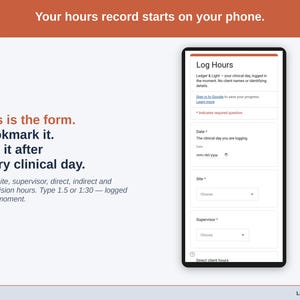
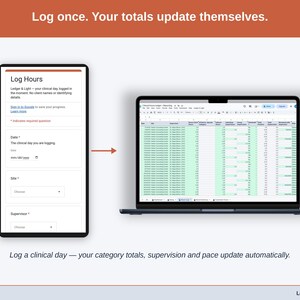
Form to sheet: log it in-the-moment on a Google Form on your phone, and the entry lands organized in your Google Sheet. No app, no re-typing. That's how every Ledger & Light tool works.
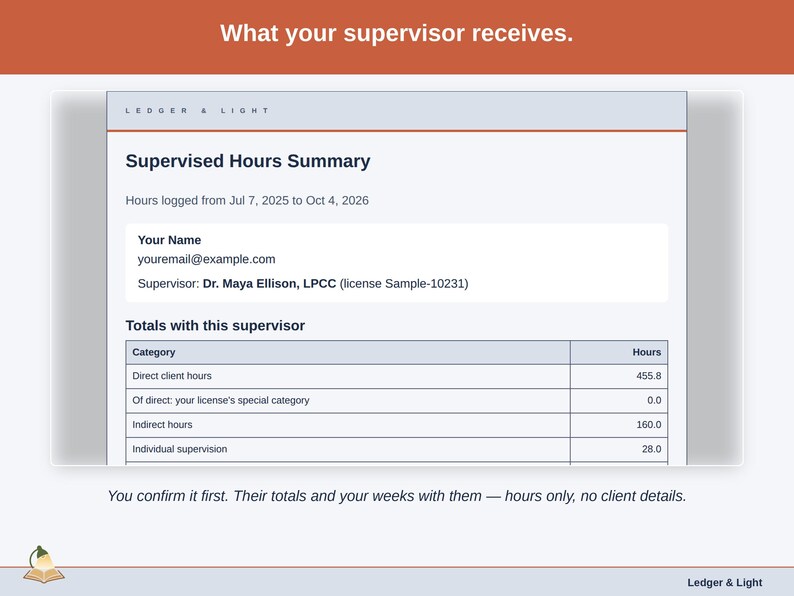
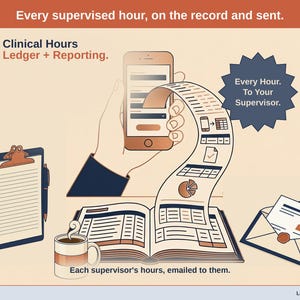
Your supervisor sees the hours you logged with them, in their inbox, whenever you choose to send them.
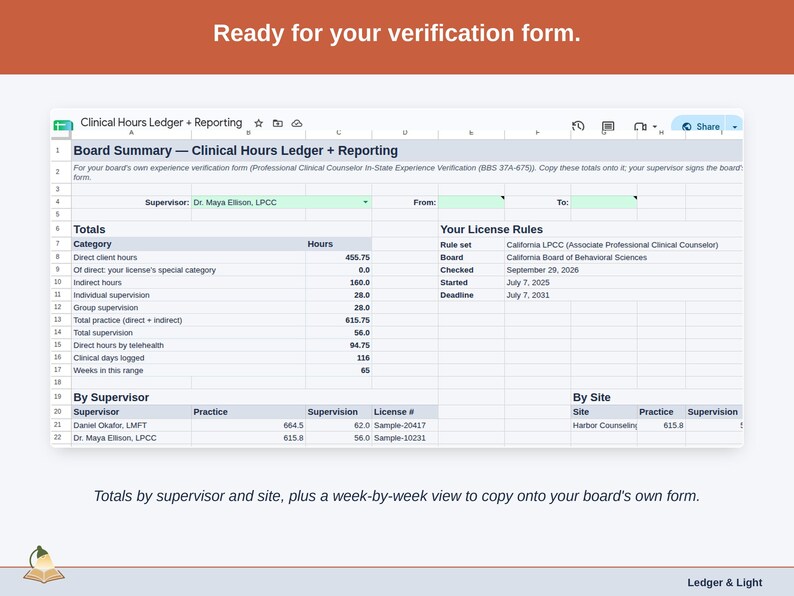
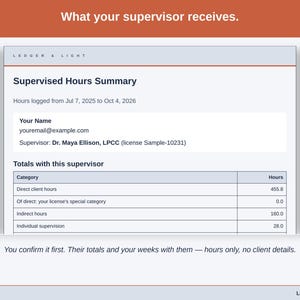
On the Board Summary tab, pick one supervisor and a date range. Then choose "Email this summary to the supervisor" from your custom Ledger & Light menu. Your Clinical Hours Ledger + Reporting names the supervisor, the period and the address for you to confirm, then sends that supervisor's totals and week-by-week rows — with a copy to you.
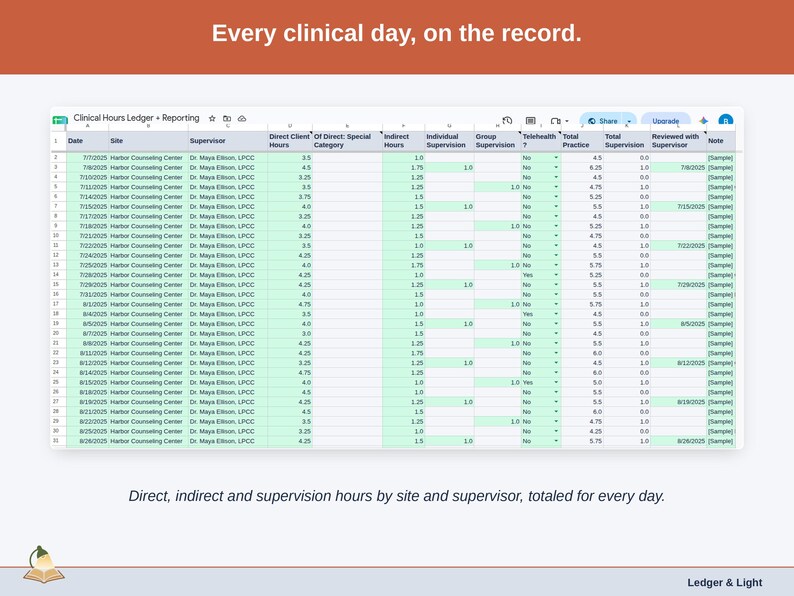
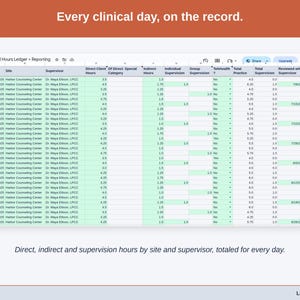
The summary is built from the days you log in-the-moment on your phone: the site, the supervisor, direct client hours, indirect hours, and individual or group supervision. It carries hours only. Notes stay in your sheet, and no client names or details are ever part of it.
✓ KEY FEATURES:
• Email this summary to the supervisor — one supervisor's totals and weeks, sent to them with a copy to you
• A confirmation naming the supervisor, the period and the address before anything is sent
• Each supervisor's email remembered after the first send, ready for next time
• Totals in the email are checked against your Hours Log before it goes; a mismatch stops the send
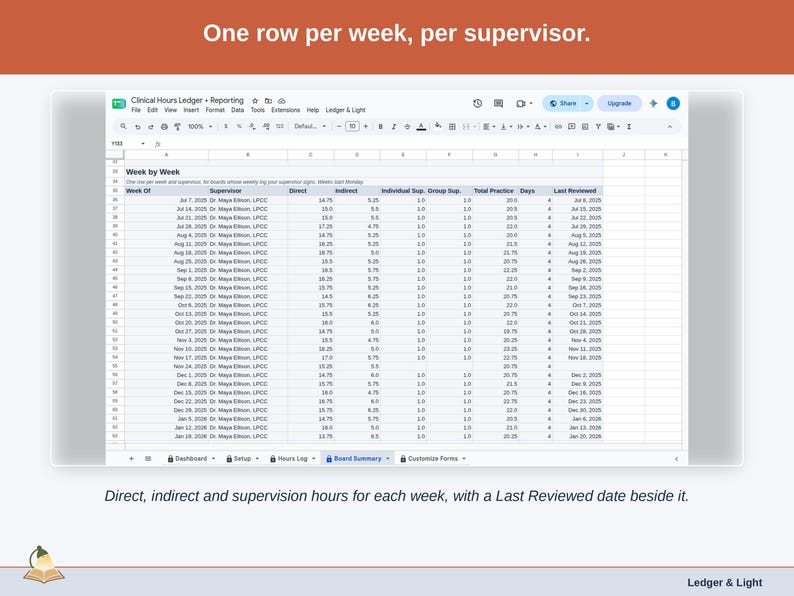
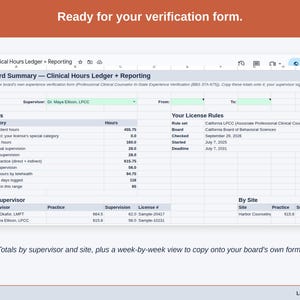
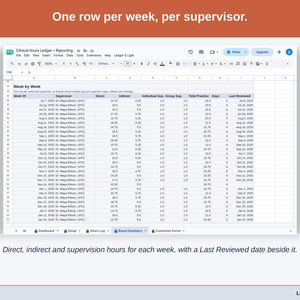
• Week-by-week rows with the date you last reviewed each week with that supervisor
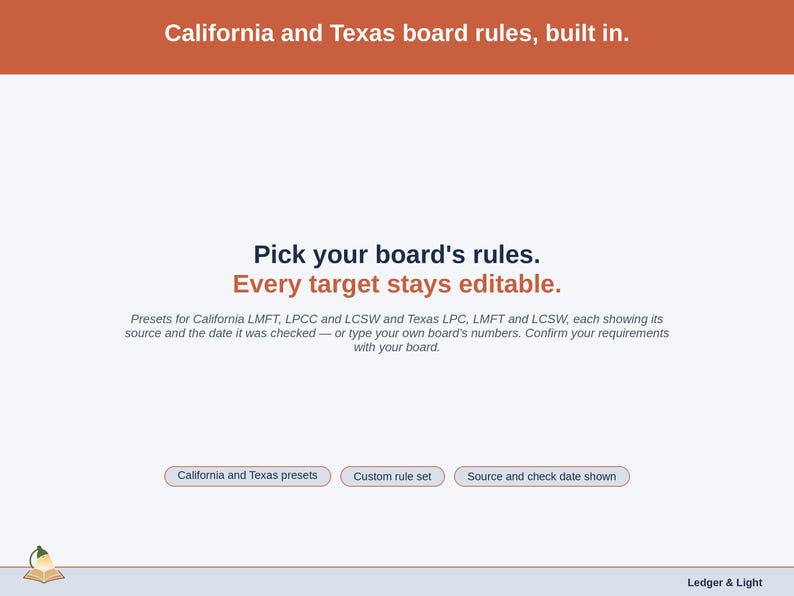
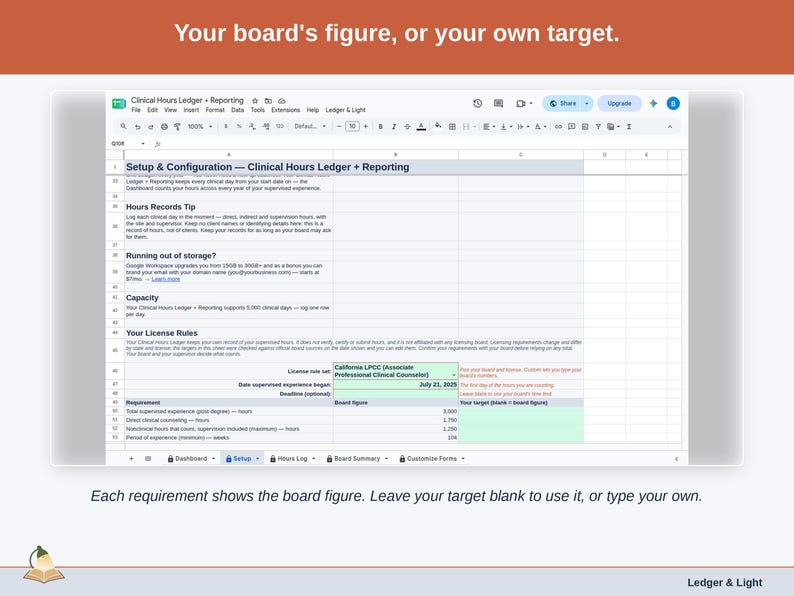
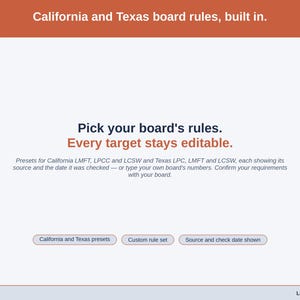
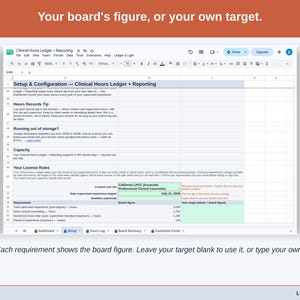
• California and Texas board-rule presets, each with its source and check date, every target editable — or a Custom rule set for any other board
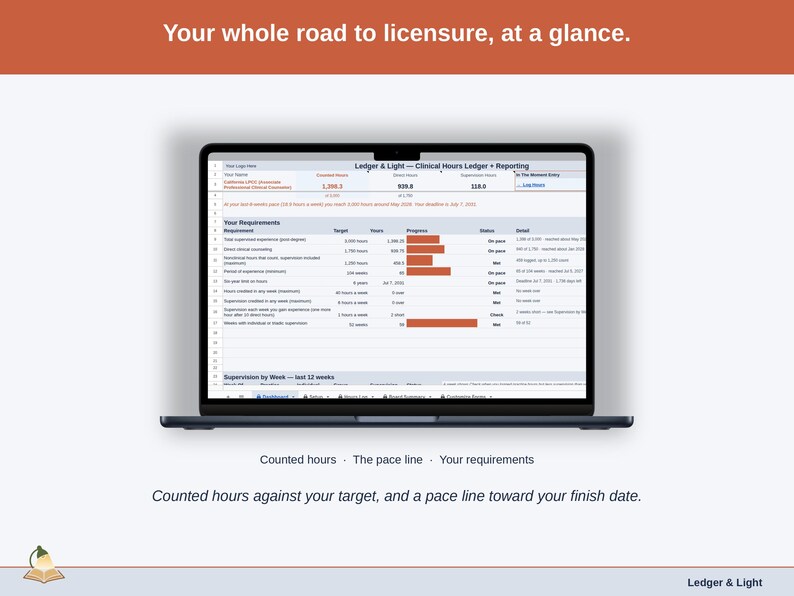
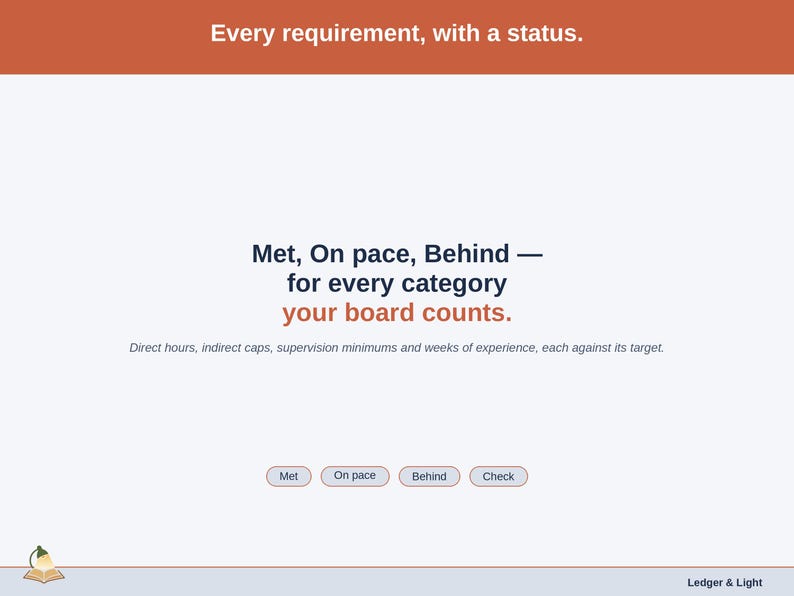
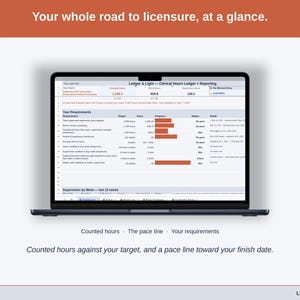
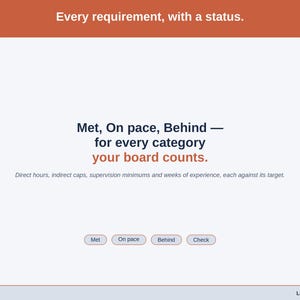
• A requirement ladder with a status for each one: Met, On pace, Behind or Check
• A pace line: at your last-8-weeks pace, the month you reach your total, beside your deadline
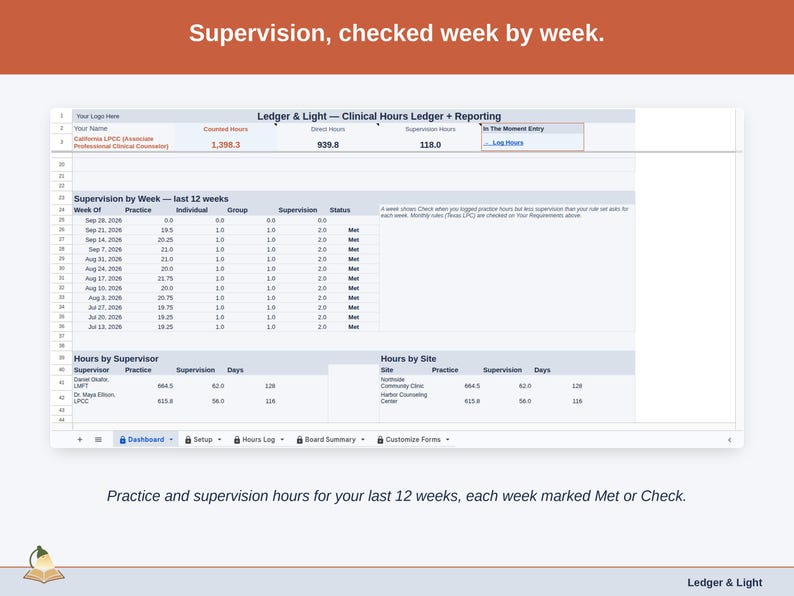
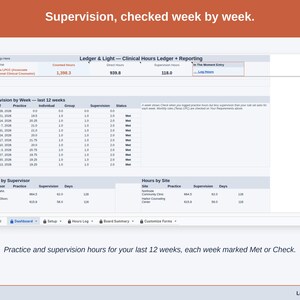
• Supervision by week, with any week short of your rule set's minimum marked
• Works on any device with a free Google account
✓ WHAT YOU GET:
• Your Clinical Hours Ledger + Reporting for Google Sheets — your private access link arrives in your instant download
• Setup instruction PDF — delivered with your Etsy download
• A mobile-friendly "Log Hours" form (opens in any browser, no app required)
✓ HOW IT WORKS:
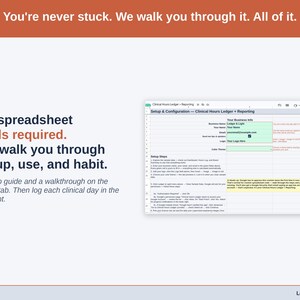
1. Purchase — download your instruction PDF from Etsy right after checkout
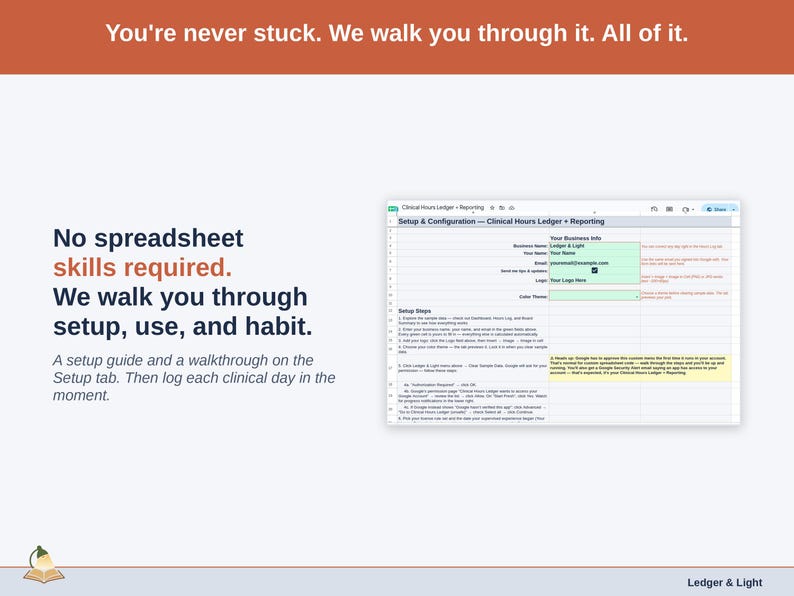
2. Open your Clinical Hours Ledger + Reporting (link in the PDF) and click Make a Copy into your Drive
3. Pick your board's rules, log each clinical day in-the-moment, and send a supervisor their summary when they ask
✓ MADE FOR:
• Associates whose supervisor reviews their hours each month or each quarter
• Associates with more than one supervisor who want each to see only their own hours
• Any post-degree clinician who wants a copy of exactly what their supervisor received
Your instruction PDF is available immediately after purchase.
Your Clinical Hours Ledger + Reporting keeps your own record of your supervised hours. It does not verify, certify or submit hours, and it is not affiliated with any licensing board. It emails a summary only when you choose to send one. Licensing requirements change and differ by state and license; the targets in this sheet were checked against official board sources on the date shown and you can edit them. Confirm your requirements with your board before relying on any total. Your board and your supervisor decide what counts.
The spreadsheet system and formulas are my own original design; AI tools assisted with the decorative illustrations.
If something goes wrong with an order, we've got your back for all eligible purchases. View program terms
Price:$14.99
You can only make an offer when buying a single item
Delivery
Made-to-order download
Files will be available after the seller completes your order. Here's how.
Made-to-order digital items don't accept returns or exchanges. Please contact the seller about any problems with your order.
Seller's description
Specifications
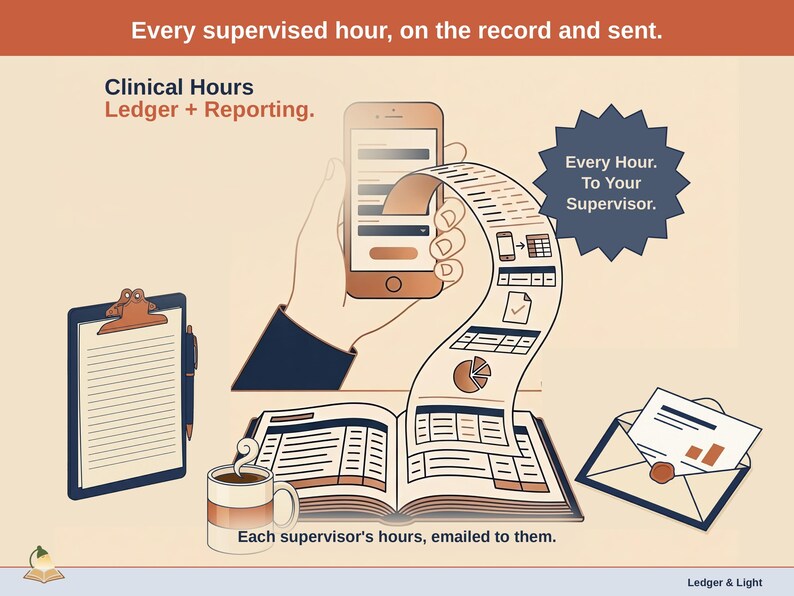
Form to sheet: log it in-the-moment on a Google Form on your phone, and the entry lands organized in your Google Sheet. No app, no re-typing. That's how every Ledger & Light tool works.
Your supervisor sees the hours you logged with them, in their inbox, whenever you choose to send them.
On the Board Summary tab, pick one supervisor and a date range. Then choose "Email this summary to the supervisor" from your custom Ledger & Light menu. Your Clinical Hours Ledger + Reporting names the supervisor, the period and the address for you to confirm, then sends that supervisor's totals and week-by-week rows — with a copy to you.
The summary is built from the days you log in-the-moment on your phone: the site, the supervisor, direct client hours, indirect hours, and individual or group supervision. It carries hours only. Notes stay in your sheet, and no client names or details are ever part of it.
✓ KEY FEATURES:
• Email this summary to the supervisor — one supervisor's totals and weeks, sent to them with a copy to you
• A confirmation naming the supervisor, the period and the address before anything is sent
• Each supervisor's email remembered after the first send, ready for next time
• Totals in the email are checked against your Hours Log before it goes; a mismatch stops the send
• Week-by-week rows with the date you last reviewed each week with that supervisor
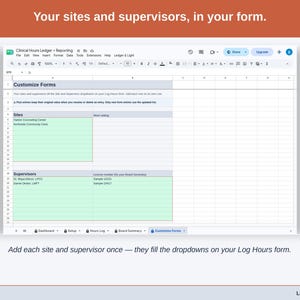
• California and Texas board-rule presets, each with its source and check date, every target editable — or a Custom rule set for any other board
• A requirement ladder with a status for each one: Met, On pace, Behind or Check
• A pace line: at your last-8-weeks pace, the month you reach your total, beside your deadline
• Supervision by week, with any week short of your rule set's minimum marked
• Works on any device with a free Google account
✓ WHAT YOU GET:
• Your Clinical Hours Ledger + Reporting for Google Sheets — your private access link arrives in your instant download
• Setup instruction PDF — delivered with your Etsy download
• A mobile-friendly "Log Hours" form (opens in any browser, no app required)
✓ HOW IT WORKS:
1. Purchase — download your instruction PDF from Etsy right after checkout
2. Open your Clinical Hours Ledger + Reporting (link in the PDF) and click Make a Copy into your Drive
3. Pick your board's rules, log each clinical day in-the-moment, and send a supervisor their summary when they ask
✓ MADE FOR:
• Associates whose supervisor reviews their hours each month or each quarter
• Associates with more than one supervisor who want each to see only their own hours
• Any post-degree clinician who wants a copy of exactly what their supervisor received
Your instruction PDF is available immediately after purchase.
Your Clinical Hours Ledger + Reporting keeps your own record of your supervised hours. It does not verify, certify or submit hours, and it is not affiliated with any licensing board. It emails a summary only when you choose to send one. Licensing requirements change and differ by state and license; the targets in this sheet were checked against official board sources on the date shown and you can edit them. Confirm your requirements with your board before relying on any total. Your board and your supervisor decide what counts.
The spreadsheet system and formulas are my own original design; AI tools assisted with the decorative illustrations.
-
Item typeDigital download
If something goes wrong with an order, we've got your back on all eligible purchases. View program terms
Meet your seller


More from this shop
-
Digital download
Fieldwork Hours Ledger | BCBA and BCaBA Fieldwork Log, 2027 Requirements (Google Sheets)
$14.99
-
Digital download
Clinical Hours Ledger | Supervised Hours Log for LPC, LMFT, LCSW (Google Sheets)
$9.99
-

Digital download
Online Retailer Expense & Mileage Ledger + Reporting | Schedule C Tax Report by Email (Google Sheets)
$24.99
-

Digital download
Donation Ledger | Charity Donation Log for the Non-Itemizer Charitable Deduction (Google Sheets)
$6.99
-
Digital download
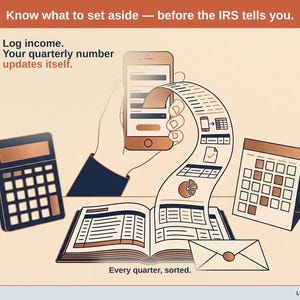
Self-Employed Tax Estimator | 1099 Schedule C SE Tax Calculator (Google Sheets)
$24.99
-

Digital download
Child Care Expense Ledger | Schedule C Tax Spreadsheet (Google Sheets Template)
$12.99
-
Digital download
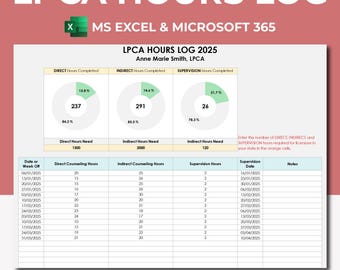
LPCA LCSW LPC Lcmhc Licensure Hours Tracker. Excel 365 Spreadsheet Template, Clinical Hours Log, Direct Indirect Supervision Hours Tracker
Sale Price $5.85
Original Price $11.71
-
Digital download
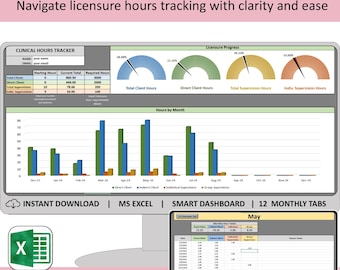
Premium Clinical hours tracker spreadsheet, Excel licensure log, social work, counseling, therapy daily practicum, indirect and supervised
Sale Price $8.78
Original Price $10.98
-
Digital download
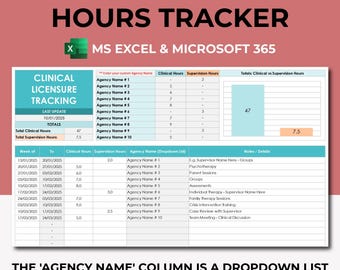
Clinical Supervision & Licensing Hours Tracker, Excel 365, Licensure LCSW Hours Log Digital, Internship Hours, Mental Health Counseling
Sale Price $5.27
Original Price $10.54
-
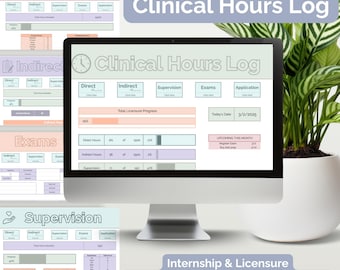
Digital download
Therapist Licensure Tracker: Clinical Supervision Hours Log (Google Sheets)
$12.00
-
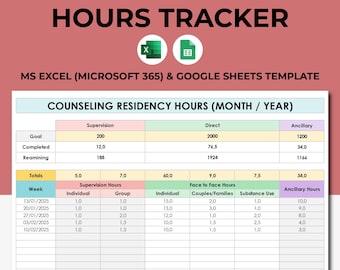
Digital download
Therapist Counseling Residency Hours Tracker Spreadsheet Template. Google Sheets Docs Excel 365. LPC LCSW Planner. Therapist Hours Log
Sale Price $5.27
Original Price $10.54
-

Digital download
Therapy Hours Tracker – Google Sheets Dashboard for Counselors, Social Workers, & Psychologists
$15.00
-
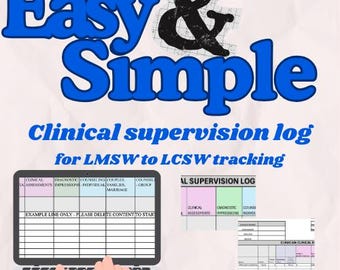
Digital download
Clinical supervision hours log, form tracker, hours template, google, excel, clinical hours log, social work supervision log
$11.99
-
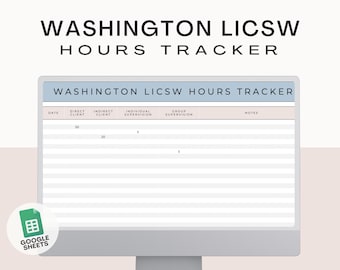
Digital download
Washington LICSW Clinical hours tracker template google sheets, clinical hours log, social work supervision tracker, supervision log
$10.97
-
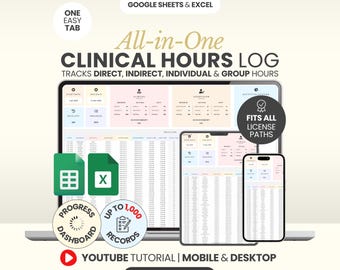
Digital download
Clinical Supervision Hours Log Spreadsheet Nursing School Tracker Google Sheets Clinical Hours Tracker Therapy Hours Tracker Residency Hours
Sale Price $5.99
Original Price $19.97
-
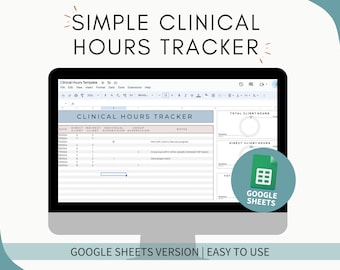
Digital download
Clinical hours tracker template google sheets, clinical hours log, social work supervision tracker, supervision log, client hours
$9.97
-
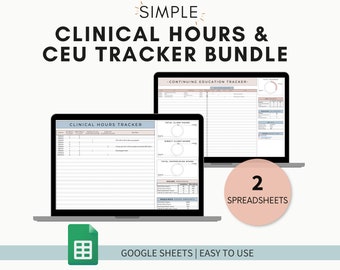
Digital download
Clinical hours tracker template google sheets, clinical hours log, clinical supervision tracker, continuing education tracker, CEU log
$17.99
-

Digital download
Custom Clinical hours tracker template google sheets, clinical hours log, social work supervision tracker, supervision log, client hours
$30.00
Shoppers with similar taste loved these
-
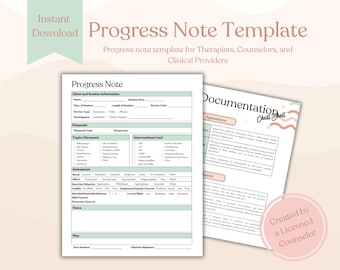
Digital download
Progress Note Template | Therapy Note Template | Mental Health Therapy Note | Counseling Therapy Note | Mental Health Templates
$1.20
-
Digital download
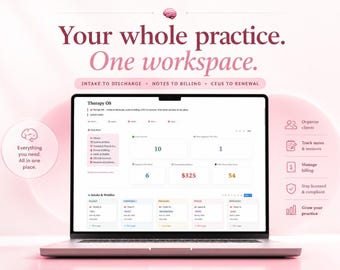
Digital Products For Therapists, Therapy OS Notion Template, Comprehensive Client Tracker, Organized Practice Planner
$39.00
-

Digital download
Therapy Interventions Bundle | CBT, DBT, Trauma Worksheets (PDF)
$140.51
-

Digital download
SMART Goals Therapy Guide: Treatment Planning Objectives
$52.69
-

Digital download
Therapy Interventions Cheat Sheet Bundle | Mental Health Therapy Notes | Therapy Worksheets | Therapy Cheat Sheet | Couple Therapy | PDF
Sale Price $5.97
Original Price $19.90
-
Digital download
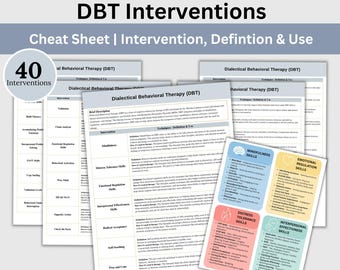
DBT Intervention List: Mental Health Techniques & Therapist Guide (PDF)
$3.99
-
Digital download
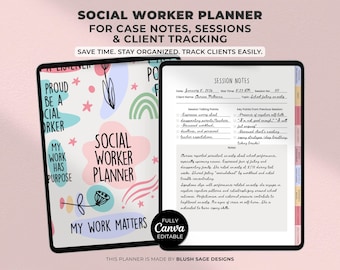
Social Worker Planner | Case Notes, Session Notes & Client Tracking | Editable Canva Template | Instant Download PDF
$7.99
-

Digital download
Therapy Cheat Sheet Bundle Psychoeducation Resources for Therapists and Mental Health Professionals Therapy Office Forms DBT Cheat Sheet
Sale Price $5.47
Original Price $10.94
-

Digital download
Therapist Intervention List: Clinical Terms & Progress Notes (Digital Download)
$3.99
-
Digital download
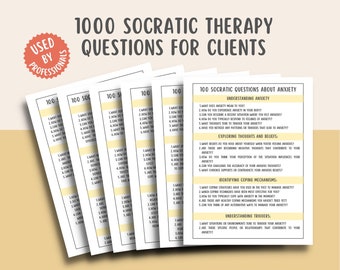
1000 Socratic Therapy Questions, Intervention Phrases, Therapy Cheat Sheet ACT, Mental Health Counsellor Resources, Critical Thinking
Sale Price $2.99
Original Price $5.99
-
Digital download
Therapist Progress Note Template: Fillable SOAP Notes (PDF)
$4.50
-

Digital download
Therapist Scripts Handbook 150 Pages | Therapy Session Scripts, Therapist Toolkit, New Therapist Resources, Counseling Tools, Printable PDF
Sale Price $11.99
Original Price $19.99


