

Business Expense Tracker Google Sheets Template, Small Business Expense Log with Receipt Links, Deductible Totals by Category
Item highlights
Seller's description
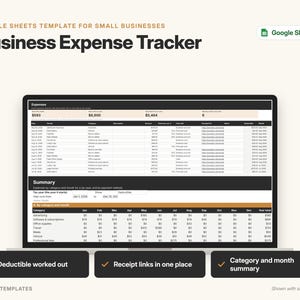
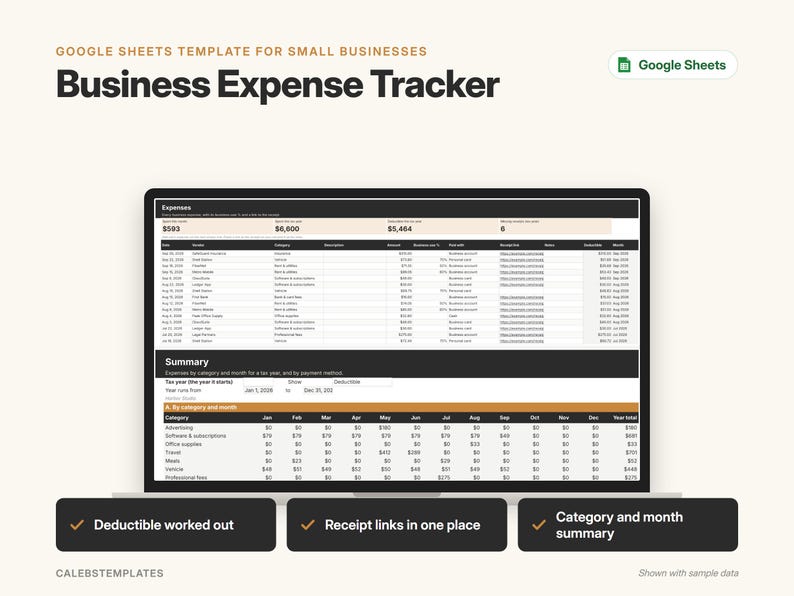
Keep every business expense, and its receipt, in one simple Google Sheet. Log each expense with its category, business-use % and a receipt link, and this Expense Tracker works out your deductible amount and adds up your year by category and month, ready to print at tax time.
━━━ WHAT YOU GET ━━━
- A START-HERE PDF with two "Make a copy" buttons:
– Ready-to-use copy for your own business
– Sample copy filled with a made-up year of expenses, so you can see how it works
- A step-by-step PDF guide (setup, every tab, FAQ, troubleshooting)
━━━ WHAT'S INSIDE ━━━
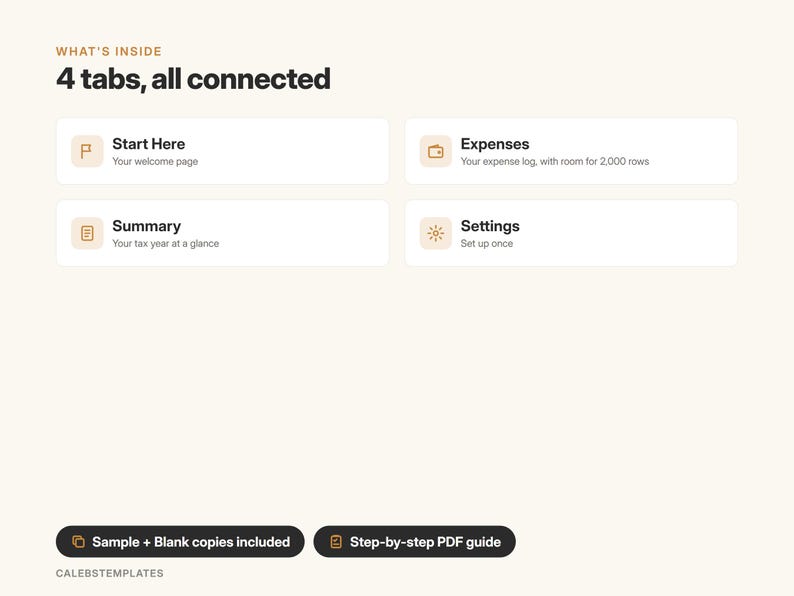
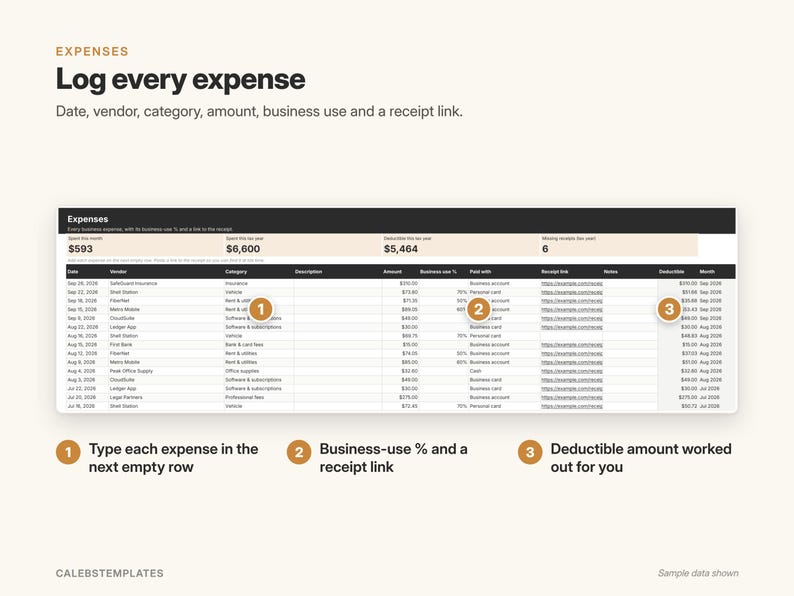
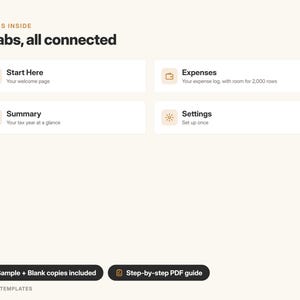
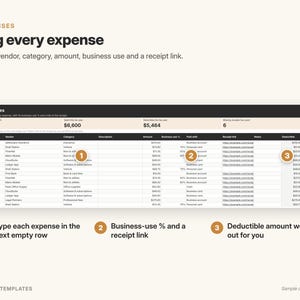
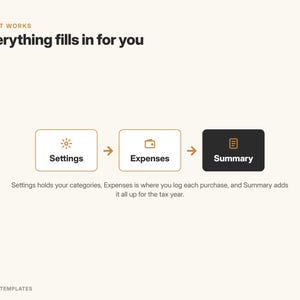
EXPENSES – a log with room for 2,000 expenses
- Date, vendor, category, description, amount, how you paid
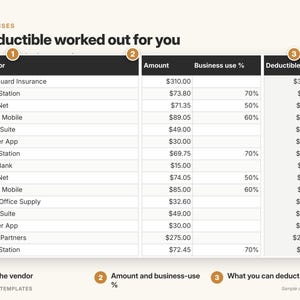
- Business-use % for shared costs like a phone bill, and a link to the receipt
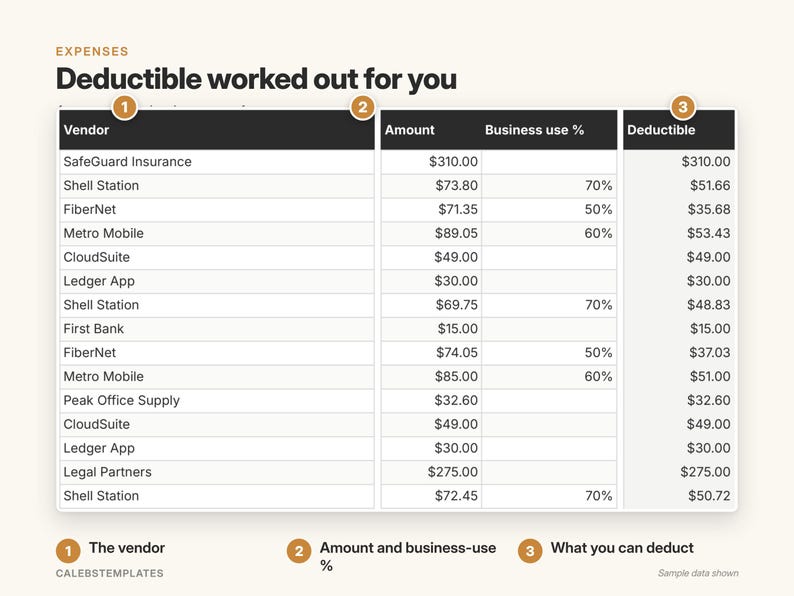
- The deductible amount and month are worked out for you
- Tiles: spent this month, spent this tax year, deductible total, and how many expenses have no receipt link
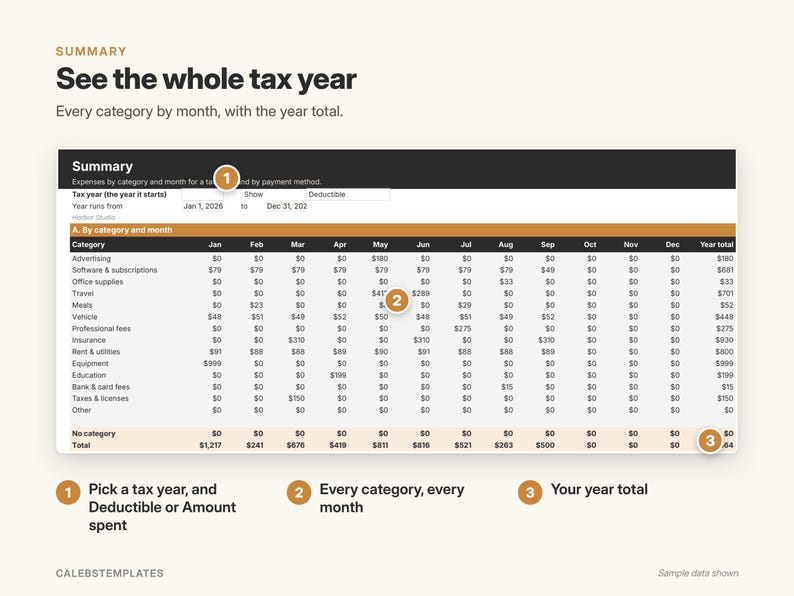
SUMMARY – your tax year at a glance
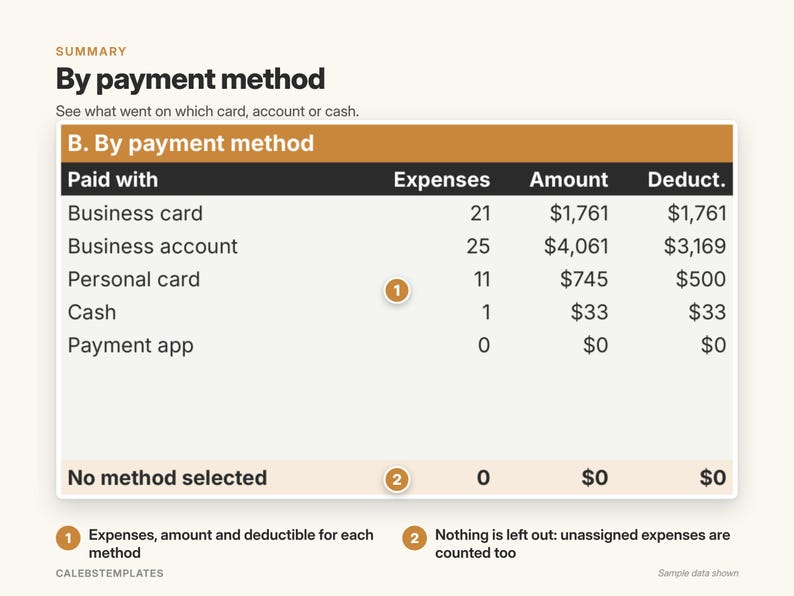
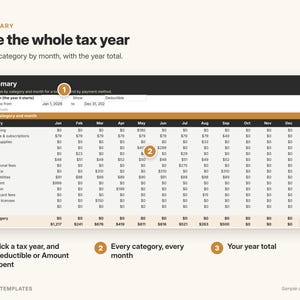
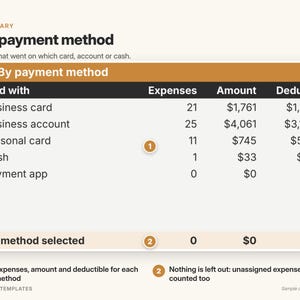
- Choose a tax year and see every category by month with the year total, plus a table by payment method
- Show deductible amounts or full amounts; prints on one landscape page
SETTINGS – set once
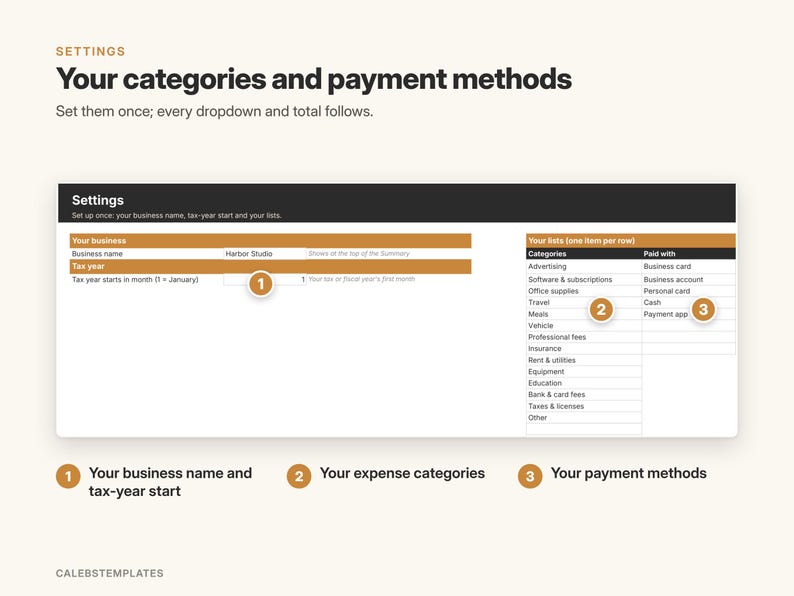
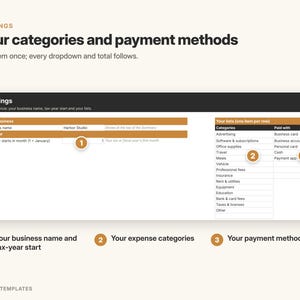
- Your business name, the month your tax year starts, and your own lists of categories and payment methods
START HERE – a 3-step setup checklist and a color guide
━━━ PERFECT FOR ━━━
Self-employed people, freelancers, small business owners, side hustles and anyone who needs a simple expense record and a tidy summary for their tax pro.
━━━ HOW IT WORKS ━━━
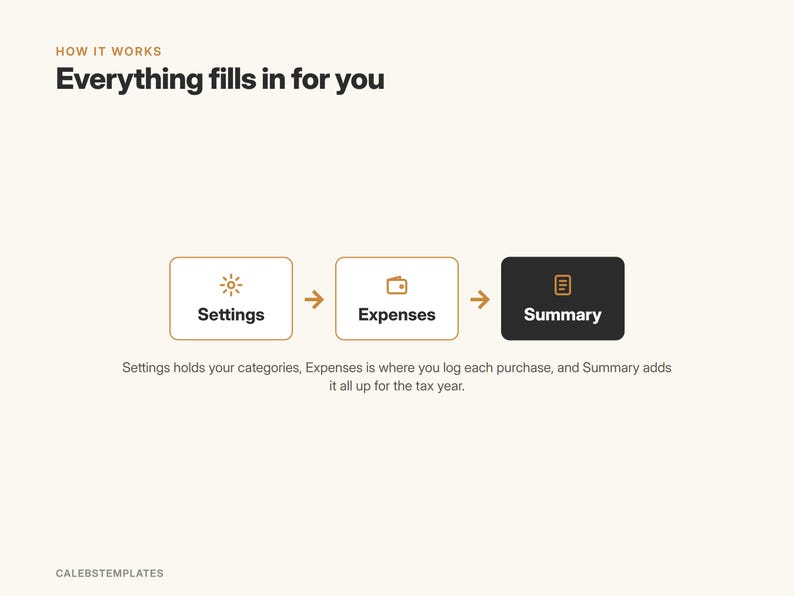
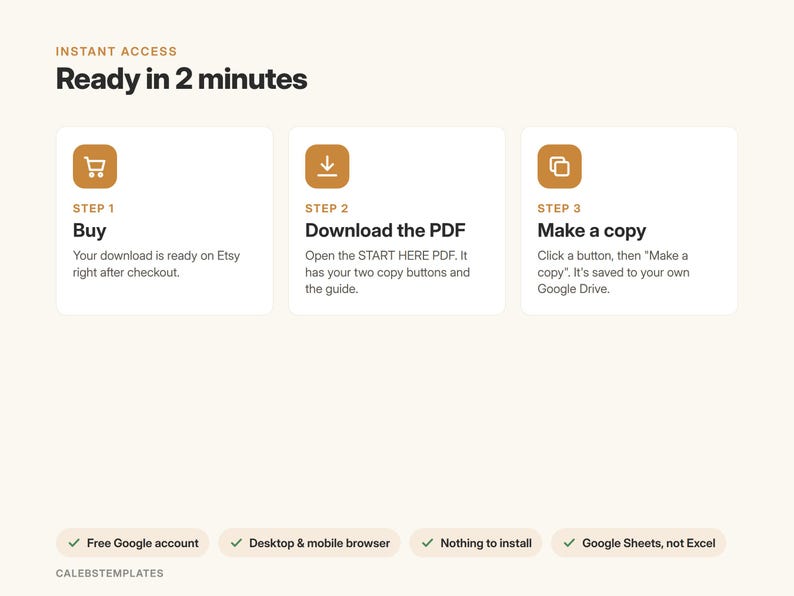
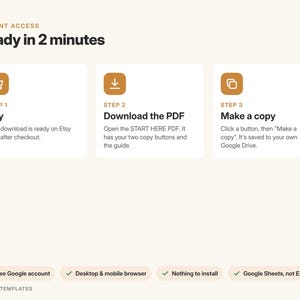
1. Buy and download the START-HERE PDF
2. Click a button while signed in to Google, then "Make a copy"
3. Open your copy, set up Settings, then start logging expenses
━━━ GOOD TO KNOW ━━━
- Google Sheets only: you need a free Google account. This is not an Excel file.
- Works in any browser on a computer, tablet or phone. Setup is easiest on a computer.
- Nothing to install, no add-ons, no scripts.
- A record-keeping tool, not tax advice. It multiplies each amount by your business-use %; ask your tax pro what is deductible where you live.
- Receipts stay in your own Google Drive: you paste a link to each one.
- Prices show in dollars; the guide shows how to switch currency.
- Screenshots show the sample copy with made-up data.
━━━ LICENSE ━━━
For use by one person or one business. Please don't resell, share or redistribute the template or its links. Digital download: no physical item will be shipped. Because it's a digital file, returns aren't accepted, but if something isn't working, message me and I'll help.
NowPrice:$3.74
Original Price: $4.99
25% off
Sale ends on November 30
You can only make an offer when buying a single item
Delivery
Instant download
Your files will be available to download once payment is confirmed. Here's how.
Instant download items don't accept returns, exchanges or cancellations. Please contact the seller about any problems with your order.
Seller's description
Specifications
Keep every business expense, and its receipt, in one simple Google Sheet. Log each expense with its category, business-use % and a receipt link, and this Expense Tracker works out your deductible amount and adds up your year by category and month, ready to print at tax time.
━━━ WHAT YOU GET ━━━
- A START-HERE PDF with two "Make a copy" buttons:
– Ready-to-use copy for your own business
– Sample copy filled with a made-up year of expenses, so you can see how it works
- A step-by-step PDF guide (setup, every tab, FAQ, troubleshooting)
━━━ WHAT'S INSIDE ━━━
EXPENSES – a log with room for 2,000 expenses
- Date, vendor, category, description, amount, how you paid
- Business-use % for shared costs like a phone bill, and a link to the receipt
- The deductible amount and month are worked out for you
- Tiles: spent this month, spent this tax year, deductible total, and how many expenses have no receipt link
SUMMARY – your tax year at a glance
- Choose a tax year and see every category by month with the year total, plus a table by payment method
- Show deductible amounts or full amounts; prints on one landscape page
SETTINGS – set once
- Your business name, the month your tax year starts, and your own lists of categories and payment methods
START HERE – a 3-step setup checklist and a color guide
━━━ PERFECT FOR ━━━
Self-employed people, freelancers, small business owners, side hustles and anyone who needs a simple expense record and a tidy summary for their tax pro.
━━━ HOW IT WORKS ━━━
1. Buy and download the START-HERE PDF
2. Click a button while signed in to Google, then "Make a copy"
3. Open your copy, set up Settings, then start logging expenses
━━━ GOOD TO KNOW ━━━
- Google Sheets only: you need a free Google account. This is not an Excel file.
- Works in any browser on a computer, tablet or phone. Setup is easiest on a computer.
- Nothing to install, no add-ons, no scripts.
- A record-keeping tool, not tax advice. It multiplies each amount by your business-use %; ask your tax pro what is deductible where you live.
- Receipts stay in your own Google Drive: you paste a link to each one.
- Prices show in dollars; the guide shows how to switch currency.
- Screenshots show the sample copy with made-up data.
━━━ LICENSE ━━━
For use by one person or one business. Please don't resell, share or redistribute the template or its links. Digital download: no physical item will be shipped. Because it's a digital file, returns aren't accepted, but if something isn't working, message me and I'll help.
-
Designed by
-
Item typeDigital download
-
Digital file type(s)2 PDF
If something goes wrong with an order, we've got your back on all eligible purchases. View program terms
Meet your seller


More from this shop
-
Digital download
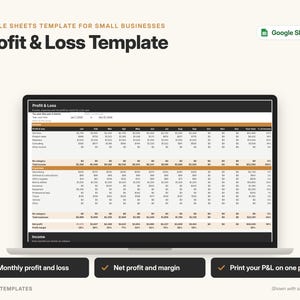
Profit and Loss Template Google Sheets, Small Business P&L Statement by Month, Income and Expense Tracker with Net Profit
Sale Price $4.49
Original Price $5.99
-
Digital download
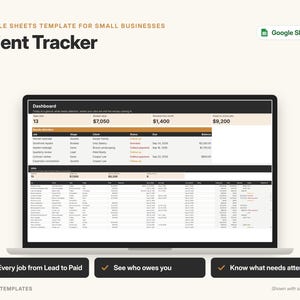
Client Tracker Google Sheets Template, Small Business CRM, Customer & Job Tracking Spreadsheet with Payments and Dashboard
Sale Price $5.99
Original Price $7.99
-
Digital download
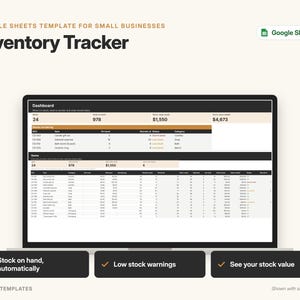
Small Business Inventory Tracker, Google Sheets Template with Low Stock Alerts (Digital Download)
Sale Price $5.99
Original Price $7.99
-
Digital download
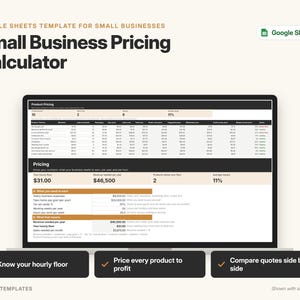
Pricing Calculator Google Sheets Template, Small Business Product Pricing, Profit Margin & Hourly Rate Calculator
Sale Price $7.49
Original Price $9.99
-
Digital download
Mileage Tracker Google Sheets Template, Business Mileage Log for Self Employed, Tax Deduction Summary by Month & Vehicle
Sale Price $3.74
Original Price $4.99
-
Digital download
Simple Monthly Budget Template Google Sheets, Printable Budget Planner, Easy Monthly Budget Spreadsheet for Beginners
Sale Price $1.07
Original Price $1.43
-

Digital download
Small Business Expense Tracker for Google Sheets | Expense & Mileage Log | Customizable Dashboard | Bookkeeping Template
Sale Price $3.00
Original Price $4.00
-
Digital download
Spending Tracker, Spending Log, Accounting Ledger, Expense Tracker, Google Sheets, Financial Planner, Business Expense Tracker
$4.00
-

Digital download
Business Expense Tracker Spreadsheet (2026) - Expenses, Mileage Log, Cell Phone, Home Office Tax Deductions - Microsoft Excel/Google Sheets
$4.97
-

Digital download
Simple Business Income Expense Tracker, Google Sheets (Digital Download)
$6.91
-

Digital download
Business Expense Tracker Spreadsheet (2026) - Expenses, Mileage Log, Cell Phone, Home Office Tax Deductions - Microsoft Excel/Google Sheets
$3.97
-

Digital download
Petty Cash Ledger Template Google Sheets Cash Tracker Accounting Spreadsheet | Cash Flow Tracker Digital Bookkeeping
Sale Price $2.69
Original Price $3.58
-
Digital download
Income & Expense Tracker, Bookkeeping Google Sheet Template (Digital Download)
$3.99
-
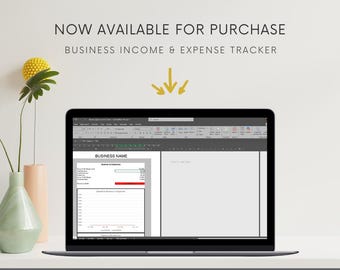
Digital download
Business Expense Tracker
$5.31
-
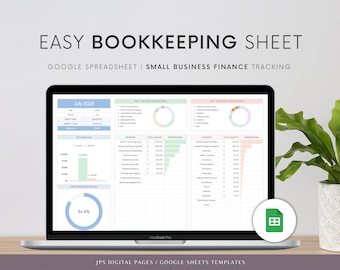
Digital download
Easy Business Bookkeeping Google Sheets Template: Income & Expense Tracker (Digital Download)
Sale Price $2.70
Original Price $4.50
-

Digital download
Expense tracker template for small business owner accounting | Cash Flow | Profit Loss | Sales Tax | Receipts | Google Sheets and Forms
$9.85
-

Digital download
Business Expense Tracker, Income and Expense Tracker, GOOGLE SHEETS
$3.50
-

Digital download
Simple Bookkeeping Spreadsheet, Small Business Finance Template, Income & Expense Tracker, Profit and Loss Business Accounting Google Sheets
Sale Price $1.10
Original Price $3.66
Shoppers with similar taste loved these
-

Digital download
Minimalist Bookkeeping Social Media Bundle | Bookkeeper Canva Template | Finance Social Media | Accountant Posts | Finance Coach | Tax Prep
$15.00
-
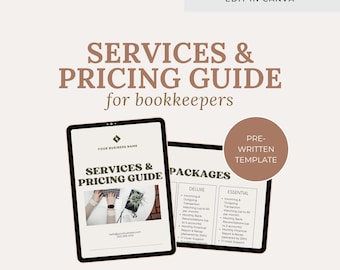
Digital download
Bookkeeper Services & Pricing Guide Canva Template
Sale Price $11.25
Original Price $15.00
-

Digital download
Email Templates for Bookkeepers | Leads | Clients | Prospect | Client Onboarding
Sale Price $11.25
Original Price $15.00
-

Digital download
Bookkeeper Lead Magnet: Editable Canva Template (Digital Download)
Sale Price $11.25
Original Price $15.00
-

Digital download
Bookkeeping Template Bundle, Bookkeeper Social Media, Bookkeeper Flyer, Business Starter Kit, Bookkeeper Business Kit, Canva
Sale Price $5.33
Original Price $13.34
-

Digital download
Accounting Bookkeeping Website Template, Canva Landing Page (Digital Download) Accounting Landing Page Tax Business Website
Sale Price $15.00
Original Price $20.00
-

Digital download
Bookkeeping Services Agreement Template: Client Onboarding Guide (Canva Editable)
Sale Price $11.25
Original Price $15.00
-

Digital download
Bookkeeping Proposal Template: Client Onboarding Forms (Canva Template)
Sale Price $11.25
Original Price $15.00
-

Digital download
Bookkeeper Email Marketing Templates: Newsletter (PDF)
Sale Price $22.50
Original Price $30.00
-
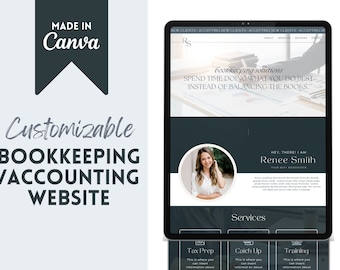
Digital download
Bookkeeper Website | Canva Website | Canva Templates for Financial Services | Bookkeeping Templates | Accounting Website | Finance Templates
$11.00
-
Digital download
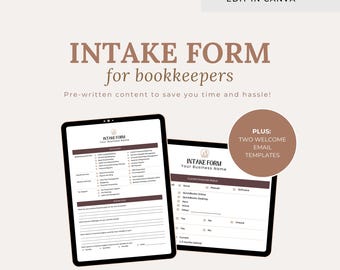
Accounting Client Intake Form Template: Bookkeeper Onboarding (Canva Template)
Sale Price $6.00
Original Price $8.00
-
Digital download
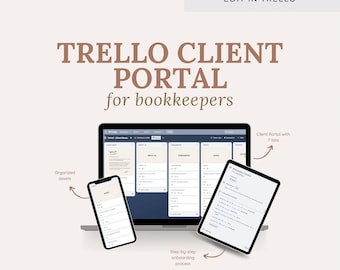
Trello Client Portal for Bookkeeping Clients | Onboarding Template | Client Dashboard | Business Tool | Accountant | Bookkeeper
Sale Price $30.00
Original Price $40.00


