


Recipe Cost Calculator Spreadsheet, Food Cost & Menu Pricing (Excel/Google Sheets)
Price:$6.99
Here's what's eligible:
- Your order doesn't match the item description or photos
- Your item arrived damaged
- Your item arrived after the estimated arrival window
- Your item didn't arrive or was lost in the mail
You can only make an offer when buying a single item
Highlights
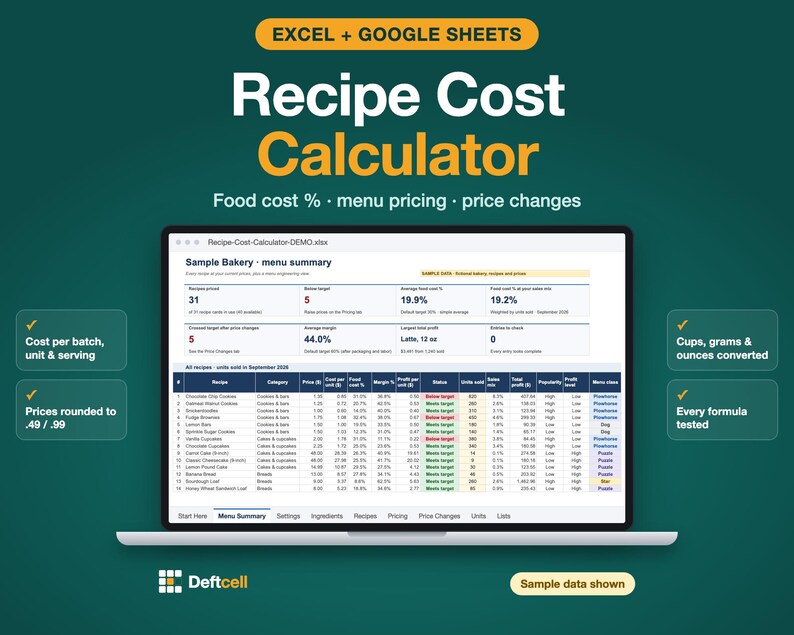
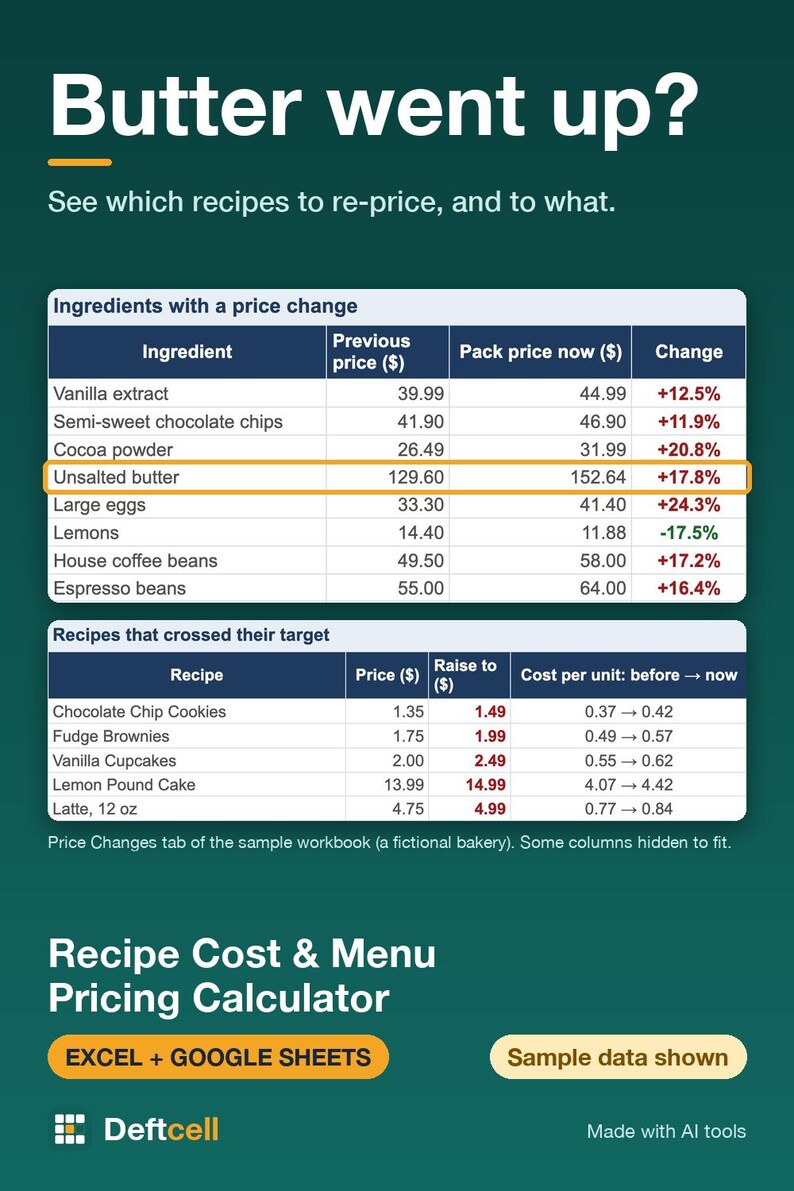
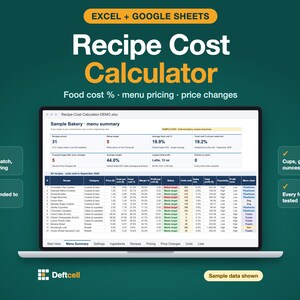
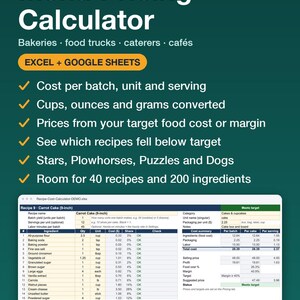
Recipe cost calculator spreadsheet for Excel and Google Sheets: cost every recipe per batch, per unit and per serving, price it to your target food cost % or margin, and see which items need a new price when ingredient costs move.
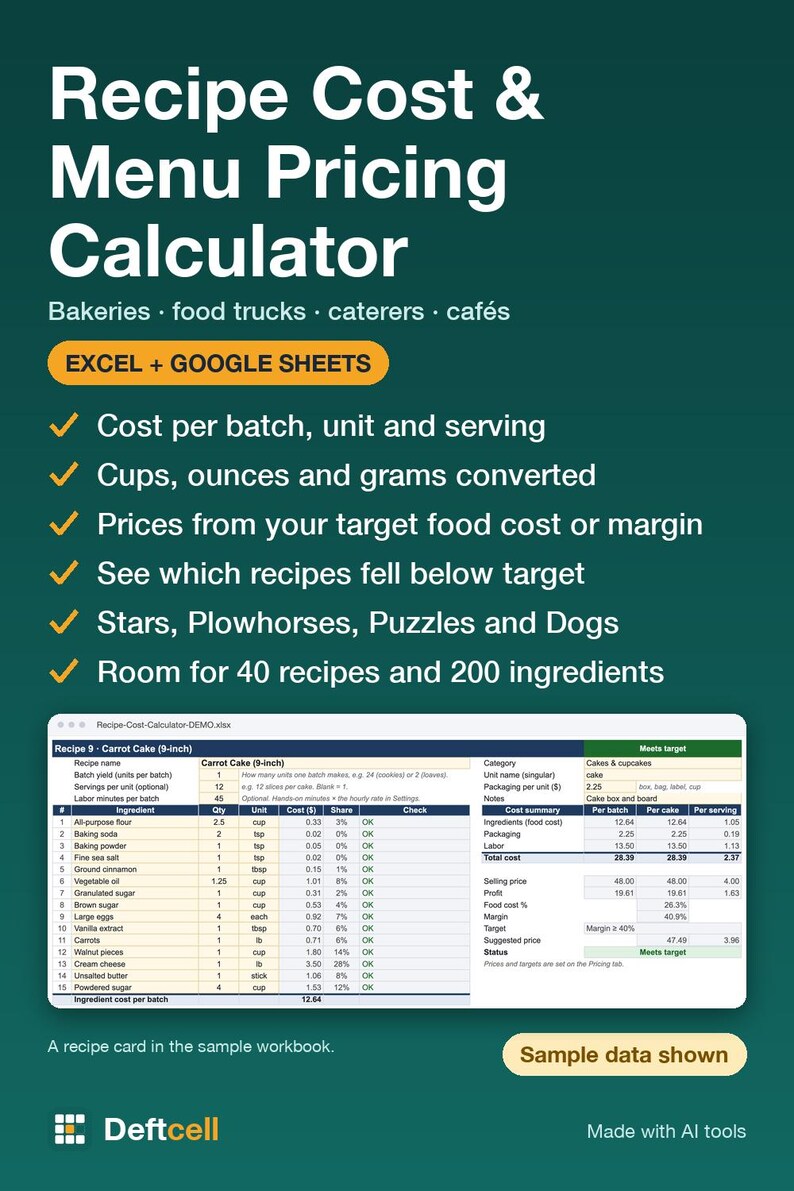
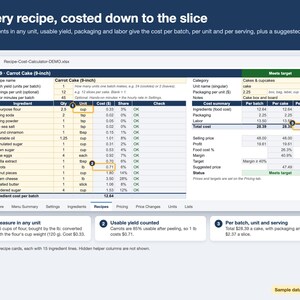
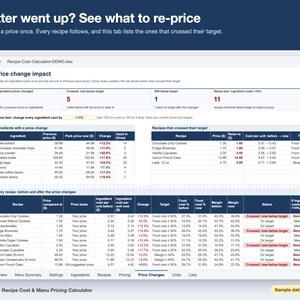
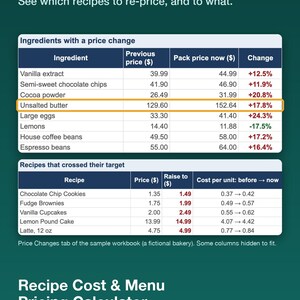
Enter what you pay for each ingredient once. The workbook converts cups, tablespoons, ounces, pounds and grams for you, costs every recipe per batch, per unit and per serving, and suggests a price from your target food cost % or margin, rounded up to an ending like .49 or .99. When butter goes up, change one price: every recipe updates, and the Price Changes tab shows which ones fell below target.
WHAT'S INCLUDED
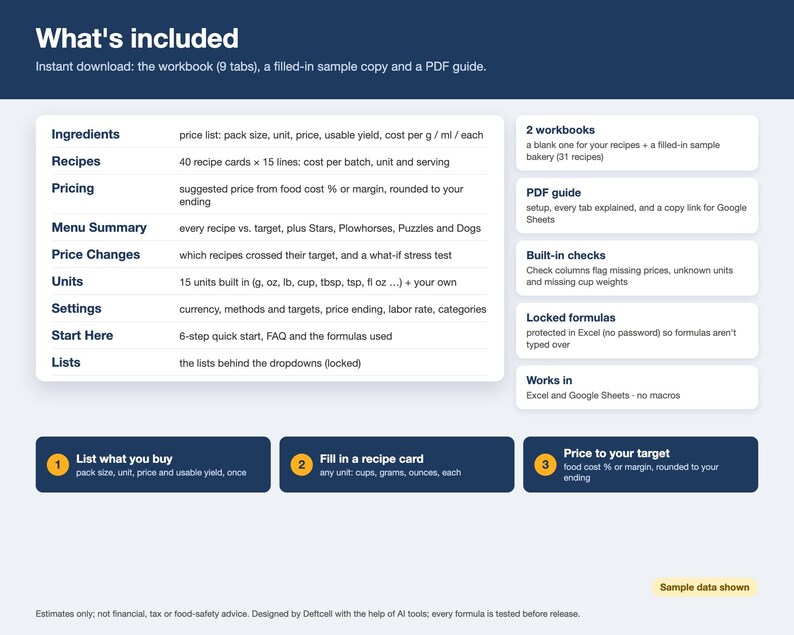
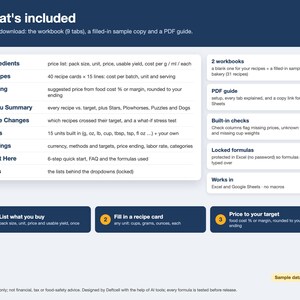
• Recipe-Cost-Calculator.xlsx: the blank workbook for your recipes (9 tabs)
• Recipe-Cost-Calculator-DEMO.xlsx: the same workbook filled with a fictional bakery (31 recipes, 48 ingredients), so you can see every feature working
• PDF guide: setup in 6 steps, every tab explained, and a link to make your own copy in Google Sheets
THE TABS
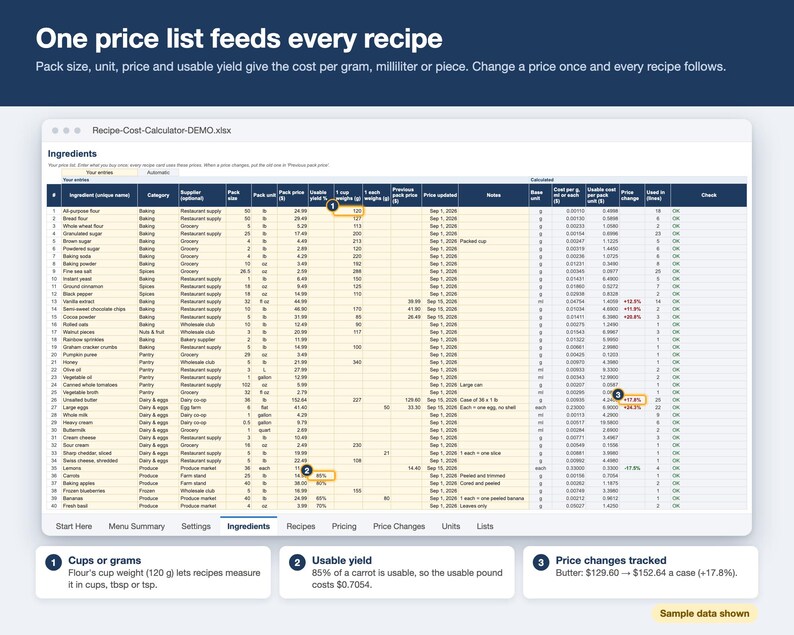
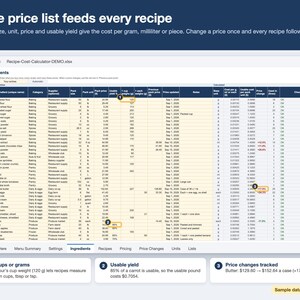
• Ingredients: your price list. Pack size, unit, price and usable yield (for example 85% for carrots after peeling) give the cost per gram, milliliter or piece
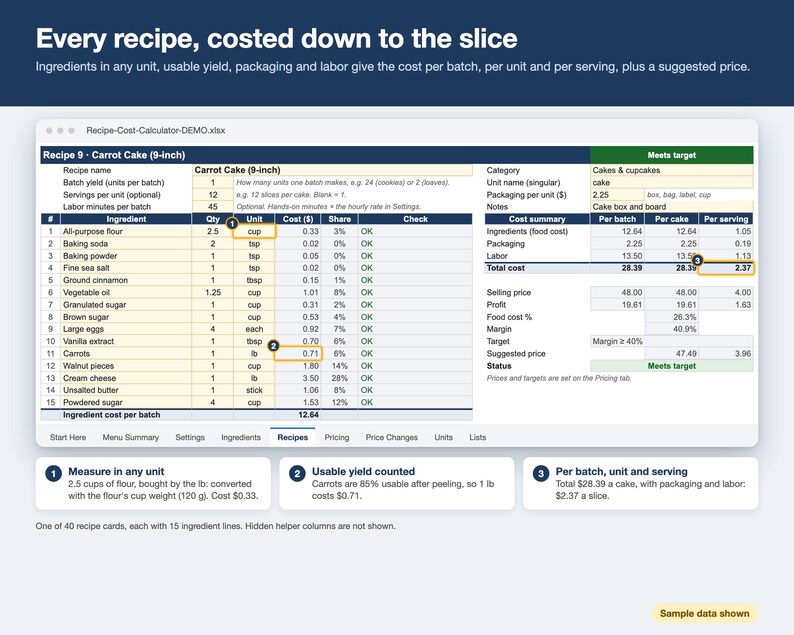
• Recipes: 40 recipe cards with 15 ingredient lines each. Batch yield, servings, packaging per unit and labor minutes give the cost per batch, per unit and per serving
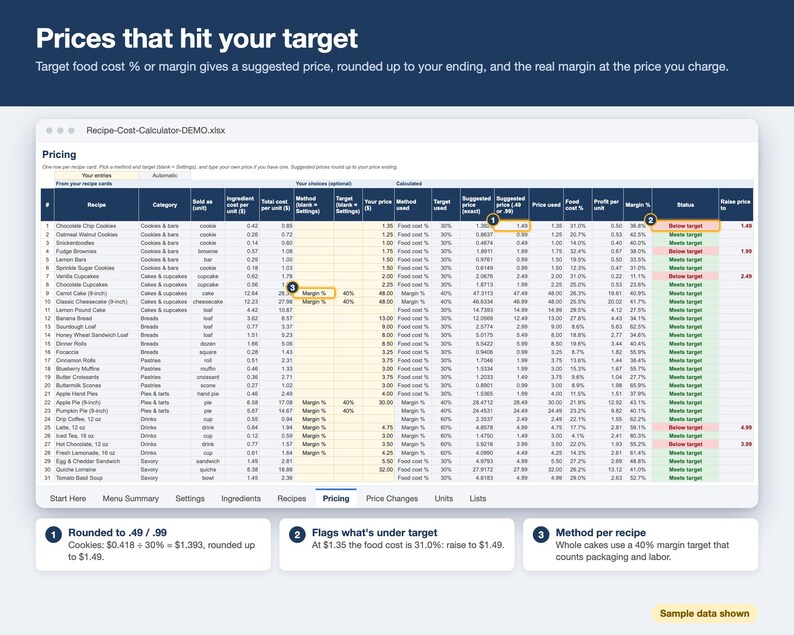
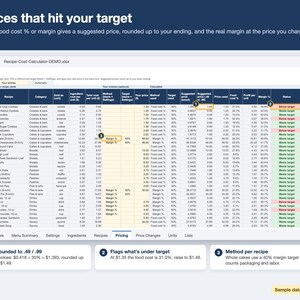
• Pricing: suggested price from your target food cost % or target margin, rounded up to your price ending, plus the actual food cost %, profit and margin at your own price
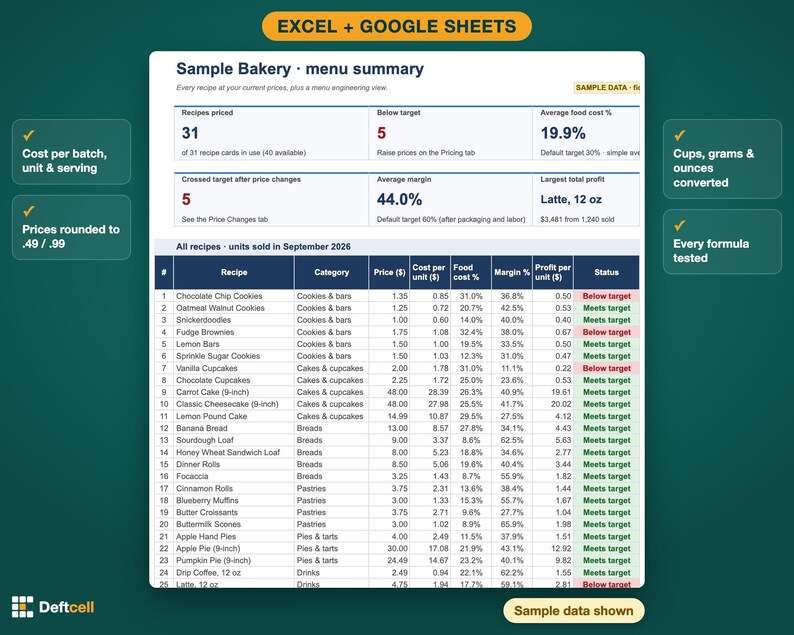
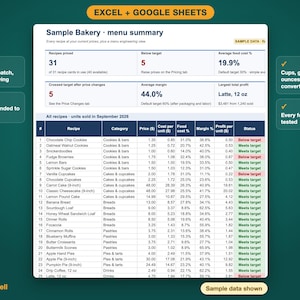
• Menu Summary: every recipe with price, cost, food cost %, margin and an "on target / below target" flag, plus a menu engineering view (Stars, Plowhorses, Puzzles, Dogs) from the units sold you enter
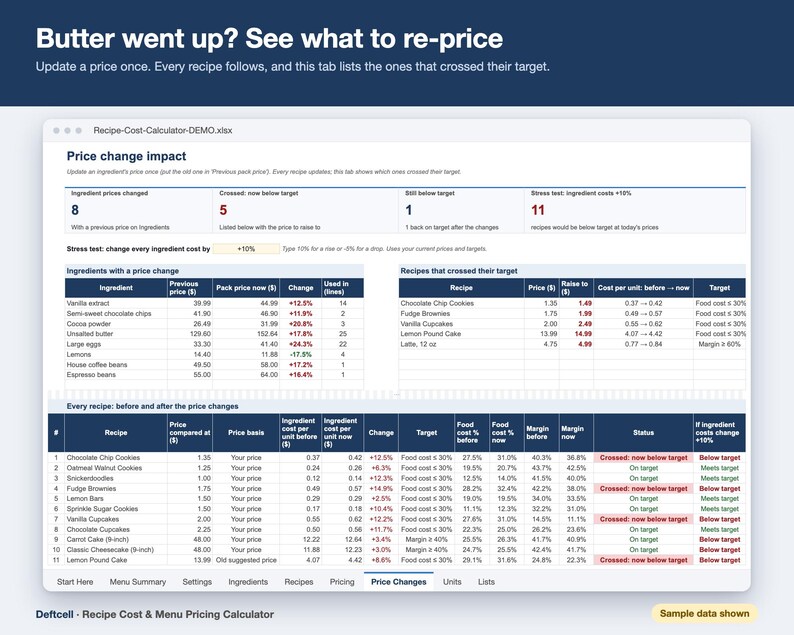
• Price Changes: which ingredient prices changed, which recipes crossed their target and the price to raise to, plus a what-if stress test ("what if every ingredient costs 10% more?")
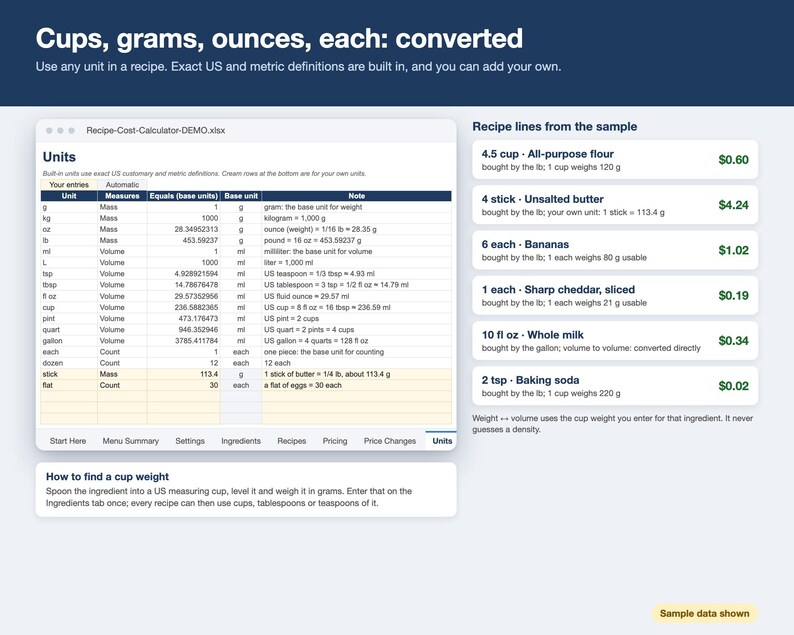
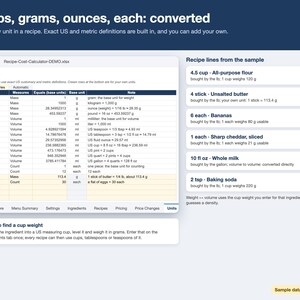
• Units: g, kg, oz, lb, ml, L, tsp, tbsp, fl oz, cup, pint, quart, gallon, each and dozen built in, with room for your own units (a "stick" of butter, a "flat" of eggs)
• Settings: currency symbol, default method and targets, price ending, labor rate and your category lists
• Start Here: quick start, FAQ, the formulas used, and the disclaimer
BUILT TO AVOID MISTAKES
• Cream cells are for you; gray cells are formulas. In Excel they're locked (no password), so you can't type over them by accident
• Dropdowns for ingredients, units, categories and pricing methods
• Check columns flag a missing price, an unknown unit, or a cup measure for an ingredient whose cup weight you haven't entered yet
• It never guesses a density: weight-to-volume conversions use the cup weight you enter for that ingredient
• No macros. Your data stays in your own file.
WHO IT'S FOR
Home bakers and cottage-food sellers, bakeries, food trucks, caterers and small cafés who want to set prices from real costs instead of guesses.
HOW DELIVERY WORKS
Instant download after purchase. You get the two .xlsx files and the PDF guide. Open the .xlsx in Excel, or follow the link in the PDF guide to make your own copy in Google Sheets. (You can also upload the .xlsx to Google Drive and open it with Google Sheets.)
WHAT IT ISN'T
Estimates only: the workbook calculates from the numbers you enter. It is not financial, tax or food-safety advice. It doesn't cover food safety, allergens, nutrition, labeling, permits or cottage-food rules. Prices are before sales tax; card or marketplace fees and overhead (rent, utilities) aren't included, so choose targets that leave room for them. The menu engineering view is a common restaurant heuristic, not a rule.
Designed and built by an AI agent, published by Deftcell (Elite Tech Global LLC); every formula is tested before release.
FAQ
• Does it work in Google Sheets? Yes. Every formula uses functions that both Excel and Google Sheets support. The PDF guide has a copy link.
• My recipes use cups, but I buy flour by the pound. Enter what one cup of that ingredient weighs (weigh one level cup of your own flour). The workbook then converts cups, tablespoons and teaspoons for that ingredient. Until you do, the recipe line tells you it needs the cup weight.
• Food cost % or margin? Both. Food cost % (price = ingredient cost ÷ target) is the common restaurant method. Margin % prices from the total cost, including packaging and labor. Pick a default and change it per recipe.
• How does rounding work? Suggested prices round up to the next price with your ending (.99, .49 or .99, .95, quarters, halves, whole numbers or multiples of 5), so they still meet your target. Your own prices are never changed.
• Does it work in metric or another currency? Yes. Grams, kilograms, milliliters and liters are built in, and you choose the currency symbol shown in headings. Amounts are plain numbers.
• How many recipes and ingredients? 40 recipe cards with 15 ingredient lines each, 200 ingredients and 10 units of your own. For a longer recipe, cost a part such as a frosting as its own recipe and add it to the price list.
• Does it work on a phone or tablet? It's designed for a computer. You can open it in the Excel or Google Sheets mobile apps to look things up, but setup is easiest on a larger screen.
• Can I change it? Yes. In Excel the sheets are protected without a password, so you can unprotect them to customize. Your Google Sheets copy is fully editable.
• Is my data shared? No. Everything stays in your own file. There are no macros or scripts.
REFUNDS
Because this is an instant digital download, returns and exchanges aren't accepted. If a file won't open or doesn't work as described, send us a message and we'll fix it or help you get it working.
Instant Download
Your files will be available to download once payment is confirmed. Here's how.
Instant download items don’t accept returns, exchanges or cancellations. Please contact the seller about any problems with your order.
Etsy Purchase Protection
Shop confidently on Etsy knowing if something goes wrong with an order, we've got your back for all eligible purchases —
see program terms


More from this shop
Visit shop-
Digital download
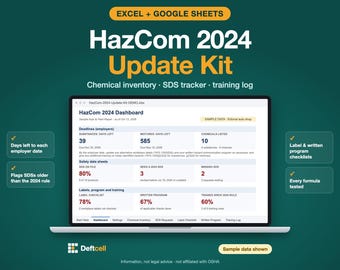
HazCom 2024 Update Kit, Chemical Inventory, SDS Tracker, Training Log (Excel/Google Sheets)
$14.99
-
Digital download
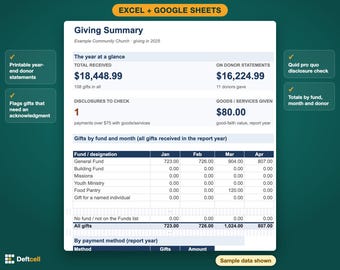
Church Donation Tracker & Year-End Giving Statements, Nonprofit Donor Log (Excel/Google Sheets)
$8.99
-
Digital download
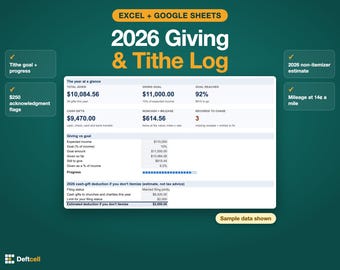
Tithe Tracker 2026 Spreadsheet, Personal Giving Log & Charitable Donation Record, Tithing Goal (Excel/Google Sheets)
$4.99
-
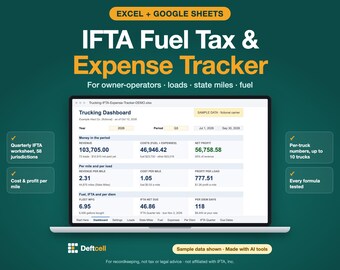
Digital download
Trucking IFTA Fuel Tax & Owner-Operator Expense Tracker Spreadsheet (Excel/Google Sheets)
$14.99
Be the first to leave a review
-

Digital download
Cake Pricing Calculator Recipe Costing Template Baking Ingredient Formula Excel Google Sheets Food Business Tracker Bakery Cost Management
$7.00
-

Digital download
Recipe Costing Template Spreadsheet Baking Price Calculator Excel Sheet Recipe Cost Tracker Digital Food Pricing Planner for Home Bakers
$6.00
-

Digital download
Recipe Costing Calculator for Cooking Baking Profit Template for Pricing Food Product Cost Ingredients Costing Price Google Sheet Excel
$10.27
-

Digital download
Recipe Cost Calculator Food Cost Spreadsheet Bakery Cafe Pricing Tool Profit Margin Tracker Google Sheets Template For Small Business
Sale Price $7.97
Original Price $15.95
-

Digital download
Recipe Cost Calculator, Baking Costing Template (Google Sheet, Excel)
$10.27
-
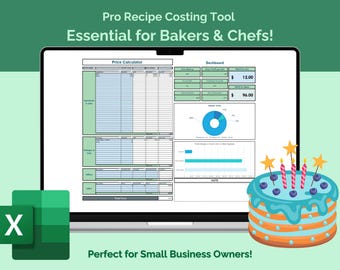
Digital download
Recipe Cost Calculator Excel Template, Ingredient Pricing, Profit Calculation (Excel File Download)
$7.28
-
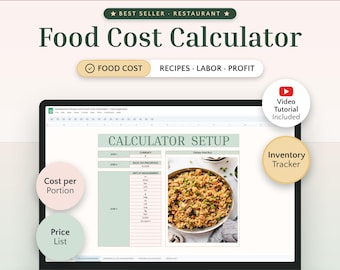
Digital download
Restaurant Recipe & Food Cost Calculator Excel and Google Sheets Menu Pricing, Ingredient Costing and Profit Tool for Food Business
Sale Price $6.99
Original Price $13.99
-

Digital download
Recipe Cost Calculator, Google Sheet Template for Bakers & Chefs
$7.28
-

Digital download
Recipe Cost Calculator: Excel & Google Sheets Template (Digital Download)
Sale Price $4.51
Original Price $11.28
-

Digital download
Recipe Cost Profit Calculator, Baking Ingredient Spreadsheet Home Baker Cake Costing Template Bakery Food Costs Excel Baking Pricing Tool
Sale Price $7.97
Original Price $15.95
-
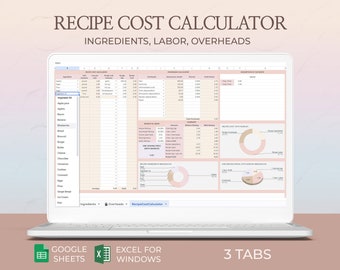
Digital download
Recipe Cost Calculator Excel Sheet Ingredient Pricing Formula Bakery Supplies Tracker Baking Cost Google Sheets Template for Food Creators
$7.00
-

Digital download
Restaurant Recipe Cost Calculator Spreadsheet | Excel Food Cost & Menu Pricing Template
$12.29
Shoppers with similar taste loved these
-

Digital download
Recipe Cost Calculator Google Sheets, Order Profit Calculator, Pricing Calculator Spreadsheet, Baking Price Calculator, Product Pricing
Sale Price $5.48
Original Price $6.45
-
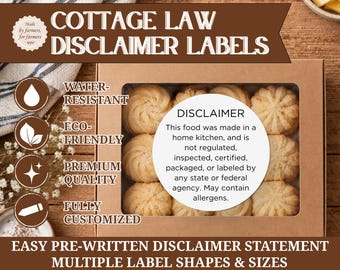
Cottage Law Disclaimer Warning Sticker Labels - Water-Resistant, Eco-Friendly, Black/White, Printed Labels for Homemade Food and Baked Goods
$10.00
-

Digital download
Editable Cottage Food Label, Printable Food Label, DIY Bakery Ingredient Label, Canva Template, Small Business Packaging Sticker
Sale Price $2.40
Original Price $4.00
-
Digital download
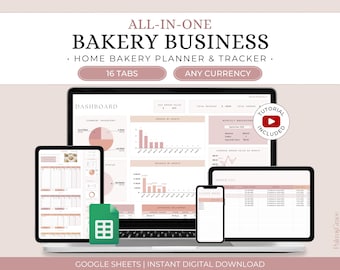
Home Bakery Business Planner Spreadsheet, Recipe Cost Calculator Google Sheets, Bakery Order Tracker, Cake Business Planner, Bakery Planner
Sale Price $15.94
Original Price $18.75
-
Digital download
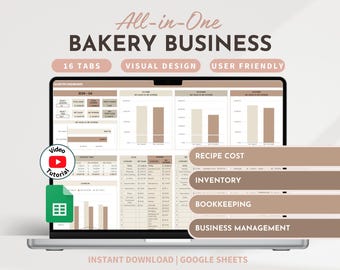
Bakery Planner Recipe Cost Calculator Bakery Spreadsheet Inventory Tracker Bookkeeping Order Tracker Home Baker Business Business Planner
$51.62
-

Digital download
Bakery Business Bundle, Editable Bakery Template Kit, Cake Care Guide Canva, Cake Order Forms, Cake Business Set, Printable Thank You Cards
$13.68
-

Digital download
Recipe Cost and Pricing Calculator, Home Baker Business Cake Costing Template, Bakery Pricing Google Sheets, Ingredients Tracker Spreadsheet
Sale Price $4.98
Original Price $12.46
-

Maximum 12" rubber stamp, custom logo stamp, large stamp, small stamp , wedding stamp, business stamp.
Sale Price $1.23
Original Price $2.05
-

Digital download
Home Baker Recipe Cost Pricing Calculator Bookkeeping Spreadsheet Excel, Business Planner Cake Order Tracker, Bakery Pricing Google Sheets
Sale Price $8.03
Original Price $20.07
-
Digital download
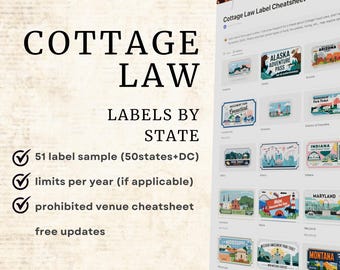
Cottage Law Label Text Samples for All 50 States and DC Labels Requirements Cottage Kitchen Cottage Food Law Label Guide for Home Bakers
Sale Price $2.25
Original Price $5.63
-

Digital download
Cottage Food Label | Cottage Baking Label | Printable Food Label | Home Baked Goods Label | Home Bakery Stickers | Ingredient Label Template
Sale Price $1.99
Original Price $3.61
-
Digital download
Editable Cake Box Seal Label Template: Whimsical Bakery Packaging (Instant Download)
$7.61


