


Price:$7.99
Employee Attendance Tracker, Google Sheets and Excel, Occurrences and Points System (Digital Download)
Here's what's eligible:
- Your order doesn't match the item description or photos
- Your item arrived damaged
- Your item arrived after the estimated arrival window
- Your item didn't arrive or was lost in the mail
You can only make an offer when buying a single item
Highlights
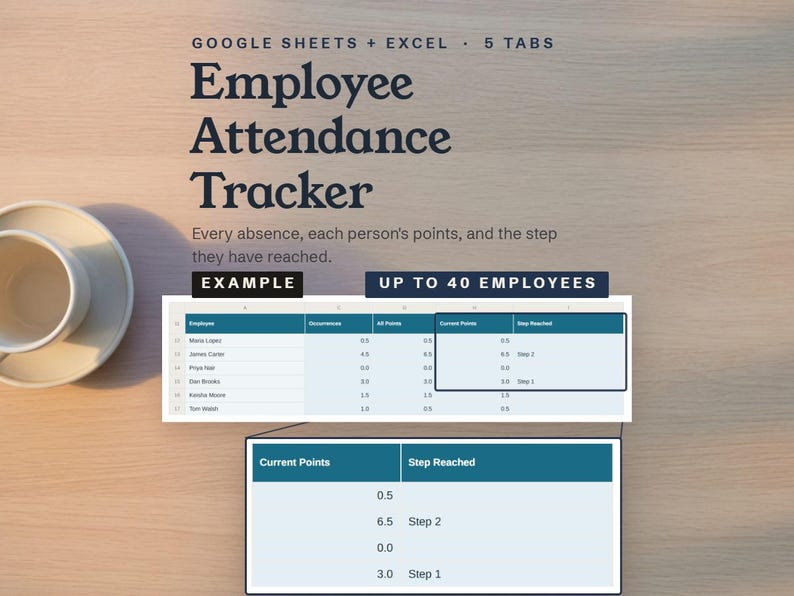
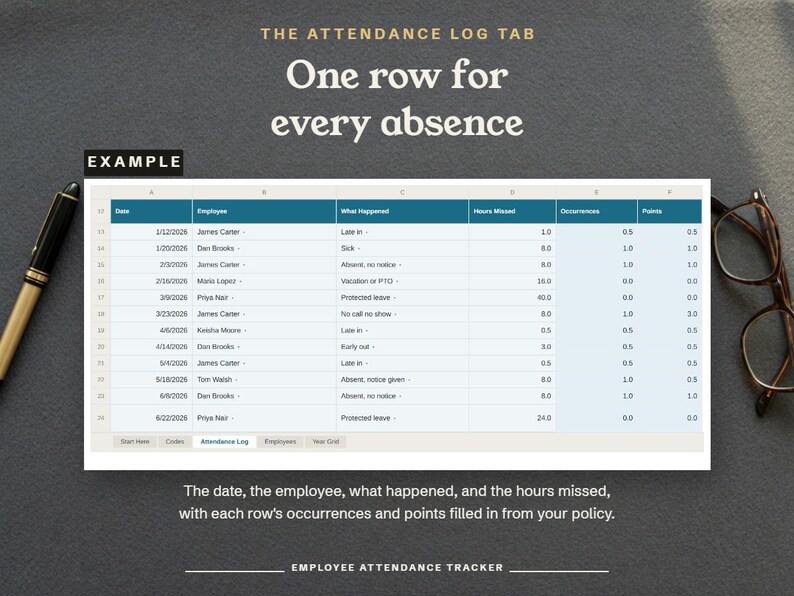
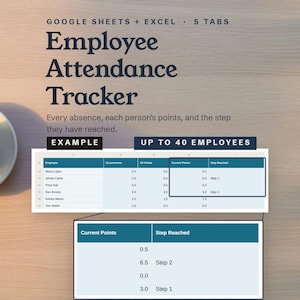
This employee attendance tracker logs every absence, late arrival, and early departure on your team, and adds up each person's occurrences and points under the policy you set.
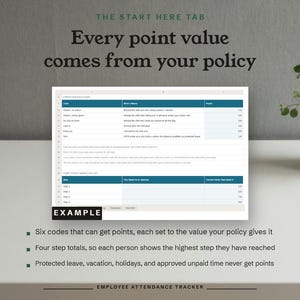
An occurrence counts each missed shift as 1 and each late arrival or early departure as 0.5, while vacation, holidays, protected leave, and approved unpaid time count 0, and a step is an action your policy takes when a person's points reach a total you set.
How to use it:
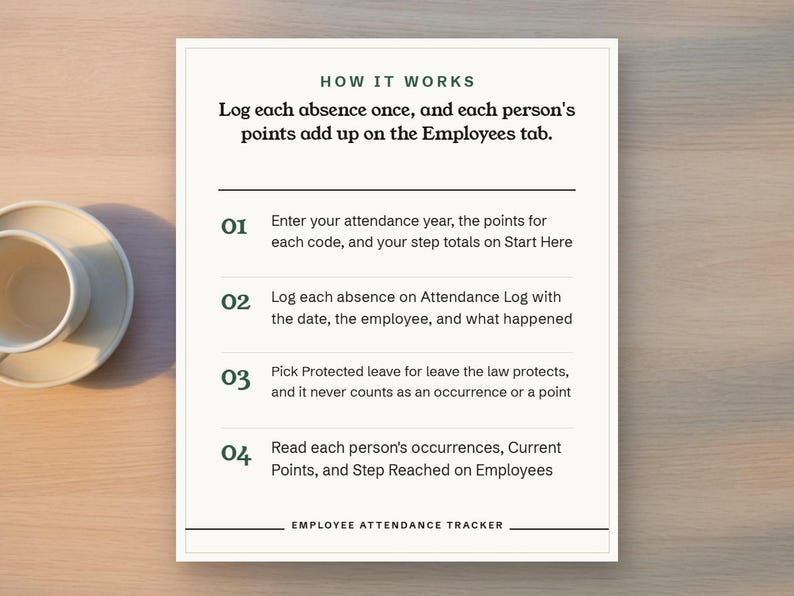
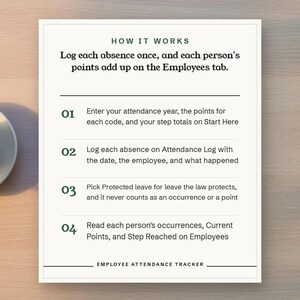
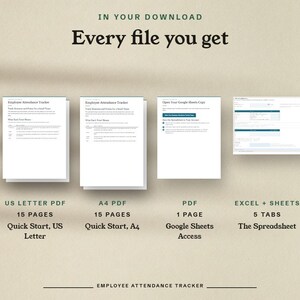
1. Open Employee Attendance Tracker Google Sheets Access.pdf to make your Google Sheets copy, or open Employee Attendance Tracker.xlsx in Excel.
2. Enter the first day of your attendance year and your Months Before a Point Rolls Off on the Start Here tab.
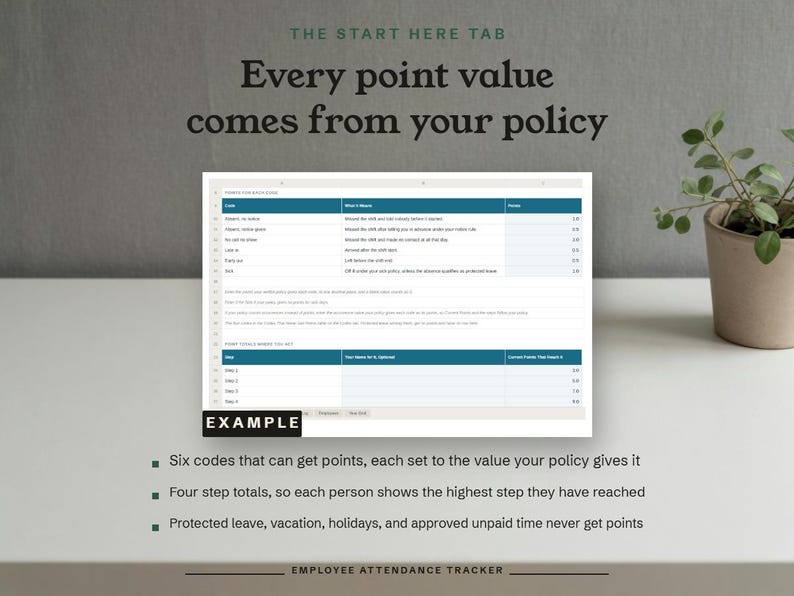
3. Enter the points your policy gives each code and the total at which your policy takes each step, up to four, on the Start Here tab.
4. Type each employee's name and start date on the Employees tab, and pick each name once on the Year Grid tab.
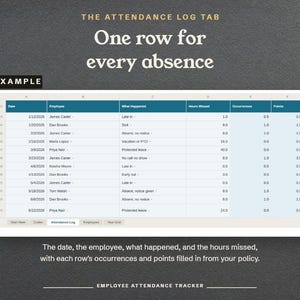
5. Log each absence, late arrival, and early departure on the Attendance Log tab with the date, the employee, the code, and the hours missed.
6. Pick Protected leave for any absence the law protects, so it never counts as an occurrence or a point.
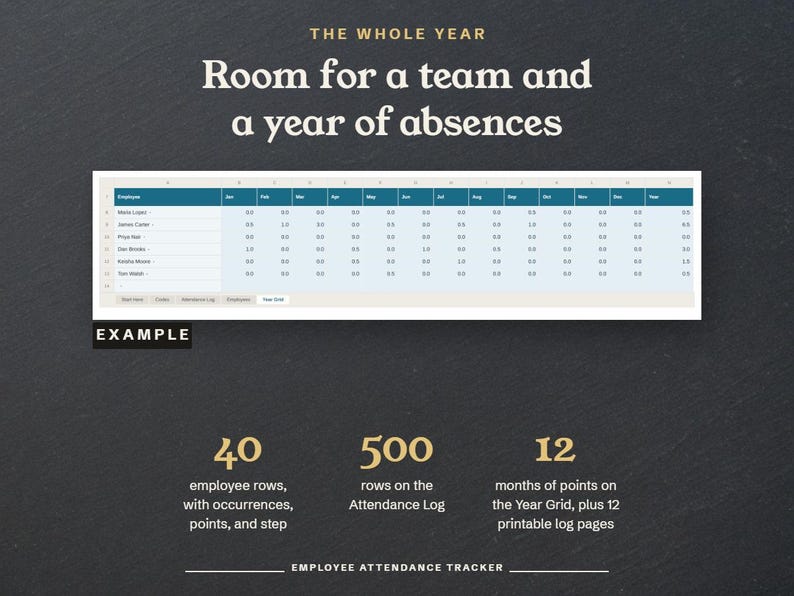
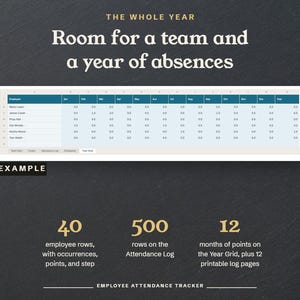
7. Read each person's occurrences, Current Points, and Step Reached on the Employees tab, and their points by month on the Year Grid tab.
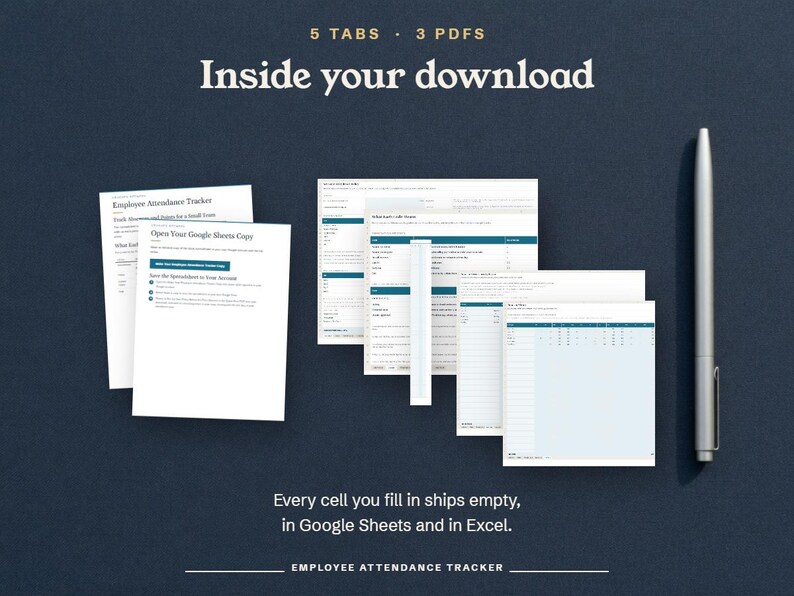
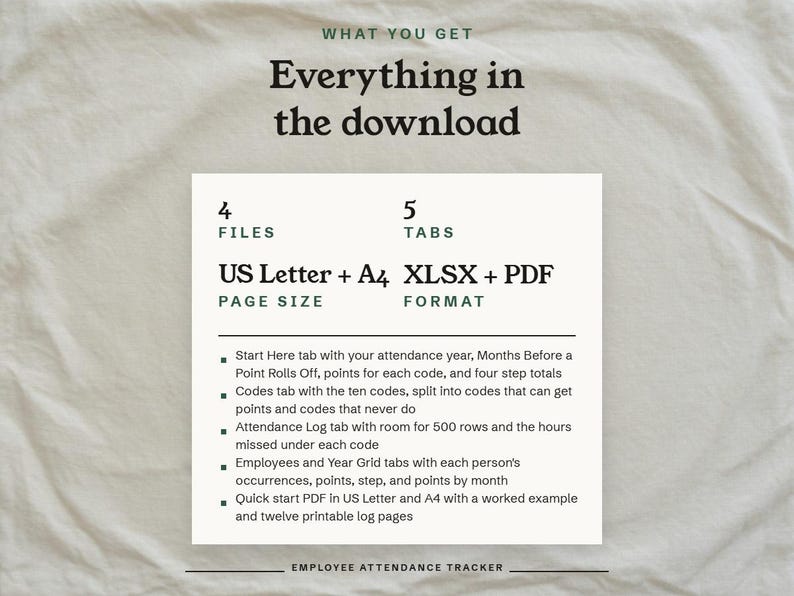
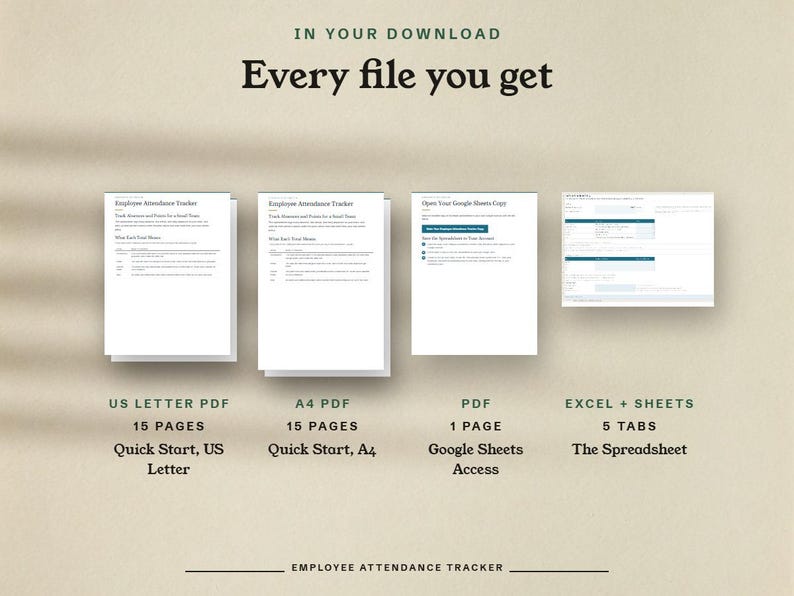
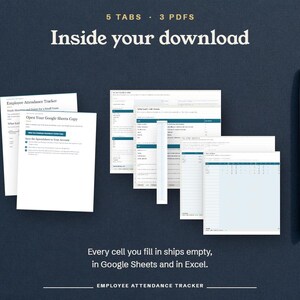
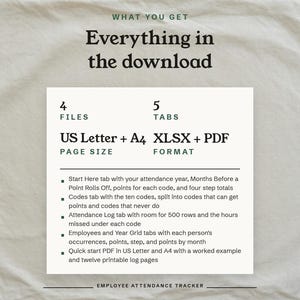
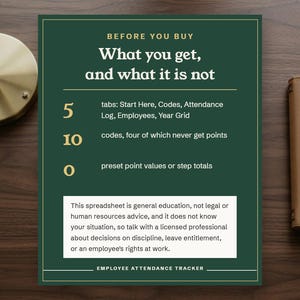
What you get: a five tab workbook for Google Sheets and Excel with room for 40 employees and 500 rows, a quick start PDF in US Letter and A4 with a worked example and twelve printable monthly log pages, and a Google Sheets access PDF with the link.
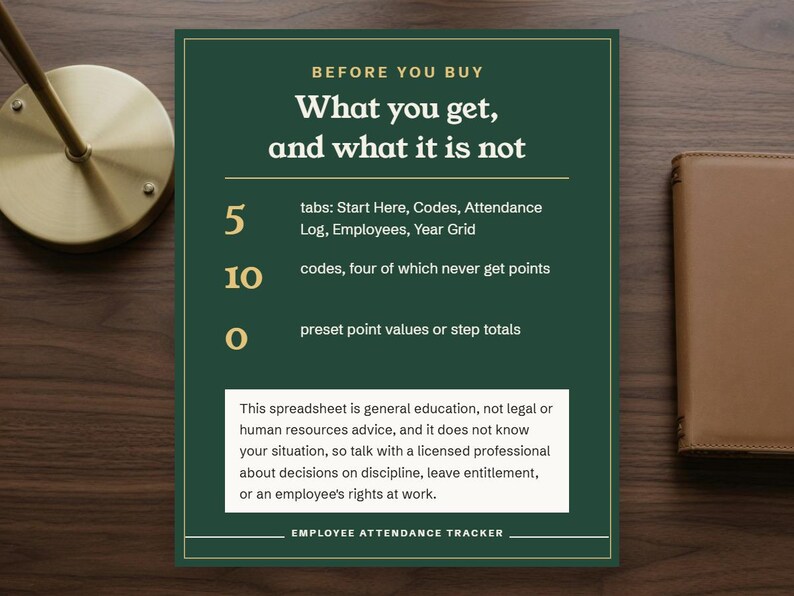
The ten codes: Absent, no notice; Absent, notice given; No call no show; Late in; Early out; Sick; Vacation or PTO; Holiday; Protected leave; Unpaid, approved.
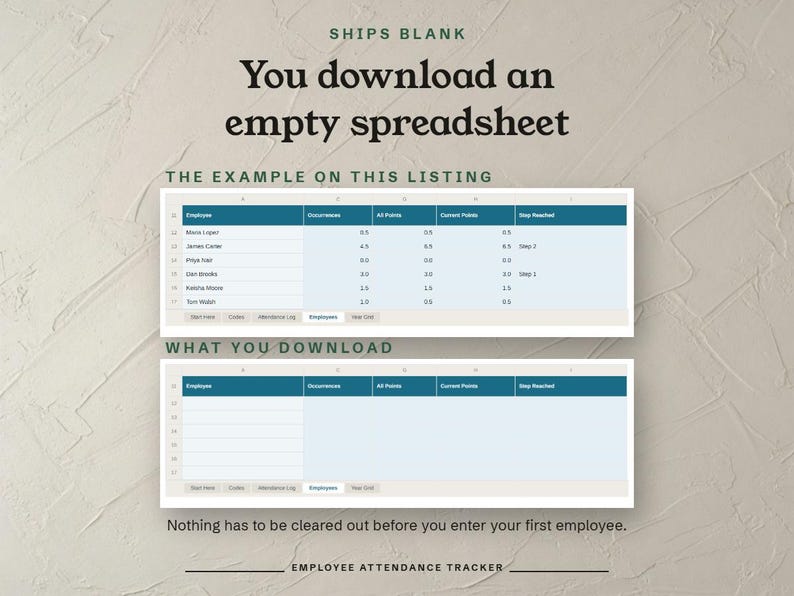
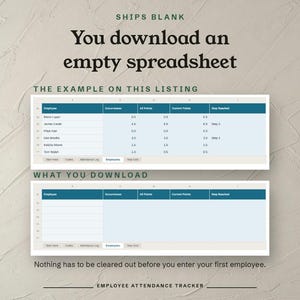
The workbook ships blank, with ten codes and no preset point values or step totals, so those numbers come from your own written policy.
This spreadsheet is general education, not legal or human resources advice, and it does not know your situation, so talk with a licensed professional about decisions on discipline, leave entitlement, or an employee's rights at work.
This is a digital download, and no physical item ships.
All sales are final.
Instant Download
Your files will be available to download once payment is confirmed. Here's how.
Instant download items don’t accept returns, exchanges or cancellations. Please contact the seller about any problems with your order.
Etsy Purchase Protection
Shop confidently on Etsy knowing if something goes wrong with an order, we've got your back for all eligible purchases —
see program terms


More from this shop
Visit shop-
Digital download
Resignation Letter Template, Editable Google Docs, Printable PDF (Digital Download)
$2.99
-
Digital download
Employee PTO Tracker | Excel & Google Sheets Leave Management (Digital Download)
$11.99
-
Digital download
Job Application Tracker Spreadsheet, Status Dashboard, Offer Comparison (Digital Download)
$2.49
-
Digital download
Burnout Journal Printable, Daily Energy Log, 40 Questions (PDF Download)
$4.99