


Overtime Tracker Excel, Labor Hours Cost Log, Department Budget vs Actual, Employee Limit Alerts
Price:$15.18
Here's what's eligible:
- Your order doesn't match the item description or photos
- Your item arrived damaged
- Your item arrived after the estimated arrival window
- Your item didn't arrive or was lost in the mail
You can only make an offer when buying a single item
Buy together, get 25% off
 This listing
Overtime Tracker Excel, Labor Hours Cost Log, Department Budget vs Actual, Employee Limit Alerts
Sale Price $11.38
Original Price $15.18
Digital Download
Original value: $56.04
New total: $42.02
Highlights
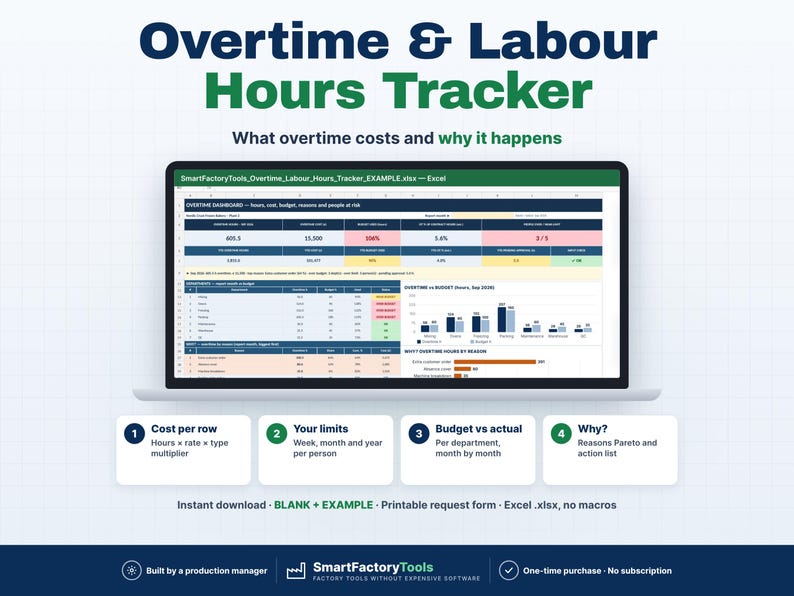
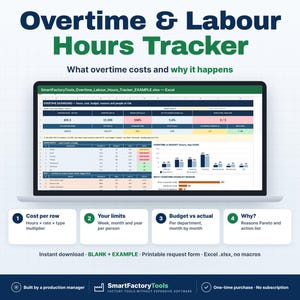
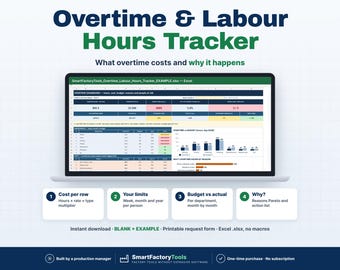
Know how much overtime your plant works, what it really costs, WHY it happens – and who carries too much of it.
✔ Cost per overtime row: hours × rate × type multiplier
✔ Your limits per person – week, month and year
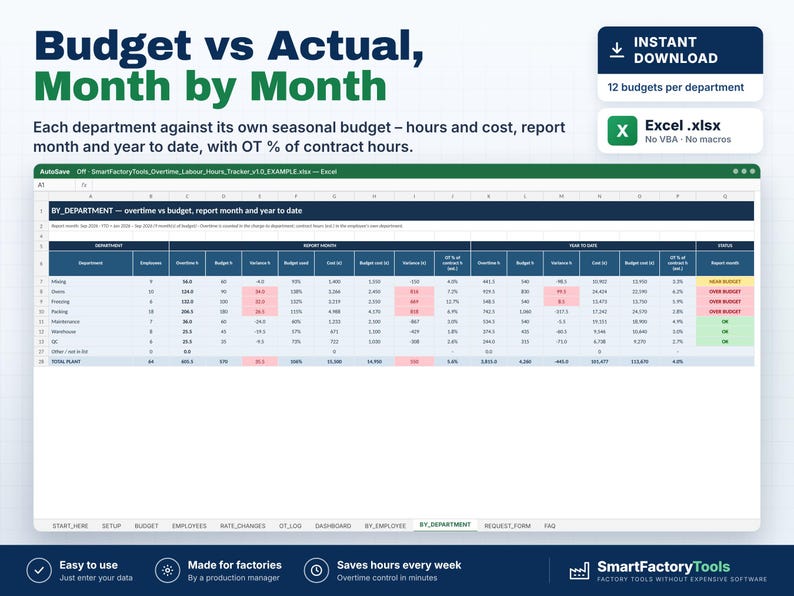
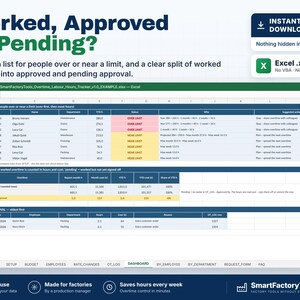
✔ Why? Reasons Pareto and budget vs actual per department
✔ Instant download: BLANK + EXAMPLE · Printable request form
✔ Built by a production manager · one-time purchase, no subscription, no macros
▶ Requires Microsoft Excel 2016 or newer on a computer (Windows or Mac). Not for Google Sheets, Apple Numbers or mobile apps.
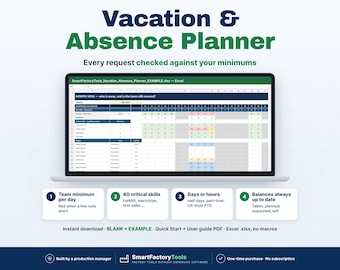
Overtime is often approved on the shop floor, written on paper and only seen at month end as one cost line. This Excel tracker turns every overtime occasion into management information: cost at the correct pay rate, limits per person, department budget vs actual and the reasons behind the hours. Built by a production manager who signs off overtime every week.
━━━━━━━━━━━━━━━━━━━━
WHAT IT DOES
━━━━━━━━━━━━━━━━━━━━
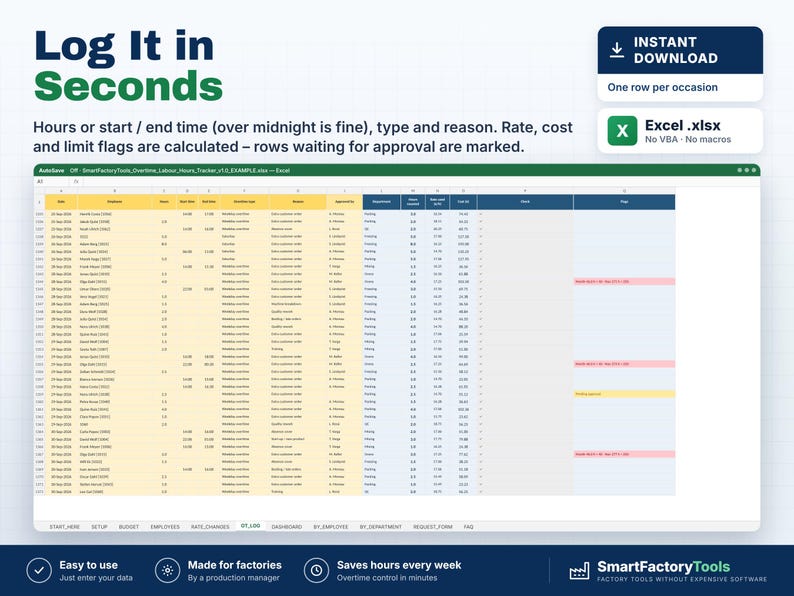
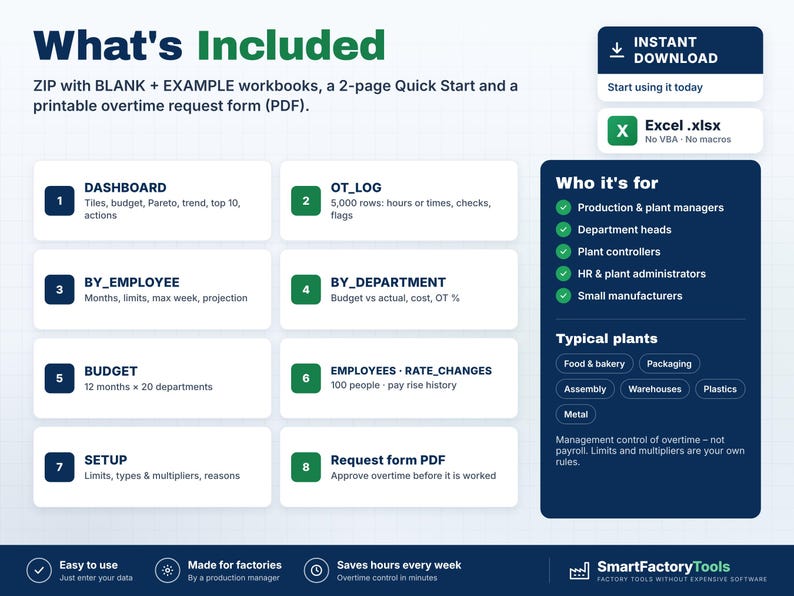
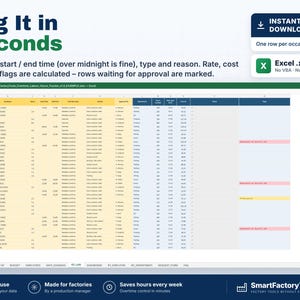
• Overtime log: one row per person and occasion – hours (1.5 = 1 h 30 min) or start + end time (22:00 → 02:00 = 4 h works)
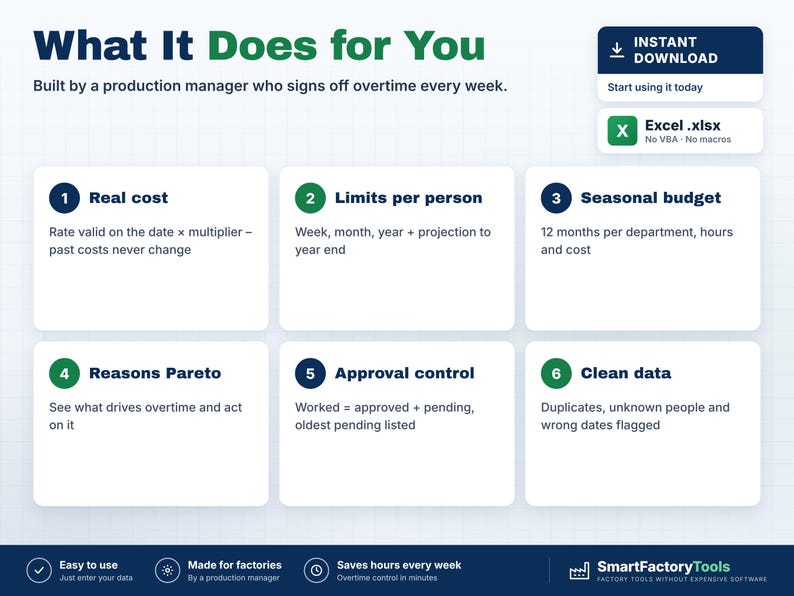
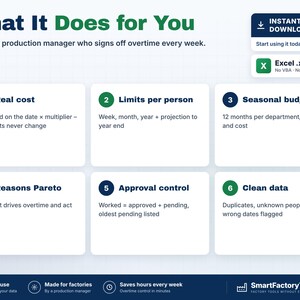
• Cost per row: hours × hourly rate valid on that date × multiplier of the overtime type (1.5, 2.0 … ; 0 = time off in lieu)
• Pay rises during the year: add the new rate with a "valid from" date – past costs never change
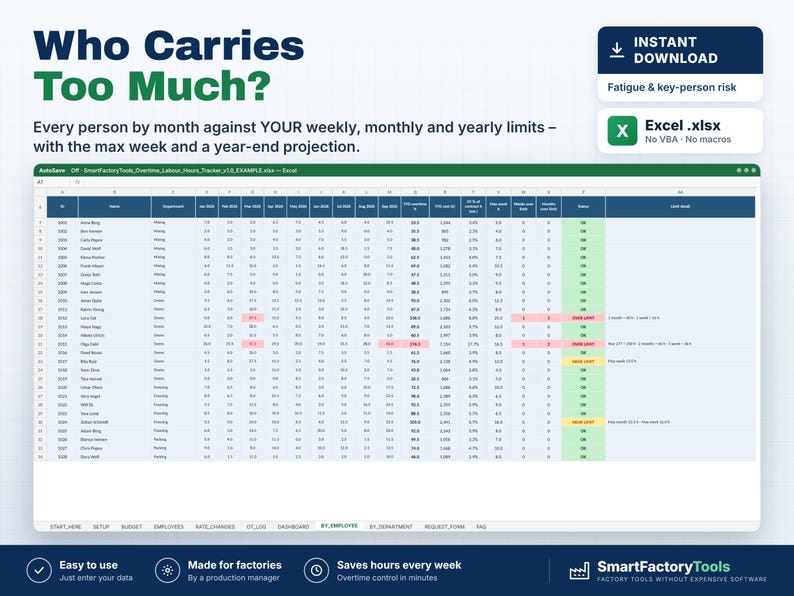
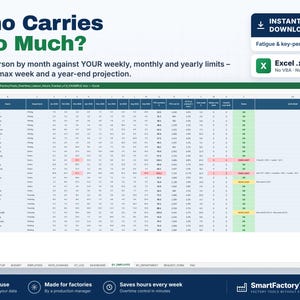
• Your own limits per person: overtime hours per week, month and year – OK / NEAR LIMIT / OVER LIMIT, max week, projection to year end
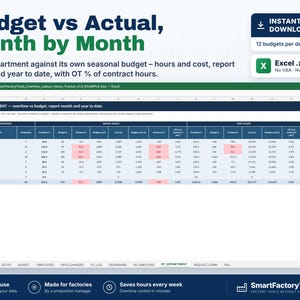
• Department budget vs actual: hours and cost, report month and year to date
• Seasonal budget: 12 monthly budgets per department (blank month = your default)
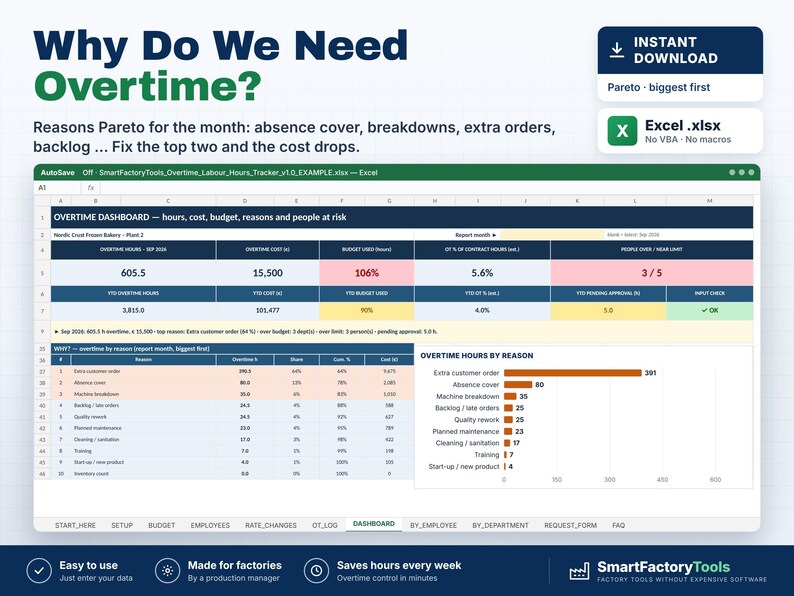
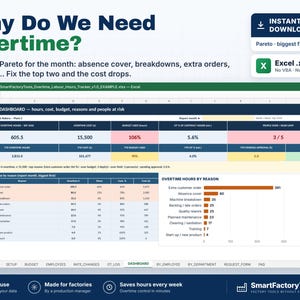
• Why overtime? Reasons Pareto (absence cover, breakdowns, extra orders, backlog, cleaning …)
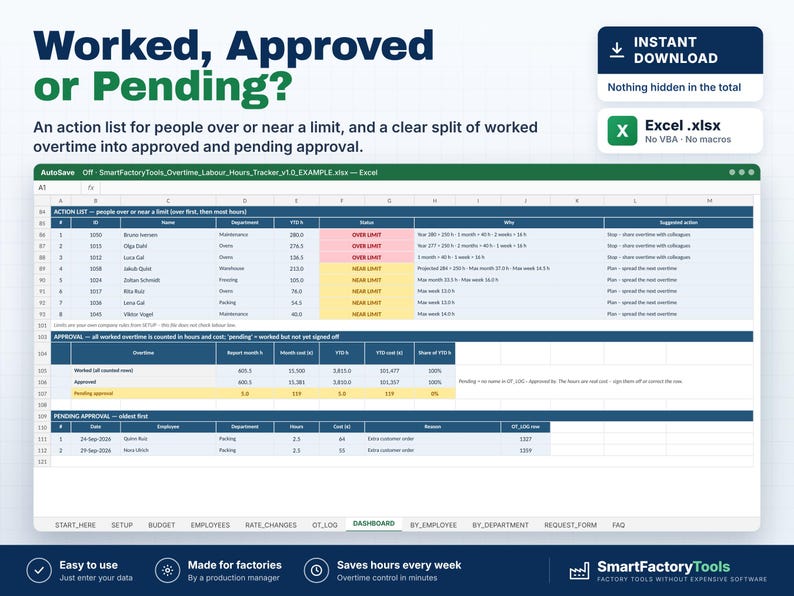
• Approval control: worked = approved + pending approval, with a list of the oldest pending rows
• Top 10 people by overtime hours (fatigue and key-person risk) and an action list
• 12-month trend vs budget, overtime % of contract hours (estimate)
• Clean data: duplicates, unknown employees, wrong dates and missing types are flagged
• Printable Overtime Request & Approval Form (PDF)
━━━━━━━━━━━━━━━━━━━━
WHAT'S INCLUDED (ZIP)
━━━━━━━━━━━━━━━━━━━━
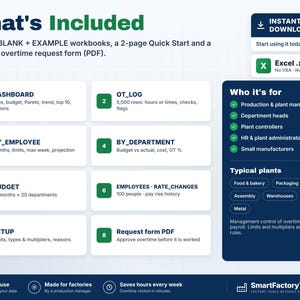
• SmartFactoryTools_Overtime_Labour_Hours_Tracker_v1.0_BLANK.xlsx – ready for your plant, no warnings until you enter data
• SmartFactoryTools_Overtime_Labour_Hours_Tracker_v1.0_EXAMPLE.xlsx – fictional frozen bakery: 64 people, 7 departments, 1,367 overtime rows, pay rises, seasonal budget
• Quick_Start_Guide.pdf – 2 pages, the first 15 minutes
• Printable_Overtime_Request_Form.pdf – request and approve overtime before it is worked
Sheets: START_HERE · SETUP · BUDGET · EMPLOYEES · RATE_CHANGES · OT_LOG · DASHBOARD · BY_EMPLOYEE · BY_DEPARTMENT · REQUEST_FORM · FAQ · LICENSE
━━━━━━━━━━━━━━━━━━━━
HOW IT WORKS
━━━━━━━━━━━━━━━━━━━━
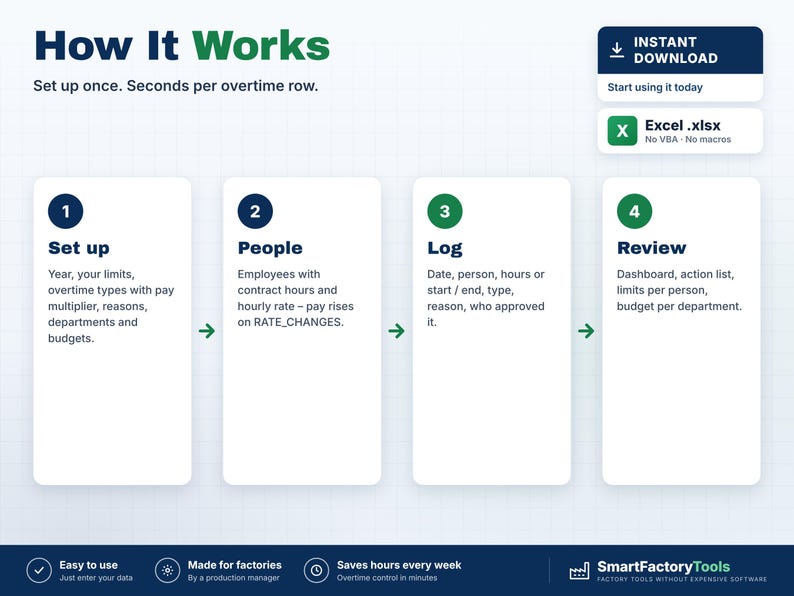
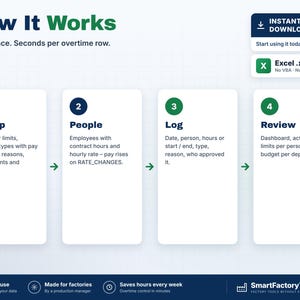
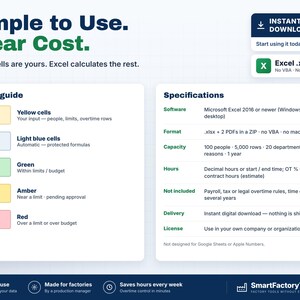
1. SETUP: tracking year, your limits per person, overtime types with pay multiplier, reasons, departments and budgets
2. EMPLOYEES: ID, name, department, contract hours per week, hourly rate (copy & paste from HR / payroll)
3. OT_LOG: date, person, hours or start / end, type, reason, who approved it
4. DASHBOARD: choose the month – hours, cost, budget used, reasons, top 10 and the action list
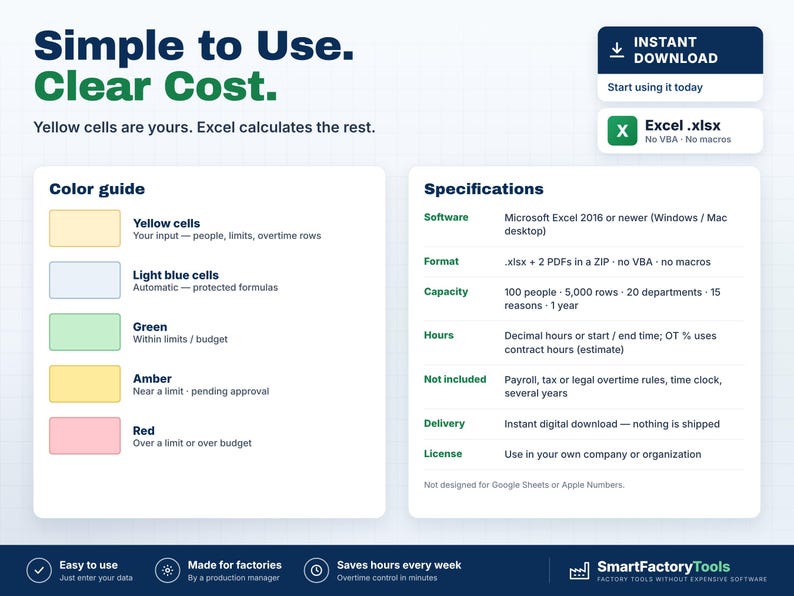
Yellow cells are your input. Everything else is calculated and protected (no password).
━━━━━━━━━━━━━━━━━━━━
WHO IT'S FOR
━━━━━━━━━━━━━━━━━━━━
Production and plant managers, department heads, plant controllers, HR and plant administrators in small and mid-size manufacturing plants (food, bakery, packaging, assembly, plastics, metal, warehouses) – anyone who needs overtime under control without an expensive workforce system.
━━━━━━━━━━━━━━━━━━━━
LIMITS
━━━━━━━━━━━━━━━━━━━━
• Management control of overtime – NOT payroll, tax or legal overtime calculation. Limits and multipliers are your own company rules.
• Only overtime is logged; regular hours are estimated from contract hours (holidays, leave and sickness are not deducted).
• 100 employees · 5,000 overtime rows · 300 rate changes · 20 departments · 15 reasons · 6 overtime types · one 12-month tracking year per file.
• No time clock, no approval e-mails, no VBA / macros.
Related SmartFactoryTools templates: Vacation & Absence Planner (who is away – the reason behind "absence cover"), Shift Rota & Crew Rotation Planner, Manpower Requirement Calculator, Daily Operator Assignment Board.
━━━━━━━━━━━━━━━━━━━━
FAQ
━━━━━━━━━━━━━━━━━━━━
Does it check overtime law in my country?
No. You enter your own weekly / monthly / yearly limits and pay multipliers.
What if the hourly rate changes during the year?
Add a row on RATE_CHANGES with the "valid from" date. Earlier overtime keeps its old cost.
Somebody helped another department – where is it counted?
Choose "Charge to dept" on that row: hours and cost go to that department, the person's limits are still checked.
Is unapproved overtime counted?
Yes – worked hours are real cost. The dashboard shows worked, approved and pending approval separately.
Can I use it in Google Sheets?
No. It is built and tested for Microsoft Excel 2016 or newer on a computer.
━━━━━━━━━━━━━━━━━━━━
DIGITAL DOWNLOAD
━━━━━━━━━━━━━━━━━━━━
This is a digital product – nothing is shipped. After purchase, download the ZIP from Etsy (Purchases and reviews) on a computer, unzip it and open the BLANK or EXAMPLE file in Excel.
━━━━━━━━━━━━━━━━━━━━
LICENSE
━━━━━━━━━━━━━━━━━━━━
For use in your own company or organization (any number of sites and users). Reselling, sharing or uploading the template elsewhere is not permitted. © SmartFactoryTools · SKU SFT-OT-01
Instant Download
Your files will be available to download once payment is confirmed. Here's how.
Instant download items don’t accept returns, exchanges or cancellations. Please contact the seller about any problems with your order.
Etsy Purchase Protection
Shop confidently on Etsy knowing if something goes wrong with an order, we've got your back for all eligible purchases —
see program terms


More from this shop
Visit shop-
Digital download
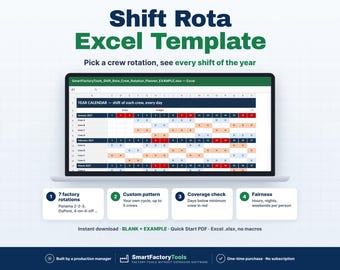
Shift Schedule Excel Template, 12 Hour Crew Rotation Planner, Panama DuPont Rota, Coverage Check
$23.35
-
Digital download
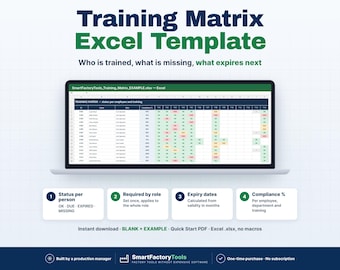
Training Matrix Excel Template, Employee Certification Expiry Tracker, Compliance Dashboard by Role and Department
$23.35
-
Digital download
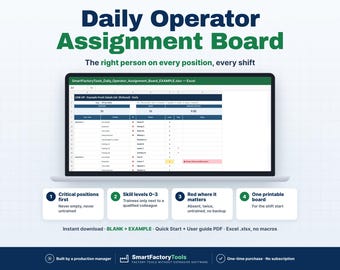
Daily Operator Assignment Board Excel, Staff Allocation by Skill, Shift Line Up, Workstation Template
$21.02
-
Digital download
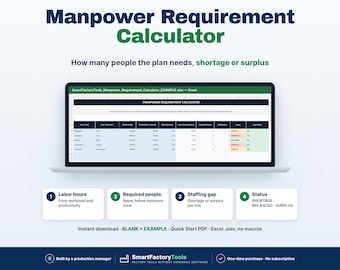
Manpower Requirement Calculator Excel Template | Manufacturing Staffing Planner, Labor Hours & Staffing Gap
$9.33
Be the first to leave a review
-
Digital download
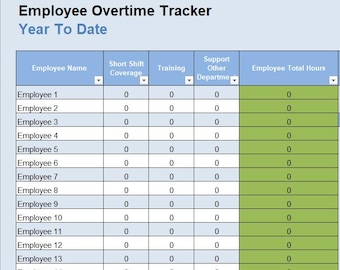
Employee Overtime Tracker Spreadsheet
$10.99
-
Digital download
Labor Hours Tracker, Construction Payroll Template, Overtime Calculator, Employee Time Sheet Excel Spreadsheet
$8.99
-
Digital download
Automated Payroll Spreadsheet to Calculate Overtime, Overtime Calculator, Employee Payroll Template, Time Tracking Sheet
Sale Price $3.67
Original Price $10.50
-
Digital download
Labor Cost Calculator Template | Small Business (Excel/Sheets)
Sale Price $3.85
Original Price $10.99
-
Digital download
Overtime Calculator Sheet | Excel & Google Sheet Template | Payroll Management Tool | Time Tracker | Employee Overtime Tracker
Sale Price $5.80
Original Price $11.59
-
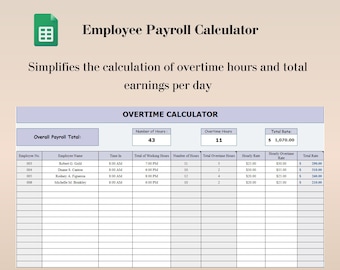
Digital download
Overtime Calculator Google Sheets, Payroll Spreadsheet to Calculate Overtime, Employee Payroll Template, Time Tracking Sheet
Sale Price $3.67
Original Price $10.50
-
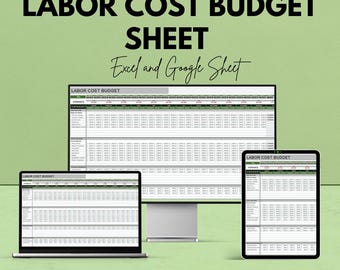
Digital download
Labor Cost Budget Sheet | Excel and Google Sheets Template | Employee Labor Tracking & Cost Estimation Tool
Sale Price $5.80
Original Price $11.59
-
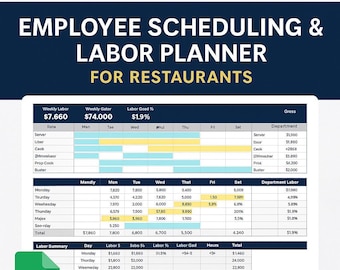
Digital download
Restaurant Employee Schedule Template | Labor Cost & OT Tracker | Excel and Google Sheets
$21.00
-
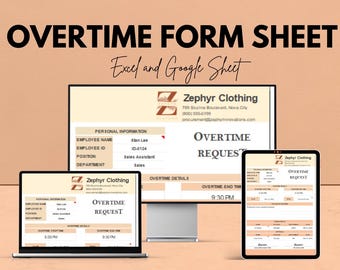
Digital download
Overtime Request Form - Editable Excel & Google Sheets Template for Employee Overtime Tracking
Sale Price $5.80
Original Price $11.59
-
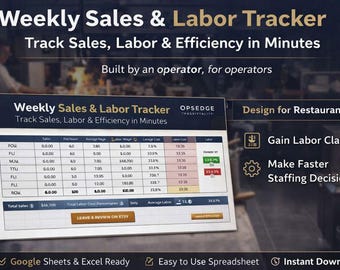
Digital download
Restaurant Sales Labor Tracker Spreadsheet (Excel & Google Sheets)
$17.00
-
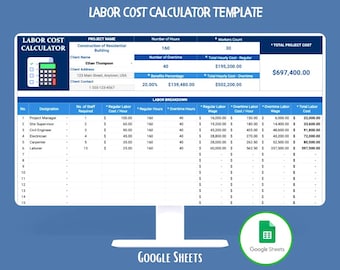
Digital download
Labor Cost Calculator Google Sheets Employee Wage Payroll Overtime Workforce Expense Budgeting Analysis Template
$8.90
-

Digital download
Overtime Dashboard Template: Employee Hours Tracker (MS Excel, Google Sheets)
Sale Price $3.85
Original Price $10.99
Shoppers with similar taste loved these
-
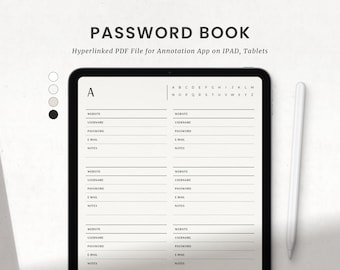
Digital download
Digital Password Tracker Book, Goodnotes Password Keeper, Ipad Hyperlinked Account ID Organizer
Sale Price $2.80
Original Price $3.50
-
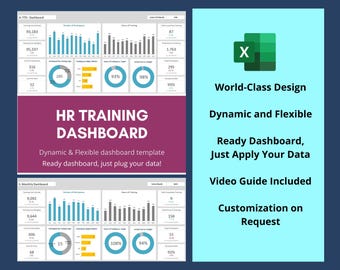
Digital download
HR Training Dashboard Excel Template - Employee Performance Tracker
$19.34
-
Digital download
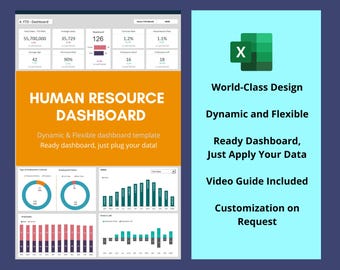
HR Dashboard Excel Template | Employee KPI Reporting
$19.34
-
Digital download
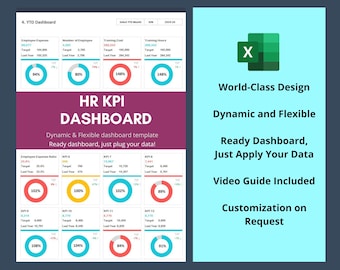
HR KPI Dashboard Excel Template – Dynamic Human Resources Reporting
$19.34
-
Digital download
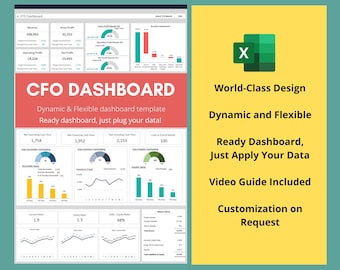
CFO Excel Dashboard Template – Financial Reporting, Key Metrics
$19.34
-
Digital download
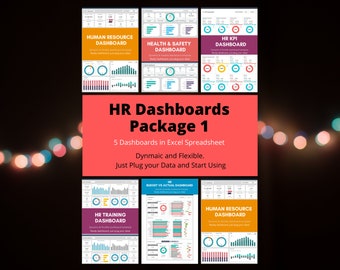
HR Dashboard Excel & Google Sheets Template – KPI, Budget, Training
$37.13
-
Digital download
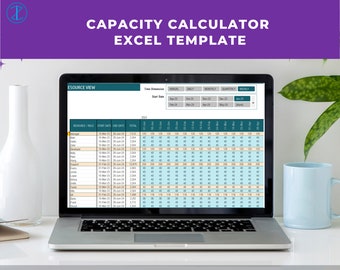
Capacity Calculator Excel Template | Resource Planning Tool in Excel | Automatic Capacity Calculator
$2.00
-
Digital download
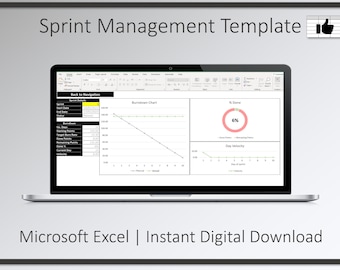
Sprint Management Excel Template: Agile Scrum Dashboard (Digital Download)
$27.87
-
Digital download
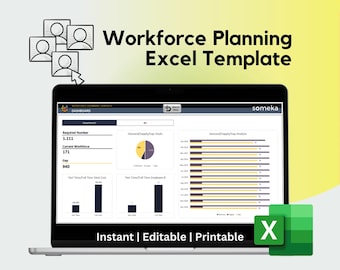
Workforce Planning Excel Template: HR Dashboard Tool
Sale Price $11.21
Original Price $14.95
-
Digital download
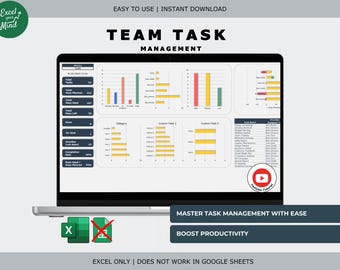
Team Task Management Dashboard: Visual Charts & Custom Fields Excel
Sale Price $8.31
Original Price $11.87
-
Digital download
Automatic Resource Capacity Planner: Excel Template (Digital Download)
$27.87
-
Digital download
Smart Resource Planner: Macro Excel Spreadsheet for Project Management (Digital Download)
$27.87


