

Home Renovation Budget Spreadsheet, Google Sheets Renovation Planner, Quote Comparison
Price:$8.36
You can only make an offer when buying a single item
Highlights
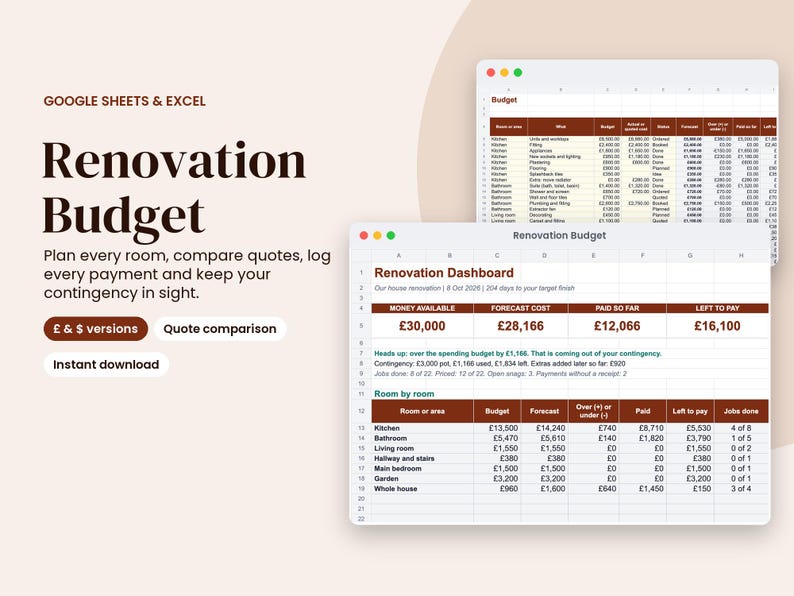
Plan your renovation money room by room, compare builders' quotes fairly, log every payment and see straight away whether you're still on budget. Works in Google Sheets and Excel, with a UK edition (£, UK dates, VAT) and a US edition ($, US dates, sales tax).
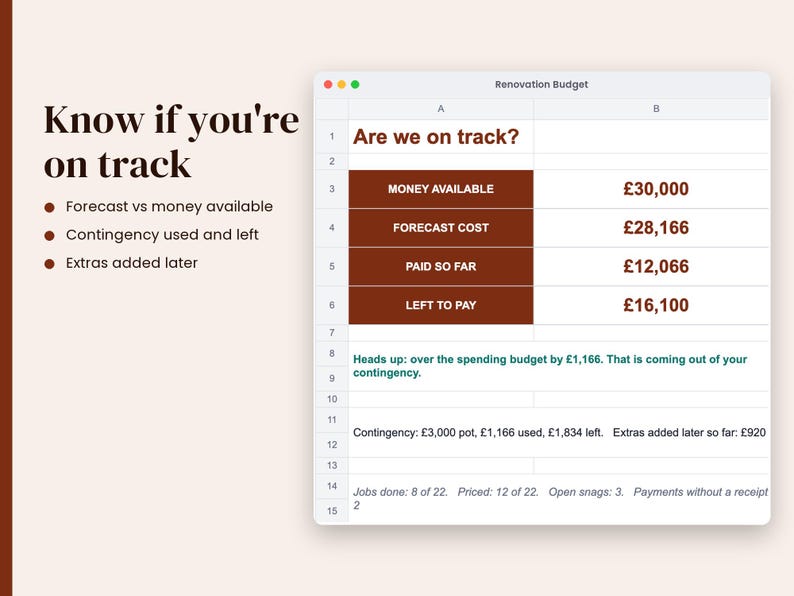
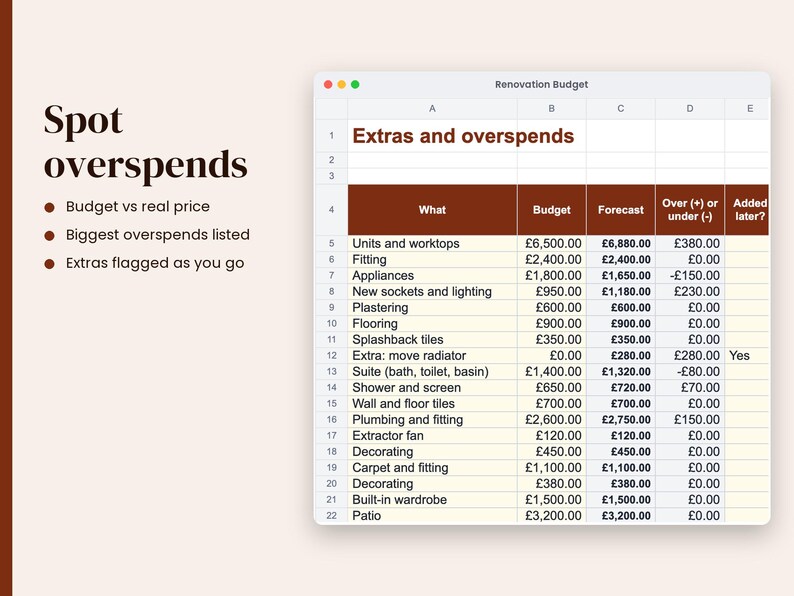
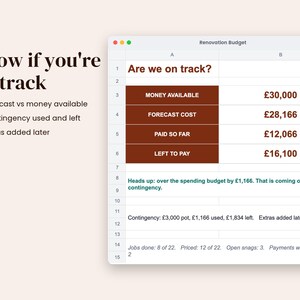
Renovations nearly always go over, usually through extras nobody planned for. This planner keeps a contingency pot separate from your spending budget, tracks every extra you add halfway through, and tells you in plain words whether you're on track, eating into your contingency or over your total money.
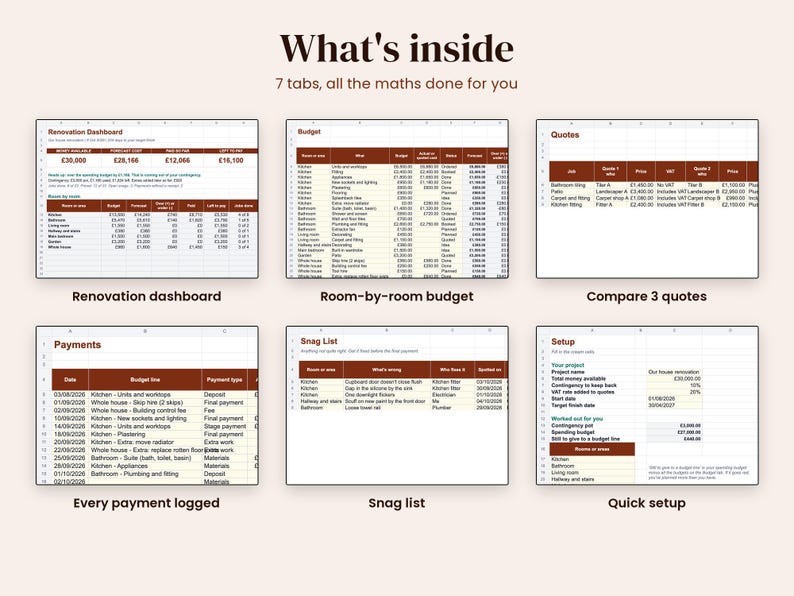
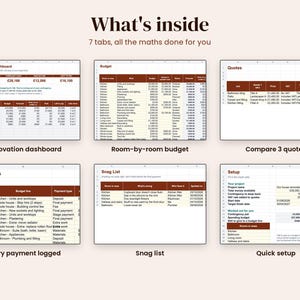
WHAT'S INSIDE (7 tabs)
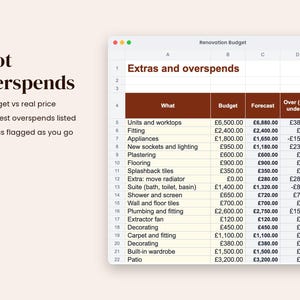
- Dashboard: money available, forecast cost, paid so far and left to pay; an on-track message; contingency used and left; extras so far; every room's budget, forecast, over or under, payments, money left to pay and jobs done; spending by cost type; your 5 biggest overspends; and a budget vs forecast chart
- Budget: 120 rows. Room, what, cost type, your budget and the real price once you have it. The forecast switches from your guess to the real price by itself. Paid so far and left to pay fill in from the Payments tab
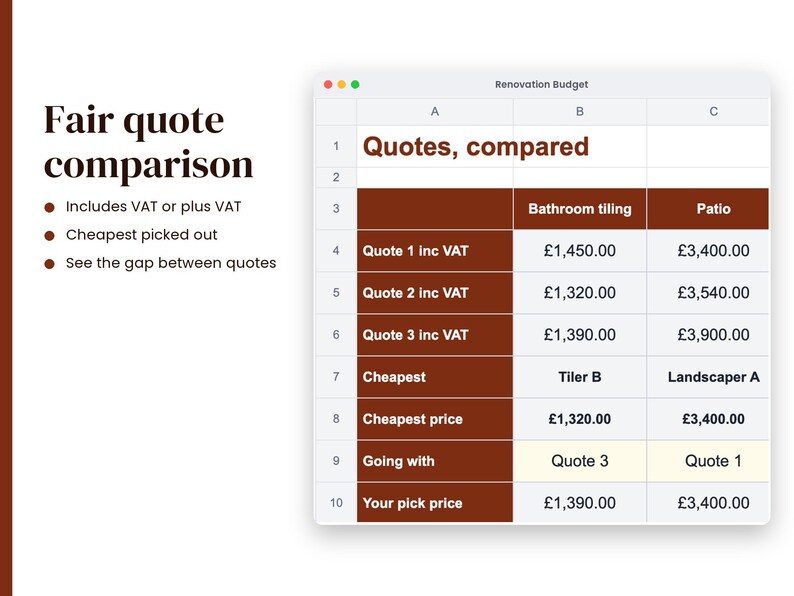
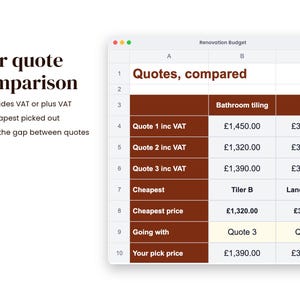
- Quotes: 25 jobs with up to 3 quotes each. Mark each price as including VAT, plus VAT or no VAT and they're compared fairly. The cheapest is highlighted, with the gap between quotes and the extra cost of the one you pick
- Payments: 150 rows for deposits, stage payments, final payments and materials. Pick the budget line and the room fills in. Flags payments with no receipt
- Snag List: 60 rows for anything that isn't right, who fixes it and when. Open snags show on the dashboard so they get sorted before the final payment
- Setup: total money, contingency %, VAT or sales tax rate, dates, up to 12 rooms or areas and 10 cost types (all renameable)
- Start Here: simple instructions
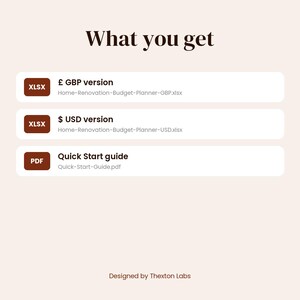
WHAT YOU GET
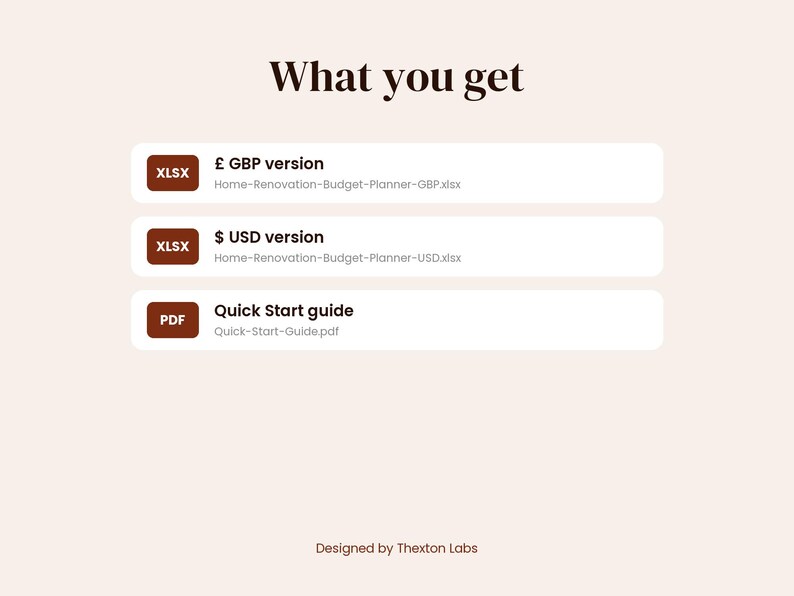
- 2 versions: £ (GBP, UK dates, VAT) and $ (USD, US dates, sales tax)
- Quick Start guide (PDF)
- A filled-in sample project to learn from, which clears in seconds
Good for kitchen and bathroom refits, doer-uppers, extensions, a new home or a room-by-room DIY project.
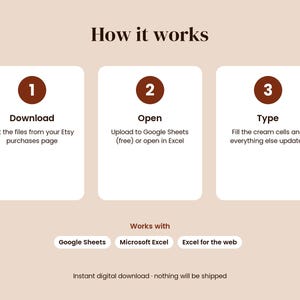
HOW IT WORKS
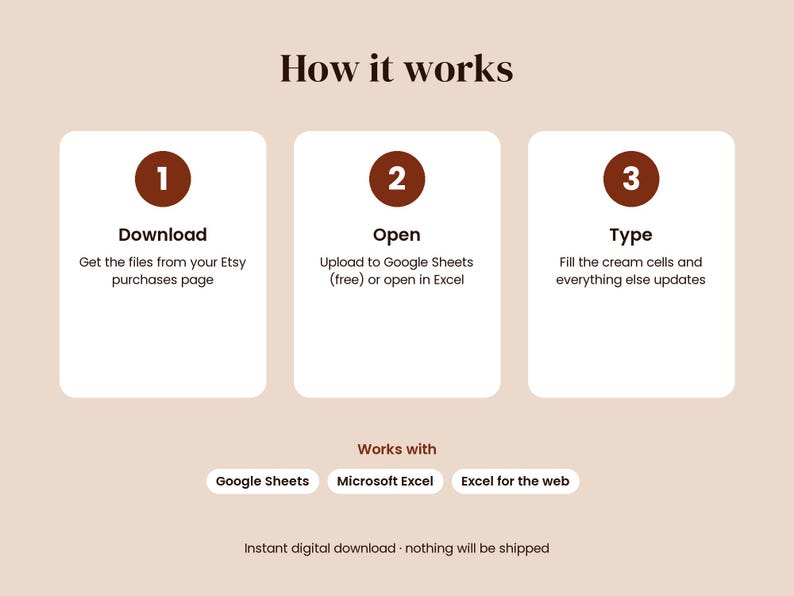
- Download the files from your Etsy Purchases page
- Google Sheets: upload the .xlsx to Google Drive, open it, then File > Save as Google Sheets
- Excel: just open it (Excel 2010 or later, Windows or Mac, or Excel for the web)
- Type in the cream cells. Everything else updates on its own
- A Quick Start PDF walks you through setup in 5 minutes
GOOD TO KNOW
- Plain formulas only: no macros, no add-ins, no subscriptions
- Formula cells are locked so you can't break them by accident (no password, so you can unlock and customise)
- Apple Numbers and LibreOffice aren't officially supported
PLEASE NOTE
- This is a DIGITAL download. Nothing physical will be shipped.
- Personal use only. Please don't share or resell the files.
- This is an organising tool, not financial or building advice. Always get written quotes.
Designed by Thexton Labs. Artwork and layouts were created with our own code, with the help of AI tools.
Instant Download
Your files will be available to download once payment is confirmed. Here's how.
Instant download items don’t accept returns, exchanges or cancellations. Please contact the seller about any problems with your order.
Etsy Purchase Protection
Shop confidently on Etsy knowing if something goes wrong with an order, we've got your back for all eligible purchases —
see program terms

Be the first to review this item

More from this shop
Visit shop-

Digital download
Nativity Play Script for Schools, Editable Christmas Play for Kids with Production Kit
Sale Price $5.75
Original Price $7.67
-
Digital download
2027 Digital Planner, Hyperlinked GoodNotes iPad Planner, Dated Daily, Weekly and Monthly
$8.36
-

Digital download
Nursery Nativity Script for Preschool, Narrated Christmas Play with Songs and Headbands
Sale Price $5.22
Original Price $6.97
-

Digital download
Synthwave Wallpaper Bundle, 24 Retro 80s Neon Sunset Wallpapers, iPhone Wallpaper
$5.57
-

Digital download
Renovation Budget | Home Renovation Project Budget Template | Remodel Budget Google Sheets Spreadsheet
$8.00
-

Digital download
Renovation Tracker Spreadsheet House Renovation Cost Home Renovation Schedule Remodel Budget Planner Template Project Estimate Google Sheets
Sale Price $3.49
Original Price $6.98
-

Digital download
Simple Renovation Tracker | Google Sheets & Excel Budget Spreadsheet Template | Renovation Tracker | House Home Costs Renovation Schedule
Sale Price $4.66
Original Price $9.32
-

Digital download
Home Renovation Planner Google Sheets, Home Renovation Spreadsheet, Kitchen Remodel Planner, Home Renovation Planner Budget Template
Sale Price $5.60
Original Price $8.00
-

Digital download
Home Renovation Budget Planner for Excel Google Sheets | DIY Planner | Renovation Project Budget Template | Renovation Tracker Spreadsheet
Sale Price $2.93
Original Price $5.98
-
Digital download
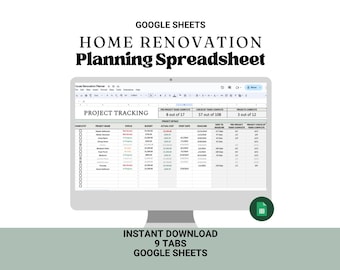
Home Renovation Tracker: Google Sheets Budget Template (Digital Download)
Sale Price $5.60
Original Price $8.00
-
Digital download
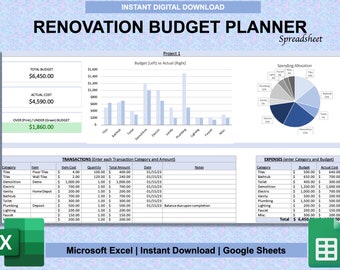
Home Renovation Budget Planner for Excel & Google Sheets | DIY Planner | Renovation Project Budget Template | Renovation Tracker Spreadsheet
Sale Price $6.50
Original Price $10.00
-

Digital download
Home Renovation Budget Planner Excel & Google Sheets | Remodel Expense Tracker and Project Planner
Sale Price $4.49
Original Price $6.60
-
Digital download
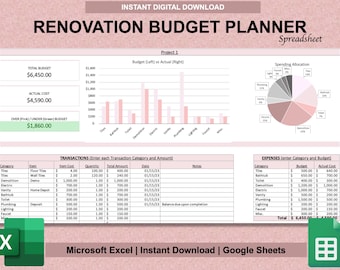
Renovation Budget Planner for Excel & Google Sheets | DIY Planner | Home Renovation Project Budget Template | Renovation Tracker Spreadsheet
Sale Price $6.50
Original Price $10.00
-

Digital download
Renovation Budget Tracker | Excel & Google Sheets Template (Digital Download)
$9.95
-

Digital download
Home Renovation Budget Template: Excel & Google Sheets
$5.75
-

Digital download
Excel & Google Sheets Renovation Planner Template, Property Renovation Log, New Home Expense Tracker, Interior Design Cost Spreadsheet
$9.32
Shoppers with similar taste loved these
-

Digital download
Job Application Tracker Google Sheets, Job Planner, Interview and Job Search, Job Application Template, Simple Dashboard Spreadsheet, Career
Sale Price $2.88
Original Price $3.84
-

Digital download
Job Application Tracker Spreadsheet | Job Interview Tracker | Job Offers Google Sheets Template | Job Search Tracker | Job Planner Dashboard
Sale Price $3.67
Original Price $7.34
-
Digital download
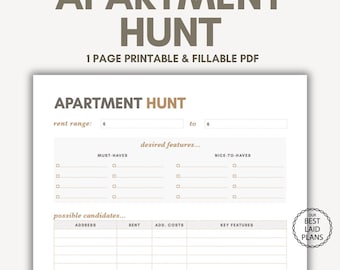
Apartment Hunt Planner Page Apartment Tracker Apt Hunting List Rental Apartment Search To Do List Apartment to Rent Tracker Checklist Guide
Sale Price $2.07
Original Price $2.96
-

Digital download
Apartment Hunting Spreadsheet House Hunting Checklist Apartment Comparison Realtor Home Showing Schedule Home Search Score Card Real Estate
Sale Price $2.88
Original Price $3.84
-

Digital download
Job Application Tracker, Job Application Planner, Job Search Organizer, Job Interview Planner, Job Tracker, Job Hunt Google Sheets Template
Sale Price $9.00
Original Price $12.00
-
Digital download
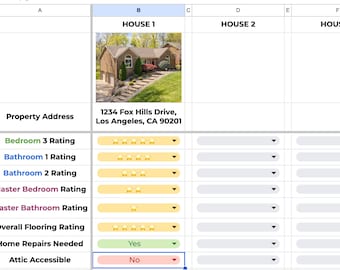
House Hunting Super Spreadsheet
$4.99
-

Digital download
Home Hunting Spreadsheet | Rental, House Search Planner (Digital)
$5.99
-

Digital download
Apartment Comparison Spreadsheet | Housing Search Planner | Apartment Hunt | Rent Comparison Tool | EDITABLE Excel & Google Sheets
$3.95
-
Digital download
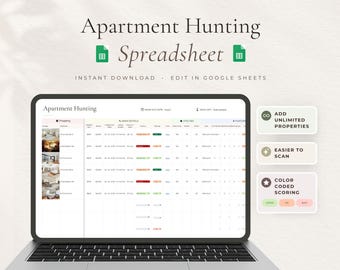
Apartment Hunting Spreadsheet, Rental Property Comparison Checklist, Property Planner, Rentals Side By Side Google Sheets
Sale Price $6.07
Original Price $7.59
-

Digital download
Moving Planner Google Sheets Home Moving Bundle Spreadsheet New Apartment Template Moving Budget Packing Box Inventory Moving Task Checklist
Sale Price $5.99
Original Price $11.98
-

Digital download
Job Application Tracker Google Sheets Job Planner Interview Job Search Database Job Application Template Career Dashboard Lead Spreadsheet
Sale Price $2.69
Original Price $5.38
-
Digital download
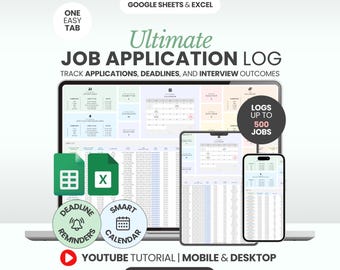
Job Application Tracker Excel Template for Interview Process Organizer Career Planning Guide Job Search Google Sheets Planner Job Offer Log
Sale Price $5.99
Original Price $19.97


