



Subscription Tracker Spreadsheet, Monthly Yearly Cost, Statement Check (Digital Download)
NowPrice:$2.62
Original Price: $3.49
25% off
Sale ends in 5 days
5.0 out of 5
4 ratings
You can only make an offer when buying a single item
Highlights
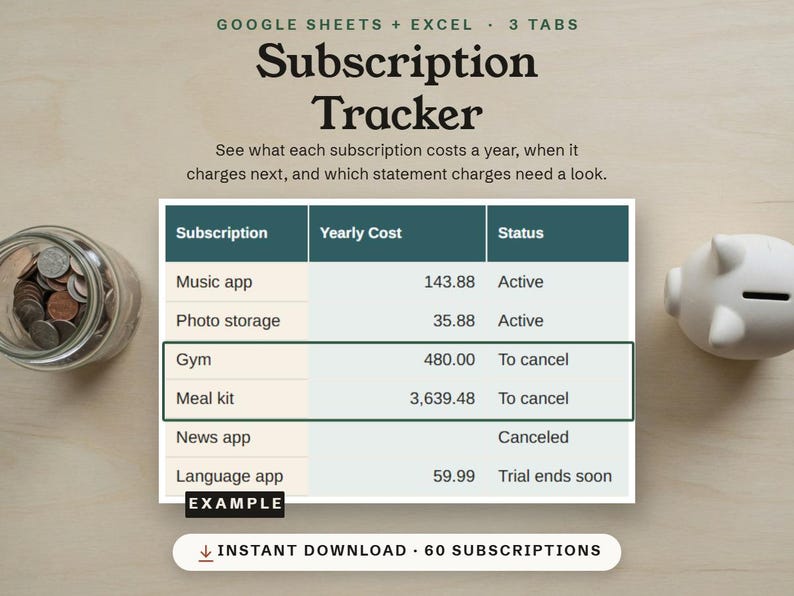
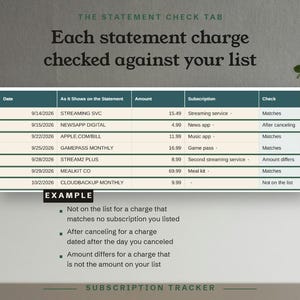
This subscription tracker is a spreadsheet for Google Sheets and Excel where you list every subscription once with its amount and how often it bills, and it works out what each costs a month and a year and the date of its next charge, then checks each charge you copy off your card and bank statements for one not on your list, one after you canceled, and one at a different amount.
How to use it:
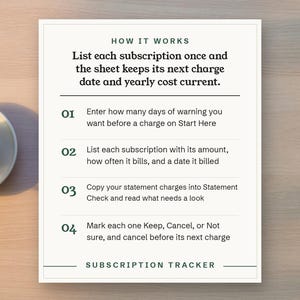
1. Gather your card and bank statements for the last 12 months, so a subscription that bills once a year shows up too.
2. Open the spreadsheet in Google Sheets through the access PDF, or open Subscription Tracker.xlsx in Excel.
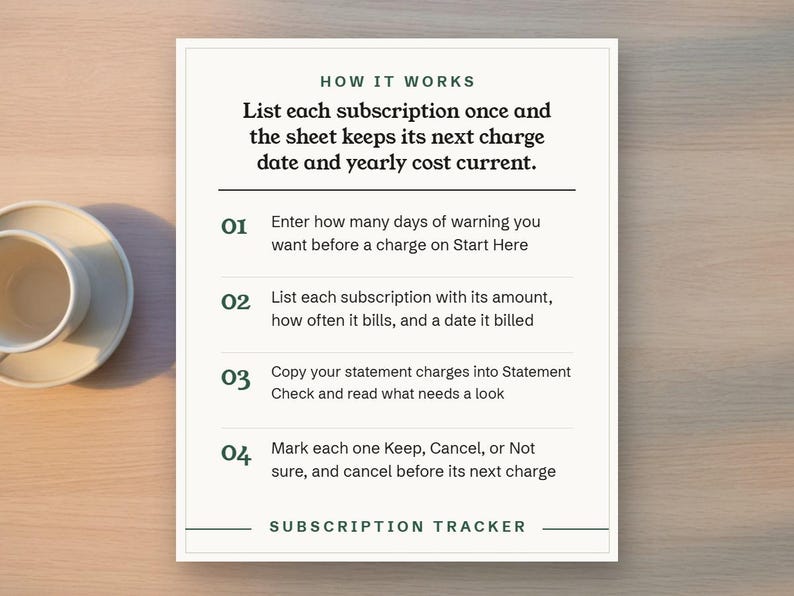
3. Enter your Warning Window on the Start Here tab, how many days before a charge you want warning of it, such as 7.
4. List each subscription once on the Subscriptions tab with its Category, the card, bank account, or app store that pays it, its Amount, its Billing, such as Monthly or Yearly, and any date it billed.
5. Add each subscription your phone's app store bills, from the Subscriptions list in your iPhone settings or in your Google Account on Android.
6. Copy the charges that repeat off each statement into the Statement Check tab, leaving out rent and the bills you already track, and choose each charge's subscription from the dropdown.
7. Add the subscription behind each charge marked Not on the list, and change the Amount when a charge marked Amount differs is the new price.
8. Choose Keep, Cancel, or Not sure for each subscription, and read what the ones marked Cancel cost a year on Start Here.
9. Cancel each subscription marked Cancel before its Next Charge date, then enter the day under Canceled On and choose Yes under Confirmation Kept once you save the confirmation.
10. Read What Needs a Look on Start Here after each new statement, starting with Charges After Canceling.
What you download:
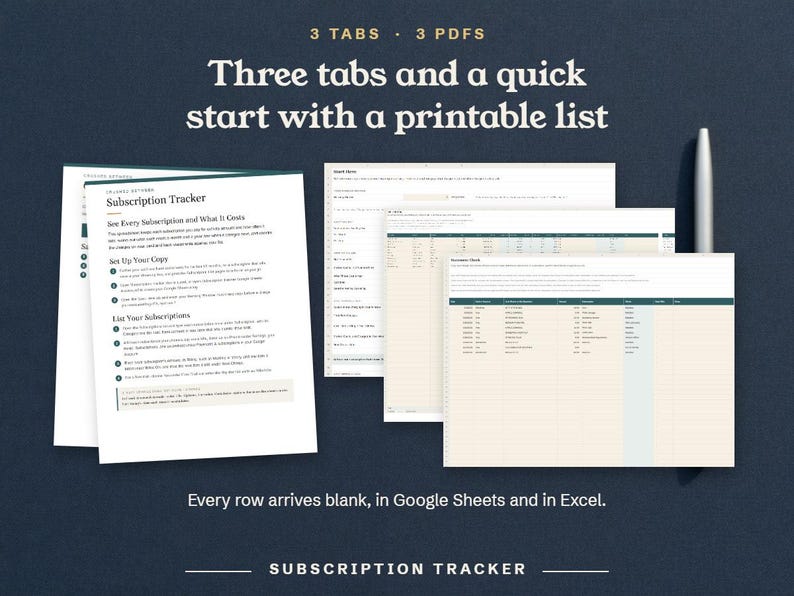
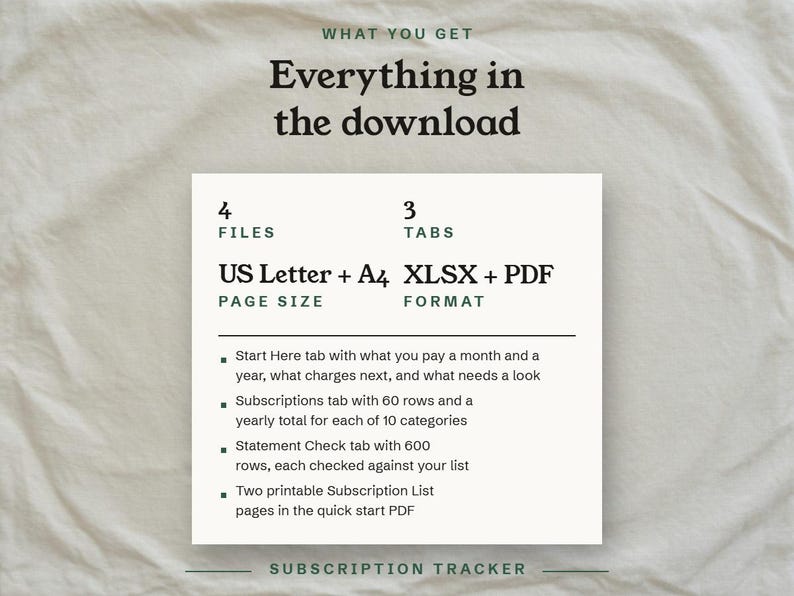
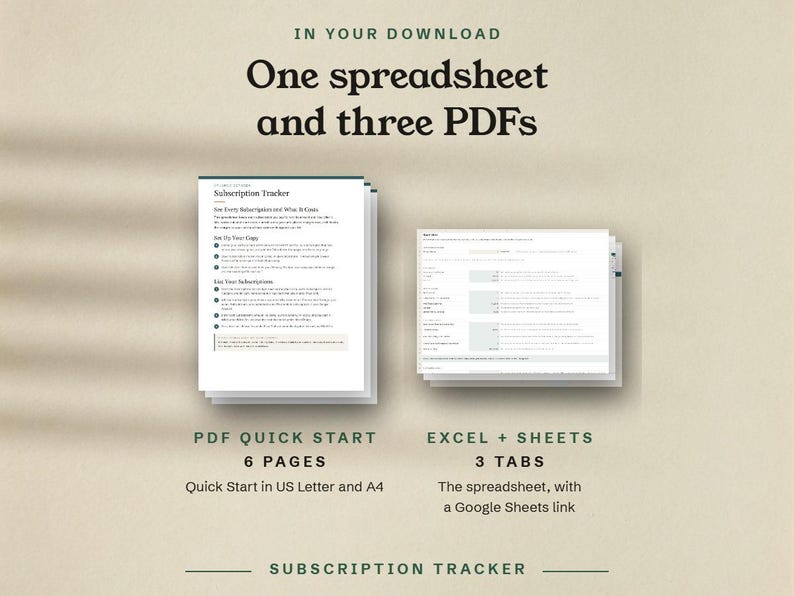
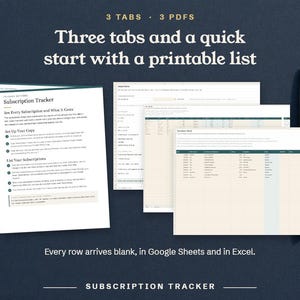
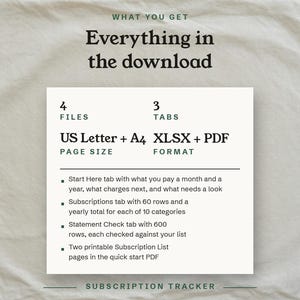
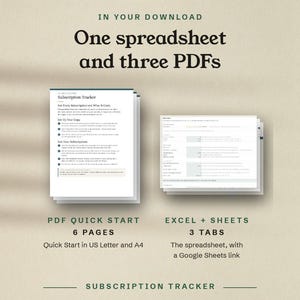
The download includes one spreadsheet with three tabs (Start Here, Subscriptions, and Statement Check) for Google Sheets and Excel, a 6 page quick start PDF in US Letter and A4 with two printable Subscription List pages, and a Google Sheets access PDF with the link.
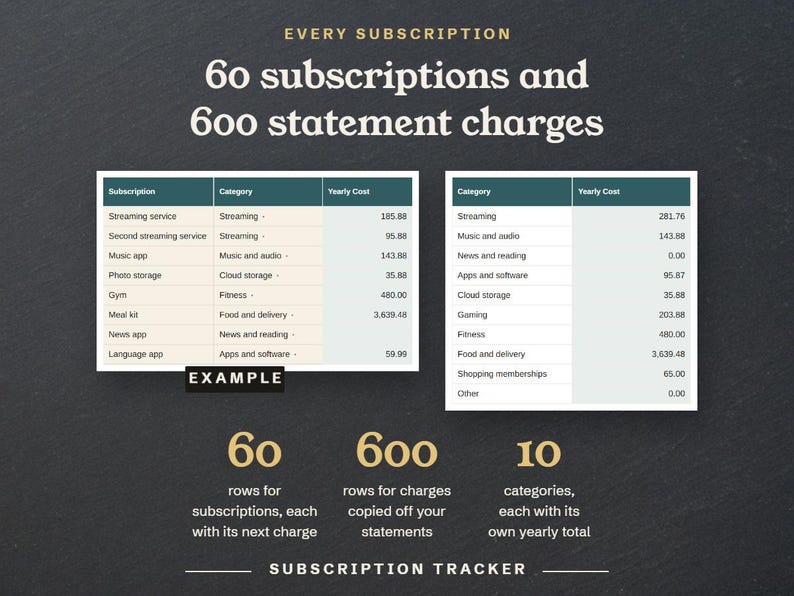
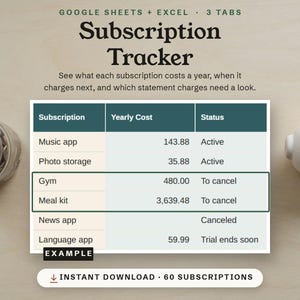
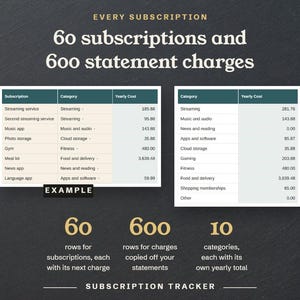
Subscriptions holds 60 rows, each with the subscription, its category, what pays it, its amount, how often it bills, a date it billed, whether it is a free trial, its next charge date and the days until it, its yearly cost and cost per month, keep or cancel, the date you canceled, whether you kept the confirmation, what it cost a year before you canceled, and its status, beside a yearly total for each of 10 categories.
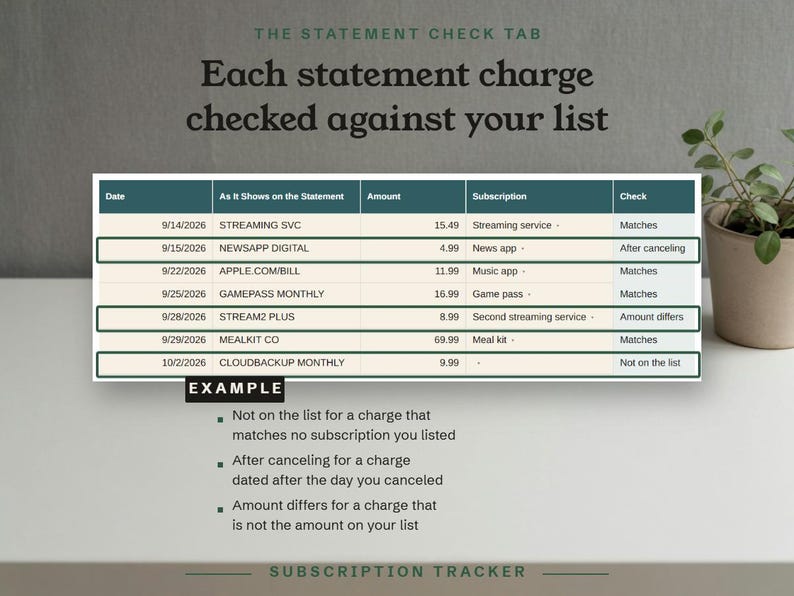
Statement Check holds 600 rows, each with the date, the card or account, the words on the statement, the amount, the subscription it belongs to, a check that reads Matches, Not on the list, After canceling, or Amount differs, and a Dealt With column you set to Yes once you have handled a flagged charge.
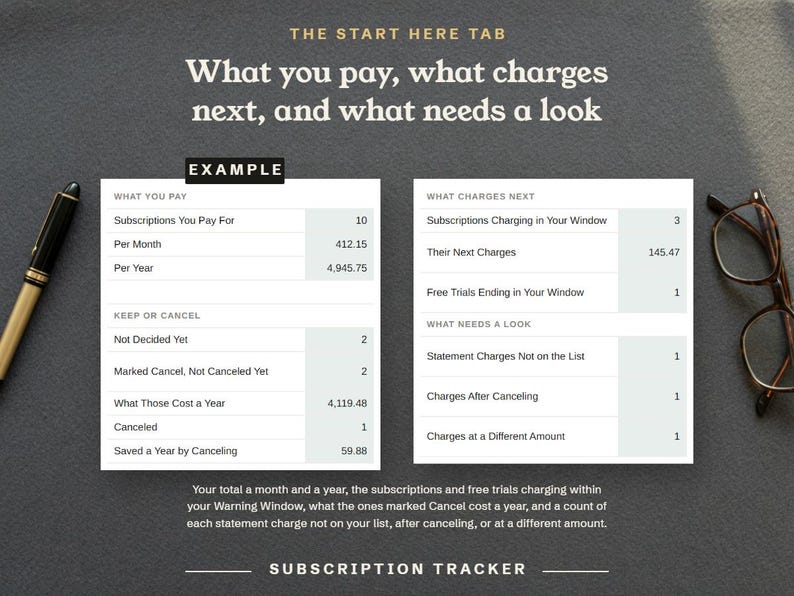
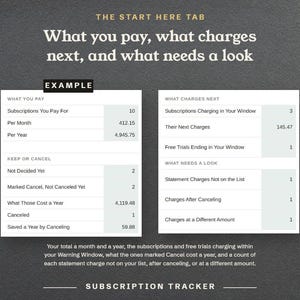
Start Here totals what you pay a month and a year, counts the subscriptions and free trials charging within your Warning Window, and adds up what the ones marked Cancel cost a year and what the canceled ones cost a year before you canceled.
The two printable Subscription List pages hold 20 rows each, for writing down each subscription as you find it.
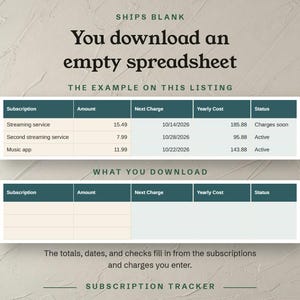
Amounts have no currency symbol, so the spreadsheet works in any currency.
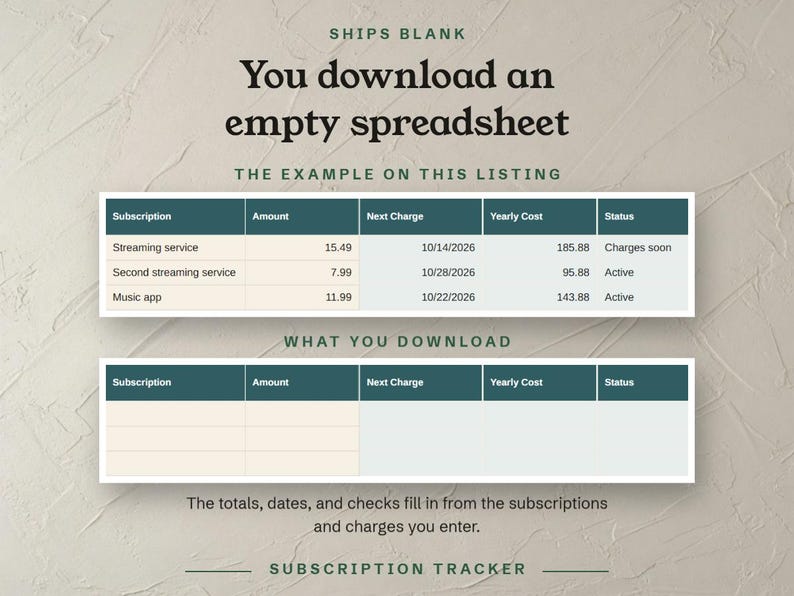
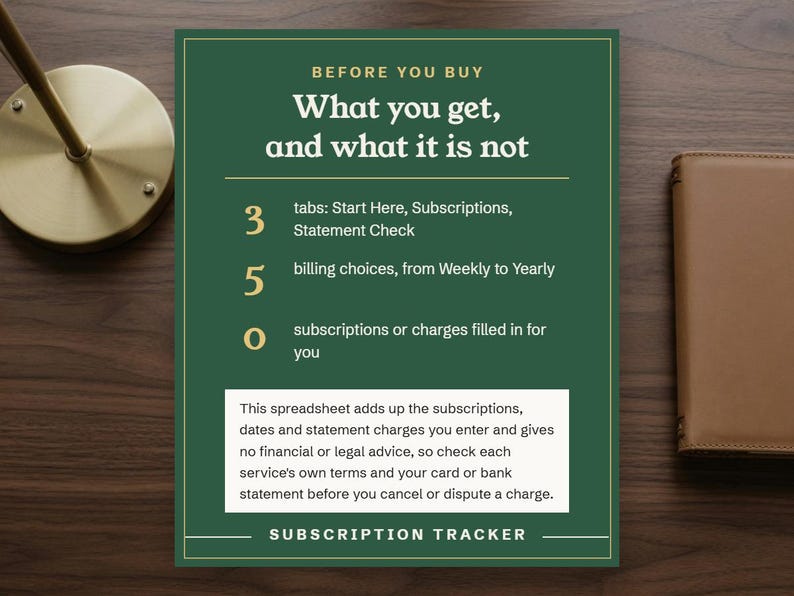
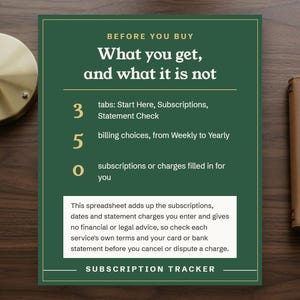
Every row arrives blank.
This spreadsheet adds up the subscriptions, dates and statement charges you enter and gives no financial or legal advice, so check each service's own terms and your card or bank statement before you cancel or dispute a charge.
This is a digital download, and no physical item ships.
All sales are final.
Instant Download
Your files will be available to download once payment is confirmed. Here's how.
Instant download items don’t accept returns, exchanges or cancellations. Please contact the seller about any problems with your order.
Etsy Purchase Protection
Shop confidently on Etsy knowing if something goes wrong with an order, we've got your back for all eligible purchases —
see program terms

Be the first to review this item


More from this shop
Visit shop-
Digital download
Silent Auction Bid Sheet Template, Editable Silent Auction Kit with Item List, Bidder Numbers, Checkout and Receipt, Excel Google Sheets PDF
Sale Price $3.74
Original Price $4.99
-
Digital download
Debt Snowball Tracker Printable, Payoff Planner with List and Log (PDF)
Sale Price $1.87
Original Price $2.49
-
Digital download
Bill Tracker Spreadsheet, Monthly Bill Tracker Printable and Google Sheets, Bill Calendar, Paycheck Planner, Bill Payment Log (Excel)
Sale Price $4.49
Original Price $5.99
-
Digital download
Donation Receipt Template, Editable Google Docs Nonprofit Donation Receipt Letter, Year End Giving Statement, Charitable Donation Receipt
Sale Price $2.24
Original Price $2.99
-
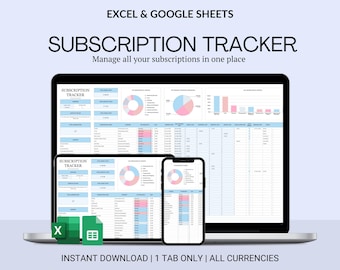
Digital download
Subscription Tracker, Google Sheets & Excel Template (Digital Download)
Sale Price $2.50
Original Price $3.58
-
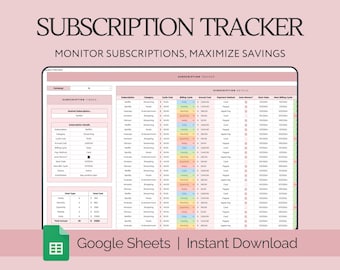
Digital download
Subscription Tracker Google Sheets Template, Monthly Payment Subscription Manager, Monthly Expenses, Membership Tracker, Finance Budget Cost
Sale Price $2.83
Original Price $3.77
-
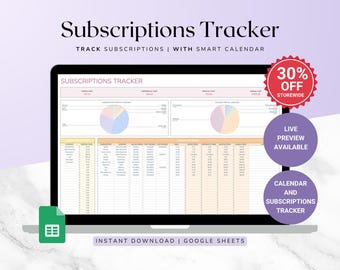
Digital download
Monthly Subscription Tracker – Recurring Subscription Payment Tracker for Google Sheets with Budget Organizer
$3.46
-
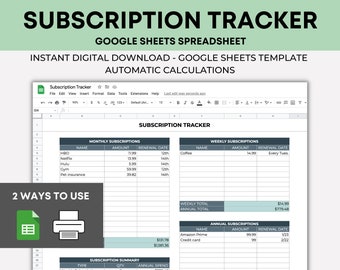
Digital download
Subscription Tracker Google Sheets, Budget Printable (Digital Download)
$3.99
-
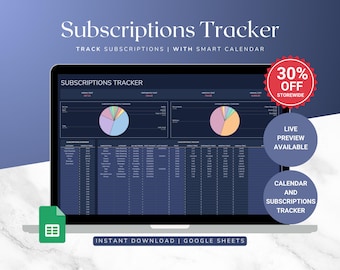
Digital download
Subscription Tracker Spreadsheet – Google Sheets Template for Managing Recurring Subscriptions and Payments
$3.46
-
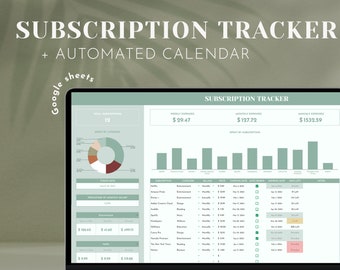
Digital download
Monthly subscription tracker google sheets membership management calendar expense tracker spreadsheet subscription organizer template
$3.45
-
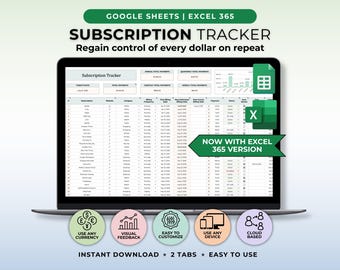
Digital download
Subscription Tracker Google Sheet Template Recurring Bills Tracker Subscription Savings Tracker Password Tracker Manage Subscription Log
Sale Price $2.41
Original Price $5.35
-
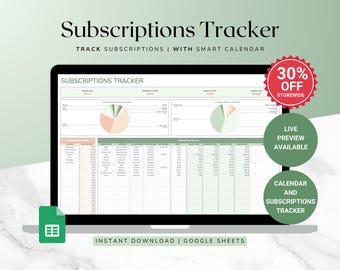
Digital download
Subscription Management Spreadsheet – Google Sheets Template for Tracking Recurring Bills, Subscriptions and Expenses
$3.46
-
Digital download
Subscription Tracker Spreadsheet for Google Sheets (Digital Download)
Sale Price $2.70
Original Price $4.15
-
Digital download
Subscription Tracker Spreadsheet – Recurring Monthly Bills Membership Log (Excel & Google Sheets)
Sale Price $2.41
Original Price $4.02
-
Digital download
Recurring Subscription Tracker – Subscription Management Template for Google Sheets, Expense and Payment Tracker
$3.46
-
Digital download
Subscription Tracker Spreadsheet – Track Recurring Payments and Subscriptions in Google Sheets, Budget Planner
$3.46
Shoppers with similar taste loved these
-
Digital download
Executive Dysfunction Workbook | Anxiety | ADHD | Organization | Depression
Sale Price $5.60
Original Price $8.00
-
Digital download
Weekly Expenses Tracker Printable, Spending Tracker, Budget Planner, A4/A5/Letter/Half Size, Instant Download PDF
Sale Price $1.01
Original Price $1.69
-
Digital download
Checkbook Register & Expense Tracker Excel Spreadsheet, Finance Tracker, Balance Tracker, Account Log, Planner, Budget, Excel Check Register
$3.75
-

Digital download
Digital Budget Planner, Digital Planner, GoodNotes Digital Planner, Budget Planner, Digital Planner for iPad, Monthly Budget Paycheck Budget
$29.90
-
Digital download
Digital Budget Planner: GoodNotes Finance Tracker (Hyperlinked PDF)
Sale Price $3.50
Original Price $7.00
-
Digital download
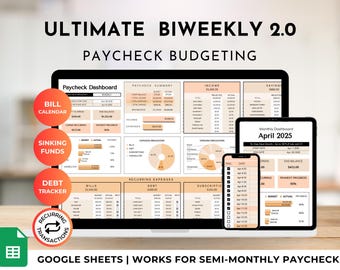
Ultimate Biweekly Budget Google Sheet: Savings & Debt Tracker (Digital Download)
Sale Price $12.49
Original Price $20.82
-
Digital download
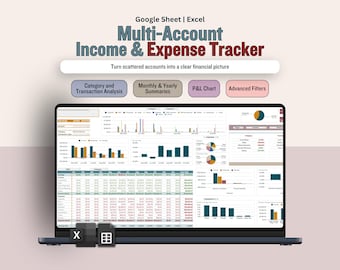
Multiple Accounts Income and Expense Spreadsheet, Personal Financial Spending Tracker, Small Business Bookkeeping (Excel & Google Sheets)
Sale Price $11.43
Original Price $17.58
-

Digital download
Tini Bit Older Drinking Board Game, Espresso Martini Birthday, She's A Tini Bit Older Birthday Game, Printable Girls Night Drinking Games
$4.25
-
Digital download
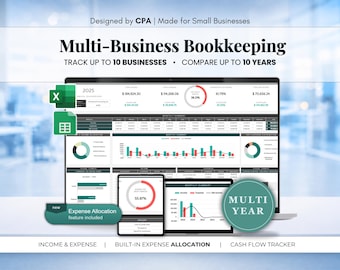
Multi Business Bookkeeping Spreadsheet Up to 10 Businesses Profit & Loss Income Expense Tracker Multi Year Excel and Google Sheets CPA
Sale Price $24.16
Original Price $37.17
-
Digital download
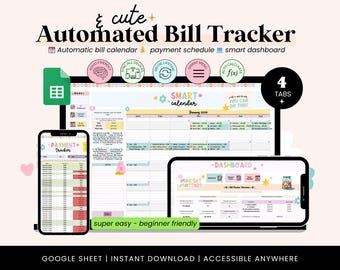
Bill Google Sheets Bill Calendar Spreadsheet Monthyl Bill Planner Bill Payment Tracker Spreadsheet Monthly Bill Checklist Planner
$6.35
-
Digital download
Google Sheets Bill Tracker, Subscription Organizer, Budget Planner (Digital Download)
$3.47
-
Digital download
Bill Calendar Google Sheets Bill Calendar Printable Monthly Bill Tracker Bill Tracker Spreadsheet Monthly Smart Bill Planner
$6.35


