

CAM Reconciliation Template Excel, Common Area Maintenance Spreadsheet, Commercial Property Tenant Share Calculator, Google Sheets
Price:$19.00
Here's what's eligible:
- Your order doesn't match the item description or photos
- Your item arrived damaged
- Your item arrived after the estimated arrival window
- Your item didn't arrive or was lost in the mail
You can only make an offer when buying a single item
Highlights
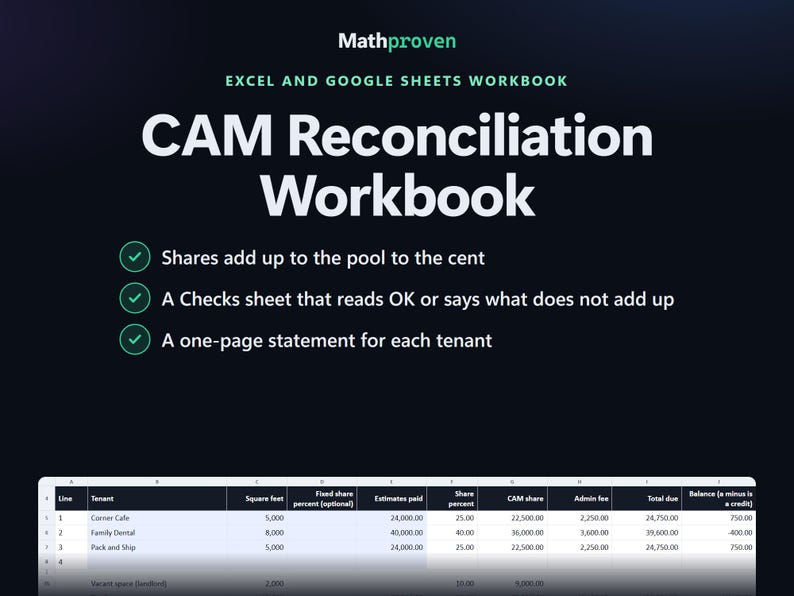
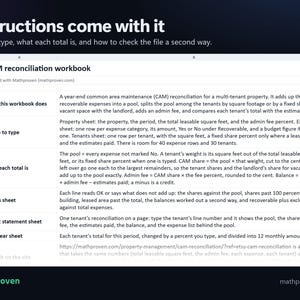
A year-end CAM reconciliation workbook for a multi-tenant commercial property. It builds the recoverable pool from the expense list, splits it among the tenants by square footage or fixed share, adds the admin fee, and compares each tenant’s total with the estimates paid.
WHAT IS INSIDE
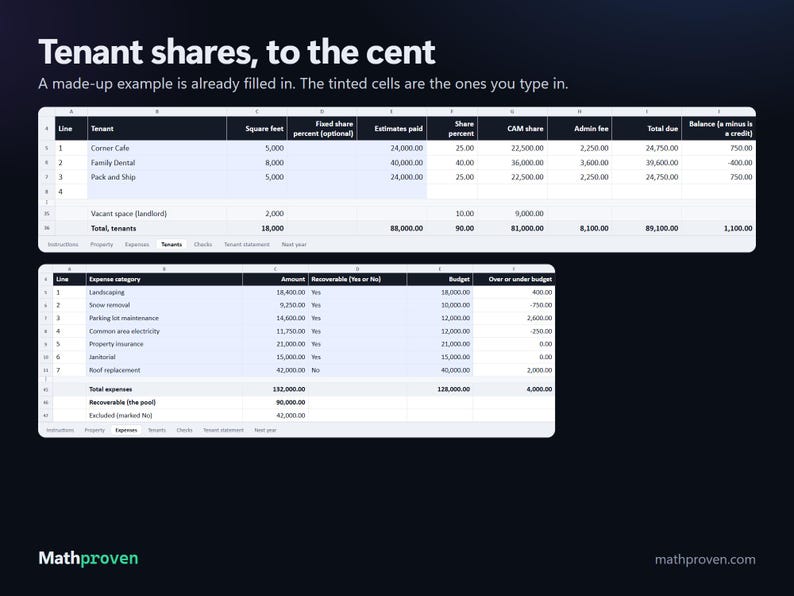
- Expenses: 40 rows. Type each category, its amount, and Yes or No under Recoverable. A budget column shows over or under for each row.
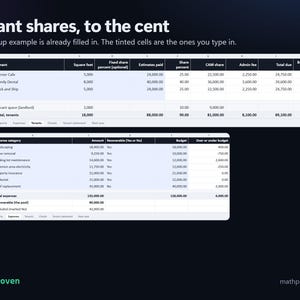
- Tenants: 30 rows. Type square feet, a fixed share percent where a lease sets one, and estimates paid. Share percent, CAM share, admin fee, total, and balance fill in. Vacant space stays with the landlord.
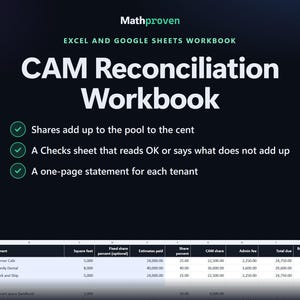
- The split is to the cent: tenant shares and the landlord’s share add up to the pool exactly, with the leftover cents handed out by largest remainder. The working figures are on the sheet, not hidden.
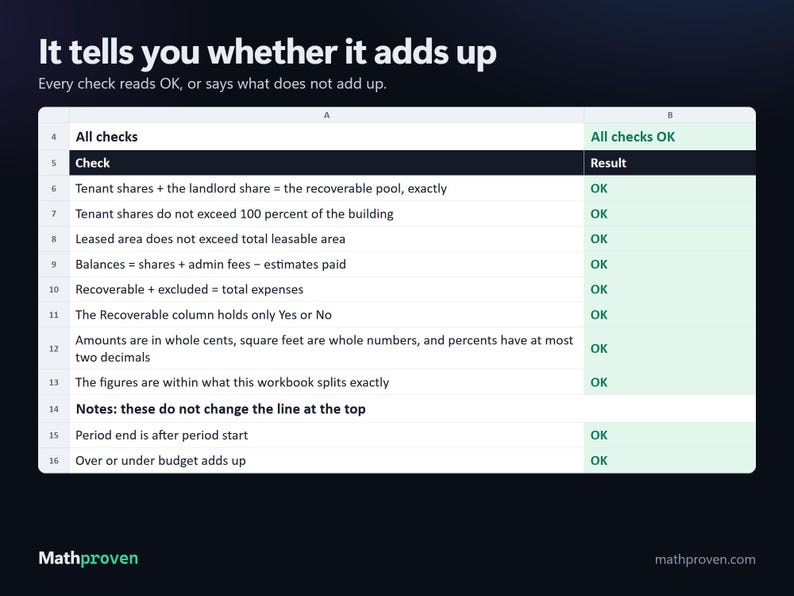
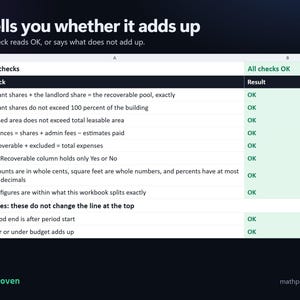
- Checks: eight checks and two notes. Each reads OK or says what does not add up, for example shares past 100 percent of the building.
- Tenant statement: one tenant’s reconciliation on a page, with the expense list behind the pool. Type a line number to switch tenant.
- Next year: each tenant’s total changed by a percent you type, as 12 monthly amounts.
- Instructions, and a made-up example already filled in (a 20,000 square foot strip center with three tenants).
HOW TO USE IT
1. Open the file in Excel or upload it to Google Sheets.
2. Clear the example, then type in the tinted cells. In Excel every other cell is locked, so a formula cannot be typed over by accident; there is no password.
3. Read the Checks sheet, then print the Tenants sheet or a statement per tenant. Each fits one page wide.
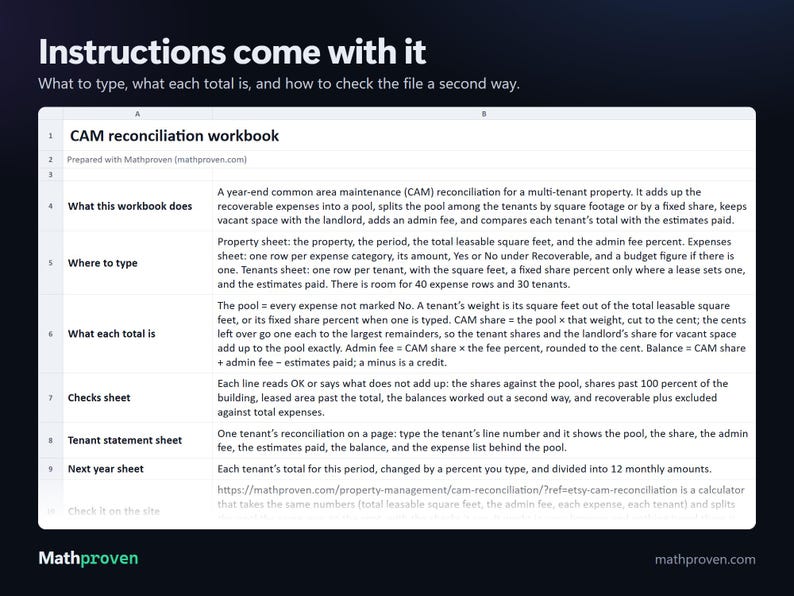
4. To check the split a second way, the Instructions sheet gives the address of a free calculator that takes the same numbers.
WHAT YOU GET
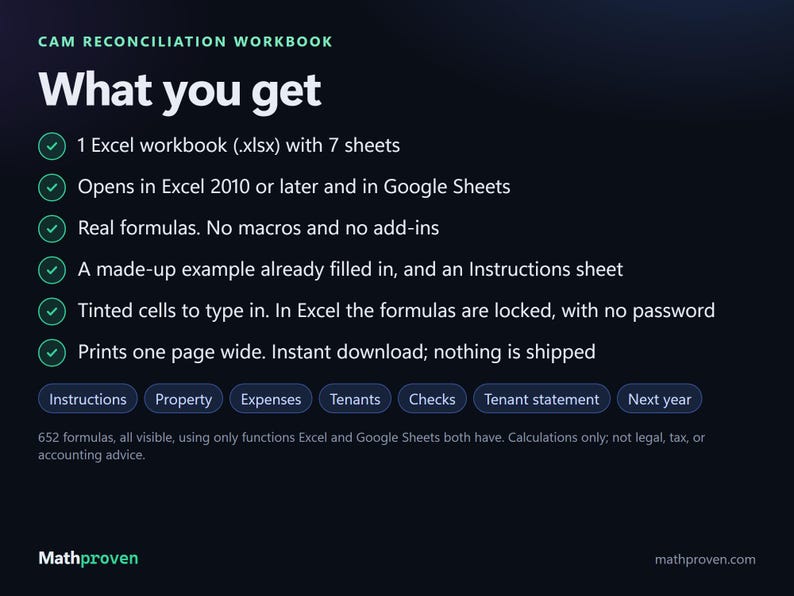
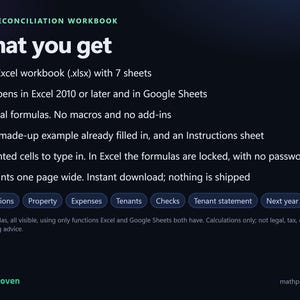
- 1 Excel workbook (.xlsx) with 7 sheets
- Opens in Excel 2010 or later and in Google Sheets
- Real formulas. No macros and no add-ins
- A made-up example already filled in, and an Instructions sheet
- Tinted cells to type in. In Excel the formulas are locked, with no password
- Prints one page wide. Instant download; nothing is shipped
- Sheets: Instructions, Property, Expenses, Tenants, Checks, Tenant statement, Next year
WHAT IT DOES NOT DO
- It does not read a lease or say which expenses a lease lets a landlord recover. Which rows are recoverable, caps, and base years are yours to decide and type in.
- Calculations only; not legal, tax, or accounting advice. It adds, multiplies, and compares the numbers typed into it.
- This is a digital file. Nothing is mailed.
HOW IT WAS MADE
Designed by OpenSlot LLC, the company behind Mathproven, with the use of AI tools: the formulas, sheets, and listing pictures were written with an AI coding assistant, then checked against the same tested calculations the free tools on the site run.
Prepared with Mathproven (mathproven.com).
Instant Download
Your files will be available to download once payment is confirmed. Here's how.
Instant download items don’t accept returns, exchanges or cancellations. Please contact the seller about any problems with your order.
Etsy Purchase Protection
Shop confidently on Etsy knowing if something goes wrong with an order, we've got your back for all eligible purchases —
see program terms


More from this shop
Visit shop-
Digital download
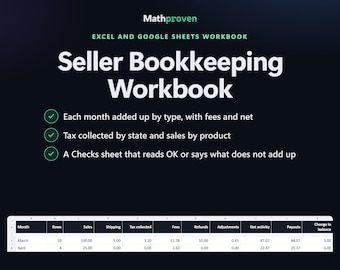
Seller Bookkeeping Spreadsheet, Online Shop Monthly Books Template Excel, Sales Tax by State, Sales by Product, Fee Tracker, Google Sheets
$17.00
-
Digital download
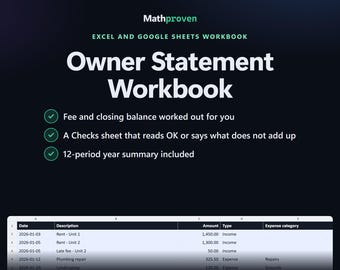
Owner Statement Template Excel, Rental Property Management Spreadsheet, Landlord Income Expense Ledger, Google Sheets
$15.00
-
Digital download
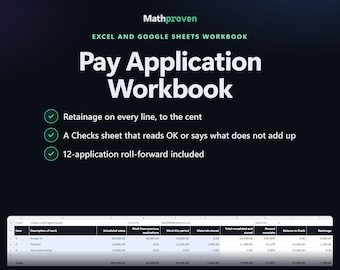
Pay Application Template Excel, Schedule of Values Spreadsheet with Retainage, Subcontractor Progress Billing, Google Sheets
$14.00
-
Digital download
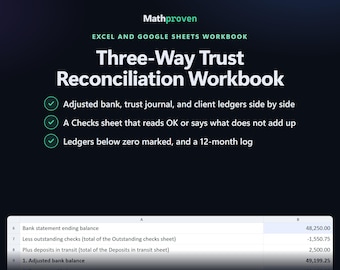
Three Way Reconciliation Template Excel, IOLTA Trust Account Spreadsheet, Law Firm Client Ledger Bookkeeping, Google Sheets
$19.00
Be the first to leave a review
-
Digital download
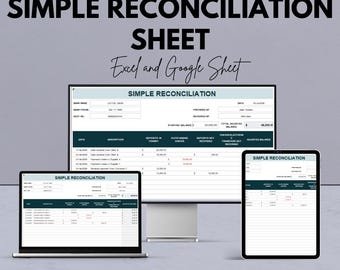
Simple Reconciliation Sheet for Quick Financial Balancing | Excel & Google Sheets Template | Automated Matching and Error Detection
Sale Price $5.69
Original Price $11.38
-
Digital download
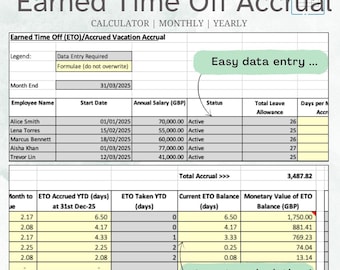
Earned Time Off Accrual Calculator, Instant Excel Digital Download, Automated Tool, Efficient Schedule, Editable, Accrued Leave, Vacation
$13.68
-
Digital download
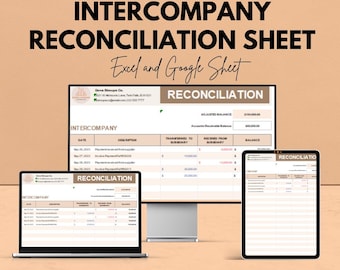
Intercompany Reconciliation Sheet | Google Sheets Template | Financial Transaction & Account Balancing Tool | Accurate and Efficient
Sale Price $5.69
Original Price $11.38
-
Digital download
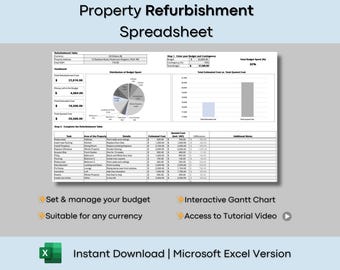
Property Spreadsheet, International Refurbishment Budget Tracker | Microsoft Excel Download
$10.93
-
Digital download
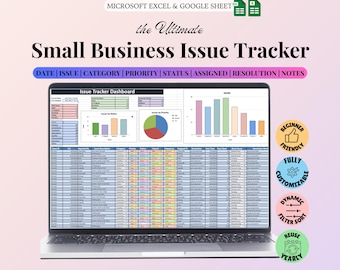
Small Business Issue Tracker Dashboard | Problem Management | Compliance, Operations and Quality Control Log | Excel & Google Sheets
Sale Price $5.70
Original Price $18.99
-
Digital download
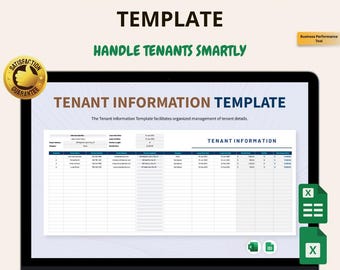
Tenant Information Template Excel & Google Sheets: Stop Losing Track of Tenant Records
Sale Price $5.60
Original Price $11.20
-
Digital download
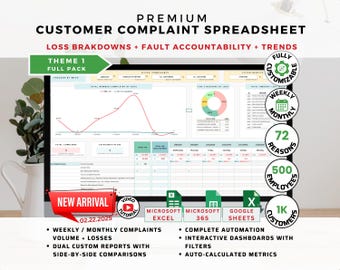
Customer Complaint Log Template | Excel & Google Sheets Tracker with Dashboard, Status, Categories, Locations
$20.02
-
Digital download
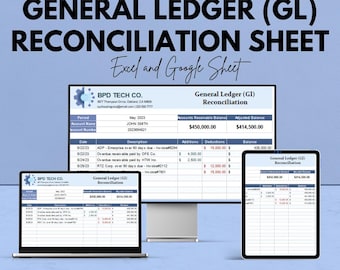
General Ledger (GL) Reconciliation Template | Excel & Google Sheets | Financial Statement Reconciliation Tool | Accounting Spreadsheet
Sale Price $5.69
Original Price $11.38
-
Digital download
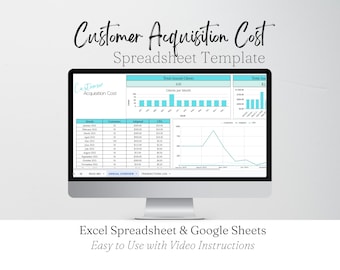
Customer Acquisition Cost Template Excel Spreadsheet Google Sheets, Cost Per Customer Acquisition Calculator, CAC Calculator, CPA Calculator
Sale Price $9.64
Original Price $17.52
-
Digital download
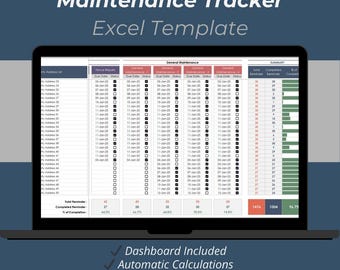
Rental Property Maintenance Tracker Excel Template – Landlord Property Management Spreadsheet for 50 Properties
Sale Price $6.90
Original Price $11.50
-

Digital download
Hire Purchase & Bank Loan Excel Template | Repayment Schedules and Interest Journals
Sale Price $10.24
Original Price $13.66
-
Digital download
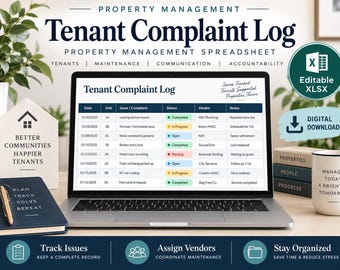
Property Management Tenant Complaint Log (Excel Template) Multifamily Operations Tracker NYC, HPD, DOB Friendly
$10.00
Shoppers with similar taste loved these
-

Digital download
Commercial Real Estate Guide | Commercial Broker | Real Estate Marketing | Commercial Property | Real Estate Broker | Custom Real Estate
$12.95
-

Digital download
Multi-unit 15-Page Offering Memorandum
$59.99
-
Digital download
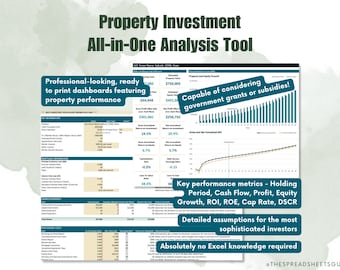
Property Investment All in One Excel w/ Grants - Rental Property Analysis | Mortgage Calculator | Performance Forecast | Cash Flow, Cap Rate
$15.46
-
Digital download
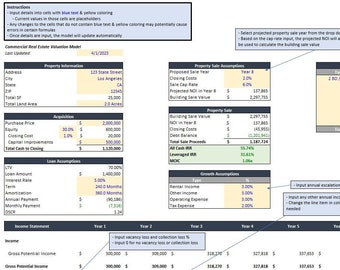
Commercial Real Estate Valuation Model - Multifamily, Industrial, Retail, Residential - Excel Template - Simple & Easy to Use
$19.99
-
Digital download
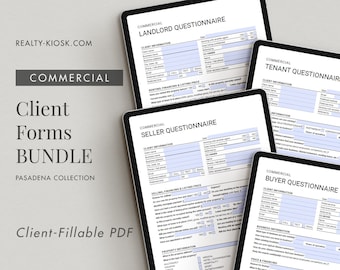
Commercial Real Estate Bundle, Commercial Realtor, Buyer Questionnaire, Seller Form, Landlord, Tenant, Commercial Realty, Filable PDF Form
Sale Price $15.00
Original Price $30.00
-
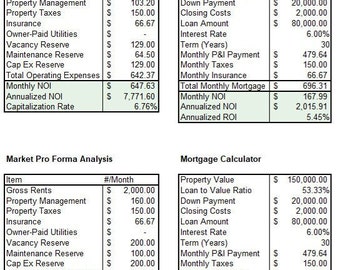
Digital download
Rental Property ROI Calculator: Real Estate Investment Spreadsheet (Excel, Google Sheets)
Sale Price $4.49
Original Price $5.99
-
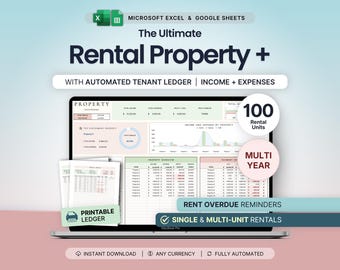
Digital download
Rental Property Bookkeeping Google Sheets Landlord Spreadsheet Multi Property Income and Expense Tracker Excel Tenant Tracker Rent Payment
Sale Price $8.59
Original Price $17.18
-
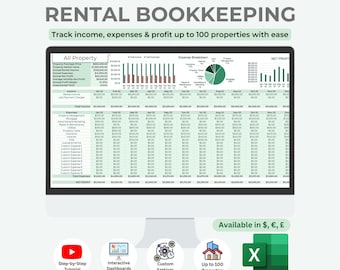
Digital download
Rental Property Bookkeeping Excel Spreadsheet | Multi-Property Income & Expense Tracker
Sale Price $13.33
Original Price $17.77
-

Digital download
Rental Property Bookkeeping Spreadsheet: 10-Year Summary (Google Sheet)
Sale Price $19.77
Original Price $32.95
-
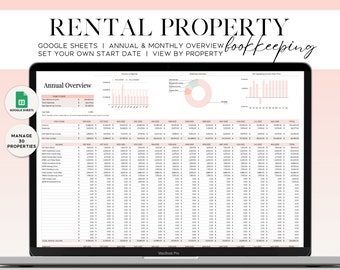
Digital download
Rental Property Income & Expense Tracker, Google Sheets Template (Digital Download)
Sale Price $23.80
Original Price $28.00
-
Digital download
WORD COUNT TRACKER | Spreadsheet for writers | Novel Word Count Spreadsheet | NaNoWriMo Tracker | Google Sheets Template
$10.87
-
Digital download
Real Estate Business Spreadsheet Bundle: House Flip Airbnb Calculator Bookkeeping Password Tracker Excel & Google Sheets Digital Download
Sale Price $17.48
Original Price $34.97


