

IEP Accommodations Tracker Google Sheets, 504 Accommodations by Class Period, Accommodation Tracker for Teachers, Co-Teaching
Item highlights
Seller's description
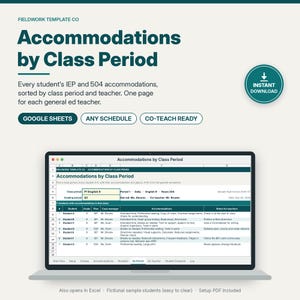
See every student's IEP and 504 accommodations by class period on one Google Sheet, so gen ed and co-teachers know who gets what before the lesson starts.
⭐ "A practical, structured way to reset without designing complex spreadsheets from scratch."
— Nicolette Lesniak, Ed.S., special education coach. Full review: https://www.nicolettelesniak.com/blog/datareset (reviewed using a free copy)
Built for special education case managers, co-teachers, and inclusion teachers, especially in middle and high school, where students move between 6, 7, or 8 classes. Calm, professional design with a deep teal accent. No clipart.
BUILT FOR YOUR CASELOAD, NOT SOMEONE ELSE'S
• Room for 150 students, 50 class periods, and 40 accommodations. No duplicating sheets when your caseload grows.
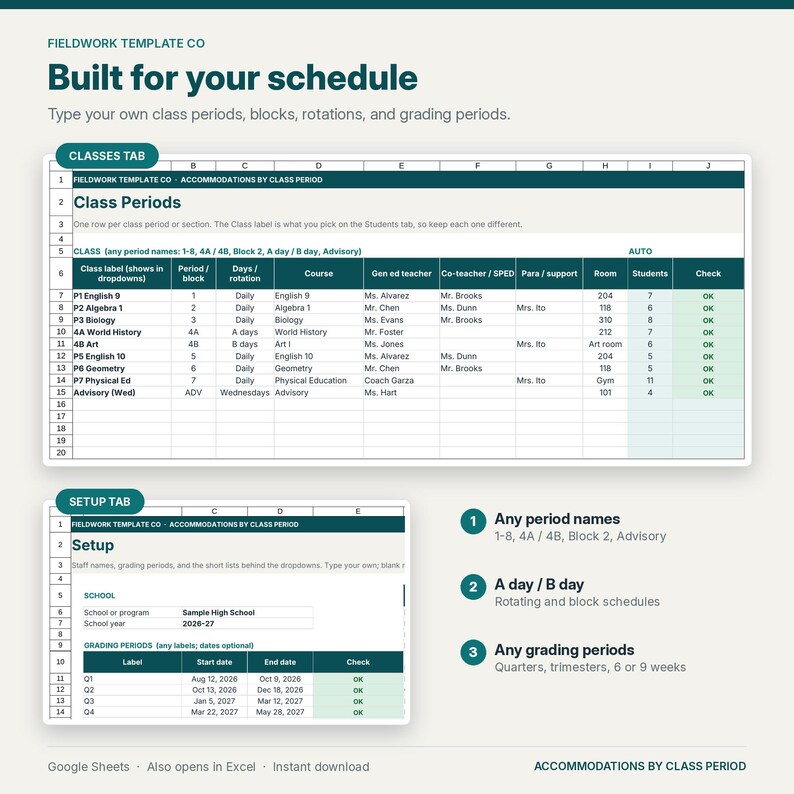
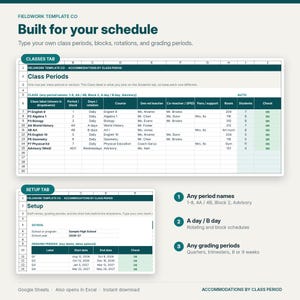
• Type your own class periods: 1-8, 4A / 4B, Block 2, A day / B day, Advisory. Block and rotating schedules work.
• Type your own grading period labels: quarters, trimesters, 6-week, 9-week, or semesters.
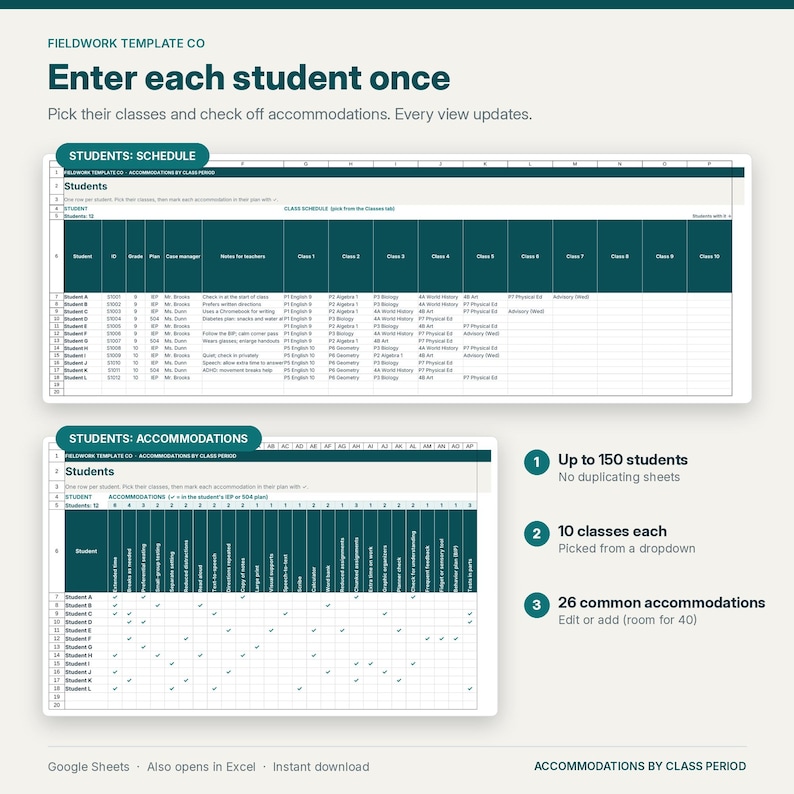
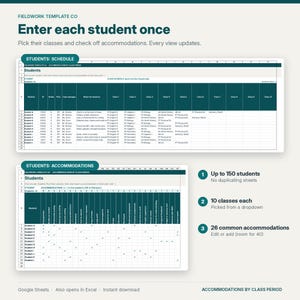
• Enter each student once. Every view updates on its own, which saves time: no retyping accommodation lists for every teacher.
WHAT'S INCLUDED
• Accommodations-by-Period-Tracker.xlsx: 1 spreadsheet with 9 tabs, ready for Google Sheets (also opens in Microsoft Excel)
• A 1-page Start Here PDF with your "Make a copy" link and step-by-step import instructions
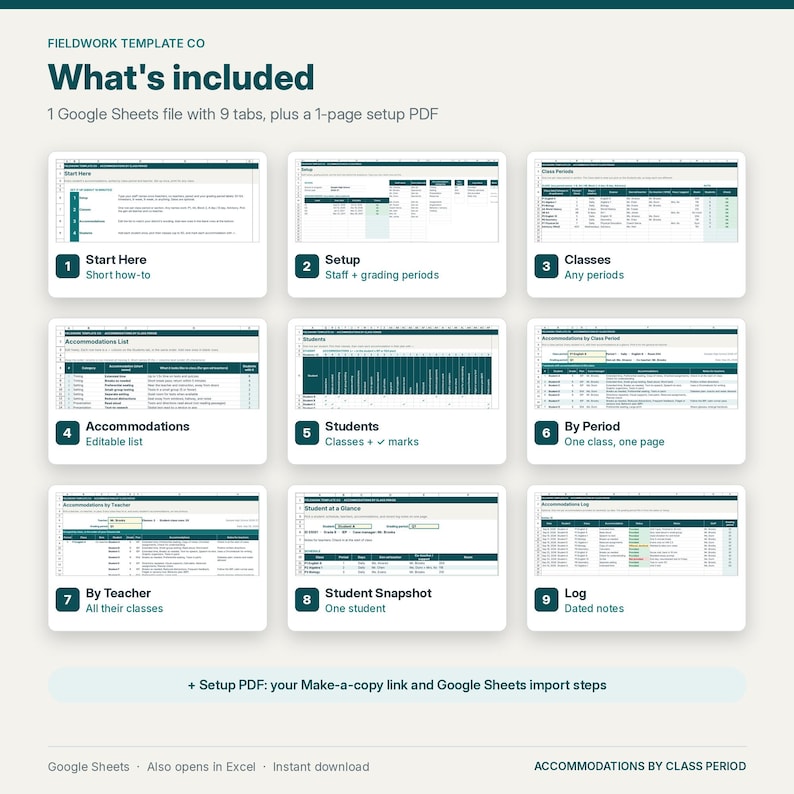
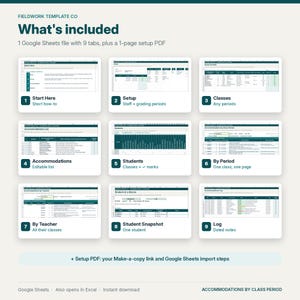
THE 9 TABS
1. Start Here: short setup steps, the exact cells to clear, and a color key
2. Setup: staff names (teachers, co-teachers, paras), grading periods, and the dropdown lists
3. Classes: one row per class period with period or block, days or rotation, course, gen ed teacher, co-teacher, para, and room. Duplicate class names are flagged
4. Accommodations: 26 common accommodations (extended time, preferential seating, read aloud, reduced assignments, breaks, and more), each with a plain-language "what it looks like in class" note. Rename, edit, or add your own (room for 40)
5. Students: student, ID, grade, IEP or 504, case manager, notes for teachers, up to 10 classes each, and a ✓ checklist of accommodations
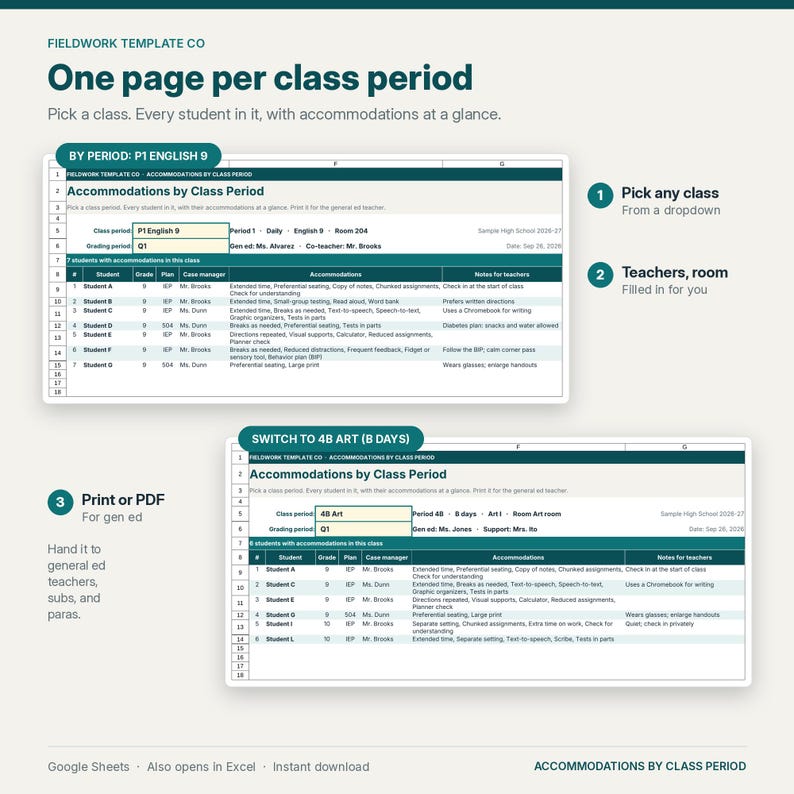
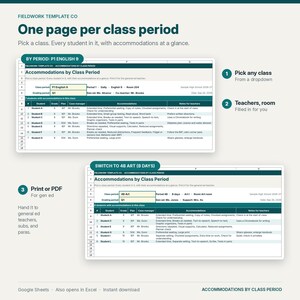
6. By Period: pick a class period and see every student in it with their accommodations and notes. The teachers and room fill in automatically
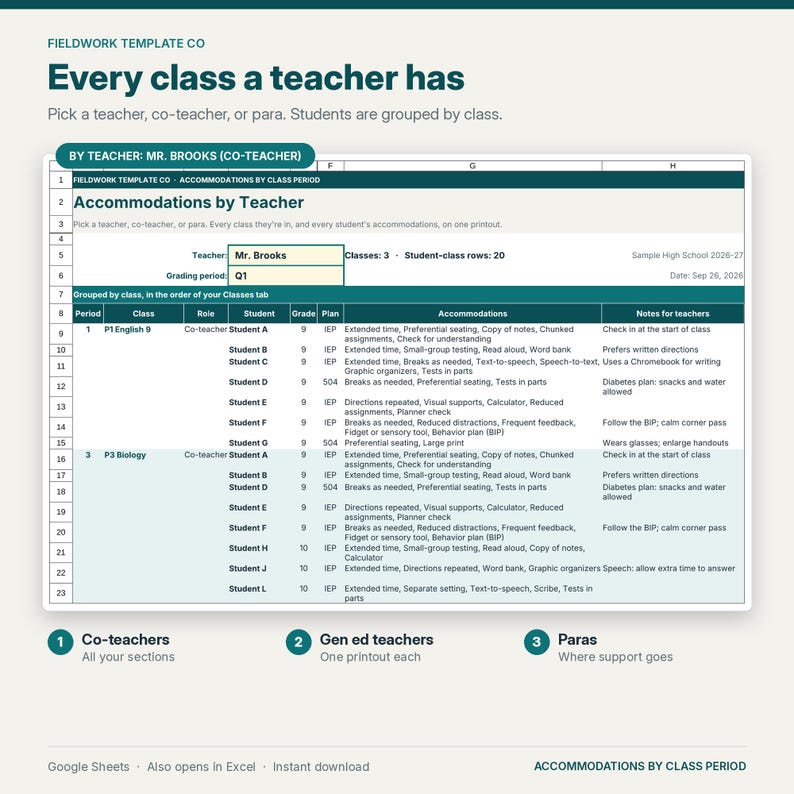
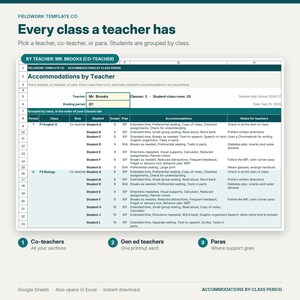
7. By Teacher: pick a teacher, co-teacher, or para and see every class they're in, with students grouped by class
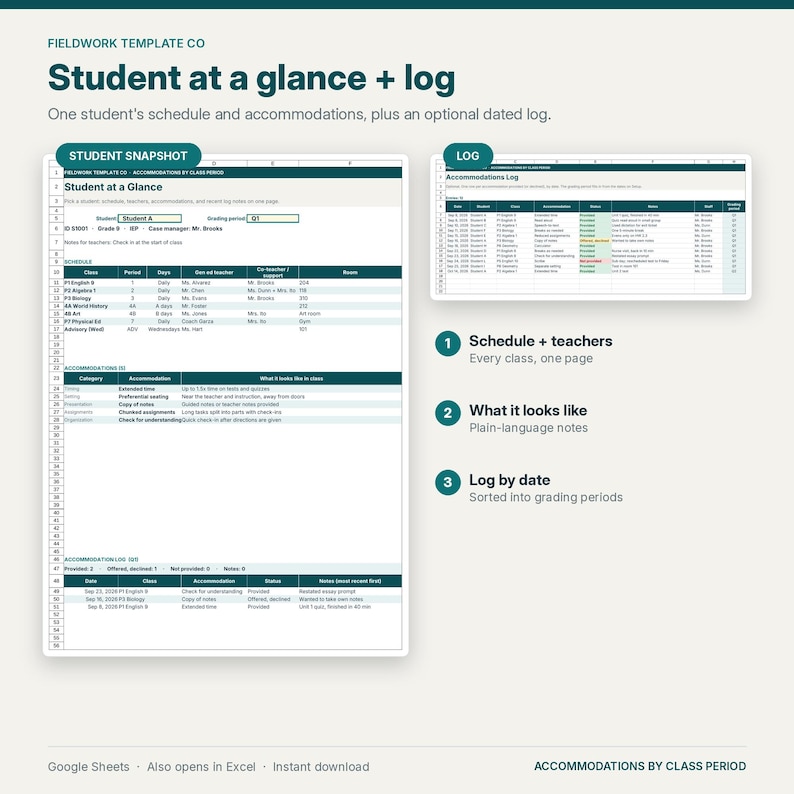
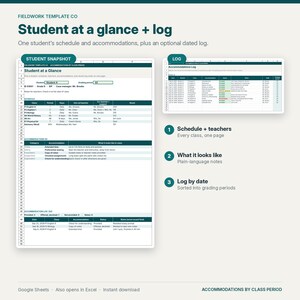
8. Student Snapshot: one student's schedule, teachers, accommodations, and recent log notes on one page (an IEP at a glance for accommodations)
9. Log (optional): date, student, class, accommodation, status (Provided / Offered, declined / Not provided), and notes. Each entry is sorted into its grading period
HOW IT WORKS
1. Type your staff, grading periods, and class periods
2. Add each student once, pick their classes, and check off their accommodations
3. Pick a class or a teacher, then print it or save it as a PDF for the general ed teacher
GOOD TO KNOW
• Easy to use: most cells are dropdowns. Type in the white cells; shaded cells and the three view tabs fill in automatically.
• Sample students (Student A to Student L) and staff names are fictional and take a few minutes to clear. The Start Here tab lists the exact cells.
• Printing: By Period and By Teacher print landscape, fit to width. To skip empty rows, select the filled rows and print the selection.
• Not password-protected. Requires a free Google account (Google Sheets) or Microsoft Excel. Works best in a desktop browser.
HOW TO ACCESS
• Instant digital download. No physical item will be shipped.
• After purchase, go to Purchases and reviews > Download files (or use the link in your order email).
• Open the Start Here PDF and click the "Make a copy" link to get your own editable Google Sheets copy. Or import the .xlsx: in Google Sheets, File > Import > Upload.
IMPORTANT
This is a planning and communication aid to help you stay organized. It is not affiliated with any school district and is not legal or compliance advice. It does not replace the IEP, the 504 plan, or district systems. Share only what each teacher needs and protect student privacy (initials or IDs recommended) according to district procedures. Not affiliated with Google or Microsoft.
PAIRS WITH
• IEP Caseload & Due Dates Tracker (Google Sheets, sold separately): https://www.etsy.com/listing/4582686156/iep-caseload-tracker-google-sheets-iep
• Accommodations and Modifications Cheat Sheet (printable, sold separately): https://www.etsy.com/listing/4582718170/accommodations-and-modifications-cheat
REFUNDS
Digital downloads are delivered instantly and are generally non-refundable once files are accessed, except when a file is defective or doesn't match the listing. Message us and we'll fix or refund fairly.
LICENSE (Fieldwork Template Co)
Personal license for the original purchaser's own caseload use. You may NOT resell, redistribute, or share the blank spreadsheet, the .xlsx file, or the "Make a copy" link; upload the blank file to shared drives for school- or district-wide use; or use it in competing digital listings.
© Fieldwork Template Co. All rights reserved.
If something goes wrong with an order, we've got your back for all eligible purchases. View program terms
Price:$7.99
You can only make an offer when buying a single item
Delivery
Instant download
Your files will be available to download once payment is confirmed. Here's how.
Instant download items don't accept returns, exchanges or cancellations. Please contact the seller about any problems with your order.
Seller's description
Specifications
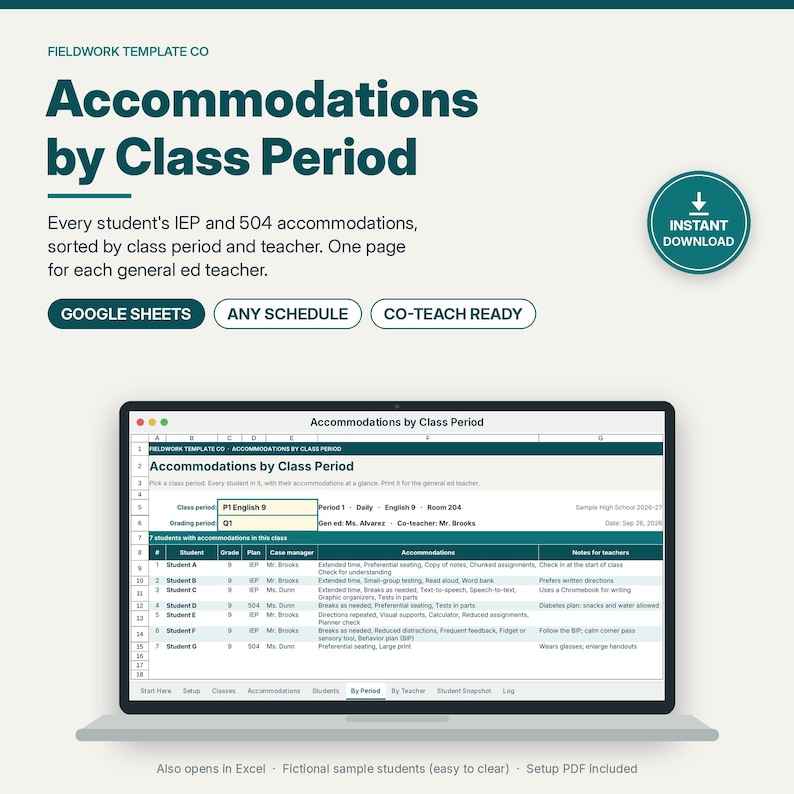
See every student's IEP and 504 accommodations by class period on one Google Sheet, so gen ed and co-teachers know who gets what before the lesson starts.
⭐ "A practical, structured way to reset without designing complex spreadsheets from scratch."
— Nicolette Lesniak, Ed.S., special education coach. Full review: https://www.nicolettelesniak.com/blog/datareset (reviewed using a free copy)
Built for special education case managers, co-teachers, and inclusion teachers, especially in middle and high school, where students move between 6, 7, or 8 classes. Calm, professional design with a deep teal accent. No clipart.
BUILT FOR YOUR CASELOAD, NOT SOMEONE ELSE'S
• Room for 150 students, 50 class periods, and 40 accommodations. No duplicating sheets when your caseload grows.
• Type your own class periods: 1-8, 4A / 4B, Block 2, A day / B day, Advisory. Block and rotating schedules work.
• Type your own grading period labels: quarters, trimesters, 6-week, 9-week, or semesters.
• Enter each student once. Every view updates on its own, which saves time: no retyping accommodation lists for every teacher.
WHAT'S INCLUDED
• Accommodations-by-Period-Tracker.xlsx: 1 spreadsheet with 9 tabs, ready for Google Sheets (also opens in Microsoft Excel)
• A 1-page Start Here PDF with your "Make a copy" link and step-by-step import instructions
THE 9 TABS
1. Start Here: short setup steps, the exact cells to clear, and a color key
2. Setup: staff names (teachers, co-teachers, paras), grading periods, and the dropdown lists
3. Classes: one row per class period with period or block, days or rotation, course, gen ed teacher, co-teacher, para, and room. Duplicate class names are flagged
4. Accommodations: 26 common accommodations (extended time, preferential seating, read aloud, reduced assignments, breaks, and more), each with a plain-language "what it looks like in class" note. Rename, edit, or add your own (room for 40)
5. Students: student, ID, grade, IEP or 504, case manager, notes for teachers, up to 10 classes each, and a ✓ checklist of accommodations
6. By Period: pick a class period and see every student in it with their accommodations and notes. The teachers and room fill in automatically
7. By Teacher: pick a teacher, co-teacher, or para and see every class they're in, with students grouped by class
8. Student Snapshot: one student's schedule, teachers, accommodations, and recent log notes on one page (an IEP at a glance for accommodations)
9. Log (optional): date, student, class, accommodation, status (Provided / Offered, declined / Not provided), and notes. Each entry is sorted into its grading period
HOW IT WORKS
1. Type your staff, grading periods, and class periods
2. Add each student once, pick their classes, and check off their accommodations
3. Pick a class or a teacher, then print it or save it as a PDF for the general ed teacher
GOOD TO KNOW
• Easy to use: most cells are dropdowns. Type in the white cells; shaded cells and the three view tabs fill in automatically.
• Sample students (Student A to Student L) and staff names are fictional and take a few minutes to clear. The Start Here tab lists the exact cells.
• Printing: By Period and By Teacher print landscape, fit to width. To skip empty rows, select the filled rows and print the selection.
• Not password-protected. Requires a free Google account (Google Sheets) or Microsoft Excel. Works best in a desktop browser.
HOW TO ACCESS
• Instant digital download. No physical item will be shipped.
• After purchase, go to Purchases and reviews > Download files (or use the link in your order email).
• Open the Start Here PDF and click the "Make a copy" link to get your own editable Google Sheets copy. Or import the .xlsx: in Google Sheets, File > Import > Upload.
IMPORTANT
This is a planning and communication aid to help you stay organized. It is not affiliated with any school district and is not legal or compliance advice. It does not replace the IEP, the 504 plan, or district systems. Share only what each teacher needs and protect student privacy (initials or IDs recommended) according to district procedures. Not affiliated with Google or Microsoft.
PAIRS WITH
• IEP Caseload & Due Dates Tracker (Google Sheets, sold separately): https://www.etsy.com/listing/4582686156/iep-caseload-tracker-google-sheets-iep
• Accommodations and Modifications Cheat Sheet (printable, sold separately): https://www.etsy.com/listing/4582718170/accommodations-and-modifications-cheat
REFUNDS
Digital downloads are delivered instantly and are generally non-refundable once files are accessed, except when a file is defective or doesn't match the listing. Message us and we'll fix or refund fairly.
LICENSE (Fieldwork Template Co)
Personal license for the original purchaser's own caseload use. You may NOT resell, redistribute, or share the blank spreadsheet, the .xlsx file, or the "Make a copy" link; upload the blank file to shared drives for school- or district-wide use; or use it in competing digital listings.
© Fieldwork Template Co. All rights reserved.
-
Designed by
-
Item typeDigital download
-
Digital file type(s)1 PDF, 1 other file
If something goes wrong with an order, we've got your back on all eligible purchases. View program terms
Meet your seller

More from this shop
-
Digital download
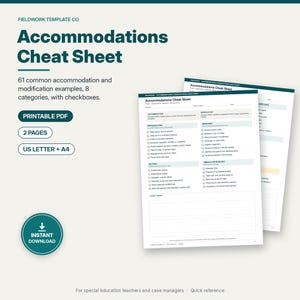
Accommodations and Modifications Cheat Sheet, Special Education Quick Reference, IEP Accommodation Checklist, Printable Letter A4 PDF
$2.99
-
Digital download
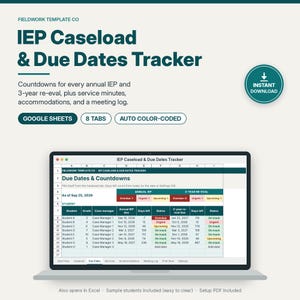
IEP Caseload Tracker Google Sheets, IEP Due Dates & Re-Evaluation Countdown, Service Minutes, Accommodations, Special Education Case Manager
$9.99
-
Digital download
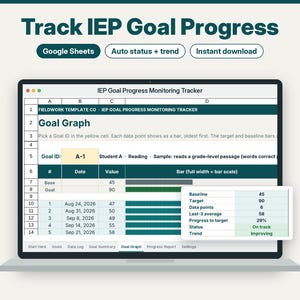
IEP Goal Tracker Google Sheets, IEP Progress Monitoring Spreadsheet, IEP Data Tracking and Goal Data Sheets, Special Education
$6.99
-
Digital download
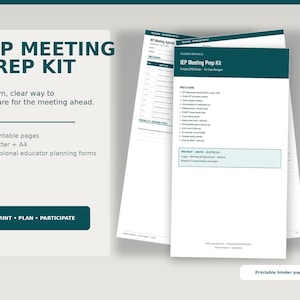
IEP Meeting Prep Kit for Case Managers — SPED Binder Checklist PDF + Canva
$9.99
-
Digital download
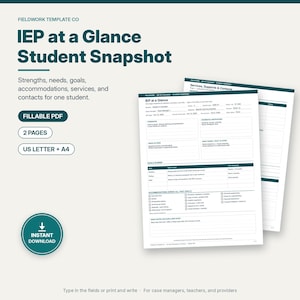
IEP at a Glance Fillable PDF, Student Snapshot for Teachers and Subs, IEP Goals, Accommodations, Services and Contacts, Letter and A4
$2.99
-
Digital download
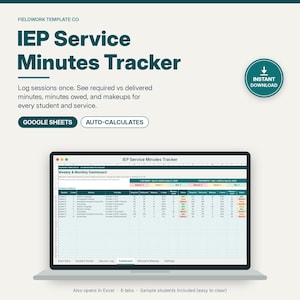
IEP Service Minutes Tracker Google Sheets, Related Services Log, Planned vs Delivered Minutes, Special Education Case Manager
$5.99
-
Digital download
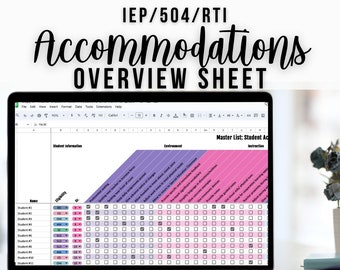
IEP Accommodations Overview Google Sheets | Special Education Tracker | SPED Caseload Organizer | Editable Teacher Spreadsheet
$6.99
-
Digital download
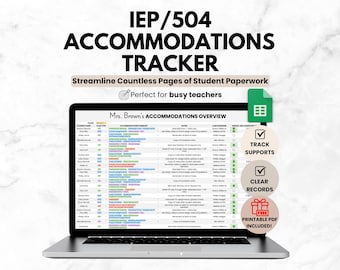
Student IEP/504 Accommodation Tracker Spreadsheet for Teacher | Google Sheets IEP Caseload Organization | Special Education Planner Template
Sale Price $4.19
Original Price $5.99
-
Digital download
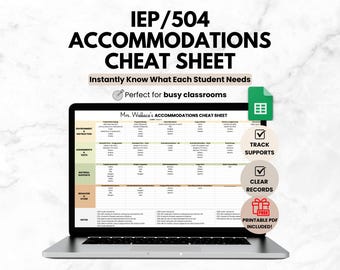
IEP/504 Student Accommodations Tracker Cheat Sheet, Teacher Google Sheets IEP Caseload Organization, Special Education Spreadsheet Template
Sale Price $4.19
Original Price $5.99
-
Digital download
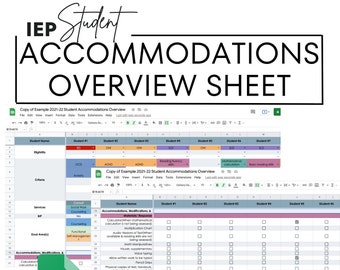
IEP Accommodations Overview: Google Sheets for SPED Teachers
$6.99
-
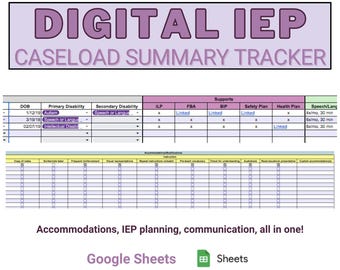
Digital download
Special Education Digital IEP Caseload Summary Tracker: Grades PreK-12
$5.00
-
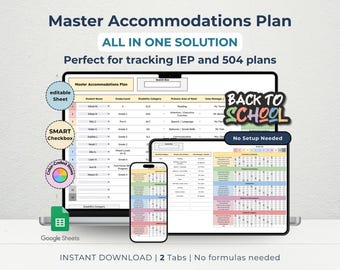
Digital download
IEP 504 Accommodation Tracker: Special Education Plan Log (Google Sheets, Digital Download)
$5.99
-
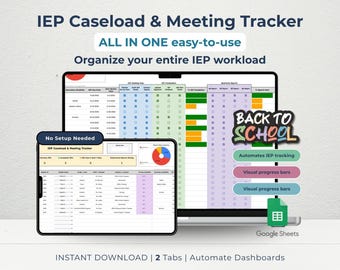
Digital download
IEP Caseload Tracker & Meeting Log for SPED Teachers | Visual Student Checklist Dashboard | Google Sheets
$7.99
-
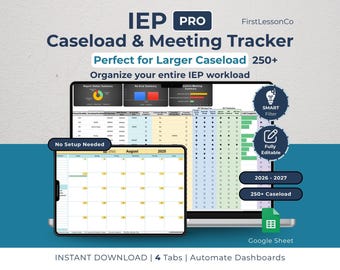
Digital download
IEP Caseload Tracker PRO for Special Education | Google Sheets SPED Tracker | Re-Eval & Transition | Large Caseload updated(250+ Students)
$9.99
-
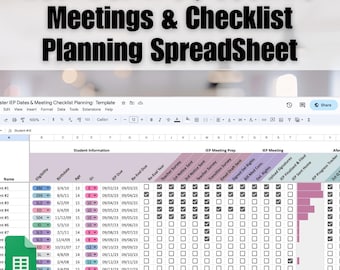
Digital download
IEP Caseload Tracker Google Sheets | Special Education Meeting Planner Checklist | SPED Progress Monitoring | Editable Teacher Spreadsheet
$6.99
-
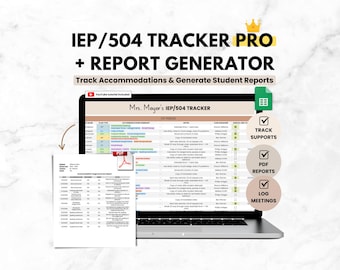
Digital download
Student IEP Accommodation Tracker Teacher Spreadsheet | IEP 504 Tracker for Google Sheets | SPED Caseload Planner & Log for Organization
Sale Price $10.49
Original Price $14.99
-
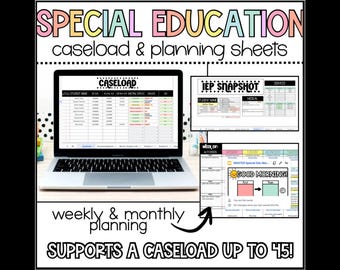
Digital download
Special Education Planning and Caseload Organization Sheets, IEP Checklist, Sped Teacher Caseload Planning Spreadsheet
$3.25
-
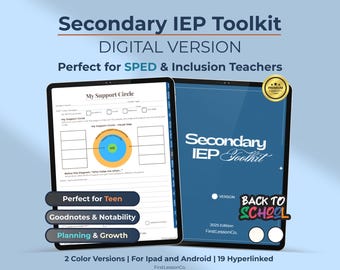
Digital download
Secondary IEP Digital Planner: SPED Teen Goals, Planning, Self-Advocacy (PDF Download)
$9.90
Shoppers with similar taste loved these
-

Digital download
Kid's Autism Mega Bundle Workbook, For Therapist, Parents, School Counselors and Social Workers, Play Therapy, Neurodivergent Kids Workbook
Sale Price $4.87
Original Price $9.74
-
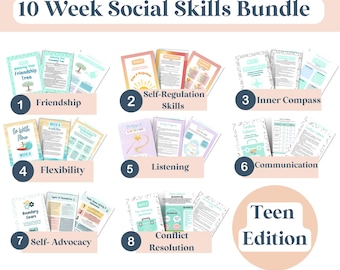
Digital download
10-Week Social Skills activities and Curriculum Bundle| Friendship, Emotions, Cooperation, Conflict Resolution activities bundle, ACT
Sale Price $4.44
Original Price $8.88
-
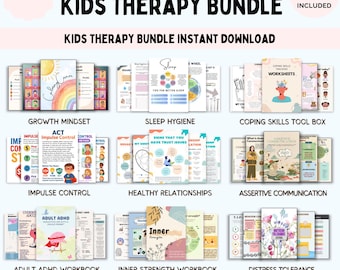
Digital download
Kids Therapy Bundle. Life skills. Emotional resilience. Therapy Resources. Self care. ADHD planner, impulse control. CBT tools. psychology
Sale Price $4.74
Original Price $18.96
-
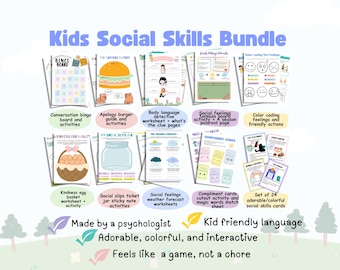
Digital download
Kids social skills bundle, social skills bingo, pdf social skills game, conversation skills, workbook social skills activity for children
Sale Price $13.75
Original Price $25.00
-
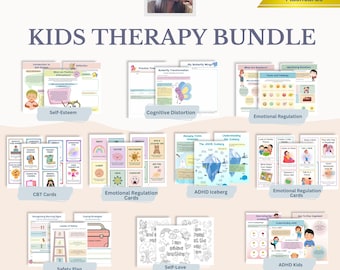
Digital download
Kids Therapy Printable Bundle | Emotional Regulation, Feelings, Coping Skills & Social Skills Worksheets
Sale Price $6.98
Original Price $13.97
-
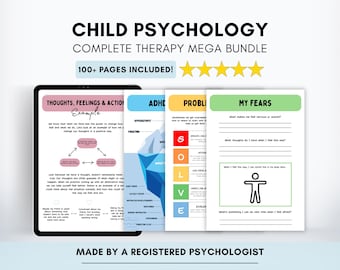
Digital download
Child Psychology Mega Bundle with CBT Therapy Worksheets for Kids (PDF Digital Download)
Sale Price $13.18
Original Price $17.58
-
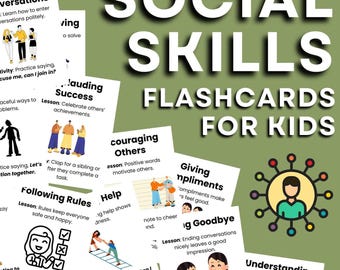
Digital download
Social Skills Flashcards for Kids Worksheets Coping Strategies Workbook, Team Building Activities, Printable Cards
$2.11
-
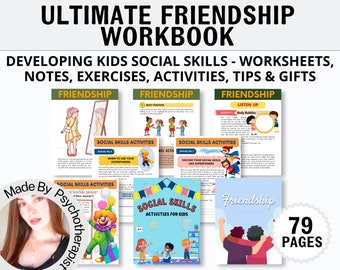
Digital download
Social Skills, Friendship Kids PRINTABLE Worksheets | SEL | Assertive Communication | Apologising | Inclusion | Making Friends Workbook
Sale Price $3.35
Original Price $13.41
-
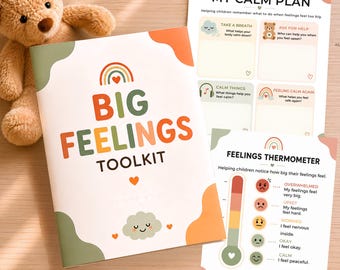
Digital download
Emotional Regulation Activities for Kids | Feelings Chart & Coping Skills Printable
$7.99
-

Digital download
Teen and Kids Therapy workbook bundle. Well-being Wellness Therapy worksheets. CBT Self-Esteem Art Therapy Coping Skill. Mental Health. DBT
$10.99
-
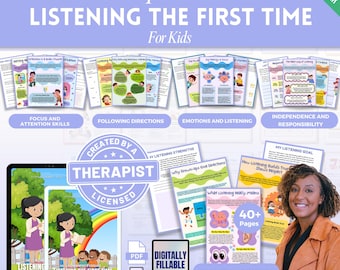
Digital download
Listening The First Time Mega Bundle, Kids Listening Guide, Child Discipline, Kids Behavior Tips, listening skills, following directions
Sale Price $4.87
Original Price $9.74
-
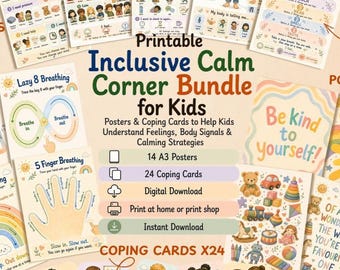
Digital download
Inclusive Calm Corner Bundle for Kids Printable|Emotional Regulation Posters & Coping Skills Cards|Feelings Chart|Sensory Choice Board
$4.69


