










Debt Payoff Tracker Spreadsheet with Snowball and Avalanche Calculator, Excel and Google Sheets
Item highlights
Seller's description
List your debts, choose snowball, avalanche or your own order, add an extra monthly payment, and the workbook shows month by month when each debt is paid off, when you are debt free and how much interest you pay.
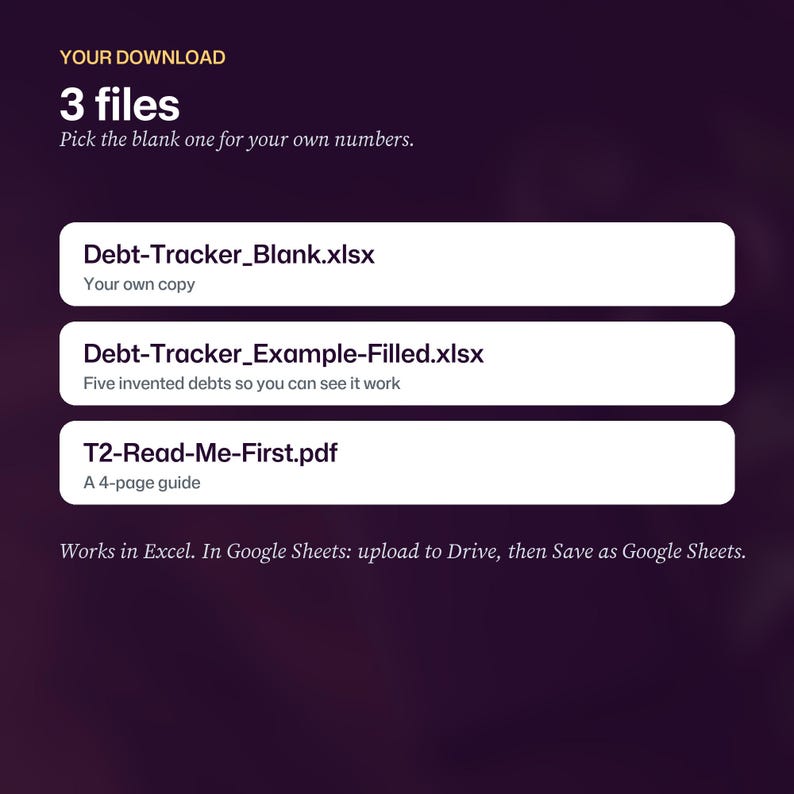
WHAT YOU GET (3 files)
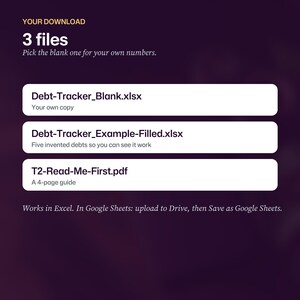
- Debt-Tracker_Blank.xlsx: your own copy
- Debt-Tracker_Example-Filled.xlsx: the same workbook with five invented debts, so you can see how it works
- T2-Read-Me-First.pdf: a 4-page guide for Excel and Google Sheets
INSIDE THE WORKBOOK
- Start Here: plain steps, how the maths works, a color key and the limits
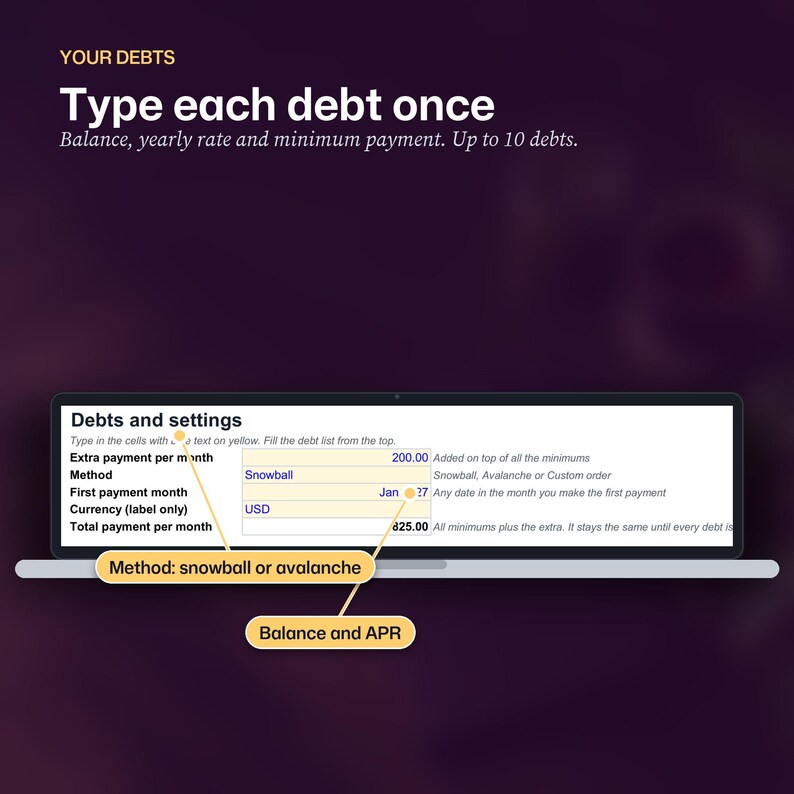
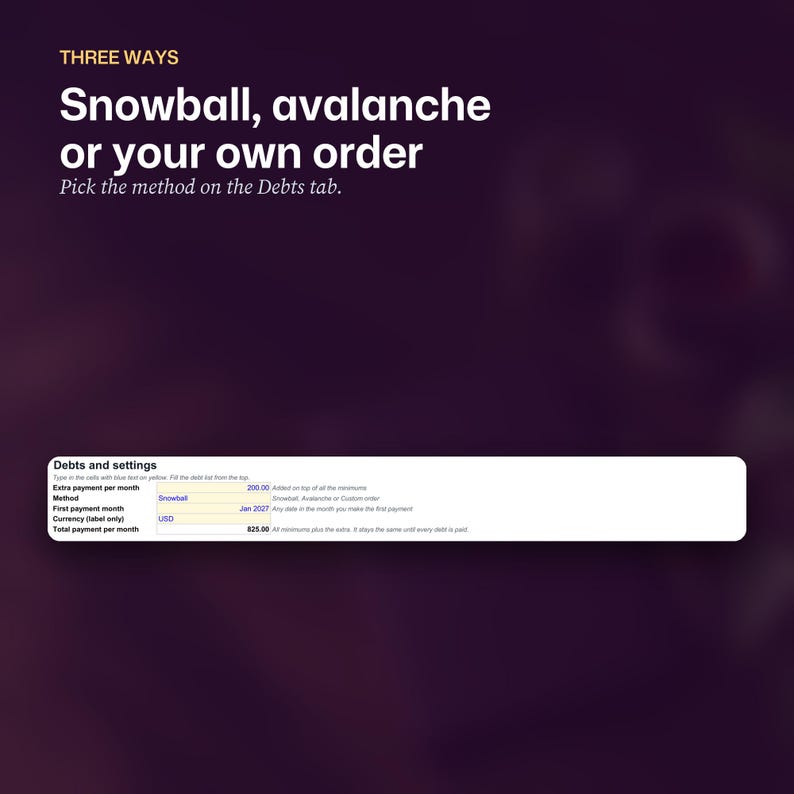
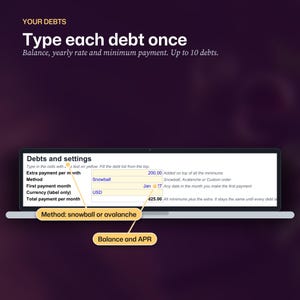
- Debts: up to 10 debts (name, balance, yearly rate, minimum payment), your extra monthly payment, the method and the month you start
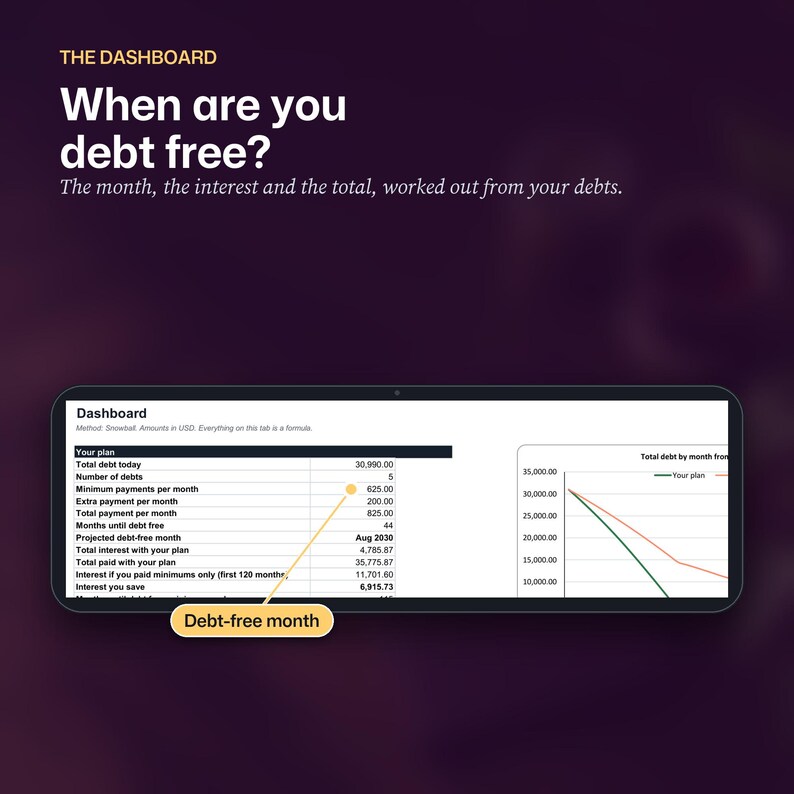
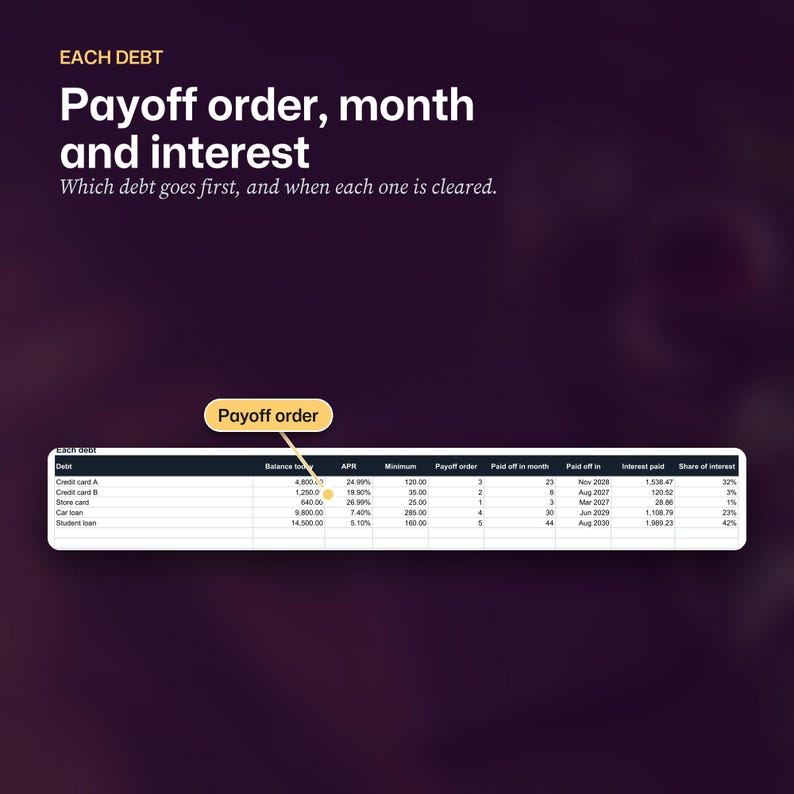
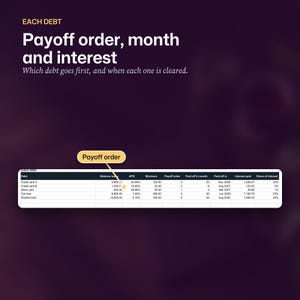
- Dashboard: months until debt free, the debt-free month, total interest, total paid, interest and months you save against minimums only, a payoff order, month, date and interest for each debt, a line chart of total debt (your plan against minimums only) and a bar chart of interest by debt
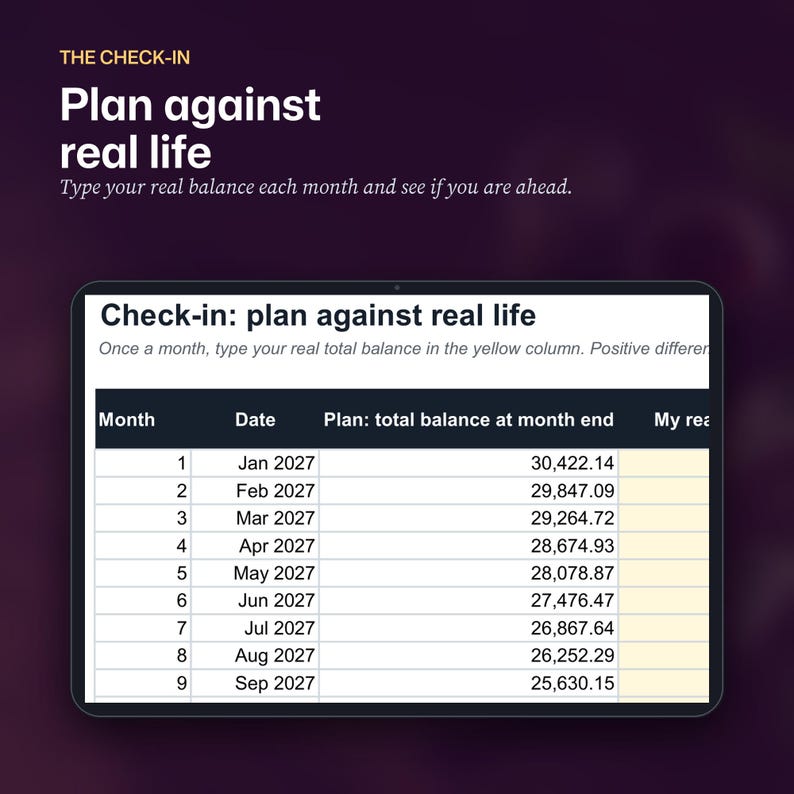
- Check-in: type your real total balance each month and see whether you are ahead of or behind the plan (36 months)
- Schedule and Compare: the month-by-month working behind the Dashboard, 120 months, formulas only
THREE METHODS
- Snowball: smallest balance first
- Avalanche: highest interest rate first
- Custom order: you type 1, 2, 3 for the order you want
Every method pays every minimum. Spare money goes to the first debt in the order. When a debt is cleared, its payment rolls into the next, so your total monthly payment stays the same until everything is paid.
HOW IT WORKS
You type only in the cells with blue text on yellow. Every other number is a formula. Interest is the balance times the yearly rate divided by 12, rounded to the cent, and payments are assumed to land at the end of each month. Amounts are shown without a currency symbol, so it works in any currency.
EXCEL AND GOOGLE SHEETS
It uses ordinary formulas and no macros. In Google Sheets, use the link in the PDF guide to make your own copy, or upload the .xlsx to Google Drive, open it, then choose File, Save as Google Sheets. Formulas, dropdowns and colors usually carry across. Chart styling can change a little, so check the Dashboard after you import.
LIMITS AND HONESTY
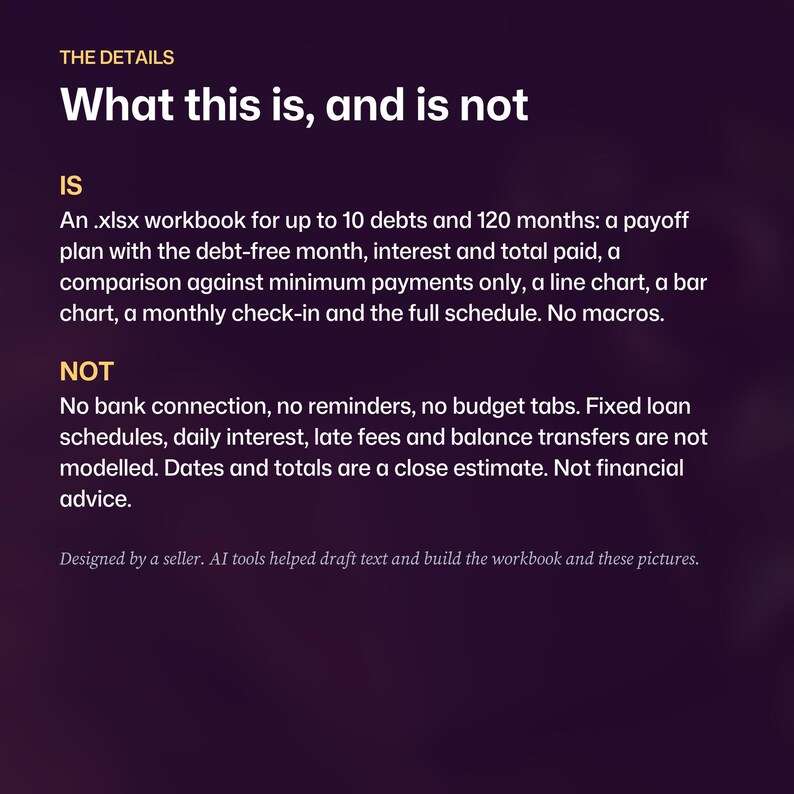
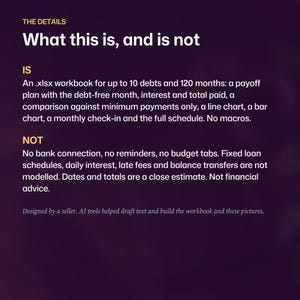
10 debts and 120 months (10 years). A debt that is not cleared within 120 months shows "Over 10 years". Fixed loan schedules, interest charged daily, late fees, promotional rates that change and balance transfers are not modelled. Lenders round and time interest differently, so treat the dates and totals as a close estimate and compare them with your statements.
WHAT IS NOT INCLUDED
No bank connection, no reminders, no macros, no budget or net worth tabs.
NOT ADVICE
This is a planning tool. It is not financial, credit, tax or legal advice. If you are struggling with debt, a non-profit credit counselling service in your country can help.
FILES AND LICENSE
Digital files only. Personal use. Please do not resell, share or upload the files.
Designed by a seller. AI tools were used to help write the wording and the code that builds the workbook, the guide, the pictures and the video. The workbook's results were checked against an independent calculation of the example debts.
If something goes wrong with an order, we've got your back for all eligible purchases. View program terms
Price:$4.99
You can only make an offer when buying a single item
Delivery
Instant download
Your files will be available to download once payment is confirmed. Here's how.
Instant download items don't accept returns, exchanges or cancellations. Please contact the seller about any problems with your order.
Seller's description
Specifications

List your debts, choose snowball, avalanche or your own order, add an extra monthly payment, and the workbook shows month by month when each debt is paid off, when you are debt free and how much interest you pay.
WHAT YOU GET (3 files)
- Debt-Tracker_Blank.xlsx: your own copy
- Debt-Tracker_Example-Filled.xlsx: the same workbook with five invented debts, so you can see how it works
- T2-Read-Me-First.pdf: a 4-page guide for Excel and Google Sheets
INSIDE THE WORKBOOK
- Start Here: plain steps, how the maths works, a color key and the limits
- Debts: up to 10 debts (name, balance, yearly rate, minimum payment), your extra monthly payment, the method and the month you start
- Dashboard: months until debt free, the debt-free month, total interest, total paid, interest and months you save against minimums only, a payoff order, month, date and interest for each debt, a line chart of total debt (your plan against minimums only) and a bar chart of interest by debt
- Check-in: type your real total balance each month and see whether you are ahead of or behind the plan (36 months)
- Schedule and Compare: the month-by-month working behind the Dashboard, 120 months, formulas only
THREE METHODS
- Snowball: smallest balance first
- Avalanche: highest interest rate first
- Custom order: you type 1, 2, 3 for the order you want
Every method pays every minimum. Spare money goes to the first debt in the order. When a debt is cleared, its payment rolls into the next, so your total monthly payment stays the same until everything is paid.
HOW IT WORKS
You type only in the cells with blue text on yellow. Every other number is a formula. Interest is the balance times the yearly rate divided by 12, rounded to the cent, and payments are assumed to land at the end of each month. Amounts are shown without a currency symbol, so it works in any currency.
EXCEL AND GOOGLE SHEETS
It uses ordinary formulas and no macros. In Google Sheets, use the link in the PDF guide to make your own copy, or upload the .xlsx to Google Drive, open it, then choose File, Save as Google Sheets. Formulas, dropdowns and colors usually carry across. Chart styling can change a little, so check the Dashboard after you import.
LIMITS AND HONESTY
10 debts and 120 months (10 years). A debt that is not cleared within 120 months shows "Over 10 years". Fixed loan schedules, interest charged daily, late fees, promotional rates that change and balance transfers are not modelled. Lenders round and time interest differently, so treat the dates and totals as a close estimate and compare them with your statements.
WHAT IS NOT INCLUDED
No bank connection, no reminders, no macros, no budget or net worth tabs.
NOT ADVICE
This is a planning tool. It is not financial, credit, tax or legal advice. If you are struggling with debt, a non-profit credit counselling service in your country can help.
FILES AND LICENSE
Digital files only. Personal use. Please do not resell, share or upload the files.
Designed by a seller. AI tools were used to help write the wording and the code that builds the workbook, the guide, the pictures and the video. The workbook's results were checked against an independent calculation of the example debts.
-
Designed by
-
Item typeDigital download
-
Digital file type(s)1 PDF, 2 other files
If something goes wrong with an order, we've got your back on all eligible purchases. View program terms
Meet your seller
More from this shop
-

Digital download
Etsy Profit Tracker for Digital Sellers, Pricing Calculator Spreadsheet, Google Sheets and Excel
$6.99
-
Digital download
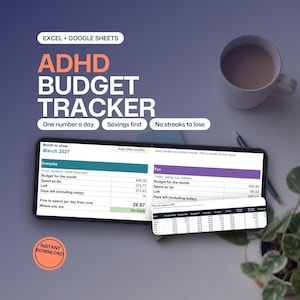
ADHD Budget Spreadsheet, Google Sheets and Excel, Safe to Spend, Paycheck Budget Planner
$5.99
-

Digital download
Weight Loss Tracker Spreadsheet for Google Sheets and Excel, Protein, Meal Planner, Daily Log
$3.99
-

Digital download
Freelancer Income Tracker, Invoice Log, Tax Set-Aside, Quarterly Estimate, Google Sheets Excel
$5.99
-

Digital download
Wedding Budget Tracker Spreadsheet, Payments, Who Pays and Cost Per Guest, Google Sheets Excel
$5.99
-

Digital download
Yearly Habit Tracker Spreadsheet with Streaks, for Google Sheets and Excel
$5.99
-
Digital download
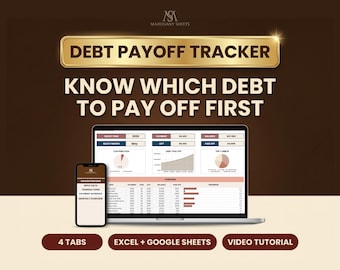
Debt Payoff Tracker Spreadsheet for Google Sheets and Excel, Snowball Avalanche Calculator, Loan Planner
$9.90
-

Digital download
Debt Payoff Calculator Excel Spreadsheet, Snowball Avalanche Planner, 30 Account Credit Card Repayment Template
$8.99
-

Digital download
Debt Payoff Calculator Google Sheet Debt Snowball Calculator Spreadsheet Debt Avalanche Credit Card Payoff Bill Tracker Student Loan Tracker
Sale Price $2.59
Original Price $5.75
-

Digital download
Debt Payoff Tracker | Debt Snowball Excel Spreadsheet | Credit Card Payoff Chart | Debt Free Spreadsheet | Student Loan Payoff | Car Payoff
$5.00
-

Digital download
Debt Payoff Tracker Excel Spreadsheet, 30 Account Credit Card Payment Planner, Loan Progress Template
$9.00
-
Digital download
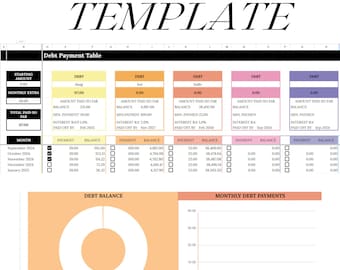
Debt Snowball Excel Spreadsheet Google Sheets Debt Payoff Tracker Excel Debt Snowball Calculator Student Loan Payoff House Debt Payoff Chart
$5.99
-

Digital download
Debt Payoff Calculator Excel Spreadsheet, Snowball Avalanche Planner, 20 Account Credit Card Repayment Template
$6.99
-
Digital download
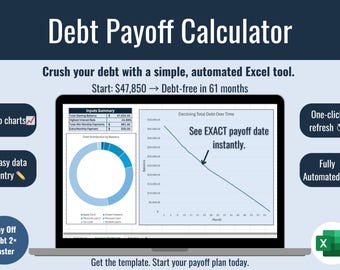
Debt Payoff Calculator Spreadsheet | Snowball & Avalanche Excel Tracker
$5.99
-
Digital download
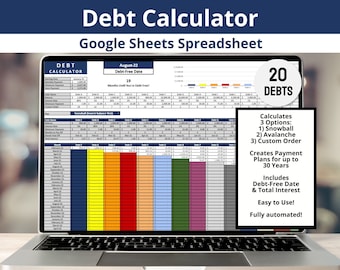
Debt Payoff Planner Google Sheets, Snowball Calculator, Avalanche Spreadsheet, 20 Account Credit Card Template
$6.99
-
Digital download
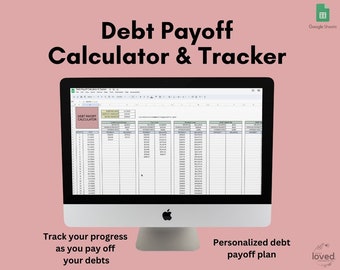
Debt Payoff Calculator & Tracker | Google Sheets Template | Debt Snowball Calculator | Debt Payoff Tracker
$5.95
-

Digital download
Debt Snowball Calculator Google Sheets, Avalanche Payoff Spreadsheet, 30 Account Credit Card Repayment Planner
$8.99
-

Digital download
Debt Snowball Spreadsheet Excel Debt Payoff Spreadsheet Debt Snowball Calculator Excel Google Sheets Mortgage Payoff Student Loan Tracker
Sale Price $2.75
Original Price $5.50
Shoppers with similar taste loved these
-

Digital download
Adhd Planner Adult, Adhd Planner Printable, ADHD Cleaning Planner, adhd digital download, adhd daily planner editable, adhd life planner PDF
Sale Price $2.72
Original Price $9.06
-

Digital download
Ultimate Project Planner Printable Bundle | All-In-One Project Management System | Work Plan for Businesses
$8.25
-
Digital download
Digital Productivity Planner, Project Planner, GoodNotes ipad, Project Tracker, Project Management, Work Schedule, Business, Student Project
Sale Price $0.99
Original Price $3.96
-
Digital download
Dashboard Bundle, Project Overview, Productivity Planner, Task Manager, To do List, Weekly Fillable & Printable Planner, A4/A5/Letter/Half
$20.45
-

Digital download
Digital Life Planner Spreadsheet Budget Tracker Template Task To Do List Habit Productivity Goal Daily Planner Digital Calendar 2025, 2026
Sale Price $2.72
Original Price $9.06
-
Digital download
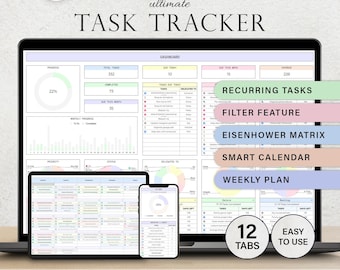
Task Tracker To Do List Template Daily Tasks Spreadsheet Recurring Tasks Productivity Planner To-Do List Project Management Google Sheets
Sale Price $2.49
Original Price $4.98
-
Digital download
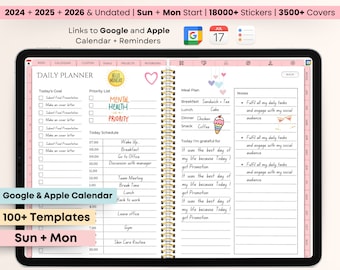
All-in-One Digital Planner 2024, 2025, 2026, Undated Digital Planner, Digital Journal, Digital Goodnotes Template, Notability, Daily Planner
$3.96
-
Digital download
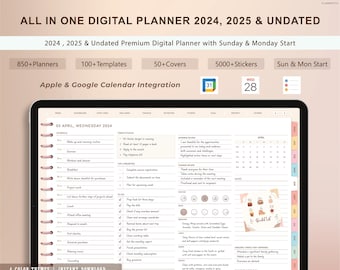
Digital planner, ipad planner, goodnotes planner, daily, weekly, monthly planner, notability planner, digital planner 2024 2025 undated ipad
Sale Price $0.99
Original Price $3.96
-
Digital download
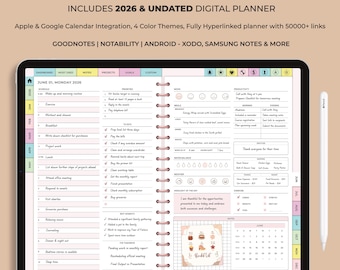
All-in-One 2026 Digital Planner | Hyperlinked GoodNotes iPad Daily Weekly Monthly | ADHD Life Ultimate Bundle
Sale Price $0.99
Original Price $3.96
-
Digital download
Digital Planner for GoodNotes, 2026 2027 Undated, iPad Notability Planner (Digital Download)
Sale Price $4.00
Original Price $10.00
-
Digital download
All-in-One Digital Planner 2026 | Undated Daily Weekly Monthly | GoodNotes iPad Planner
Sale Price $0.99
Original Price $3.96
-

Digital download
All-in-One Digital Planner 2026 | Undated Hyperlinked Daily, Weekly, Monthly Journal | GoodNotes & Notability iPad Planner, Life Planner PDF
Sale Price $1.19
Original Price $4.76


