


Employee Schedule Template Google Sheets and Excel, Weekly Staff Shift Planner with Overtime and Wage Cost, Work Schedule Template
NowPrice:$5.24
Original Price: $6.99
25% off
Sale ends in 5 days
5.0 out of 5
4 ratings
You can only make an offer when buying a single item
Highlights
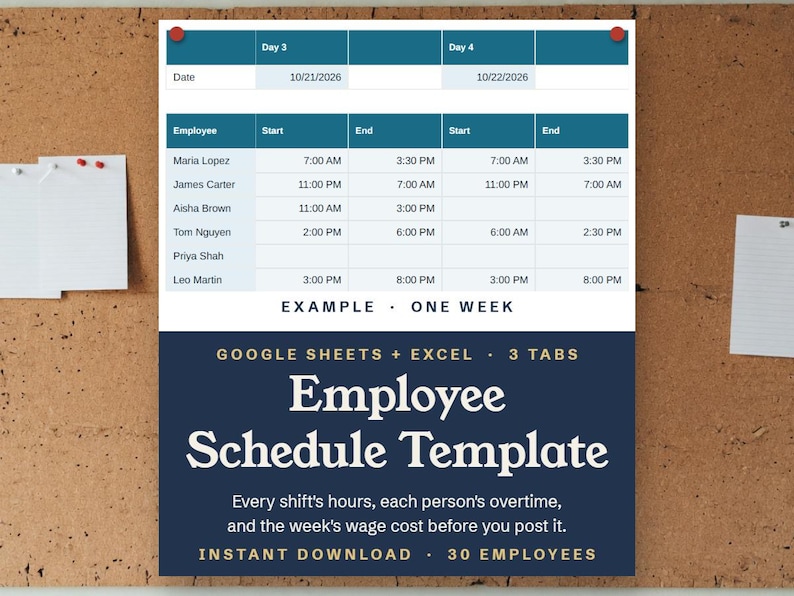
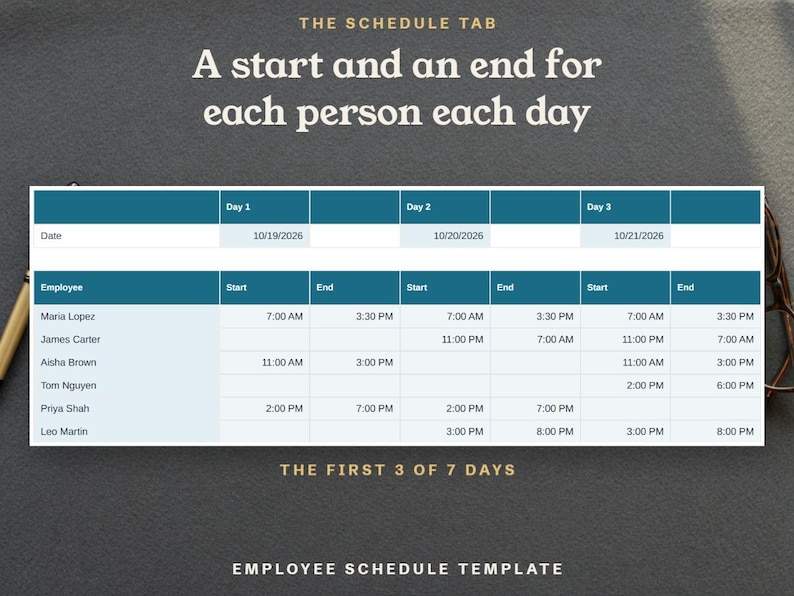
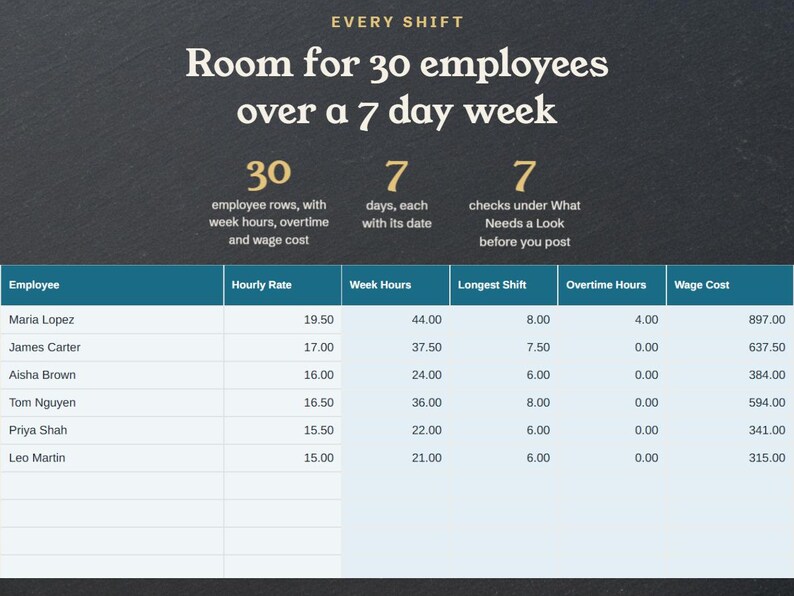
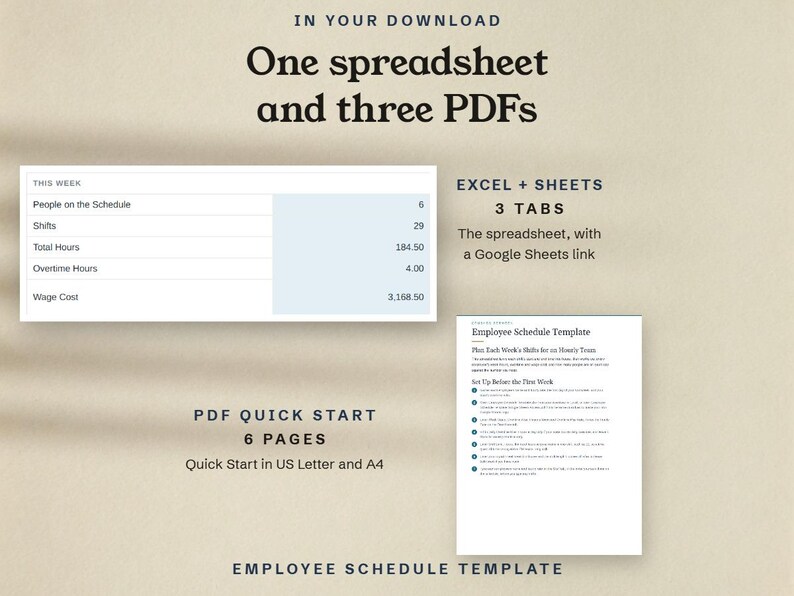
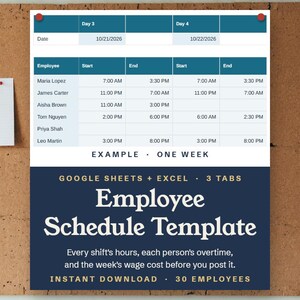
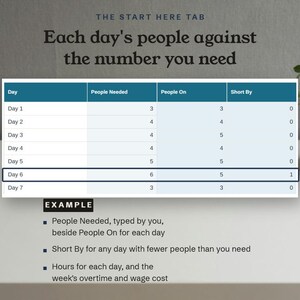
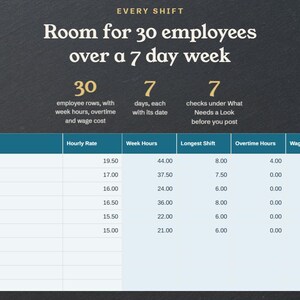
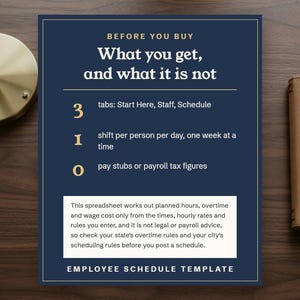
This employee schedule template turns each shift's start and end time into hours, and works out every employee's week hours, overtime and wage cost, with how many people are on each day against the number you need.
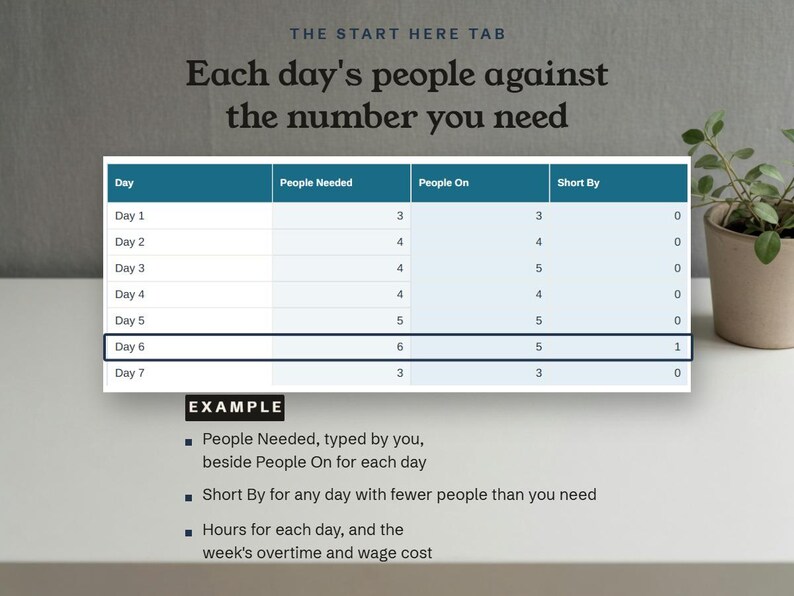
You see the week before you post it: the sheet flags anyone scheduled into overtime, such as past 40 hours a week, any shift past your shift limit, and any day short of people.
How to use it:
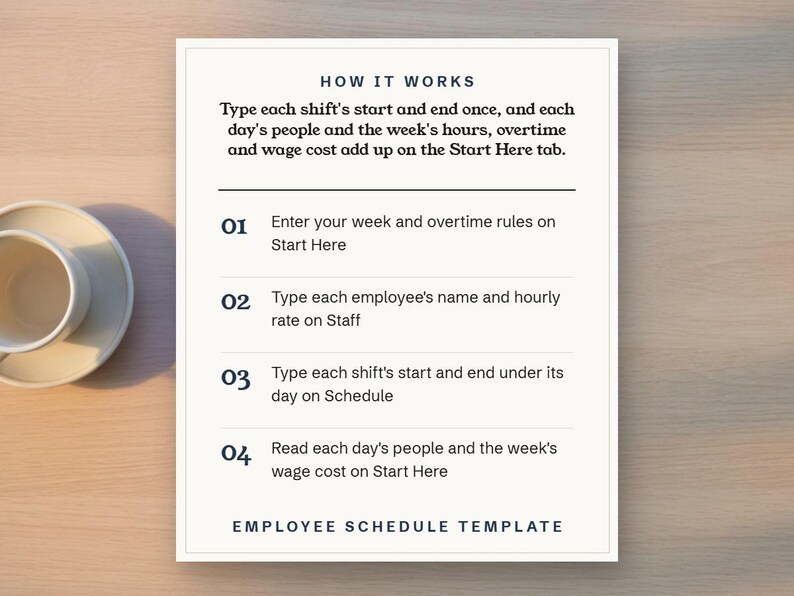
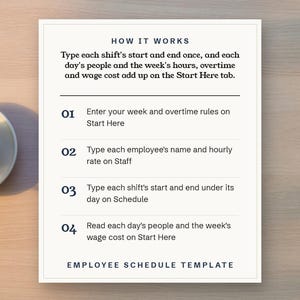
1. Gather each employee's name and hourly rate, the first day of your workweek and your state's overtime rules.
2. Open Employee Schedule Template Google Sheets Access.pdf to make your Google Sheets copy, or open Employee Schedule Template.xlsx in Excel.
3. Enter Week Starts and your overtime, shift limit and break rules on the Start Here tab.
4. Type each employee's name and hourly rate on the Staff tab.
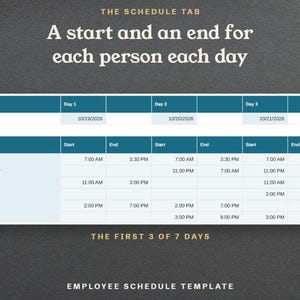
5. Type each person's start and end time under each day they work on the Schedule tab.
6. Type how many people you need each day under People Needed on the Start Here tab.
7. Move shifts until What Needs a Look on the Start Here tab shows no day short and no overtime you did not plan.
8. Read the week's hours, overtime and wage cost on the Start Here tab, and each employee's on the Staff tab.
9. Print the Schedule tab and post it where your team can see it.
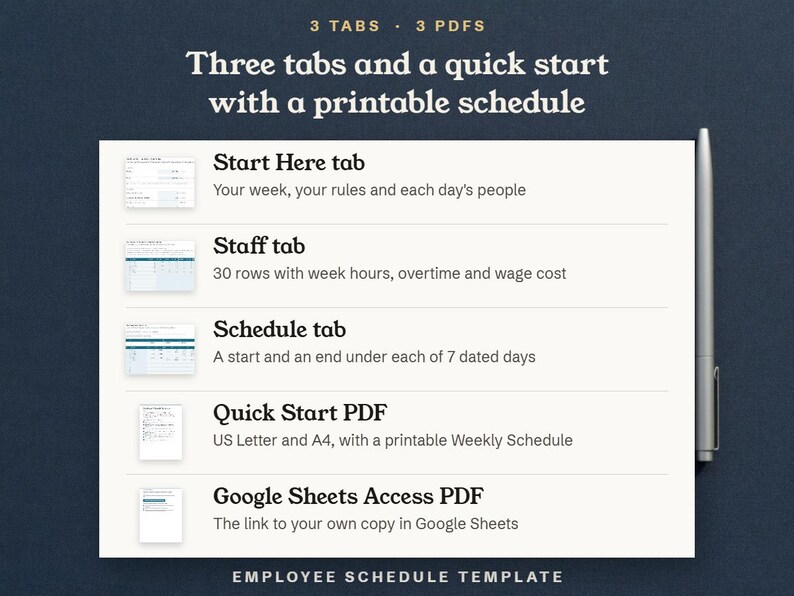
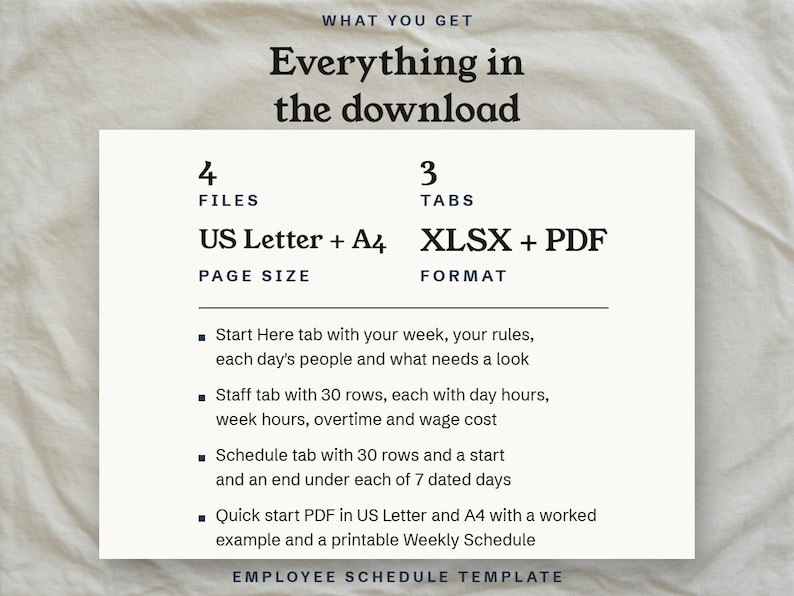
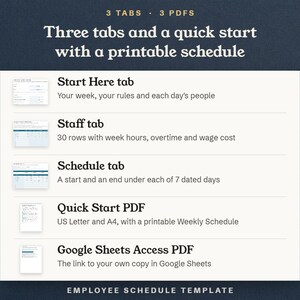
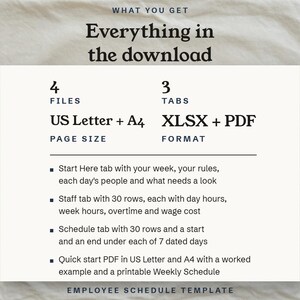
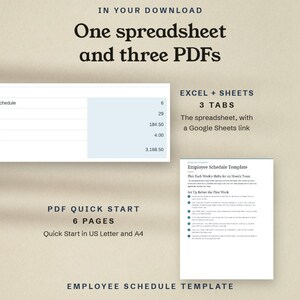
What you get: a three tab workbook for Google Sheets and Excel with room for 30 employees over a 7 day week, a quick start PDF in US Letter and A4 with a worked example and a printable blank Weekly Schedule, and a Google Sheets access PDF with the link.
Hours count to the minute, a shift past midnight counts on the day it starts, and your unpaid break comes off only the shifts longer than the length you set.
The week starts on any day you choose, and Day 1 to Day 7 follow your own workweek, each with its date.
Wage Cost is wages before your share of payroll taxes, and it pays every overtime hour at your one overtime pay rate, which leaves California's double time past 12 hours in a workday for you to add.
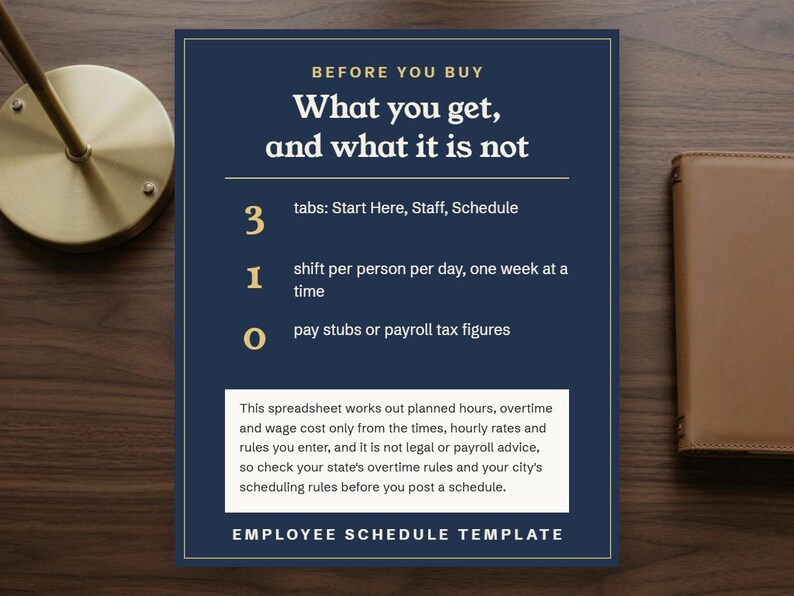
The spreadsheet plans shifts before they are worked, keeps no record of hours actually worked and makes no pay stubs.
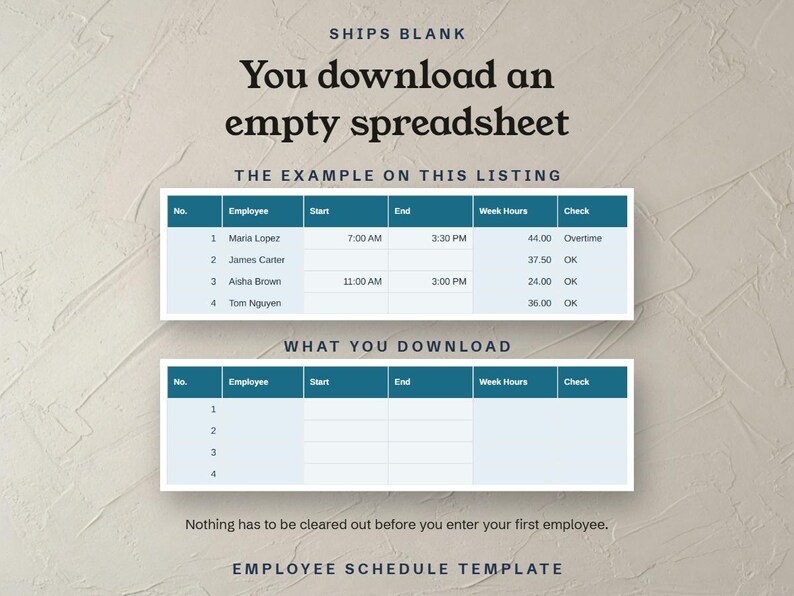
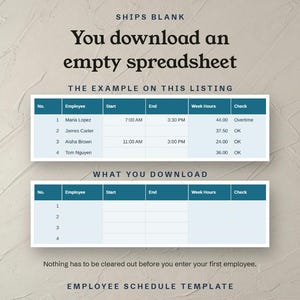
The workbook ships blank, and every name, hourly rate and rule is your own.
This spreadsheet works out planned hours, overtime and wage cost only from the times, hourly rates and rules you enter, and it is not legal or payroll advice, so check your state's overtime rules and your city's scheduling rules before you post a schedule.
This is a digital download, and no physical item ships.
All sales are final.
Instant Download
Your files will be available to download once payment is confirmed. Here's how.
Instant download items don’t accept returns, exchanges or cancellations. Please contact the seller about any problems with your order.
Etsy Purchase Protection
Shop confidently on Etsy knowing if something goes wrong with an order, we've got your back for all eligible purchases —
see program terms

Be the first to review this item


More from this shop
Visit shop-
Digital download
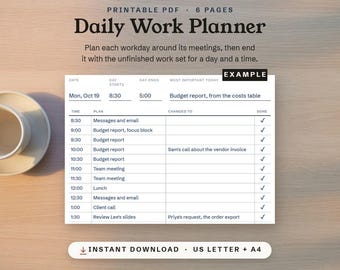
Daily Work Planner Printable, Meeting & Focus Block Organizer (PDF)
Sale Price $2.24
Original Price $2.99
-
Digital download
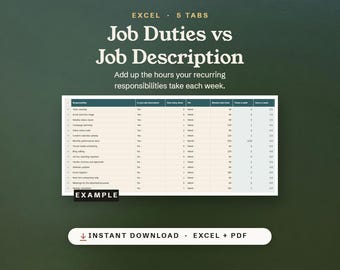
Job Duties vs Job Description Tracker, Workload Analysis (Excel + PDF)
Sale Price $5.24
Original Price $6.99
-
Digital download
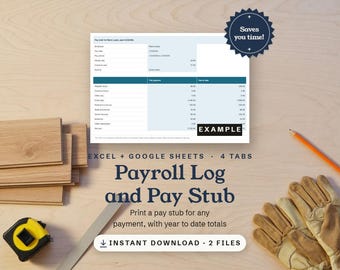
Pay Stub Template Excel and Google Sheets, Payroll Log with Year to Date Totals, Editable Paystub, Check Stub for Small Business Employees
Sale Price $5.24
Original Price $6.99
-
Digital download
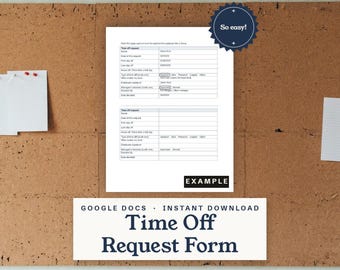
Time Off Request Form, Editable Google Docs Template, Employee Vacation and PTO Request, Leave Request Form for Small Business, 2 per Page
Sale Price $1.87
Original Price $2.49
-
Digital download
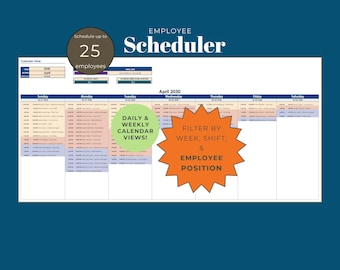
Employee Schedule Template: Staff Shift Planner for Excel
Sale Price $7.49
Original Price $9.99
-
Digital download
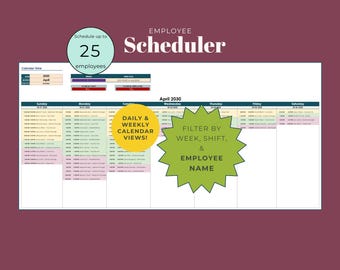
Employee Scheduler: Weekly Staff Schedule Template (Excel)
Sale Price $7.49
Original Price $9.99
-
Digital download
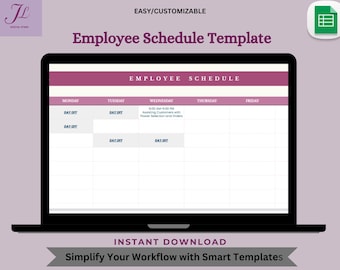
Employee Schedule Template – Editable Google Sheets, Digital Download for Work Shift Planning & Staff Scheduling
$9.98
-
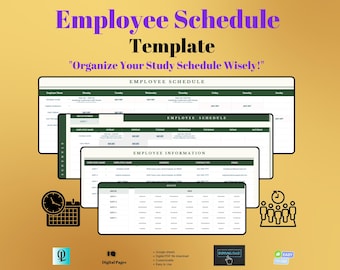
Digital download
Employee Schedule Template, Digital Download, Editable & Easy to Use, Google Sheets Shift Planner
Sale Price $5.00
Original Price $10.00
-
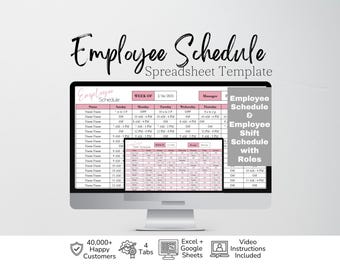
Digital download
Employee Schedule Template Google Sheets, Weekly Schedule, Shift Schedule, Work Schedule Planner Staffing Schedule Scheduling Template Excel
Sale Price $2.94
Original Price $7.35
-

Digital download
Employee Work Schedule Calendar,Employee Work Schedule Template,Employee Organizer,Printable Weekly Employee Schedule,Weekly Work Schedule
Sale Price $4.02
Original Price $8.04
-
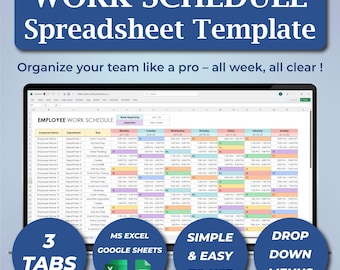
Digital download
Work Timing Template, Work Schedule Excel, Shift Hours Sheet, Work Hours Planner, Weekly Shift Timings, Google Sheets Schedule, Working Hour
Sale Price $5.17
Original Price $10.34
-
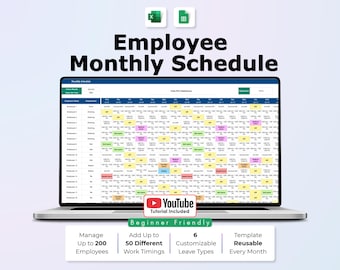
Digital download
Employee Monthly Schedule Template Excel, Google Sheets, Staff Timetable, Work Planner, Editable Shift Schedule,
Sale Price $4.82
Original Price $13.77
-
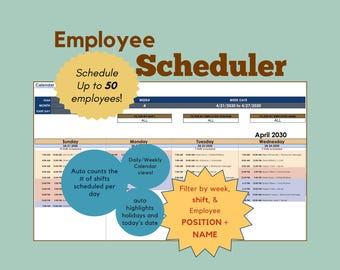
Digital download
Employee Scheduling Tool: Restaurant Shift Tracker (Excel & Google Sheets)
Sale Price $14.99
Original Price $19.99
-
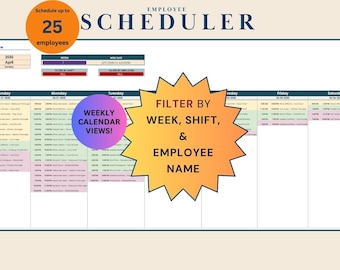
Digital download
Employee Scheduler: Weekly Staff Schedule Template (Google Sheets)
Sale Price $7.49
Original Price $9.99
-
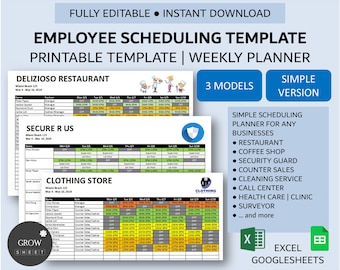
Digital download
Employee Scheduling Template for Excel and Google Sheets | Multi Roles-Location-Shift Period | Printable 7 Day Schedule Template
Sale Price $3.90
Original Price $6.50
-
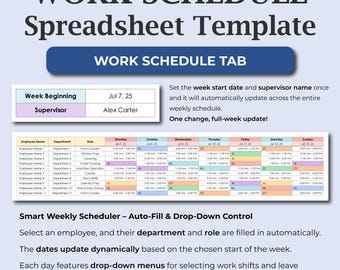
Digital download
Employee Schedule Template, Working Hours Excel Google Sheets Spreadsheet, Employee Timetable, Weekly Work Schedule, Shift Schedule Template
Sale Price $5.17
Original Price $10.34
Shoppers with similar taste loved these
-
Bulk Metallic QR Code Stickers
$2.74
-

LED Rectangular Custom Acrylic Backlit Business Logo Sign | Frosted Logo Sign | Office Sign | Led Backlit Sign| Light up Salon Backlit Sign
Sale Price $19.99
Original Price $28.56
-

Custom Acrylic Logo and Company Values Sign for Office Walls
Sale Price $43.28
Original Price $96.17
-

Business LOGO Sign,Custom logo Sign,Beauty Salon Sign,3d letter sign,3d backlit sign,Custom backlit sign,Wall logo sign,3D logo,Custom sign
Sale Price $15.20
Original Price $38.00
-

Our Values, Office, Wall, Art, Decor, 3D, PVC, Typography, Inspirational, Motivational, Work, Sucess, Decals, Office Decor - SKU:VALUES
$204.79
-

Custom Acrylic Business Logo Sign,Custom Light up Sign,3D Round Business Logo Sign,Salon Decor,Salon Sign,Office Storefront ,Led Wall Sign
Sale Price $5.00
Original Price $10.00
-

Custom Acrylic Business Logo Sign,3D Door Wall Sign,Custom Backlit Acrylic Sign,Custom Spa Beaty Salon Logo and Wall Decor,Company Logo Sign
$10.00
-

Custom Rectangular Business Logo Sign | 3D Acrylic Office Sign, Medispa, Nail Garden, Salon & Spa Wall Decor
Sale Price $19.99
Original Price $28.56
-

Custom LED Backlit Business Sign: 3D Acrylic & Metal Letters
Sale Price $17.99
Original Price $23.99
-
Wooden Name Plate For Wall or Door or Desk - Acrylic Name Sign For Office - Wood - Personalized
Sale Price $12.99
Original Price $19.99
-

Personalized Business Window Decal - Your Company Name Vinyl Decal - Storefront Vinyl Sticker - QR Code Office Window Door Lettering Sign
Sale Price $24.79
Original Price $30.99
-

Wooden QR Code Table Sign with Custom Logo, Round Oak Bar Menu Display, UV Print, White Black Mahogany Cypress Oak, Tabletop QR Stand
Sale Price $10.50
Original Price $14.00


