




Construction Change Order Form & Log Template for Contractors and Remodelers
NowPrice:$7.05
Original Price: $9.40
25% off
Sale ends on November 13
Here's what's eligible:
- Your order doesn't match the item description or photos
- Your item arrived damaged
- Your item arrived after the estimated arrival window
- Your item didn't arrive or was lost in the mail
You can only make an offer when buying a single item
Highlights
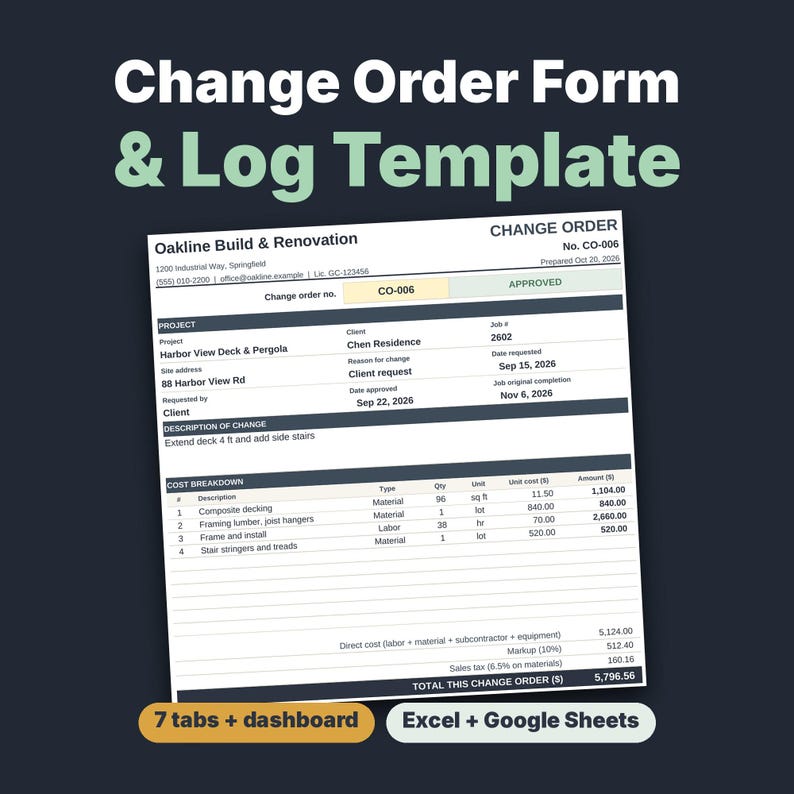
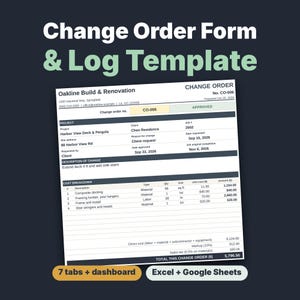
Construction change order template: printable form, change order log and contract tracker for contractors, remodelers and handymen. Works in Excel and Google Sheets. Instant download, prints on A4 or US Letter.
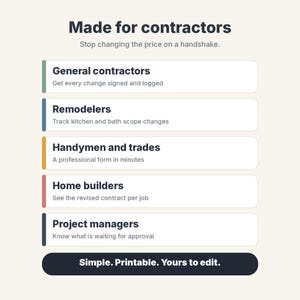
Send clients a professional, signable change order in minutes and see how every change moves your contract price and schedule. You get an .xlsx file with a 2-page Start Here PDF.
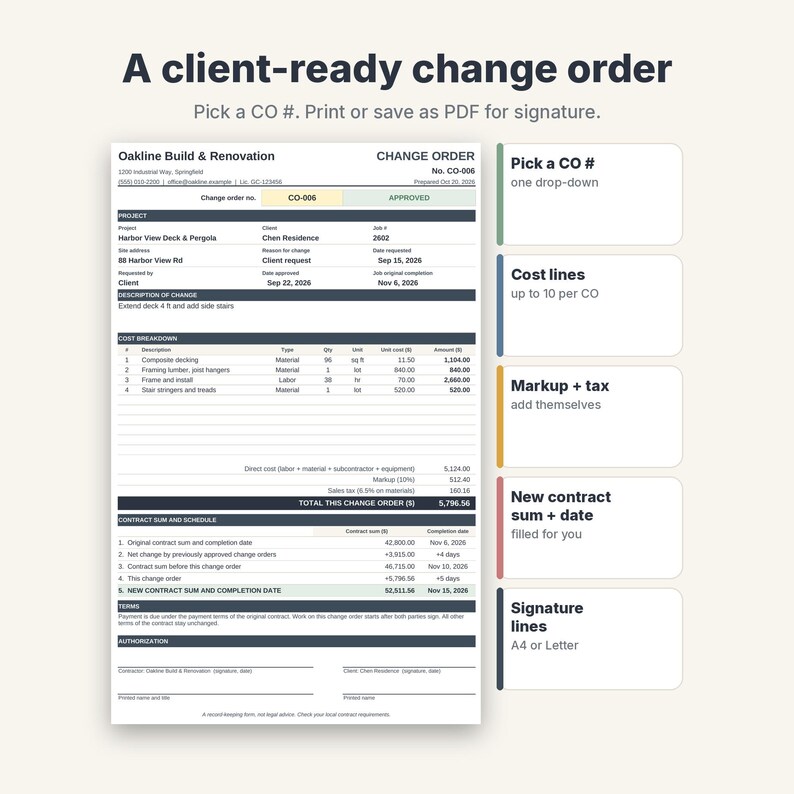
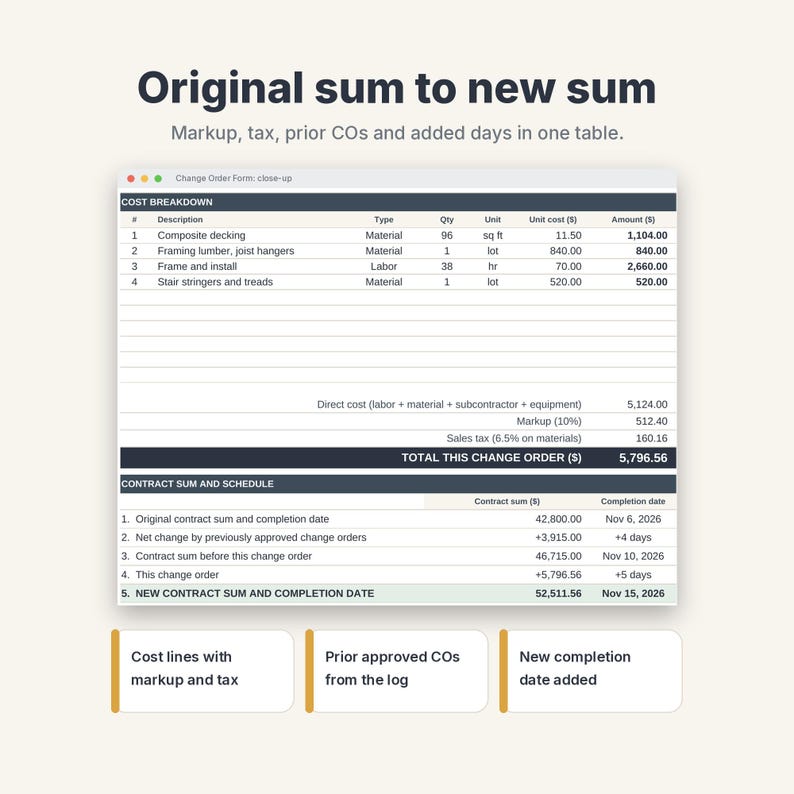
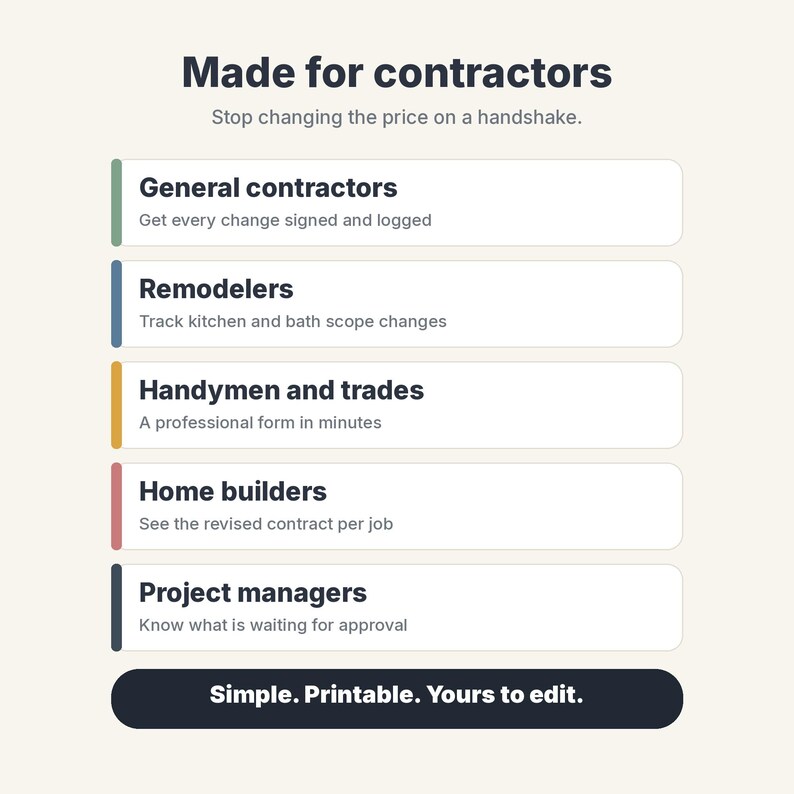
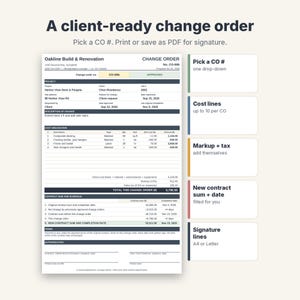
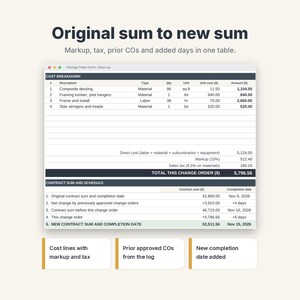
Pick a CO number and the printable one-page form fills itself: project, client, cost lines, markup, tax, total, original contract, previously approved change orders, new contract sum and new completion date, with signature lines. Made for small general contractors, remodelers, handymen and trades. Sample data (October 2026) is included.
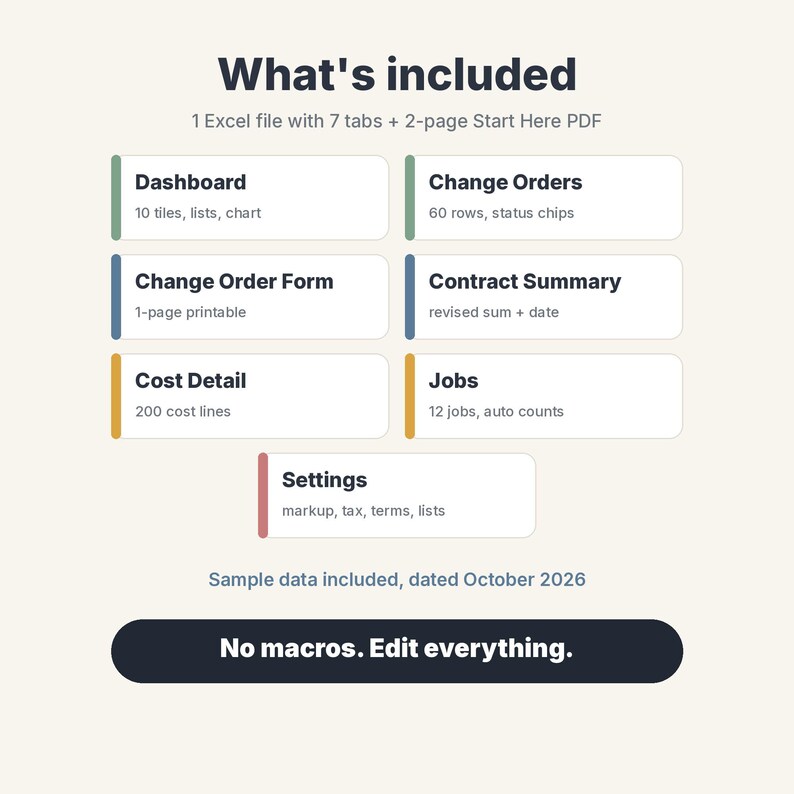
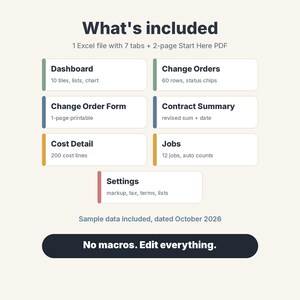
WHAT'S INSIDE (7 tabs)
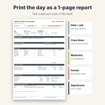
• Change Order Form: 1 printable page (A4 or US Letter, portrait). Drop-down to pick the CO #, up to 10 cost lines, markup and sales tax, "original contract sum, prior approved COs, this CO, new contract sum" table with original and revised completion dates, terms text and contractor and client signature lines
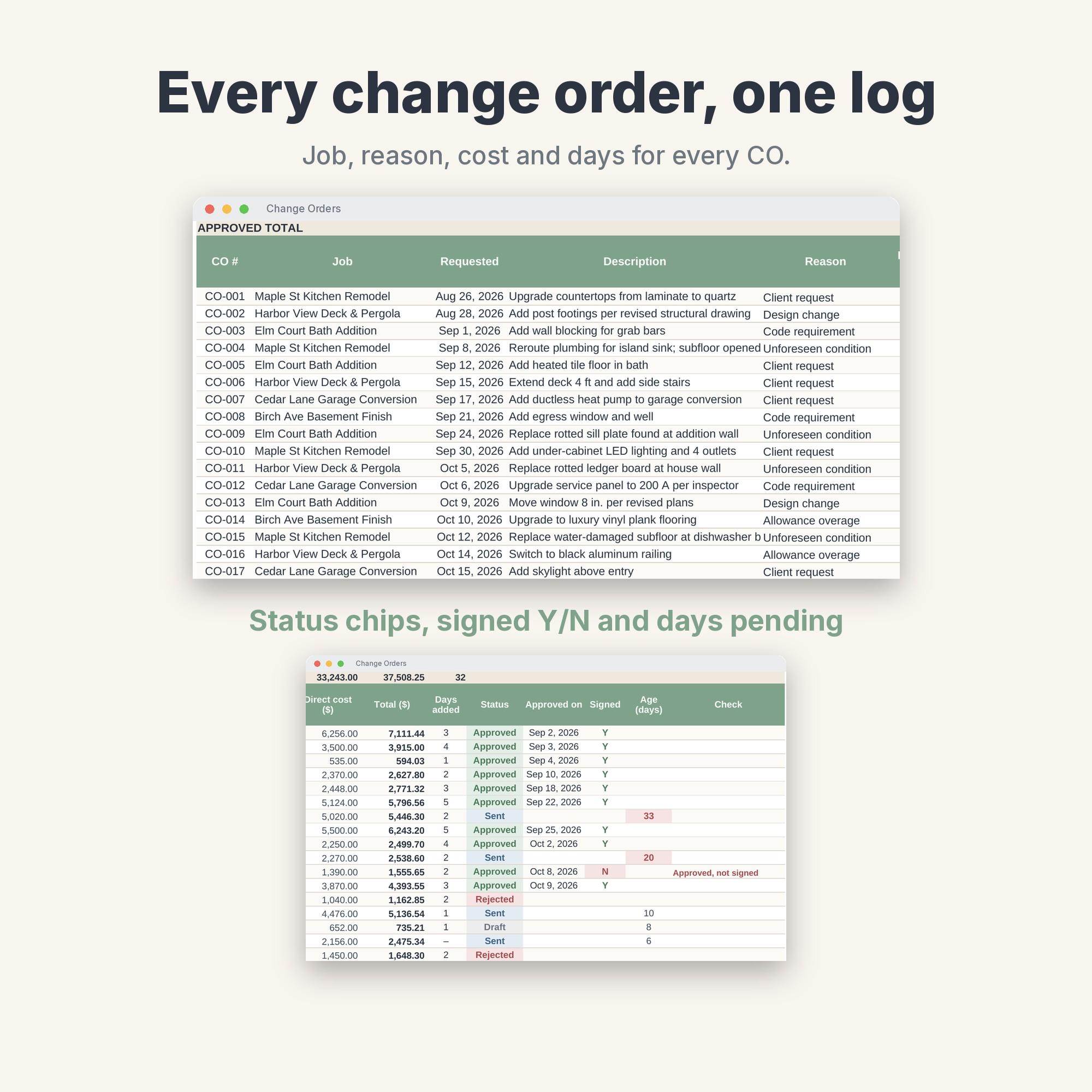
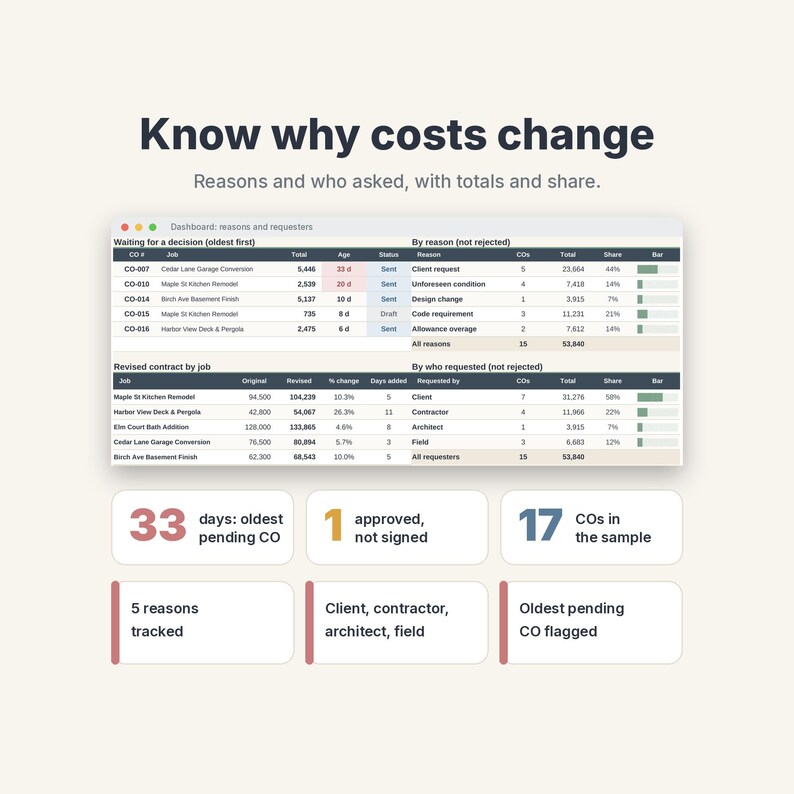
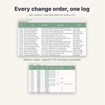
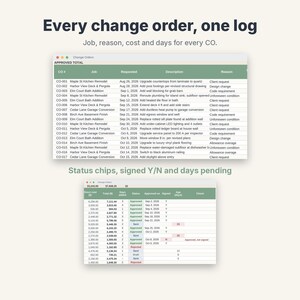
• Change Orders: a log with 60 rows. Job, requested date, requested by (Client, Contractor, Architect, Field), description, reason (client request, unforeseen condition, design change, code requirement, allowance overage), markup %, days added, status chips (Draft, Sent, Approved, Rejected), approval date, signed Y/N, age in days and a Check column
• Cost Detail: 200 cost lines (labor, material, subcontractor, equipment) that add up into the log and print on the form
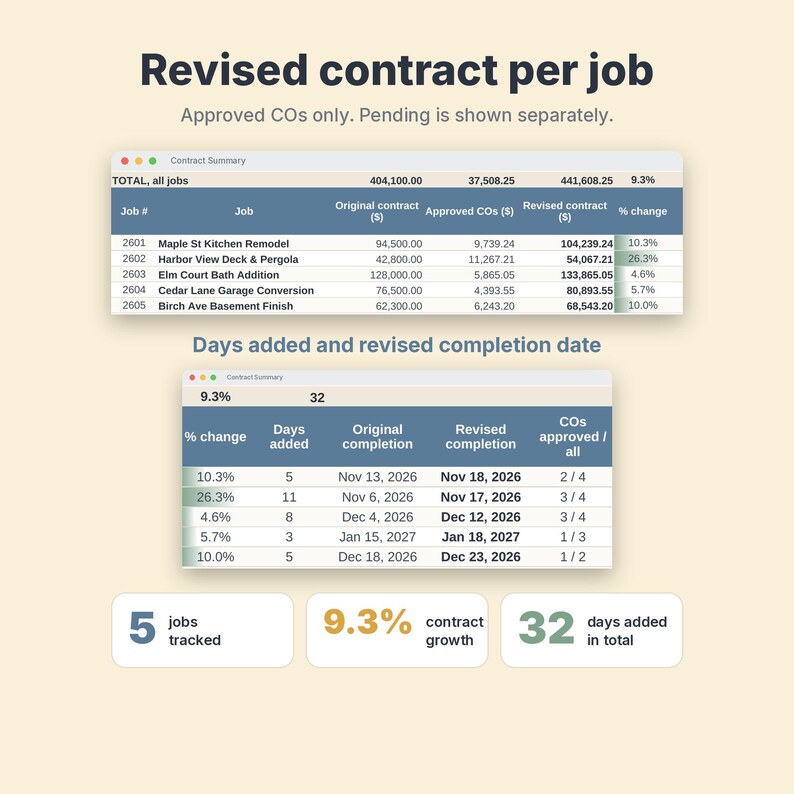
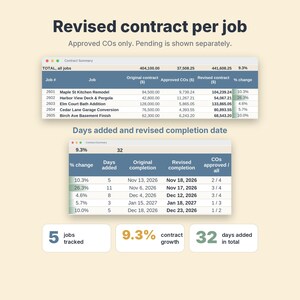
• Contract Summary: per job, original contract, approved COs, pending COs, revised contract, % change, days added and revised completion date
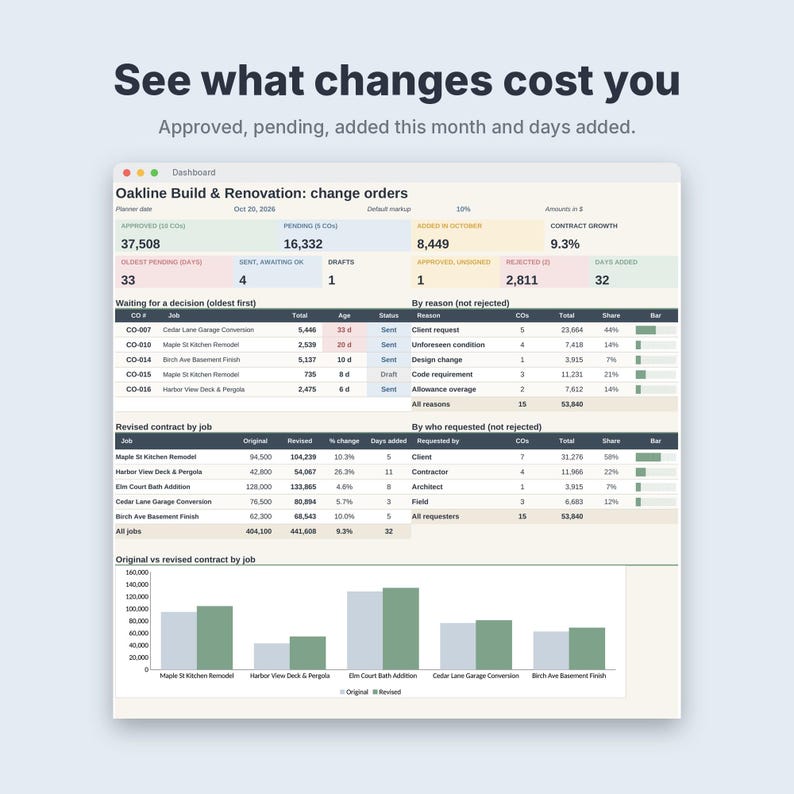
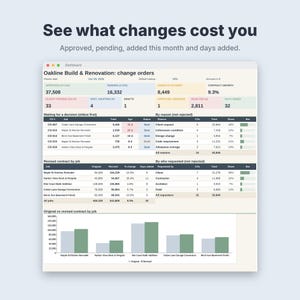
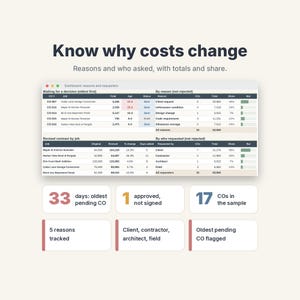
• Dashboard: approved and pending totals, added this month, contract growth %, oldest pending CO, drafts, unsigned approvals, rejected total, days added, a waiting-for-a-decision list, tables by reason and by who requested, and an original-vs-revised chart
• Jobs: 12 jobs with client, address, original contract and original completion date
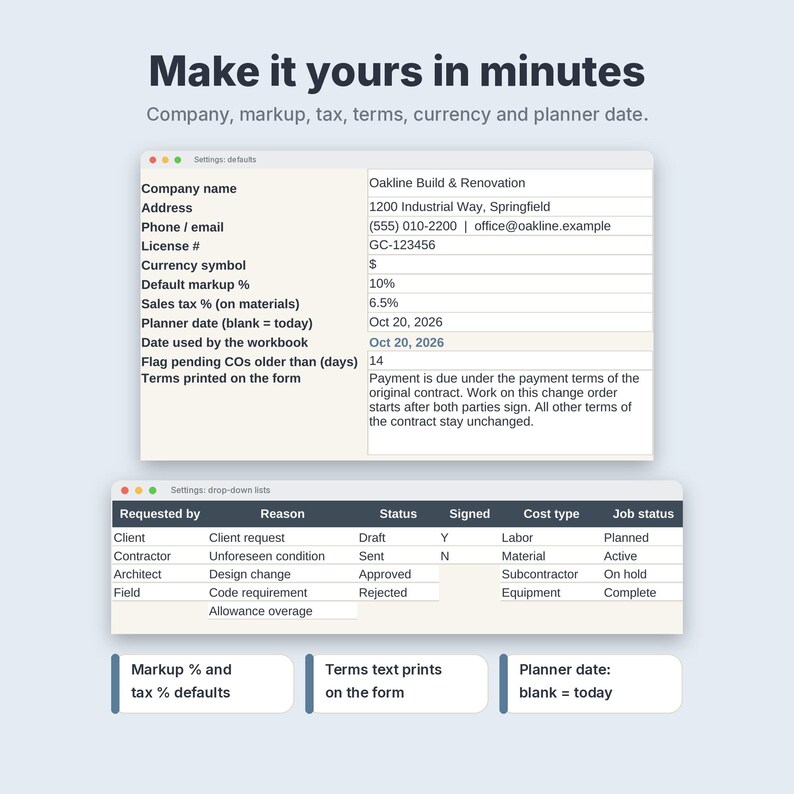
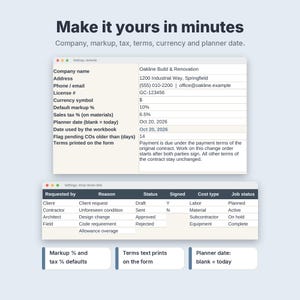
• Settings: company name, address, license #, currency symbol, default markup %, sales tax %, terms text, planner date and editable drop-down lists
HOW IT WORKS
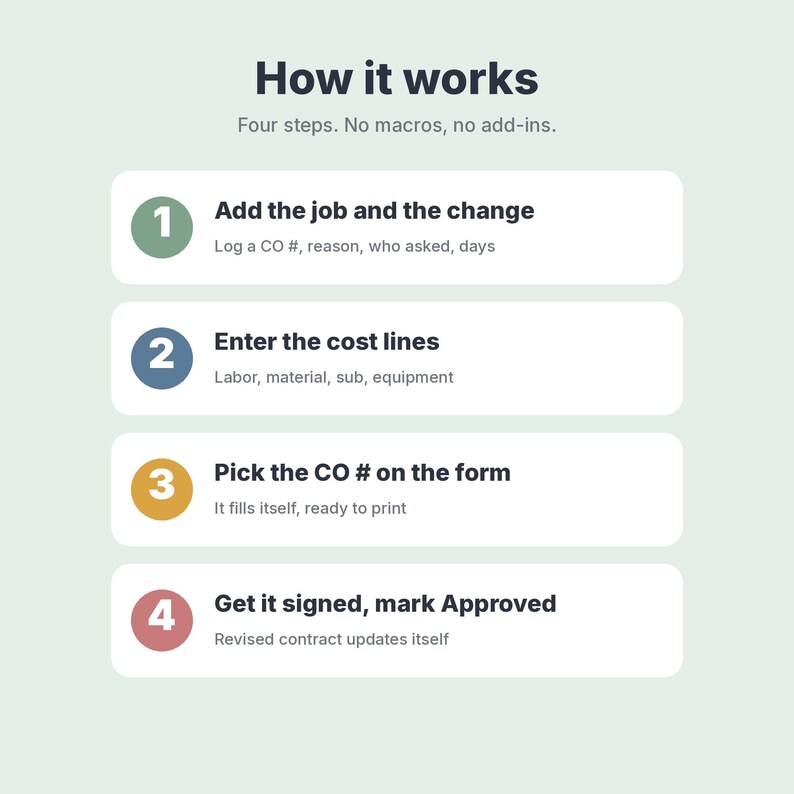
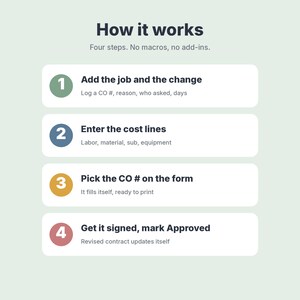
1. Add your jobs and log a change order (reason, who asked, days added).
2. Enter its cost lines. Markup, tax and the total calculate.
3. Pick the CO # on the form, print it or save it as a PDF, and get it signed.
4. Set the status to Approved. The revised contract and completion date update. Only approved change orders count.
YOU RECEIVE
• NordicPaperCo-Contractor-Change-Order.xlsx (1 Excel file, 7 tabs, formulas and drop-downs, no macros)
• Print sizes: the form prints on 1 page, A4 or US Letter
• NordicPaperCo-Contractor-Change-Order-Start-Here.pdf (2 pages, A4: what's inside, first steps, import steps for Excel, Google Sheets and LibreOffice)
Every tab is set to print one page wide (A4 or Letter). Tables print the sample rows plus a few blank ones, so there are no pages of empty rows.
WORKS IN
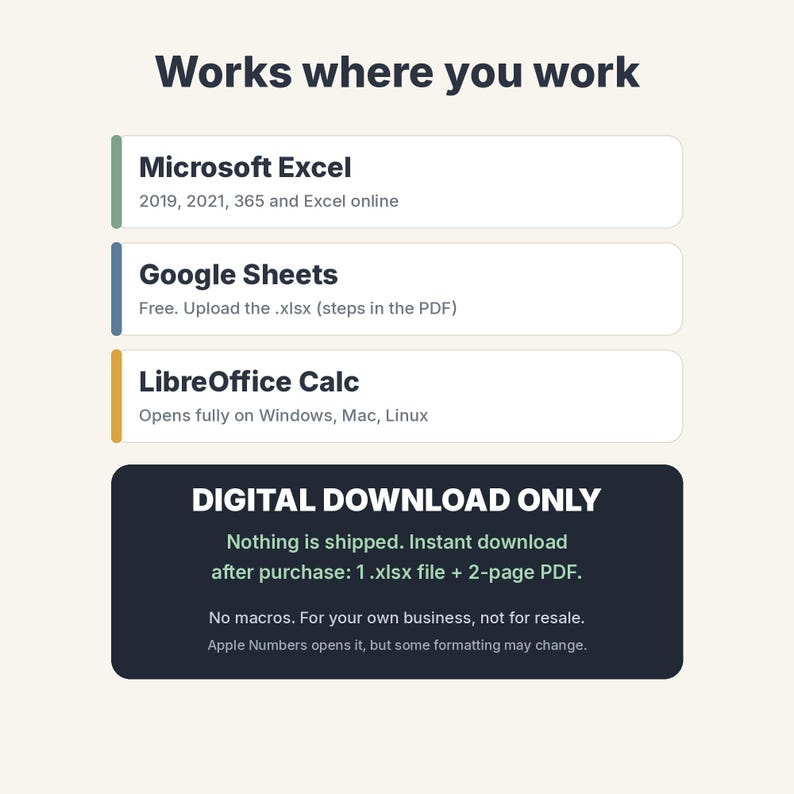
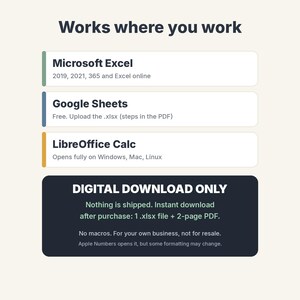
• Microsoft Excel 2019, 2021, 365 and Excel online
• Google Sheets (free): upload the .xlsx and choose Save as Google Sheets. Steps are in the PDF. Colours and the chart may look slightly different
• LibreOffice Calc opens it fully
• Apple Numbers opens it, but some drop-downs or formatting may change, so Excel or Google Sheets is recommended
FAQ
Does it know today's date? The planner date on Settings is set to 20 Oct 2026 for the sample. Clear that cell and ages and this-month totals use today.
Can I change markup, tax, currency and terms? Yes. Set them on Settings. Each change order can also have its own markup %.
Can I add my logo? Yes. Insert your picture over the header of the form.
How many change orders? 60 in the log, 200 cost lines and 12 jobs. Copy a row down to add more.
Can I start with a blank file? Yes. Clear the white sample cells (steps in the PDF) and keep the grey formula columns.
Is it legal advice? No. It is a record-keeping and form tool. It does not give legal advice, so check your local contract requirements.
PLEASE NOTE
• Digital download only, nothing ships. You get an instant download after purchase.
• For personal use or your own business. Please do not resell, share or redistribute the file.
• Mockup images show sample data. Colours may look slightly different on your screen.
• Disclaimer: a record-keeping and form tool. It does not replace contracts, and it does not give legal, tax or accounting advice.
Designed by Nordic Paper Co. AI tools were used to help write the formulas, layout code and this text; every sheet was built, tested and checked by me.
Instant Download
Your files will be available to download once payment is confirmed. Here's how.
Instant download items don’t accept returns, exchanges or cancellations. Please contact the seller about any problems with your order.
Etsy Purchase Protection
Shop confidently on Etsy knowing if something goes wrong with an order, we've got your back for all eligible purchases —
see program terms

More from this shop
Visit shop-
Digital download
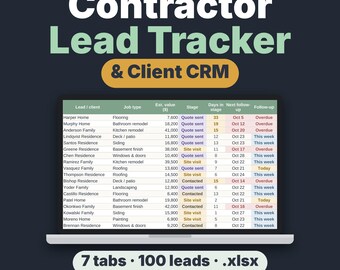
Contractor Lead Tracker & Client CRM Spreadsheet, Excel and Google Sheets Quote Follow-Up Template
Sale Price $6.26
Original Price $8.34
-
Digital download
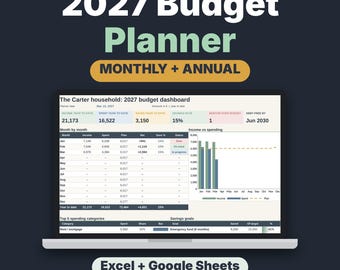
2027 Budget Planner Spreadsheet, Monthly Budget Template with Savings & Debt Tracker
Sale Price $6.26
Original Price $8.34
-
Digital download
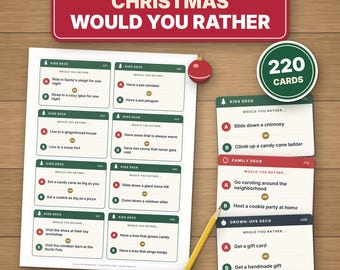
Christmas Would You Rather Game, Printable PDF, 220 Cards for Kids, Family & Adults
Sale Price $2.30
Original Price $3.06
-
Digital download
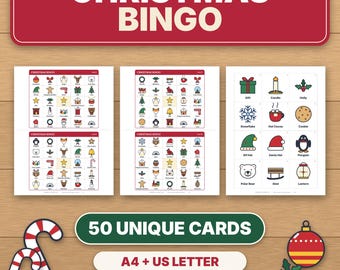
Christmas Bingo Game Printable, 50 Unique Picture Cards for Kids, Family & Classroom Party
Sale Price $2.30
Original Price $3.06