

Mileage Log Template 2026 for Taxes, Mileage Tracker Spreadsheet, Gig Driver Expense and Income Log, Excel & Google Sheets
Item highlights
If something goes wrong with an order, we've got your back for all eligible purchases. View program terms
Price:$6.99
You can only make an offer when buying a single item
Delivery
Instant download
Your files will be available to download once payment is confirmed. Here's how.
Instant download items don't accept returns, exchanges or cancellations. Please contact the seller about any problems with your order.
Seller's description
Specifications
See what you really earn per hour and per mile, record trip dates, business purposes, odometer readings and mileage, and know how much to set aside for taxes. Made for DoorDash, Uber, Lyft and other gig drivers.
WHO IT'S FOR
- Rideshare and delivery drivers (DoorDash, Uber, Lyft, Instacart, Amazon Flex, Spark and more)
- Freelancers, realtors, contractors and anyone self-employed who drives for work
- 1099 workers who need quarterly estimated-tax reminders
WHAT'S INSIDE
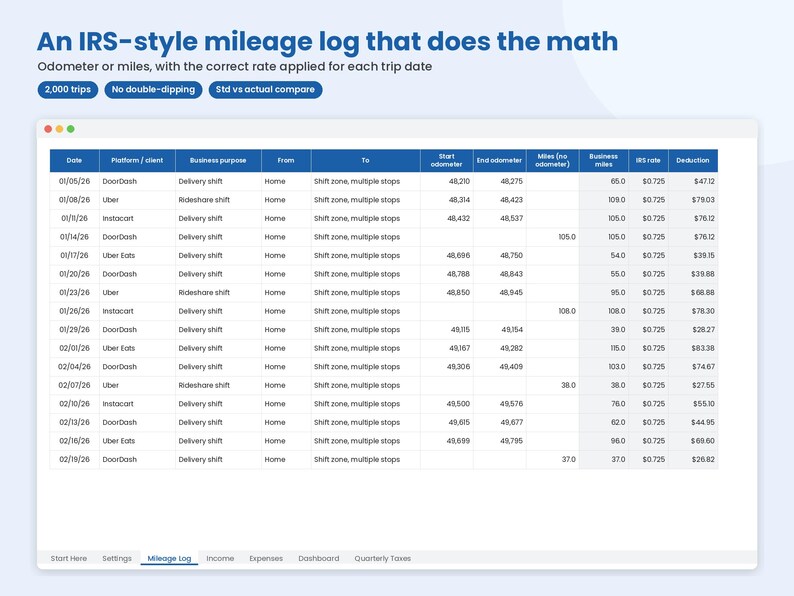
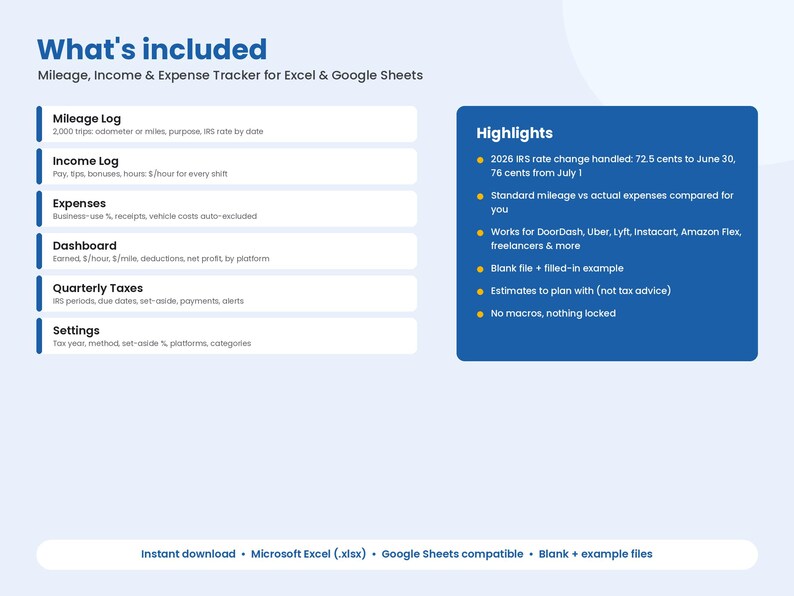
- Mileage Log (2,000 trips): date, client/app, business purpose, from/to, start and end odometer or just miles
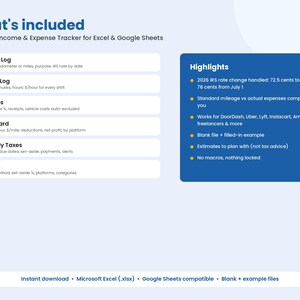
- IRS standard mileage rate applied BY TRIP DATE. 2026 changed mid-year (72.5¢ through June 30, 76¢ from July 1, per irs.gov) and the tracker handles it. Add future rates in Settings.
- Income Log (2,000 rows): base pay, tips, bonuses, fees and hours, with $ per hour for every shift
- Expenses (1,000 rows) with business-use %. Under Standard mileage, gas, repairs, insurance and other car costs are automatically excluded so you don't double-deduct.
- Standard mileage vs Actual expenses comparison: compare illustrative vehicle-expense estimates; eligibility and method restrictions depend on your circumstances
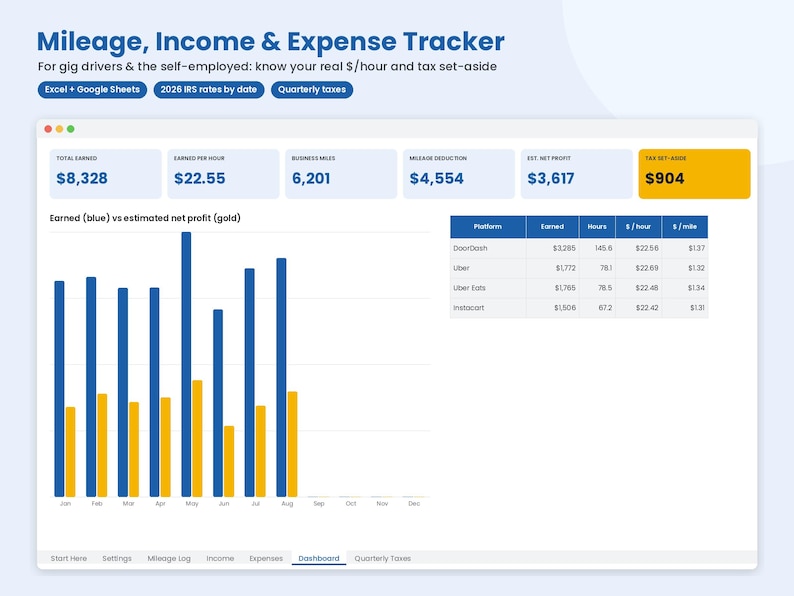
- Dashboard: total earned, hours, $/hour, business miles, $/mile, mileage deduction, other deductions, estimated net profit and suggested tax set-aside, plus month-by-month and per-platform results with a chart
- Quarterly Estimated Taxes: IRS payment periods and due dates, set-aside per quarter, what you paid, what's still open, with red/yellow alerts
PREVIEW (from the filled-in EXAMPLE file)
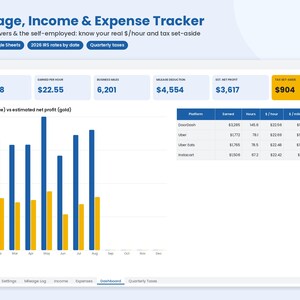
Dashboard snapshot: $8,328 total earned · $22.55 per hour · 6,201 business miles · $4,554 mileage deduction · $3,617 estimated net profit · $904 suggested tax set-aside
Sample trips:
- 01/05 DoorDash delivery — odometer 48,210 → 48,275 (65 miles) at $0.725 = $47.12 deduction
- 01/08 Uber rideshare — 48,314 → 48,423
- 01/14 DoorDash — 105 miles entered directly (no odometer)
Sample income: DoorDash 01/05 base $81.38 + tips $23.63 + bonus $25.00 for 4.4 hours
Platform split in the example: DoorDash $3,285 · Uber $1,772 · Uber Eats $1,765 · Instacart $1,506
Tabs: Start Here · Settings · Mileage Log · Income · Expenses · Dashboard · Quarterly Taxes
HOW IT WORKS
1. On Settings, choose your tax year, method (Standard mileage or Actual expenses) and set-aside %.
2. Log trips, income and expenses as you go.
3. The Dashboard and Quarterly Taxes tabs update automatically.
WHAT YOU GET
- Mileage-Income-Expense-Tracker.xlsx (blank, ready to use)
- Mileage-Income-Expense-Tracker-EXAMPLE.xlsx (filled-in example)
- Mileage-Income-Expense-Tracker-GoogleSheets.xlsx (Google Sheets-ready workbook)
The .xlsx files open in Microsoft Excel (365 / 2019 or newer, Windows or Mac). Upload the Google Sheets-ready workbook to Google Drive and open it with Google Sheets. Step-by-step instructions are on the "Start Here" tab.
FAQ
Q: Does it pull trips from Uber or DoorDash?
A: No. You type in your own data. Nothing connects to any app or bank.
Q: Which mileage rate does it use?
A: The IRS rate that was in effect on each trip's date. 2026 rates are pre-filled; add future ones in Settings.
Q: Standard vs actual — can I compare?
A: Yes. The sheet can compare illustrative vehicle-expense estimates; eligibility and method restrictions depend on your circumstances.
Q: Is this tax advice?
A: No. Tax figures are estimates to help you plan and save. Ask a tax professional.
Q: Excel and Google Sheets both work?
A: Yes. Upload the attached Google Sheets-ready .xlsx workbook to Google Drive and open it with Google Sheets.
GOOD TO KNOW
- This is a digital download. Nothing will be shipped.
- No macros, nothing locked or password-protected. Customize freely.
- For US self-employed. For personal or single-business use. Please don't resell or share the files.
- Not affiliated with DoorDash, Uber, Lyft, Instacart or any gig platform.
- Questions or a formula not doing what you expect? Message me and I'll help.
Planning estimates only, not tax preparation, filing instructions, a determination of deductibility, or financial, legal or tax advice. Calculations may omit tax brackets, credits, wage-base limits, other income and state/local rules. Check current rates and your circumstances with a qualified tax professional. No tax savings or accuracy for an individual return is promised.
Digital spreadsheet only. Enter your own data; no bank connection, automated bookkeeping service or professional advice is included. Results depend on your inputs; no income or savings are guaranteed.
AI disclosure: AI tools were used to generate formulas, layout and explanatory text in this spreadsheet product.
-
Designed by
-
Item typeDigital download
-
Digital file type(s)3 Files
If something goes wrong with an order, we've got your back on all eligible purchases. View program terms
Meet your seller
More from this shop
-
Digital download
Budget Spreadsheet Bundle, Debt Snowball, Paycheck Budget, Self Employment Tax, Inventory Tracker Templates, Excel & Google Sheets
$24.99
-
Digital download
Reseller Spreadsheet Template, eBay Reseller Inventory Tracker, Flip Profit and Sales Log for Poshmark Mercari, Excel & Google Sheets
$7.99
-
Digital download
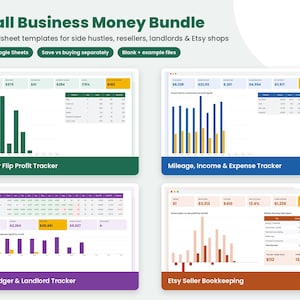
Small Business Spreadsheet Bundle, Etsy Seller Bookkeeping, Reseller Inventory, Mileage Log, Rent Ledger Templates, Excel & Google Sheets
$19.99
-
Digital download
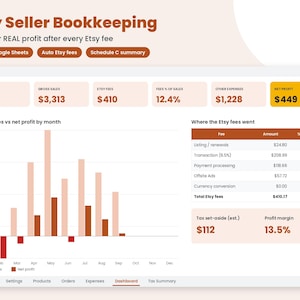
Etsy Seller Spreadsheet Template 2026, Etsy Bookkeeping and Fee Profit Calculator, Shop Expense and Inventory Log, Excel & Google Sheets
$8.99
-
Digital download
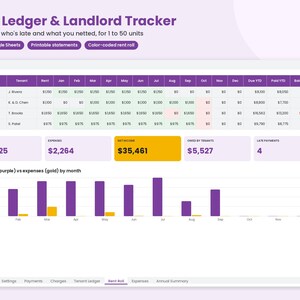
Rent Ledger Template, Landlord Spreadsheet, Tenant Rent Payment Tracker and Rent Roll, Rental Property Income Log, Excel & Google Sheets
$7.99
-
Digital download
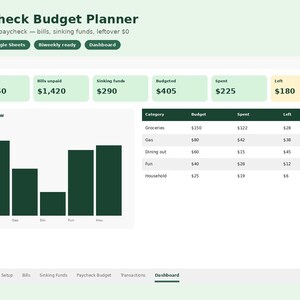
Paycheck Budget Template Google Sheets, Biweekly Budget Spreadsheet, Monthly Bill Tracker and Sinking Funds Planner, Excel & Google Sheets
$6.99
-
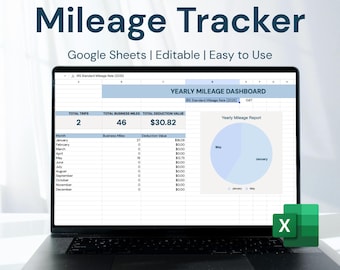
Digital download
Mileage Tracker for Google Sheets | Business & Personal Trip Log | IRS Tax Deduction Spreadsheet | Created by Accounting Firm
Sale Price $3.75
Original Price $5.00
-
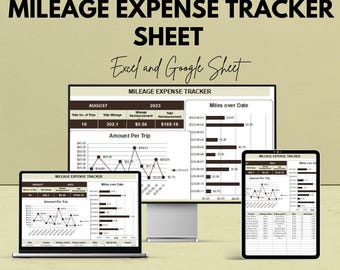
Digital download
Mileage Expense Tracker Sheet | Google Sheet | Track Travel Mileage & Expenses | Automated Reimbursement Tracker | Mileage Log Template
Sale Price $5.75
Original Price $11.49
-

Digital download
Mileage Deduction Spreadsheet Business Mileage Tracker Self Employed Miles Driven Spreadsheet Mileage Deduction Tracker Business Miles Log
$5.00
-

Digital download
Mileage Tracker, Automatic Expense Log, Google Sheets Template (PDF)
$5.98
-

Digital download
Delivery Driver Log | Gig Driver Mileage and Income Tracker | Mileage Tracker | DoorDash Tracker | Mileage Log | Earnings Tracker | Gig Log
$8.99
-

Digital download
Mileage Tracker Google Sheets, Mileage Log Tax Expenses Spreadsheet, Mileage Reimbursement, Mileage Travel Log, IRS Tax Deduction Calculator
$4.99
-
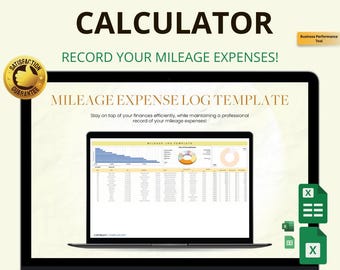
Digital download
Mileage Log Template Excel & Google Sheets: Track Business Miles, Fuel and Reimbursements Easily
Sale Price $4.49
Original Price $6.60
-
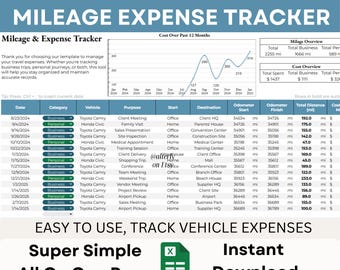
Digital download
Mileage & Expense Tracker | Business Record Book | Digital Vehicle Log | Tax Organizer | Small Business Spreadsheet Template Tool
Sale Price $5.79
Original Price $9.65
-
Digital download
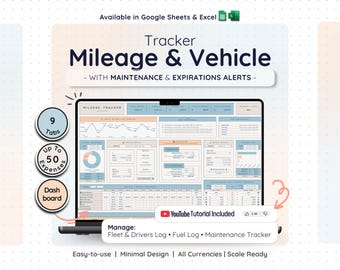
Car Mileage Log Google Sheets Excel Vehicle Fleet Tracker Fuel Cost Maintenance Schedule Business Trip Spreadsheet Expense Calculator
Sale Price $6.86
Original Price $13.72
-

Digital download
Mileage Tracking Spreadsheet Google Sheets, Mileage Tracker, Business Travel Planner, Mileage Log, Mileage Reimbursement Tracker Template
Sale Price $2.24
Original Price $2.99
-

Digital download
Mileage Expense Log Sheet – Track and Calculate Business/Personal Mileage | Excel & Google Sheet Template
Sale Price $5.75
Original Price $11.49
-

Digital download
Mileage Tracking Spreadsheet excel, Google Sheets, Mileage Tracker, Business,personal, Mileage Log, Mileage Tracker Template
$3.99
Shoppers with similar taste loved these
-

Digital download
Magazine Flyer For Tax Season, Modern Tax Prep Flyer, Editable Tax Refund Preparation, Accountant Marketing Flyer, Canva Tax Business Flyer
$6.06
-

Digital download
Tax Prep Service Flyer, Tax Preparation Flyer, Accounting Flyer, Tax Consultant Marketing Template, Tax Flyer for Tax Season, DIY in Canva
Sale Price $1.00
Original Price $2.00
-

Digital download
Tax Acuity Scheduling template | Tax Prep Acuity Website | Acuity scheduling | Tax Preparation | Tax Prep Branding | Custom Acuity | Credit
Sale Price $9.75
Original Price $15.00
-

Digital download
Tax Email Signature Template, Editable Tax Specialist Email Signature Template, Tax Prep Services, Credit Restoration, DIY Tax Flyers
Sale Price $3.25
Original Price $5.00
-

Digital download
4 Tax Prep Flyers, Tax Prep Instagram, Tax Prep Flyer Bundle, Tax Flyer Template, Prep Flyers Bundle, Tax Prep Templates, Tax Prep Guide
Sale Price $9.75
Original Price $15.00
-

Digital download
Tax Prep Flyer Template Bundle, Tax Flyer Template, Tax Preparation Flyers, Tax Prep Template, 15 Flyer Bundle, Social Media Post Tax Flyers
$12.30
-

Digital download
Tax Website, Tax Season Website, Tax Preparation Website Design, Tax Banner Templates, Tax templates, Accounting Web Template, Shopify, Wix
Sale Price $32.50
Original Price $50.00
-

Digital download
Animated Tax Preparation Flyer, Tax Flyer, Tax Season, Tax Prep Season Flyer,Accountant Flyer,Tax Prep Instagram Template,Animated Tax Flyer
Sale Price $2.50
Original Price $5.00
-

Digital download
300 Tax Prep Instagram Templates | Tax Prep Flyers & Social Media Posts | Editable Tax Prep Flyer Bundle | Tax Preparation Templates 2026
Sale Price $10.65
Original Price $26.62
-
Digital download
Tax Acuity Scheduling template | Tax Prep Acuity Website | Acuity scheduling | Tax Preparation | Tax Prep Branding | Custom Acuity | Credit
Sale Price $9.75
Original Price $15.00
-

Digital download
tax season svg png, tax life svg, funny tax svg, I've got 1099 problems but doing taxes ain't one svg, Taxes svg, accountant svg, cpa svg
$2.75
-

Digital download
105 Bookkeeper Posts, July Bookkeeper Marketing, Hashtags for Financial Services, Social Media Marketing, Accounting,Bookkeeper Social Media
Sale Price $13.75
Original Price $25.00

