

Self Employed Tax Spreadsheet, 1099 Expense Tracker and Mileage Log, Google Sheets
Item highlights
If something goes wrong with an order, we've got your back for all eligible purchases. View program terms
NowPrice:$7.50
Original Price: $15.00
50% off
Sale ends on November 30
You can only make an offer when buying a single item
Delivery
Instant download
Your files will be available to download once payment is confirmed. Here's how.
Instant download items don't accept returns, exchanges or cancellations. Please contact the seller about any problems with your order.
Seller's description
Specifications
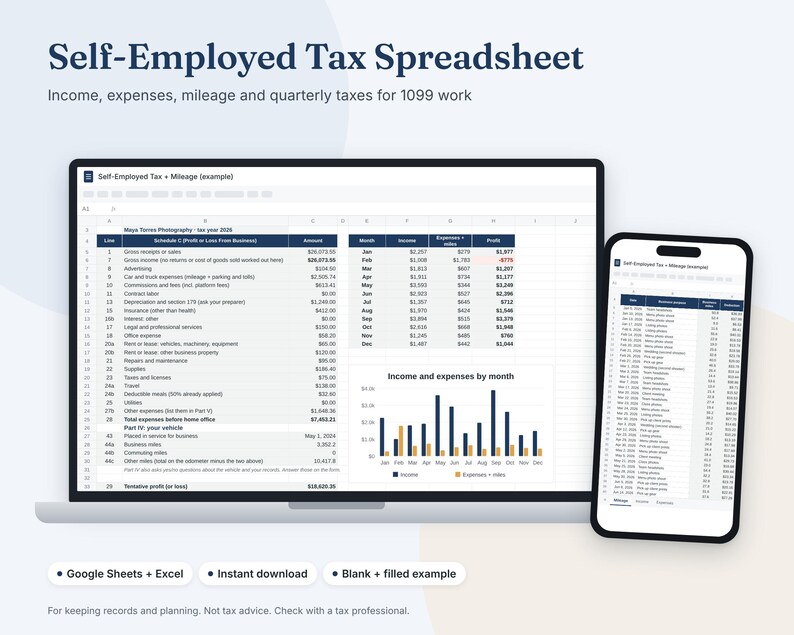
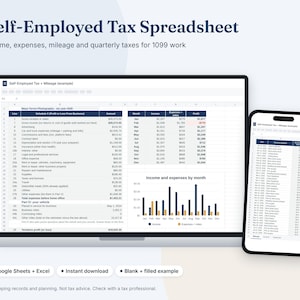
One spreadsheet for 1099 and side gig records: income, expenses by Schedule C line, a mileage log and a quarterly plan for what to set aside. For keeping records and planning. Not tax advice. Check with a tax professional.
WHAT YOU GET
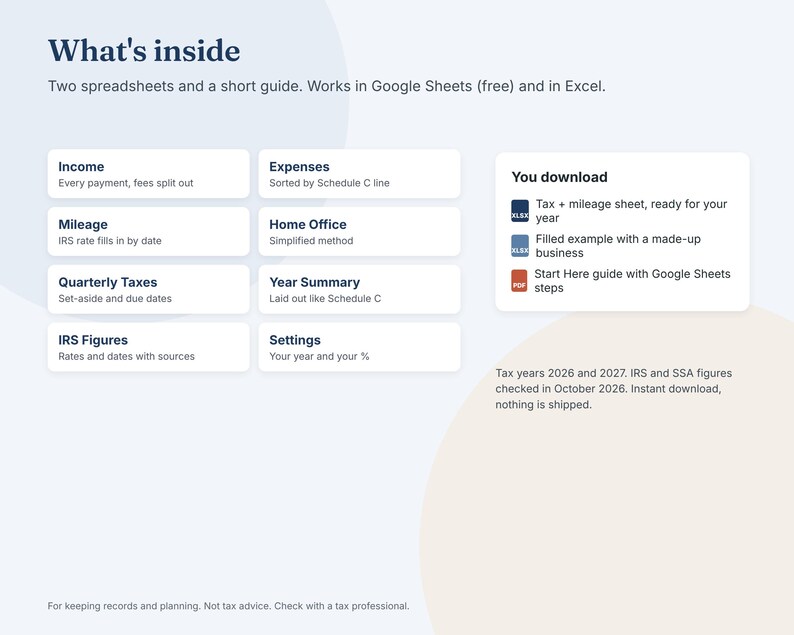
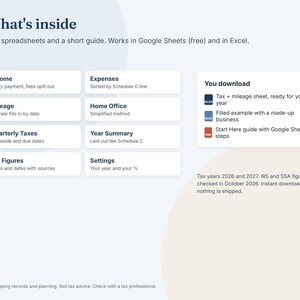
• Self-Employed Tax and Mileage spreadsheet (.xlsx), blank and ready for your year
• The same spreadsheet filled in with a freelancer's year we made up, so you can see how it works
• A Start Here guide (PDF) with steps for Google Sheets and Excel
• Works with Google Sheets (free) and Excel 2016 or newer
• Set up for tax year 2026 or 2027
WHAT'S INSIDE
• Income: every payment by client or platform, with fees taken out and what landed in your account
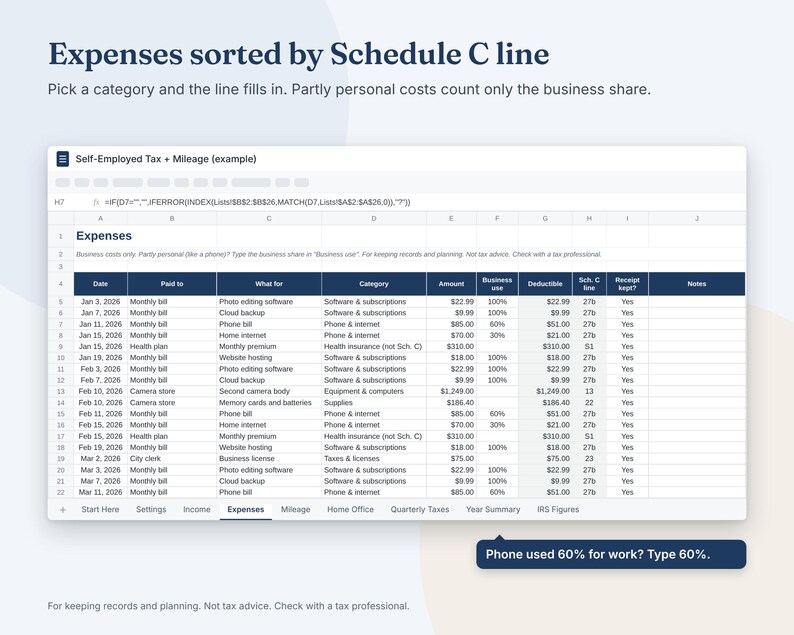
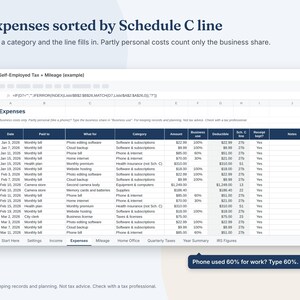
• Expenses: pick a category and the matching Schedule C line fills in. Use your phone for work 60% of the time? Type 60%
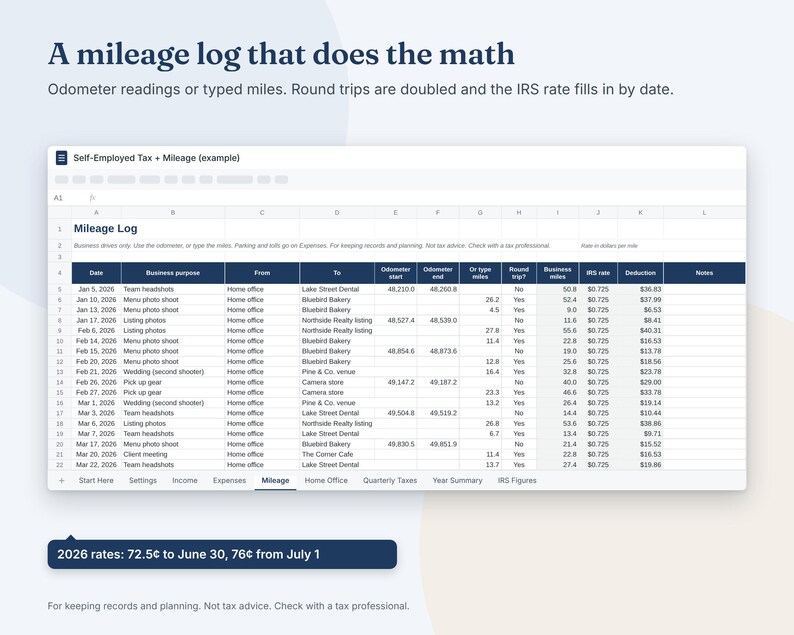
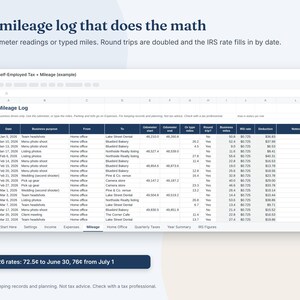
• Mileage: date, purpose, start and end, miles. The deduction uses the IRS standard mileage rate for that date (2026: 72.5¢ a mile to June 30, 76¢ from July 1)
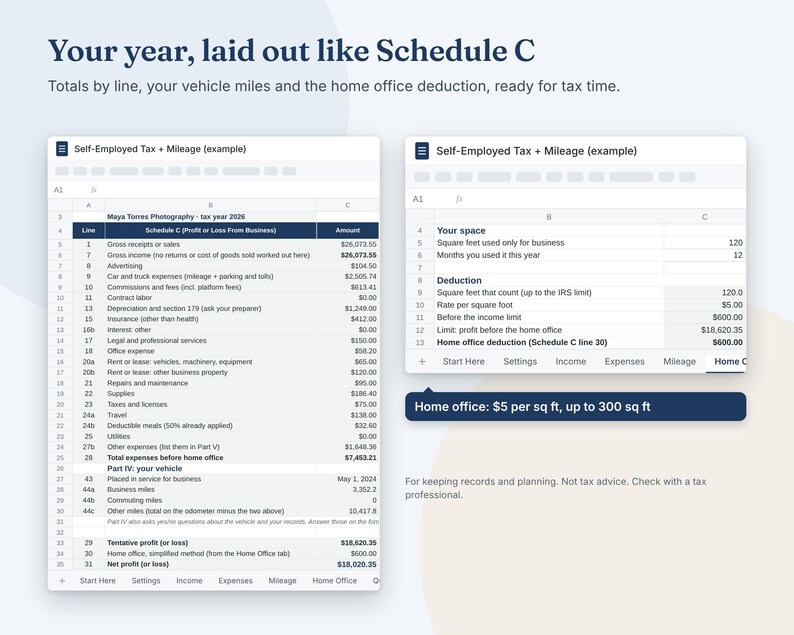
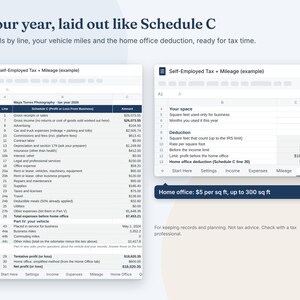
• Home Office: the simplified method, $5 per square foot up to 300 square feet
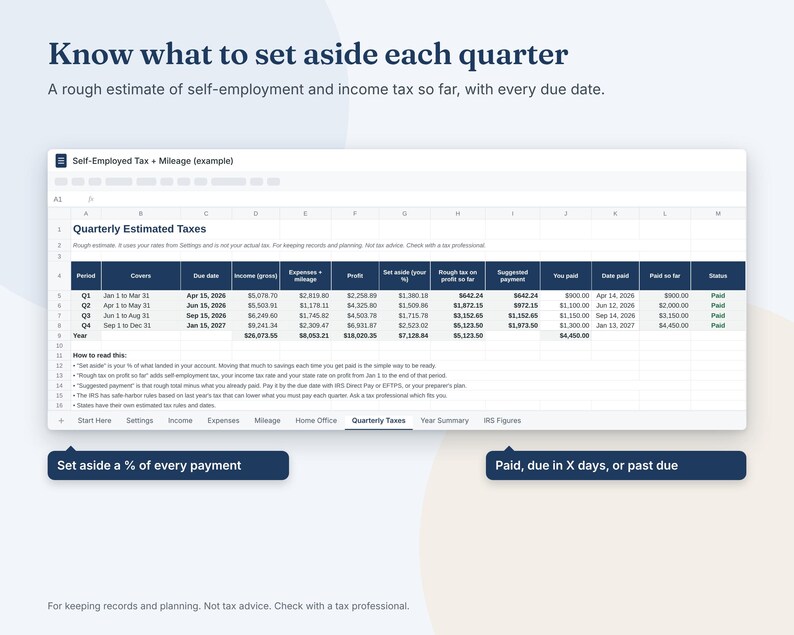
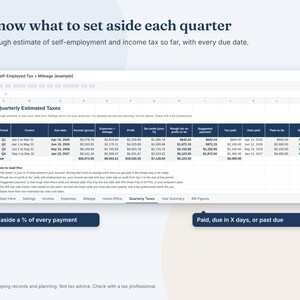
• Quarterly Taxes: the four due dates, the share you choose to set aside, a rough estimate and what you paid
• Year Summary: totals laid out like Schedule C, plus Part IV vehicle miles, ready to hand to your preparer
• IRS Figures: every rate and date the sheet uses, with where it comes from
HOW IT WORKS
1. Pick your tax year and the share of each payment you want to set aside.
2. Log income and expenses as they happen. Log drives the same day.
3. Check Quarterly Taxes before each due date and record what you paid.
4. At the end of the year, take Year Summary to your tax preparer or tax software.
HOW TO USE IT
• Google Sheets: the guide has a Make a copy link that puts your own copy in your Google Drive. Or upload the .xlsx to Drive yourself.
• Excel: open the .xlsx and start typing.
• White cells are yours to fill in. Shaded cells work themselves out.
GOOD TO KNOW
• For keeping records and planning. Not tax advice. Check with a tax professional.
• The tax estimate is rough on purpose. It leaves out the standard deduction, credits and other income, so your real bill can differ.
• IRS and Social Security figures were checked in October 2026. The 2027 mileage rate was not out yet; type it on the IRS Figures tab once the IRS announces it.
• Your records stay in your own file. We never see them.
• The names and numbers in the photos are made up.
• Designed by SoeSan Holdings LLC. The spreadsheet was built with the help of AI tools, and every formula was tested with a full sample year.
• For your own use. Please don't resell or share the file.
• Digital files only. Nothing is shipped.
-
Designed by
-
Item typeDigital download
-
Digital file type(s)1 PDF, 2 other files
If something goes wrong with an order, we've got your back on all eligible purchases. View program terms
Meet your seller

More from this shop
-
Digital download
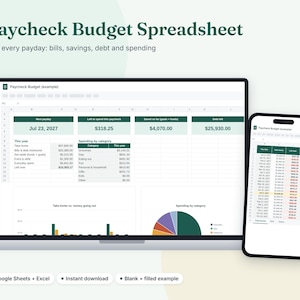
Paycheck Budget Spreadsheet, Biweekly Budget Planner for Google Sheets and Excel
Sale Price $3.00
Original Price $6.00
-
Digital download
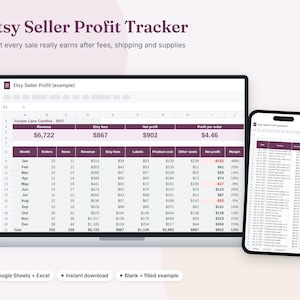
Etsy Seller Spreadsheet, Profit Tracker and Etsy Fee Calculator, Google Sheets
Sale Price $6.00
Original Price $12.00
-

Digital download
Custom Book Trailer Video for Authors, BookTok Book Promo, 30 Second Vertical MP4
Sale Price $22.50
Original Price $45.00
-
Digital download
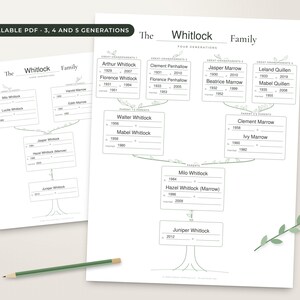
Family Tree Template Fillable PDF, 3 4 5 Generation Family Tree Chart
Sale Price $3.00
Original Price $6.00
-

Digital download
Animated Video Invitation, Save the Date Video or Birthday Invite, MP4 for Texting
Sale Price $7.50
Original Price $15.00
-

Digital download
Name Stock Print, Personalized Baby Name History Chart Since 1880, Funny Name Gift
Sale Price $4.50
Original Price $9.00
-
Digital download
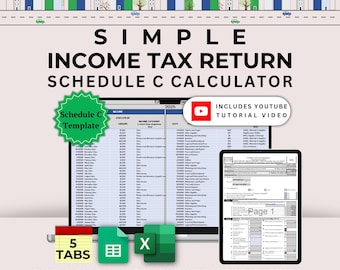
Simple Schedule C Spreadsheet, Income and Expense Tax Tracker, Small Business Deduction Log, Mileage and Home Office, Excel & Google Sheets
Sale Price $7.00
Original Price $14.00
-
Digital download
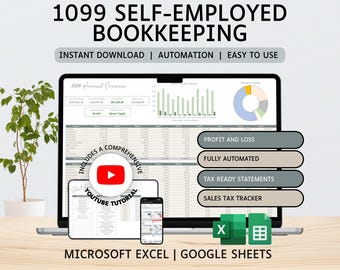
1099 Self-Employed Bookkeeping Spreadsheet | Income and Expense Tracker | Profit and Loss | Excel | Google Sheets | Accounting | Tax Tracker
$16.49
-
Digital download
Small Business Tax Spreadsheet | Freelancer Income and Expense Tracker | Google Sheets Template
$12.00
-

Digital download
Itemized Expense Tracker for Tax Records, Google Sheets & Excel Annual Expense Organizer
$15.00
-

Digital download
Tax-Ready Income & Expense Tracker | Schedule C Excel Template | Small Business Bookkeeping Tax Planner| Schedule C Google Sheets Template
$10.00
-
Digital download
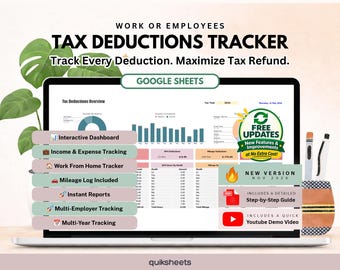
Tax Deduction Tracker Spreadsheet, Google Sheets Template (Digital Download)
$18.42
-

Digital download
Self-Employed Tax Deduction Google Sheet | Small Business Expense Tracker (Digital Download)
$15.99
-
Digital download
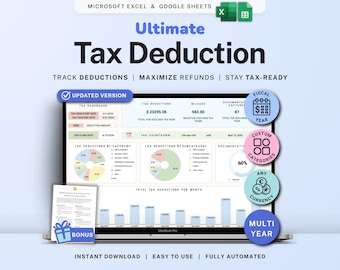
Tax Deduction Tracker Google Sheets Self-Employed Tax Spreadsheet Small Business Freelancer Tax Prep Template Itemized Expense Tracker 1099
Sale Price $8.99
Original Price $17.98
-
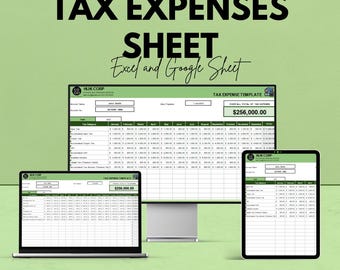
Digital download
Tax Expenses Sheet | Excel & Google Sheet | Tax Tracking Template | Manage Business Expenses | Tax Preparation Tool | Financial Planner
Sale Price $5.75
Original Price $11.49
-

Digital download
Tax-Ready Schedule C Excel Template: Income & Expense Tracker (Digital Download)
$10.00
-

Digital download
Real Estate Agent 1099 Bookkeeping | Income and Expense Tracker | Profit and Loss | Excel | Google Sheets | Accounting | Finance Spreadsheet
$16.49
-

Digital download
50% OFF - Administration Tax Deduction Tracker Sheet - Excel & Google Sheets | Manage Tax Deductions and Expenses | Tax Filing Template |
Sale Price $5.75
Original Price $11.49
Shoppers with similar taste loved these
-

Digital download
Inventory Management & Tracker for Materials and Products Inventory Template | Small Business Spreadsheet Template w/ Order Tracker
Sale Price $6.86
Original Price $13.72
-

Digital download
Basic Consignment Inventory Tracker & Client Intake Form | Edit in Google Docs
$4.40
-

Digital download
Basic Consignment Inventory Form | Edit in Google Docs
$4.40
-
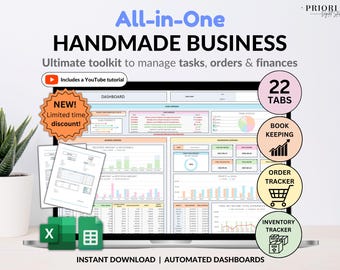
Digital download
Small Business Bookkeeping Tracker Inventory Tracker Order Tracker Handmade Product Task Tracker Pricing Calculator Google Sheets Excel
Sale Price $11.00
Original Price $22.01
-
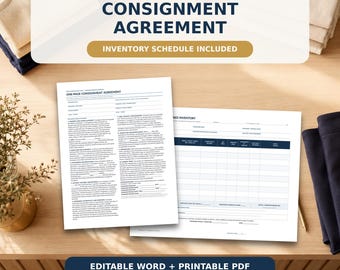
Digital download
One-Page Consignment Agreement with Inventory Schedule, Editable Word and Printable PDF
$5.95
-

Digital download
Simple Consignment Agreement, One Page Shop Contract Template, Printable & Editable Consignment Form, Reseller Agreement, Resale Agreement
Sale Price $1.98
Original Price $3.98
-

Digital download
Craft Pricing Calculator & Inventory Spreadsheet, Sales Profit Tracker, Invoice and Price List Template for Etsy Sellers, Google Sheets
Sale Price $9.97
Original Price $19.95
-

Digital download
Consignment Inventory Tracker, Thrift Shop Product Management, Resale Business Google Sheet, Inventory Management Log, Boutique Template
Sale Price $3.48
Original Price $7.26
-

Digital download
Editable Consignment Contract, Product Consignment Contract, Consignment Agreement , Consignment forms pdf, Canva
$2.03
-
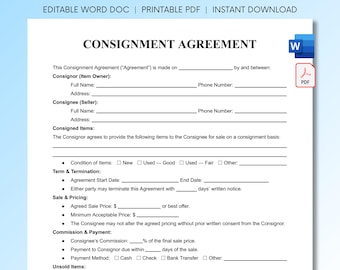
Digital download
Consignment Agreement Template | Editable Consignment Contract Form | Printable Reseller Agreement | Instant Download Word Doc
$1.61
-
Digital download
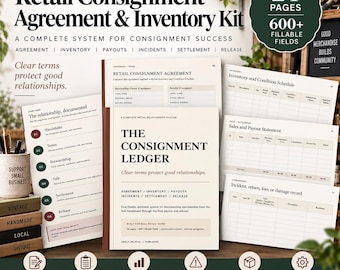
Retail Consignment Agreement & Inventory Kit
$9.99
-
Digital download
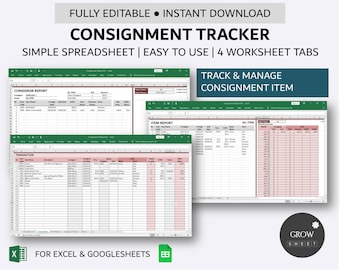
Consignment Tracker | Simple Store Inventory Database | Etsy Consignment Inventory Manager | Excel | Google Sheets
$6.00


