

Homeschool Record Keeping Spreadsheet, Homeschool Portfolio Template, Attendance Tracker, Reading Log, Optional Hours, Google Sheets Excel
Item highlights
Seller's description
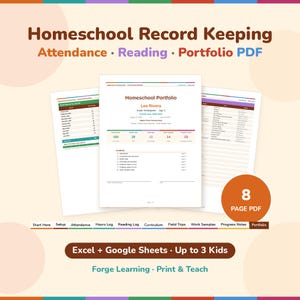
Keep your homeschool records all year, then print a clean, multi-page portfolio for each child in a few clicks. Track attendance days, books, curriculum, field trips, work samples and progress notes. Hours are optional: turn them on only if your state asks for them. This spreadsheet works in Microsoft Excel and Google Sheets, for up to 3 students.
Made by a homeschooling parent, for families whose state or umbrella school asks for attendance days, a portfolio or (sometimes) hours, and for anyone who wants a tidy record of the year.
HOW IT WORKS
1. Setup: type your school year dates, up to 3 children (name, grade, age), your subjects and your terms. "Track hours?" is set to No by default, so you can switch it to Yes for any child who needs hours.
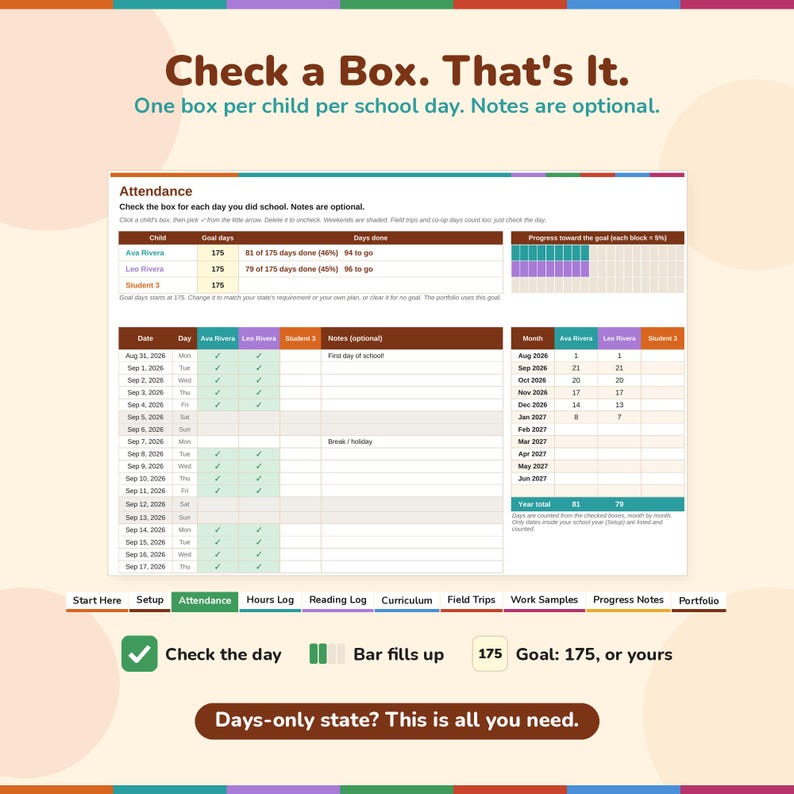
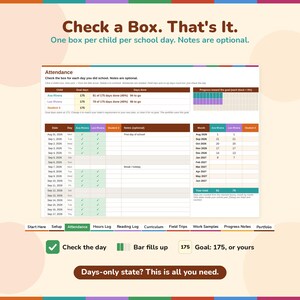
2. Attendance: one row per school-year date. Just check the box for each day you did school; there are no codes to learn, and there's an optional Notes column. Set a Goal days number for each child (it starts at 175; change it to match your state's requirement or your own plan). Each child gets "X of 175 days done (NN%)", the days still to go, and a progress bar that fills as you check boxes. Monthly totals add up by themselves.
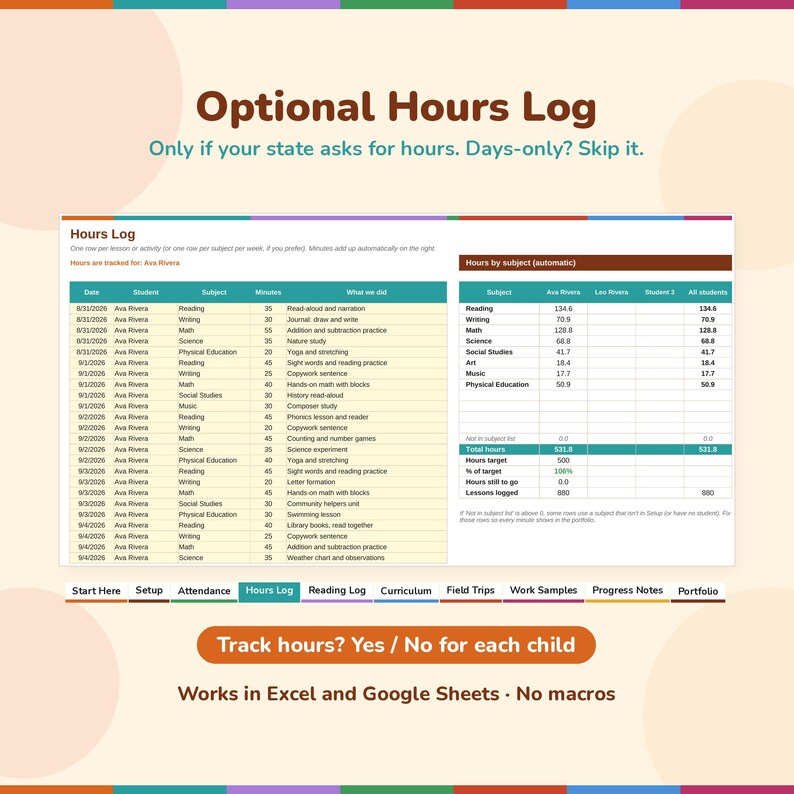
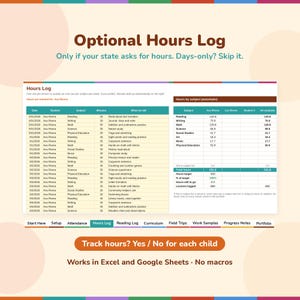
3. Hours Log (OPTIONAL): does your state only ask for days? Skip it entirely. If your state asks for hours, log minutes per subject and the hours add up by subject and by child automatically.
4. Log books, curriculum, field trips and work samples as you go. Choose "All students" for family activities.
5. Progress Notes: a short note per subject at the end of each term.
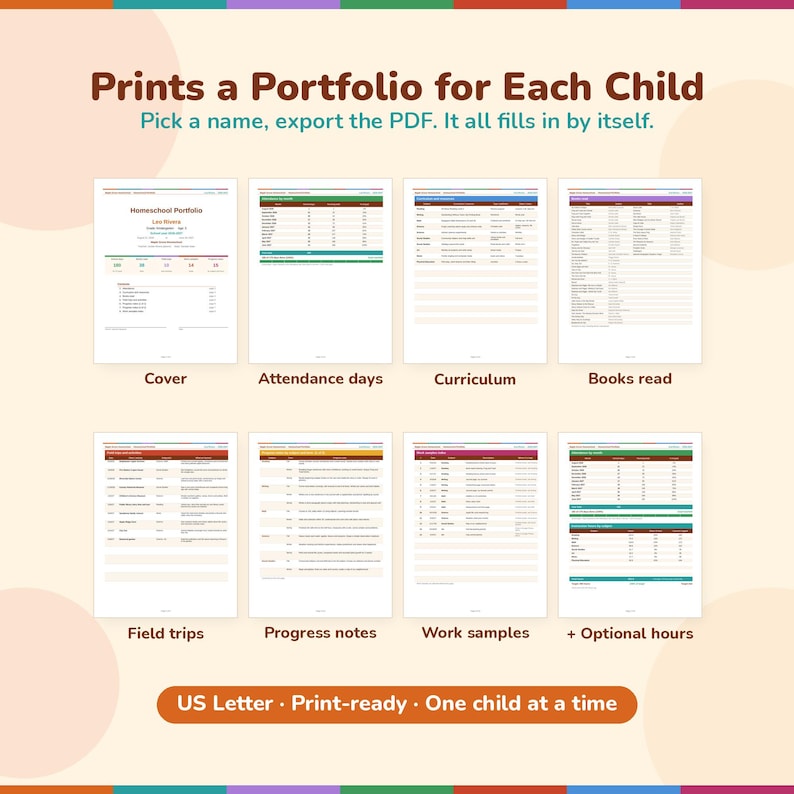
6. Portfolio: pick a child's name and export the PDF. Everything fills in by itself.
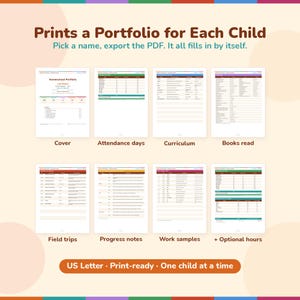
THE PORTFOLIO PDF (8 pages per child, US Letter)
• Cover: name, grade, age, school year, school name, plus at-a-glance totals (school days, books, field trips, work samples, plus hours if you track them) and a signature line
• Attendance by month (school days, running total and % of goal) plus a "days done" progress line and bar. If hours are on for that child, an "instruction hours by subject" table is added. If hours are off, the page shows days only, with no empty hours boxes or zeros.
• Curriculum and resources
• Books read (up to 76 titles)
• Field trips and activities
• Progress notes by subject and term (2 pages)
• Work samples index (to put in front of your attached samples)
WHAT'S INCLUDED
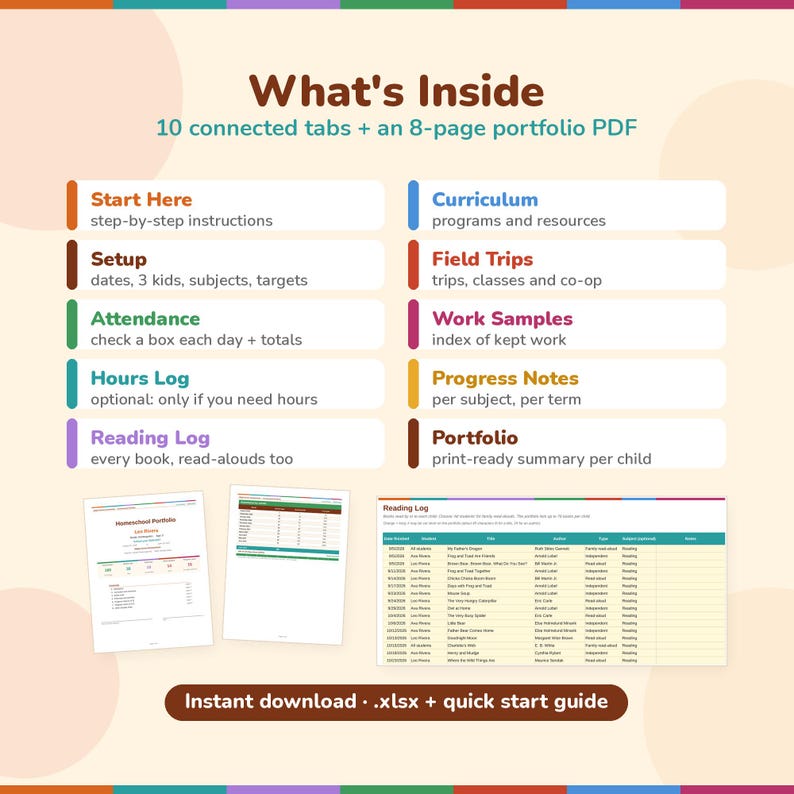
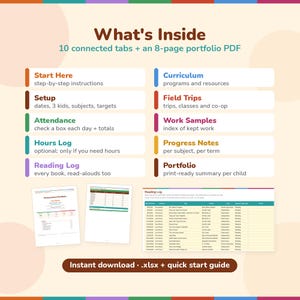
• Homeschool Records & Portfolio spreadsheet (.xlsx) with 10 tabs: Start Here, Setup, Attendance, Hours Log, Reading Log, Curriculum and Resources, Field Trips and Activities, Work Samples Index, Progress Notes, Portfolio
• 1-page quick start guide (PDF) with exact export steps for Excel and Google Sheets
GOOD TO KNOW
• Works in Excel 2010 or newer (Windows and Mac) and in Google Sheets (free Google account). No macros, no add-ons, no subscription. The attendance check works the same in both: click the cell and pick ✓.
• Excel: the portfolio's page setup is already done (Letter, portrait, page breaks, repeated header, page numbers). Google Sheets: follow the guide's 5 short steps once (Google Sheets doesn't keep Excel's page breaks, so you set them in its print screen).
• Room for 400 books, 2,500 optional hour-log entries, 150 field trips, 300 work samples and 200 progress notes.
• You set your own goal days (and hour target, if needed) and choose "Track hours?" per child. Homeschool laws differ by state and change, so check your state's current rules (for example HSLDA or your state education department). This is a record-keeping tool, not legal advice.
• Sample photos show made-up example data.
PLEASE NOTE: this is a digital download. No physical item will be shipped. For personal use in your own family; please don't share or resell the file.
If something goes wrong with an order, we've got your back for all eligible purchases. View program terms
NowPrice:$6.39
Original Price: $7.99
20% off
Sale ends on November 21
You can only make an offer when buying a single item
Delivery
Instant download
Your files will be available to download once payment is confirmed. Here's how.
Instant download items don't accept returns, exchanges or cancellations. Please contact the seller about any problems with your order.
Seller's description
Specifications
Keep your homeschool records all year, then print a clean, multi-page portfolio for each child in a few clicks. Track attendance days, books, curriculum, field trips, work samples and progress notes. Hours are optional: turn them on only if your state asks for them. This spreadsheet works in Microsoft Excel and Google Sheets, for up to 3 students.
Made by a homeschooling parent, for families whose state or umbrella school asks for attendance days, a portfolio or (sometimes) hours, and for anyone who wants a tidy record of the year.
HOW IT WORKS
1. Setup: type your school year dates, up to 3 children (name, grade, age), your subjects and your terms. "Track hours?" is set to No by default, so you can switch it to Yes for any child who needs hours.
2. Attendance: one row per school-year date. Just check the box for each day you did school; there are no codes to learn, and there's an optional Notes column. Set a Goal days number for each child (it starts at 175; change it to match your state's requirement or your own plan). Each child gets "X of 175 days done (NN%)", the days still to go, and a progress bar that fills as you check boxes. Monthly totals add up by themselves.
3. Hours Log (OPTIONAL): does your state only ask for days? Skip it entirely. If your state asks for hours, log minutes per subject and the hours add up by subject and by child automatically.
4. Log books, curriculum, field trips and work samples as you go. Choose "All students" for family activities.
5. Progress Notes: a short note per subject at the end of each term.
6. Portfolio: pick a child's name and export the PDF. Everything fills in by itself.
THE PORTFOLIO PDF (8 pages per child, US Letter)
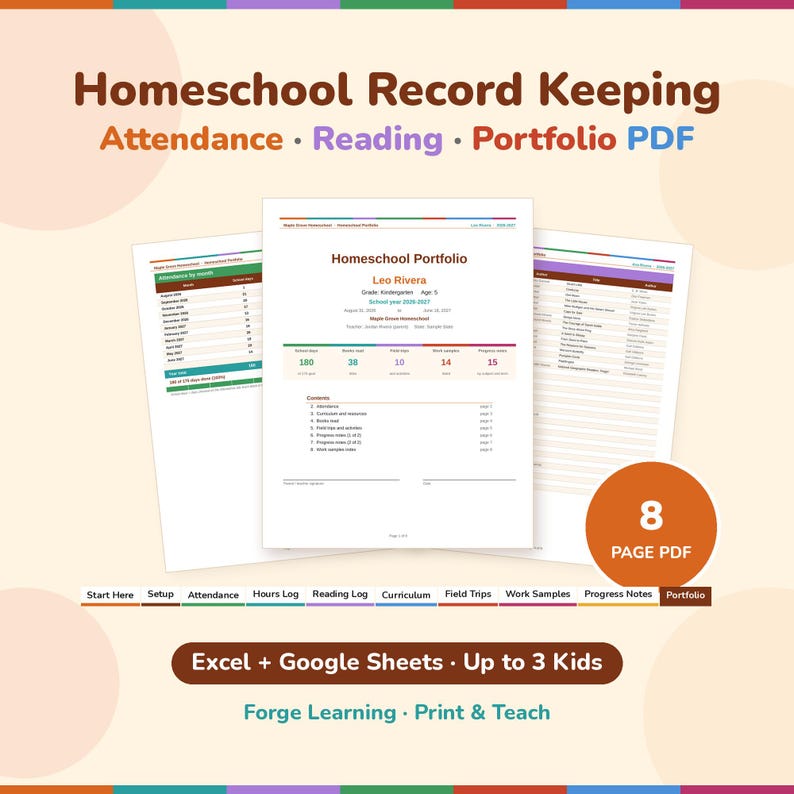
• Cover: name, grade, age, school year, school name, plus at-a-glance totals (school days, books, field trips, work samples, plus hours if you track them) and a signature line
• Attendance by month (school days, running total and % of goal) plus a "days done" progress line and bar. If hours are on for that child, an "instruction hours by subject" table is added. If hours are off, the page shows days only, with no empty hours boxes or zeros.
• Curriculum and resources
• Books read (up to 76 titles)
• Field trips and activities
• Progress notes by subject and term (2 pages)
• Work samples index (to put in front of your attached samples)
WHAT'S INCLUDED
• Homeschool Records & Portfolio spreadsheet (.xlsx) with 10 tabs: Start Here, Setup, Attendance, Hours Log, Reading Log, Curriculum and Resources, Field Trips and Activities, Work Samples Index, Progress Notes, Portfolio
• 1-page quick start guide (PDF) with exact export steps for Excel and Google Sheets
GOOD TO KNOW
• Works in Excel 2010 or newer (Windows and Mac) and in Google Sheets (free Google account). No macros, no add-ons, no subscription. The attendance check works the same in both: click the cell and pick ✓.
• Excel: the portfolio's page setup is already done (Letter, portrait, page breaks, repeated header, page numbers). Google Sheets: follow the guide's 5 short steps once (Google Sheets doesn't keep Excel's page breaks, so you set them in its print screen).
• Room for 400 books, 2,500 optional hour-log entries, 150 field trips, 300 work samples and 200 progress notes.
• You set your own goal days (and hour target, if needed) and choose "Track hours?" per child. Homeschool laws differ by state and change, so check your state's current rules (for example HSLDA or your state education department). This is a record-keeping tool, not legal advice.
• Sample photos show made-up example data.
PLEASE NOTE: this is a digital download. No physical item will be shipped. For personal use in your own family; please don't share or resell the file.
-
Designed by
-
Item typeDigital download
-
Digital file type(s)1 PDF, 1 other file
If something goes wrong with an order, we've got your back on all eligible purchases. View program terms
Meet your seller
More from this shop
-
Digital download
CVC Flashcards Printable, Short Vowel Word Cards, 60 Phonics Flashcards for Kindergarten, Learn to Read, Progress Tracker
Sale Price $3.19
Original Price $3.99
-
Digital download
Sight Word Flashcards Printable, 100 High Frequency Words, Kindergarten 1st Grade Reading, Sight Word Mastery Tracker
Sale Price $3.99
Original Price $4.99
-
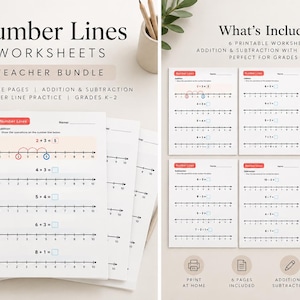
Digital download
Number Line Addition and Subtraction Worksheets, Kindergarten 1st Grade Math, No Prep Number Line 0 to 10 Practice
Sale Price $3.19
Original Price $3.99
-
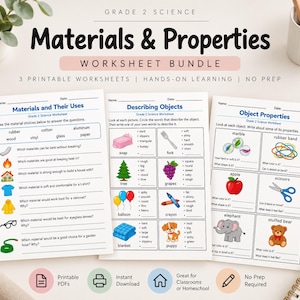
Digital download
Properties of Materials Worksheets, 2nd Grade Science, Describing and Sorting Objects, Homeschool Science Printable
Sale Price $3.19
Original Price $3.99
-

Digital download
Kitchen Science Experiments for Kids, Kitchen Chemistry Printable, Homeschool Science Ages 5-8, STEM Activities, Kindergarten 1st 2nd Grade
Sale Price $5.59
Original Price $6.99
-
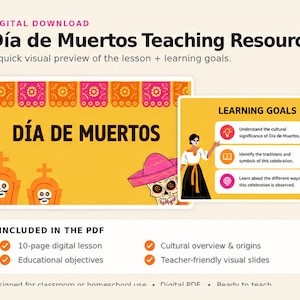
Digital download
Día de los Muertos Lesson for Kids, Day of the Dead Activities, Ofrenda and Papel Picado, Mexican Culture Printable
Sale Price $2.39
Original Price $2.99
Shoppers with similar taste loved these
-
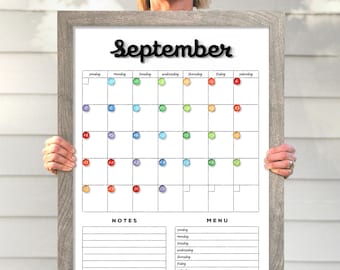
Dry Erase Calendar, Medium Vertical Planner | Framed Acrylic Board | Magnetic, 20x26 To 22x28
Sale Price $200.00
Original Price $250.00
-
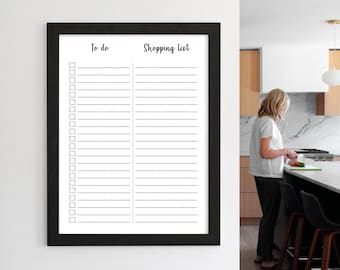
Shopping List - To do List - Dry erase Whiteboard MEDIUM #18421
Sale Price $44.00
Original Price $55.00
-
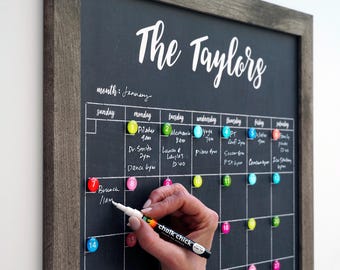
Dry Erase Calendar, Medium Framed Monthly Planner | Personalized Acrylic Surface, Magnetic Option, Family #18100
Sale Price $44.00
Original Price $55.00
-
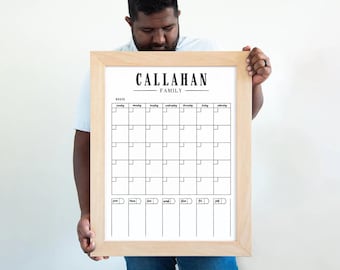
Whiteboard Calendar | 24x18 | Dry erase Calendar | Framed Monthly & Weekly Dry Erase Calendar MEDIUM with magnetic surface option #18107
Sale Price $44.00
Original Price $55.00
-
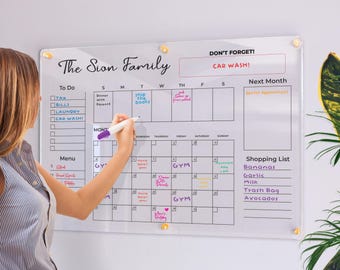
Acrylic Family Calendar | Family Planner | Dry Erase Calendar | Personalize Dry erase Board | Acrylic Calendar | Acrylic Planner
$37.00
-
Dry-Erase Weekly Acrylic Wall Calendar - Multiple Sizes Available
Sale Price $47.60
Original Price $68.00
-
Weekly Calendar Dry Erase Weekly Whiteboard Framed Calendar in Large or Small Option
Sale Price $35.00
Original Price $50.00
-
Chalkboard to list - Dry erase board MEDIUM - Command center #18108
Sale Price $44.00
Original Price $55.00
-
Personalized Acrylic Calendar For Wall | Acrylic Dry Erase Board | Monthly & Weekly Planner 2025 | Calendar with Marker | Family Calendar
Sale Price $49.90
Original Price $83.17
-
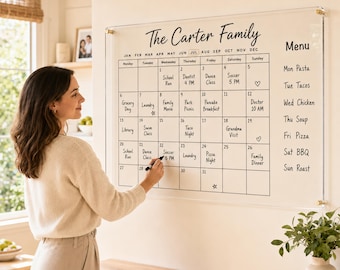
Acrylic Calendar , Acrylic Family Calendar , Dry Erase Monthly Wall Planner , Family Planner , Weekly Family Calendar
Sale Price $24.75
Original Price $55.00
-
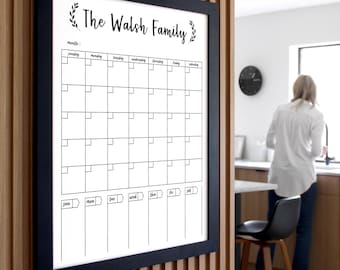
Dry Erase Calendar, Framed Acrylic Monthly And Weekly Planner - 24x18 Medium, Magnetic Option, Reusable Family Organizer, #18107
Sale Price $44.00
Original Price $55.00
-
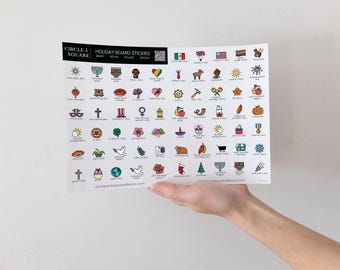
Holiday Stickies, Reusable Planner Static Clings for Acrylic Calendars | Yearly Holiday Planner Stickies, Reusable Holiday Sticker Sheet
Sale Price $12.32
Original Price $17.60