


Custom Loyalty Card Widget for Twitch and Kick | Your Emotes or 3 Ready-Made Styles | Holographic Trading Cards | StreamElements | Foilfolk
Price:$14.91
You can only make an offer when buying a single item
Highlights
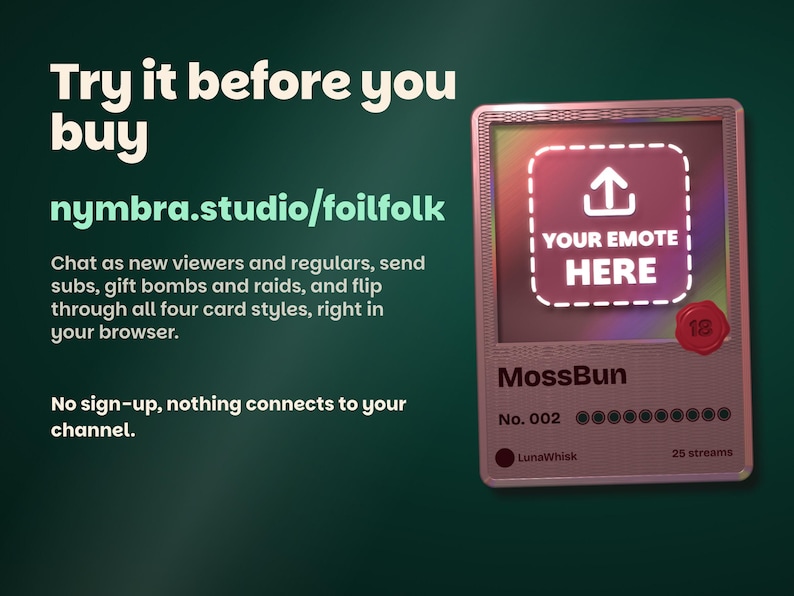
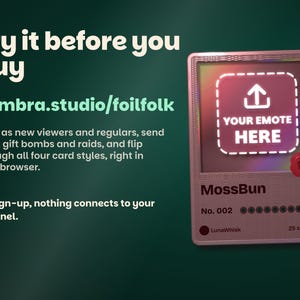
TRY IT FIRST: play with the live demo at nymbra.studio/foilfolk. Watch sample emotes turn into cards, chat as new viewers and regulars, send subs, gift bombs and raids, and flip through every card style, right in your browser. No sign-up, nothing connects to your channel.
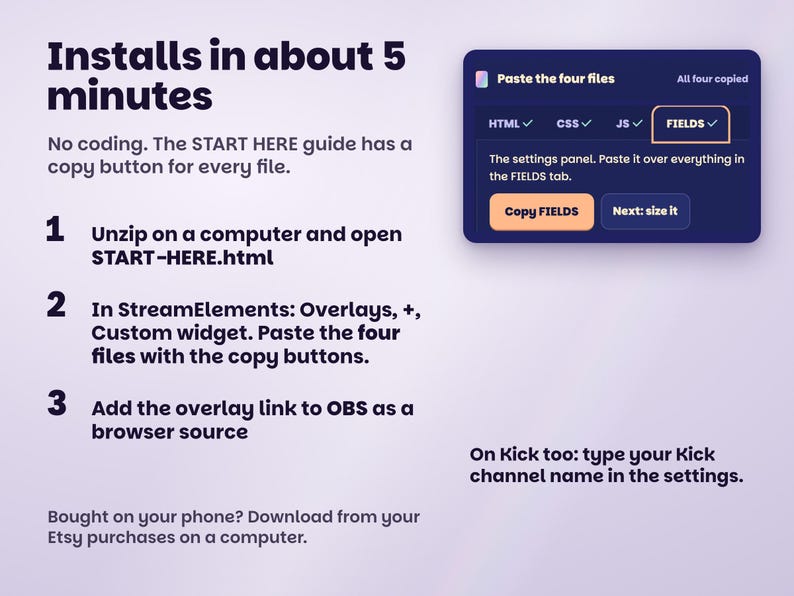
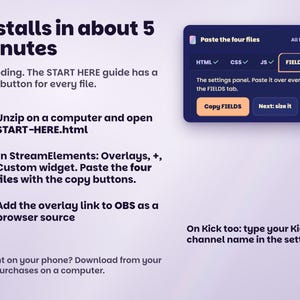
Installs in about 5 minutes with the START HERE guide, no coding. Bought on your phone? Download from your Etsy purchases on a computer; installing needs one.
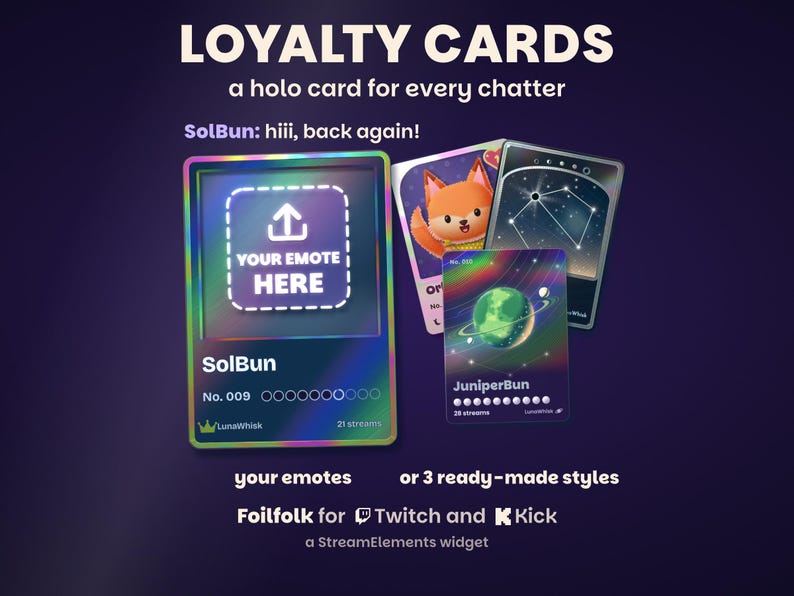
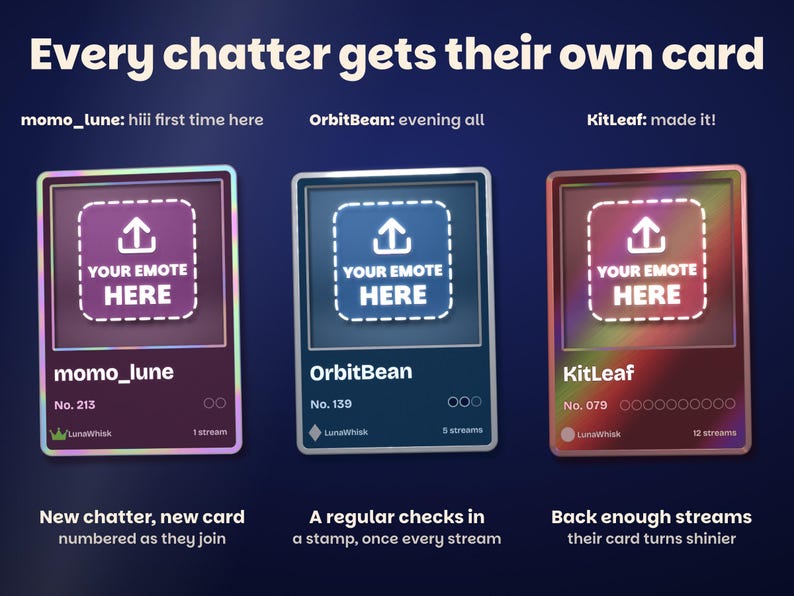
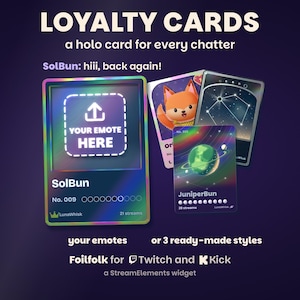
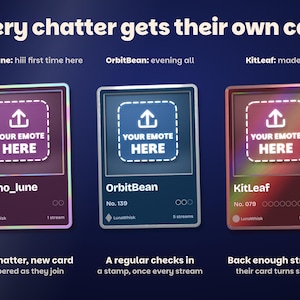
Holographic loyalty cards your chat collects, with your own emotes or a ready-made style. Every viewer who chats gets their own numbered card, No. 001 onwards in the order they joined. Upload up to 6 of your emotes or pictures (your mascot, your artist's art, animated GIFs too) and give each a rarity, or pick one of three ready-made styles where every viewer gets their own art. The cards pop out of a small deck in the corner of your stream: a new chatter's pack opens, a regular's card checks in every stream they come back, and enough streams turn it shinier, up to a full holo. Viewers show their cards and trade them with friends.
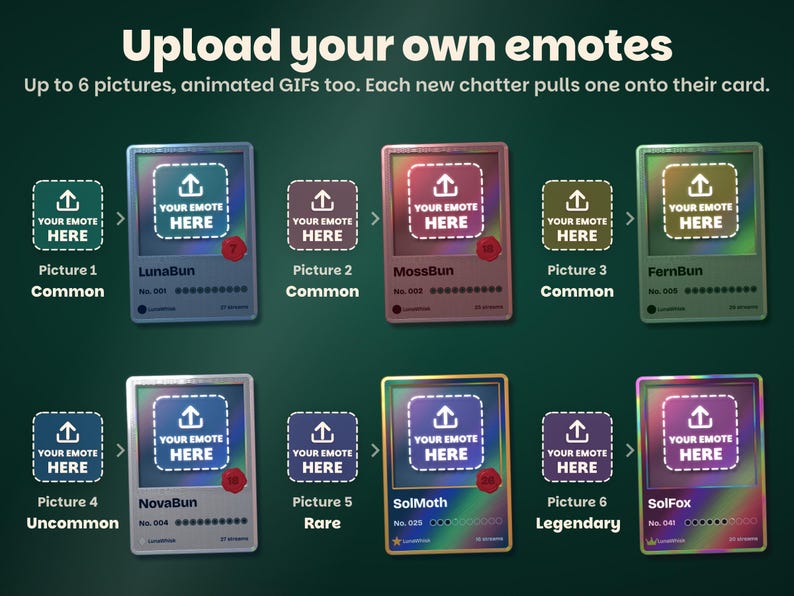
YOUR EMOTES ON THE CARDS
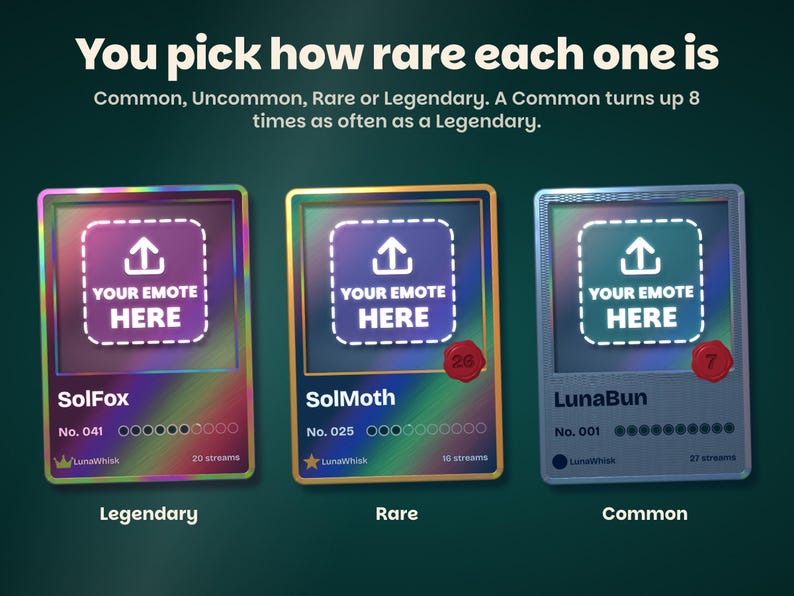
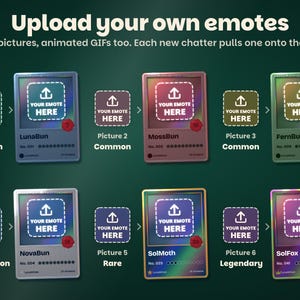
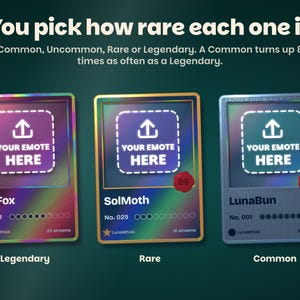
• Upload up to 6 pictures in the widget's settings: PNG, JPG, WebP or GIF. Animated GIF and WebP play on the card
• Give each a rarity: Common, Uncommon, Rare or Legendary. A Common turns up 8 times as often as a Legendary
• Each new chatter's first chat pulls one of your pictures onto their card, and they keep it as it levels up
• Try your own pictures in START HERE before you upload anything
• StreamElements keeps your uploads: nothing to host
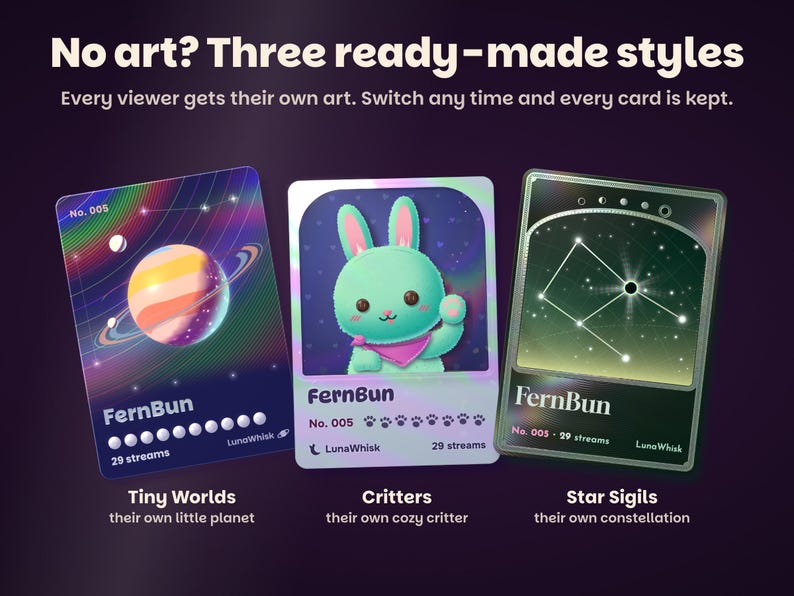
OR A READY-MADE STYLE
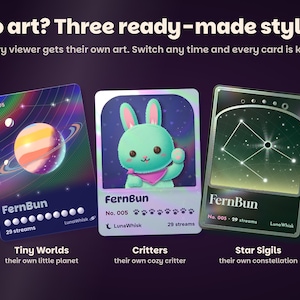
No art yet? Pick one and every viewer gets their own art, drawn from their name:
• Tiny Worlds: their own little planet, gaining moons, a ring and city lights
• Critters: their own cute critter, a cat, bunny, bear, fox, frog, owl or duck
• Star Sigils: their own constellation on a foil-stamped star chart
• Switch styles any time and every card is kept
ON YOUR STREAM
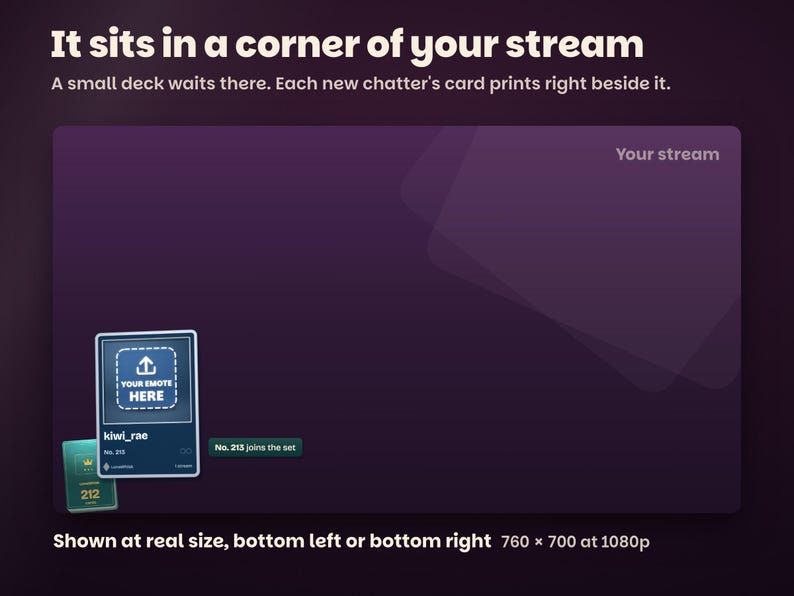
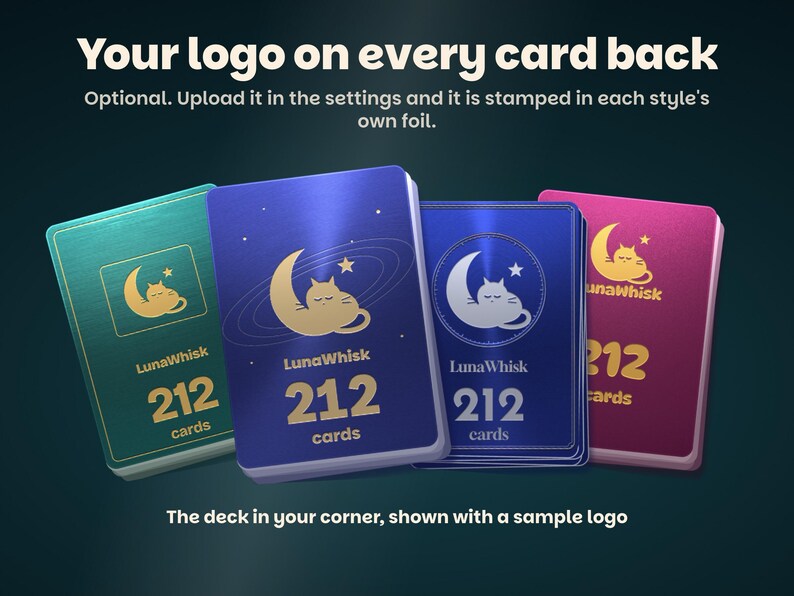
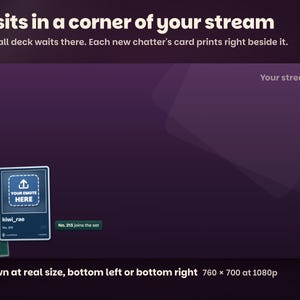
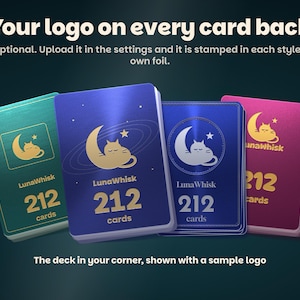
• The cards live in a corner of your stream, bottom left or bottom right, with a deck of card backs showing your set's name and count
• A new chatter's first chat: a pack opens and their card joins your set ("No. 049 joins the set")
• A regular's first chat each stream: their card checks in with a stamp. A viewer counts once per stream, however much they chat
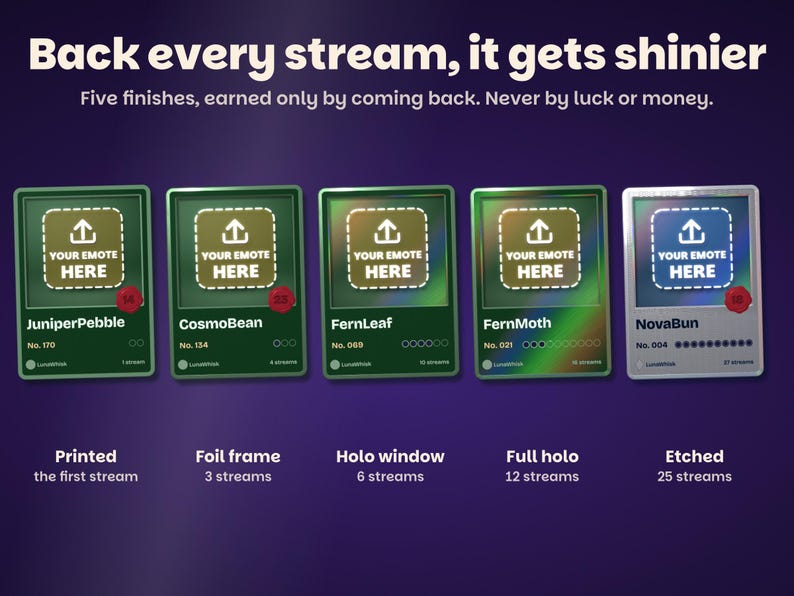
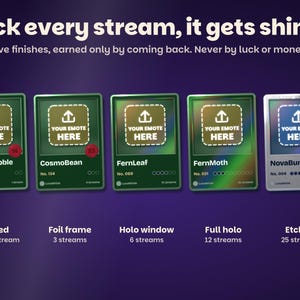
• Enough streams: a level up burns in the next of five finishes. Quick (3, 6, 12 and 25 streams), Normal (5, 10, 25, 50) or Slow (10, 25, 50, 100)
• A level up can carry your reward line ("a shoutout from me")
• Busy chat: one card plays at a time, and several new chatters open one pack together
• Chance only ever comes from who the viewer is, never from subs, bits or gifts
YOUR LOGO, SET NAME AND CORNER
• Your channel logo, stamped in foil on every card back (optional)
• Your set's name on every card, pack and card back
• Bottom left or bottom right, the deck on or off, which check-ins show, trading on or off
• 26 settings in the widget's settings panel, no code
ALERTS ON THE CARDS
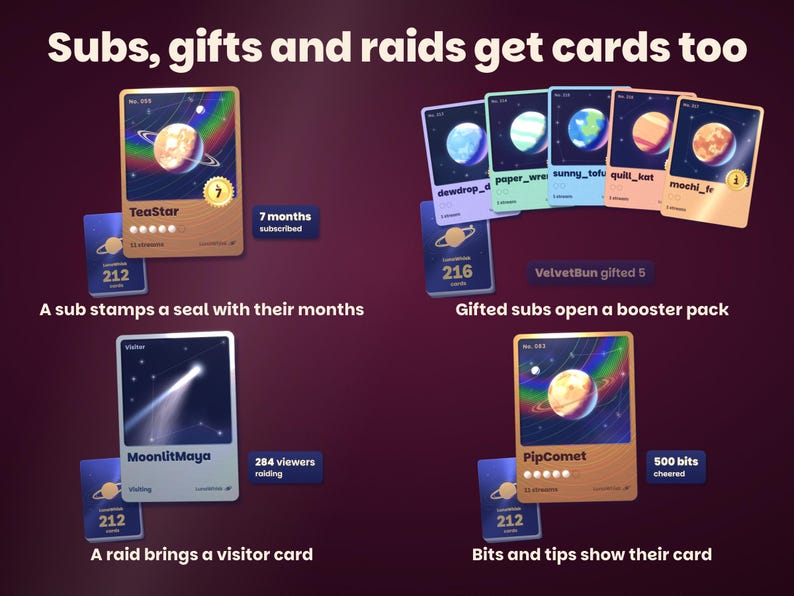
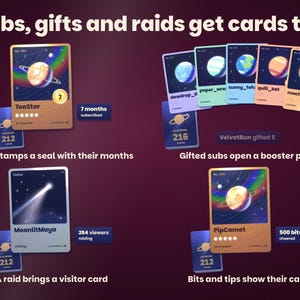
• Sub or resub: a supporter seal stamps onto the viewer's card with their months
• Gifted subs: a booster pack with the gifter's name, every gift a card
• Bits and tips: the viewer's card comes out with one shine and the amount
• Raid: a visitor card for the raiding channel with the raider count
• Follow: the new follower's card joins the set
• All, subs and gifts only, or off
COMMANDS
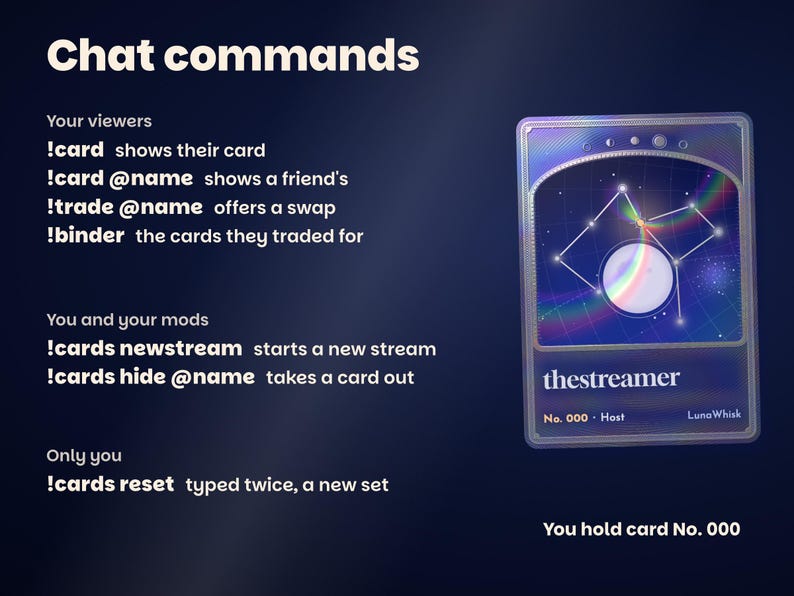
Your viewers:
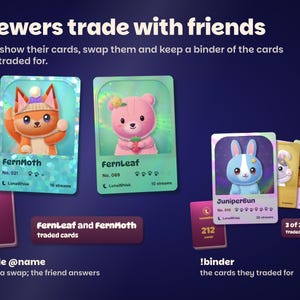
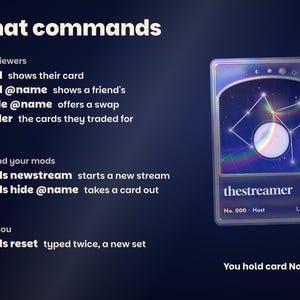
• !card shows their card, !card @name shows a friend's
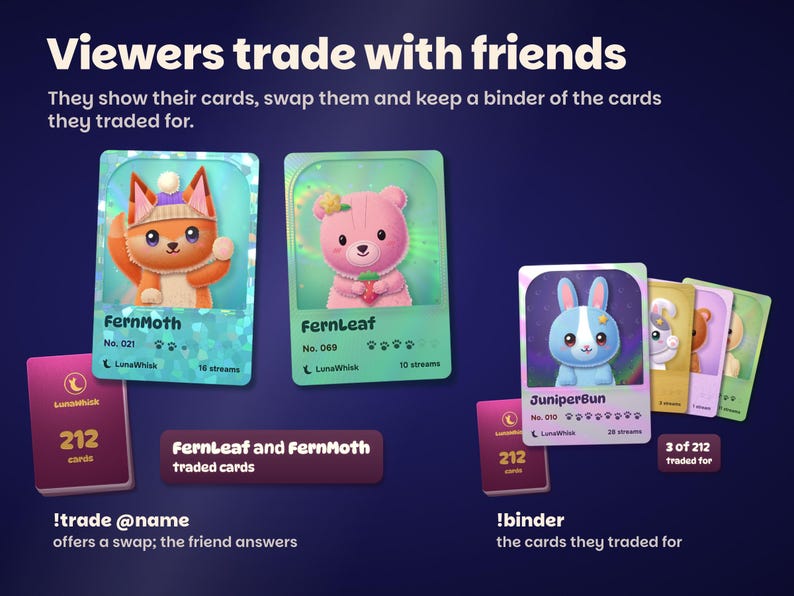
• !trade @name offers a swap; when the friend answers, the two cards trade into each other's binder
• !binder shows their card with the cards they traded for
You and your mods: !cards newstream starts a new stream, !cards hide @name takes a card out of the set.
Only you: !cards reset, typed twice, starts a new set.
Commands work in your Twitch chat and in your Kick chat.
YOUR SET IS SAVED
Every card, number, stream count, seal and trade is saved in your StreamElements account, so it carries on stream after stream, in every scene and on every PC that shows the overlay. OBS crashing loses nothing. Testing in the StreamElements editor never adds a card.
SETUP AND DOWNLOAD
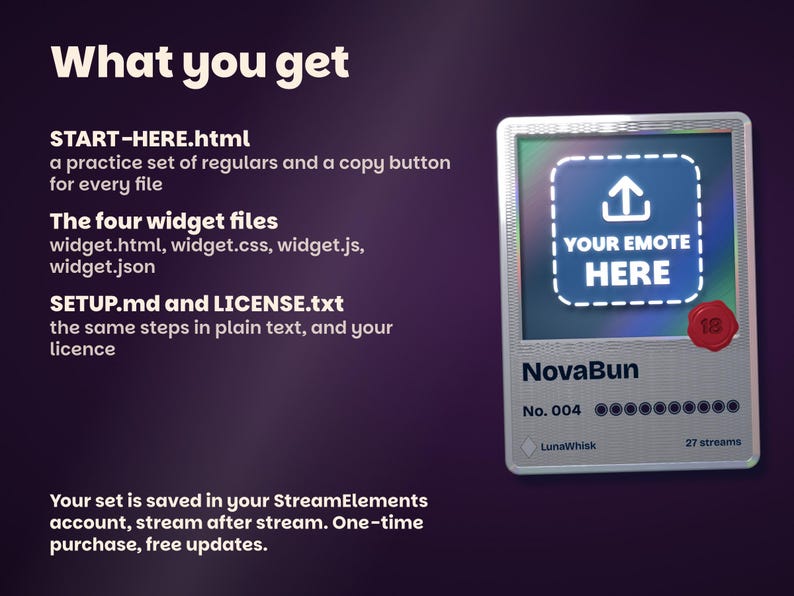
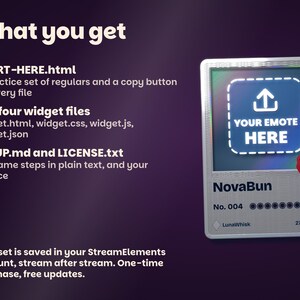
Unzip the download on your computer and open START-HERE.html first. Its practice set of regulars runs the real cards, so you can try your own pictures, pick a style and send test alerts before you install. Then use its copy buttons to paste HTML, CSS, JS and FIELDS into a StreamElements custom widget and add the overlay link to OBS or Streamlabs as a browser source. About 5 minutes in all, and no coding needed.
Your ZIP includes START-HERE.html, widget.html, widget.css, widget.js, widget.json, SETUP.md and LICENSE.txt. One-time purchase, no subscription, nothing hosted, free updates.
WHAT YOU NEED
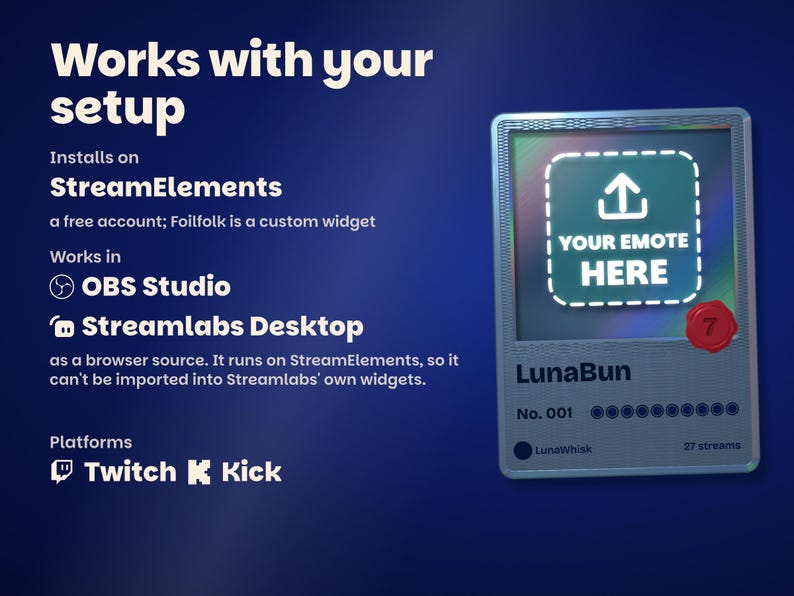
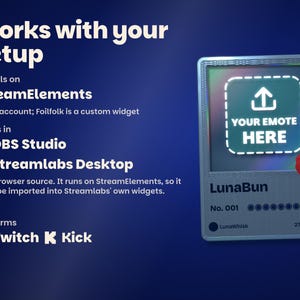
A free StreamElements account and OBS Studio, Streamlabs Desktop or any streaming software with browser sources.
• Twitch: works as soon as the files are pasted.
• Kick: type your Kick channel name in the settings, and Kick chat, subs, gifted subs and follows get cards too. Streaming to both? A viewer gets one card on each.
GOOD TO KNOW
• Your pictures look best at full size: the original file beats a 112 px emote saved from chat.
• The cards make no sound.
• Cards only come out for people who are there. Nothing ever shows who missed a stream, and viewers who never chat never appear.
• Bots such as Nightbot, Moobot and StreamElements never get a card.
• Colors can look a little different from one screen to another.
Licensed for your own channels. Questions? Send the shop a message on Etsy and we answer every one ourselves.
Instant Download
Your files will be available to download once payment is confirmed. Here's how.
Instant download items don’t accept returns, exchanges or cancellations. Please contact the seller about any problems with your order.
Etsy Purchase Protection
Shop confidently on Etsy knowing if something goes wrong with an order, we've got your back for all eligible purchases —
see program terms

Be the first to review this item

More from this shop
Visit shop-
Digital download
Interactive Star Chat Overlay and Moon Goal Widget for Twitch, Kick and YouTube | StreamElements | Starlings (Digital Download)
$20.14
-
Digital download
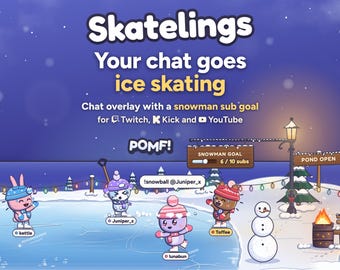
Cozy Winter Ice Skating Chat Overlay & Snowman Sub Goal Widget for Twitch, Kick, YouTube | StreamElements | Streamlabs (Digital Download)
$20.88
-
Digital download
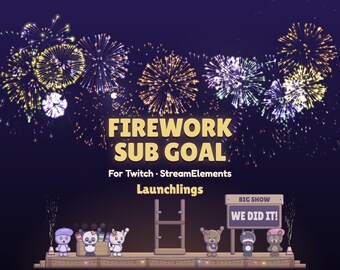
Firework Sub Goal Widget for Twitch & StreamElements | New Year Countdown | Launchlings
$18.64
-
Digital download
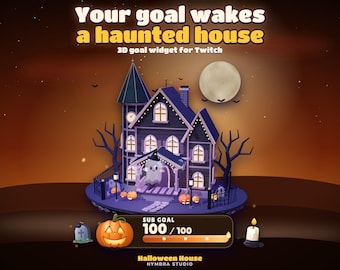
Haunted House Goal Widget | Animated 3D Stream Overlay | Twitch (Digital Download)
$11.19
Shoppers with similar taste loved these
-
2026 New & Improved Ayn Thor Matte Hydrogel Screen Protector (Read Description)
$24.00
-
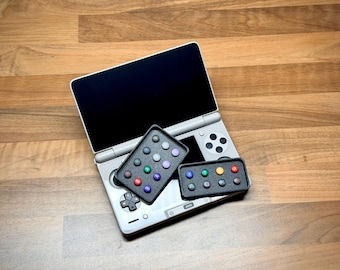
Magnetic Button Caps ONLY – Compatible with Ayn Thor, Retroid Nova, Odin 3 & Retroid Pocket 6 – Magnetic Bases Sold Separately
$26.00
-

Ayn Thor Replacement Thumbstick Caps Set
$13.98
-
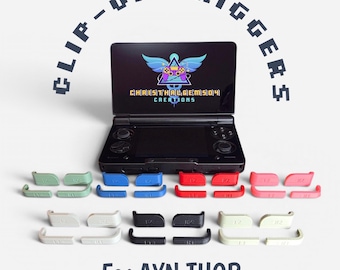
AYN THOR clip-on L1 R1 L2 R2 triggers
$9.00
-
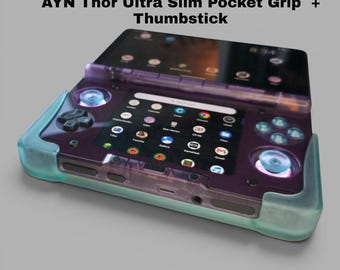
AYN Thor Ultra Slim Pocket Grip + Matching Sticks in Clear Blue
$24.99
-
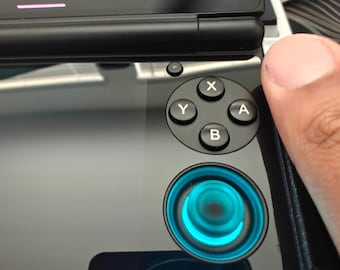
Ayn Thor Convex analog sticks
$15.00
-
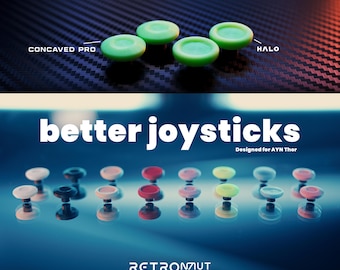
Better Joystick Mod for Ayn Thor - Retronaut Gaming
$13.99
-
AYN Thor Top Screen Protector – Matte Finish
$26.00
-
AYN Thor Lower Screen Protector – Matte Finish
$26.00
-
Cobalt Dark Blue Japanese Keycap Set: Cherry Profile, PBT
Sale Price $36.56
Original Price $52.23
-

Runic Metal Keycap: Norse Character Artisan Key Cap
$29.38
-
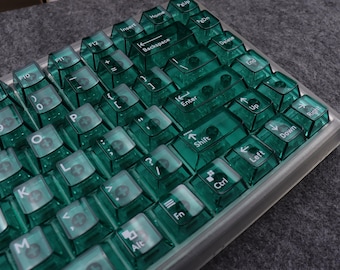
Dark green Clear Keycaps Transparent keycaps Backlit keycaps Cherry keycaps for mechanical keyboards
Sale Price $68.00
Original Price $85.00