

Bill & Late Fee Tracker: Excel File, Google Sheets, Auto-Pay Flags
Price:$10.99
Here's what's eligible:
- Your order doesn't match the item description or photos
- Your item arrived damaged
- Your item arrived after the estimated arrival window
- Your item didn't arrive or was lost in the mail
You can only make an offer when buying a single item
Highlights
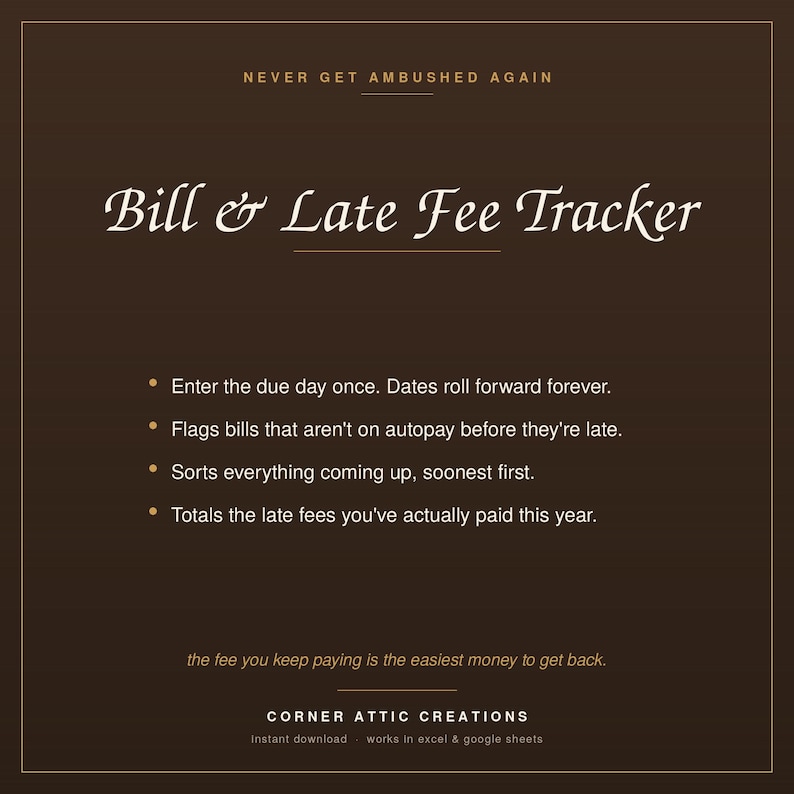
Late fees are the most avoidable money you will ever spend, and the easiest
money to never notice you're spending.
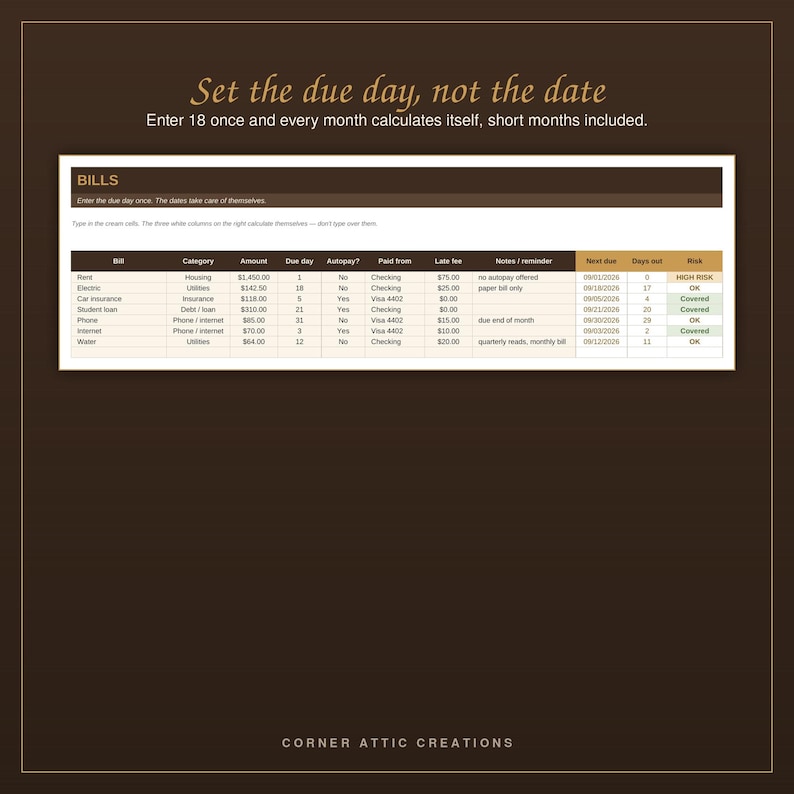
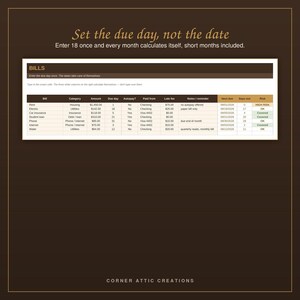
Enter each bill once, with the day of the month it's due. Not a full date,
just the day. The sheet calculates every future due date from there, forever,
and rolls back correctly for short months.
WHY IT'S DIFFERENT
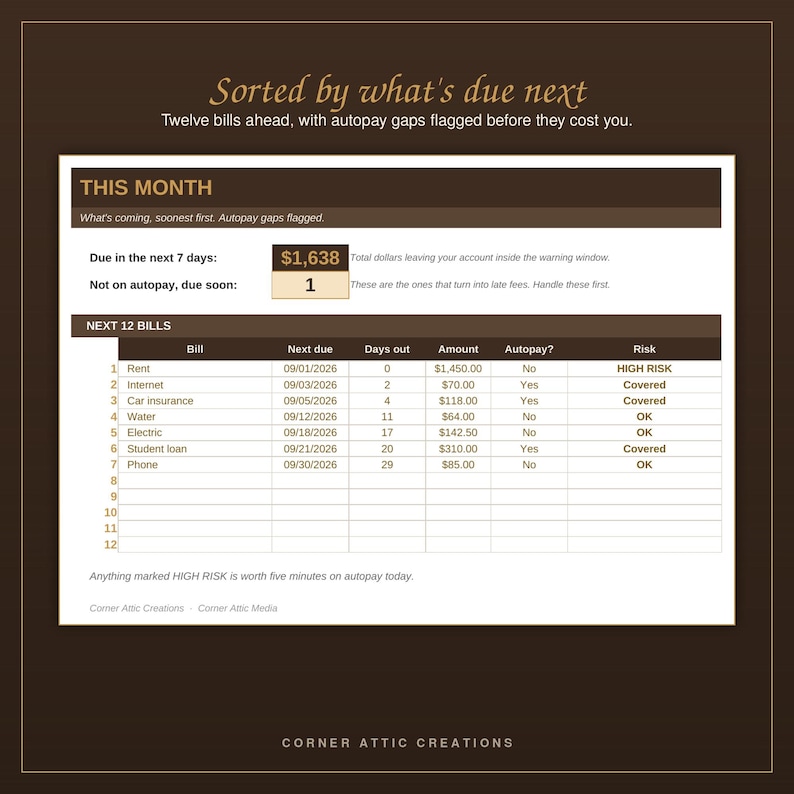
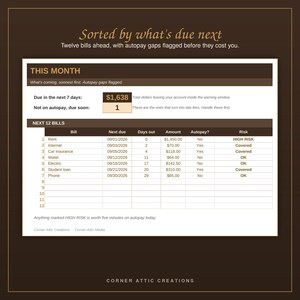
The column that matters most is autopay. Anything not on autopay, due soon,
with a late fee attached, gets flagged HIGH RISK. Those are the ones that
turn into charges. You handle those first and ignore the rest.
There's also a late fee log. Not to make you feel bad about it. One $35 fee
is annoying and forgettable. Seeing that you paid $280 across a year is the
thing that finally makes autopay happen.
WHAT'S INSIDE
Start Here - how it works, plus two settings you can adjust
Bills - 40 bills, each with an automatic next-due date and risk flag
This Month - your next 12 bills, soonest first, with autopay gaps flagged
Late Fee Log - what you paid and when, totaled for the year
This file never asks for a login, an account number, or a card number.
WHAT YOU GET
- 1 Excel file (.xlsx), ready to use the moment you open it
- 1 PDF guide: How to Use This in Google Sheets
- Opens in Microsoft Excel, or free in Google Sheets — no Excel required
- Instructions built into the first tab, plus one filled-in example row
- No subscription, no account, no add-ons. The file is yours.
USING IT IN GOOGLE SHEETS (free, no Excel needed)
You don't need Microsoft Excel to use this. Every formula in this file works
in Google Sheets, and converting it takes about a minute. These same steps are
included as a PDF with your download, so you'll have them on hand:
1. Download the .xlsx file from your Etsy purchases and save it somewhere you
can find it.
2. Go to drive.google.com and sign in with any free Google account.
3. Click New, then File upload, and pick the file you just downloaded.
4. When it finishes uploading, right-click it, choose Open with, then Google
Sheets.
5. That's it. It's now a Sheets file in your own Drive. It saves by itself and
works on your phone through the Google Sheets app.
A few things worth knowing. Converting makes a separate Sheets copy, so your
original Excel file stays exactly as it was. The dropdowns, the automatic
scoring, and the dashboards all carry over. Some colors and dropdown styling
can look slightly different in Sheets than in Excel, but nothing about the
calculations changes.
IMPORTANT
This is an instant digital download. Nothing ships. Your file is available
immediately after purchase.
Because it's a digital file, all sales are final. If anything doesn't work
the way it should, message me and I will fix it.
Personal use only. Please don't resell, redistribute, or repackage the file.
Corner Attic Creations is a veteran-owned shop. Thank you for supporting it.
Instant Download
Your files will be available to download once payment is confirmed. Here's how.
Instant download items don’t accept returns, exchanges or cancellations. Please contact the seller about any problems with your order.
Etsy Purchase Protection
Shop confidently on Etsy knowing if something goes wrong with an order, we've got your back for all eligible purchases —
see program terms

More from this shop
Visit shop-
Digital download
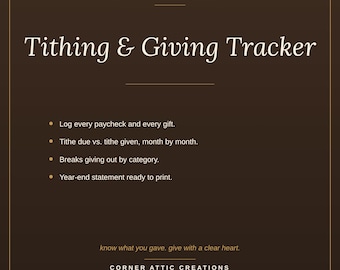
Giving Tracker Workbook: Excel File, Income Log, Tithe Due
$9.99
-
Digital download
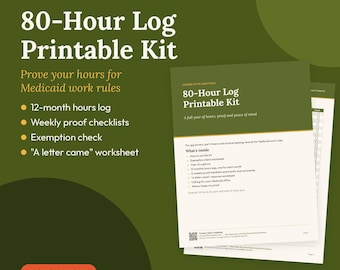
Medicaid Work Hours Log: 12-Month Printable Kit with Weekly Checklists (PDF)
$4.99
-

Digital download
Debt Payoff Planner Excel Spreadsheet, Debt Snowball & Avalanche Tracker, Mortgage Payoff Calculator, Debt Free Template
$14.99
-
Digital download
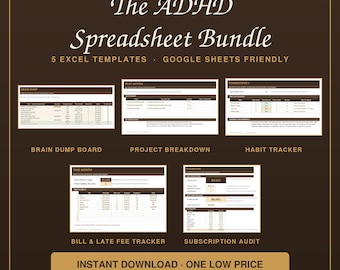
ADHD Excel Templates: Brain Dump, Project Breakdown, Habit Tracker, Bill & Fee, Subscription Audit (Google Sheets)
$39.00
Be the first to leave a review
-
Digital download
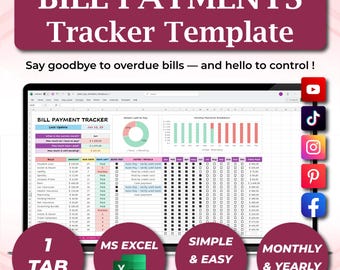
Bill Tracker Spreadsheet, Monthly Payment, Budget Calendar | Excel & Google Sheets Template, Subscription, Household Organizer
Sale Price $6.90
Original Price $11.51
-
Digital download
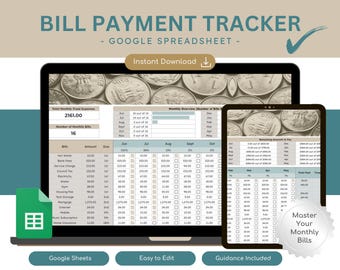
Bill Payment Tracker Google Sheets Template | Monthly Fixed Outgoings Organiser | 12-Month Tracker | Digital Download
Sale Price $6.06
Original Price $11.03
-
Digital download
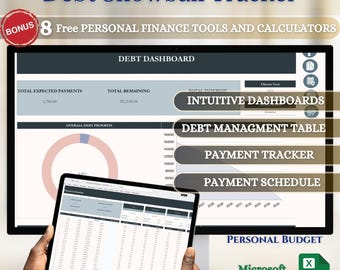
Debt Snowball Planner: Budget Tracker, Savings Goals, Financial Freedom (Microsoft Excel)
$11.99
-

Digital download
Debt Payoff Tracker App | AI-Powered Budget Planner & Savings Goal Tracker | Personal Finance Digital Download
$12.97
-
Digital download
2025 Budget Tracker *Income, Expenses, Debt, Savings, Investments*
$12.99
-
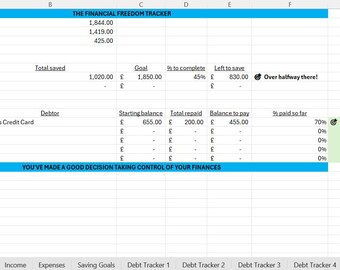
Digital download
UK Financial Freedom Tracker Spreadsheet | Savings & Debt Tracker Excel Template | Personal Budget Planner | Instant Download
$13.80
-
Digital download
Money *& Debt Tracker
$19.99
-

Digital download
DebtFlow 2-Item Payoff Bundle™ – Avalanche + Snowball Excel Calculators | Debt Tracker Spreadsheets | Financial Planner Tools
$14.99
-

Digital download
Smart Bill Tracker: Google Sheets Template for Tracking Recurring Bills
$10.00
-

Digital download
Savings & Debt Payoff Tracker Bundle: Excel Templates (Digital Download)
$12.64
-

Digital download
Debt Freedom Calculator Web-Based Debt Payoff App, Snowball & Avalanche Methods, Visual Charts with Motivational Loan Tracking
$15.00
-
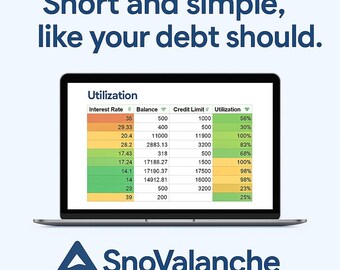
Digital download
Simplest Way to Increase Your Credit Score & Pay Off Debt | SnoValanche™ Spreadsheet | Credit Card Tracker | Instant Download
$19.99
Shoppers with similar taste loved these
-

Digital download
ADHD Meal System Printable, Editable Meal Planner Canva Template, Low Energy Dinner Ideas, Executive Function Food Checklist PDF PNG
Sale Price $5.09
Original Price $5.99
-

Digital download
Editable ADHD cleaning checklist, daily weekly cleaning schedule, home cleaning planner, adult chore chart, declutter challenge, Canva
Sale Price $9.67
Original Price $16.11
-

Digital download
Digital Budget Planner 2027 | Bi-Weekly Paycheck, Monthly Financial Planner, Finance Trackers | GoodNotes | iPad / Tablet
Sale Price $7.99
Original Price $26.65
-
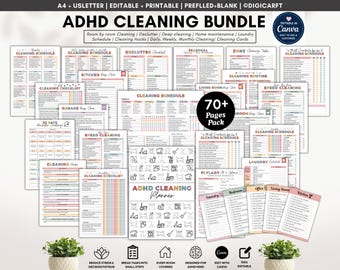
Digital download
ADHD cleaning planner bundle,adhd cleaning schedule editable canva,adhd Cleaning Checklist pdf,30 days Declutter,Family Chore Chart printabl
Sale Price $4.99
Original Price $12.47
-

Digital download
Editable Cleaning Planner: Checklist & Schedule (Digital Download PDF)
$3.30
-

Digital download
Digital Garden Journal • Garden & Yard Planning • Notebook for GoodNotes, Notability, etc.
$5.00
-

Digital download
2027 Digital Budget Planner | Biweekly, Paycheck, Monthly Budget | Financial Trackers for iPad GoodNotes
Sale Price $7.99
Original Price $26.65
-

Digital download
2026 + 2027 ADHD Digital Planner (Rainbow): Self-Care and Habit Tracker (Goodnotes/Android) (Digital Download)
Sale Price $16.02
Original Price $24.64
-

Digital download
2025 All-in-One Digital Planner: Rainbow Theme, Goodnotes & Notability
Sale Price $1.80
Original Price $3.60
-
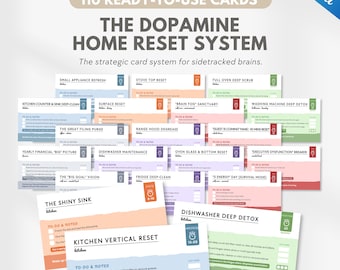
Digital download
ADHD Cleaning Deck, dopamine cleaning system for overwhelmed brains, Chore Cards, ADHD Focus Tools - Printable PDF & Canva Editable
Sale Price $9.67
Original Price $16.11
-

Digital download
Editable ADHD cleaning planner bundle - cleaning checklist, cleaning schedule, Fly Lady, cleaning card, chore chart, declutter (Canva & PDF)
Sale Price $9.67
Original Price $16.11
-
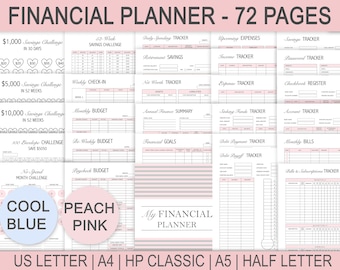
Digital download
Financial Planner Printable, Budget, Debt, Savings Trackers (PDF)
$12.00


