


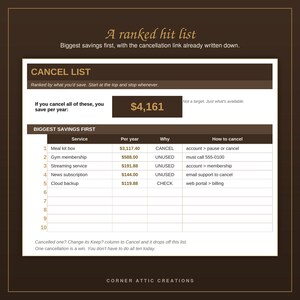
Subscription Audit Sheet: Monthly Yearly Cost Tracker (Digital Download)
Price:$10.99
Here's what's eligible:
- Your order doesn't match the item description or photos
- Your item arrived damaged
- Your item arrived after the estimated arrival window
- Your item didn't arrive or was lost in the mail
You can only make an offer when buying a single item
Highlights
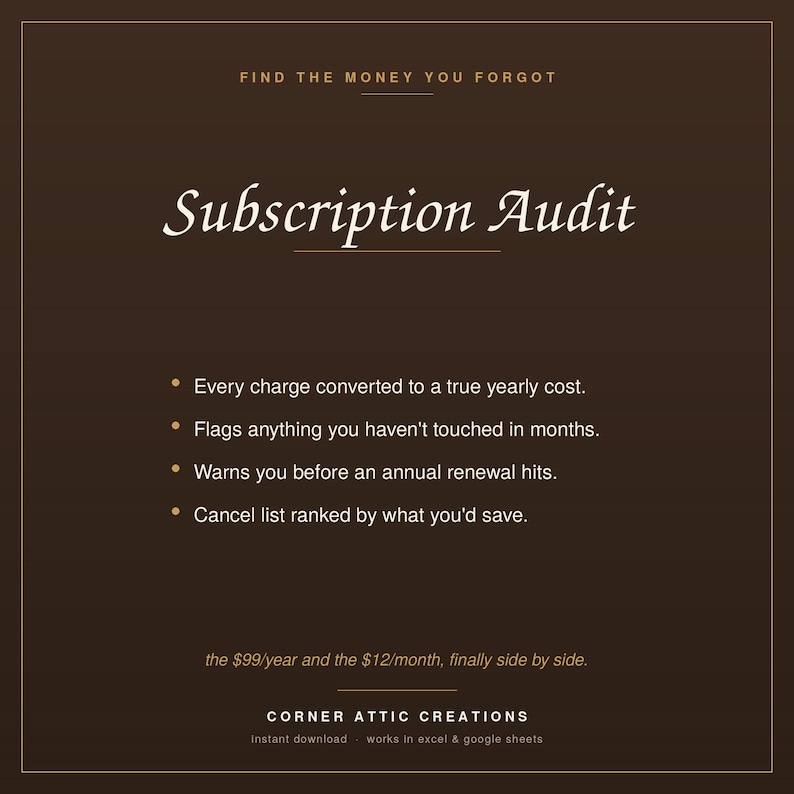
Autopay is convenient right up until you're paying for four things you
forgot you signed up for.
Put every recurring charge in one place and this sheet converts all of them
to a true monthly and yearly cost. A $99-per-year and a $12-per-month finally
sit side by side where you can actually compare them.
WHY IT'S DIFFERENT
Deciding to cancel something is not the hard part. Finding the cancellation
page, eight menus deep, six weeks later, is the hard part.
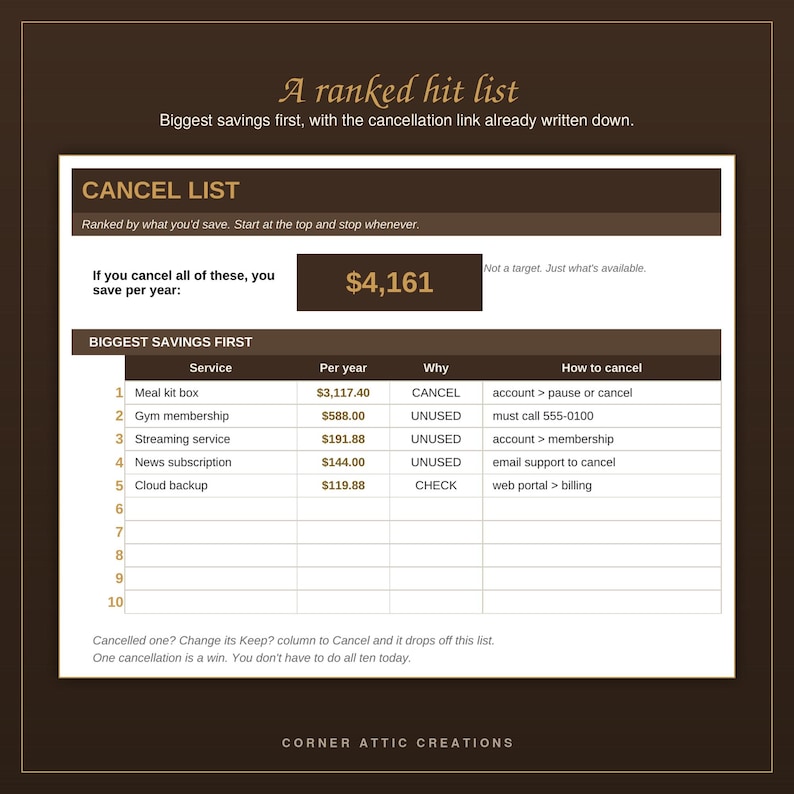
So there's a column for the cancellation link or phone number. Fill it in
while you're already looking at the account. The Cancel List then hands it
back to you, ranked by how much you'd save, biggest first.
WHAT'S INSIDE
Start Here - how it works, plus two settings you can adjust
Subscriptions - 60 rows, with automatic monthly and yearly cost per service
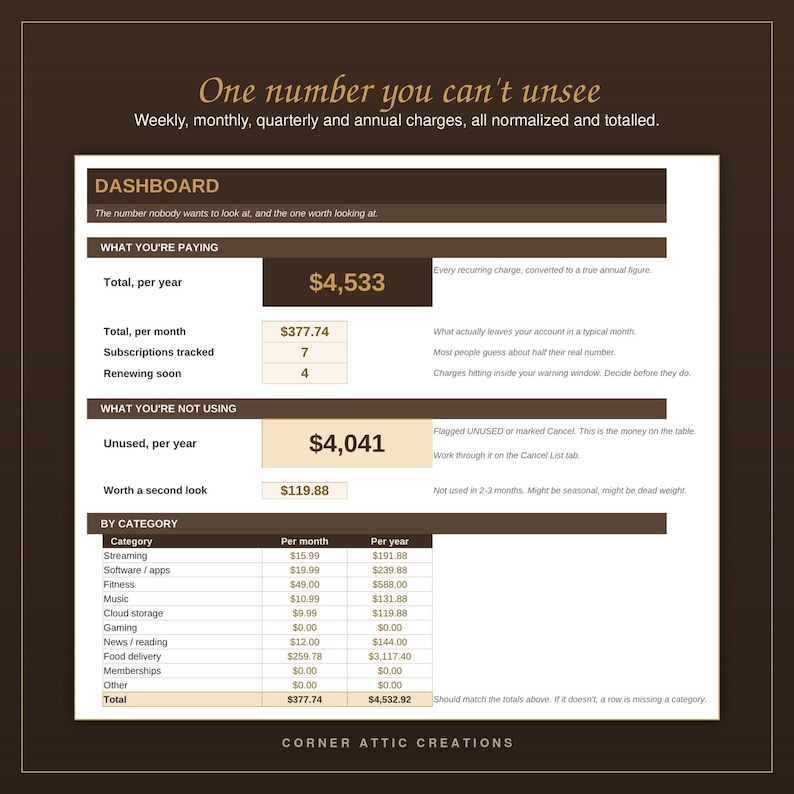
Dashboard - your total yearly spend, your unused yearly spend, and a full
breakdown by category
Cancel List - the top 10 ranked by savings, with your cancel link attached
It also flags anything renewing soon, so annual charges stop ambushing you.
This file never asks for a login, an account number, or a card number. It
lives on your computer and connects to nothing.
WHAT YOU GET
- 1 Excel file (.xlsx), ready to use the moment you open it
- 1 PDF guide: How to Use This in Google Sheets
- Opens in Microsoft Excel, or free in Google Sheets — no Excel required
- Instructions built into the first tab, plus one filled-in example row
- No subscription, no account, no add-ons. The file is yours.
USING IT IN GOOGLE SHEETS (free, no Excel needed)
You don't need Microsoft Excel to use this. Every formula in this file works
in Google Sheets, and converting it takes about a minute. These same steps are
included as a PDF with your download, so you'll have them on hand:
1. Download the .xlsx file from your Etsy purchases and save it somewhere you
can find it.
2. Go to drive.google.com and sign in with any free Google account.
3. Click New, then File upload, and pick the file you just downloaded.
4. When it finishes uploading, right-click it, choose Open with, then Google
Sheets.
5. That's it. It's now a Sheets file in your own Drive. It saves by itself and
works on your phone through the Google Sheets app.
A few things worth knowing. Converting makes a separate Sheets copy, so your
original Excel file stays exactly as it was. The dropdowns, the automatic
scoring, and the dashboards all carry over. Some colors and dropdown styling
can look slightly different in Sheets than in Excel, but nothing about the
calculations changes.
IMPORTANT
This is an instant digital download. Nothing ships. Your file is available
immediately after purchase.
Because it's a digital file, all sales are final. If anything doesn't work
the way it should, message me and I will fix it.
Personal use only. Please don't resell, redistribute, or repackage the file.
Corner Attic Creations is a veteran-owned shop. Thank you for supporting it.
Instant Download
Your files will be available to download once payment is confirmed. Here's how.
Instant download items don’t accept returns, exchanges or cancellations. Please contact the seller about any problems with your order.
Etsy Purchase Protection
Shop confidently on Etsy knowing if something goes wrong with an order, we've got your back for all eligible purchases —
see program terms

More from this shop
Visit shop-
Digital download
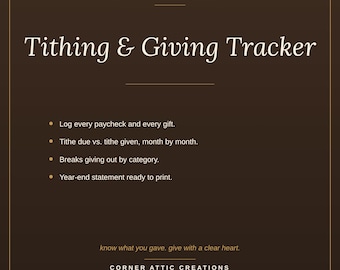
Giving Tracker Workbook: Excel File, Income Log, Tithe Due
$9.99
-
Digital download
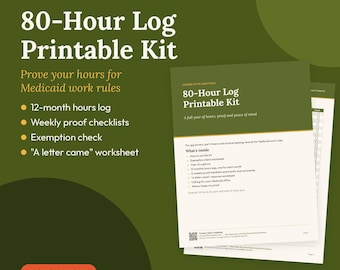
Medicaid Work Hours Log: 12-Month Printable Kit with Weekly Checklists (PDF)
$4.99
-

Digital download
Debt Payoff Planner Excel Spreadsheet, Debt Snowball & Avalanche Tracker, Mortgage Payoff Calculator, Debt Free Template
$14.99
-
Digital download
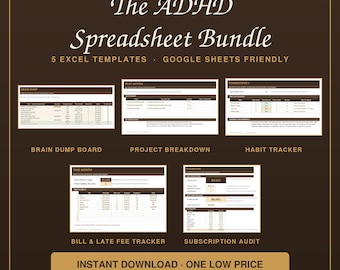
ADHD Excel Templates: Brain Dump, Project Breakdown, Habit Tracker, Bill & Fee, Subscription Audit (Google Sheets)
$39.00
Be the first to leave a review
-
Digital download
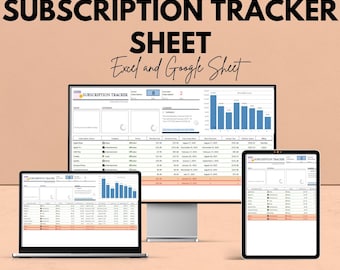
Subscription Tracker Sheet | Excel and Google Sheet | Subscription Management Template | Track Subscriptions & Costs | Budgeting Tool
Sale Price $5.75
Original Price $11.49
-

Digital download
Subscription Tracker Membership Tracker Easy Budgeting Subscription Track Subscription Excel Subscription Membership Tracker Subscription
$10.00
-

Digital download
Subscription Tracker Subscription List Subscription Excel Monthly Subscription Subscription Planner Monthly Membership Memberships
$10.00
-
Digital download
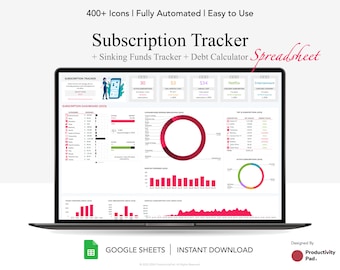
Subscription Tracker Google Sheet: Debt, Sinking Funds (Digital Download)
$11.19
-

Digital download
Subscription Tracker Excel Subscription Tracker Google Sheets Subscription Tracker Spreadsheet Simple Subscription Tracker Template Excel
$11.97
-

Digital download
Become a Budgeter today. Budgeting made simple. Assisting you, on your journey to financial freedom.
$14.08
-

Digital download
Comprehensive Subscription & Membership Tracker: Never pay for Unused Services Again!
$6.67
-
Digital download
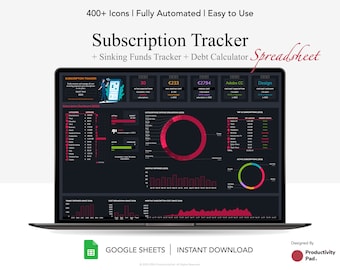
Subscription Tracker Google Sheet: Sinking Funds & Debt Calculator (Digital Download)
$11.19
-
Digital download
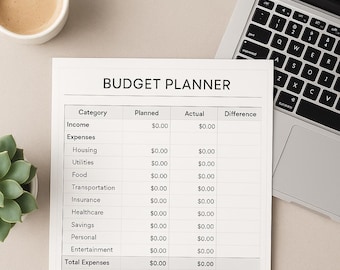
Budget Planner | Monthly & Yearly Money Tracker | Digital Download
$10.00
-

Digital download
Savvy Budget Planner
$15.95
-
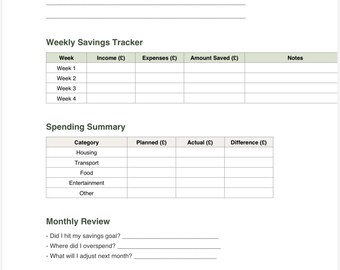
Digital download
Bright budget studio co financial growth planner a 12 months financial savings and success journal
$13.80
-
Digital download
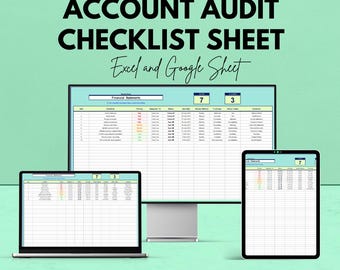
Account Audit Checklist Template | Excel and Google Sheet | Financial Audit Tracking Tool | Internal Control & Compliance
Sale Price $5.75
Original Price $11.49
Shoppers with similar taste loved these
-

Digital download
Bill Payments Calendar, Bills Tracker, Bill Calendar, Bills Tracker Monthly Planner, Personal Finance, Budgeting, Money Management PDF
$2.50
-
Digital download
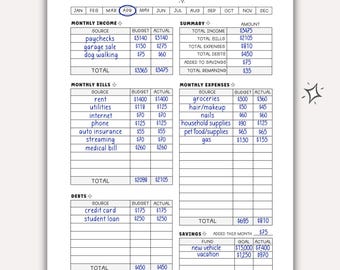
Printable Monthly Budget Planner Worksheet for Bullet Journal Monthly Budget Tracker Journal Page Printable Spending Tracker Monthly Budget
$2.29
-

Digital download
Bill Pay Organizer. Bill Payment Log. Monthly Bill Payment Checklist. Expense and Bill Tracker. Bill Payment Tracker. Editable CANVA. PDF
$1.77
-

Digital download
Monthly Bill Tracker. Bill Payment Checklist Tracker. Printable Bill Pay Organizer. Bill Payment Tracker. Bills Checklist. Instant Download
Sale Price $1.50
Original Price $3.00
-

Digital download
Monthly Bill Tracker Printable, Bill Payment Checklist, Bill Organizer, Finance Planner A4/A5/Letter/Half Size, Instant Download PDF
$1.69
-

Digital download
Monthly Bill Tracker, Monthly Bill Log, Bill Planner, Bill Payment Checklist, Utility Payment Tracker, Insert, Letter, A4, A5, Classic Happy
Sale Price $1.87
Original Price $3.75
-

Digital download
Home Management Binder | Printable Cleaning Schedule | Family Chore Charts | Weekly Budget | Home Maintenance PDF | Busy Mom Planner | Gray
Sale Price $11.70
Original Price $18.00
-

Digital download
Bill Tracker Printable, Monthly Bill Tracker Printable, Bill Payment Checklist, Bill Planner, Monthly Bill Log, Bill Pay Checklist
Sale Price $1.66
Original Price $4.13
-
Digital download
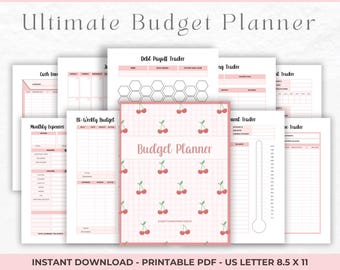
Printable Monthly Budget Planner: Bill Tracker, Savings & Debt (PDF Download)
Sale Price $1.75
Original Price $3.50
-

Cash Budget Wallet-Cash Envelope System Wallet-Budgeting Wallet Zipper Cash Budget wallet-Budgeting system-Cash Envelopes-Money Envelope
$40.00
-
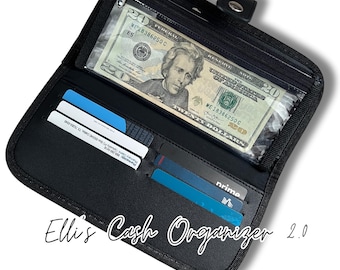
Elli 2.0| Cash Organizer, Cash Binder, Savings Organizer, Budget binder, Cash Envelopes, Budgeting Tools, Budget Binder with Cash Envelopes
$29.99
-

A6 Zippy Binder Bundle | A6 Wallet with Cash Envelopes and a Custom Paperclip
Sale Price $41.85
Original Price $46.50


