



No-Spend Challenge Tracker Spreadsheet — 30-Day Money Reset, Savings Redirect, Trigger Log & Weekly Check-Ins, Excel and Google Sheets
NowPrice:$11.98
Original Price: $17.11
30% off
Sale ends on October 31
Here's what's eligible:
- Your order doesn't match the item description or photos
- Your item arrived damaged
- Your item arrived after the estimated arrival window
- Your item didn't arrive or was lost in the mail
You can only make an offer when buying a single item
Highlights
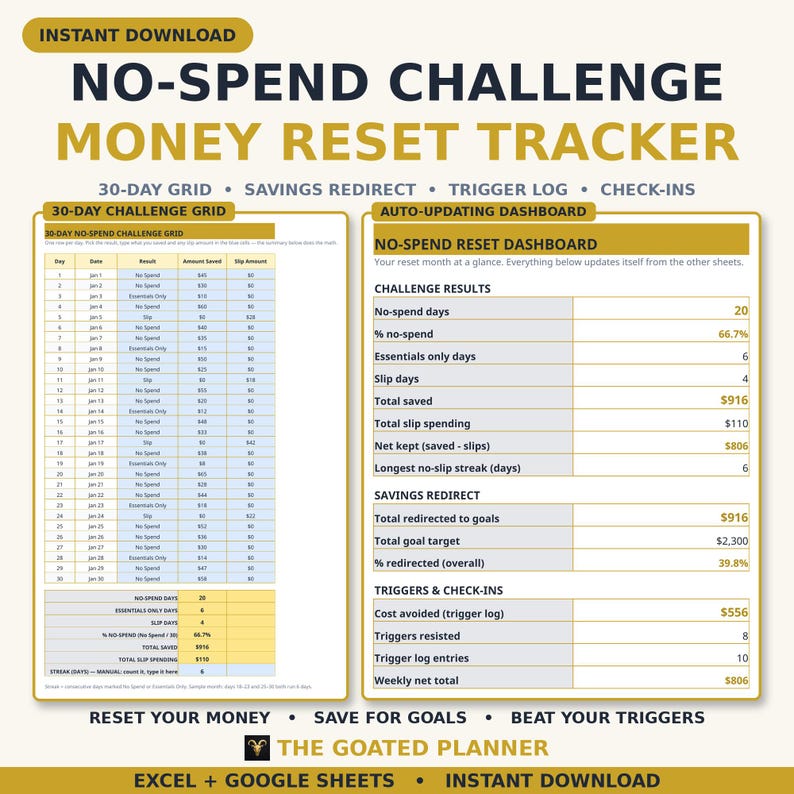
A no-spend month only works if you can see it working. The No-Spend Challenge & Money Reset Tracker turns January (or any month) into a real reset: a 30-day challenge grid, a home for every dollar you did not spend, a log of what actually tempts you, and a weekly check-in — so one month of small decisions becomes savings you can point to. No finance degree, no complicated app, no subscription.
• START HERE — a friendly 5-step setup guide that starts with the most important step: setting your own no-spend rules. What counts as essentials for you, your slip budget, and your exceptions — decided in writing before Day 1, so mid-month you cannot renegotiate
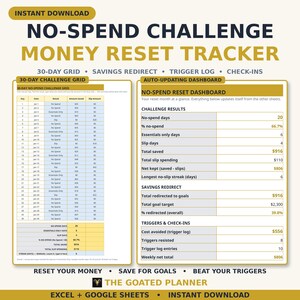
• CHALLENGE GRID — 30 days with date, a result dropdown (No Spend / Essentials Only / Slip), amount saved and slip amount. Summary rows count each result with COUNTIF, calculate % no-spend (No Spend ÷ 30), total saved and total slip spending automatically. Your longest no-slip streak is a clearly labeled manual cell — count consecutive No Spend or Essentials Only days and type it in
• SAVINGS REDIRECT — 6 goals (Emergency Fund, Vacation Fund, Debt Payoff Extra, Holiday Gifts, New Laptop, Self-Care Fund): target, redirected so far, remaining and % redirected all calculate themselves, with a TOTALS row. Money "saved" in your checking account disappears; redirected money has a job
• TRIGGER LOG — 10 sample entries with date, a trigger dropdown (Stress / Boredom / Sale / Ad / Habit / Other), what you wanted, cost avoided and a Bought? Yes/No dropdown. Total cost avoided, entry count and resisted count (COUNTIF Bought = No) update themselves — most people spot their pattern by Week 2
• WEEKLY CHECK-INS — 4 weeks: no-spend days, saved, slip spending and Net (saved − slip), with a TOTAL row. The sample weeks reconcile exactly with the sample Challenge Grid
• DASHBOARD — no-spend days and % no-spend pulled from the Challenge Grid summary, total saved, total slip spending, net kept, longest streak, total redirected and % toward goals, cost avoided, triggers resisted and weekly net — your whole reset on one screen, fully automatic
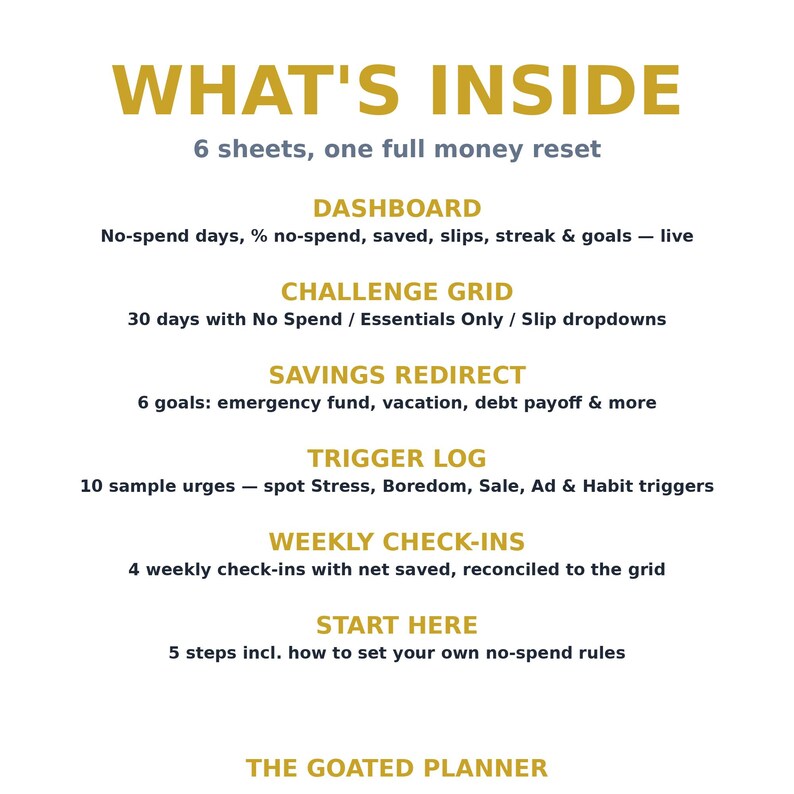
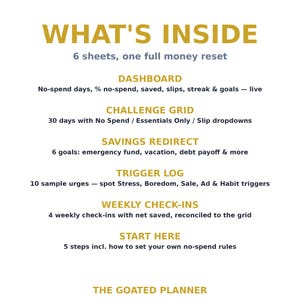
WHAT'S INSIDE (6 sheets):
• START HERE — 5-step setup guide, starting with setting your own no-spend rules
• DASHBOARD — challenge results, savings redirect and triggers at a glance
• CHALLENGE GRID — 30 days with result dropdowns and a live summary
• SAVINGS REDIRECT — 6 goals with target, redirected, remaining & % redirected
• TRIGGER LOG — 10 sample urges with trigger dropdowns and cost avoided
• WEEKLY CHECK-INS — 4 weekly check-ins with automatic net
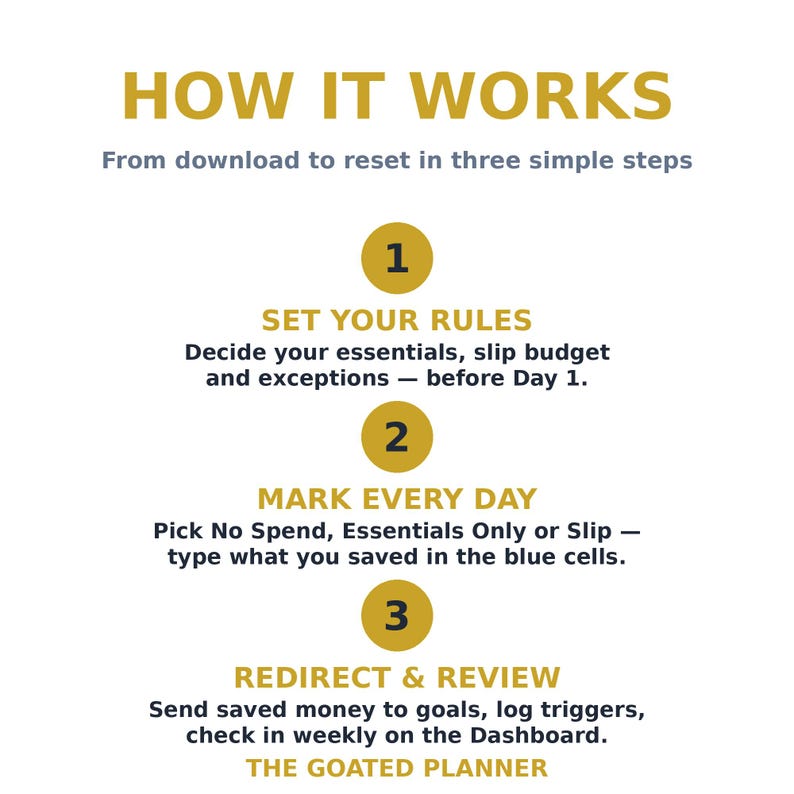
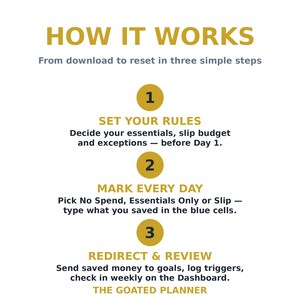
HOW IT WORKS: Download instantly → set your rules → mark each day in the blue cells → redirect what you saved → everything calculates automatically. No spreadsheet skills needed — if you can type, you can reset your money.
WHAT YOU GET: 1 Excel file (.xlsx, 6 sheets) plus a ZIP containing the same file, works in Microsoft Excel and Google Sheets. Instant download.
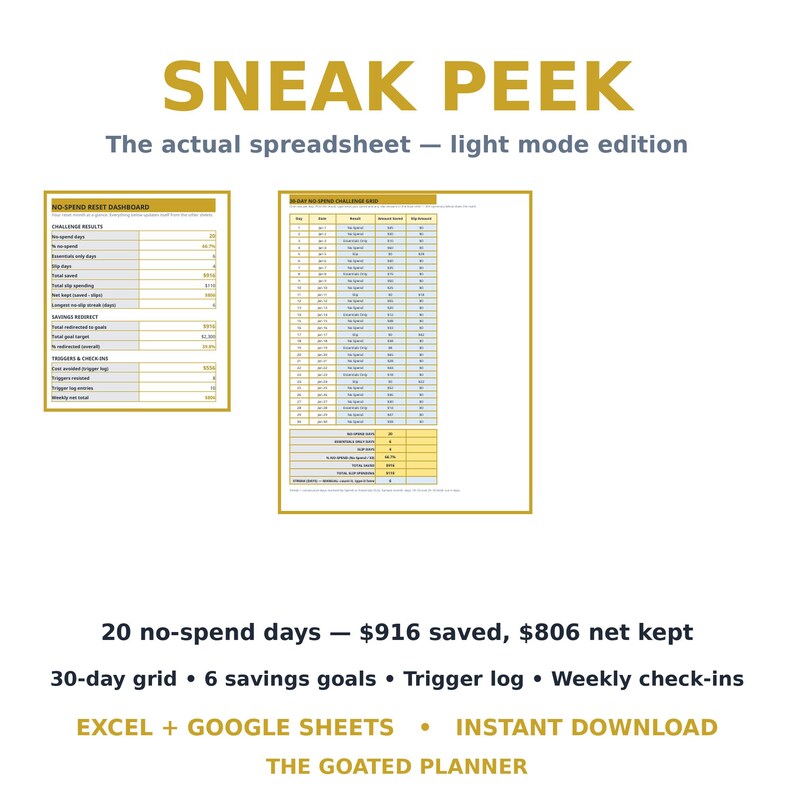
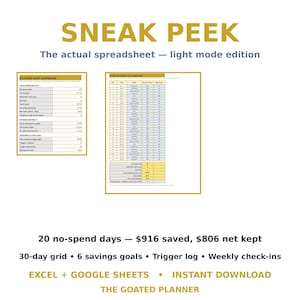
PLEASE NOTE: Digital download; no physical item ships. The file comes prefilled with a realistic sample month (20 no-spend days, 66.7% no-spend, $916 saved, $110 in slips, $806 net kept, a 6-day longest streak, $556 in trigger costs avoided with 8 of 10 urges resisted) so you can see every formula working — just type over it with your own month.
FREQUENTLY ASKED QUESTIONS:
Q: I opened the spreadsheet in Google Sheets and it says "view only" — how do I edit it?
A: That happens with Google Sheets from time to time. Open the file, then in the top menu choose File → Make a copy. The copy belongs to you and is fully editable. If it still won't open, try a computer or laptop instead of a phone, a different browser, make sure you're signed in to Google Sheets, and check that your Google Drive has space. Still stuck? Message me on Etsy and I'll help you sort it out.
Q: I can't download my purchase on my phone — what am I doing wrong?
A: Nothing — the Etsy app doesn't support downloading files. Open your browser (log out of the Etsy app first if it keeps redirecting you), sign in to Etsy, and download from your Purchases page on a mobile browser, or use a laptop or desktop. Once the file is saved you can open it on your phone any time.
Q: What exactly is a spreadsheet template?
A: It's a ready-made spreadsheet with all the formatting and formulas already built in. Download it, type in the blue cells, and everything else calculates itself. Colors, headings and layout can be customized if you like, but you never need to touch a formula.
Q: Can I return or exchange my purchase?
A: Because this is a digital download, returns and exchanges aren't possible once the file has been downloaded — you'll always keep access to it in your Etsy account. If you bought it by accident and haven't downloaded it yet, send me a message and I'll take care of it.
Q: Is it available in other languages?
A: Right now the tracker is in English only.
*This digital product has been created with the assistance of AI Tools, then refined by me, the seller*
Instant Download
Your files will be available to download once payment is confirmed. Here's how.
Instant download items don’t accept returns, exchanges or cancellations. Please contact the seller about any problems with your order.
Etsy Purchase Protection
Shop confidently on Etsy knowing if something goes wrong with an order, we've got your back for all eligible purchases —
see program terms


More from this shop
Visit shop-
Digital download
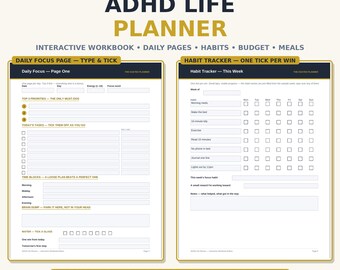
ADHD Life Planner Interactive Workbook, Fillable PDF Planner, Daily Planner, Habit Tracker, Budget, Meal Plan, Type Right in the PDF
Sale Price $24.48
Original Price $34.97
-
Digital download
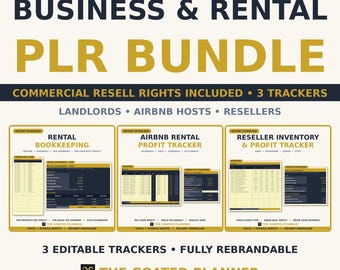
PLR Business Tracker Bundle, Rental Property Bookkeeping, Airbnb Income and Reseller Profit Trackers, Commercial Resell Rights Excel
Sale Price $69.98
Original Price $99.97
-

Digital download
Family Emergency Binder Printable — ICE Contacts, Document Locator, Go Bag Checklist & Home Inventory, PDF Download
Sale Price $17.98
Original Price $25.69
-
Digital download
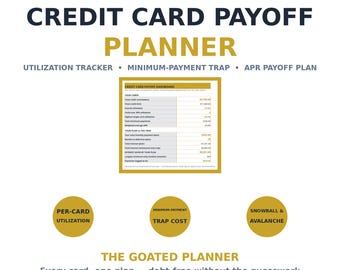
Credit Card Payoff Planner Spreadsheet — Utilization Tracker, Minimum Payment Trap & APR Payoff Plan, Excel Google Sheets
Sale Price $15.98
Original Price $22.83