

2027 Net Worth Tracker Spreadsheet, Assets and Debts by Month
Price:$6.49
Here's what's eligible:
- Your order doesn't match the item description or photos
- Your item arrived damaged
- Your item arrived after the estimated arrival window
- Your item didn't arrive or was lost in the mail
You can only make an offer when buying a single item
Highlights
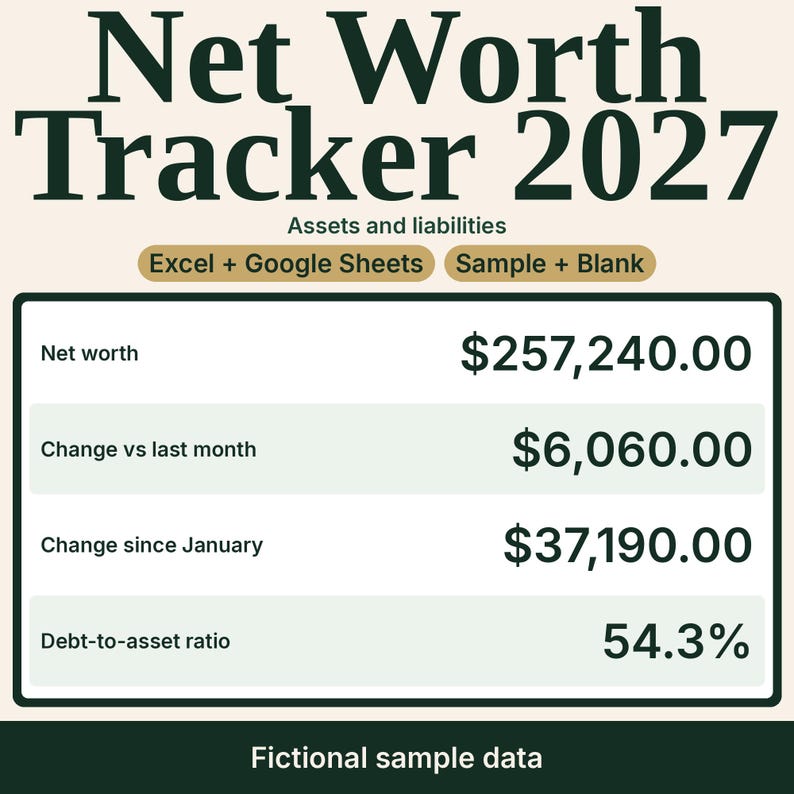
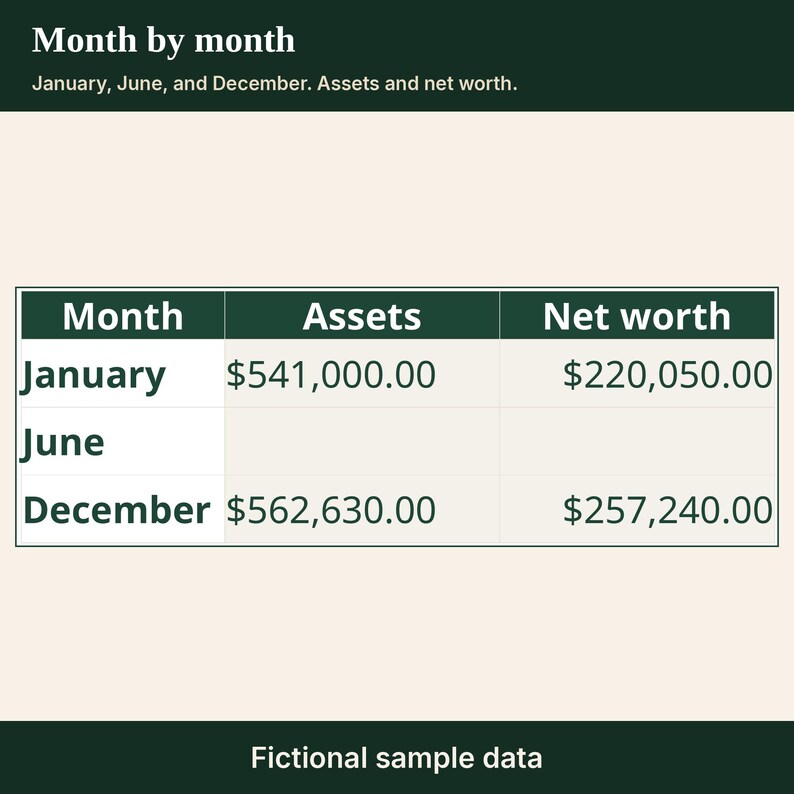
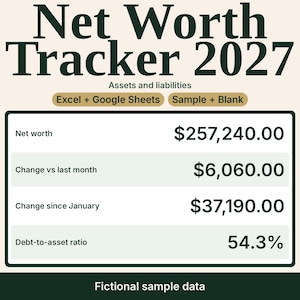
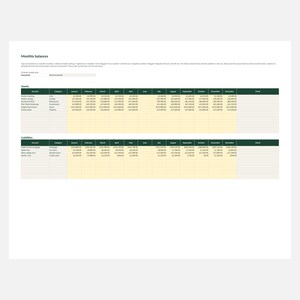
A 2027 net worth tracker for a household. List asset accounts and liability accounts, then type each balance once a month from January through December. The dashboard shows net worth, the change vs last month, the year-to-date change since January, the asset and debt mix, and the debt-to-asset ratio.
WHAT YOU GET
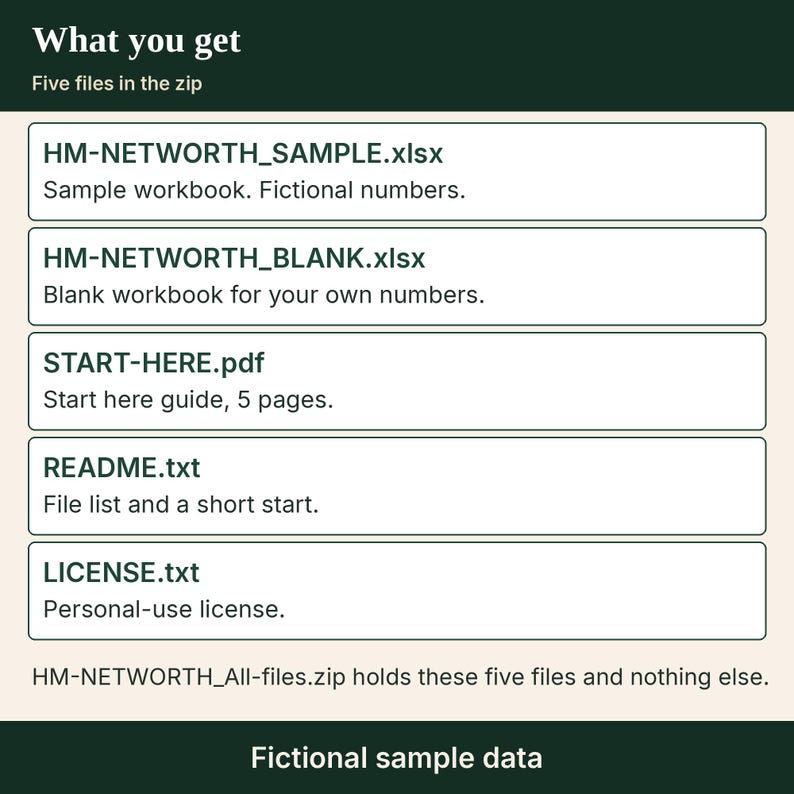
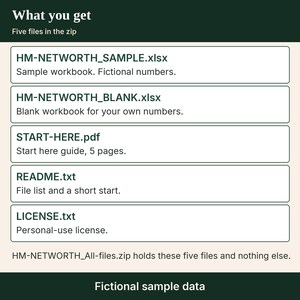
- HM-NETWORTH_SAMPLE.xlsx. One .xlsx workbook with fictional sample numbers.
- HM-NETWORTH_BLANK.xlsx. One .xlsx workbook. The household name, account names, categories, and balances are empty. The category lists stay filled in.
- START-HERE.pdf. This guide is 5 pages. It includes the steps to open the workbook in Excel and the steps to open it in Google Sheets.
- README.txt. One plain-text file list and a short start.
- LICENSE.txt. One plain-text personal-use license.
- HM-NETWORTH_All-files.zip. The zip holds the five files above and no other files.
The five files are one sample workbook, one blank workbook, one 5-page PDF, one readme, and one license.
INSIDE THE WORKBOOK
- Five sheets: START HERE, Accounts setup, Monthly balances, Dashboard, and Chart data.
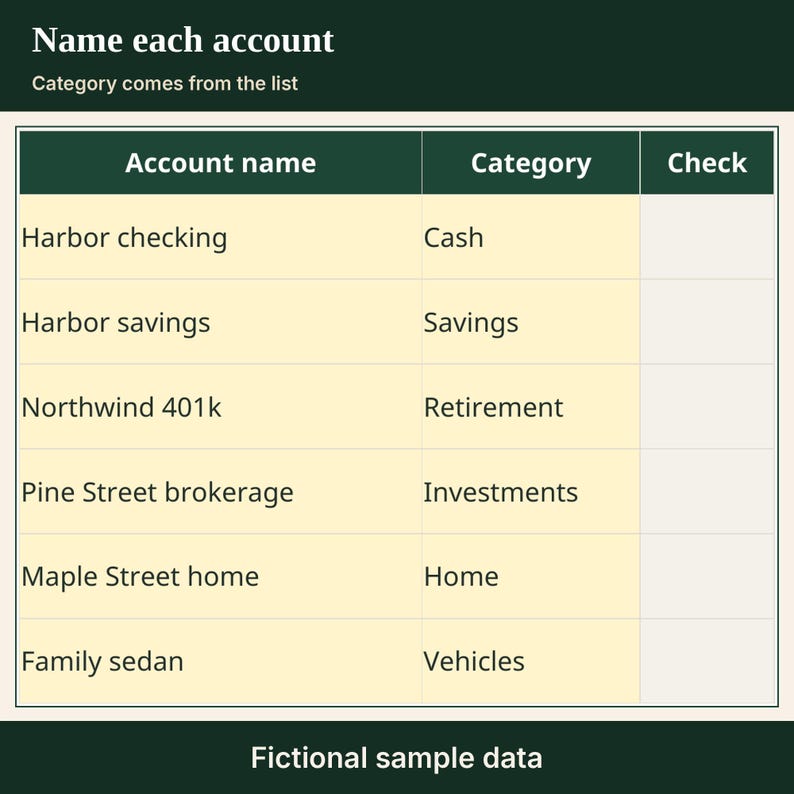
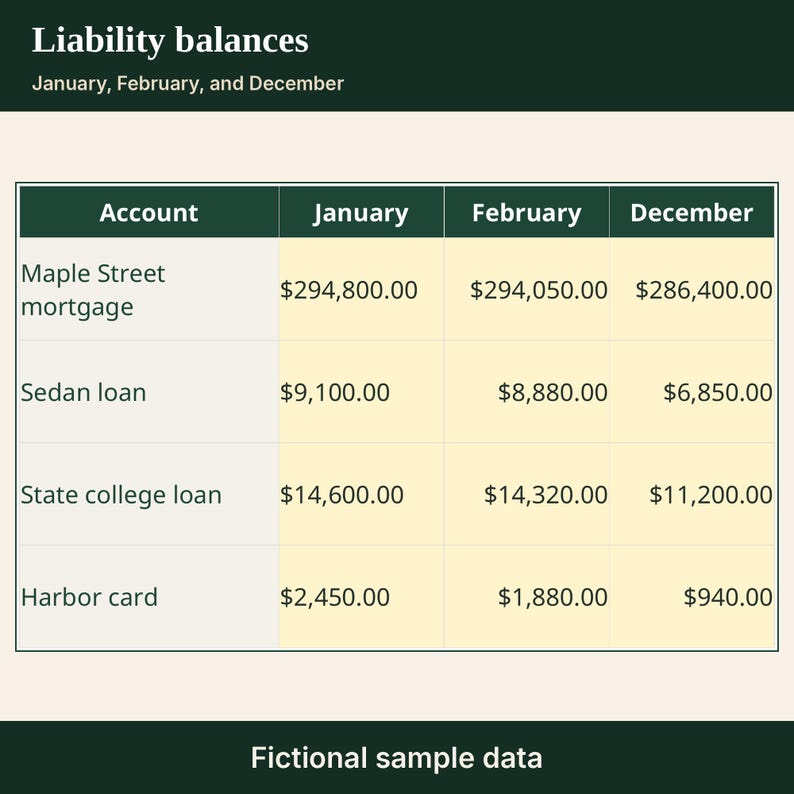
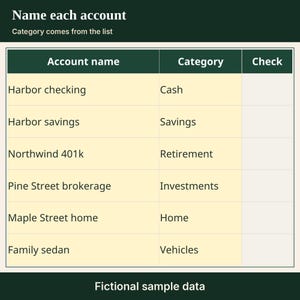
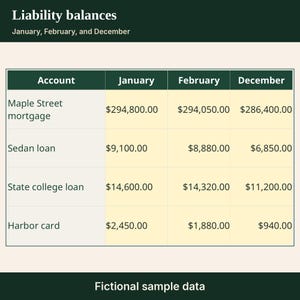
- Accounts setup: household name, the year 2027, up to 12 asset accounts, and up to 10 liability accounts. Asset categories are Cash, Savings, Retirement, Investments, Home, Vehicles, and Other. Liability categories are Mortgage, Car loans, Student loans, Credit cards, and Other. A 13th asset name and an 11th liability name are flagged and left out.
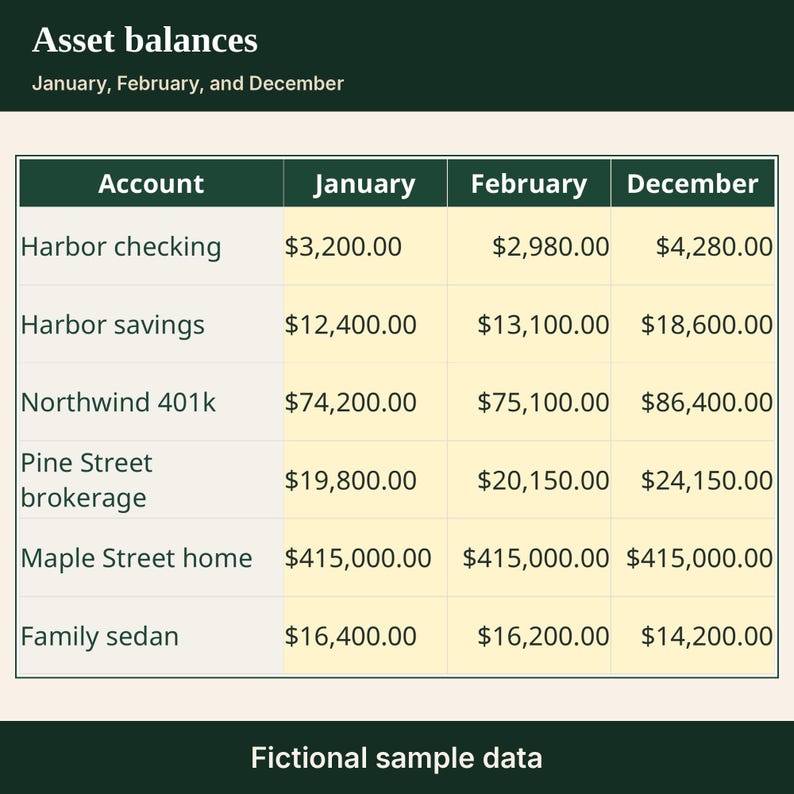
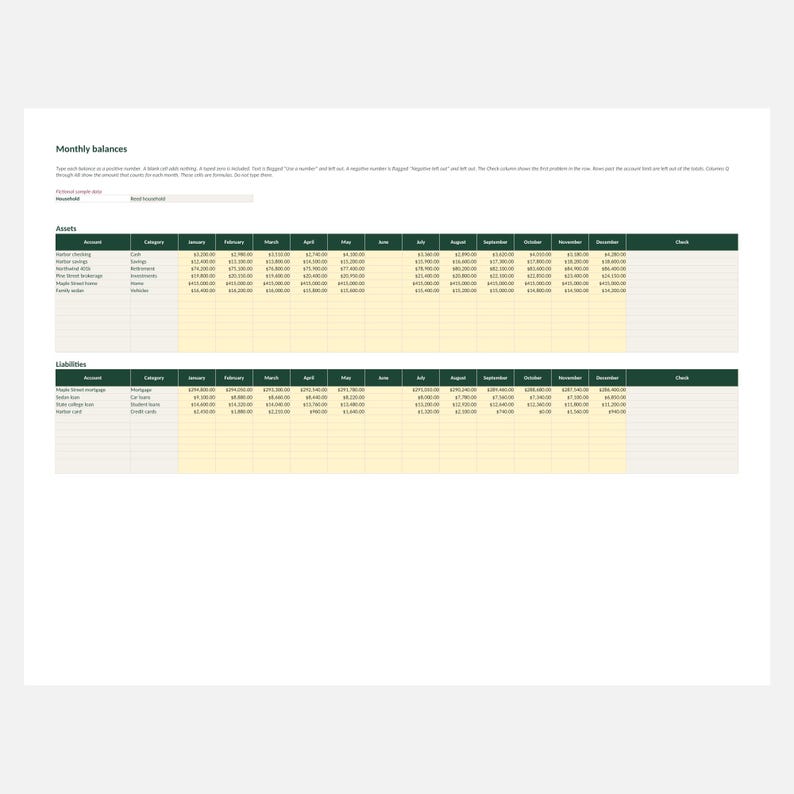
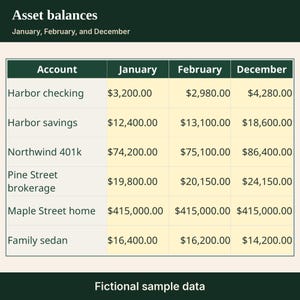
- Monthly balances: one column for each month of 2027. Type the balance as a positive number.
- A blank cell adds nothing. A typed zero is included. Text is flagged and left out. A negative number is flagged and left out. An account with no name, a blank category, or a category that is not on the list is left out. The Check column shows the first problem in the row.
- A month with no included balance stays blank. It is not turned into zero. If one side of the month has a number, the empty side counts as zero in that month's net worth only.
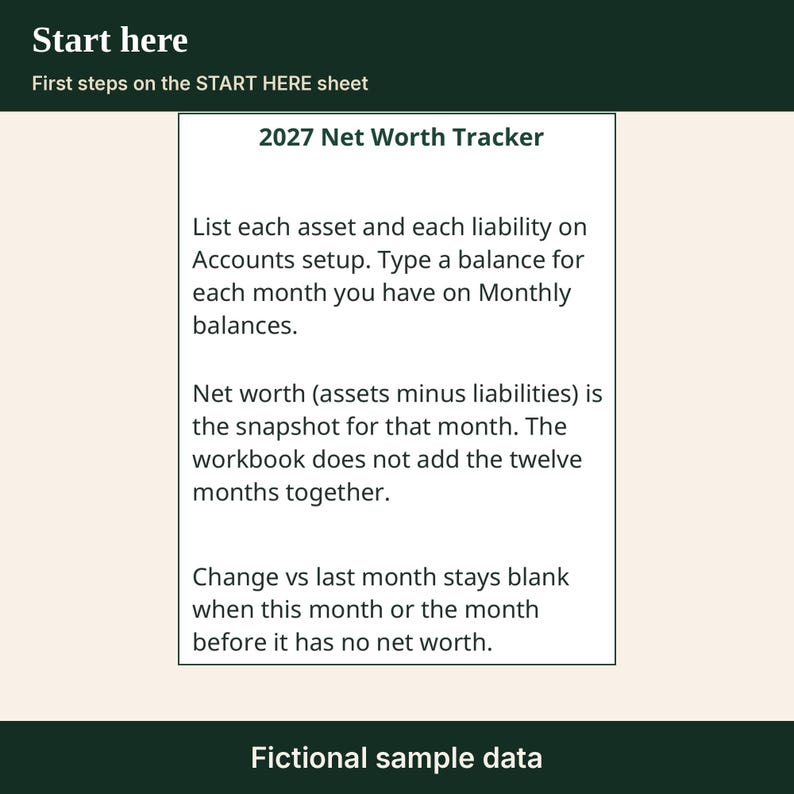
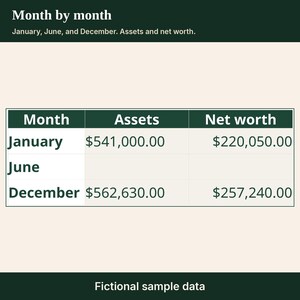
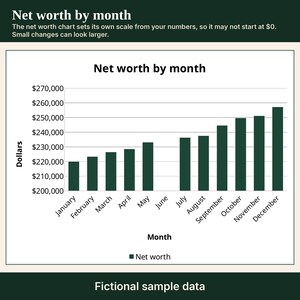
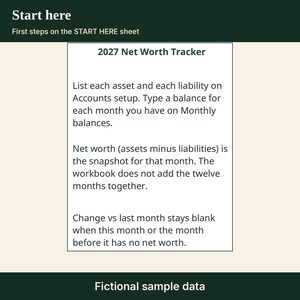
- Net worth (assets minus liabilities) is the snapshot for that month. The workbook does not add the twelve months together.
- Change vs last month is this month's net worth minus the month before it. It stays blank when this month or the month before it has no net worth. January has no earlier month in this file, so January's change stays blank.
- Year-to-date change since January is this month's net worth minus January. It stays blank when either month has no net worth. In January it is zero when January has a net worth.
- Debt-to-asset ratio (liabilities divided by assets) stays blank when assets are blank or zero, or when liabilities are blank. It does not divide by zero.
- Asset share of assets plus liabilities, and debt share of assets plus liabilities, use the same month. They stay blank when both sides are blank or the two sides add up to zero.
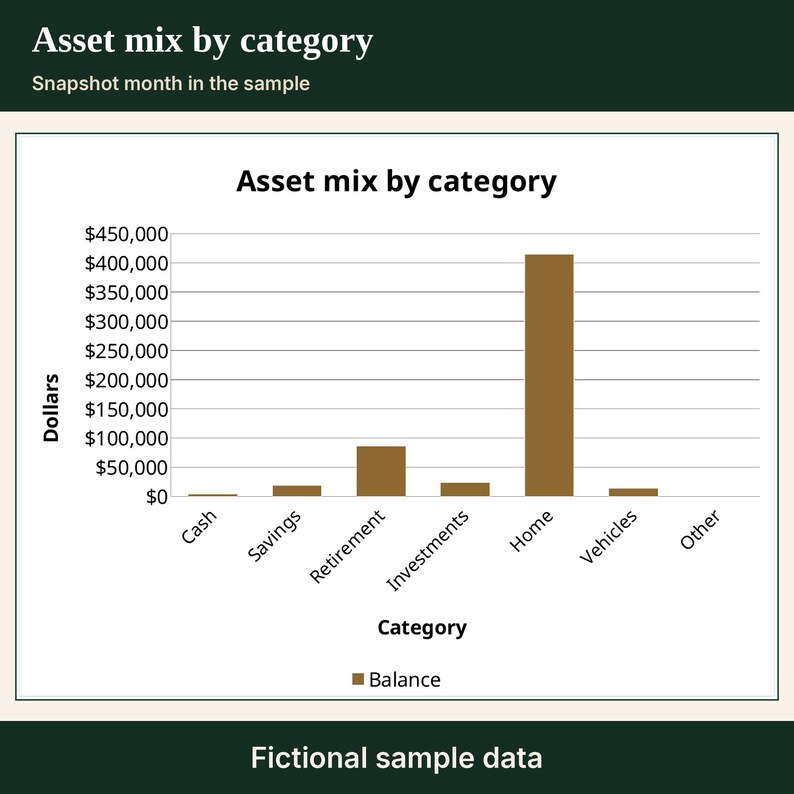
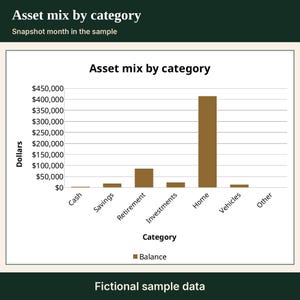
- Dashboard: the latest month that has a net worth, plus a row for every month and an asset mix by category for that latest month.
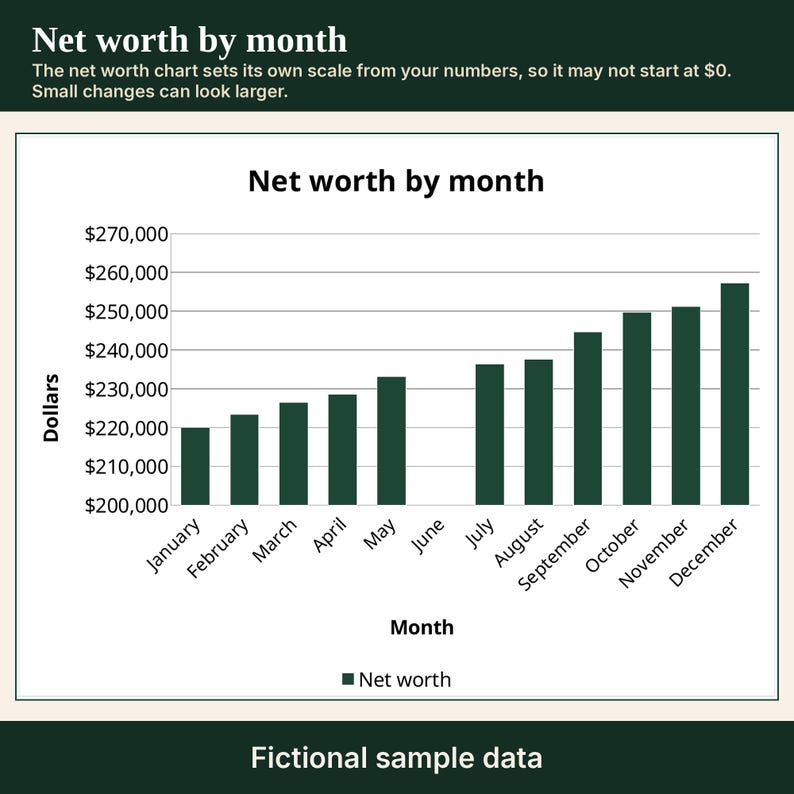
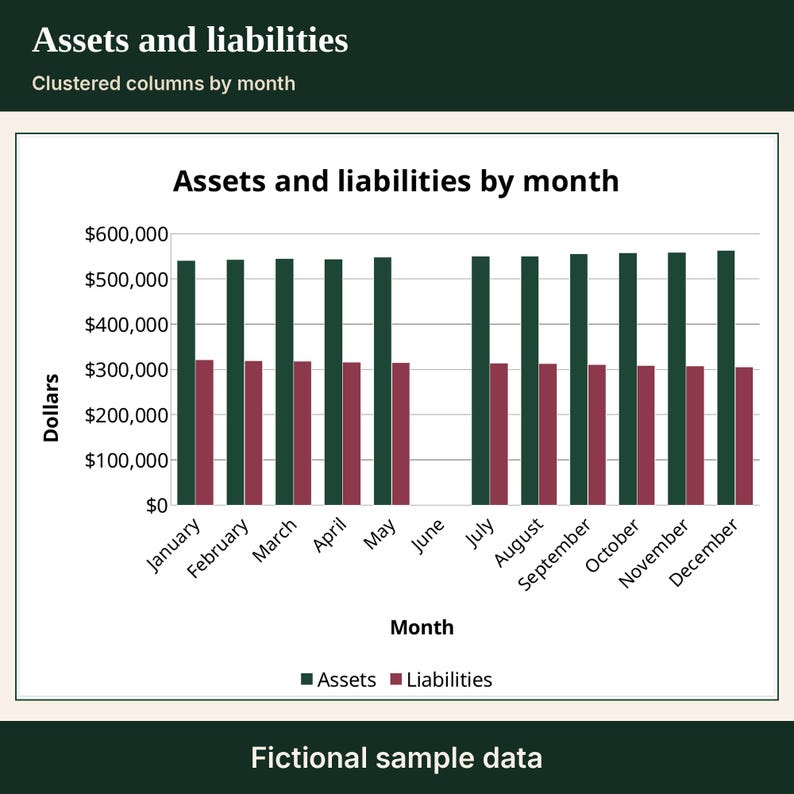
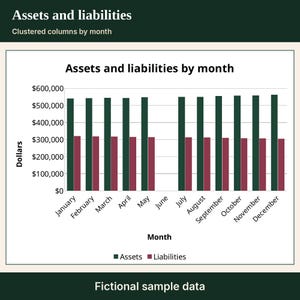
- Net worth by month is a clustered column chart. Assets and liabilities by month is a clustered column chart, and asset mix by category is a column chart. A blank month has no column. The charts read the Chart data sheet, which stays visible. The net worth chart sets its own scale from your numbers, so it may not start at $0. Small changes can look larger.
- Yellow cells are the ones you type in. Gray cells are formulas. Sheet protection is formula cells locked (no password). Excel blocks an edit to a gray cell until you use Review, then Unprotect Sheet. That is not a warning you can click through.
- Google Sheets does not keep that lock. Once the file is a Google Sheet, add a warning yourself, per sheet: Data, Protect sheets and ranges, Add a sheet or range, Sheet, Except certain cells (the yellow cells), Set permissions, Show a warning.
- Amounts assume US settings: currency with a dollar sign.
- The sample is fictional. Use the blank copy for your own numbers.
HOW IT WORKS
1. Download and unzip HM-NETWORTH_All-files.zip.
2. Excel: open HM-NETWORTH_BLANK.xlsx. If a bar says Protected View, choose Enable Editing. Type in the yellow cells.
3. Google Sheets on a computer: drive.google.com, New, File upload. Open the file. If Drive opened it as a Google Sheet, you are set. If it opens as an .xlsx in Office-compatibility mode, choose File, then Save as Google Sheets.
4. On Accounts setup, type a household name if you want one, then name each account and pick a category. On Monthly balances, type the balance for each month you have. Read Dashboard.
GOOD TO KNOW
- No macros.
- Made for Excel and Google Sheets. Apple Numbers has not been tested.
- Original spreadsheet. No clip art and no stock images.
- This is a digital download. Nothing will be shipped.
- Figures are the numbers you type. This is not financial advice.
- The debt-to-asset ratio is liabilities divided by assets on the numbers you type. It is not a credit score and it is not a payoff plan.
NEED HELP
Having trouble opening a file? Message the shop through Etsy and we will help.
LICENSE
For your own personal use. Please do not resell, share, or redistribute the files.
Do not use them to train AI models.
Created with AI tools.
Instant Download
Your files will be available to download once payment is confirmed. Here's how.
Instant download items don’t accept returns, exchanges or cancellations. Please contact the seller about any problems with your order.
Etsy Purchase Protection
Shop confidently on Etsy knowing if something goes wrong with an order, we've got your back for all eligible purchases —
see program terms

More from this shop
Visit shop-
Digital download
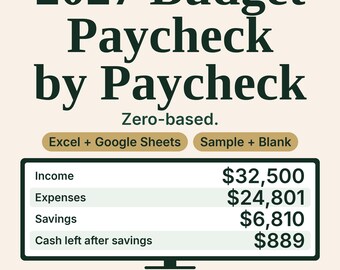
2027 Monthly Budget Spreadsheet, Paycheck by Paycheck, Zero-Based
$6.99
-
Digital download
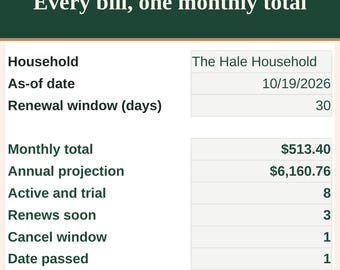
Subscription and Recurring Bills Tracker Spreadsheet with Renewal Dates
$5.99
-
Digital download
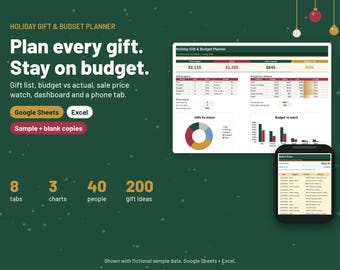
Christmas Gift Planner Spreadsheet, Holiday Budget Tracker
$7.50
-
Digital download
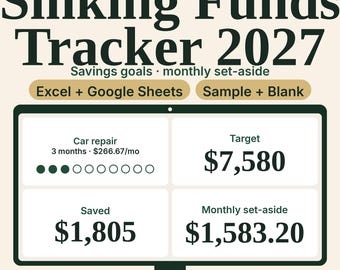
2027 Sinking Funds and Savings Goals Tracker with Progress Chart
$5.99
Be the first to leave a review
-
Digital download
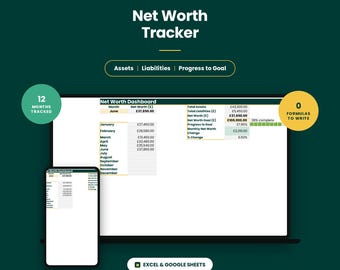
Net Worth Tracker Spreadsheet, Google Sheets and Excel — Assets, Debts and Monthly Growth
$7.04
-

Digital download
Net Worth Tracker: Debt & Asset Budget Template (Excel, Instant Download)
$6.00
-

Digital download
Grey Simple Net Worth Tracker Financial Spreadsheet on Google Sheets
Sale Price $3.40
Original Price $5.24
-

Digital download
Debt Freedom Mastery – Pro | Advanced Debt Tracker Spreadsheet | Monthly Payoff Breakdown | Budget Planner | Excel & Google Sheets Template
$9.99
-

Digital download
DebtFlow Avalanche Payoff System™ – Excel Debt Tracker + Auto Ranking Calculator | Debt Reduction Spreadsheet | Debt Payoff Planner
$7.99
-
Digital download
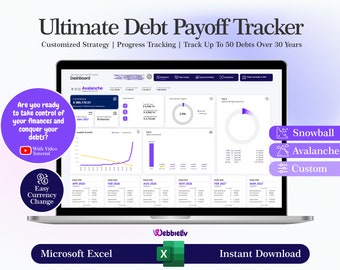
Debt Payoff Tracker: Snowball, Avalanche, Custom (Excel Template)
$9.91
-

Digital download
Net Worth Calculator Spreadsheet | Monthly Finance Tracker | Google Sheets Template | Assets | Liabilities | Personal Finance
$9.99
-

Digital download
Net Worth Tracker | Track Assets and Liabilities with Financial Progress Over Time (Excel)
$8.99
-

Digital download
Ultimate net worth tracker | Google sheets template
$6.74
-

Digital download
Net Worth Tracker Google Sheets | Digital Finance, Asset Calculator, Budgeting Template, Financial Excel Sheet
$8.02
-
Digital download
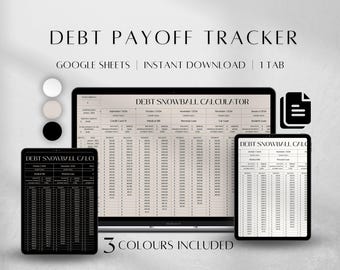
Debt Payoff Tracker Spreadsheet , Debt Snowball Calculator 2027 planner
Sale Price $2.83
Original Price $9.42
-
Digital download
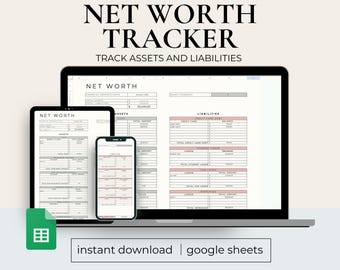
Net Worth Tracker, Google Sheets, Net Wealth Calculator, Assets and Liabilities, Financial Planner, Budgeting Spreadsheet
$5.00
Shoppers with similar taste loved these
-
Digital download
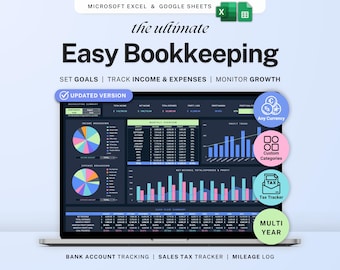
Small business bookkeeping Google Sheets Dark Mode Income Expense Tracker Freelancer Tax Planner Profit Loss Spreadsheet 1099 Mileage Log
Sale Price $6.99
Original Price $13.98
-

Digital download
Small Business Bookkeeping Spreadsheet: Income & Expense Template for Google Sheets (Digital Download)
Sale Price $14.40
Original Price $24.00
-

Digital download
Ultimate Financial Planner Budget Spreadsheet Bundle Habit Task & Goal Tracker Productivity Planner Debt Tracker Dark Mode Digital Template
Sale Price $21.98
Original Price $36.64
-
Digital download
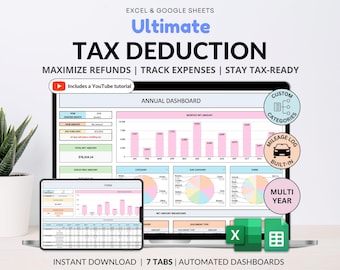
Tax Deduction Tracker Google Sheets Small Business Tax Prep Self-Employed Tax Tracker Spreadsheet Excel Tax Planner Tax Checklist 1099 Form
Sale Price $8.99
Original Price $17.98
-

Digital download
Professional Planner Bundle Project Management Excel Template Task Tracker Google Sheets Work OneNote Planner Weekly Planner Budget Tracker
Sale Price $16.86
Original Price $33.72
-
Digital download
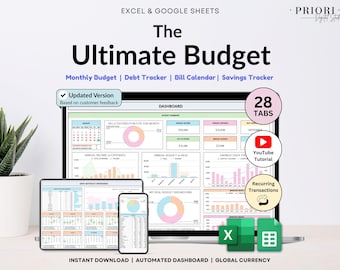
Ultimate Annual Budget Spreadsheet Monthly Budget Tracker Couple Financial Planner Bill Tracker Debt Tracker Savings Excel Google Sheets
Sale Price $10.49
Original Price $20.98
-
Digital download
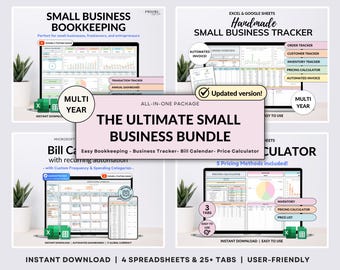
Small Business Bundle Bookkeeping Inventory Tracker Order Tracker Product Handmade Pricing Calculator Smart Bill Calendar Google Sheet Excel
Sale Price $14.99
Original Price $29.97
-
Digital download
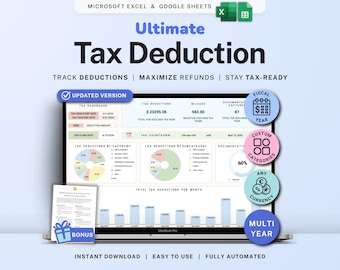
Tax Deduction Tracker Google Sheets Self-Employed Tax Spreadsheet Small Business Freelancer Tax Prep Template Itemized Expense Tracker 1099
Sale Price $8.99
Original Price $17.98
-

Digital download
500+ Notion Templates Bundle PLR & Master Resell Rights MRR - Editable Planners (Digital Download)
$5.30
-

Digital download
190 Notion PLR Templates & Planners Bundle | PLR Products, Plr Mrr, Master Resell Rights, Passive Income, Lead Magnet, Notion Template
Sale Price $2.51
Original Price $5.57
-

Digital download
500+ Notion Templates Bundle | PLR, MRR | Editable Digital Planners, Journals & Business Tools
$4.99
-

Digital download
500+ Editable Excel Spreadsheet Templates Bundle – MRR & PLR Resell Rights Included
$5.23


